


COMPANY
Partner Portal
The partner portal is the working surface for people already in a RapidCents partner program. It holds the three things partners need most often: referral tracking, which shows which introductions are in progress and which have gone live; current marketing material, so partner-authored pages describe RapidCents accurately rather than from an old deck; and integration resources pointing to the developer platform, sandbox, test cards and the webhook reference. What a partner sees depends on which program the partnership sits in.
- Referral tracking
- Marketing material
- Integration resources
- One place instead of an email thread
Try it, edit values and click buttons
API request
POST /v1/payments
{
  "amount": 24900,
  "currency": "CAD",
  "capture": true,
  "metadata": { "order_id": "4821" }
}Response
Click "Send request" to see the API response
Processing payment…
201 Created
{ "id": "pay_7xK2m", "status": "approved", "amount": 24900 }
Demonstration data only
In detail
Referral tracking
Which introductions are in progress and which have gone live, so status and attribution are visible rather than something to ask about after the fact.
Marketing material
Current descriptions of what RapidCents does, so partner-authored pages and proposals are accurate rather than reconstructed from an old deck.
Integration resources
The route into the developer platform: documentation, sandbox access, test cards and the webhook reference a technical partner needs during a build and again during a change.
One place instead of an email thread
The point of a portal is that a status question, a logo and an API reference do not each require finding the right person on a Friday afternoon.
Access follows the program
A referral partner and an ISV need almost nothing in common, so what is available depends on which program the partnership sits in.
Related pages
Partners
How the referral, software, technology and enterprise programs differ.
ExploreReferral partners
Introduce merchants with nothing to build.
ExploreSoftware & ISV partners
Payments inside your own product, with revenue share.
ExploreDeveloper platform
APIs, webhooks, SDKs and integration guides.
Explore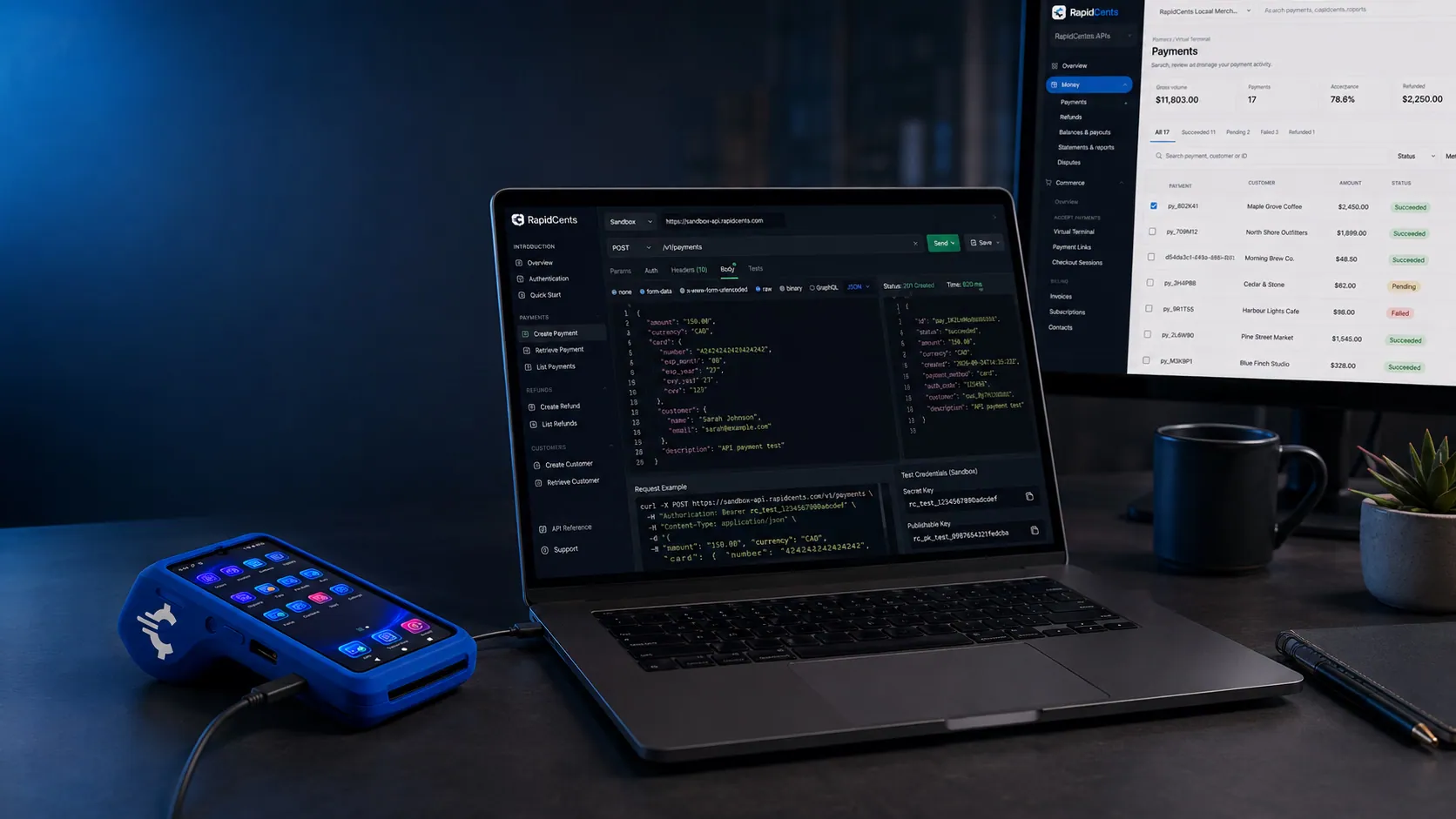
A RapidCents sandbox merchant account running test payments, isolated from production, with a sandbox terminal on the desk. Sandbox
Test cards and a full environment before go-live.
ExploreContact us
Ask about access or start a partnership.
Explore

Questions about Partner Portal
My sign-in is not working — who do I ask?
Support handles portal access like any other account question: help.rapidcents.com, [email protected], or +1 (844) 957-2743. Say which partner program you are in, because what the portal shows differs between a referral partner and an ISV and the answer depends on it.
Is multi-factor authentication required to sign in?
RapidCents requires multi-factor authentication for staff and for merchants reaching its systems, and it is not an option a user can decline. Password settings enforce complexity, require a change on a schedule, store passwords hashed and salted, and block reuse of any of your last thirteen. Treat portal credentials the same way you would dashboard credentials.
Can I use the marketing material and the logos in my own pages?
The material in the portal is there to be used, and current descriptions beat a screenshot from last year. Use of the RapidCents and APPIE marks, logos and brand assets is governed by the trademark notice, so read it before publishing and ask where your intended use is not clearly covered.
A merchant I introduced has a problem with their live account — do I handle it?
No, and you should not have to. Live account questions — deposits, disputes, refunds, terminals, settlement — go to RapidCents support. Point them at help.rapidcents.com or +1 (844) 957-2743 and pass on the merchant account reference and the date and amount of the transaction in question; that is what moves it fastest.
How do I report a problem with the portal itself?
A security weakness goes through the vulnerability disclosure route, and should be reported there before it is disclosed anywhere else. Anything else — a broken link, missing material, referral status that looks wrong — goes to support with a description of what you expected to see.
Take the next step
Talk to a RapidCents specialist
RapidCents Fee Check reads a processing statement and shows interchange separately from the markup. Upload a statement for an instant breakdown, or open a merchant account and start accepting payments on one account.
- No obligation
- Canadian payment specialists
- Secure statement upload



