


POS system guides: restaurant, retail, grocery and the hardware that runs them
Choosing a point-of-sale system is four decisions, not one: three follow from what your floor runs — tables, lanes or a stockroom — and the fourth is the hardware under all three. Start on the shelf that matches the floor; the questions underneath are the same on all four.
Browse by topic
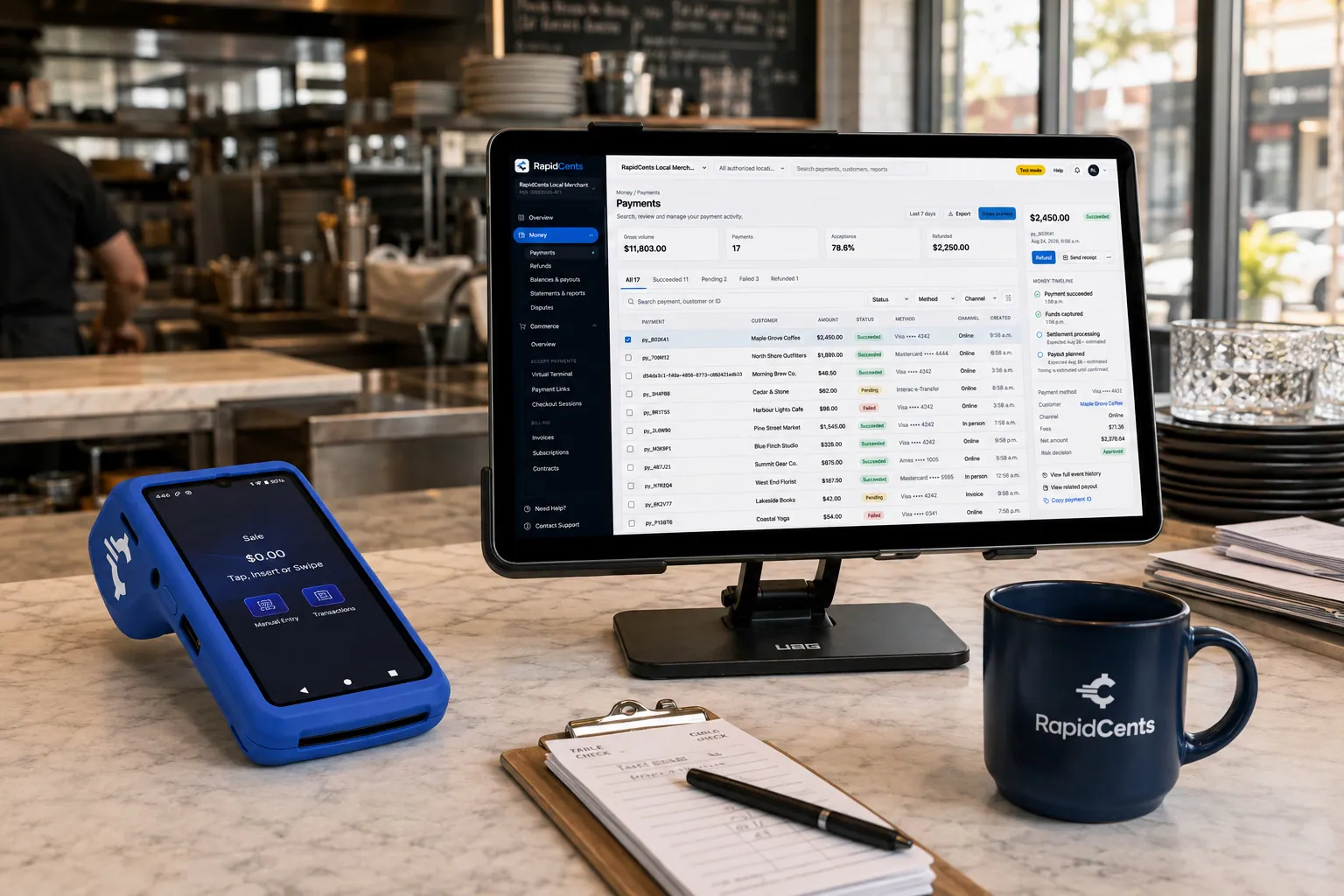
Tableside card capture on a RapidCents terminal in a restaurant, with the POS and payments dashboard on the pass. Restaurant POS
Restaurant POS decisions start with the service model and end with a quote that has three layers in it. This shelf covers both: matching the system to full service, quick service or a delivery counter, and separating software licensing, hardware and processing so vendor proposals can be compared on the same terms.
Explore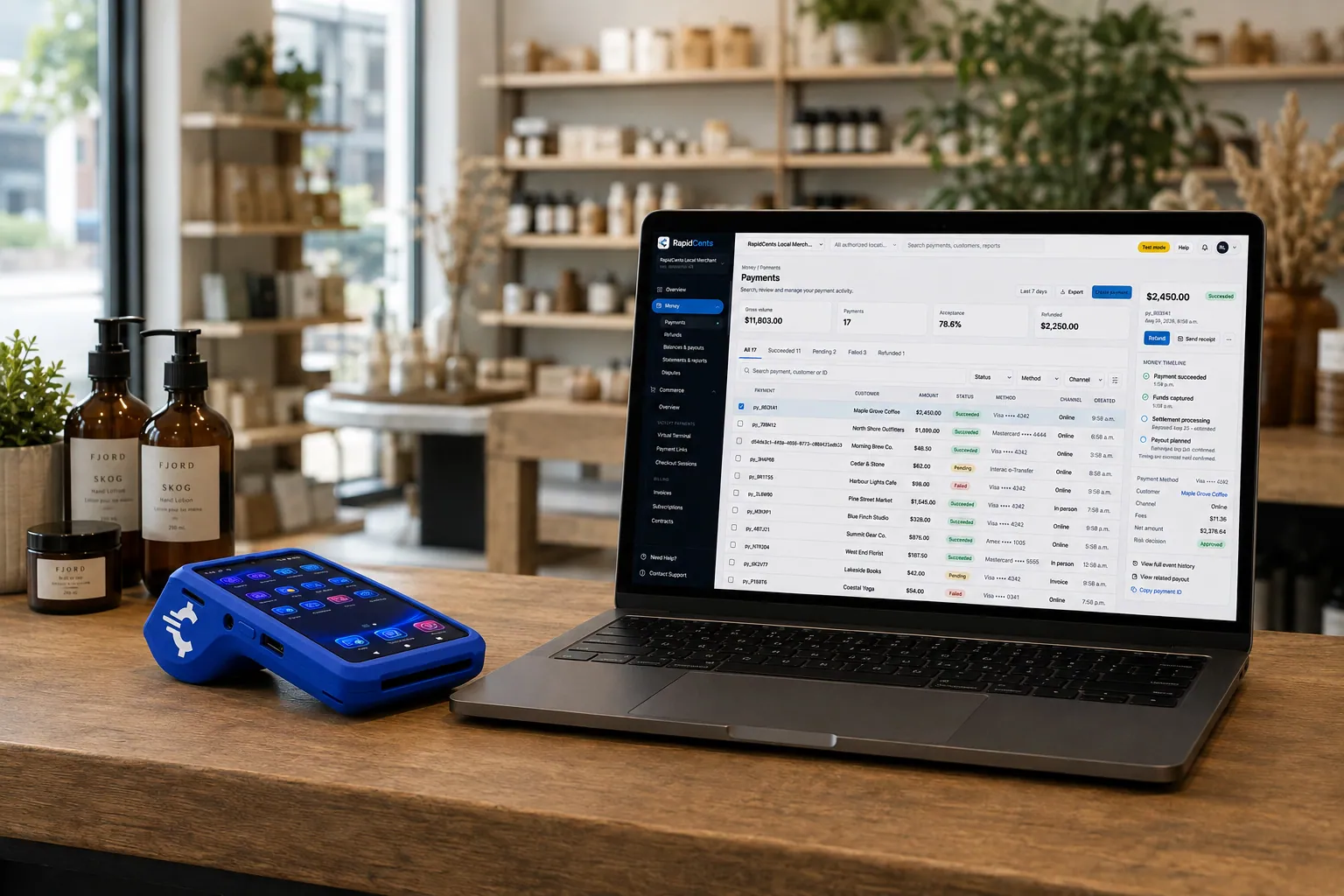
A retail counter ringing a basket on RapidCents POS, terminal taking the card and the dashboard showing the sale. Retail POS
A retail POS is either a payment terminal with a catalogue attached or an inventory system that also takes payments, and the difference stays invisible until the catalogue grows, a website goes live, or the line goes down mid-queue. This shelf takes the decision from the stockroom rather than the counter: variants, one shared stock pool, and what to test before signing.
Explore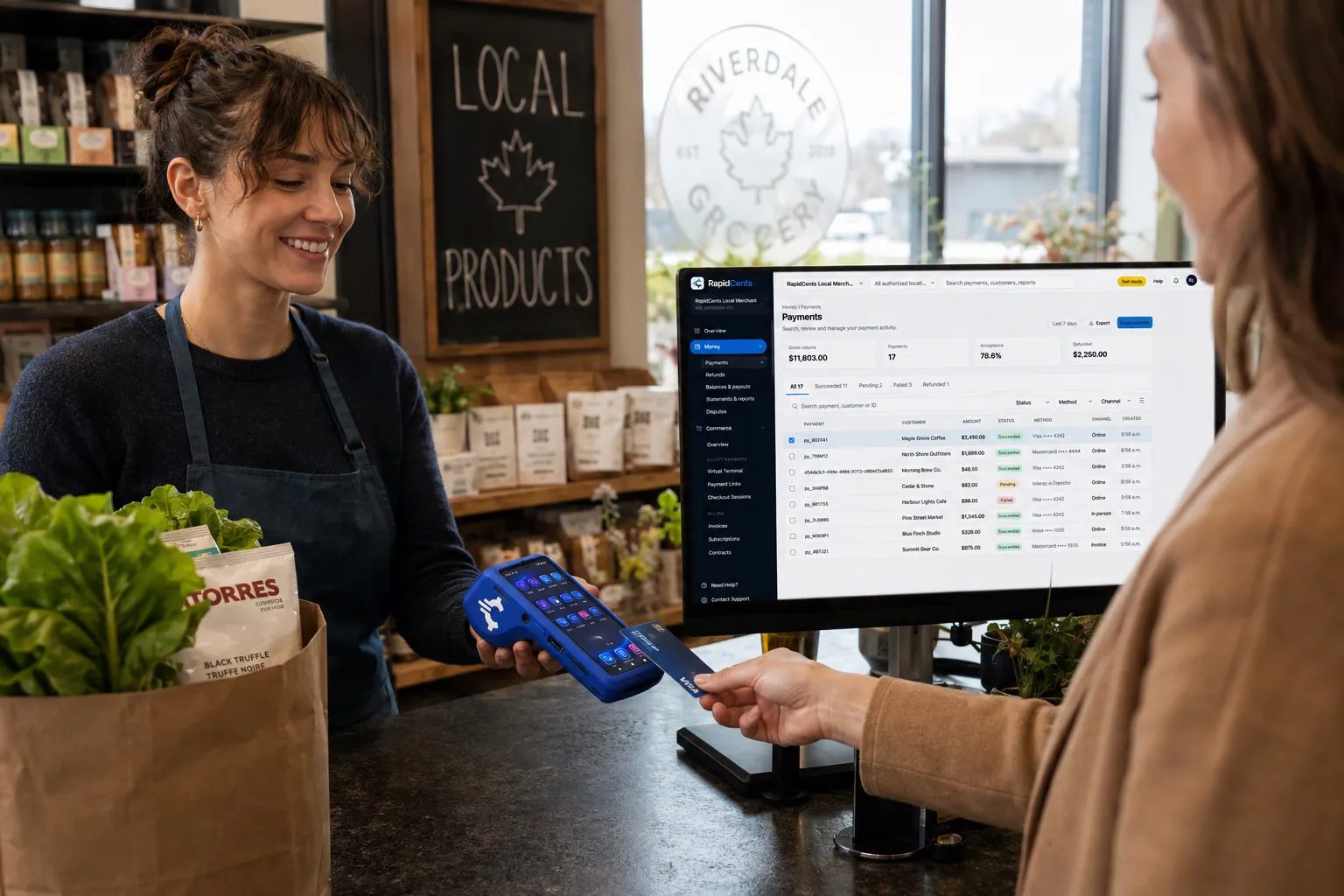
A grocery checkout running RapidCents POS for a high-volume lane, with the terminal capturing debit and credit. Grocery & supermarket POS
Grocery is its own category, not a variant of retail: long baskets, weighed items with no barcode, several lanes running at once, and a basket that leans on debit. This shelf covers what the format demands of a checkout system and how the software, hardware and processing layers come apart in a quote.
ExploreHardware & terminals
Hardware is the physical half of a point-of-sale decision and the half that is hardest to undo. This shelf covers the estate — terminals, readers, printers, cash drawers, scanners and stands — and the questions that decide its real cost: bought or leased, how it behaves when a unit fails or the connection drops, and what it is keyed to.
Explore


Which of these four you actually need
Tables, coursing and a bill that stays open
Restaurant POS starts from the service model, because nearly every other decision follows from it: full service with tables and sections, quick service with a queue at one point, or a counter that also takes delivery orders. What makes it a category of its own is an order that stays open and changes while it is open — items added, courses fired, a table transferred at a shift change — with the payment arriving at the end of all that carrying a tip prompt and, often, a split. That floor starts on the Restaurant POS shelf.
Scanning, weighing and the length of the queue
Grocery looks like retail from the door and behaves nothing like it at the lane. Baskets are long, a meaningful share of what crosses the belt has no barcode and has to be weighed or looked up, several lanes run at once on one catalogue, and the basket leans on debit in a way most shops do not. Throughput is the constraint: a lane that stalls on produce is felt by everyone standing behind it. Grocers, supermarkets and specialty food shops start on the Grocery & supermarket POS shelf.
Catalogue depth, variants and what happens between sales
Retail is the format where the work that matters happens when nobody is at the counter. A shirt carried in several sizes and colours is one line on the rail and a whole grid the system has to keep apart, so the number that sets the shortlist is variants stocked rather than products sold. Put the same goods on a website and the question becomes whether shop and site share one stock pool, or two databases and a sync. If the hard part is the stockroom rather than the queue, start on the Retail POS shelf.
Most floors are two of these at once
A café with a retail shelf, a bakery with a wholesale line, a bottle shop with a kitchen: the mixed floor is ordinary, and these shelves are formats rather than trades. Read first for whichever side carries the tighter constraint at your busiest hour, because that is the side a compromise gets felt on — a café selling six packaged goods is a quick-service decision with a short catalogue, a bakery invoicing wholesale accounts a catalogue decision with billing behind it. Then read the second shelf for what the first one leaves out.
What happens when the connection drops mid-queue
Ask this on any of the four shelves and the answer changes, which is why it sits here rather than on one of them. Two systems fail separately — the software that rings the sale, and the payments that authorize it — and a vendor can advertise offline mode while only one of them keeps working. Tolerance differs by format: a dining room can hold a bill open until the link returns, a lane with six baskets behind it cannot, and a shop that also sells online has to ask what a sale rung offline does to a stock count two channels are reading. Store-and-forward may apply for brief outages depending on the device and its configuration, and it does not necessarily behave the same for debit as for credit. Settle it for your own card mix before an outage settles it for you.
What the hardware is keyed to
An estate outlives the software running on it, so this question cuts across all three formats rather than belonging to any one of them. A terminal is not a neutral box: it carries keys and an application that bind it to the processor that deployed it, so who owns it on the invoice and whether it can follow you to another provider are two separate facts. The second one is usually established on the day somebody wants to leave, which makes it a cost that lands at the exit rather than at the purchase — and the only reliable moment to establish it is before the first device is installed, in writing, device by device. Hardware & terminals is the shelf that takes that apart, along with buy-or-lease, the peripherals around the terminal, and what happens when a unit fails mid-shift.
One integration, or two things that have to agree
The till and the payment terminal can be one system or two, and the difference shows up at day end rather than at the counter. Kept apart, the amount is entered at the till and entered again on the keypad, and one of those two entries is the one that drifts — which is how somebody ends up spending the last half hour of every day making two totals agree. Joined, the amount travels between them and the awkward cases travel with it: a refund, a partial payment, a gift card redeemed at the counter all land in the same reporting as the sale, which is what lets the day’s takings and the processor’s settlement be checked against each other rather than reconstructed. It also decides how large a change this has to be, and that is usually smaller than it looks: existing point-of-sale software can drive RapidCents terminals through APPIE and integrated payments, so the processing layer can be judged on its own before anybody touches the software the floor already knows.
Where to start
How to Choose a Restaurant POS in Canada
Start here if you are still choosing. It works outward from the service model to the payment stack, tax and tip setup, integrations, and the questions to put to every vendor.
Retail POS System Canada: A Buyer's Guide
Start here if the shortlist is still open. It works from the catalogue outward — how much inventory depth the shop needs first, then the acceptance, tax handling and pricing that have to sit under it.
Grocery Store POS System Buyer's Guide
The long-form buyer’s guide for the category: scale integration, produce lookup, lane throughput, tax handling, and the pricing models to separate before a vendor call.
POS Hardware Guide: Terminals and Peripherals
Start here if the question is the counter rather than the software. It covers what a station needs beyond the terminal, where semi-integrated and standalone setups differ, and what buying against leasing actually commits you to.
Wi-Fi, Ethernet or LTE: The Right Way to Connect Your POS and Terminals
Read this whichever shelf you started on, because payments need very little bandwidth and absolute reliability. It ranks Ethernet, Wi-Fi and cellular by stability rather than speed, and sets out what falls back to what when a link drops mid-service.
Can Your Phone or iPad Be Your POS? The Honest Guide to Mobile-Device Checkout
Read this if you are not sure you need dedicated hardware at all. It marks where a phone or tablet genuinely is the register, and where the limits — battery, connectivity, tap-only acceptance — start to bite.
Questions before you choose a system
Do I need POS software at all, or is a terminal enough?
A terminal on its own is enough when nothing has to happen between sales. It takes the card and reports what it took, which suits a business selling a short list of things or billing for work rather than ringing a basket. POS software earns its place the moment there is a catalogue to hold, stock to move, staff permissions to set or a day end that should reconcile itself. If the device is the whole question, Hardware & terminals is the shelf; if it is not, one of the three format shelves is.
I sell online as well as over the counter. Which of these covers that?
The retail shelf and the restaurant shelf, each from a different end. For a shop, the part worth settling early is which system is treated as the record — for the price and the promotion and the customer, not only for the stock count — because whichever one is the copy is where the discrepancies collect and where staff stop trusting what they are shown. For a kitchen it is whether delivery and pickup orders arrive in the same queue as walk-ins rather than on a separate screen somebody has to remember to watch on a Friday. Two different problems, one merchant account underneath.
What should I have worked out before the first vendor call?
Four numbers and one sentence. The numbers: how many tills or lanes take a card at the same moment at your busiest hour rather than in a quiet week, how many variants you stock rather than how many products you sell, how many people need a sign-in of their own on the system, and how many sites you expect to be running by the end of the term you are about to sign. The sentence is your service model, written plainly enough that a vendor cannot reinterpret it. With those in hand, a quote can be taken apart layer by layer — software, hardware, processing — instead of compared as one number.
Are these guides useful if I am not buying from RapidCents?
Yes, and they are written that way. Most of what they cover is what to demand of any vendor: the behaviours to test in a demo, the layers to separate in a quote, the terms to read in an agreement, and the answers to get in writing before signing. RapidCents products appear where a concrete example is clearer than an abstraction, and they are named rather than implied — where a guide describes something specific to RapidCents, such as APPIE, RapidBridge or a terminal shipped pre-provisioned, it says so.
My current setup works. What would actually justify changing it?
Three things usually do. Somebody reconciling by hand every night; a stock position that lives in a spreadsheet or in one person’s head; and a system that cannot do something your floor now does daily, such as taking payment away from the counter, splitting a bill or weighing an item at the lane. None of those three is a rate problem, and it is worth naming which of the three you actually have before the project gets scoped as all of them at once.
Restaurant POS
Restaurant POS decisions start with the service model and end with a quote that has three layers in it. This shelf covers both: matching the system to full service, quick service or a delivery counter, and separating software licensing, hardware and processing so vendor proposals can be compared on the same terms.

A cook finishing a plated dish in a restaurant kitchen Restaurant POS Cost Breakdown: What You Actually Pay
Restaurant POS cost has three layers: a monthly software licence per terminal or location, hardware you buy, rent or lease, and payment processing billed as a bundled flat rate or an interchange-plus markup. Add-ons, installation, support tiers and contract terms move the total more than the headline price, so compare quotes across all three layers.
ExploreA cook finishing a plated dish in a restaurant kitchen How to Choose a Restaurant POS in Canada
To choose a restaurant POS in Canada, match the system to your service model, confirm it supports Interac debit, chip-and-PIN and tap, check bilingual receipts and GST/HST/QST handling, compare software, hardware and processing pricing models separately, and verify integrations with online ordering, delivery and accounting before signing any term contract.
Explore

Retail POS
A retail POS is either a payment terminal with a catalogue attached or an inventory system that also takes payments, and the difference stays invisible until the catalogue grows, a website goes live, or the line goes down mid-queue. This shelf takes the decision from the stockroom rather than the counter: variants, one shared stock pool, and what to test before signing.
Rails of clothing on display in a retail store Retail POS System Canada: A Buyer's Guide
A retail POS system in Canada should combine real-time inventory, integrated Interac debit and credit acceptance, provincial tax handling and omnichannel selling in one platform. Compare per-register software licences, hardware purchase versus lease, and processing pricing separately, and confirm French-language support and privacy compliance if you sell in Quebec.
ExploreRails of clothing on display in a retail store Omnichannel POS: Connecting Online and In-Store
An omnichannel POS runs your online store and physical checkout from one product catalog, one inventory pool, and one customer database, so stock counts stay accurate, returns work across channels, and reporting reconciles in one place. For Canadian retailers it should also unify card-present and online payments under a single provider and settlement.
ExploreRails of clothing on display in a retail store Free POS Systems: What 'Free' Actually Costs, and When It's Still the Right Call
Free POS software exists because the vendor earns elsewhere: a bundled processing rate you cannot negotiate, paid tiers holding the features growing businesses need, hardware margins and add-on fees. Totaling software, hardware, add-ons and processing into cost per dollar processed usually shows 'free' POS becoming the expensive option somewhere in the low tens of thousands of monthly volume, while remaining genuinely right for very small and starting merchants.
Explore

Grocery & supermarket POS
Grocery is its own category, not a variant of retail: long baskets, weighed items with no barcode, several lanes running at once, and a basket that leans on debit. This shelf covers what the format demands of a checkout system and how the software, hardware and processing layers come apart in a quote.

Hardware & terminals
Hardware is the physical half of a point-of-sale decision and the half that is hardest to undo. This shelf covers the estate — terminals, readers, printers, cash drawers, scanners and stands — and the questions that decide its real cost: bought or leased, how it behaves when a unit fails or the connection drops, and what it is keyed to.

A customer at the counter of a small shop while the owner serves them Switching POS Systems: A Step-by-Step Checklist
Switching POS systems safely means auditing your current contract and hardware lease first, exporting menu, inventory and customer data, running the new system in parallel, and cutting over payments mid-week during a slow period. Most migrations fail on data cleanup and staff training, not technology, so plan both well before your go-live date.
ExploreA customer at the counter of a small shop while the owner serves them POS Offline Mode: When the Internet Goes Down
POS offline mode lets the till keep ringing sales when the internet drops, but card behaviour varies: credit cards can often queue through store-and-forward with the merchant absorbing decline risk, while Interac debit normally requires a live connection for PIN authorization. Terminals with automatic LTE failover close most of the gap.
ExploreA customer at the counter of a small shop while the owner serves them Wi-Fi, Ethernet or LTE: The Right Way to Connect Your POS and Terminals
Payments need little bandwidth but absolute reliability, which ranks the options by stability rather than speed: Ethernet for fixed lanes that cannot fail, properly segmented Wi-Fi for mobile devices inside the building, and LTE as the mobile primary in the field and the automatic failover everywhere else. The setup that survives a Saturday is layered: wired where it matters, wireless where movement demands it, cellular waiting underneath both.
ExploreA customer at the counter of a small shop while the owner serves them POS Hardware Guide: Terminals and Peripherals
POS hardware includes the register or tablet, a certified payment terminal, receipt printer, cash drawer, barcode scanner, and customer display. In Canada, choose Interac-certified terminals with tap support, decide between semi-integrated and standalone setups, and weigh buying hardware outright against leases, which spread cost but usually carry multi-year terms.
ExploreA customer at the counter of a small shop while the owner serves them Can Your Phone or iPad Be Your POS? The Honest Guide to Mobile-Device Checkout
A modern phone can accept taps directly through certified Tap to Pay software, and a tablet running POS software with a paired card reader can be a complete register. The fit is real for mobile trades, markets, pop-ups and low-lane-count retail; the limits are equally real: battery and connectivity as points of failure, consumer hardware in commercial abuse, and tap-only acceptance on phone-only setups. The honest answer is a spectrum, and most growing businesses end up mixing device-based and dedicated hardware by role.
Explore




