


Payment processing for grocery stores: lanes, self-checkout and pickup
Payment processing for grocery stores has to keep full carts moving at every lane, charge the total your POS calculates, and bill online pickup orders only for what was actually picked. RapidCents supplies countertop terminals, a Payment Gateway and Hosted Checkout, and Multi-Location reporting, and integrates with many major platforms through APPIE and RapidBridge.

- PCI DSS Level 1
- SOC 2 Type II
- All major cards: Visa, Mastercard, Amex, Discover, UnionPay, Diners Club & Interac Debit
- Interchange-plus available
- Canadian support
How grocery stores get paid
Grocery stores get paid mainly at the checkout lane, where the shopper taps or inserts a card for a full cart, with weighed items already priced inside it. The rest comes through self-checkout kiosks, online pickup and delivery orders, bakery and deli deposits, and invoiced house accounts. Each job fails in its own way, from a declined card at a busy lane to a pickup order that shrinks after picking. That is why each one gets its own setup and its own reference for finance.
Full carts at staffed lanes
The shopper pays for the cart once the cashier totals it, by tapping a card, phone or watch, or by inserting or swiping a card at the lane's countertop terminal. Split tenders, such as part cash and part card, and declined cards are handled at the lane. Each card tender produces its own approval in that terminal's daily batch, which finance matches to the POS tender report.
Items priced by weight
Produce, meat, seafood, deli and bulk foods are sold by weight, so a scale sets each item's price before it joins the cart total. The shopper pays for them inside that total, with no separate charge. If a wrong weight or label price is caught at the lane, it is fixed in the POS before the card is presented. The payment record holds the total; the weight, item and price detail stays in the POS.
Self-checkout
The shopper scans, weighs and pays without a cashier, using the kiosk's own card reader. The kiosk software sends the total and the shopper taps or inserts. Weight mismatches, age-checked items and declines call an attendant. Finance needs every kiosk identifiable in reports, so a self-checkout bank reconciles like any other group of lanes.
Online pickup and delivery orders
The shopper enters a card on your website or app when booking a pickup or delivery slot, and the final charge waits until the order is picked, so it reflects substitutions, out-of-stock items and actual weights. If a shopper cancels after booking, or an item is missing at handoff, the charge follows what actually went home. Orders placed through a third-party delivery app are usually paid by that app. Finance needs the order number on every charge and refund.
Bakery, deli and holiday special orders
Shoppers ordering custom cakes, party trays and holiday meals can pay part when they order, by phone or at the counter, and the balance at pickup. A Payment Link or the Virtual Terminal takes the deposit and the countertop terminal takes the balance. If an order is cancelled after the bakery has started work, the deposit terms you set when you took the order apply. The order number on both payments ties the deposit to the balance.
House accounts
Local restaurants, daycares, churches and offices that buy on account receive a monthly invoice. Invoicing sends each account its invoice with a link to pay, and bank payment can be offered where your account supports it. If an invoice runs late or is queried, the invoice number is what ties each payment back to the account.
Payment pages for specialized businesses
Some businesses in this sector take payments differently enough to need their own page. Each one covers its own payment jobs, software questions and buyer FAQs.
How grocery stores collect payments at the lane and for online pickup
Grocery stores collect lane payments on a countertop terminal at each lane, ideally with the POS sending the cart total, and online pickup payments by authorizing the card at checkout and capturing the picked total later. At a staffed lane with a connected POS, the approval comes back to the POS before the receipt prints. For grocery online pickup payments, the capture waits until picking is done, so the shopper pays only for what they take home.
At the lane, with a connected POS
The cashier finishes scanning and presses total. When your POS is connected to RapidCents, the amount goes straight to the lane's countertop terminal, the shopper taps or inserts, and the approval returns to the POS, which closes the sale and prints the receipt. Nobody retypes the amount, so the card charge matches the POS ring.
At the lane, with a standalone terminal
Without a POS connection, the terminal runs on its own: the cashier keys the total the POS shows, then closes the sale in the POS as a card payment. It works, but at a busy lane a mistyped amount or a card payment recorded against the wrong sale turns into a reconciliation problem days later. Your RapidCents representative will tell you which setup suits your POS edition before you plan the switch.
Online pickup: authorize, pick, then capture
The shopper checks out on your website or app, and the card is authorized for the estimated total through the RapidCents Payment Gateway. Staff pick the order and record substitutions and actual weights, then the final amount is captured. The shopper is charged for what they take home. Record the payment reference against the order number so finance can match the two.
Set these up before the first order
Set up authorize-then-capture in your checkout before the first order. Your RapidCents representative will tell you how far above the estimate you may authorize under card network rules, since the final capture should not exceed the authorized amount. Tell shoppers why the pending amount may run higher than the final charge. For orders booked days ahead, store the card as a token with the shopper's permission and authorize closer to the pickup slot, because an authorization stays valid only for a period the card networks set.
Declines, cancellations and disputes
A declined card leaves the lane sale open in the POS until another tender is approved, and a declined pickup authorization means contacting the shopper before picking. If a shopper cancels a pickup order before capture, void the authorization instead of refunding it; how fast the hold disappears depends on the shopper's bank. After capture, an item the shopper never received is a partial refund to the same card. Keep substitution approvals and the handoff record in your order system as evidence, and Disputes and Chargeback Protection keeps the response deadline in view.
A Saturday pickup order, from booking to one charge
Say a shopper books a Saturday morning pickup on Thursday evening and agrees to save the card. On Saturday, the store authorizes the estimated total plus its disclosed buffer, picks the order, swaps a sold-out yogurt for a brand the shopper accepted, drops an item that ran out and weighs the chicken. It captures the final amount, below the hold, and the shopper sees one charge for what went home.
How grocery scale POS payment integration works
Grocery scale POS payment integration happens in two steps, and only the second involves payment processing. The scale sends a weight, or a department scale prints a price-embedded label, and the POS turns it into a price. The POS then sends the cart total to the payment terminal. The terminal never reads the scale; it charges the total your POS calculates, so weighed-item accuracy is settled before the card is presented.
Checkstand scales and PLU codes
At the lane, the cashier places loose produce on the scanner scale and enters its PLU code, or picks the item on screen. The POS reads the weight, subtracts any tare set for that item, applies the unit price and adds the line to the cart. The payment terminal sees none of this, only the total when the cashier presses total. Scale calibration and weights-and-measures inspections are handled by your store and its scale vendor, not by card processing.
Department scales and price-embedded labels
Deli, meat, seafood and bakery counters weigh items on their own scales and print labels whose barcode carries the price or the weight. When the label is scanned at a lane or at self-checkout, the POS reads the embedded value, so the item file and the scale settings have to agree on department, item number and price.
Testing one lane with your own items
Your RapidCents representative will walk you through how your POS edition sends totals to a RapidCents terminal. Then test one lane with your own weighed items: a produce PLU, a deli label and an item with a tare. If your POS sends no totals, scale accuracy is unaffected, but the cashier keys every total, which is where errors creep into a busy day.
Corrections before and after the card
A re-weigh, a wrong PLU or a label price override is fixed in the POS before the total goes to the terminal. Once a card is approved, the charge cannot be edited. Void the sale while it is still in the open batch, or refund the difference to the same card later and note the original receipt number so finance can match the two.
A deli label with the wrong price, fixed before the card
Say a shopper buys a party tray whose deli label carries the price of the larger size. The cashier notices the mismatch on screen, gets a corrected label from the deli and only then presses total, so the terminal charges the right amount once. Had the card already been approved, the service desk would refund the difference to that card.
RapidCents products for grocery stores
Countertop terminals serve staffed lanes and the service desk. For online pickup and delivery orders, the Payment Gateway authorizes and captures, and Hosted Checkout can supply the payment page. Multi-Location gives each store its own MID, users and reports, with a combined view for head office.

A fixed RapidCents countertop terminal taking card payments at the till, with settlement visible on the dashboard. Countertop Terminals
RapidCents countertop terminals sit at retail counters, restaurant hosts and reception desks where speed and…
Explore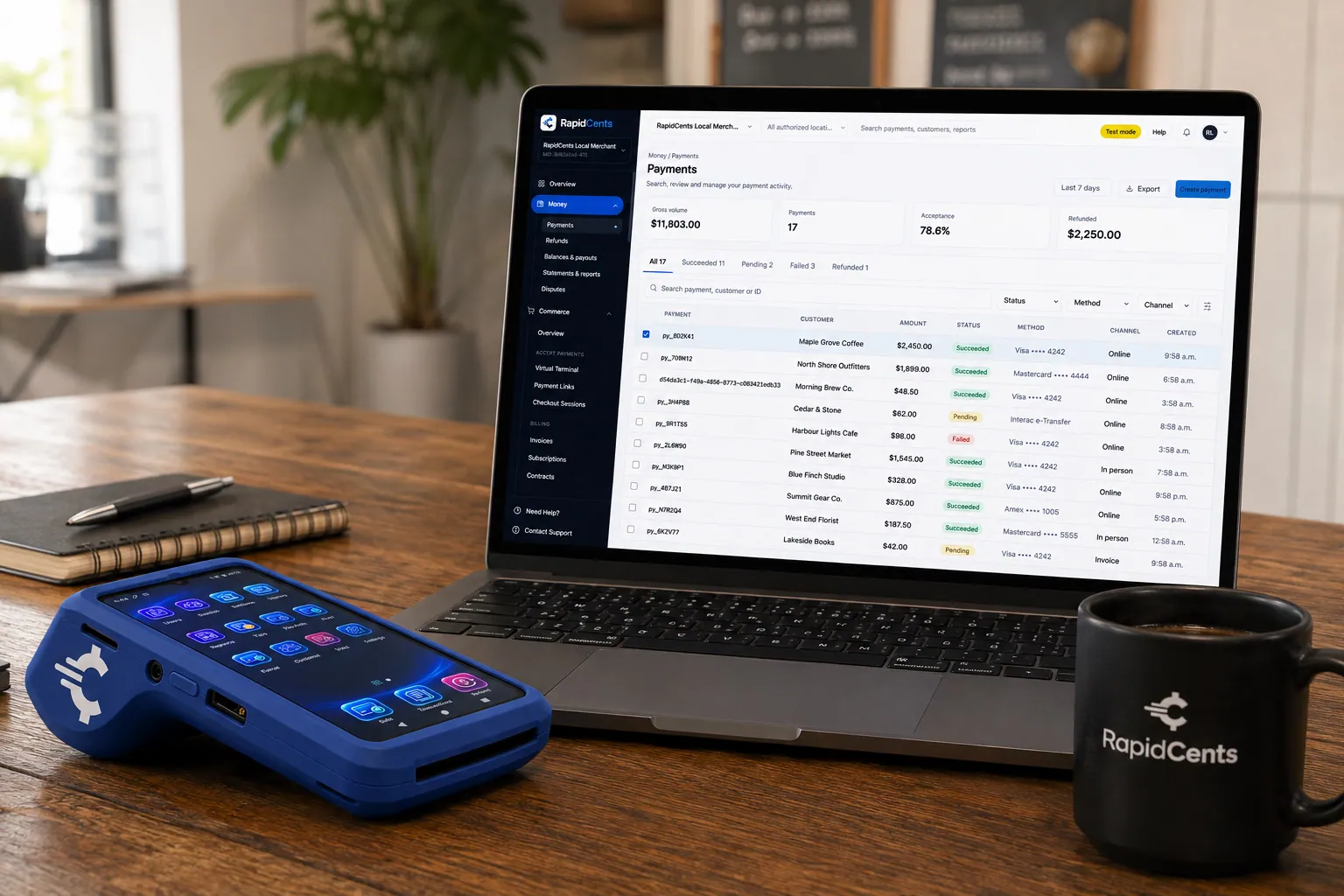
A payment-gateway integration desk: API response on screen, RapidCents terminal ready for a test sale. Payment Gateway
The RapidCents payment gateway exposes REST endpoints for authorize, capture, void, refund and tokenize…
Explore
A RapidCents hosted checkout page at checkout.rapidcents.com, with the order summary and totals on the left and the card fields on the right, footed by SSL and PCI DSS assurances. Hosted Checkout
RapidCents hosted checkout delivers PCI-scoped payment pages you redirect customers to or embed via iframe…
Explore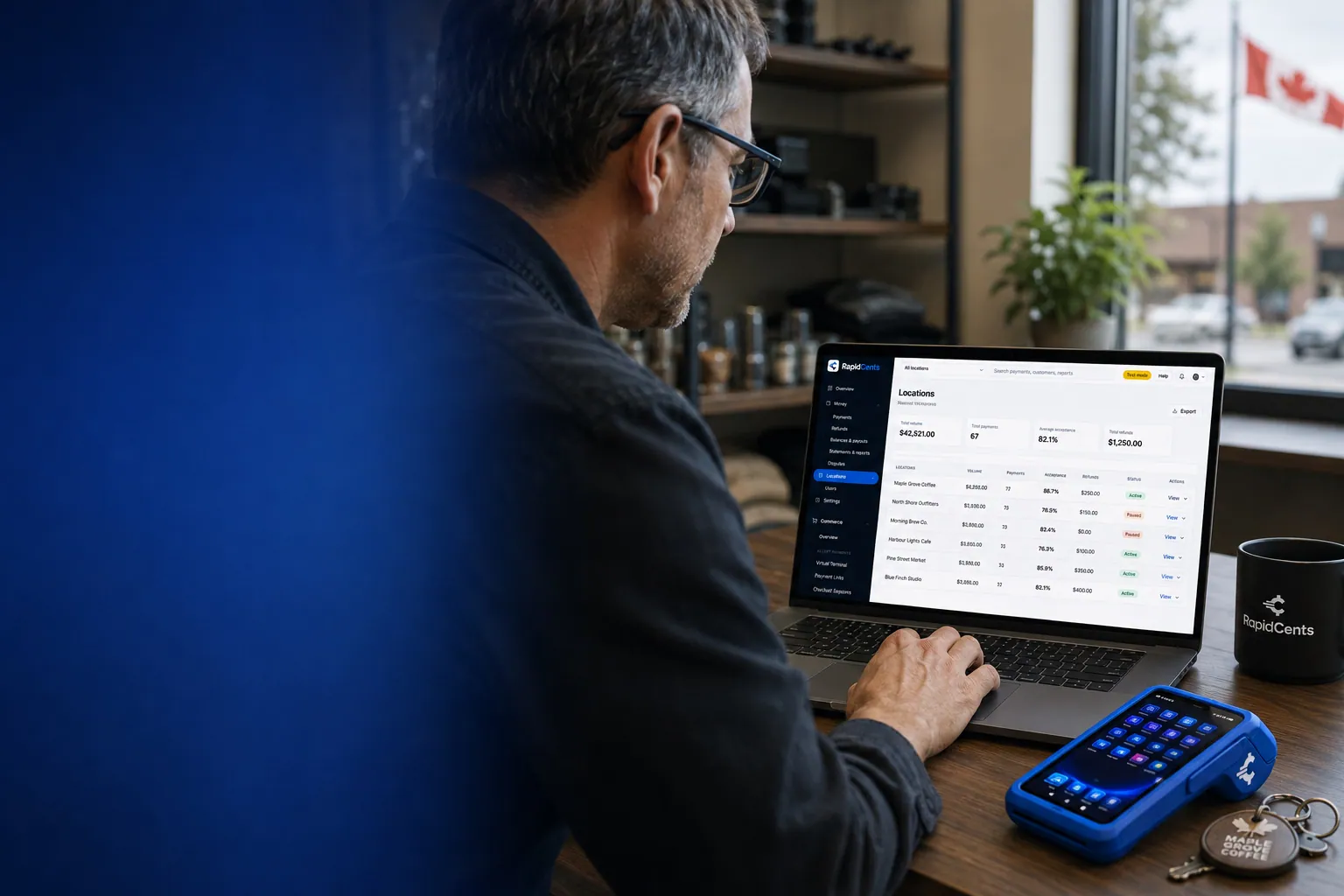
One RapidCents account comparing sales across locations, with a terminal representing the store-level capture. Multi-Location
RapidCents multi-location tools organize stores, franchises and regions in a hierarchy with location-level…
Explore


Supermarket payment terminals for high-volume lanes and self-checkout
Supermarket payment terminals for high-volume lanes need one terminal per lane, paired to that lane in the POS, on a wired connection where possible, with contactless switched on and a spare ready. Self-checkout uses the card reader your kiosk vendor supports, and your RapidCents representative matches that reader model to your account. Test every lane before a peak day, never during one.
One terminal per lane, plus the service desk
Give every staffed lane its own countertop terminal, paired to that lane in the POS so totals do not land on the wrong device. Add one at the service desk for refunds and special orders, and keep a configured spare in the office. Countertop terminals connect by Ethernet or Wi-Fi: use the wired port at fixed lanes and keep Wi-Fi as the fallback.
Tap, chip and PIN at lane speed
Shoppers who tap a card, phone or watch get through the lane fastest. Card issuer and network rules decide when a tap is not enough and the terminal asks for chip and PIN instead, so train cashiers to expect it on large baskets. Keep the tap zone clear of bags, and keep receipt paper stocked on terminals that print.
Timeouts, outages and duplicate charges
When a lane terminal freezes or times out partway through a sale, search for that sale in the Merchant Dashboard first. Run the card again only if nothing was approved, so the shopper is not charged twice. Agree in advance what lanes do if the store's internet drops, and ask your RapidCents representative how your terminals behave without a connection rather than assuming they can hold sales for later.
Self-checkout card readers
Self-checkout kiosks run the card reader their vendor supports. Tell your RapidCents representative which kiosk model you run, and they will walk you through the reader that works with your account. Decide who can refund a self-checkout sale, usually the attendant or the service desk rather than the kiosk. When a kiosk payment fails, the attendant looks the sale up before the shopper tries again, the same rule as a frozen lane terminal.
Getting ready for a holiday weekend
Picture a store with eight staffed lanes and a four-kiosk self-checkout bank. On the Tuesday before a holiday weekend it tests every device: each lane terminal gets a sale, a refund and a contactless tap, and each kiosk gets a sale and a tap. It swaps a terminal with a sticky keypad for the spare, configures a new spare and checks that every test sale shows up in the Merchant Dashboard before Saturday's rush.
Grocery store credit card processing fees, settlement and total cost
Grocery store credit card processing fees depend mostly on interchange, the fee the card networks set for each sale based on the kind of card and whether it was tapped, inserted, keyed or paid online. A lane full of tapped debit costs differently from online pickup orders paid with premium credit. On RapidCents interchange-plus pricing, you pay interchange at cost, your RapidCents markup from your Fee Schedule, and fees for equipment or services, if applicable. The agreement is month to month, with no fixed term to wait out.
How interchange-plus shows up on a grocery statement
Each card sale carries its interchange, passed through at cost, and your RapidCents markup from your Fee Schedule; fees for equipment or services, if applicable, are listed separately. Because the parts are separate, you can see which costs come from your shoppers' card mix and which come from your processor, instead of reading one bundled number.
Debit, everyday credit, premium and business cards
Interchange is generally lower on debit than on credit, and higher on premium rewards cards and business cards, such as a restaurant owner buying supplies on a company card. Two stores with the same sales can pay different amounts because their shoppers carry different cards, so learn your mix before you compare quotes.
Tapped at the lane versus paid online
Cards tapped or inserted at a lane generally qualify for lower interchange than cards entered online or keyed by hand, because a card that is physically present carries less fraud risk. Online pickup and delivery orders therefore usually cost more per sale than the same basket paid at the lane. Track your online share on its own line, especially while it grows.
Terminals: buy or rent, lane by lane
Count every device: one per lane, the service desk, any handhelds for pickup or busy periods, and spares. Where a provider offers both buying and renting, compare them over the same number of years, including replacements, support and software updates. Equipment fees, if applicable, sit outside interchange and markup, so add them to your total cost as their own line.
Settlement, refunds and disputes
Get the deposit schedule for your account in writing rather than assuming one, and plan supplier payments and payroll around it, especially over long weekends. Refunds appear in your transaction and settlement reports alongside sales. Check your Fee Schedule for any dispute fees, and add up a normal month of refunds and disputes before you compare providers. Disputes and Chargeback Protection keeps the evidence and deadlines in one place.
What to bring to a comparison
Gather your last few processing statements, your sales split between staffed lanes, self-checkout and online orders, your average basket, your debit and credit mix if you know it, monthly refund and dispute counts, and your device count per store. Fee Check reads a statement you upload and lists interchange apart from markup, which gives every written quote the same starting point.
Grocery POS compatibility: LOC Software, NCR Voyix and other systems
Which route fits your grocery POS depends on the software, the edition and the country, and on whether your POS vendor or reseller lets you choose your processor. RapidCents integrates with many major platforms through APPIE and RapidBridge, and your RapidCents representative will name the route for your setup, whether a direct connection, an API integration, a standalone terminal or a settlement export.
LOC Software
LOC Software makes grocery and specialty-retail POS software, and its current platform, ThriVersA, is sold, installed and supported through local resellers. Your processing choice can depend on your LOC edition, your country and your reseller agreement. Ask your reseller which processors and terminals your setup supports, then tell your RapidCents representative your edition and country, and they will walk you through the options.
NCR Voyix
NCR Voyix supplies POS and self-checkout systems for grocery and convenience retail. The right route depends on the product and version running your lanes, whether its payment layer takes an outside processor, and which payment devices it supports at staffed lanes and at self-checkout. Give your RapidCents representative your exact product, version and country, and plan a test lane either way.
ECRS CATAPULT
ECRS CATAPULT is grocery POS and retail-management software. The payment devices and processors your CATAPULT version supports at staffed lanes and self-checkout, and whether payments route through a gateway that ECRS specifies, shape the setup. Your RapidCents representative will walk you through the options for your version and country before you commit to anything.
IT Retail
IT Retail is a grocery POS system. Whether your IT Retail plan expects its own payment processing or allows an outside processor, which terminals it supports and how benefit-card tenders are handled all shape the setup. Your RapidCents representative will go through your plan and country with you before a single lane moves.
Markt POS
Markt POS is grocery POS software built for specialty markets. If you take pickup or delivery orders through Markt POS or a connected online store, how those orders are paid decides whether that payment can run through RapidCents. Your RapidCents representative will go over your edition and country with you before any orders move.
Replacing the POS as well
If you are replacing your POS anyway, RapidCents also offers Grocery POS. Ask for a demonstration with your own item file, weighed items, departments and self-checkout plans before deciding, and compare it with the option of keeping your current POS and changing only the processor.
Payment options for grocery stores in Canada
Grocery stores in Canada take Interac debit at the lane, inserted with a PIN or tapped with Interac Flash, alongside Visa, Mastercard and American Express credit cards and phones or watches with a stored card. House accounts can settle invoices by EFT or through a pre-authorized debit (PAD) agreement, and deposits settle in CAD. How your RapidCents account is set up decides which of these are live at your store.
Interac debit at the lane
Interac debit is taken by inserting the card and entering a PIN, or by tapping with Interac Flash up to the contactless limit, above which the terminal asks for chip and PIN. Interac is priced differently from credit, so if many of your shoppers pay by debit, review that line on its own when you compare quotes. If you give cash back on debit, test it with your POS before switching.
EFT and PAD for house accounts
Restaurants, daycares and other businesses on a house account can pay their monthly invoice through an EFT, or through pre-authorized debit (PAD) after signing a PAD agreement that authorizes the withdrawals. Bank payments settle on a different timeline from cards, so mark invoices paid when the funds arrive, not when the payment is started.
GST/HST and provincial tax on receipts
Your POS works out GST/HST, plus provincial sales tax in provinces that charge it, line by line, since many basic groceries are treated differently from snacks and prepared foods. RapidCents charges the total the POS sends and does not decide which items are taxable, so tax settings stay in your POS and with your accountant.
Switching processors: setup, refunds and payment reporting
A grocery store switches processors most safely one lane, then one store, at a time. Inventory every place that takes a card and test sales, voids, refunds and pickup captures on the new setup. Leave the previous account running for returns and disputes on earlier sales, and reconcile each day's batches to bank deposits before moving the next lane. Avoid cutting over just before a weekend or holiday rush.
Inventory every payment point
List each staffed lane, the service desk, self-checkout kiosks, pickup handhelds, the online store, bakery and deli phone orders, and house-account invoicing. Note which POS edition drives each one, which cards are saved for online shoppers, and whether your gift card or loyalty program runs through your current processor, so issued balances are not stranded.
Test one lane, then one store
On the new setup, try every case a lane meets: a normal sale, a void, a refund, a split tender, a contactless tap, a declined card and, if you offer it, cash back on debit. Then run a pickup authorization and capture. Check that the POS records each one correctly and that the Merchant Dashboard shows the matching transaction, then move the remaining lanes midweek.
Refunds for sales made before the switch
A return of something bought before cutover is cleanest when the refund goes back through the old processor, which took the original sale. You can also settle it under your returns policy, for example as store credit. Leave that account open until those refunds and any disputes on earlier sales have run their course, and tell service desk staff which terminal to use.
Saved cards for online shoppers
Cards your shoppers saved for pickup and delivery orders are stored as tokens by the processor that took them, and they do not move to a new processor automatically. A migration is possible only when both providers agree and the data can be transferred securely; otherwise, plan for shoppers to re-enter their card at their next order, and tell them before it happens.
Reporting and reconciliation during the cutover
Set each store up under Multi-Location with its own location-level MID, so each store's sales and deposits read on their own from the first day. While old and new processors both run, deposits arrive from each, so keep a log of which lanes moved on which date and reconcile the two streams separately. Map RapidCents payment references to your POS and accounting records before go-live. Your RapidCents representative will walk you through the QuickBooks Online or Xero connection for your accounting edition and country.
Getting started and go-live timing
Apply before you schedule any lane changes. Once your account is approved and your terminals arrive, book the cutover away from holiday weeks, and keep the old processor running until the new lanes have reconciled cleanly for several days.
Questions grocers ask about payment processing
What is the best credit card processing for grocery stores, and what should we compare?
There is no single best processor for every grocery store; the right one fits your lanes, POS and card mix. When you compare grocery store merchant services, start with fit: whether your POS edition can send totals to the terminal, whether pickup orders can be authorized and captured later, and whether your self-checkout readers are supported. Then compare how debit and credit are priced (interchange-plus shows the markup separately), terminal costs per lane, store-by-store reporting, refund and dispute handling, and contract terms. Get written quotes priced against the same statement, and a demonstration on your own POS, before you decide.
What does payment processing cost a grocery store?
Grocery store processing costs come down to which cards your shoppers use, whether those cards are tapped or entered online, your average basket and your monthly volume, so the useful answer starts from your own statement. Under interchange-plus, RapidCents passes interchange through at cost and adds your RapidCents markup from your Fee Schedule, plus fees for equipment or services, if applicable. Tapped debit at the lane generally costs less than premium credit or online pickup orders. Fee Check shows interchange and markup separately once you upload a recent statement.
Can I use LOC Software with a different payment processor?
Possibly, depending on your LOC Software edition, country and reseller agreement. Because local resellers sell and support LOC's ThriVersA platform, start by asking yours which processors and payment devices your setup supports. RapidCents integrates with many major platforms through APPIE and RapidBridge, and your RapidCents representative will walk you through the option that fits your edition and country. If no direct connection exists, the options are a standalone terminal, where cashiers key each total, or keeping your current payment setup for those lanes.
How do we handle grocery scale POS payment integration?
Handle it in your POS, because the payment terminal never reads the scale. A checkstand scale sends weights to the POS, and department scales print price-embedded labels that the POS reads at the lane. The POS prices each weighed item and sends the cart total to the payment terminal, which is the step RapidCents handles. So grocery scale POS payment integration comes down to how your POS edition sends totals to a RapidCents terminal, and your RapidCents representative will walk you through the route for your software. Then test a produce PLU, a deli label and a tare item on one lane before switching.
Which payment options can a grocery store in Canada offer?
In Canada, a grocery store can offer Interac debit (chip and PIN or Interac Flash), Visa, Mastercard and American Express credit, and phones or watches with a stored card at the lane. Online payments cover pickup and delivery orders, EFT or pre-authorized debit (PAD) suits invoiced house accounts, and deposits settle in CAD. Your RapidCents account and your POS together decide what is live at your lanes, and your RapidCents representative will walk you through both.
What setup do supermarket payment terminals need for high-volume lanes?
Each lane needs its own terminal paired to that lane in the POS, a wired network connection where possible with Wi-Fi as a fallback, contactless switched on, and a configured spare on site. Decide who may issue refunds and enforce it in your POS, agree on a daily batch close, and decide what lanes do if the internet drops. Before a busy day, not during one, push a test sale, refund, void and tap through every terminal.
How should we manage self-checkout card payments?
Run self-checkout card payments through the reader your kiosk vendor supports, with the kiosk software sending the total. Tell your RapidCents representative which kiosk model you run, and they will match the reader to your account. An attendant handles weight mismatches, age checks and declines, and refunds belong at the attendant station or service desk, not the kiosk. Make sure each kiosk appears separately in your reports, and if a payment fails, look it up before the shopper tries again.
Can one platform handle in-store lanes and grocery online pickup payments?
Yes for card payments, with conditions. Lane terminals and online pickup orders can both run through RapidCents, and settled online transactions export alongside terminal batches, so in-store and online sales reconcile together. The conditions are a working connection for each channel, from your POS and from your ordering platform, and authorize-then-capture for pickup orders. Shopper accounts and loyalty IDs stay in your ordering platform and POS, so record the order or receipt number with each payment to link the two. Government benefit cards, store gift cards and loyalty redemptions follow their own program rules, so they usually appear as separate tenders in your POS.
How do we reconcile lane card payments to bank deposits across our stores?
Reconcile in two steps: lane to batch, then batch to bank. Each day, match every terminal's batch to the POS tender report for that lane, then match the store's batch totals to the deposit, with refunds, disputes and processing fees shown separately so any gap is explained. With Multi-Location, each store has its own location-level MID. Exports come as CSV or PDF, and the QuickBooks Online and Xero connection maps settled transactions, fees and refunds into your books; larger ERPs such as SAP and NetSuite load settlement import templates. Your RapidCents representative will walk you through the connection for your accounting edition and country.
How do we change processors without losing saved cards or disrupting our scale and POS setup?
Keep your scales and POS as they are, prove the new payment step on one lane, and plan for saved cards that may not transfer. Read your current processor agreement first for notice terms and any early termination fee. Saved cards live as tokens with the processor that stored them and only move when both providers agree and the data can be transferred securely, so be ready for online shoppers to re-enter cards. Because scales talk to the POS, only the payment step changes: run sales, voids, refunds and pickup captures on the test lane, then move the rest midweek. Keep the earlier account active until returns and disputes on its sales are finished.
What MCC is used for grocery stores?
MCC 5411 (Grocery Stores, Supermarkets) is commonly associated with grocery stores and supermarkets. During onboarding, RapidCents sets the right merchant category from what your store actually sells, so a store that also runs a pharmacy, fuel pumps or a restaurant counter should describe those activities in its application. Card networks use that category to classify your sales, including which interchange programs apply to them.
Other stores with similar checkout payments
Convenience and liquor stores share fast counter sales and age-checked items, vending and unattended retail shares the self-checkout reader questions, and other retailers face the same POS compatibility and multi-store reporting decisions. Grocery and food distributors selling wholesale, and butcher and seafood markets, have their own pages.
Retail
Take tap, chip and PIN payments at every register, sell on your website, refund returns…
Convenience Stores
RapidCents gives convenience stores countertop terminals for debit and credit taps, Tap…
Liquor Stores
RapidCents gives liquor and wine retailers card terminals for the till, payment links for…
Jewellery Stores
Take high-ticket cards at the counter, collect repair and custom-order deposits, and…
Furniture Stores
Take order deposits at the desk, collect delivery balances by link or at the door, and…
Sporting Goods
Take cards at the till, the service desk and online, hold rental deposits, and reconcile…
Garden Centres & Nurseries
Take cards at the till, beside the shrubs and at the loading gate, and collect landscape…
Auto Parts Retailers
Take cards at the counter and on delivery, collect trade statements on the terms you set…
Take the next step
Find out what your lanes and pickup orders cost to process
Upload a recent processing statement to Fee Check, and if online orders run through a different processor than your lanes, upload that one too. Fee Check shows interchange separately from markup, so you can compare any quote against what your store pays today.
- No obligation
- Canadian payment specialists
- Secure statement upload



