


Restaurant payment terminals and POS: pay at table, tip adjust and split bills
A restaurant takes money in four places on the same night: the counter, the table, the phone and the delivery app. RapidCents covers all of them with countertop payment terminals at the till, mobile terminals for pay-at-table with tip adjust, Tap to Pay for a server working the patio, and a payment gateway behind online ordering. The merchant dashboard batches each location at end of day so tips reconcile. Restaurants operate under MCC 5812.

- PCI DSS Level 1
- SOC 2 Type II
- All major card brands: Visa · Mastercard · Amex · Interac debit
- Interchange-plus available
- Canadian support
Operational workflows
Counter service and quick-service lanes
Pay-at-table with tip adjust
Online ordering and delivery capture
End-of-day batch reconciliation by location
Payment challenges
Tips have to balance before staff go home
Gratuities added on the terminal must match the POS at close, or the whole shift's tip-out is wrong.
The table that walks
A party that leaves mid-service leaves an open authorization nobody on the floor can finalize.
Delivery orders settling somewhere else
Third-party orders land outside the dining-room batch, so one evening's sales sit in two places.
Choose the right payment setup for Restaurants
Choose restaurant POS system
For Restaurants, map the counter, service, and shift close, the counter or service point, and each location and consolidated oversight before choosing a setup. Select channels that match those moments, then confirm that the chosen solution genuinely covers each channel.
Payment hardware for Restaurants
For Restaurants, choose hardware around the payment point: counter, service, or payment away from the counter. Start with the staff workflow, then confirm the suitable terminal options before purchase.
Compare payment processing fees
For Restaurants, request a written fee breakdown covering cost detail by device and location. Compare the effective cost across the real card and channel mix; do not choose on a headline rate alone.
Set up or switch Restaurants payments
To set up Restaurants payments, document how payment data moves into business systems and the service and shift-close workflow, confirm compatibility before purchase, then test a real payment flow before going live.
Recommended products

The RapidCents Rivo Go standing upright in its blue silicone case, showing the full-touch sale screen a customer reads across the counter. Payment Terminals
RapidCents payment terminals cover countertop, mobile and smart form factors so you can accept chip…
Explore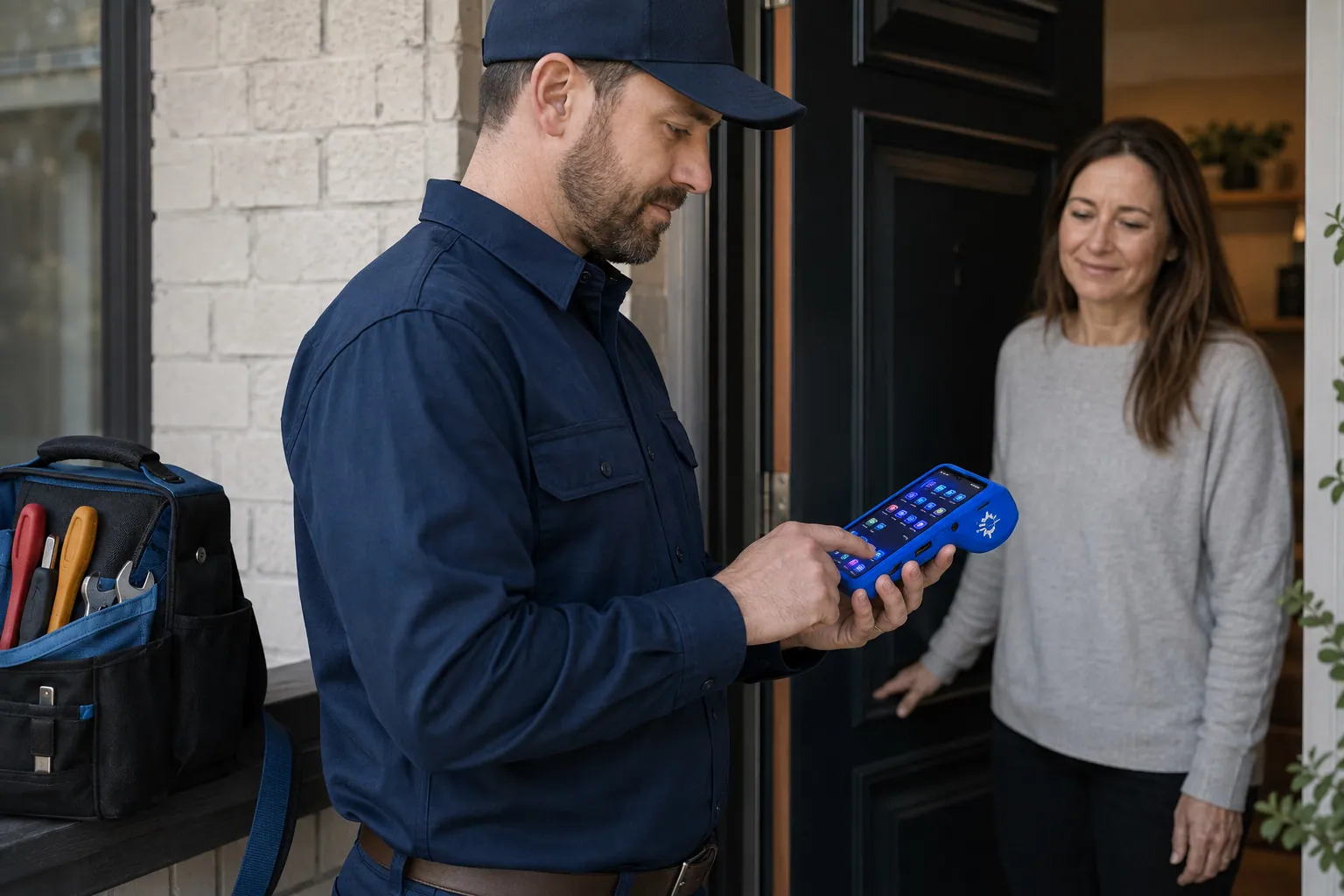
A staff member takes a card payment on a RapidCents handheld terminal, with the same sale appearing on the dashboard. Mobile Terminals
RapidCents mobile terminals are battery-powered wireless devices with LTE and Wi-Fi so staff accept payments…
Explore
A café worker holds a phone running RapidCents Tap to Pay, showing an $18.75 sale and the contactless symbol, while a customer holds a Visa card to the screen. No separate card reader is present. Tap to Pay
RapidCents Tap to Pay turns supported iPhones and Android devices into contactless payment terminals without…
Explore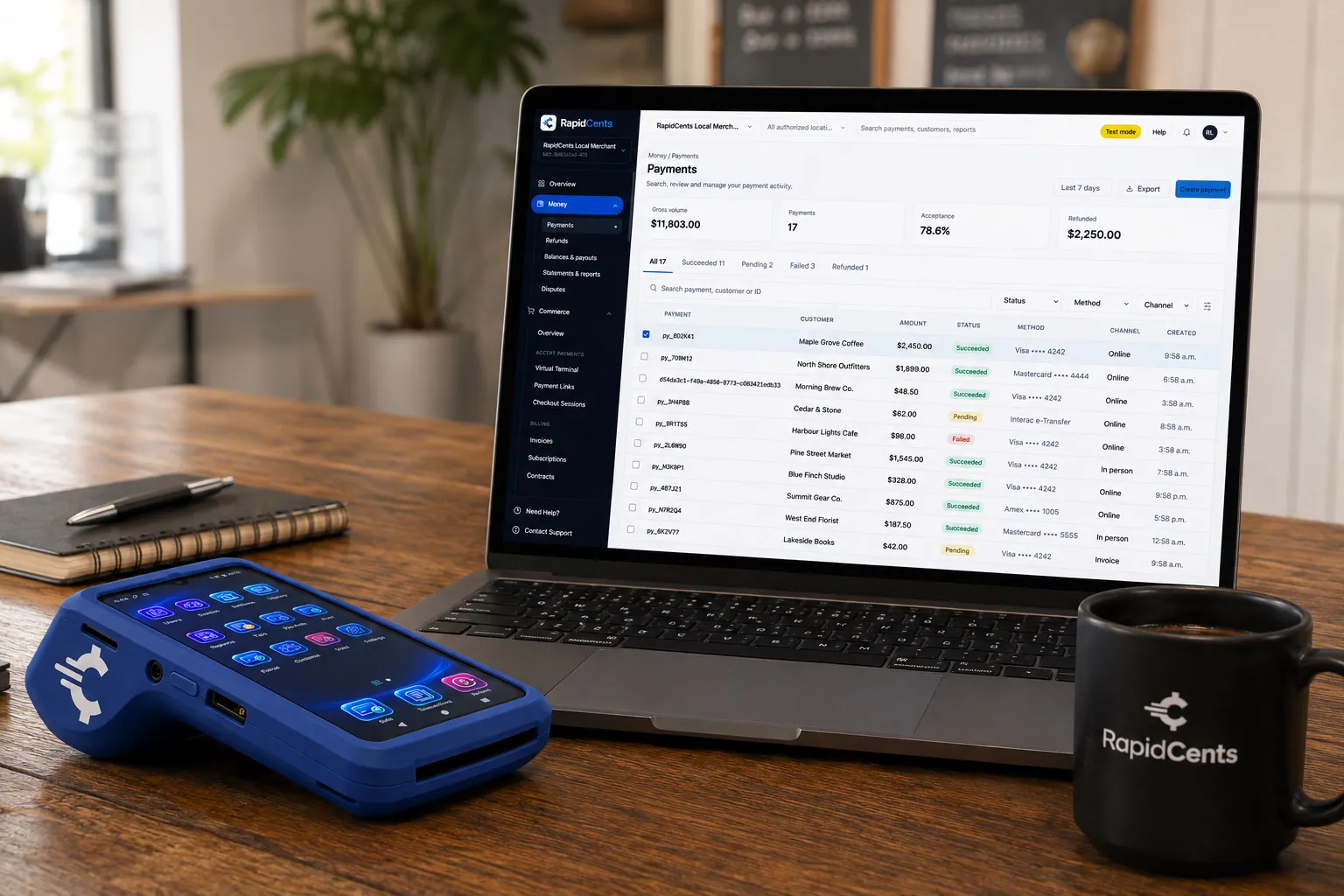
A payment-gateway integration desk: API response on screen, RapidCents terminal ready for a test sale. Payment Gateway
The RapidCents payment gateway exposes REST endpoints for authorize, capture, void, refund and tokenize…
Explore
The RapidCents payments screen: gross volume, payment count, acceptance rate and refunds across the top, a filterable transaction list below, and a money timeline on the right tracing one payment from capture to planned payout. Merchant Dashboard
The RapidCents merchant dashboard gives owners, managers and finance staff a single signed-in view of live…
Explore


How this gets set up
Terminals matched to the room
A countertop terminal at the till, mobile terminals for the dining room and Tap to Pay for the patio, decided by where guests actually pay.
Pay at the table with tip adjust
The server brings the terminal to the table, the guest adds the tip on the device, and the check closes without the card leaving the table.
Split bills without a rebuild
A table of eight is settled across several cards on the same check rather than re-rung as separate orders.
Online ordering on the same account
Pickup and delivery orders run through the payment gateway and land in the same night's totals as the dining room.
Integrations
TouchBistro
TouchBistro holds the check and the table map, and the terminal closes that check in the POS so the tip lands on the right server.
Lightspeed Restaurant
Lightspeed Restaurant carries the menu and the sales mix, and settled payments post to the check so end-of-day sales and deposits agree.
Square-compatible exports
Square-compatible exports move the transaction history out as a file for a back office already built around that format — an export path, not a live connection.
Operations, security and going live
Tips have to reconcile before payroll
The dashboard separates the tip total from food sales for each shift, which is what the tip-out calculation runs on.
One batch per location, every night
Each restaurant closes its own batch, so a two-site operator sees two deposits and can trace either back to the service that produced it.
The card does not follow the server
Pay-at-table means the guest's card is read at the table on the terminal instead of being carried to a station at the back.
Installed between services
Terminals are configured and tested against the POS in the gap between lunch and dinner, not during a Friday night.
Payment questions from Restaurants
What should a restaurant compare when choosing a POS system?
Compare restaurant POS system against the real payment journey: the counter, service, and shift close, the counter or service point, and each location and consolidated oversight. Start with the required channels and hardware, then confirm compatibility and support before committing.
What payment hardware is practical for Restaurants?
For Restaurants, hardware should match the point when staff collect payment: at the counter, during service, or elsewhere. Test each scenario before choosing a terminal form factor.
Which payment channels are relevant for Restaurants?
For Restaurants, start with the counter, service, and shift close, the counter or service point, and each location and consolidated oversight. Keep only the channels that match those moments, then verify the complete customer flow before offering them.
How should payment processing fees be evaluated for Restaurants?
For Restaurants, compare costs related to cost detail by device and location using actual transactions. Request a written breakdown of fees and terms rather than relying on an advertised rate alone.
What should be confirmed before setting up payments for Restaurants?
For Restaurants, document how payment data moves into business systems and the service and shift-close workflow, verify the needed compatibility, and test the flow before going live. This exposes manual steps and exceptions before customers encounter them.
How should a multi-location setup be evaluated for Restaurants?
Ask how devices, users, deposits, and reporting are separated by location. Verify that the team can see the detail it needs without complicating daily operations.
What MCC category applies to Restaurants?
MCC 5812 is commonly associated with Restaurants. Our onboarding team confirms the correct category for your business.
Related industries
Fast Food & QSR
Quick-service and fast-food operators need high-throughput contactless terminals…
Food Trucks
Food trucks accept credit cards curbside with battery-friendly mobile terminals, Tap to…
Catering
Caterers invoice events, collect deposits and run on-site final payments with virtual…
Cafés & Bakeries
Cafés and bakeries combine fast counter contactless, pre-order pickup payments and…
Hotels & Hospitality
Hotels manage deposits, folio charges, multi-property settlement and contactless checkout…
Bars & Nightclubs
Bars run open tabs against a pre-authorized card, split large groups at close, and…
Breweries & Wineries
Producers sell at the taproom, at farmers markets and through a beer or wine club, so the…
Ghost Kitchens
Delivery-only kitchens run several brands from one line, with orders arriving from…
Take the next step
Talk to a RapidCents specialist
RapidCents Fee Check reads a processing statement and shows interchange separately from the markup. Upload a statement for an instant breakdown, or open a merchant account and start accepting payments on one account.
- No obligation
- Canadian payment specialists
- Secure statement upload



