


Subscriptions and installments
Automate subscriptions, memberships and installment billing
Recurring payments bill a customer automatically on a schedule against a stored, tokenized payment method rather than a card keyed each cycle. RapidCents supports weekly, monthly, quarterly or custom intervals, trial periods and setup fees, proration on mid-cycle plan changes, and follow-up retries on days three, seven and fourteen if a cycle still needs a person. Card updater refreshes reissued cards where issuers participate, customers get an email before each charge, and every change is logged.
- Automated billing on custom schedules
- Smart retry and card updater reduce involuntary churn
- Customer email alerts before each charge

- Network card updater
- SOC 2 Type II
- Configurable retry windows
- Cancellation self-service option
- Revenue export for accounting
Who it's for
SaaS and membership businesses
Bill monthly or annual plans on autopilot.
Dental and healthcare practices
Run treatment payment plans across multiple visits.
Insurance and agency renewals
Charge policy premiums on renewal dates.
Core capabilities
Flexible intervals
Weekly, monthly, quarterly or custom cadence.
Trial and setup fees
Initial charge then recurring after trial ends.
Dunning retries
Retry failed cards on day 3, 7 and 14 with alerts.
Card updater
Automatically refresh expired cards when issuers participate.
Proration
Adjust mid-cycle plan changes with calculated credits.
How it works
Create plan with amount, interval and retry policy.
Customer vaults card at signup checkout or link.
Engine schedules next charge date automatically.
Failed charges enter retry queue with notifications.
Successful cycles export to revenue reports.
Recurring billing workflows
Monthly SaaS renewal
Vault charges on anniversary with email receipt.
Ortho payment plan
Twelve equal installments after deposit collected.
Failed card recovery
Updater refreshes PAN; retry succeeds without customer call.
Plan upgrade mid-cycle
Proration credit applied; new amount on next bill.
Dashboard and reporting
Transactions, deposits and exceptions visible in the RapidCents merchant dashboard.
Try it, edit values and click buttons
Merchant dashboard
- Today
- $4,218
- Deposits
- $12,482
- Disputes
- 2 open
- In-person
- $842
- Online
- $1,104
- Virtual terminal
- $392
Demonstration data only
Integrations
Stripe Billing migration
Import existing subscription schedules.
Accounting revenue recognition
Export MRR and deferred revenue reports.
Customer portal
Optional self-service cancel and update card.
Works with Recurring Payments
Capabilities on the same account, so the parts below connect without a second integration or a second contract.
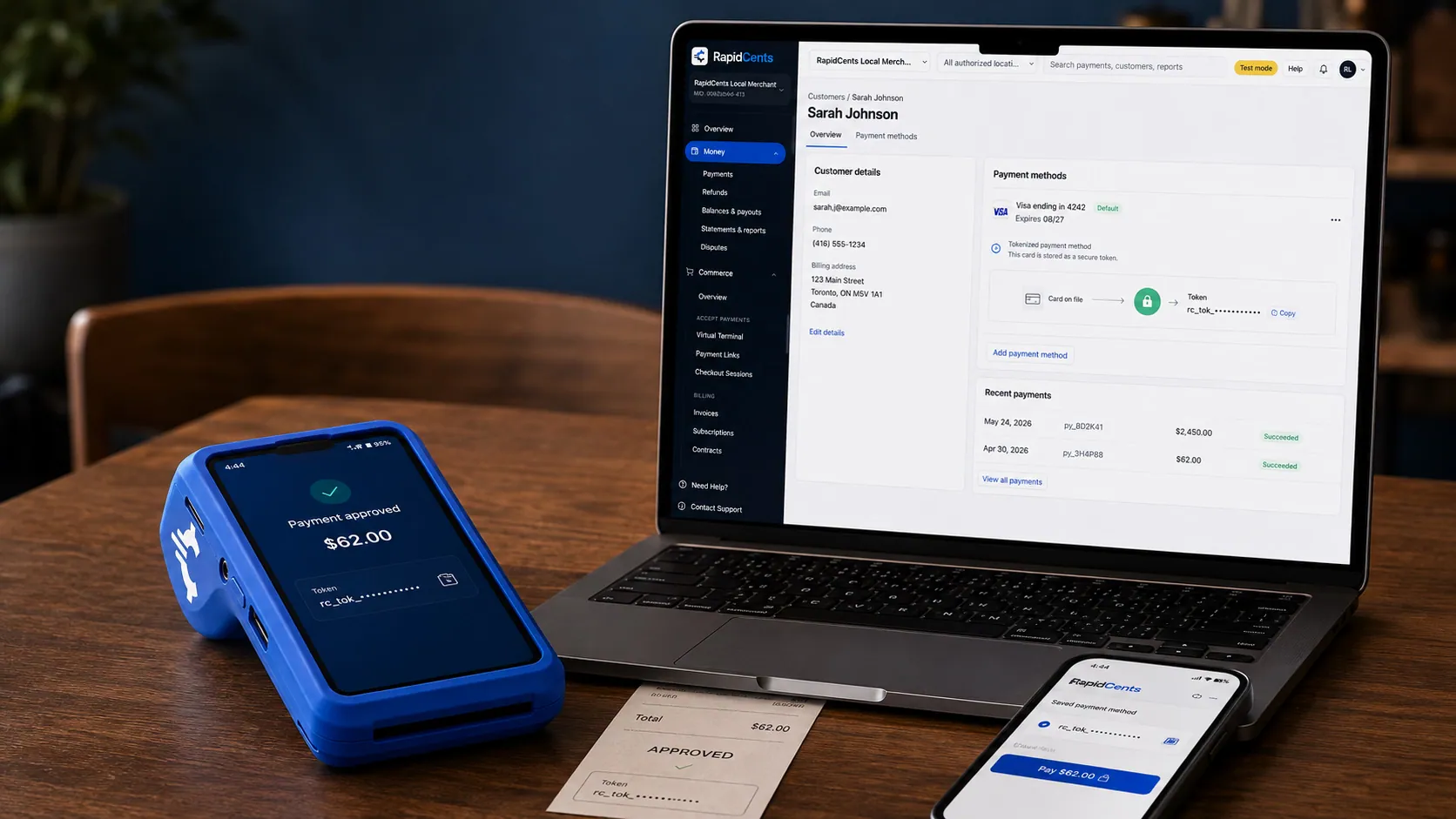
A stored RapidCents token stands in for the card number, with the terminal that captured the original credential beside it. Tokenization
Card numbers are replaced by a token, so nothing reusable is stored in your systems.
Explore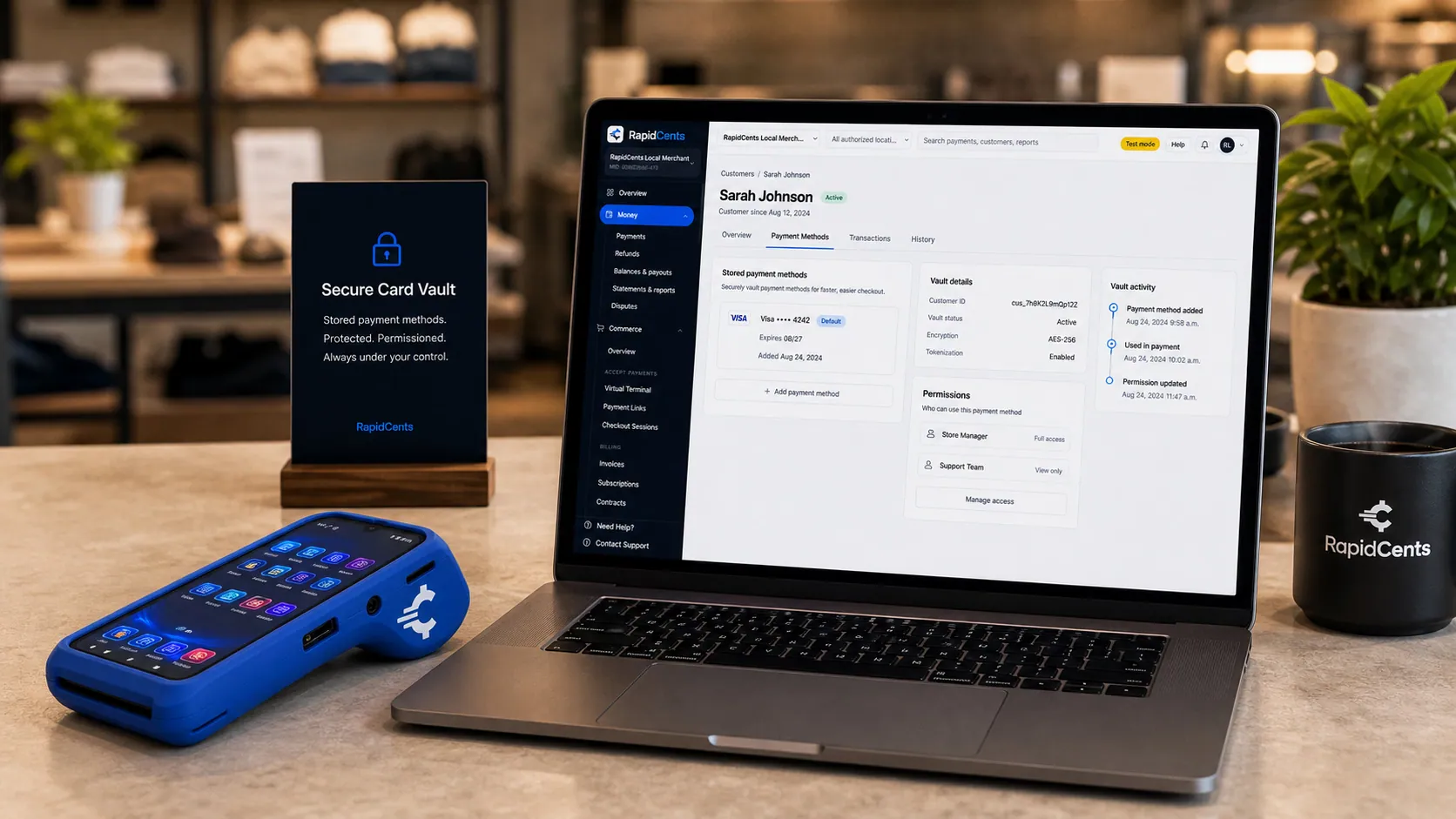
Card credentials sit in the RapidCents vault rather than in merchant software, with a terminal on the desk for new captures. Secure card vault
The PCI-scoped store the tokens point at, so card-on-file stays out of your scope.
Explore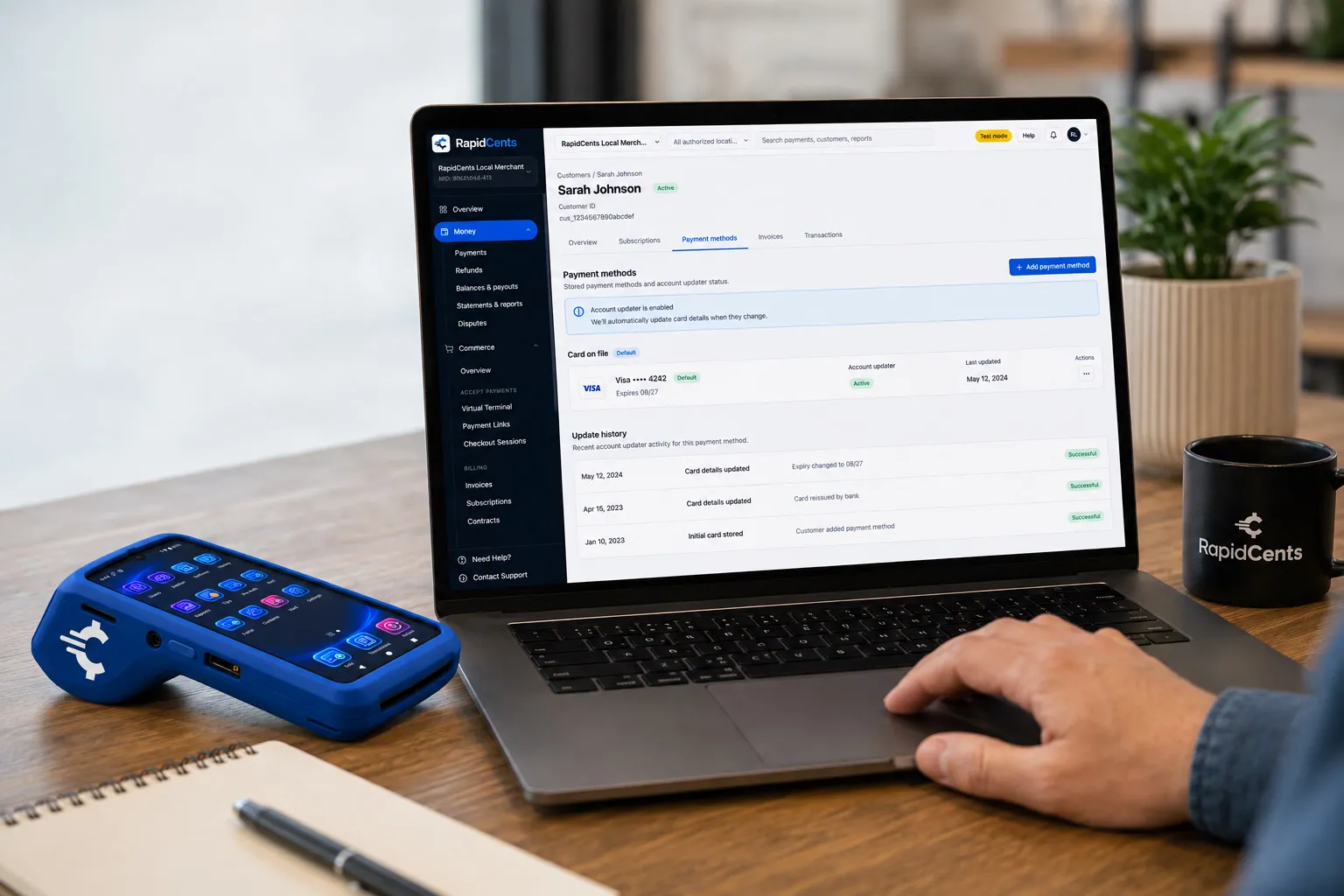
RapidCents refreshes a stored card after a reissue, so the vaulted credential keeps working without asking the customer again. Account Updater
Refreshes stored cards when they expire or get reissued, so repeat billing keeps working.
Explore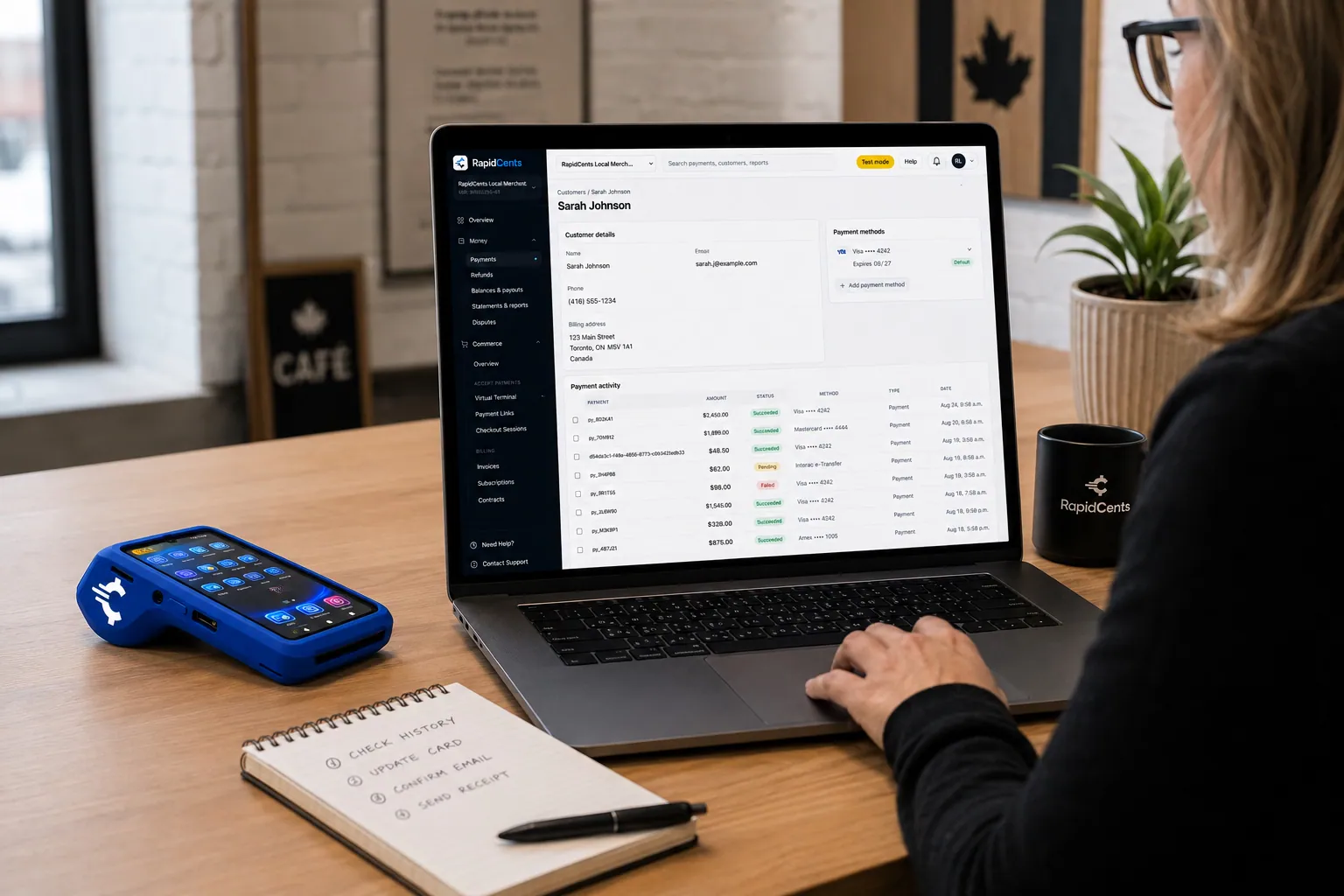
A RapidCents customer profile holds saved cards and invoices, so a return visit can be charged without re-keying the card. Customer profiles
One customer record holding contact details, stored credentials and payment history.
Explore
The RapidCents invoices screen: outstanding, overdue, paid and draft totals across the top, the invoice list below them, and a preview of one invoice on the right with its line items and a View & Record Payment button. Invoicing
Send an invoice that carries its own payment page and reconciles itself.
Explore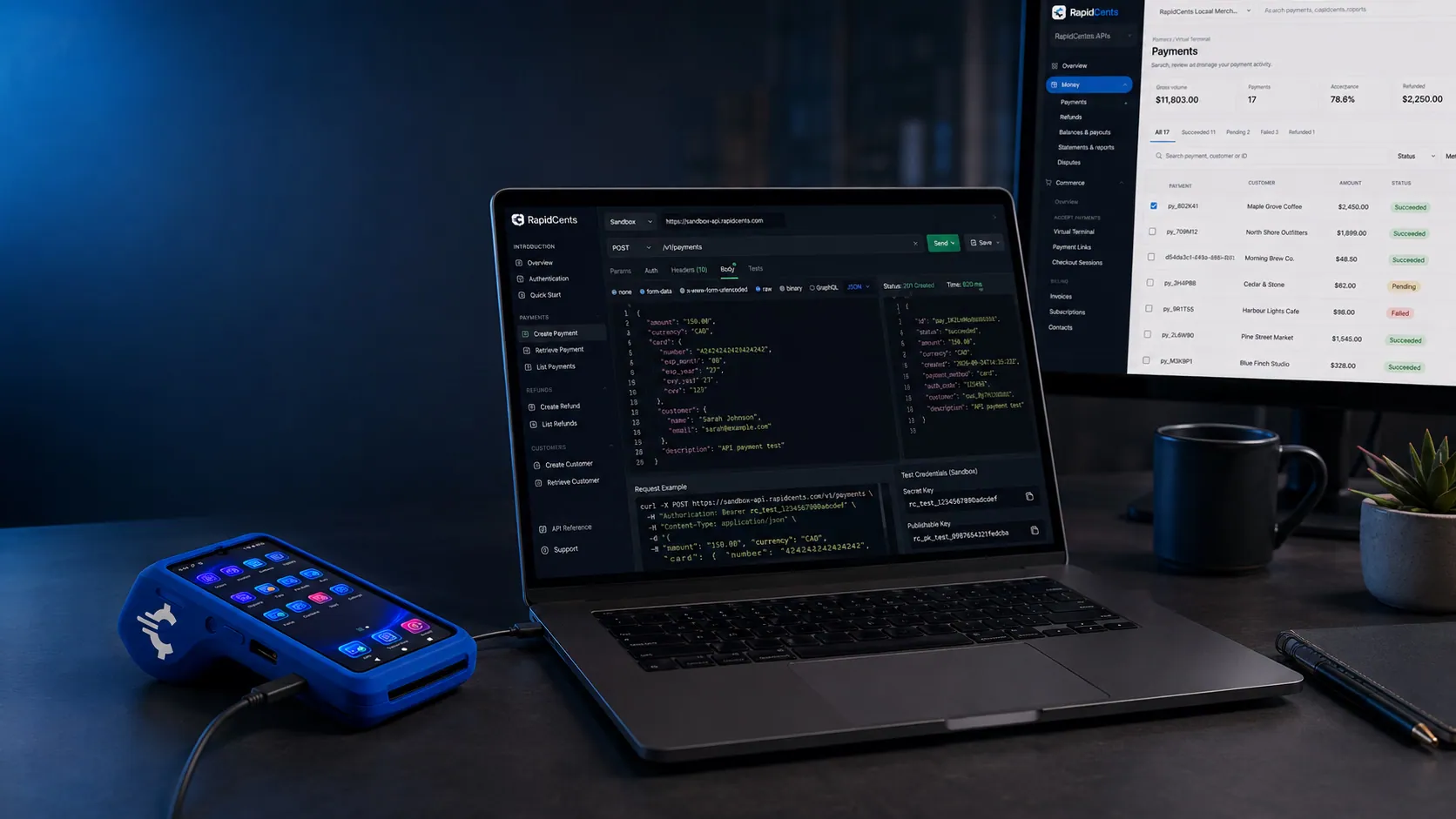
A RapidCents API request and its response on a developer workstation, with the merchant dashboard and a test terminal. RapidCents APIs
REST endpoints for payments, customers, refunds and reporting.
Explore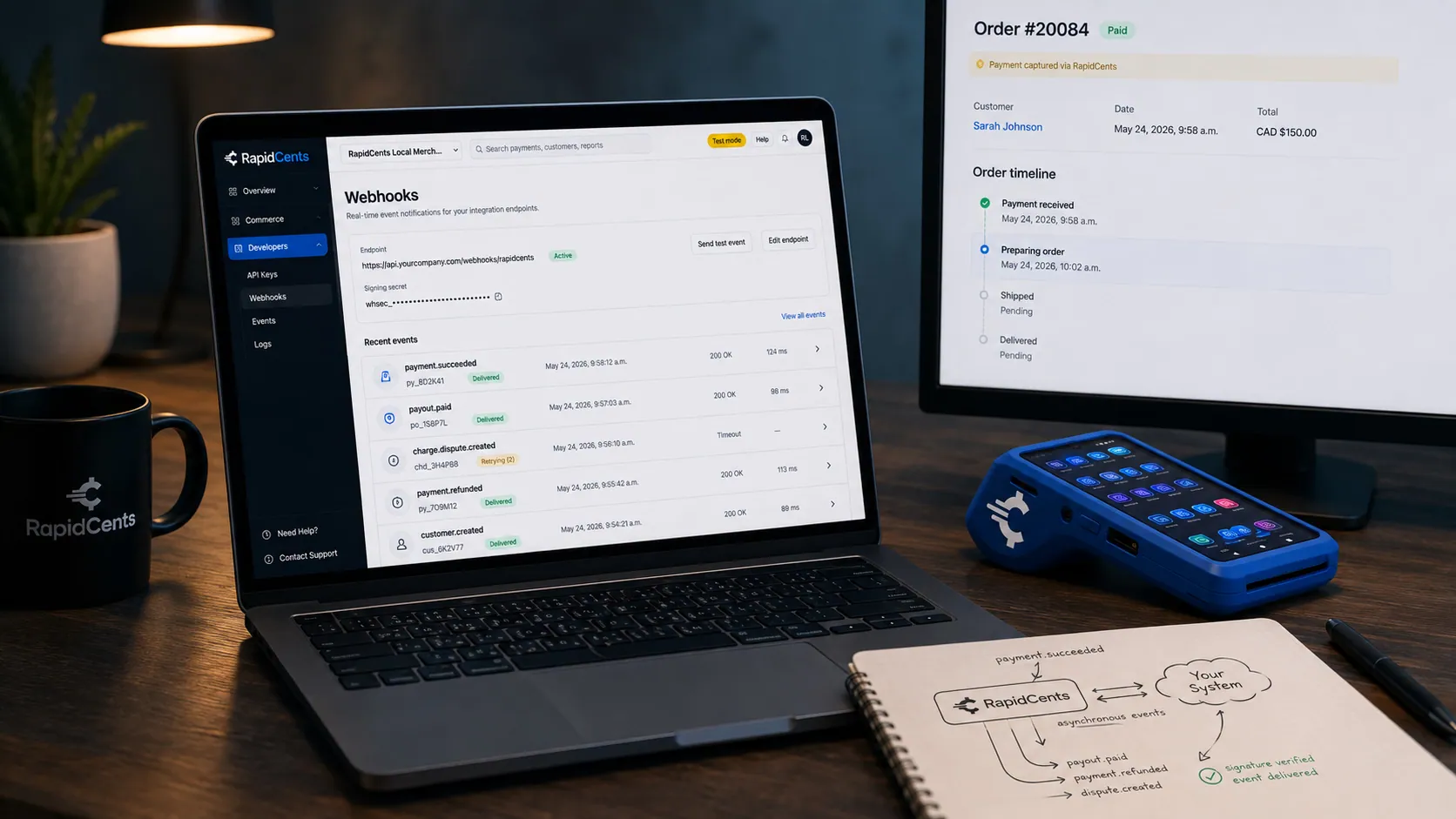
A RapidCents webhook delivery timeline next to the payment that triggered it, with a test terminal on the desk. Webhooks
Signed events your systems can react to the moment a payment settles or fails.
Explore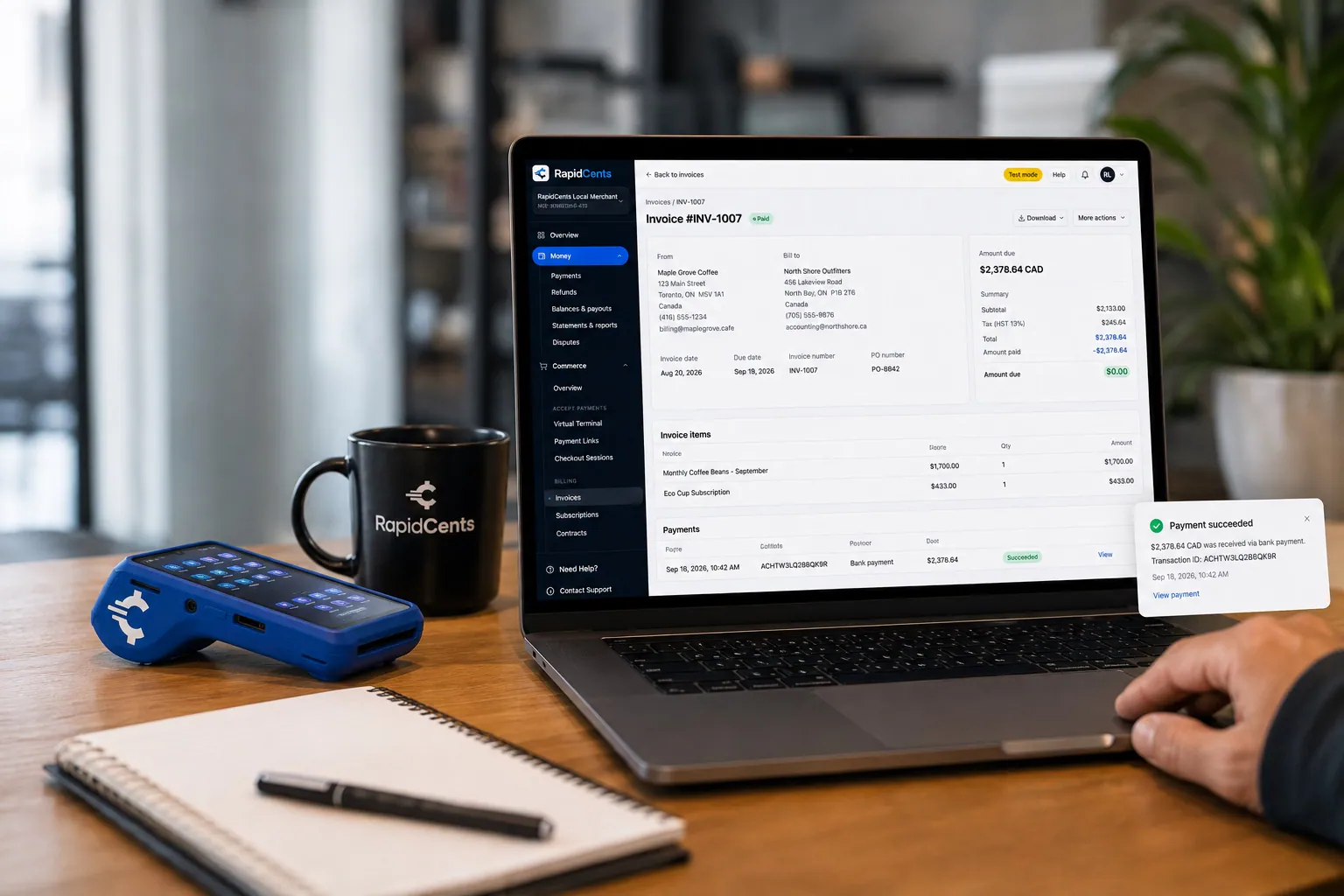
A merchant invoices a customer for bank debit through RapidCents, with card terminal capture available on the same desk. Bank payments
Pull funds straight from a bank account for larger or repeating amounts.
Explore


Security
Consent capture
Document recurring authorization at signup.
Pause and cancel audit
All subscription changes logged with user.
PCI vault
Cards tokenized; staff never see full PAN.
Implementation
Plan design
Map SKUs to billing intervals and retry rules.
Signup flow
Add vault step to checkout or payment link.
Notification templates
Customize pre-charge and failed payment emails.
Reporting setup
Configure MRR export for finance.
Pricing
Recurring transaction rates
Each successful cycle bills at your card-not-present rate. No per-subscriber platform fee on core plans.
Questions about Recurring Payments
Can customers update their card?
Yes via payment link or optional customer portal.
Pause subscriptions?
Merchants can pause plans without canceling vault token.
Annual vs monthly?
Both supported with independent retry policies per plan.
Tax on recurring?
Tax amounts can be fixed per plan or passed from your catalog API.
How does RapidCents keep subscriptions collecting when a card is reissued or expires?
Account Updater refreshes stored credentials where the issuer participates, so the billing schedule continues on the same token. Notices go out on days three, seven and fourteen if a cycle still needs a follow-up. Anything that still needs a person appears in a queue with history, so the team can send a current payment link rather than cancelling the plan.
How do customers change or cancel a subscription?
A card can be updated through a payment link or an optional self-service customer portal. Merchants can pause a plan without destroying the vault token, so a subscriber who returns does not have to re-enter a card. Every pause, cancel and change is logged with the user who made it.
Can I move existing subscriptions from another provider?
Existing subscription schedules can be imported, including from Stripe Billing. The stored card credentials themselves are a separate conversation with both providers, since tokens are not portable between platforms. Plan the migration around a billing date so no subscriber is charged twice or missed.
How is recurring billing priced?
Each successful cycle bills at your card-not-present rate, and core plans carry no per-subscriber platform fee. Cost therefore scales with successful charges rather than with the size of your subscriber list, a distinction that matters when a share of your base is dormant or paused.
Related products
The RapidCents invoices screen: outstanding, overdue, paid and draft totals across the top, the invoice list below them, and a preview of one invoice on the right with its line items and a View & Record Payment button. Invoicing
RapidCents invoicing helps professional services, contractors and B2B suppliers create branded…
Explore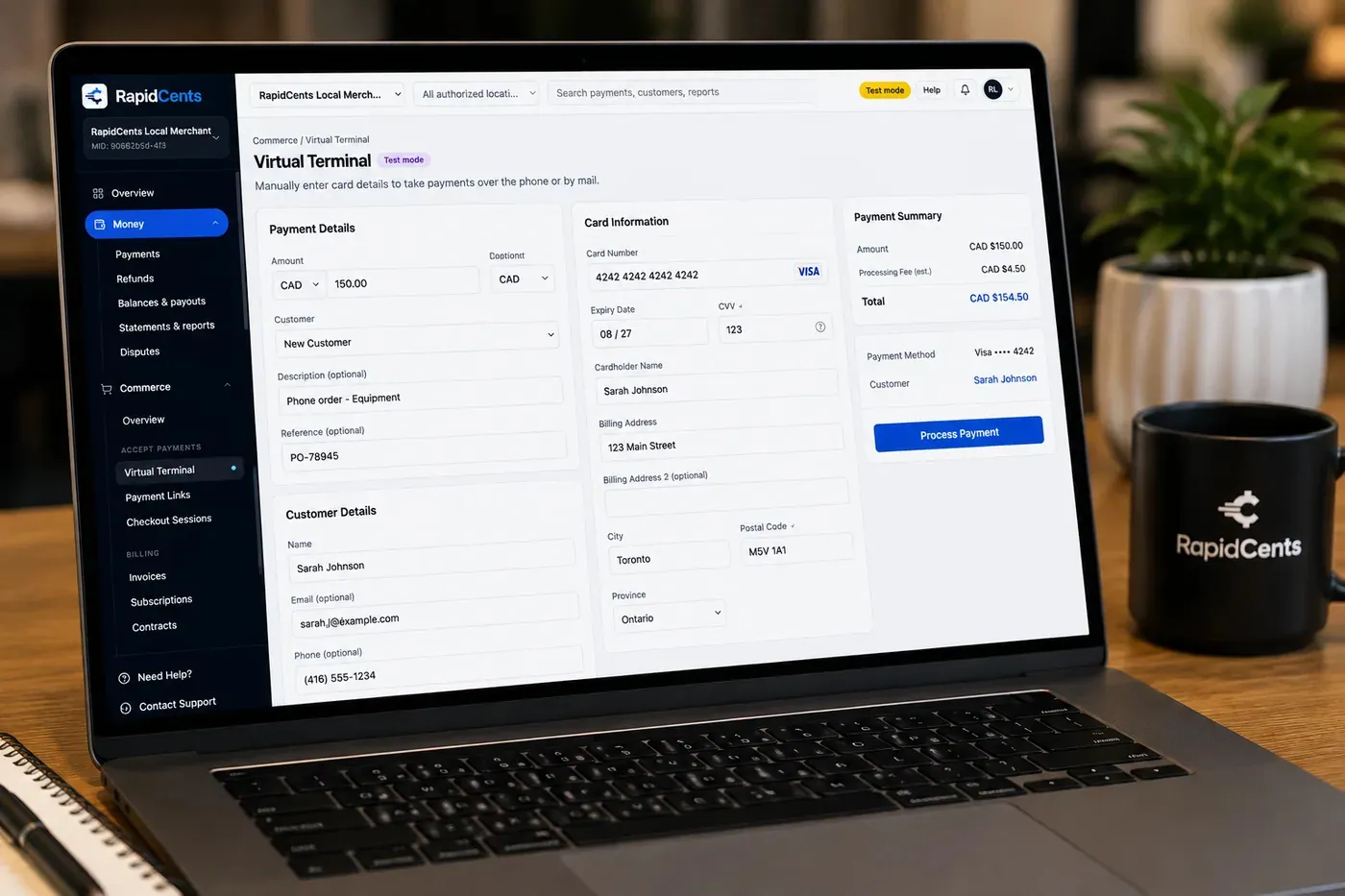
The RapidCents virtual terminal: payment details, card number, expiry and CVV keyed by hand on the left, with a payment summary on the right showing the amount, the estimated processing fee and a Process Payment button. Virtual Terminal
The RapidCents virtual terminal lets authorized staff enter mail-order and telephone-order payments…
Explore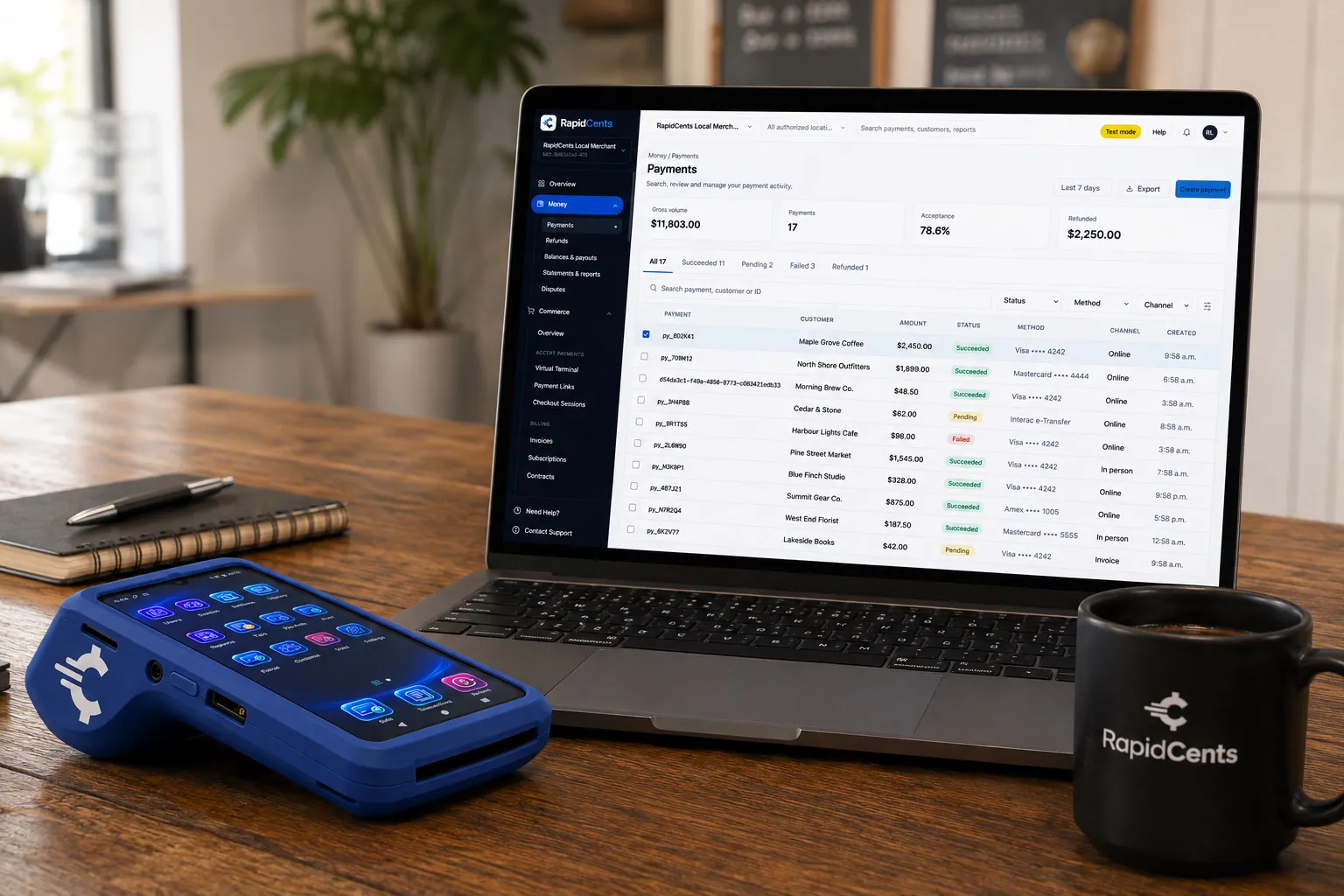
A payment-gateway integration desk: API response on screen, RapidCents terminal ready for a test sale. Payment Gateway
The RapidCents payment gateway exposes REST endpoints for authorize, capture, void, refund and…
Explore


Industries that run on Recurring Payments
Software & SaaS
SaaS companies embed payments, manage platform revenue share and use developer APIs for…
Digital Products
Sell ebooks, templates, media and digital goods with instant checkout, fraud tools and…
Downloadable Software
License keys, one-time purchases and upgrade paths for downloadable software with global…
Edtech & eLearning
Course platforms, bootcamps and LMS providers collect tuition, installments and corporate…
Gaming
Game studios, esports venues and in-game commerce use gateway APIs, recurring battle…
E-commerce
Online merchants unify checkout, subscriptions, buy-now-pay-later where supported and…
Healthcare
Healthcare providers collect patient payments at reception, via payment links and…
Dental Clinics
Dental practices accept front-desk, remote and scheduled payments with card-on-file…
Take the next step
Talk to a RapidCents specialist
RapidCents Fee Check reads a processing statement and shows interchange separately from the markup. Upload a statement for an instant breakdown, or open a merchant account and start accepting payments on one account.
- No obligation
- Canadian payment specialists
- Secure statement upload



