


Payment processing, POS systems and card machines by industry
Payment processing by industry means matching your setup to how your business gets paid: at a counter, in the field, online, by invoice or on a recurring schedule. RapidCents has 199 industry pages covering payment jobs, products, software connections and switching steps, so you can go straight to the one written for your kind of business.
Start from how your business gets paid
Start from how customers pay you, not from your industry's name. Most businesses collect in one or two main ways: at a counter, in the field, through online checkout, by invoice or on a recurring schedule. Each way points to a set of industry pages and to the RapidCents products that carry it, and the tags in the directory below follow the same split.
At a counter, front desk or table
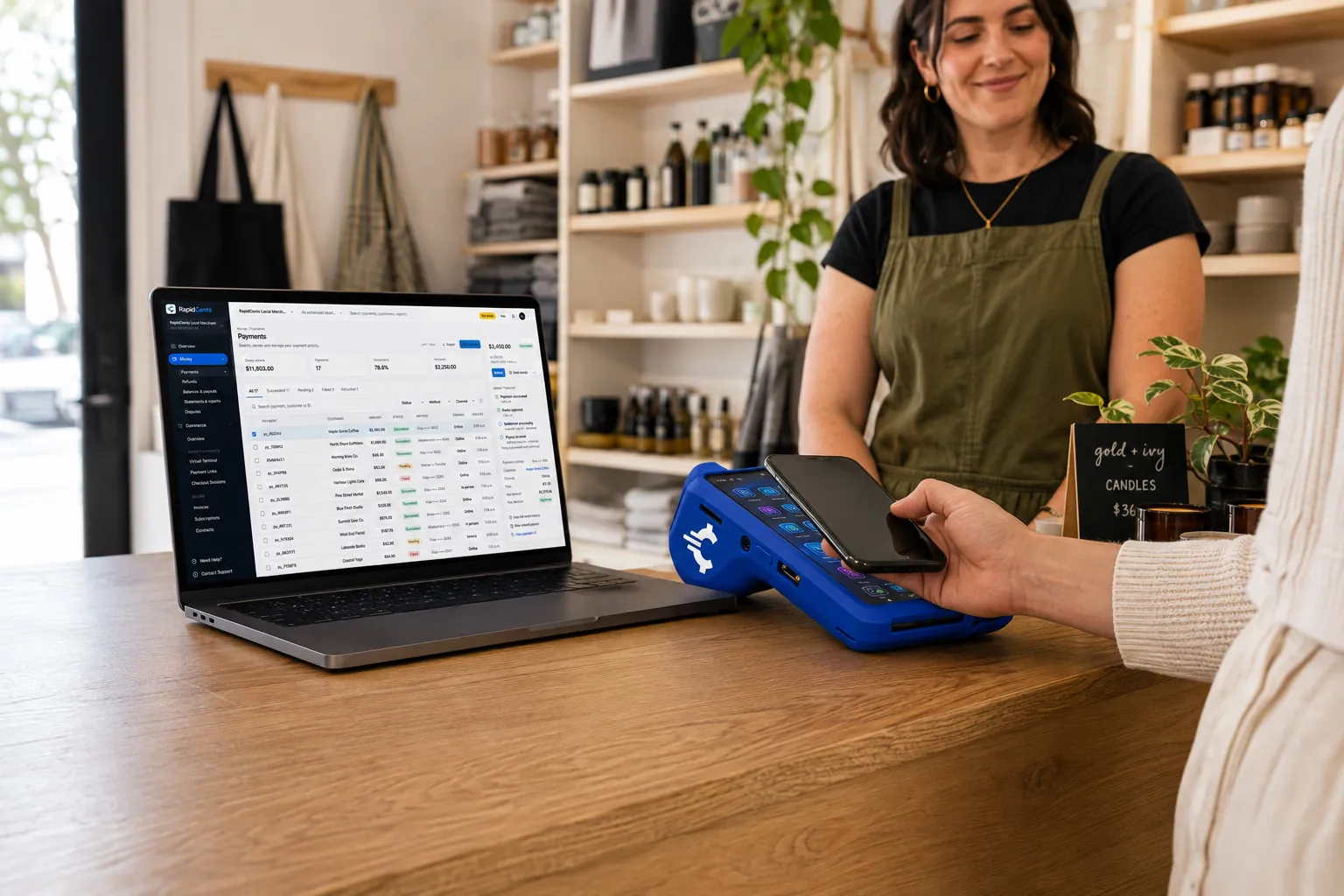
If customers pay in front of you, start with the retail, grocery, restaurant, salon and clinic pages. They cover countertop and smart Payment Terminals, Retail POS, Restaurant POS or Grocery POS where a full point of sale fits, how tips are recorded and end-of-day reconciliation.
In the field or at the customer's door
If you get paid at a job site, a home visit, a delivery or an event, start with the trades, home services, courier, mobile beauty and food truck pages. They cover mobile Payment Terminals, Tap to Pay on supported iPhone and Android phones, deposits taken before the work starts and Payment Links for balances not paid on site.
Online checkout and bookings
If customers pay on your website, in an app or when they book, start with the e-commerce, software and SaaS, digital products, online learning and ticketing pages. They cover Online Payments, Hosted Checkout, the Payment Gateway API, 3D Secure and Fraud Prevention for card-not-present orders, and cards saved with the customer's permission for later charges.
Invoices, purchase orders and trade accounts
If you bill other businesses, start with B2B & Wholesale, the professional services pages, the trades and the wholesale supplier pages. They cover Invoicing with a payment link on each invoice, Virtual Terminal for card details given by phone, purchase order references, deposits and balances, and commercial cards. Offering a card or bank payment option does not change the terms you agreed with your buyer.
Recurring billing, memberships and installments
If customers pay on a schedule, start with the membership, fitness, childcare, coworking, subscription box and alarm monitoring pages. They cover Recurring Payments with automated retries and Account Updater, cards stored only with the customer's authorization, and installment schedules, which are collection schedules, not financing. The customer agrees to the amount, timing and cancellation terms before the first charge.
Find your industry

Software & SaaS
Take cards inside your product, bill plans and metered usage, recover failed renewals and split revenue with platform…

Digital Products
Hosted Checkout and a Payment Gateway that release each ebook, template or preset pack only once the card is approved…

Downloadable Software
Sell license keys online, renew subscriptions and maintenance plans on stored cards, and charge upgrades and extra…

Edtech & eLearning
Sell courses at checkout, collect tuition in scheduled installments and invoice employers for training seats, with…

Gaming
Take in-game and web shop purchases, renew battle passes and memberships, and run esports venue counters, with fraud…
E-commerce
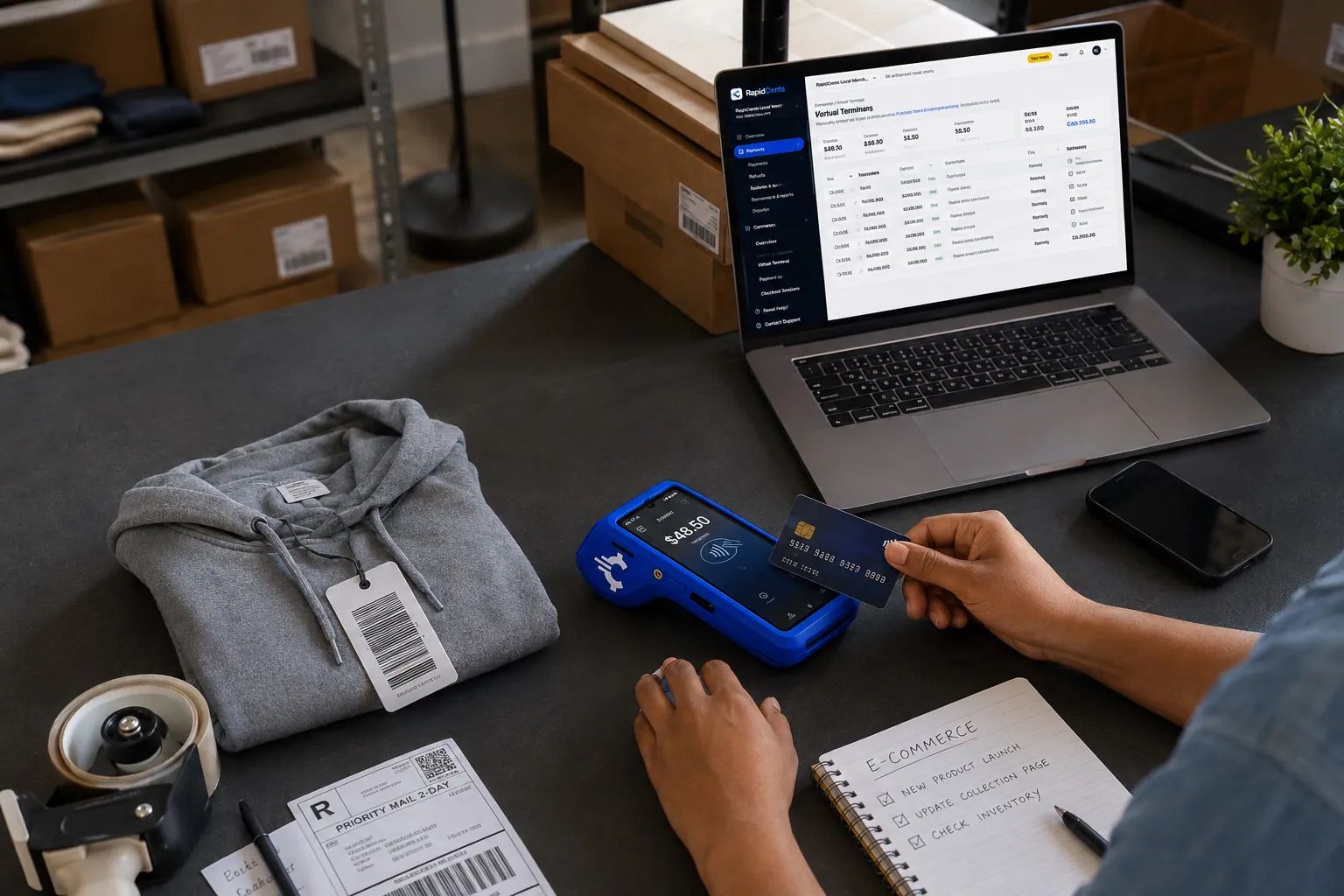
Take cards at your online checkout, renew subscribe-and-save orders, collect phone and custom orders by payment link…

Healthcare
Take visit payments at reception, send payment links for what insurance leaves unpaid and run payment plans patients…

Dental Clinics
Take treatment plan deposits at the front desk or by text, run in-house installment plans from stored cards, and…

Physio & Chiropractic
Collect visit fees and patient portions at the front desk or in the treatment room, sell prepaid visit packages and…

Veterinary Clinics
Take deposits when owners sign surgery estimates, charge wellness plans monthly with their permission, and collect…

Pharmacies
Collect the patient portion once your dispensing system has adjudicated the claim, ring up front-store sales and take…

Medical Spas
Collect treatment package deposits, bill monthly memberships and ring up retail at checkout, with stored cards your…

Optometry
Take exam fees and copays at checkout, deposits when frames and lenses go to the lab, balances when glasses are…

Gym & Fitness Studios
Bill monthly dues on stored cards, recover failed payments, sell class packs at the front desk and reconcile every…

Salons & Spas
Take booking deposits, charge no-show fees to cards clients agreed to store, collect tips at the chair or treatment…

Oil & Energy
Get paid on oilfield service tickets, fuel delivery accounts, commercial card invoices and pre-dispatch deposits, with…

Utilities
RapidCents helps electric, gas and water utilities collect bills by autopay, hosted checkout and payment links, then…

Recycling & Waste Management
RapidCents covers monthly route invoices, dumpster booking deposits, haul-ticket payments and autopay for haulers…

HVAC Contractors
RapidCents lets you take the equipment deposit at the kitchen table, collect the balance when the system starts and…

Plumbing Contractors
Take the card at the job with Tap to Pay or a mobile terminal, send deposit links before materials are ordered, and…

Electricians
Take a materials deposit before the order goes in, get change orders approved and paid, and collect the balance at the…

Construction Contractors
RapidCents helps construction contractors bill draws, collect released retainage and approved change orders by payment…
Home Services
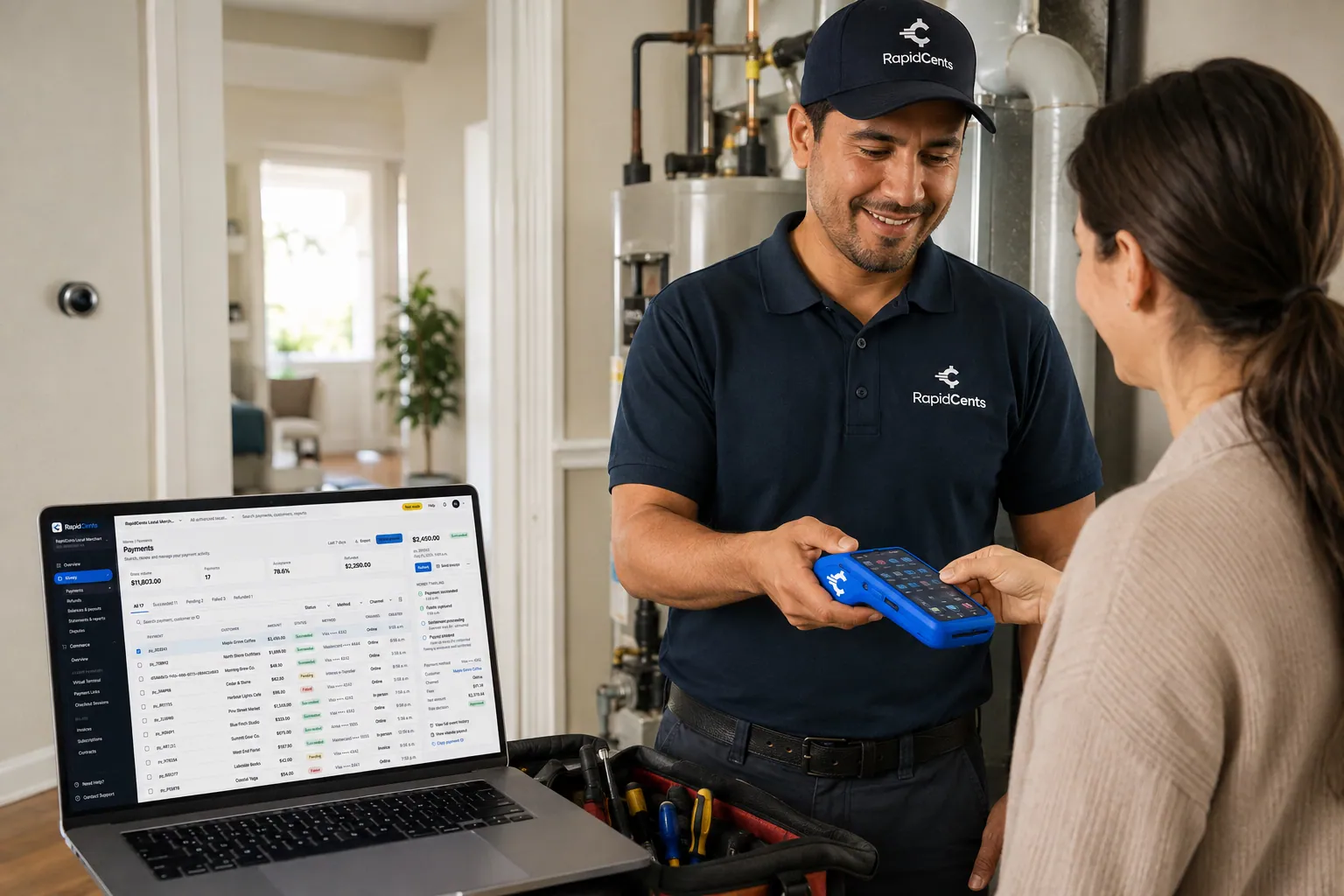
Card payments for the work your crews finish in customers' homes: tap at the door, payment links when the payer is…

Landscaping
RapidCents handles spring deposits by payment link, monthly maintenance on autopay, installation milestone invoices and…

Cleaning Services
RapidCents helps cleaning businesses collect recurring cleans from a card on file, deep clean deposits by payment link…
Restaurants
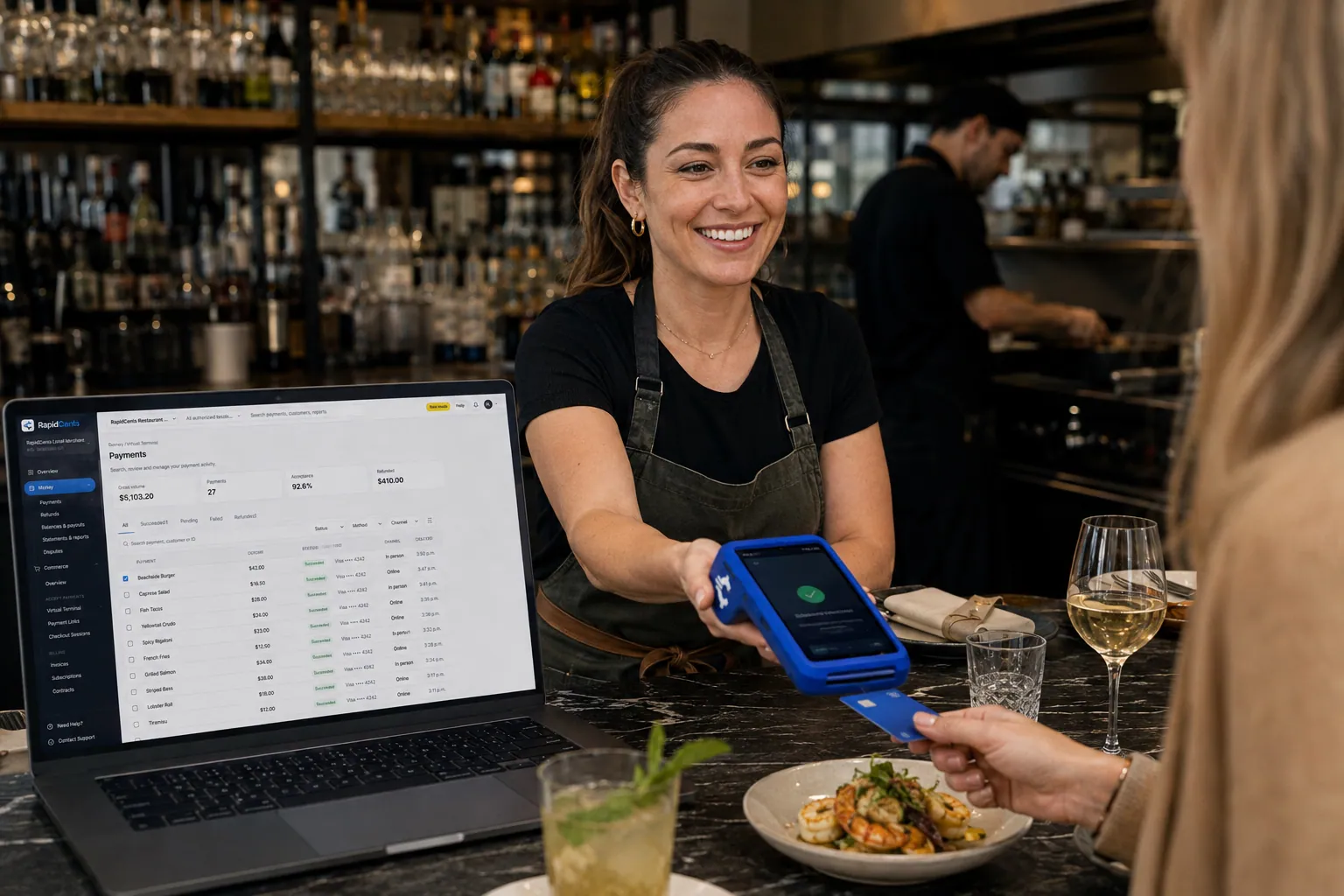
Close bills at the table, split them across cards, settle tips before staff clock out and trace each location's card…

Fast Food & QSR
Card payments for fast food and QSR operators: countertop and mobile terminals, Tap to Pay for line busting, and…

Food Trucks
Mobile terminals with LTE and Wi-Fi for the window, Tap to Pay on a phone for the queue, QR codes for scan-to-pay and…

Catering
RapidCents helps caterers take the booking deposit by payment link, invoice the event balance after the final headcount…

Cafés & Bakeries
Take tap payments in the morning rush, collect deposits on cake and pickup orders, and invoice wholesale accounts from…
Hotels & Hospitality
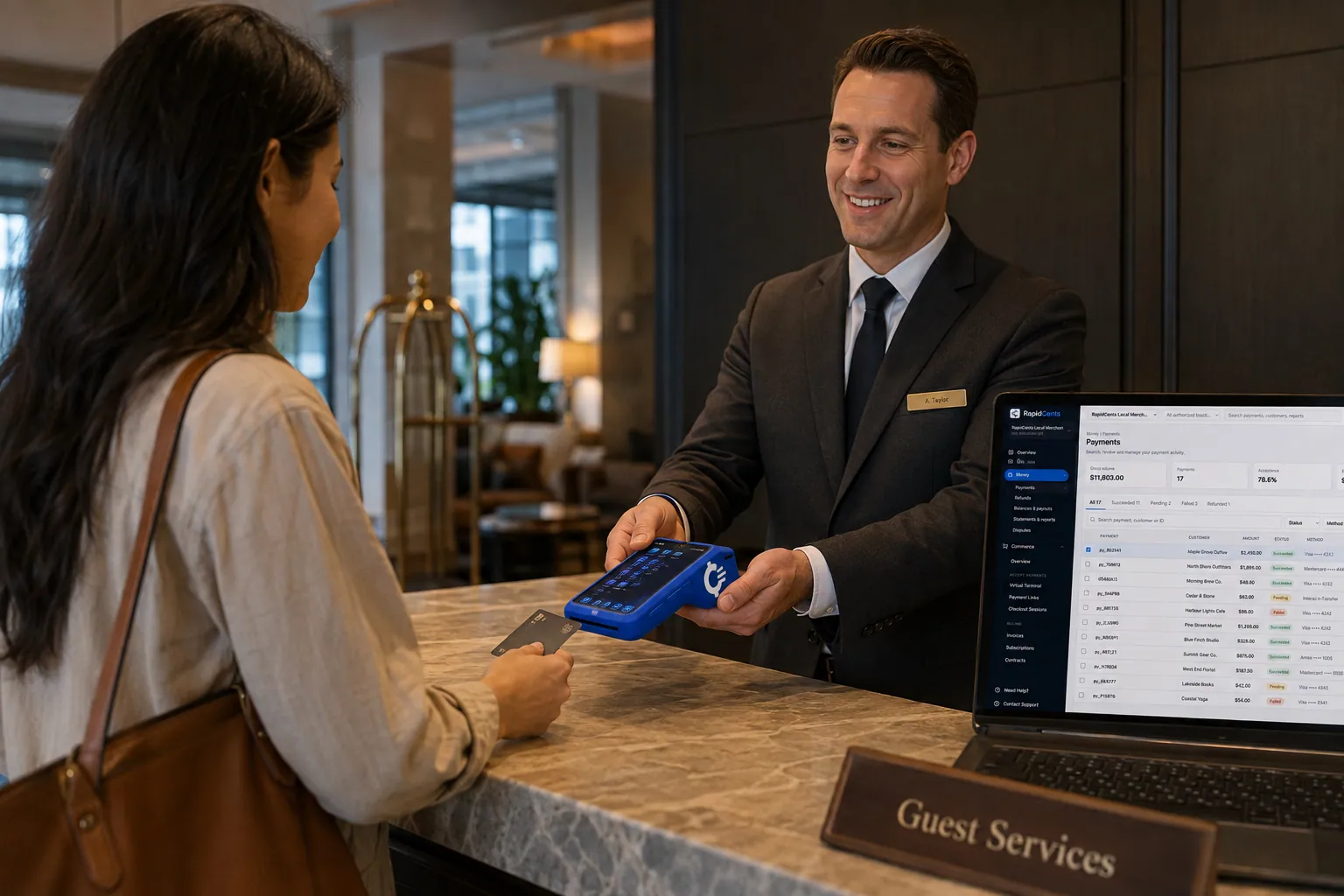
Collect booking deposits, hold a card for incidentals at check-in and capture the final folio at checkout, with…

Taxi & Transportation
Take card fares and tips in the vehicle, reconcile each driver's takings by shift and bill corporate accounts, with…

Parking
Take cards at booths and event gates, let drivers pay by plate or QR code, and bill monthly permit holders on a…

Towing & Roadside
Take release fees at the yard gate, card payments at the roadside and invoices for insurers and fleets, and tie every…
Automotive
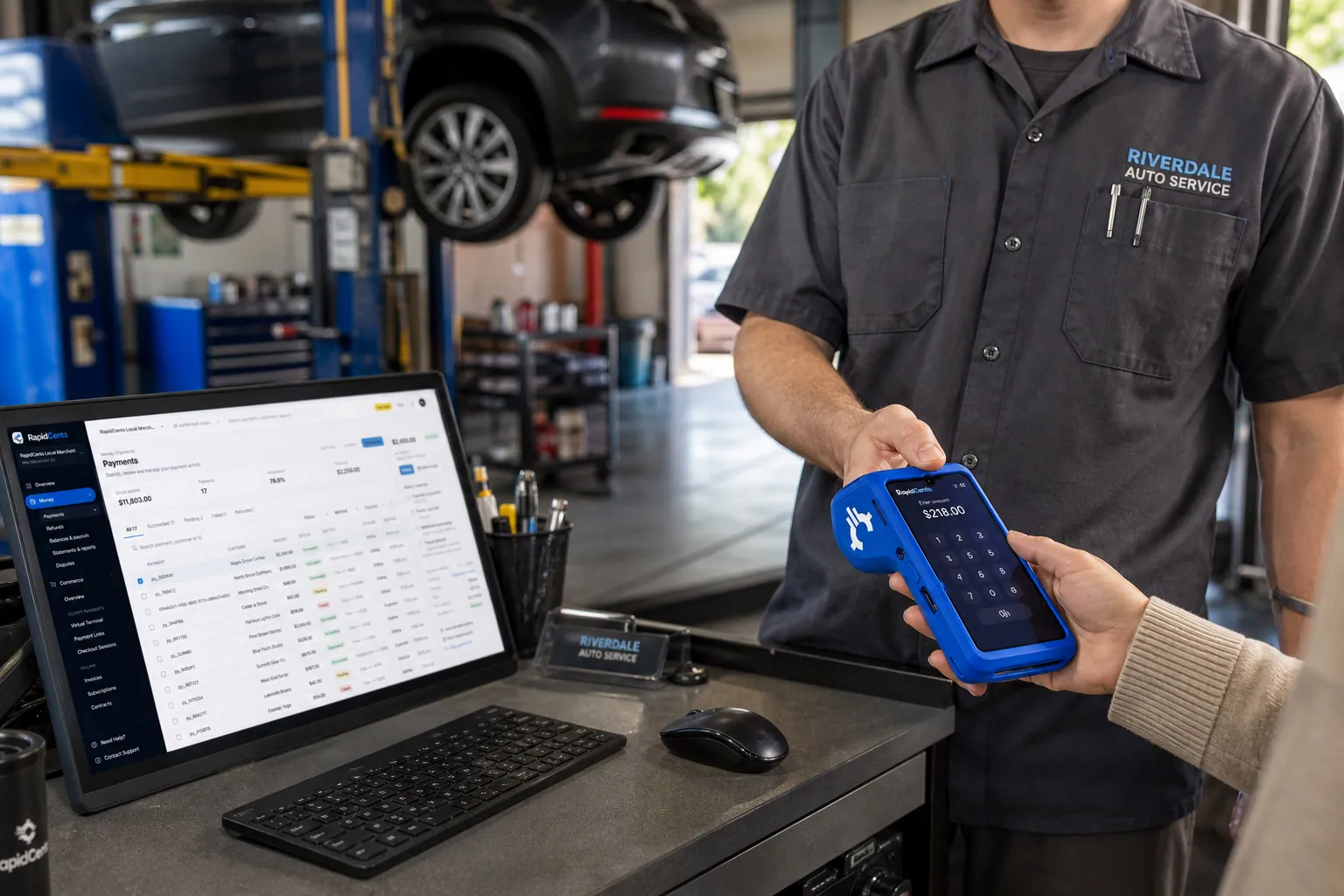
Take the parts deposit, the phone-approved repair, the insurance deductible and the pickup balance at the desk, by…

Car Wash
Single washes at the pay station, unlimited plans on monthly autopay and the renewals that fail: how a car wash…

Law Firms
RapidCents helps law firms collect retainers by payment link, send invoices with a link to pay, take card payments by…

Accounting Firms
Charge monthly bookkeeping and payroll fees on a schedule, collect tax preparation invoices by payment link, key phone…

Professional Services
Charge monthly retainers, send branded invoice links and collect milestone balances from remote clients, on…

B2B & Wholesale
Collect net-terms invoices by payment link with the PO number attached, take commercial cards on large orders, phone…

Insurance
Collect down payments at binding, monthly installments and agency fees by payment link, phone or card on file, then…

Real Estate
Collect application fees, service fees and keyed deposits by payment link or Virtual Terminal, and keep every payment…

Property Management
Collect rent by card and bank payment, set up recurring autopay, invoice maintenance charges and reconcile every…

Freight & Logistics
RapidCents helps carriers, brokers and 3PLs invoice shippers, collect by payment link, take COD card payments and…
Retail
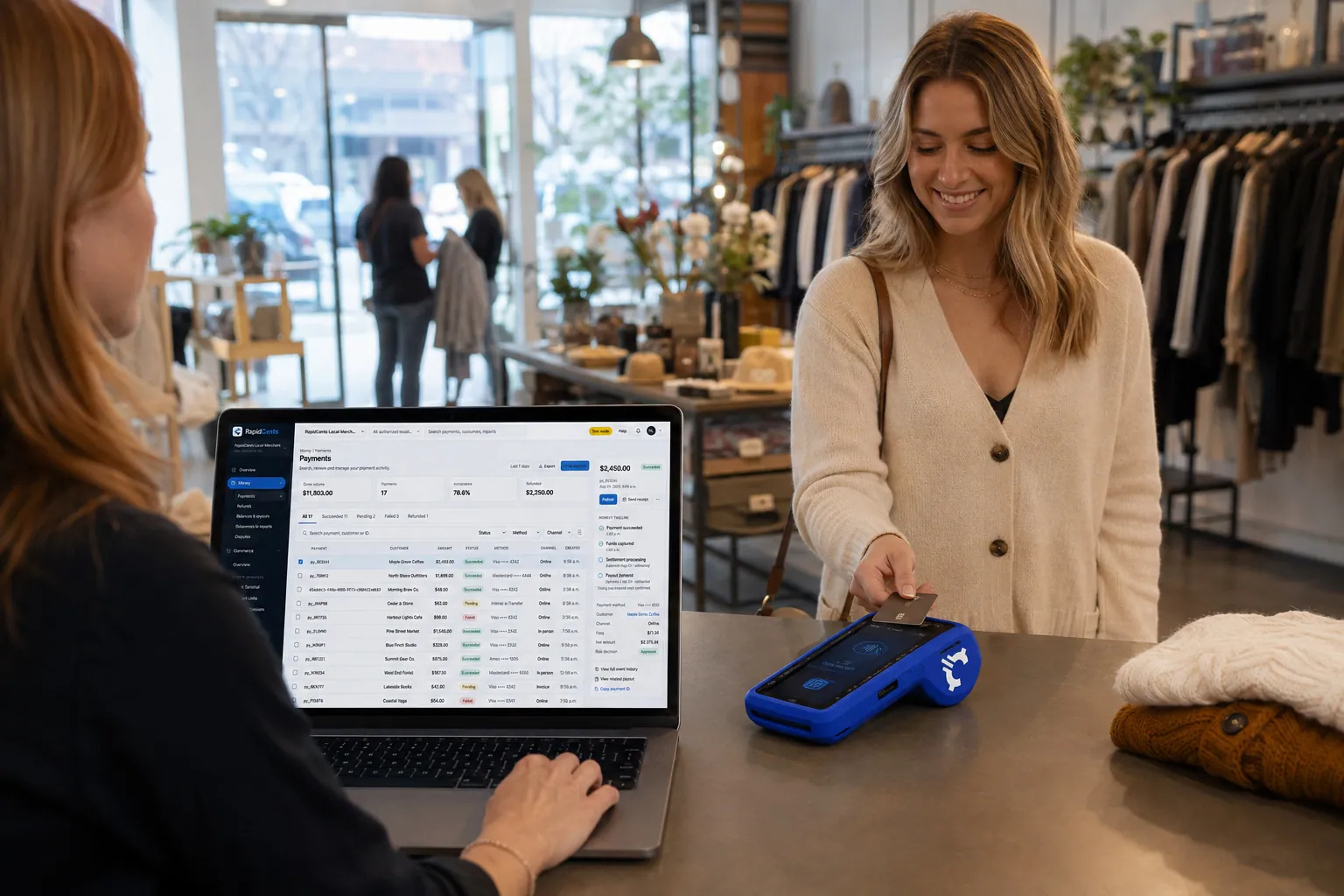
Take tap, chip and PIN payments at every register, sell on your website, refund returns to the card the shopper used…

Convenience Stores
RapidCents gives convenience stores countertop terminals for debit and credit taps, Tap to Pay on a phone when the line…

Grocery
Credit, debit and contactless acceptance for supermarkets and independent grocers: countertop terminals at the lane…

Liquor Stores
RapidCents gives liquor and wine retailers card terminals for the till, payment links for special orders and pickup…

Nonprofits & Charities
Take one-time and monthly gifts online, sell event tickets by link and reconcile deposits to your donor records, on…

Education
Take enrollment deposits online, run tuition installments on schedules families authorize and send trip and activity…

Government
Take permit fees, counter payments and mailed-in payments from residents, then trace every payment to the file it…

Events & Ticketing
Sell advance tickets online, take cards at the gate and concession stand, and give finance one report that puts door…

Membership Clubs
RapidCents collects membership dues on a schedule, takes event fees and guest passes by link, and rings up bar and pro…

Travel Agencies
Take booking deposits, collect final balances and group installments, and match settled payments to supplier records…

Agriculture
RapidCents helps farms invoice bulk buyers, take cards at the market stall and bill CSA shares across a season, with…

Pet Services
RapidCents helps boarding kennels, dog daycares, groomers, trainers and pet sitters take booking deposits, bill daycare…

Photography
Collect retainers, session balances and gallery print orders with payment links, invoices and hosted checkout, with…

Wedding Services
Collect the retainer that holds the date, the installments before the wedding and the final balance, then refund…

Marinas
Collect seasonal slip fees, fuel dock sales, storage invoices and transient booking deposits with terminals, Tap to…

Golf Courses
Take green fees, membership dues, pro shop sales, beverage cart orders and tournament deposits on one merchant account…

Self-Storage
Self-storage rent runs on autopay, move-in payments and late balances. RapidCents gives your facility one way to…

Chambers of Commerce
Collect membership dues, event registrations and sponsorship invoices in one place, with records your membership…

Professional Associations
Take annual dues, exam fees, course registrations and employer invoices in one place, with a member record behind every…

Labour Unions
RapidCents helps union treasurers collect dues, initiation fees and arrears by card or bank payment, and tie every…

Coworking Spaces
Bill desk memberships on a schedule, sell day passes online and charge meeting-room hours to the same member, with one…

Subscription Boxes
Charge subscribers on your ship schedule, recover failed renewals before boxes are packed, and keep expiring cards…

Religious Organizations
Take lobby giving, online gifts, recurring pledges and event fees on one account, with each fund kept separate and…

Sports Leagues & Clubs
RapidCents helps league administrators and club treasurers collect registration fees, season installments, team fees…

Summer Camps
Collect booking deposits, spread tuition across payments before the session, add canteen and transport fees, and refund…

Childcare & Daycare
Charge tuition on schedule, keep each parent's share and any subsidy portion on separate lines, and collect deposits…

Tutoring Centres
Sell prepaid lesson packages, bill monthly plans and send top-up links, with each student's paid balance kept where…

Martial Arts & Dance Studios
Bill each student on their own membership, take grading and competition fees at the front desk, and recover failed…

Yoga & Pilates Studios
Bill unlimited memberships on autopay, tap drop-ins at the desk, sell class packs and workshops online, and keep each…

Condo Corporations & HOAs
Collect monthly fees, special assessments and parking charges from every unit, match each payment to the right owner…

Alarm & Monitoring
Bill monitoring fees monthly, refresh expiring cards, offer bank payments and follow up on failed charges, with…

Massage Therapy
Hold a card when the appointment is booked, take payment in the treatment room, and give each therapist's day a clean…

Mental Health & Counselling
Collect sliding scale session fees, weekly card on file charges and teletherapy payments with records your front desk…

Home Healthcare
Invoice families for booked visit hours, collect by card or bank payment, and reconcile every payment to the client and…

Retirement Residences
RapidCents helps retirement residences collect monthly rent, care-level charges and optional services from residents…

Medical Labs & Imaging
Collect uninsured test payments before the visit, take cards at the intake desk and match every payment to its…

Barbershops
RapidCents handles barbershop payment processing for walk-ins, booked chairs, tips by barber, appointment deposits and…

Tattoo & Piercing Studios
Hold sessions with a deposit link, take the balance at the chair with a terminal or phone, and reconcile every artist's…

Roofing Contractors
Take the deposit that orders the shingles, bill the balance at tear-off and completion, and take card in the driveway…

Painting Contractors
Collect the deposit when the estimate is accepted, the balance at the walkthrough and every change order by phone…

Flooring Contractors
Collect the materials deposit at measurement, the balance on installation day and any special order refund, with one…

Pest Control
Charge quarterly service plans on a saved card, take emergency treatment payments at the door and invoice commercial…

Solar Installers
Collect the deposit, equipment, installation and commissioning payments on a solar contract, and keep each stage…

Appliance Repair
Take the diagnostic fee at the door, a deposit on ordered parts and the final balance after the repair, with a receipt…

Moving Companies
Take booking deposits by payment link, adjust the charge when actual hours differ, and collect the delivery-day balance…

Equipment Rental
RapidCents helps rental yards authorize deposits at pickup, bill extensions, charge damage and fuel on return, and…

Bars & Nightclubs
Open tabs on a held card, take payments on the floor with a handheld, adjust tips at close and reconcile the whole…

Breweries & Wineries
Take cards at the taproom bar, the tasting room and the farmers market, bill wine and beer clubs on schedule, and sell…

Ghost Kitchens
Take direct online orders, run several virtual brands off one line and read each brand's earnings apart from…

Campgrounds & RV Parks
Take reservation deposits, gate and camp store sales, monthly rent autopay and cancellation refunds, with settlement…

Jewellery Stores
Take high-ticket cards at the counter, collect repair and custom-order deposits, and track layaway balances, with fees…

Furniture Stores
Take order deposits at the desk, collect delivery balances by link or at the door, and refund special orders to the…

Sporting Goods
Take cards at the till, the service desk and online, hold rental deposits, and reconcile returns after the season rush…

Garden Centres & Nurseries
Take cards at the till, beside the shrubs and at the loading gate, and collect landscape deposits and wholesale…

Auto Parts Retailers
Take cards at the counter and on delivery, collect trade statements on the terms you set, and refund core charges…

Bookstores & Gift Shops
Ring books and gifts on one ticket, take deposits on special orders, charge for ticketed events and sell from a table…

Laundry & Dry Cleaning
Take cards at drop-off, charge the stored card at pickup and invoice route accounts, with every payment tied back to…

Print & Sign Shops
Take deposits before the press runs, invoice corporate accounts and collect the balance at pickup, with every payment…

Vending & Unattended Retail
Take contactless and card payments on machines, kiosks and micro markets with nobody on site, then reconcile every sale…

Car Dealerships
Take holding deposits by payment link, ring service and parts tickets on terminals, and keep sales, service and parts…

Limousine & Charter
Take a booking deposit, adjust for wait time and gratuity, and capture the final fare after the run, with one payment…

Courier & Delivery
Bill business accounts on terms, take card payments from walk-in senders and collect from recipients at the door, with…

Driving Schools
RapidCents helps driving schools sell lesson packages online, collect installments and bill road test fees, with…

Powersports & RV Dealers
Collect holding deposits on units, ring parts and service tickets, and bill winter storage, with every payment tied…

Marketing Agencies
Collect monthly retainers, milestone invoices and ad spend reimbursements from one client profile, with settled…

IT & Managed Services
Bill per-seat and per-device contracts on stored cards, invoice hardware and projects separately, and give finance a…

Staffing Agencies
Collect weekly timesheet invoices, placement fees and disputed balances by card or bank payment, then give your finance…

Architecture & Engineering
Collect retainers, bill by phase and take milestone payments on long projects, with every payment tied to a project…

Security Guard Services
Bill each guarded site on its own contract line, collect event deposits up front and invoice overtime hours separately…

Museums & Galleries
Take timed admission online, serve walk-ups at the desk, renew memberships on schedule and keep shop, donation and art…

Theatres & Performing Arts
Sell seats online, run the box office window and collect season installments, donations and concessions, with refunds…

Amusement & Attractions
Take online tickets, gate and outlet card payments and season pass billing on one account, with each outlet reporting…

Ski Resorts
Take cards at the ticket window, rental shop, ski school and lodge, sell season passes on installment schedules, and…

Bowling & Arcades
Take cards at the lane desk, the arcade reload station and the snack bar, collect party deposits by payment link, and…

Funeral Homes
Take deposits at the arrangement conference, send each relative a payment link for their share, and match every card…
Gas Stations
Take fuel and shop sales at the counter on RapidCents terminals, reconcile each shift and site, and let your RapidCents…
EV Charging Stations
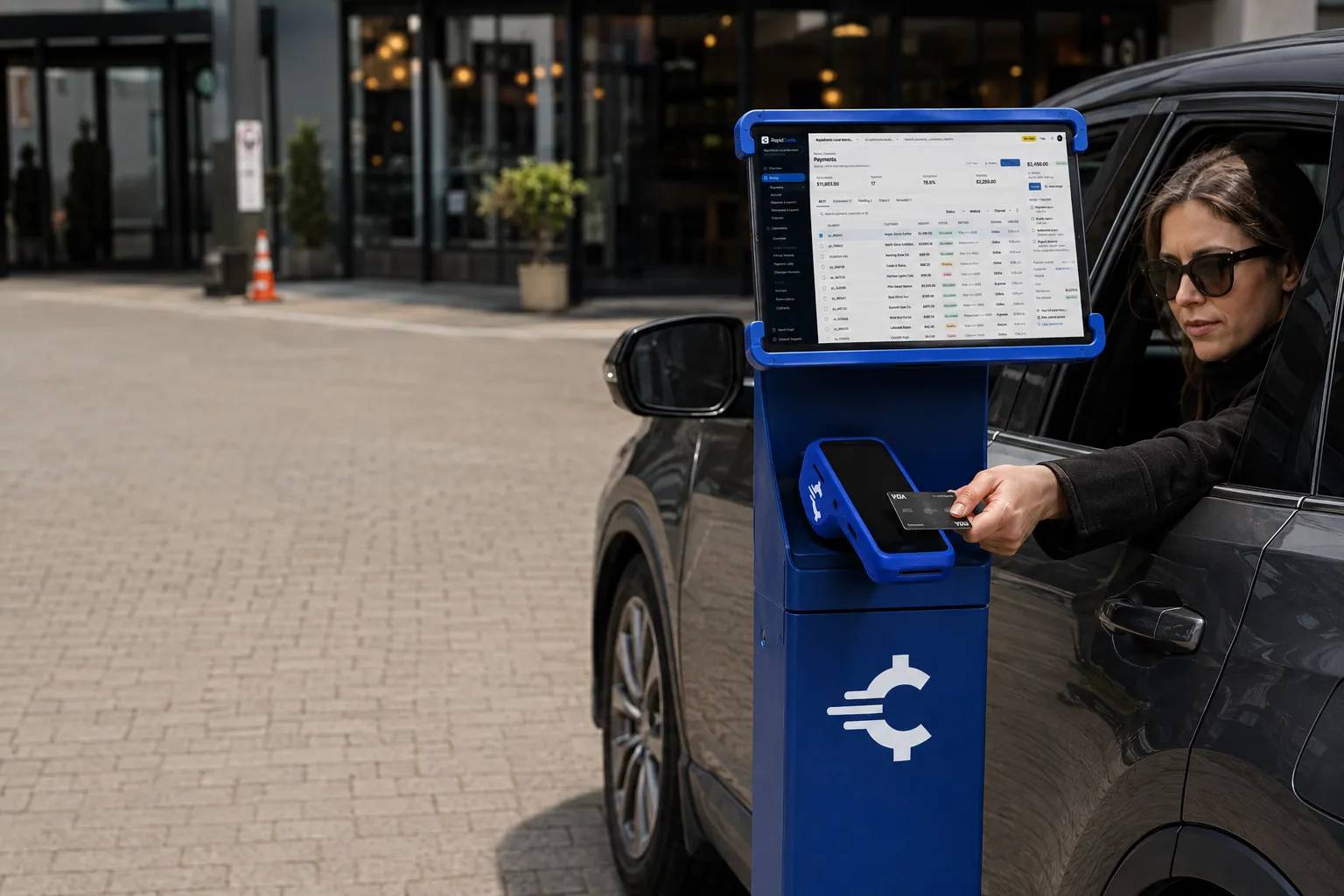
Take card payments for charging sessions with a hold at the start and a final charge at the end, and match each payment…
Auto Repair Shops
Take the diagnostic fee and parts deposit at the service counter, text a payment link when the car is ready, and tie…
Tire Shops
Take deposits on special-order tires, collect installation balances at the counter or by text, and renew seasonal tire…
Auto Glass Businesses
Take cards at the vehicle or by payment link, collect the customer's portion apart from insurer payments, and keep…
Commercial Truck Repair
RapidCents helps truck repair shops collect repair orders, parts deposits, fleet-office payments and roadside callouts…
Car Rental Agencies
Accept cards at the counter, by phone and by payment link, and keep reservation, hold, extension and return charges…
Boat Dealers
Take holding deposits, delivery balances, parts and service sales and storage payments in one place, with signed terms…
Locksmiths
Take the callout fee, the approved quote and the final invoice by contactless card at the door, or send a secure link…
Garage Door Services
Collect the service-call charge at the door, take a deposit on a made-to-order door and send the installation balance…
Pool & Spa Services
Collect maintenance plans, seasonal visits, repairs and installation milestones with recurring charges, payment links…
Restoration Companies
Collect mitigation deposits, staged job payments and the owner's portion by link, invoice or terminal, with insurer…
Septic Services
Collect at the tank, from owners who are not home, and on scheduled maintenance accounts, with card, link and invoice…
Snow Removal Companies
Collect seasonal contract installments, per-push charges and storm callouts from homeowners and property managers, with…
Personal Trainers
Take card payments for session packs, monthly training plans and remote coaching, in the gym or at a client's home…
Nail Salons
Take walk-in and booked services, tips at checkout and appointment deposits, and see each payment by technician. Fee…
Mobile Beauty Professionals
Take travel deposits, bridal-party payments and on-site cards at the client's door, with every payment tied to one…
Audiology & Hearing Clinics
Take consultation fees, hearing-device deposits and fitting balances in the clinic or by link, and send trial returns…
Podiatry & Foot Care Clinics
Collect consultation fees, custom orthotic deposits, fitting balances and recurring foot-care visits with terminals…
Speech Therapy Practices
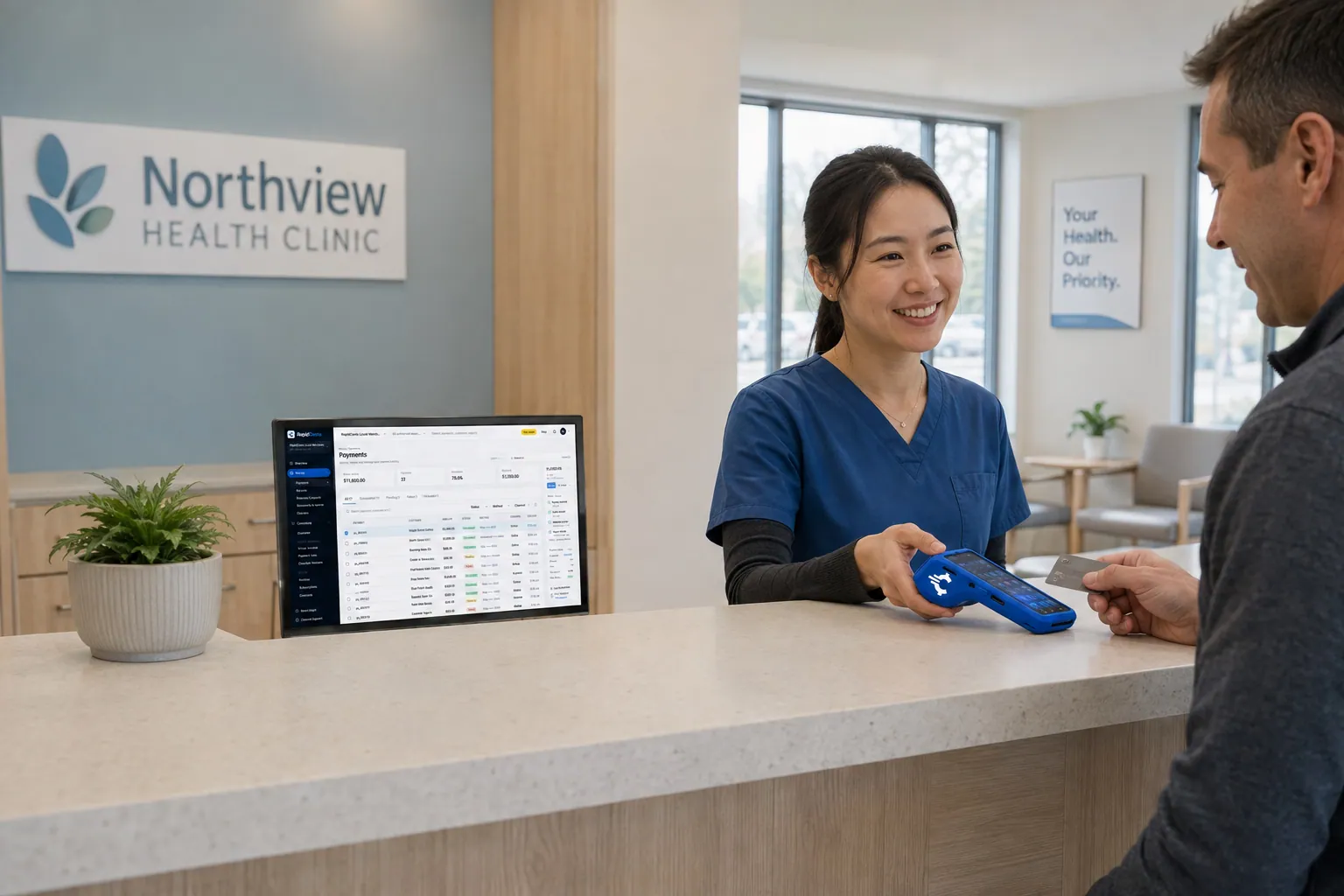
Collect weekly session fees, assessment packages and late-cancellation fees from parents and adult clients, with clean…
Occupational Therapy Practices
Take cards at the clinic or a client's kitchen table, send invoice links to employers and families, and keep…
Telehealth Providers
Collect virtual visit fees before or after the session, handle late cancellations and refunds, and bill memberships and…
Orthodontic Practices
Collect treatment-start deposits and authorized scheduled balances, handle guardian and payer changes, and reconcile…
Pet Groomers
Take grooming deposits by text, the balance and tip at the counter, card payments at the van door and agreed no-show…
Pet Boarding & Daycare
Take stay deposits, checkout balances, daycare packs and approved extra-care charges at the front desk, by phone or by…
Florists
Take counter sales, phone orders, wedding deposits and online orders with receipts, order references and delivery…
Clothing Boutiques
RapidCents gives clothing boutiques counter terminals, online checkout and pop-up acceptance under one setup, with…
Shoe Stores
Take special-order size deposits, online pickup payments and exchanges at the counter, by link or online, with settled…
Electronics Stores
Take high-value card purchases in store, online and by phone, keep delivery and return records tied to the order, and…
Hardware & Home Improvement Stores
RapidCents helps hardware and home improvement stores take card payments at the counter, in the yard and by link, and…
Butcher & Seafood Markets
Take card payments at the counter, collect deposits on holiday and custom-cut orders, and settle the final amount after…
Pizza Restaurants
Take card payments for pizzeria phone orders, scheduled pickups, web orders and doorstep delivery, with tips and…
Ice Cream & Dessert Shops
Card acceptance for scoop counters, seasonal kiosks, event stands and custom cake orders, with one dashboard that shows…
Swim Schools
Collect term registrations, family payments, installment schedules and make-up credits for your swim school, in person…
Music Schools
Bill weekly lessons, term tuition, instrument rentals and recital fees to parents and adult students, with one clear…
Escape Rooms
Take group deposits when players book, collect balances and add-ons at the desk, and invoice companies for team events…
Tour & Adventure Operators
Take booking deposits and final balances online, by payment link or by phone, handle weather refunds with a clear…
Computer & Phone Repair Shops
Take diagnostic fees, remote parts deposits and pickup balances at the counter or by payment link, and keep each…
Bicycle & E-bike Shops
RapidCents helps bicycle and e-bike shops collect special-order deposits, repair balances, service plan payments and…
Appliance Stores
Take special-order deposits in store, collect delivery balances by mobile terminal or payment link, and reconcile every…
Dental Suppliers
From monthly consumables reorders to chair and imaging deposits, collect what clinics, dental labs and group practices…
Veterinary Suppliers
Get invoices, standing orders and equipment deposits paid by the veterinary practices, clinic groups and animal…
Medical & Surgical Suppliers
RapidCents helps medical and surgical suppliers collect hospital, clinic and practice invoices, equipment deposits and…
Laboratory & Scientific Suppliers
Collect on lab purchase orders, instrument deposits and staged deliveries, with the PO and order reference kept on…
Pharmaceutical Wholesalers
Collect pharmacy account invoices, balances and deposits with payment links, invoicing and reporting that fit your…
Restaurant Suppliers
For dealers and distributors that sell kitchen equipment, smallwares and consumables to restaurants and need to collect…
Grocery & Food Distributors
Get paid for every delivery to grocery stores, restaurants and institutional kitchens, with shorts and damages credited…
Produce Wholesalers
Collect on final weights, apply quality credits to the right delivery, and keep market-day pickup sales apart from…
Meat & Seafood Wholesalers
Invoice catch-weight orders, collect on scheduled deliveries and settle freshness credits with card, link and invoice…
Beverage Distributors
Collect route invoices, container deposits and account balances from the stores, cafes and venues you deliver drinks…
Bakery & Ingredient Suppliers
Collect from the bakeries and food manufacturers you supply: repeat flour orders, seasonal bulk deposits and account…
Janitorial & Sanitation Suppliers
Bill standing supply orders, collect facility and institutional invoices remotely and take payments at your will-call…
Packaging Suppliers
Take the production deposit once a proof is approved, bill each split shipment against one order, and charge repeat box…
Paper & Disposable Suppliers
Collect case and pallet invoices from hospitality and facilities accounts with payment links, stored cards and location…
Tool & Hardware Suppliers
Take trade-counter sales, contractor account invoices, phone orders and tool returns while keeping the job and PO…
Industrial MRO Suppliers
Get paid by the plants, mills and maintenance contractors you supply, from a breakdown order collected at will-call to…
Safety & PPE Suppliers
Collect site-level PPE orders, bulk uniform deposits and repeat replenishment from the construction and industrial…
Plumbing Supply Wholesalers
Collect counter sales, special-order fixture deposits and trade-account statements from plumbing contractors, with…
Electrical Supply Wholesalers
Collect from electrical contractors and facility buyers at the will-call counter, by phone and by invoice link, with…
HVAC Supply Distributors
Collect furnace and condenser deposits, trade counter sales and contractor statement balances, with each payment tied…
Building Material Suppliers
Collect contractor invoices, delivery deposits and job-level balances from the businesses you supply, with card…
Lumber & Timber Wholesalers
Collect from the contractors and dealers you supply: grade-and-quantity invoices, delivered-load balances, job deposits…
Roofing Material Distributors
Collect roof-package deposits, site-delivery balances and will-call sales from contractors, and credit returned bundles…
Flooring & Tile Distributors
Collect lot reservations, special-order deposits, delivery balances and breakage credits from the contractors and…
Concrete & Aggregate Suppliers
Collect on confirmed load tickets, dispatch deposits and site-referenced delivery charges from the contractors and…
Steel & Metal Suppliers
Take deposits on cut-to-size orders, collect delivery balances once the final weight and freight are confirmed, and…
Industrial Chemical Suppliers
Collect plant-account invoices, deposits on drum, tote and bulk orders and returnable container charges with PO…
Plastics, Rubber & Resin Suppliers
Collect grade-specific deposits, call-off release invoices and out-of-spec return credits from the manufacturers you…
Tire Wholesalers
Collect dealer preseason orders, staged balances and return credits from the tire shops you supply, with a clear…
Truck & Fleet Parts Suppliers
RapidCents helps heavy duty parts distributors collect urgent pickup orders, depot account balances and fleet invoices…
Industrial Equipment Suppliers
Collect deposits, shipment and commissioning balances, and spare-parts reorders from the businesses you sell machinery…
Agricultural Input Suppliers
Collect seasonal farm invoices, deposits and cooperative account balances by card, payment link or bank payment, with…
Feed & Farm Supply Wholesalers
Collect delivered-feed invoices, bulk quantity adjustments and repeat orders from farm accounts by card, payment link…
Computer & IT Distributors
RapidCents helps computer and IT hardware distributors collect approved reseller invoices, hardware deposits and…
Electronic Component Distributors
Collect purchase order invoices, allocation deposits and partial-shipment balances from the manufacturers and buyers…
Office & School Suppliers
Collect payment from schools, districts and offices that buy stationery and supplies from you, with purchase order…
Commercial Furniture Suppliers
RapidCents helps commercial furniture suppliers collect fit-out deposits, delivery balances and installation payments…
Apparel, Textile & Uniform Wholesalers
Collect production deposits, partial seasonal shipments and size-exchange credits from the retailers and organizations…
Beauty & Salon Suppliers
Collect reorder invoices, equipment deposits and phone orders from salon trade accounts, with references that match…
Pet Product Wholesalers
Collect from pet retailers on approved invoices, trade-account reorders and credits, with every payment tied to the…


No industries match. Clear the search, or choose “All”.
How the industry pages are organized
The directory brings all 199 industry pages together in one place. Each page belongs to a sector, such as healthcare and wellness, trades and contractors, or food and hospitality, and links to related pages in that sector. Among them are 40 specialist pages for businesses that collect money differently from their broader sector, and 40 wholesale supplier pages for businesses that sell to other businesses.
Sectors and related industries
Industry pages are grouped into sectors such as healthcare and wellness, trades and contractors, food and hospitality, retail and personal care, membership and recurring, and professional and B2B. Every page links to related industries with similar payment patterns, so you can compare businesses that collect money the same way before you settle on one page.
Specialist pages under a broader page
Specialist pages cover businesses that collect money differently enough from their broader sector to need their own page: Auto Repair Shops and Tire Shops under Automotive, Orthodontic Practices under Dental Clinics, Pizza Restaurants under Restaurants, Nail Salons under Salons & Spas, and Locksmiths under Home Services. The broader page lists its specialists, and each specialist links back to it.
Wholesale supplier pages under B2B & Wholesale
Forty supplier pages sit under B2B & Wholesale, grouped by what the supplier sells: healthcare and laboratory; foodservice and food distribution; business consumables and packaging; industrial and trade supplies; building materials; industrial materials; vehicle, equipment and agriculture supply; and technology, office and merchandise. They are written for the supplier collecting invoices, deposits and account balances from business customers.
Supplier or end business: pick your side
Suppliers selling to clinics, restaurants or contractors have their own pages, separate from the businesses that collect from their own customers. A dental distributor belongs on Dental Suppliers, while a clinic taking patient payments belongs on Dental Clinics. The same split applies to Restaurant Suppliers and Restaurants, and to Plumbing Supply Wholesalers and Plumbing Contractors.
Gas Stations
Fuel retailers have their own Gas Stations page. In-store checkout on RapidCents payment terminals is the starting point. Pay-at-the-pump and forecourt controller or dispenser connections depend on your exact equipment, and your RapidCents representative will walk you through the options. Fleet cards work through the specific programs we support. Oil & Energy remains the page for fuel delivery invoices and energy field services billed on account.
EV Charging Stations
Charge point operators and site owners who collect the money have their own EV Charging Stations page. Guest payment by terminal, kiosk or web checkout is set up around your deployment. Because the final amount is known only when a session ends, we agree the flow from authorization to final charge with you before launch, and your representative matches it to your charger platform, vendor and version.
What every industry page covers, and how to compare providers with it
Every industry page follows the same structure, so you can compare providers on the same facts. It lists the industry's payment jobs, follows the main workflows through real situations, names the software common in the industry and how RapidCents connects to it, sets out what drives cost under interchange-plus pricing, and gives the steps to switch, including what happens to stored cards and open invoices.
Payment jobs and real situations
Each page names who pays, what triggers each charge, how it is collected and what record finance gets, then follows the main workflows through the situations that come up: declines, partial payments, refunds and disputes. Use that list as a checklist, and ask each provider you compare how it would handle every job.
Software connections
Each page names the software common in that industry. RapidCents integrates with many major platforms through APPIE and RapidBridge, and RapidBridge ships ready-made detection packs for 178 web-based business applications, so payments post inside the software you already use. The right option depends on your vendor and version; your RapidCents representative will walk you through it. Payments can also run standalone and reconcile from reports.
Cost drivers under interchange-plus
Interchange is set by the card networks and varies with card type, such as debit, credit, premium or commercial, and with how the card is taken: tapped or inserted versus keyed or online. RapidCents passes it through at cost and adds your markup, set out in your Fee Schedule, plus fees for equipment or services, if applicable. Agreements are month to month, with no fixed term.
Switching and reconciliation
Once your account is approved, switching follows the steps on your industry's page: list stored cards, recurring schedules, open invoices and pending refunds; test a sale, a refund and a deposit before moving live payments; map payment references to your software; and reconcile deposits to your ledger. Moving stored card tokens between processors needs both providers to agree, so plan to collect cards again where they cannot move.
A section for your country
Each page includes a section for the country of your merchant account, covering the debit and bank payment methods available there, the settlement currency and local points worth knowing. Your RapidCents representative will show you what is enabled on your account before you build a workflow around any method.
Payment options for businesses in Canada
Across industries, a business in Canada can take Interac debit and Visa, Mastercard and American Express credit in person, card payments online, by link or by phone, and EFT bank payments through pre-authorized debit (PAD) where enabled, all settled in CAD. Which methods fit depends on how your industry gets paid, and which are active depends on your merchant account.
Interac debit at the counter
In stores, restaurants, clinics and salons, customers often pay with Interac debit by chip and PIN or contactless tap on a RapidCents payment terminal. Debit and credit cost differently under interchange-plus pricing, so an industry where most tickets are paid by debit has a different cost profile from one paid mostly by credit.
EFT and PAD for invoices and recurring billing
Suppliers, property managers, clubs and other businesses that bill on a schedule can collect by EFT under a signed pre-authorized debit (PAD) agreement, where bank payments are enabled on your account. A returned debit can arrive days after the payment was submitted, so wait for funds to clear before you mark an invoice or installment paid.
GST/HST, provincial tax and records
GST/HST, and provincial sales tax such as QST in Quebec where it applies, appear on receipts and invoices as your POS or invoicing software calculates them. The payment record carries the total charged and settles in CAD; tax filing stays with your accounting.
Questions before you choose an industry page
My industry is not listed. Can RapidCents still process payments for me?
Usually, yes. The industry pages describe the payment patterns RapidCents sees most often; they are not a complete list of the businesses we serve. The Acceptable Use Policy is the document that decides which activities RapidCents does not process for and which need a review before they can process. If your activity is not named on any page, ask before you apply, and describe what you sell, how customers pay and when you deliver.
Is pricing different by industry?
The pricing model is the same in every industry: interchange-plus. Interchange is set by the card networks and passes through at cost, and your RapidCents markup is set out in your Fee Schedule, plus fees for equipment or services, if applicable, month to month with no fixed term. What differs by industry is the interchange itself, because it varies with card type and with how cards are taken. A restaurant tapping debit cards and a wholesaler keying commercial cards pay different totals for that reason. Fee Check shows the split on your current statement.
How do I choose an industry page when my business fits several?
Start with the payment job that brings in most of your revenue, then read the pages for your other jobs. A contractor that invoices builders and also sells at a counter may use both the trades and retail pages, and a specialist page, such as Orthodontic Practices under Dental Clinics, fits better than its broader page when its workflow matches yours. When you apply, describe every activity rather than the closest-sounding category, because onboarding classifies the business from what it actually does.
Which payment options can a business in Canada offer?
A business in Canada can offer Interac debit and Visa, Mastercard and American Express credit in person, card payments by Payment Link, Hosted Checkout or Virtual Terminal, recurring card charges with the customer's authorization, and EFT bank payments by pre-authorized debit (PAD) where enabled, all settled in CAD. A business in the United States works with credit and debit cards, including PIN debit where supported, and ACH bank payments settled in USD instead. Which methods are switched on depends on your merchant account and what you sell, and your RapidCents representative will set them up with you during onboarding.
Does being listed in the directory mean my business will be accepted?
A listing shows how payments work in your industry; your application is reviewed on its own. Underwriting looks at what your business actually sells, how and when it delivers, its refund terms, whether payments repeat and its processing history, not at the industry label.
Which industries face extra underwriting or a reserve?
Industries where the card networks see more chargeback risk get a closer review: deferred or future delivery, subscriptions and memberships, travel and high average tickets. A reserve may be required in some of these cases; the KYC policy and clause C.7 of the Services Agreement describe when one applies and how it is held. Underwriting judges your actual delivery timing, refund terms and ticket sizes, so two businesses in the same industry can be treated differently.
Does RapidCents onboard cannabis or gambling businesses?
No. RapidCents does not onboard cannabis businesses, licensed or not, including dispensaries, producers and sellers of CBD or hemp-derived products, and it does not onboard gambling businesses of any kind: casinos, sports betting, lotteries, poker and any game of chance or skill played for money or a prize of value. Holding a license does not change that. On this site, the Gaming page means video games and gaming applications only, and the Acceptable Use Policy lists every prohibited and restricted activity.
Can RapidCents connect to the software my industry uses?
RapidCents integrates with many major platforms through APPIE and RapidBridge, so most businesses keep the software they run today. RapidBridge takes RapidCents payments inside web-based business software, and APPIE lets the point-of-sale software you already use drive RapidCents terminals. For accounting, settled transactions, fees and refunds connect to QuickBooks Online and Xero, and SAP and NetSuite import settlement files. The right option depends on your vendor and version; tell your RapidCents representative which system you use, and they will walk you through it.
Can one account cover several locations or lines of business?
Several locations, yes. Multi-Location gives each location its own merchant ID with staff permissions and roll-up reporting, so sales and deposits can be read per site or together. A second brand or a materially different line of business is another matter: you disclose it to us under clause G.1 of the Services Agreement before it processes on the account. Tell onboarding about every activity at the start.
Take the next step
See what you pay to accept cards today
Upload a recent processing statement to Fee Check. It separates the interchange on your card mix from the markup you pay now, so you can compare a RapidCents interchange-plus quote on the same payments, whatever your industry.
- No obligation
- Canadian payment specialists
- Secure statement upload



