


Hierarchy and roll-up reporting
Manage locations, permissions and consolidated reporting at scale
Multi-location payments organize stores, franchises and regions into a hierarchy, each site holding its own MID and deposit account, with consolidated reporting above them. RapidCents lets headquarters compare sales, deposits and dispute rates across the chain and drill into a single store, while a regional manager sees only assigned territory. Chargebacks can be handled centrally on behalf of locations, and terminal inventory tracks which device sits where and when it last closed a batch.
- Location tree with regional roll-up reporting
- Centralized dispute inbox for the chain
- Location-scoped user permissions

- Unlimited location tiers
- SOC 2 Type II
- Regional manager roles
- Consolidated and drill-down reports
- Central terminal inventory
Who it's for
Retail chains
Compare store performance and standardize checkout hardware.
Restaurant groups
Roll up tips and sales by region and brand.
Franchisors
Monitor franchisee compliance and deposit timing.
Core capabilities
Location hierarchy
Organize sites under regions, brands or franchise groups.
Roll-up reporting
Consolidated totals with drill-down to single store.
Scoped permissions
Managers access only assigned locations.
Centralized disputes
HQ handles chargebacks on behalf of locations.
Terminal inventory
Track device assignment and last batch by store.
How it works
Define hierarchy, HQ, regions and locations.
Assign MIDs and terminals to each site.
Invite regional managers with scoped access.
Review roll-up dashboard weekly.
Export consolidated settlement for corporate accounting.
Multi-location operations
Regional sales review
Compare week-over-week by territory on roll-up report.
New store opening
Clone config from flagship; assign terminal shipment.
Central dispute response
HQ uploads evidence for location chargeback.
Franchisee audit
Review deposit timing variance across franchisees.
Dashboard and reporting
Transactions, deposits and exceptions visible in the RapidCents merchant dashboard.
Try it, edit values and click buttons
Merchant dashboard
- Today
- $4,218
- Deposits
- $12,482
- Disputes
- 2 open
- In-person
- $842
- Online
- $1,104
- Virtual terminal
- $392
Demonstration data only
Integrations
ERP consolidation
Export roll-up to NetSuite or SAP.
SSO enterprise
Central identity for multi-location staff.
Franchise POS sync
Location ID maps across integrated POS fleet.
Works with Multi-Location
Capabilities on the same account, so the parts below connect without a second integration or a second contract.

The RapidCents payments screen: gross volume, payment count, acceptance rate and refunds across the top, a filterable transaction list below, and a money timeline on the right tracing one payment from capture to planned payout. Merchant dashboard
Transactions, deposits, refunds and disputes across every channel in one place.
Explore
A merchant reviews RapidCents reports for volume, mix and payouts, with the terminal that took the sales on the desk. Reporting and reconciliation
Deposit-level detail that ties settlements back to the transactions behind them.
Explore
The RapidCents Rivo Go on a counter, the flagship of the Rivo line of countertop, mobile and compact card terminals. Payment terminals
Countertop, mobile and smart terminals for tap, chip and swipe at the counter.
Explore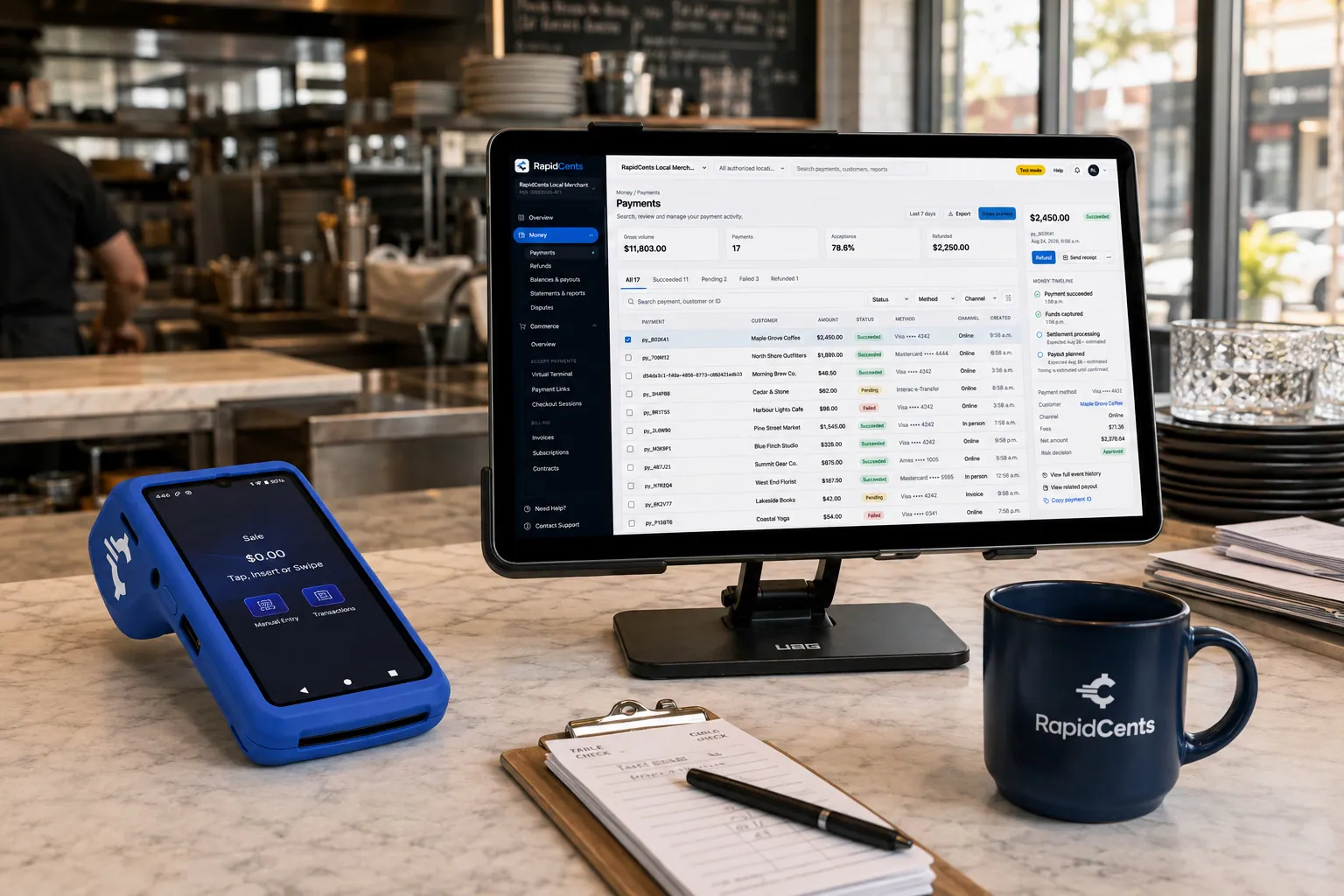
Tableside card capture on a RapidCents terminal in a restaurant, with the POS and payments dashboard on the pass. Restaurant POS
Tableside ordering, tips, course firing and split payments.
Explore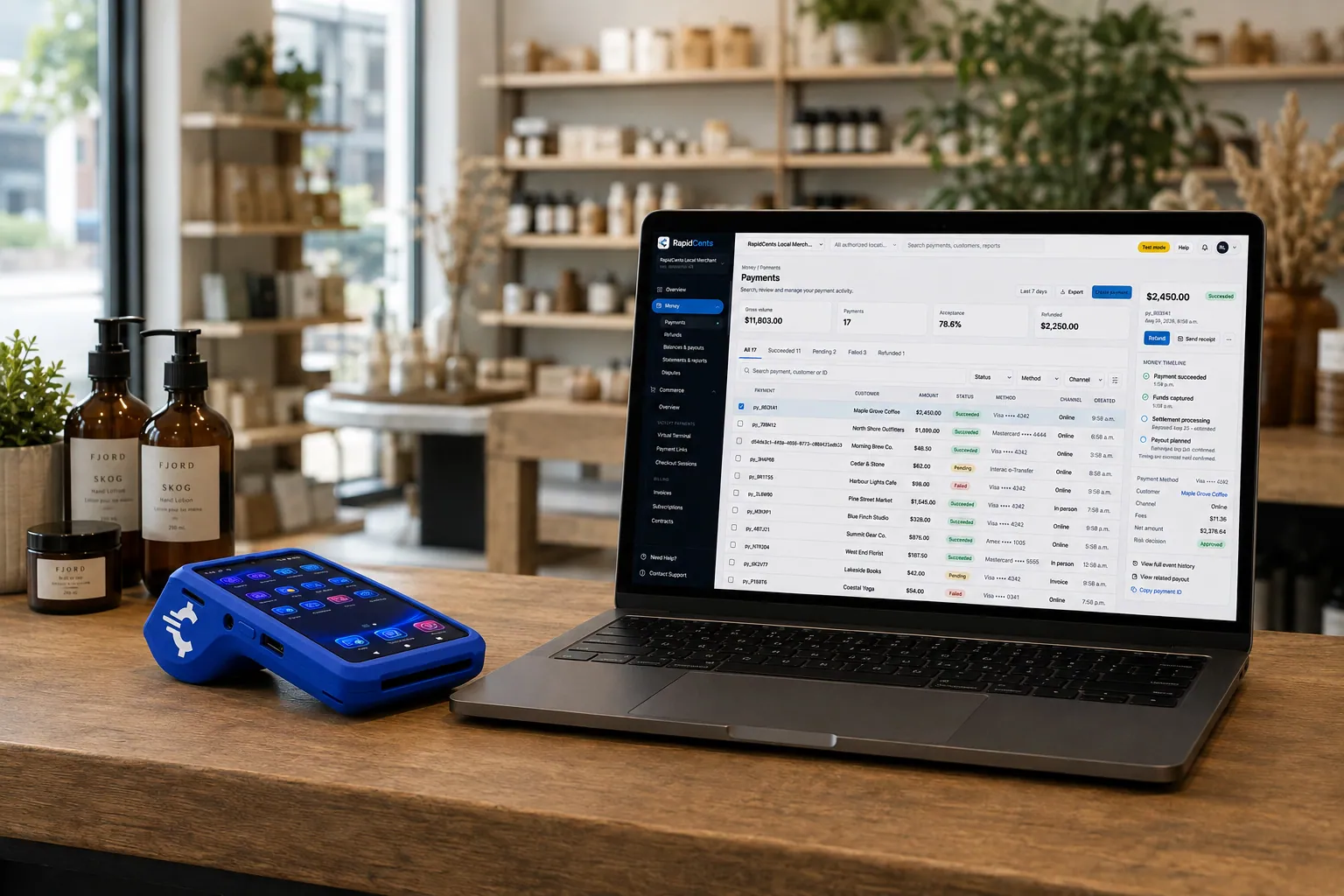
A retail counter ringing a basket on RapidCents POS, terminal taking the card and the dashboard showing the sale. Retail POS
Fast checkout with inventory, variants and omnichannel stock.
Explore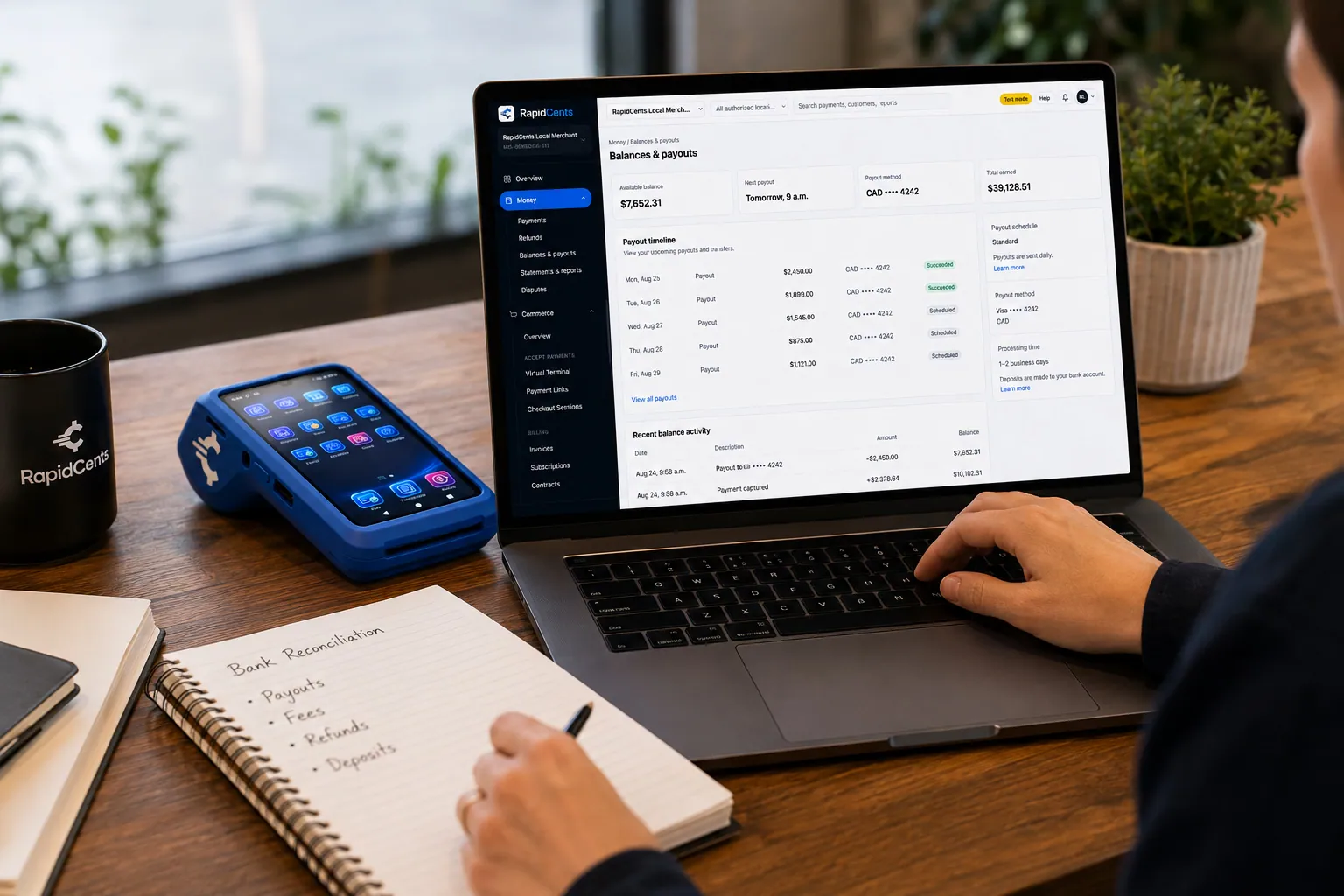
A merchant reviews RapidCents funding against live sales, with the terminal that generated those sales beside the laptop. Deposits and funding
When money lands, what was deducted, and which batch it came from.
Explore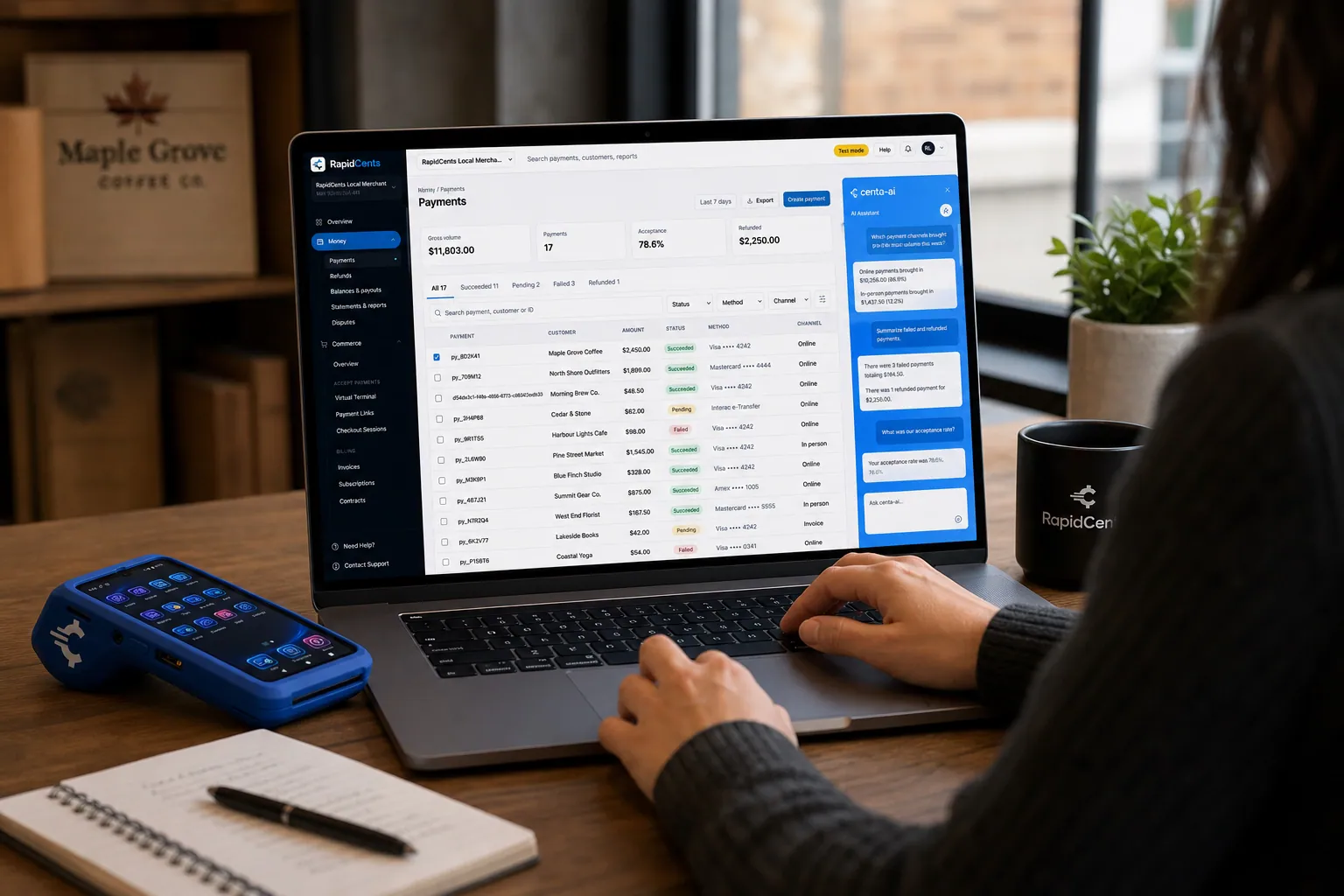
A merchant asks Centa about payments and deposits in the RapidCents dashboard, with a smart terminal on the desk. Centa AI assistant
Sales questions, terminal diagnostics and unusual-activity signals, asked in plain language.
Explore


Security
Territory isolation
Managers cannot view other regions' transactions.
HQ override audit
Corporate actions logged separately.
Device assignment controls
Prevent terminal use at unassigned location.
Implementation
Hierarchy design
Workshop to map regions and permission model.
Bulk MID setup
Provision locations in batch during expansion.
Manager training
Roll-up reports and scoped search.
Go-live wave
Phase regions to reduce support load.
Pricing
Enterprise multi-location
Per-location processing rates apply. Enterprise hierarchy features included on qualifying accounts.
Questions about Multi-Location
Separate bank accounts per location?
Yes. Each location MID can deposit to designated account.
Franchisee dashboard access?
Franchisees can get scoped login to their units only.
Minimum locations?
Multi-location features activate at three or more sites typically.
At how many sites does multi-location become worth using?
The hierarchy features typically activate at three or more sites, which is also about where manual roll-up stops working. Below that, filtering the standard dashboard by location is usually enough. Above it, the reason to adopt is scoped permissions and one dispute inbox rather than the reporting alone.
Can each store deposit into its own bank account?
Yes. Each location holds its own MID and can settle to a designated account, which is what franchise and partner-owned models require. Roll-up reporting still consolidates above them, so headquarters compares performance without the money passing through a single account.
How do I stop a regional manager seeing other regions?
Territory isolation scopes a user to assigned locations only, so transactions elsewhere in the chain are not visible. Corporate override actions are logged separately from location activity, which is what makes an HQ intervention auditable rather than indistinguishable from a store's own work.
What is involved in opening a new location?
Clone the configuration from an existing store and assign the terminal shipment, and the new site inherits the batch policy and reporting structure the chain already uses. Device assignment controls prevent a terminal being used at a location it was not assigned to, which keeps the inventory record honest.
Related products
The RapidCents payments screen: gross volume, payment count, acceptance rate and refunds across the top, a filterable transaction list below, and a money timeline on the right tracing one payment from capture to planned payout. Merchant Dashboard
The RapidCents merchant dashboard gives owners, managers and finance staff a single signed-in view…
ExploreA merchant reviews RapidCents reports for volume, mix and payouts, with the terminal that took the sales on the desk. Reporting
RapidCents reporting delivers customizable transaction, settlement and fee reports with CSV and PDF…
Explore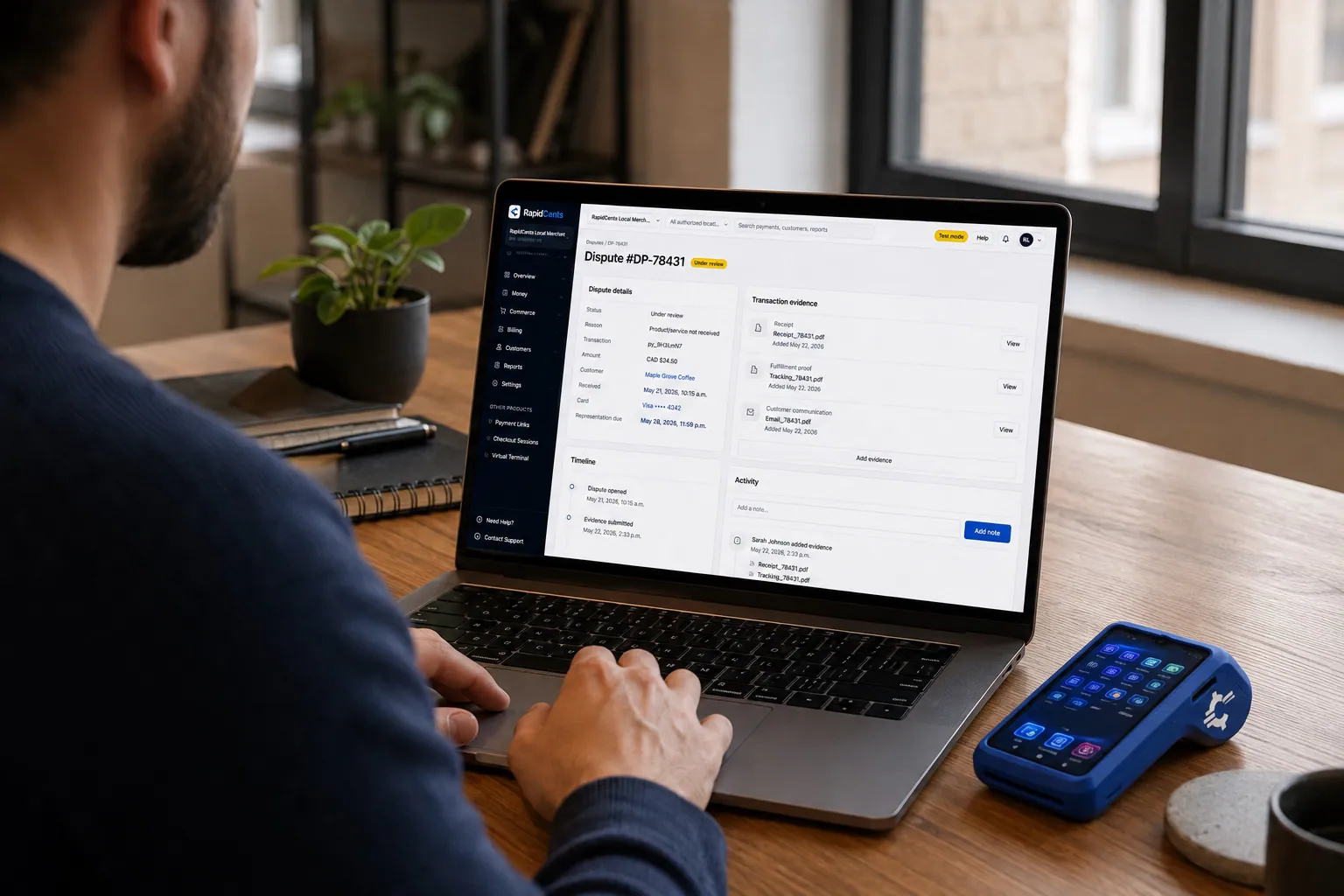
A merchant works a RapidCents dispute case on the dashboard, with the original terminal sale still on the desk. Disputes
RapidCents disputes centralizes chargeback notifications, response deadlines and evidence upload in…
Explore

Industries that run on Multi-Location
Fast Food & QSR
Quick-service and fast-food operators need high-throughput contactless terminals…
Hotels & Hospitality
Hotels manage deposits, folio charges, multi-property settlement and contactless checkout…
Grocery
Grocers and markets accept EBT where supported, contactless lanes and online pickup…
Sporting Goods
Sporting goods stores swing hard by season, run a service counter for tuning and fitting…
Vending & Unattended Retail
Unattended machines and kiosks take contactless payments with nobody on site, which makes…
Car Dealerships
Dealerships take a card deposit to hold a vehicle, cap card payment on the purchase…
Security Guard Services
Guard companies bill monthly contracts per site and hourly overage for events, with…
Amusement & Attractions
Attractions sell day tickets, season passes and on-site food and games, with peak days…
Take the next step
Talk to a RapidCents specialist
RapidCents Fee Check reads a processing statement and shows interchange separately from the markup. Upload a statement for an instant breakdown, or open a merchant account and start accepting payments on one account.
- No obligation
- Canadian payment specialists
- Secure statement upload



