


Fixed-lane checkout
Countertop terminals built for high-throughput checkout lanes
A countertop terminal is a fixed payment device wired at a retail counter, a restaurant host stand or a reception desk. RapidCents countertop models run on Ethernet with Wi-Fi failover, include an integrated thermal receipt printer and a large contactless tap zone, and support secure PIN entry for Interac debit. Staff run sales, tips, refunds and batch close from the keypad, and every transaction syncs to the merchant dashboard for lookup and reconciliation.
- Fast contactless tap zone for high-volume lanes
- Ethernet and Wi-Fi with optional printer
- Semi-integrated POS support on certified partners

- EMV and Interac certified
- SOC 2 Type II
- All-day lane reliability
- Remote diagnostics
- Canadian replacement stock
Who it's for
Retail checkout
High-volume lanes need durable hardware and fast tap-to-pay.
Quick-service restaurants
Counter staff process orders without leaving the register.
Medical reception
Front desk collects copays with clear receipt for patients.
Core capabilities
Dual connectivity
Ethernet primary with Wi-Fi failover for uninterrupted acceptance.
Integrated printer
Thermal receipts with merchant branding and item detail when integrated.
Quick batch close
End-of-day totals with variance alerts before deposit reconciliation.
Partial approval handling
Clear prompts when cards approve less than requested amount.
Standalone amount entry
Key-enter totals when running without integrated POS.
How it works
Confirm lane count and network drops at each counter.
Select countertop model with or without printer.
Install and run test sale with contactless card.
Train staff on tip, void and refund flows.
Monitor batches and device health in dashboard.
Countertop use cases
Retail sale with bag fee
Cashier enters total; customer taps debit or credit.
Restaurant takeout
Host swipes card for phone orders at the front counter.
Partial refund at counter
Manager issues return to original card with receipt reprint.
Scheduled auto batch
Terminal closes batch nightly; deposit appears next business day.
Dashboard and reporting
Transactions, deposits and exceptions visible in the RapidCents merchant dashboard.
Try it, edit values and click buttons
Merchant dashboard
- Today
- $4,218
- Deposits
- $12,482
- Disputes
- 2 open
- In-person
- $842
- Online
- $1,104
- Virtual terminal
- $392
Demonstration data only
Integrations
Lightspeed Retail
Item-level totals push from POS to terminal.
Standalone retail
Amount-only mode for simple checkout without POS.
Dashboard alerts
Notify managers when batch close fails or device goes offline.
Works with Countertop Terminals
Capabilities on the same account, so the parts below connect without a second integration or a second contract.
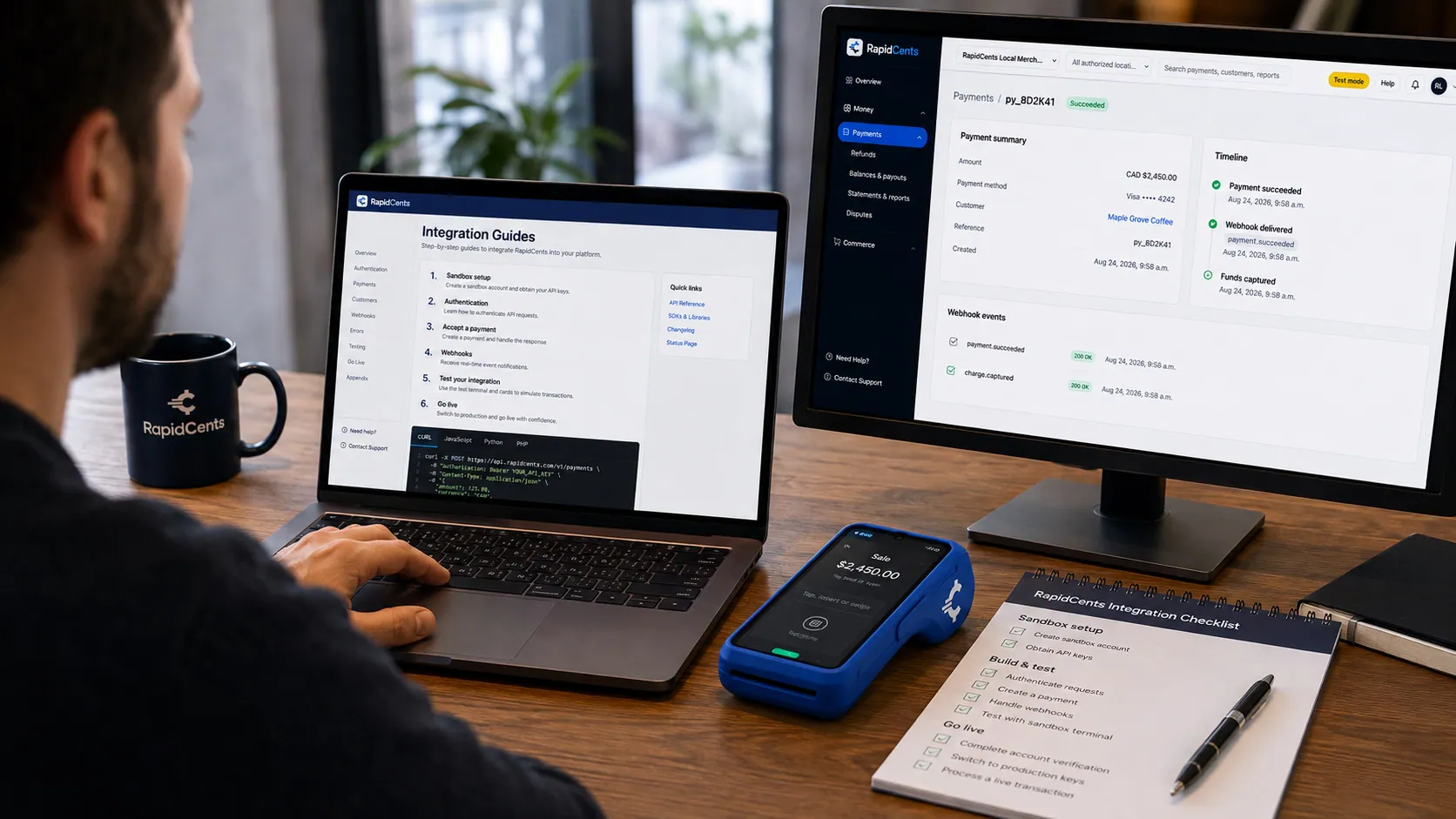
APPIE interoperability on a RapidCents desk: a terminal and host path that can work across processor boundaries. APPIE
The interoperability layer that lets existing point-of-sale software drive RapidCents hardware.
Explore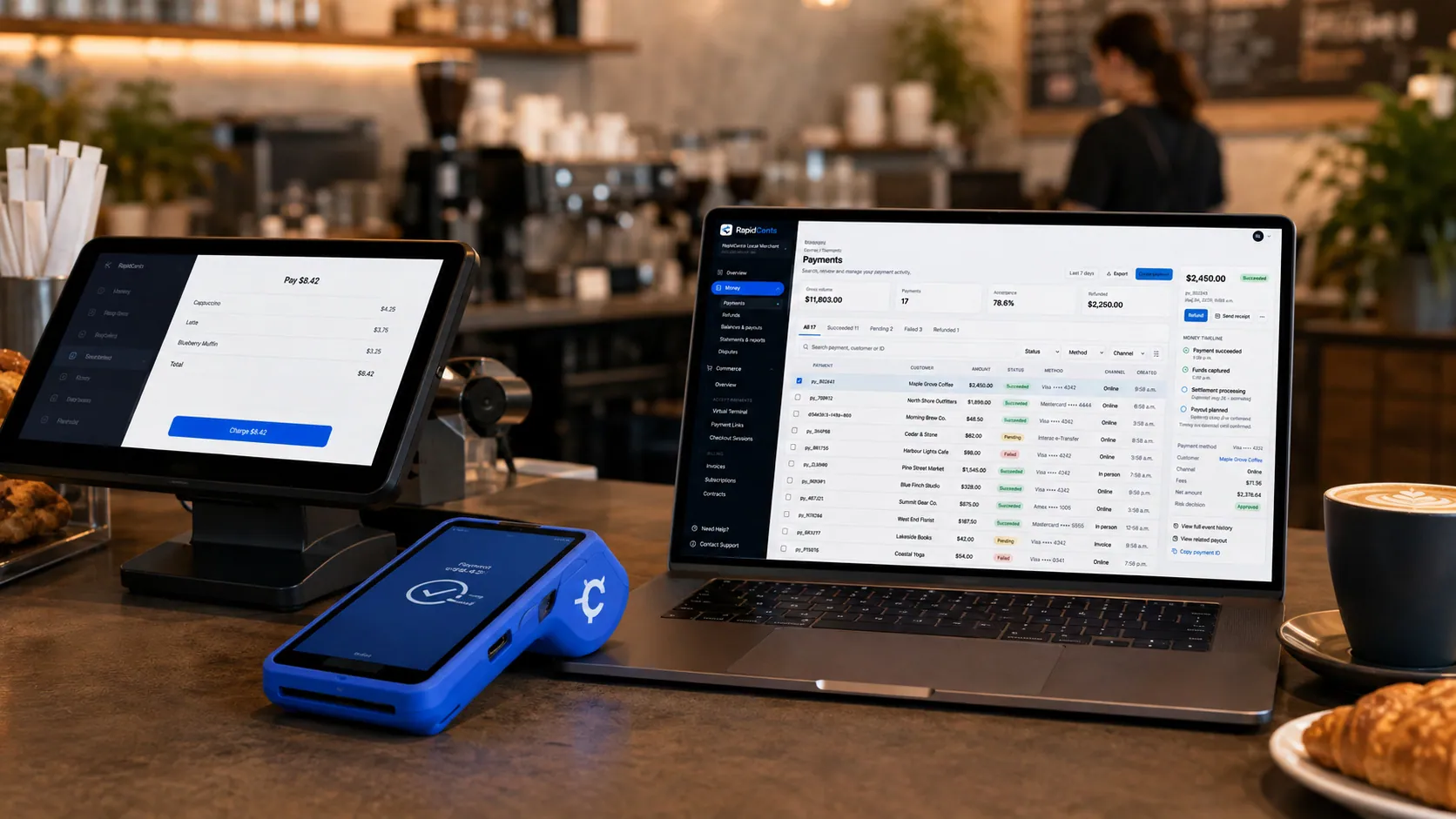
Payments taken inside existing business software through RapidCents, with the terminal and dashboard in the same workspace. Integrated payments
Payments inside the POS, ERP or booking system your staff already use.
Explore
A café worker holds a phone running RapidCents Tap to Pay, showing an $18.75 sale and the contactless symbol, while a customer holds a Visa card to the screen. No separate card reader is present. Tap to Pay
Contactless acceptance on a compatible phone, with no extra hardware.
Explore
The RapidCents payments screen: gross volume, payment count, acceptance rate and refunds across the top, a filterable transaction list below, and a money timeline on the right tracing one payment from capture to planned payout. Merchant dashboard
Transactions, deposits, refunds and disputes across every channel in one place.
Explore
A merchant reviews RapidCents reports for volume, mix and payouts, with the terminal that took the sales on the desk. Reporting and reconciliation
Deposit-level detail that ties settlements back to the transactions behind them.
Explore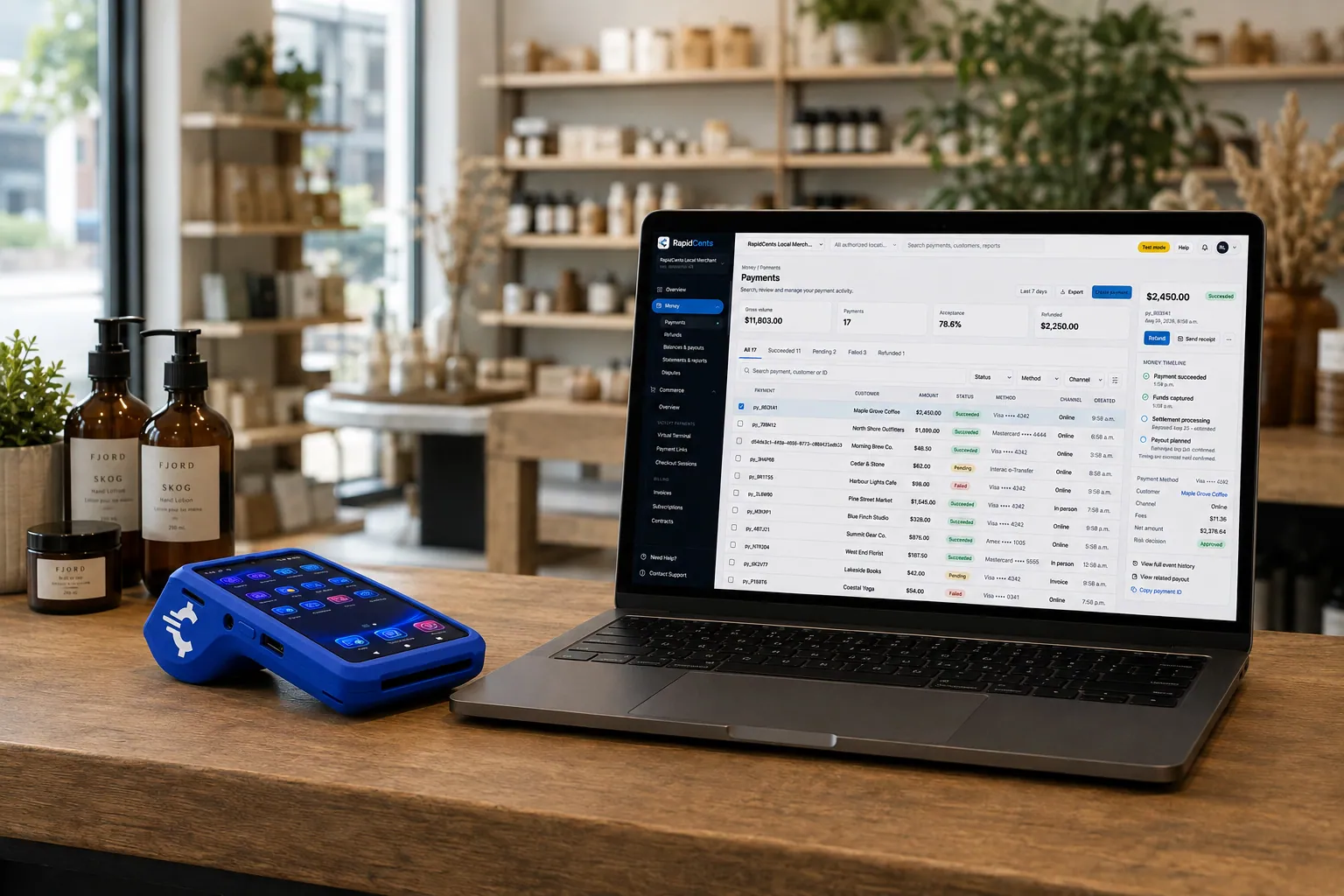
A retail counter ringing a basket on RapidCents POS, terminal taking the card and the dashboard showing the sale. Retail POS
Fast checkout with inventory, variants and omnichannel stock.
Explore


Security
PIN on glass
Secure PIN entry on certified touchscreen.
Encrypted communications
TLS between terminal and host.
Manager override codes
Restrict voids and refunds to authorized roles.
Implementation
Counter measurement
Verify space for terminal and printer.
Network test
Confirm Ethernet or strong Wi-Fi signal.
Provisioning
Device linked before delivery.
Go-live
First live batch verified with support.
Pricing
Hardware pricing
Countertop devices are available for purchase or lease. Processing rates apply per transaction.
Questions about Countertop Terminals
Ethernet or Wi-Fi?
Ethernet is recommended for fixed lanes. Wi-Fi works when cabling is impractical.
Do I need a separate printer?
Many models include integrated thermal printers. Standalone printers are available.
Can one terminal serve two registers?
Typically one terminal per active lane for speed and accountability.
What about Interac debit?
Supported on certified Canadian countertop models with PIN entry.
How much counter space does a countertop terminal need?
Enough for the device, its printer and the customer's hand reaching the tap zone. Models with an integrated thermal printer take one footprint instead of two, which is usually the deciding factor at a narrow retail counter. Ethernet is recommended for a fixed lane, so plan a cable run to the position.
What is the difference between a countertop terminal and a smart terminal?
A countertop terminal is a dedicated payment device with a keypad: fast, durable and focused on taking the card. A smart terminal also runs point-of-sale applications on its screen, so it can ring items as well as take payment. Choose countertop when a POS already handles the selling and you only need the payment leg to be quick.
Can a countertop terminal handle refunds and voids?
Yes. Full and partial refunds go back to the original card and receipts can be reprinted at the counter. Manager override codes restrict voids and refunds to authorized roles, so a cashier cannot reverse a sale without the permission you granted.
What happens if the Ethernet connection drops during service?
Wi-Fi failover takes over on models configured for dual connectivity, so acceptance continues without staff intervention. The dashboard can alert a manager when a device goes offline or a batch close fails, which is how most merchants find out before the next morning's reconciliation.
Related products
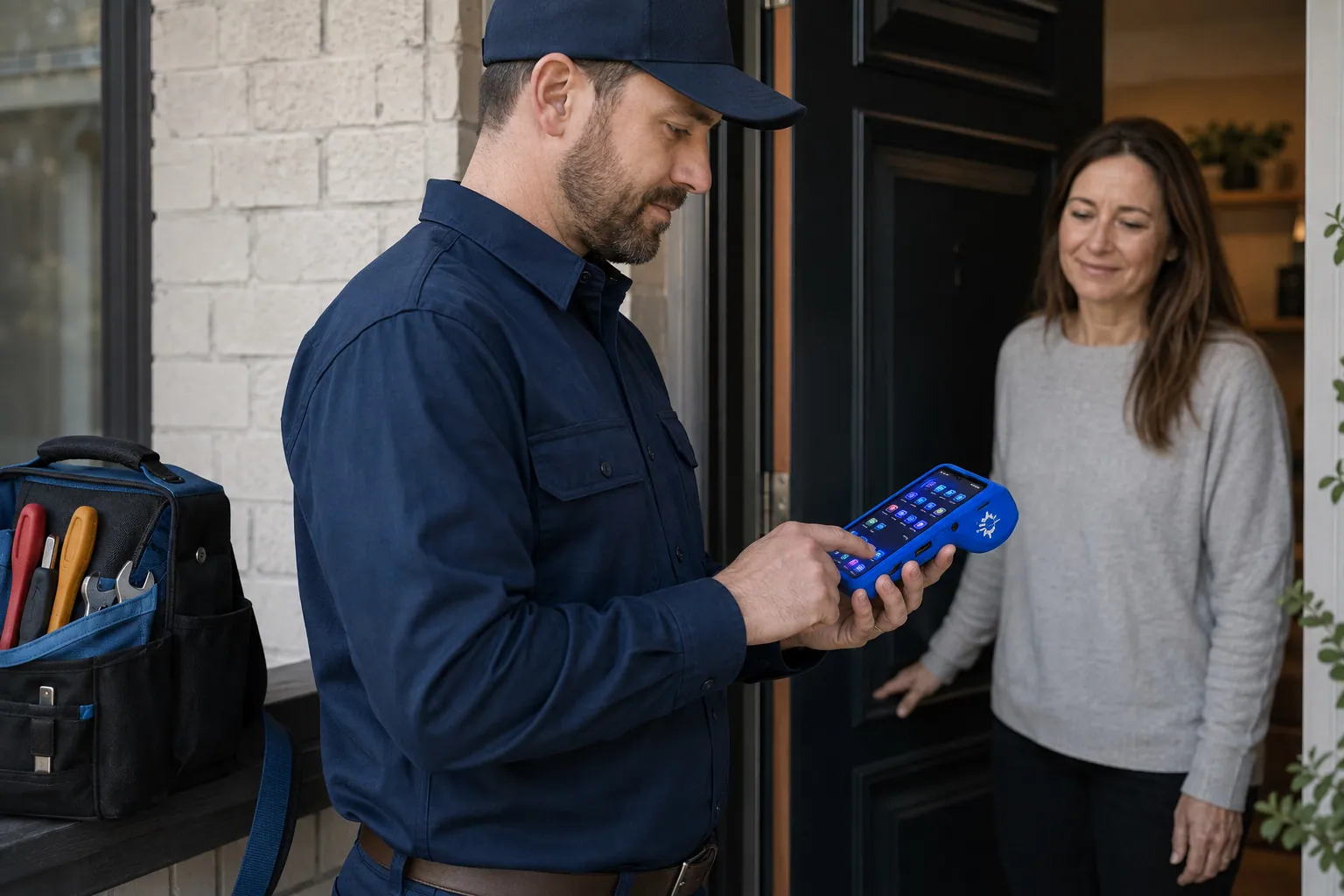
A staff member takes a card payment on a RapidCents handheld terminal, with the same sale appearing on the dashboard. Mobile Terminals
RapidCents mobile terminals are battery-powered wireless devices with LTE and Wi-Fi so staff accept…
Explore
The RapidCents Rivo Go standing upright in its blue silicone case, showing the full-touch sale screen a customer reads across the counter. Payment Terminals
RapidCents payment terminals cover countertop, mobile and smart form factors so you can accept…
ExplorePayments taken inside existing business software through RapidCents, with the terminal and dashboard in the same workspace. Integrated Payments
RapidCents integrated payments connect certified POS and ERP systems so sale amounts, tips, refunds…
Explore


Industries that run on Countertop Terminals
Pharmacies
Independent and specialty pharmacies accept countertop, contactless and phone payments…
Fast Food & QSR
Quick-service and fast-food operators need high-throughput contactless terminals…
Cafés & Bakeries
Cafés and bakeries combine fast counter contactless, pre-order pickup payments and…
Car Wash
Car washes sell memberships, unlimited plans and single washes with fast lane terminals…
Retail
Retailers use countertop terminals, e-commerce checkout, returns and inventory-linked…
Convenience Stores
C-stores need fast EMV contactless, lottery and fuel integrations with reliable…
Grocery
Grocers and markets accept EBT where supported, contactless lanes and online pickup…
Liquor Stores
Liquor retailers comply with provincial rules while accepting countertop and mobile…
Take the next step
Talk to a RapidCents specialist
RapidCents Fee Check reads a processing statement and shows interchange separately from the markup. Upload a statement for an instant breakdown, or open a merchant account and start accepting payments on one account.
- No obligation
- Canadian payment specialists
- Secure statement upload



