


Payment products for businesses in Canada
RapidCents products are the in-person, online, mobile and integrated payment tools on one merchant account. Terminals, Tap to Pay, the payment gateway, hosted checkout, payment links and the merchant dashboard share pricing, settlement and support, so adding a channel does not mean a second processor. For businesses in Canada, confirm Interac, card brands and currency on your account.
- PCI DSS Level 1
- Interac · Visa · Mastercard · Amex
- Interchange-plus available
- Canadian support
Accept payments
RapidCents in-person and online acceptance products — terminals, Tap to Pay, hosted checkout, payment links, invoicing and recurring billing — run on one merchant account, so a counter sale and a payment link settle together.
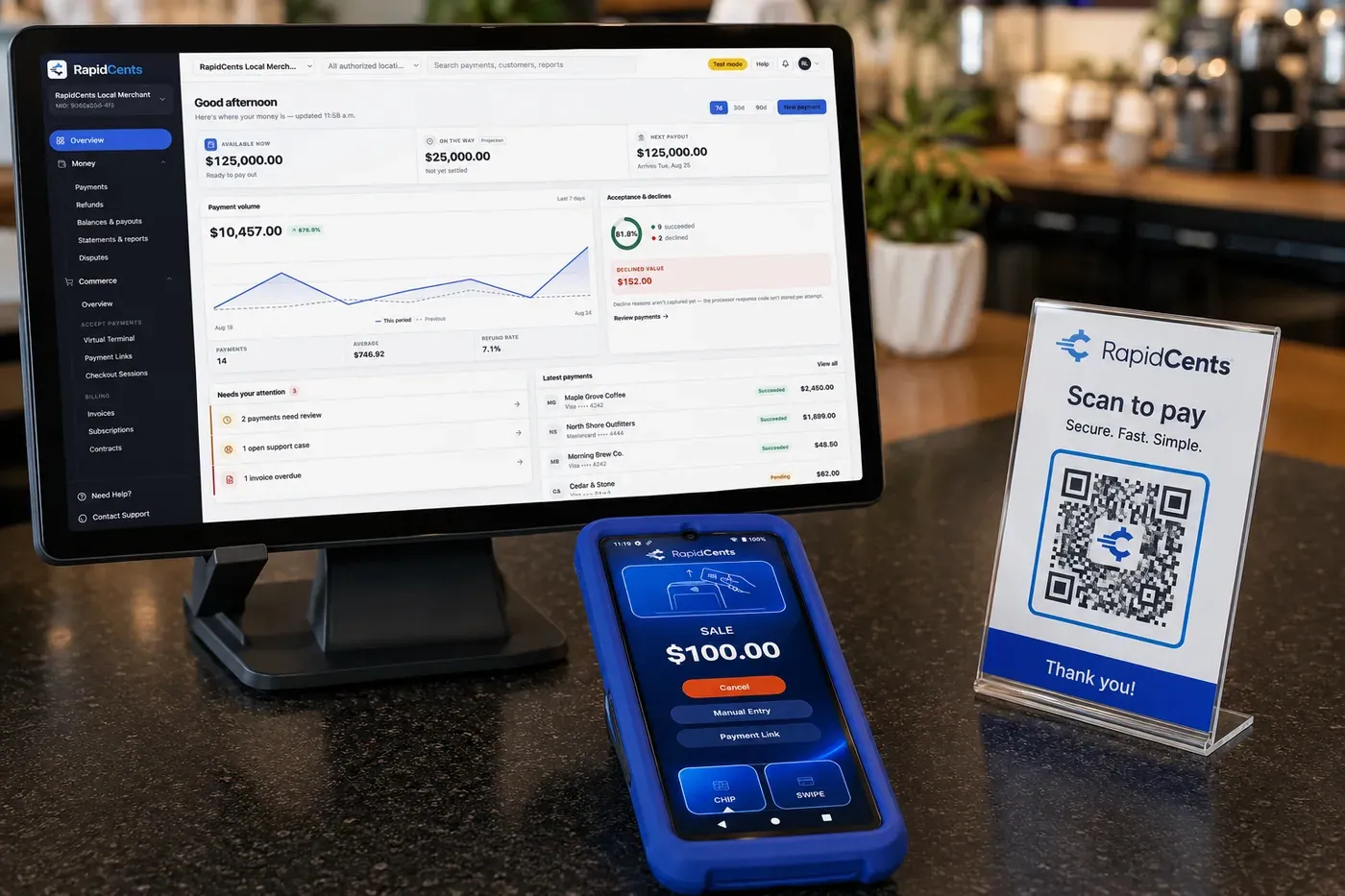
A RapidCents shop counter: the payments dashboard on a monitor showing available balance and the day's volume, a card terminal displaying a $100.00 sale, and a scan-to-pay QR card beside them. Payment Processing
RapidCents payment processing connects authorization, settlement and reporting across in-person, online and…
Explore
The RapidCents Rivo Go standing upright in its blue silicone case, showing the full-touch sale screen a customer reads across the counter. Payment Terminals
RapidCents payment terminals cover countertop, mobile and smart form factors so you can accept chip…
Explore
A café worker holds a phone running RapidCents Tap to Pay, showing an $18.75 sale and the contactless symbol, while a customer holds a Visa card to the screen. No separate card reader is present. Tap to Pay
RapidCents Tap to Pay turns supported iPhones and Android devices into contactless payment terminals without…
Explore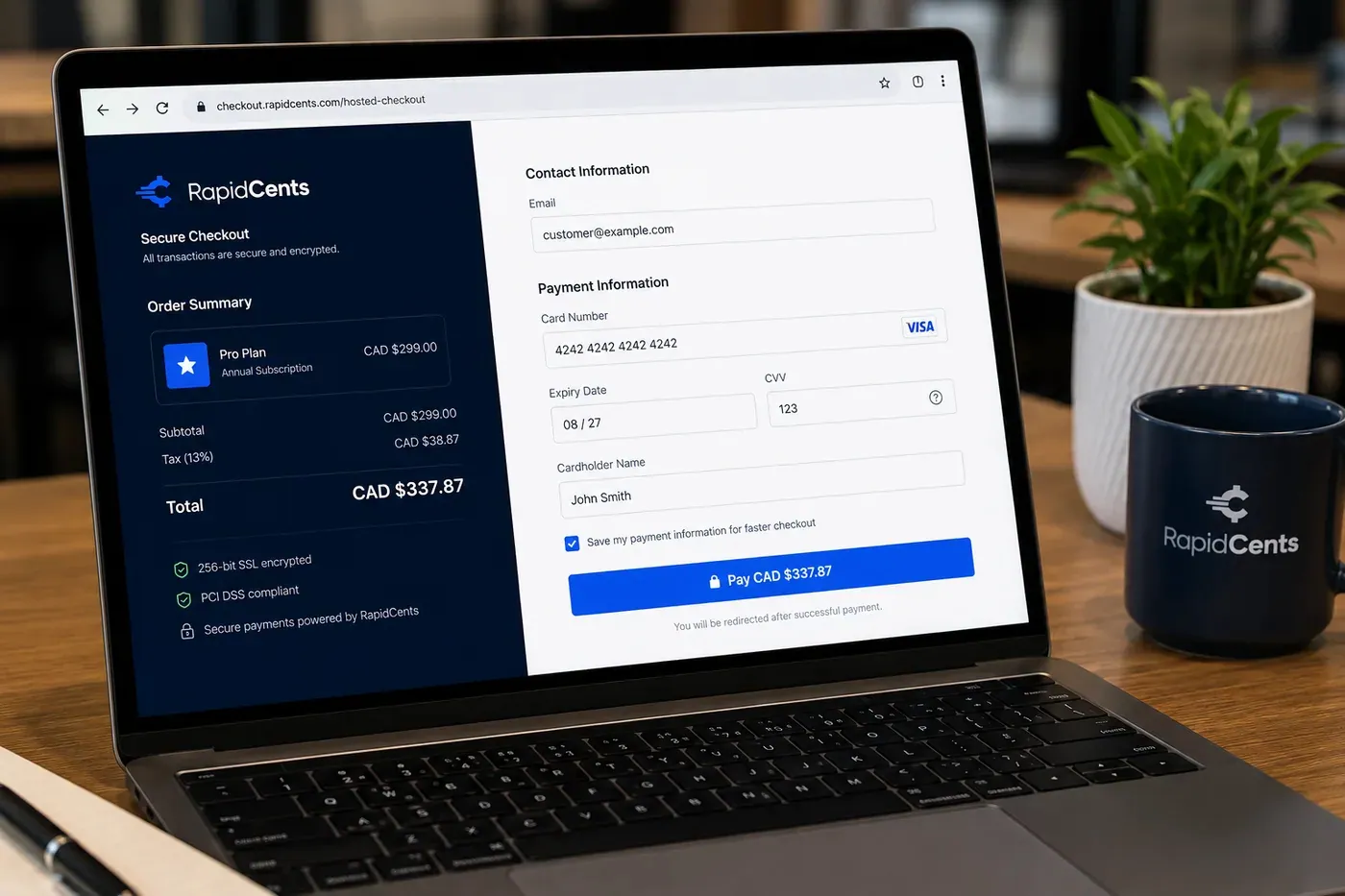
A RapidCents online checkout in a browser, with contact and card fields on the left and an order summary on the right showing the subtotal, tax and total, plus the accepted card brands. Online Payments
RapidCents online payments combine gateway APIs, hosted checkout pages, payment links and 3-D Secure…
Explore
A RapidCents hosted checkout page at checkout.rapidcents.com, with the order summary and totals on the left and the card fields on the right, footed by SSL and PCI DSS assurances. Hosted Checkout
RapidCents hosted checkout delivers PCI-scoped payment pages you redirect customers to or embed via iframe…
Explore
The RapidCents virtual terminal: payment details, card number, expiry and CVV keyed by hand on the left, with a payment summary on the right showing the amount, the estimated processing fee and a Process Payment button. Virtual Terminal
The RapidCents virtual terminal lets authorized staff enter mail-order and telephone-order payments through a…
Explore
The RapidCents payment links screen listing created links with their amount, status, click count and whether they have been paid, beside a phone showing the branded page a customer opens to pay $2,500.00. Payment Links
RapidCents payment links let staff generate branded pay-by-link URLs for invoices, deposits, balances and…
Explore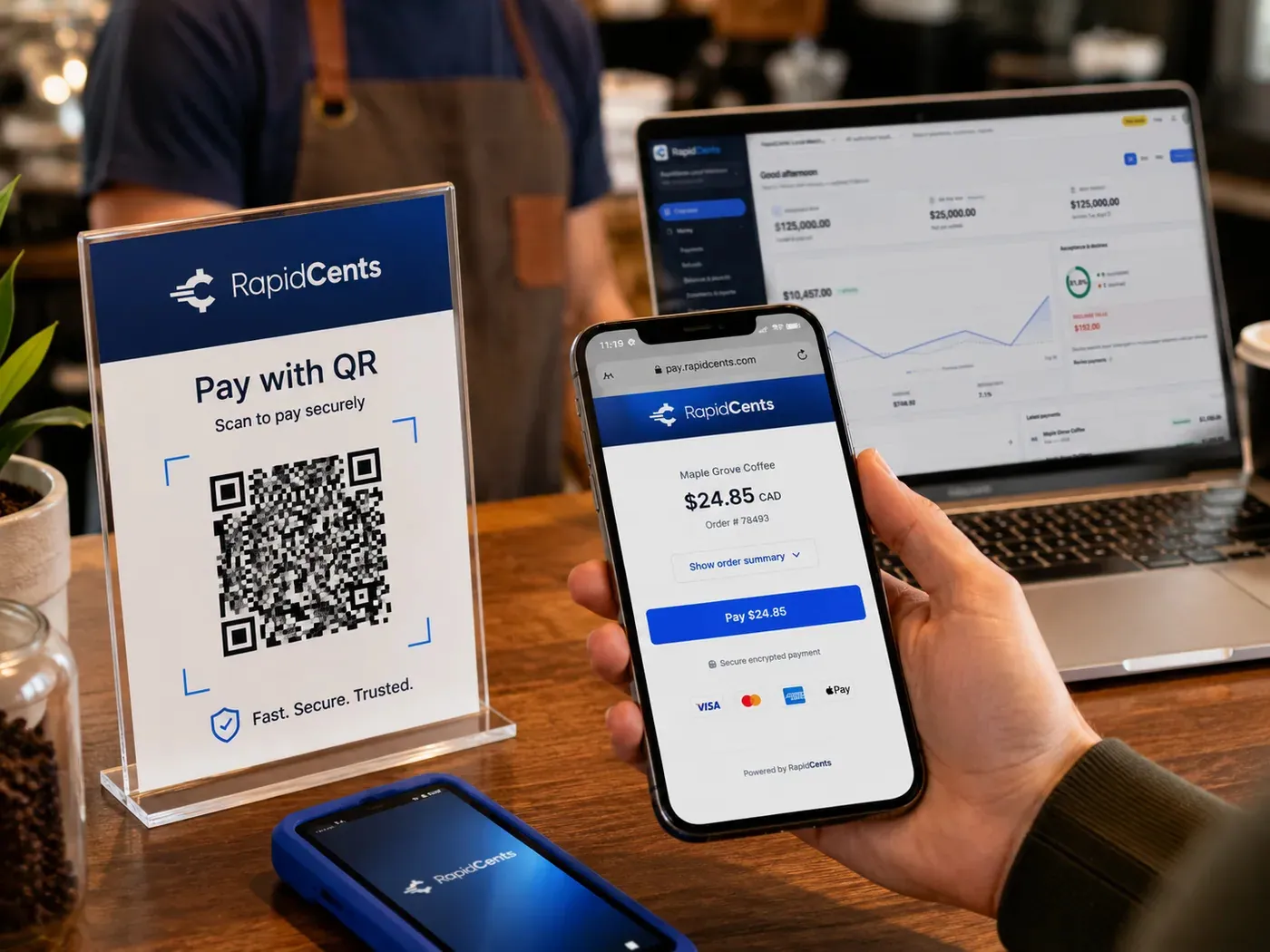
A scan-to-pay QR card standing on a café counter while a customer holds a phone showing the RapidCents payment page for a $24.85 order, with the merchant dashboard open on a laptop behind. QR Payments
RapidCents QR payments generate dynamic or static QR codes customers scan with their phone camera to open a…
Explore
The RapidCents recurring payments screen showing active subscriptions, monthly recurring revenue, failed payments and upcoming renewals, above a list of subscriptions with their plan, amount, frequency and next billing date. Recurring Payments
RapidCents recurring payments manage subscription plans, membership renewals and installment schedules with…
Explore
The RapidCents invoices screen: outstanding, overdue, paid and draft totals across the top, the invoice list below them, and a preview of one invoice on the right with its line items and a View & Record Payment button. Invoicing
RapidCents invoicing helps professional services, contractors and B2B suppliers create branded invoices…
Explore


Manage payments
RapidCents management products put settlements, disputes, reporting, multi-location views and Centa in one dashboard instead of a portal per channel.
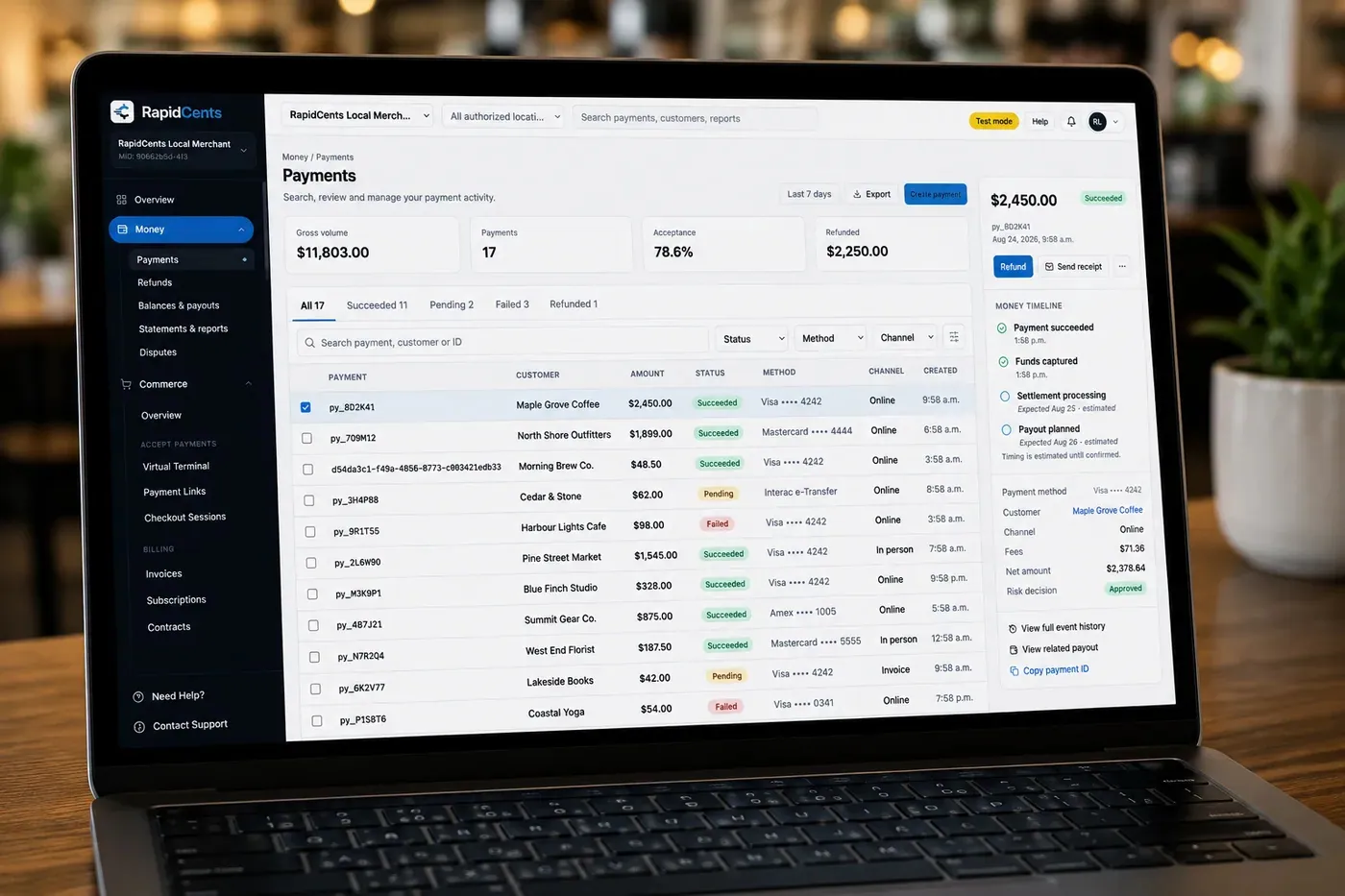
The RapidCents payments screen: gross volume, payment count, acceptance rate and refunds across the top, a filterable transaction list below, and a money timeline on the right tracing one payment from capture to planned payout. Merchant Dashboard
The RapidCents merchant dashboard gives owners, managers and finance staff a single signed-in view of live…
Explore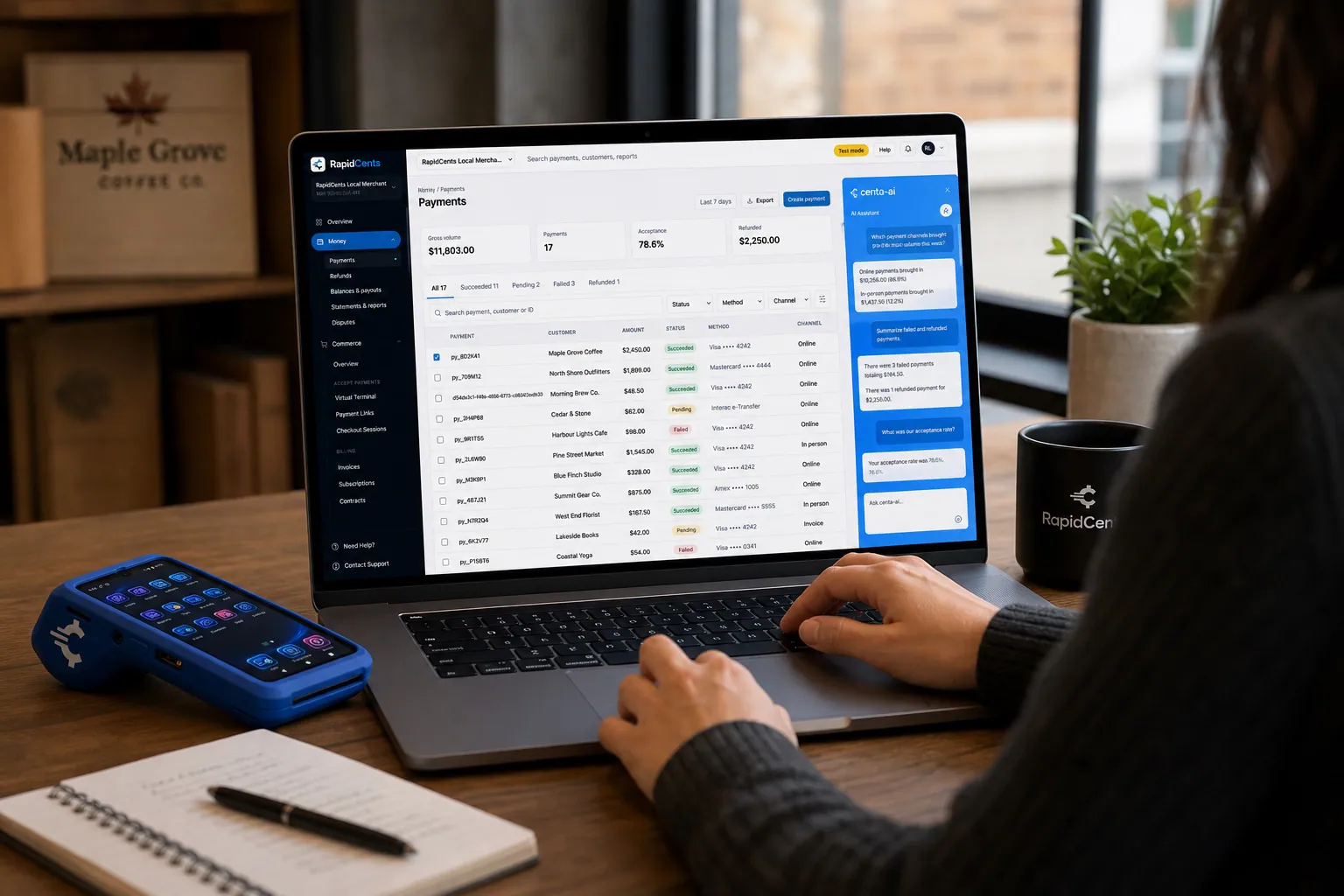
A merchant asks Centa about payments and deposits in the RapidCents dashboard, with a smart terminal on the desk. Centa
Centa is the AI business assistant built into the RapidCents payment ecosystem. Merchants ask a question in…
Explore
A merchant reviews RapidCents reports for volume, mix and payouts, with the terminal that took the sales on the desk. Reporting
RapidCents reporting delivers customizable transaction, settlement and fee reports with CSV and PDF export…
Explore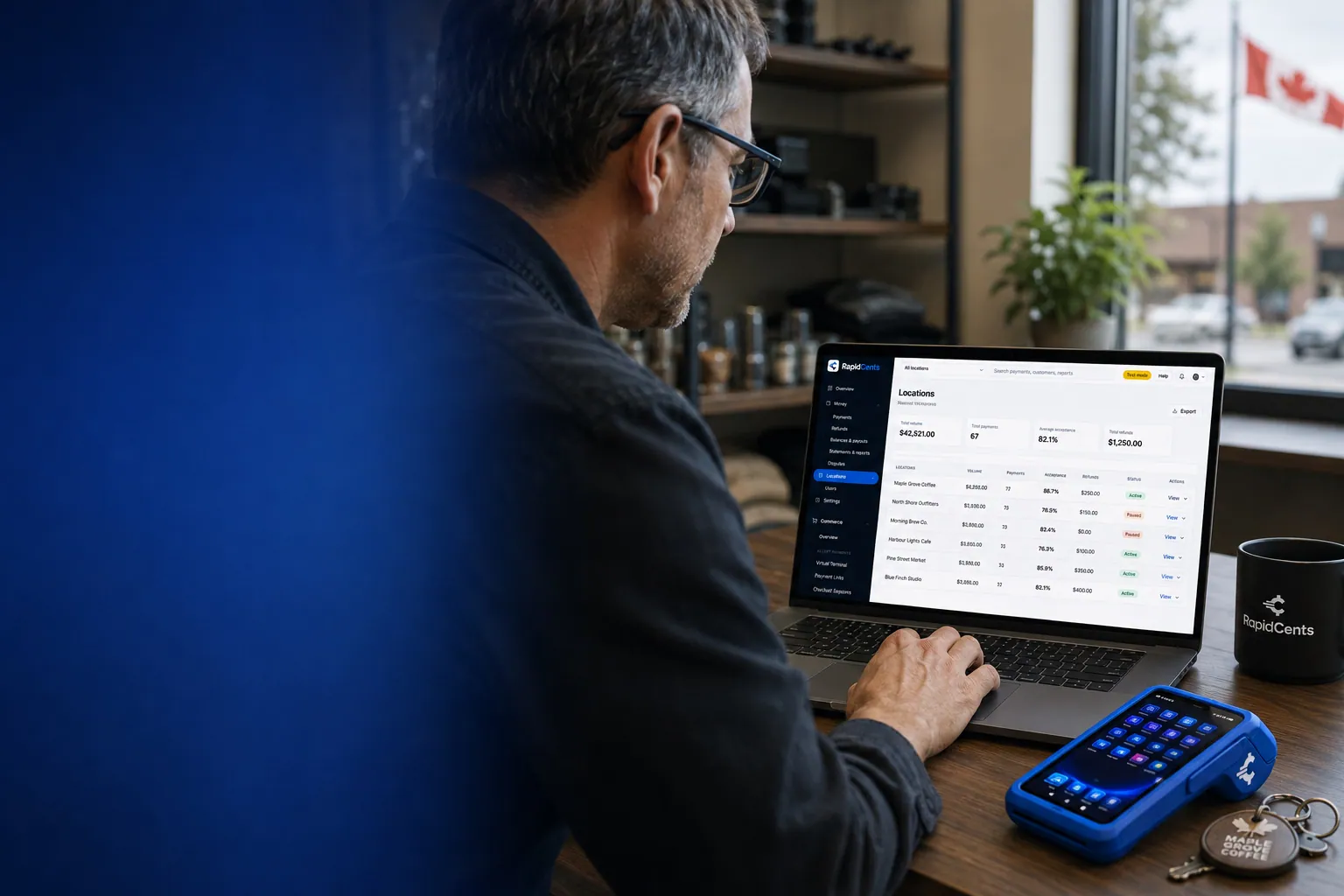
One RapidCents account comparing sales across locations, with a terminal representing the store-level capture. Multi-Location
RapidCents multi-location tools organize stores, franchises and regions in a hierarchy with location-level…
Explore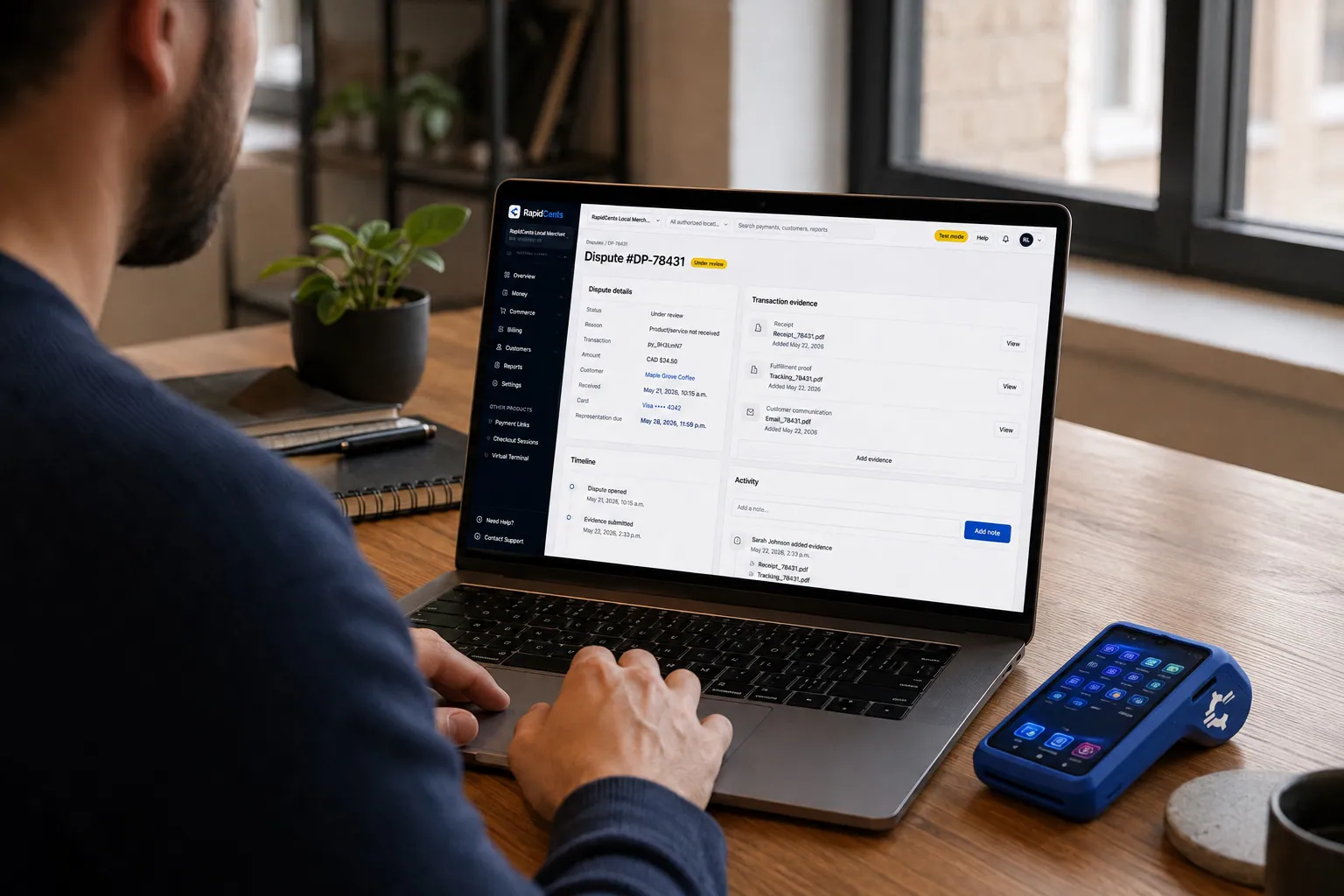
A merchant works a RapidCents dispute case on the dashboard, with the original terminal sale still on the desk. Disputes
RapidCents disputes centralizes chargeback notifications, response deadlines and evidence upload in an inbox…
Explore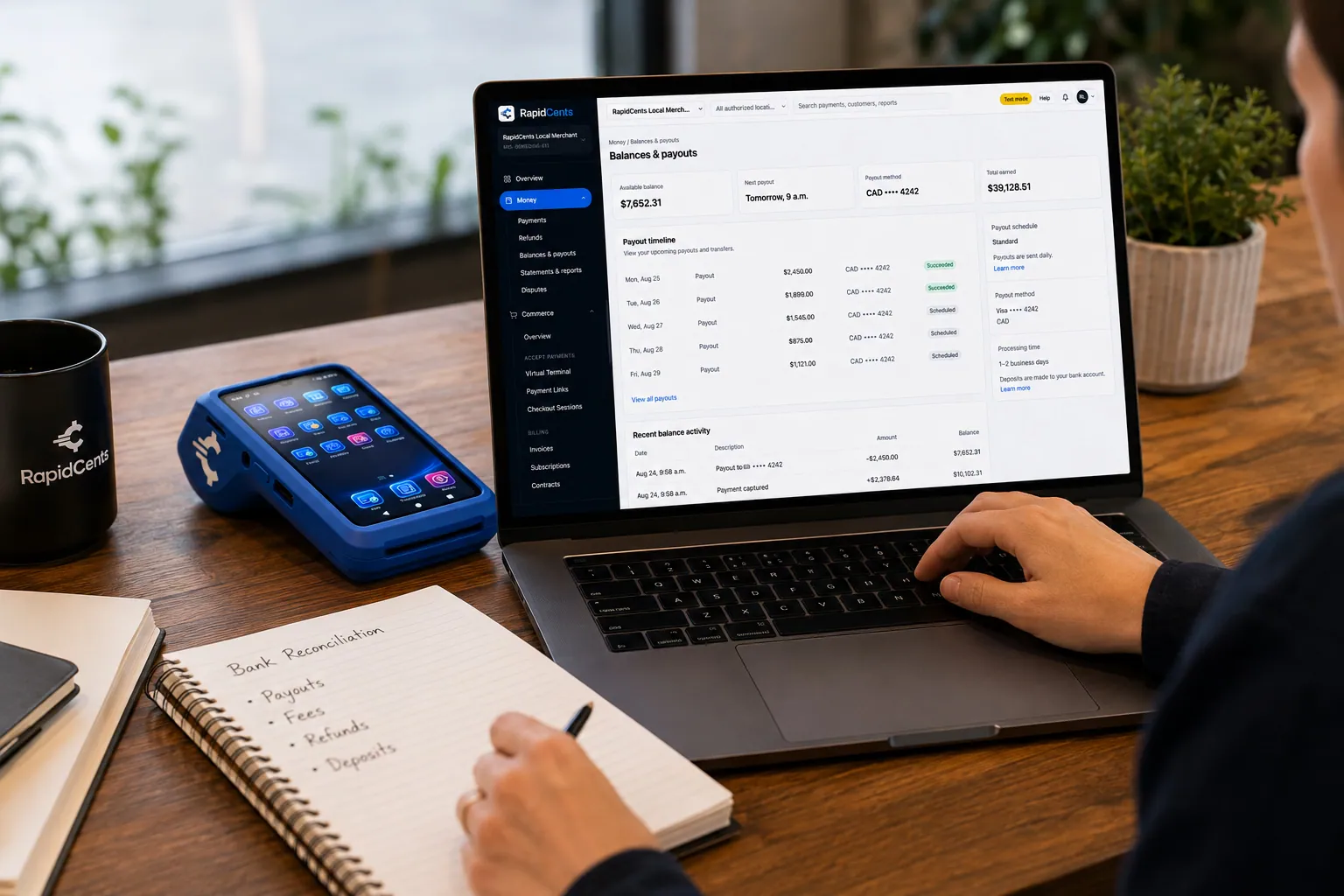
A merchant reviews RapidCents funding against live sales, with the terminal that generated those sales beside the laptop. Funding
RapidCents funding offers merchant cash advance and working capital programs for eligible businesses with…
Explore


Connect and build
RapidCents integration products connect POS, gateways, embedded and platform payments to the same acquiring account developers and merchants already use.
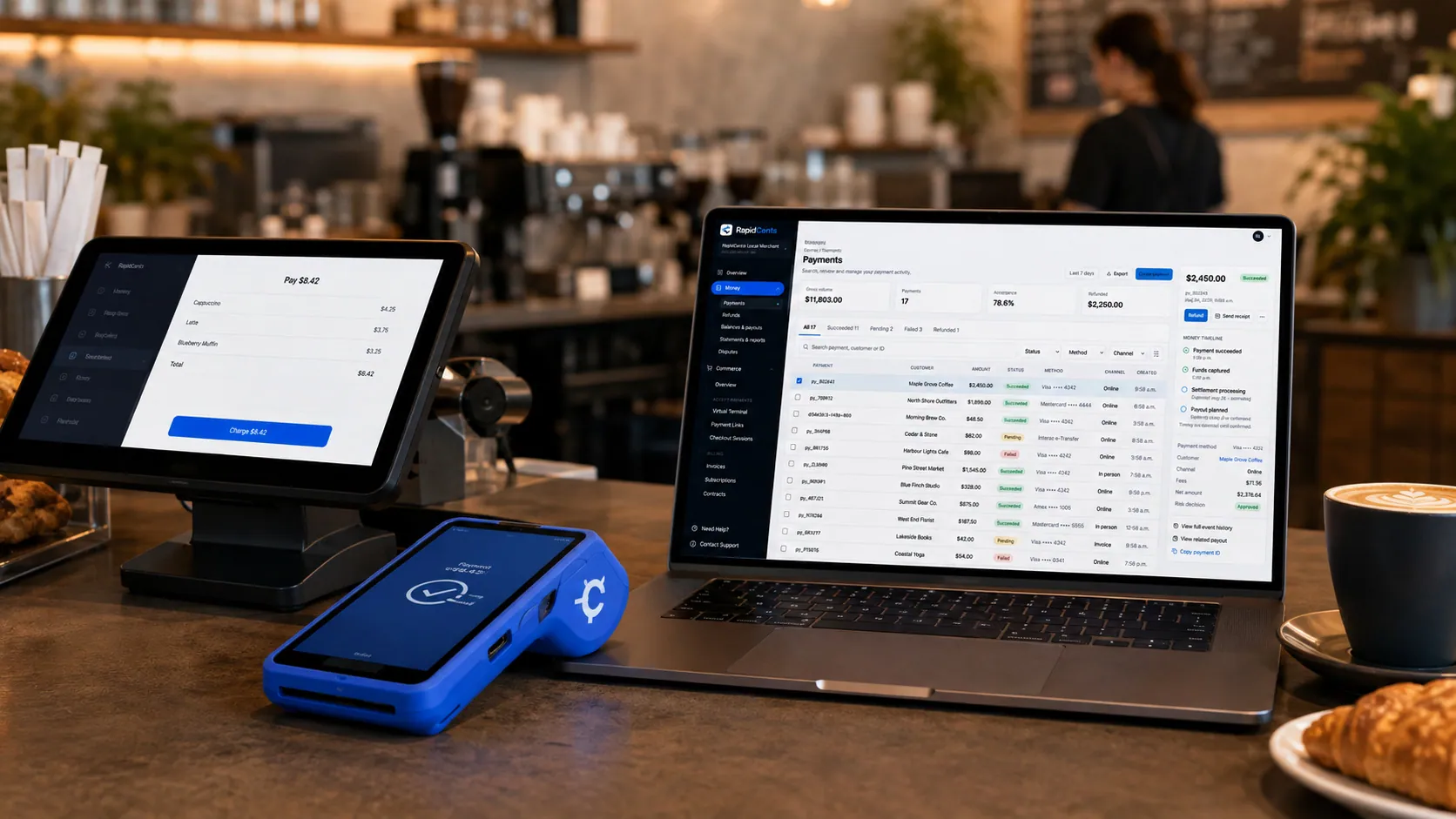
Payments taken inside existing business software through RapidCents, with the terminal and dashboard in the same workspace. Integrated Payments
RapidCents integrated payments connect certified POS and ERP systems so sale amounts, tips, refunds and…
Explore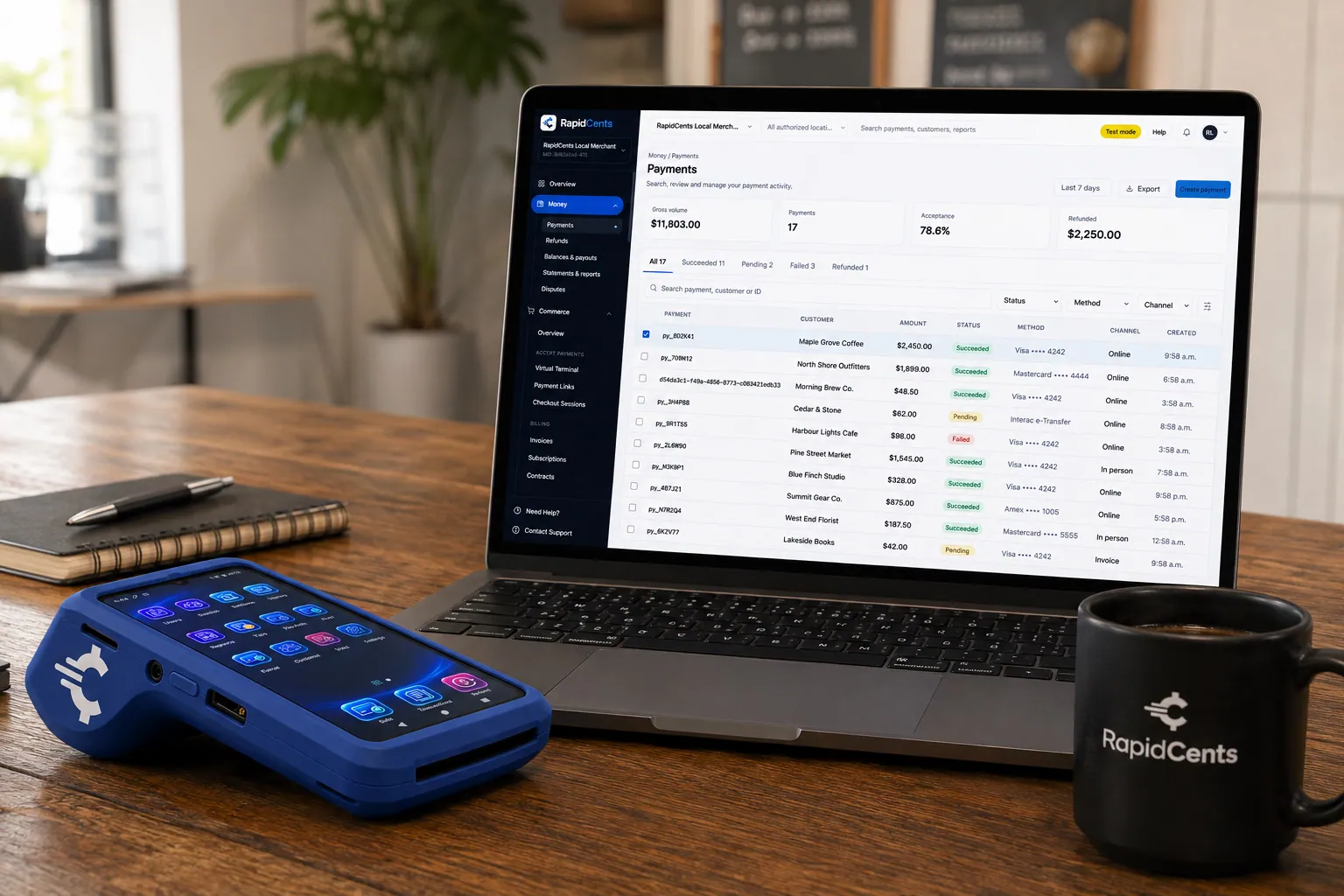
A payment-gateway integration desk: API response on screen, RapidCents terminal ready for a test sale. Payment Gateway
The RapidCents payment gateway exposes REST endpoints for authorize, capture, void, refund and tokenize…
Explore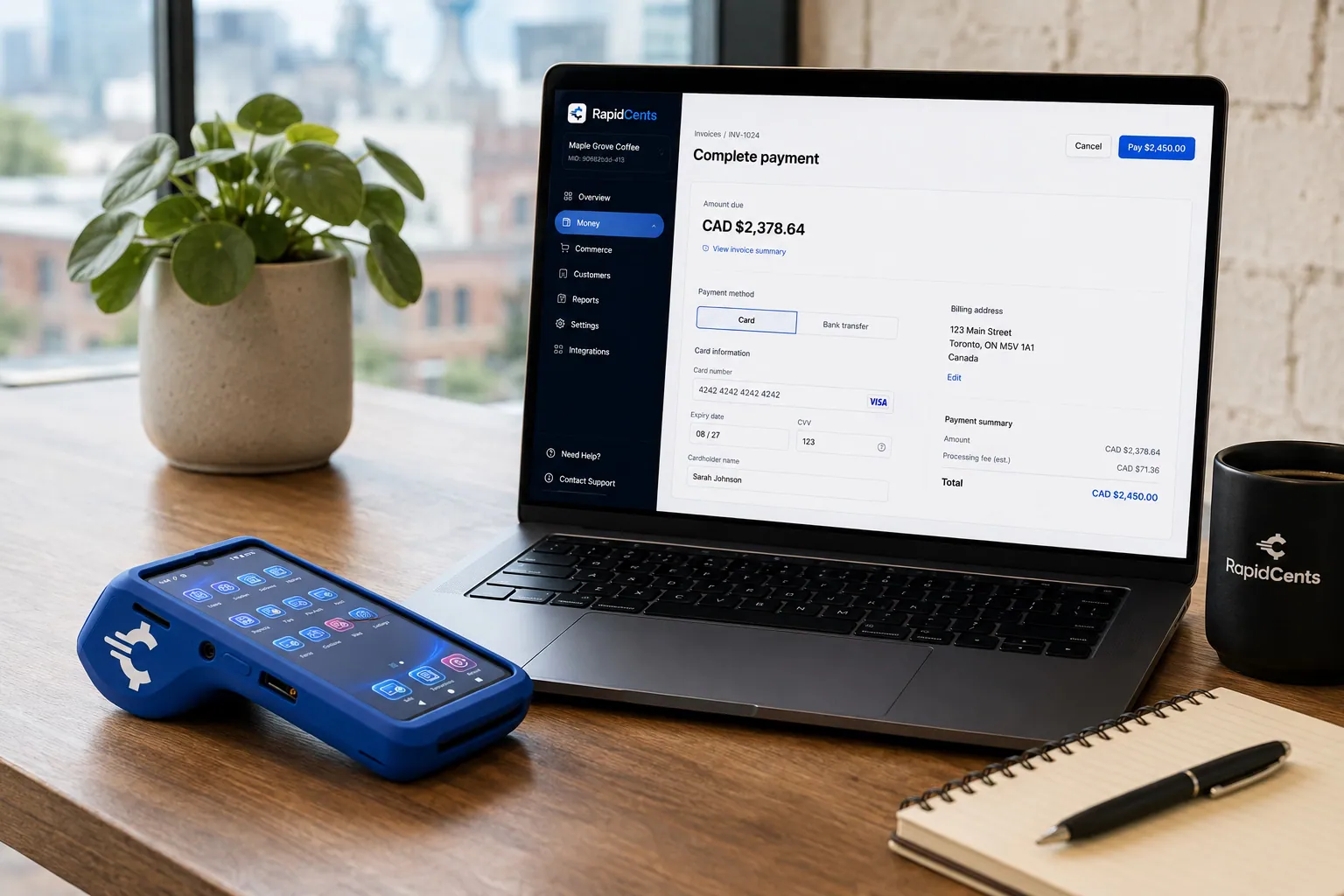
Card fields hosted by RapidCents sit inside a merchant checkout, with a terminal and the payments dashboard beside them. Embedded Payments
RapidCents embedded payments provide drop-in UI components, card fields, wallet buttons and payment status…
Explore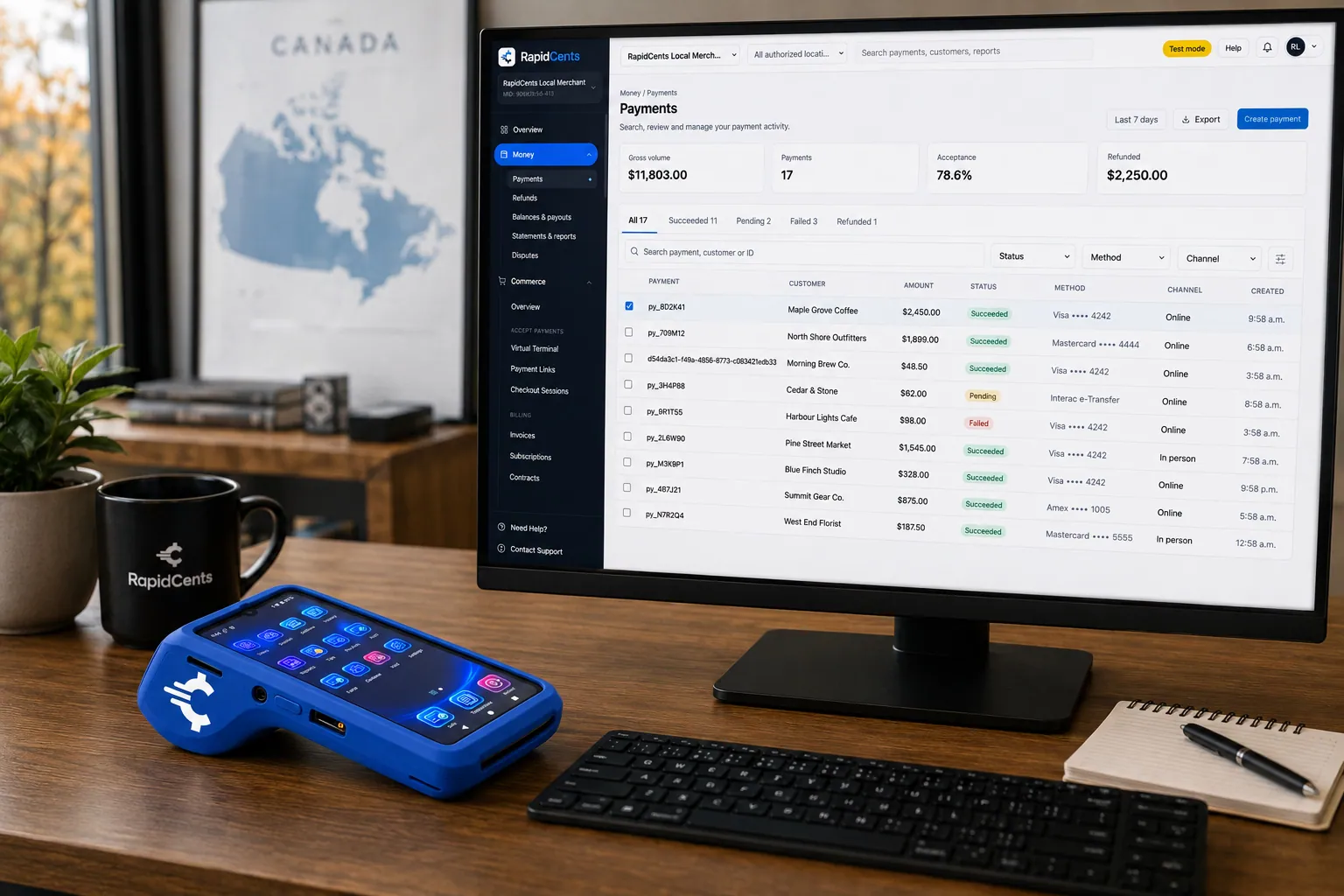
A software platform routes connected-merchant payments through RapidCents, with terminals and settlement in one view. Platform Payments
RapidCents platform payments enable marketplaces, franchises and software platforms to onboard sub-merchants…
Explore


RapidCents terminals
Rivo Go, Rivo Touch and Rivo Link are RapidCents terminals on the same rates, dashboard and next-day deposits; the choice is form factor, not a different processor.
The RapidCents Rivo Go standing upright in its blue silicone case, showing the full-touch sale screen a customer reads across the counter. Rivo Go
The Rivo Go is the terminal customers already recognize on a counter: a full-touch HD Android device in a…
Explore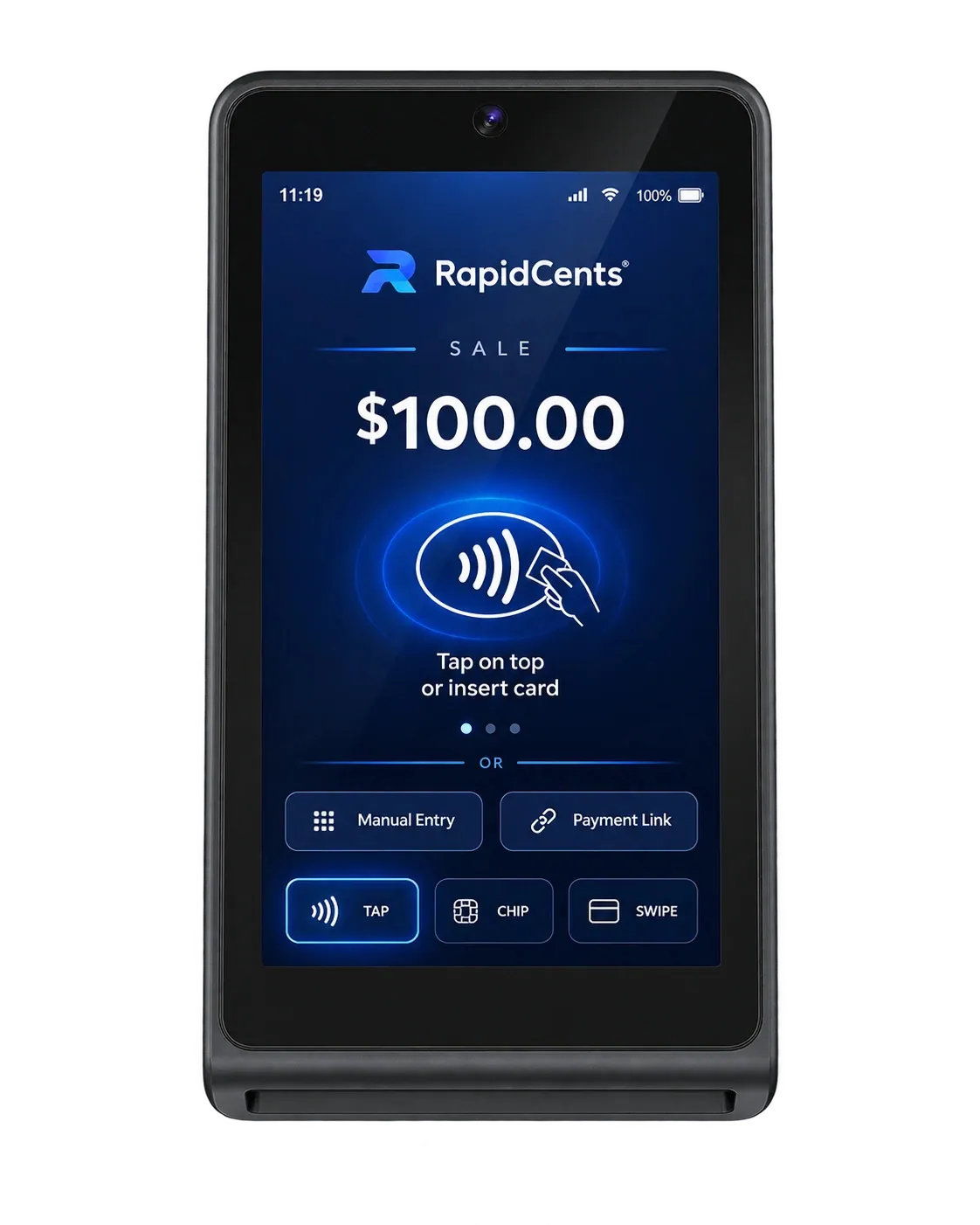
The RapidCents Rivo Touch is a slim terminal whose glass front runs edge to edge with no keypad, for counter and tableside card payments. Rivo Touch
The Rivo Touch strips the terminal down to an edge-to-edge touchscreen with every payment method behind it…
Explore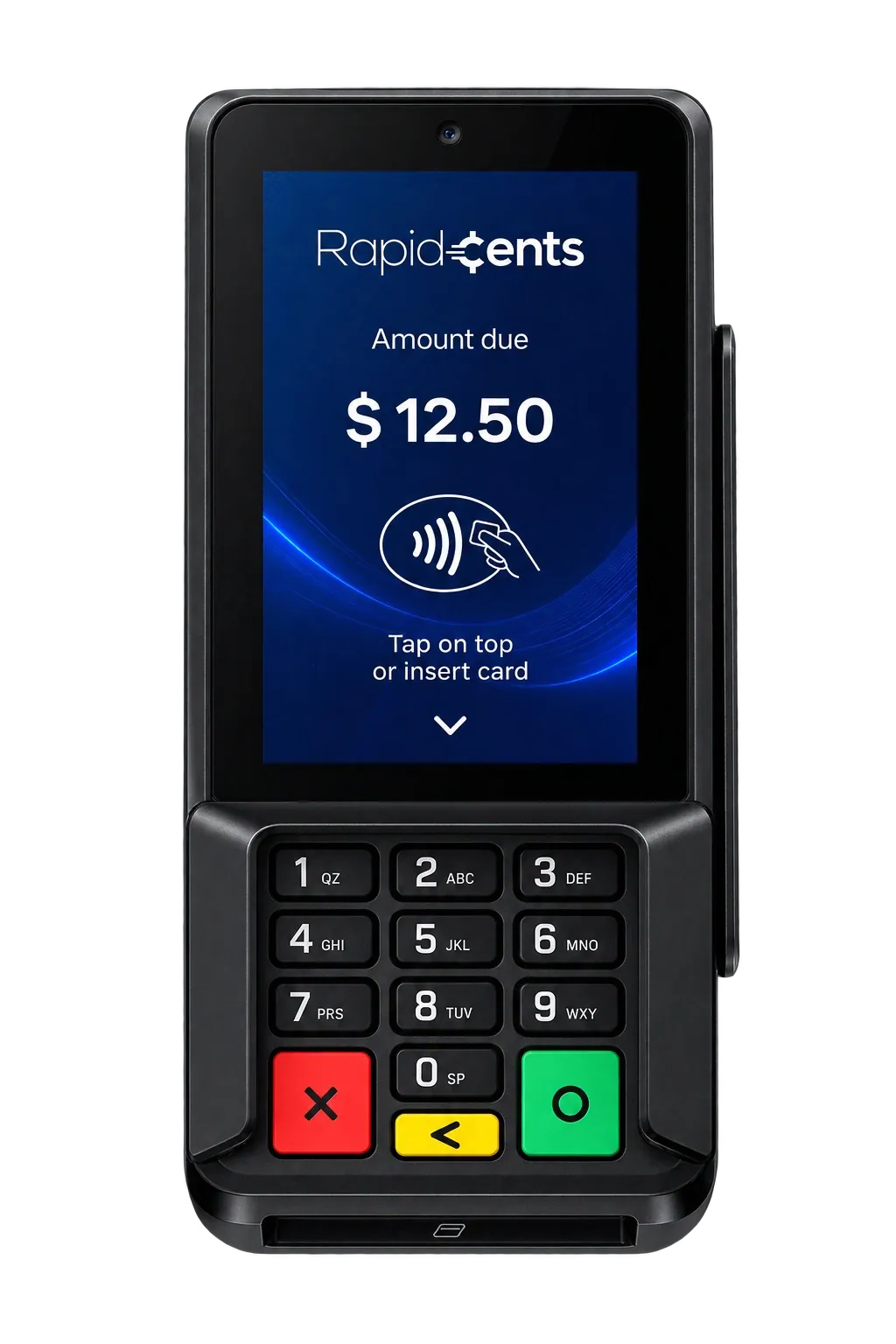
The RapidCents Rivo Link is a compact terminal with a colour screen above a physical backlit keypad, for PIN debit and credit at the counter. Rivo Link
Some checkouts demand real buttons. The Rivo Link pairs a bright colour display with a backlit tactile keypad…
Explore


Unified merchant dashboard
See in-person, online and keyed transactions, deposits and disputes in one view, not three separate portals.
Try it, edit values and click buttons
Merchant dashboard
- Today
- $4,218
- Deposits
- $12,482
- Disputes
- 2 open
- In-person
- $842
- Online
- $1,104
- Virtual terminal
- $392
Demonstration data only
Find the right products
Choose the RapidCents product by how you get paid: at the counter, online, by phone, or inside existing software. Each path lands on the same merchant account.
Take the next step
Talk to a RapidCents specialist
RapidCents Fee Check reads a processing statement and shows interchange separately from the markup. Upload a statement for an instant breakdown, or open a merchant account and start accepting payments on one account.
- No obligation
- Canadian payment specialists
- Secure statement upload
For businesses in Canada
How a Canadian business chooses a product and what still has to be confirmed.
Who enters the payment
Each product matches a person and a place. Staff at a counter use a countertop or mobile terminal, or Tap to Pay on a supported phone; staff taking an order by phone use the virtual terminal; customers paying online use hosted checkout or a payment link; and software that should take payments itself connects through APIs, webhooks and embedded payments.
Managing payments after the sale
After the sale, settlements, disputes, reporting, multi-location views and Centa, the AI business assistant, share one dashboard rather than a portal per channel. Owners, managers and finance staff work from one signed-in view; reports export as CSV or PDF; disputes gather chargeback notices, response deadlines and evidence in one inbox; and stores, franchises and regions sit in one hierarchy.
What to confirm
Interac, Visa, Mastercard and Amex can be accepted, with the enabled methods, settlement currency and terms set on your merchant account. Funding is open to eligible businesses, and Tap to Pay runs on supported phones. RapidCents integrates with many major POS and ERP platforms through APPIE and RapidBridge; your RapidCents representative will show you the option for your software and version.
Frequently asked questions
Do I need a separate account for each product?
No. Terminals and POS, the gateway and hosted checkout, payment links, invoicing, recurring billing, tokenization and reporting all run on one RapidCents merchant account. Adding a channel is not a second application or a second contract; the account underwritten for in-person acceptance carries the online volume.
How are the products priced?
Processing is priced interchange-plus: the card networks’ interchange and assessments pass through at cost and the RapidCents markup is a separate line on the statement. Hardware is priced separately from processing and is available to purchase or to lease. The pricing page sets out the schedule, and Fee Check reads your current statement against it.
Which product should I use for phone payments?
The virtual terminal, when your staff take the card details: authorized staff enter mail-order and telephone-order payments through it. When the customer should enter their own details, a branded payment link for the invoice, deposit or balance does the job instead, and both payments settle to the same merchant account.
Which product should I use for online checkout?
Hosted checkout if you want RapidCents to host the payment page: customers are redirected to it or see it in an embedded frame. The payment gateway suits developers building their own flow on REST endpoints, and embedded payments drop card fields and wallet buttons into your software.
How do I choose between Rivo Go, Rivo Touch and Rivo Link?
By form factor, since all of them run on the same pricing and the same dashboard. Rivo Go is the full-touch device customers already recognize on a counter, Rivo Touch strips the terminal down to an edge-to-edge touchscreen, and Rivo Link pairs a bright colour display with a backlit tactile keypad for checkouts that need real buttons.



