


Finance-ready exports
Export-ready reports for finance teams and month-end close
Reporting turns raw transaction activity into the transaction, settlement and fee statements a finance team reconciles against the bank. RapidCents reports filter by date range, location, channel and card type, break out interchange, assessment and processor fee columns, and export to CSV or PDF in formats QuickBooks and Xero accept. Save a set of filters as a template, then schedule it to arrive by email every Monday or at month-end.
- CSV and PDF export with custom date ranges
- Scheduled reports emailed to finance inbox
- QuickBooks and Xero compatible formats

- 13+ months transaction history
- SOC 2 Type II
- Saved report templates
- Fee pass-through detail
- Automated schedule delivery
Who it's for
Controllers and bookkeepers
Need GL-ready exports without manual spreadsheet work.
Multi-location finance
Roll up or split reports by store for regional P&L.
Auditors
Require immutable export timestamps and fee line detail.
Core capabilities
Custom date ranges
Preset last month, quarter or arbitrary start/end.
Channel breakdown
Separate in-person, online and keyed totals.
Fee detail export
Interchange, assessment and processor fee columns.
Scheduled delivery
Email CSV every Monday or month-end automatically.
Template library
Save filters as reusable report definitions.
How it works
Open reporting module in merchant dashboard.
Select report type and apply filters.
Preview totals before export.
Download CSV/PDF or save as scheduled job.
Import file into accounting system.
Reporting workflows
Month-end settlement
Export all settled transactions for prior calendar month.
Location P&L
Filter report to single store for regional manager review.
Fee analysis
Compare interchange pass-through month over month.
Auditor request
Generate PDF with timestamp for external review.
Dashboard and reporting
Transactions, deposits and exceptions visible in the RapidCents merchant dashboard.
Try it, edit values and click buttons
Merchant dashboard
- Today
- $4,218
- Deposits
- $12,482
- Disputes
- 2 open
- In-person
- $842
- Online
- $1,104
- Virtual terminal
- $392
Demonstration data only
Integrations
QuickBooks Online
Direct sync or CSV import mapping.
Xero
Bank statement line matching format.
Snowflake and BI
API pull for warehouse analytics.
Works with Reporting
Capabilities on the same account, so the parts below connect without a second integration or a second contract.

The RapidCents payments screen: gross volume, payment count, acceptance rate and refunds across the top, a filterable transaction list below, and a money timeline on the right tracing one payment from capture to planned payout. Merchant dashboard
Transactions, deposits, refunds and disputes across every channel in one place.
Explore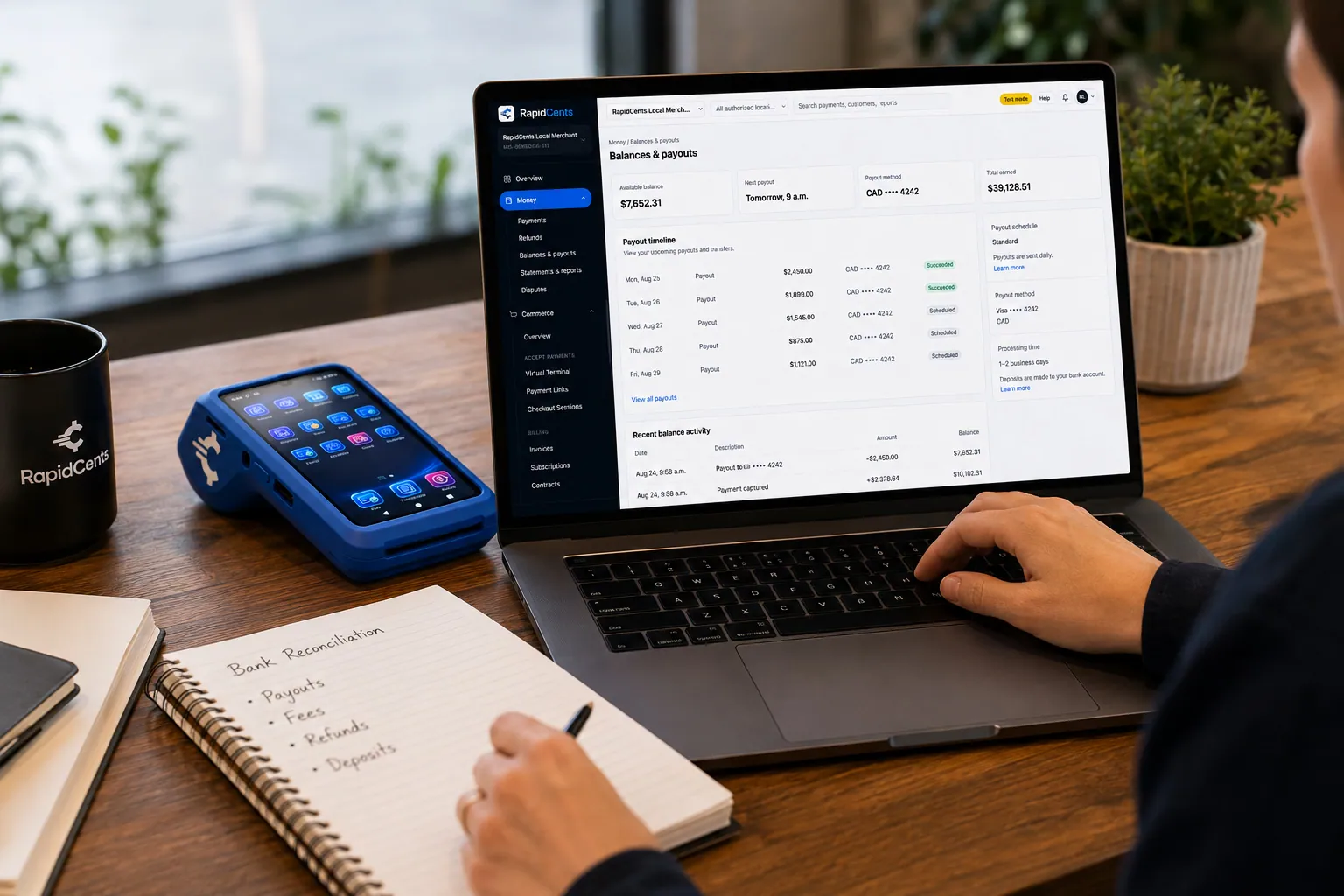
A merchant reviews RapidCents funding against live sales, with the terminal that generated those sales beside the laptop. Deposits and funding
When money lands, what was deducted, and which batch it came from.
Explore
One RapidCents account comparing sales across locations, with a terminal representing the store-level capture. Multi-location
Per-site reporting and permissions under one merchant account.
Explore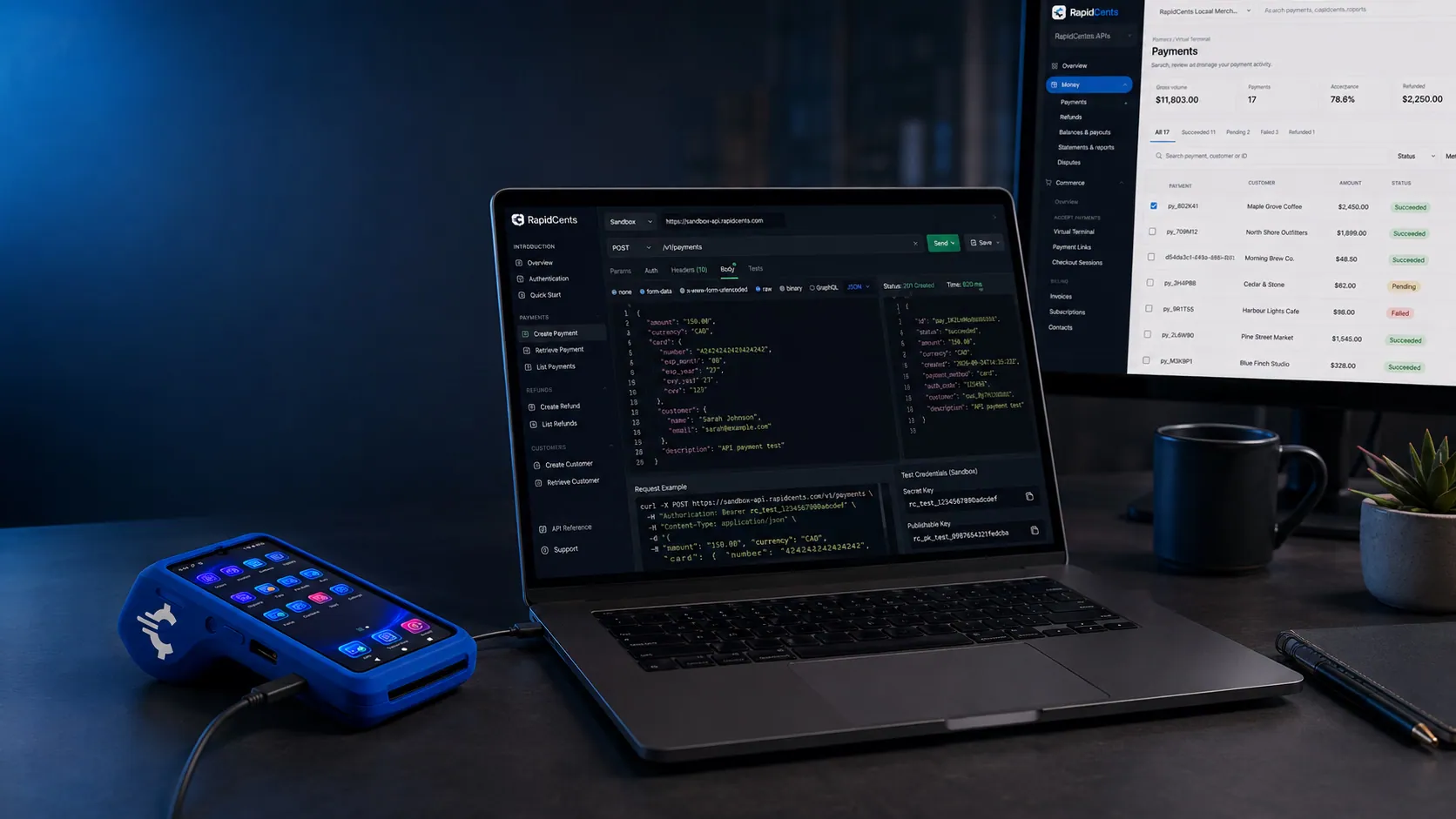
A RapidCents API request and its response on a developer workstation, with the merchant dashboard and a test terminal. RapidCents APIs
REST endpoints for payments, customers, refunds and reporting.
Explore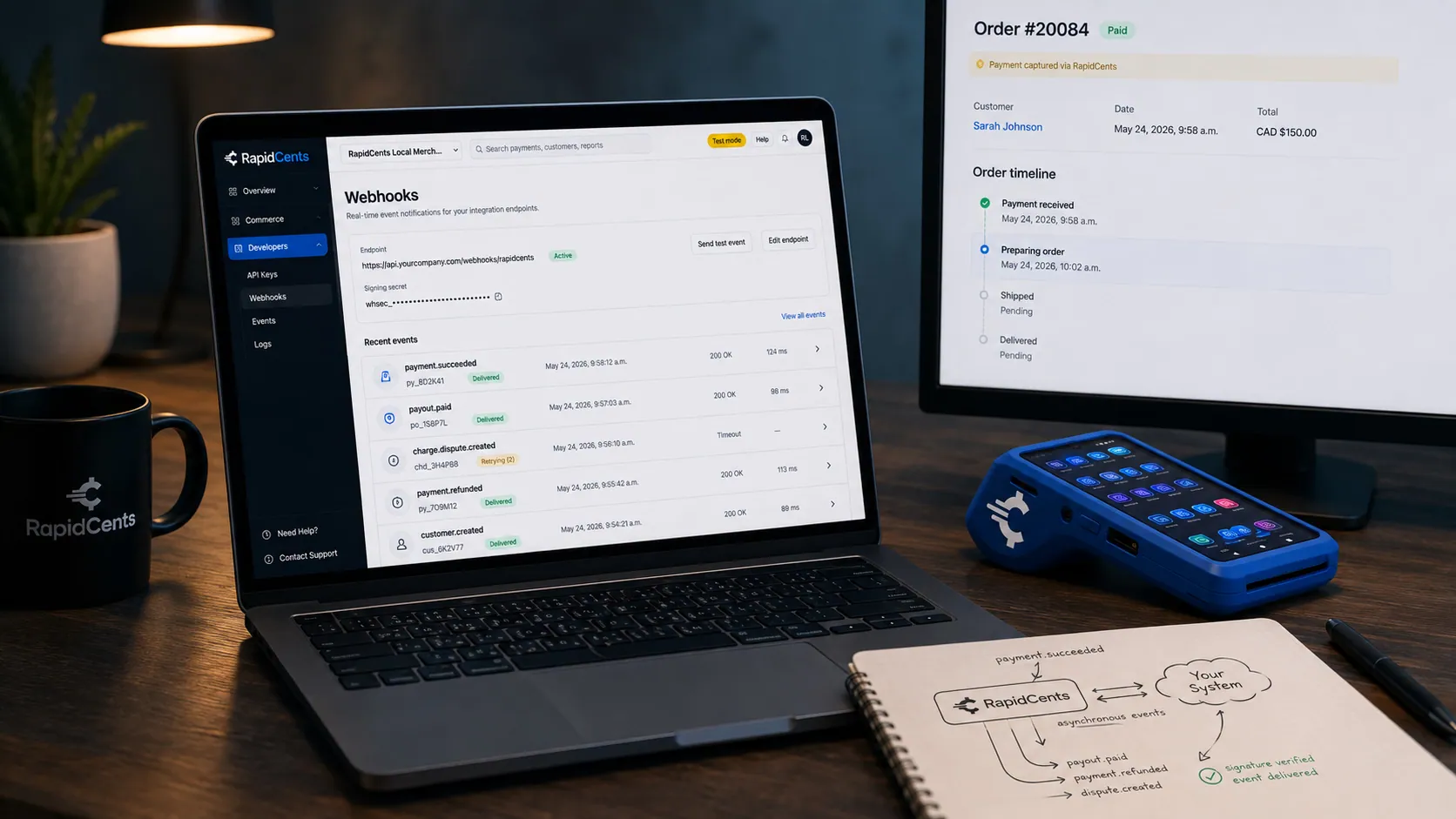
A RapidCents webhook delivery timeline next to the payment that triggered it, with a test terminal on the desk. Webhooks
Signed events your systems can react to the moment a payment settles or fails.
Explore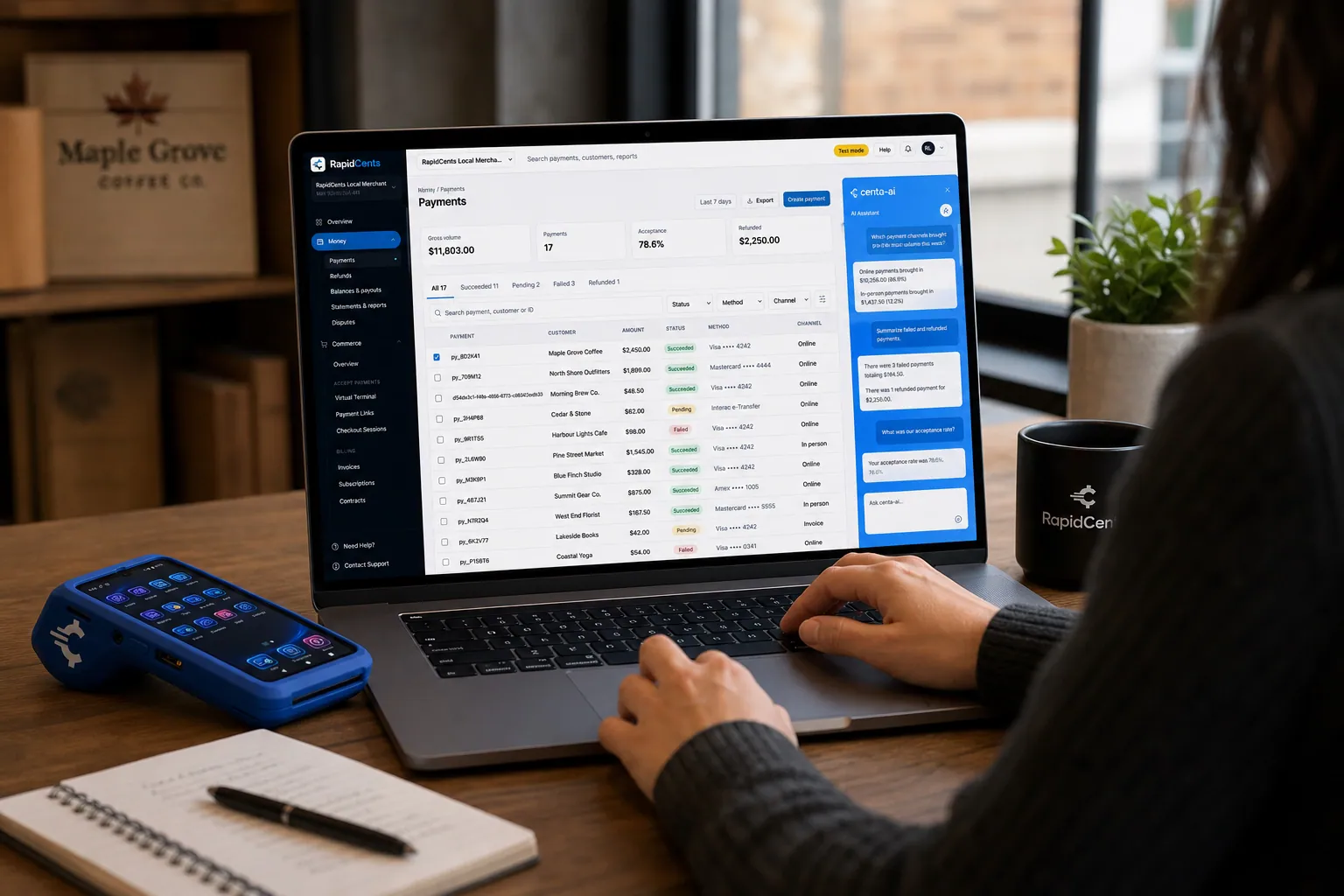
A merchant asks Centa about payments and deposits in the RapidCents dashboard, with a smart terminal on the desk. Centa AI assistant
Sales questions, terminal diagnostics and unusual-activity signals, asked in plain language.
Explore


Security
Export permissions
Limit report download to finance roles.
Watermark PDFs
Exports include merchant ID and generation timestamp.
Encrypted email delivery
Scheduled reports sent via TLS email.
Implementation
Chart mapping
Align report columns to GL account codes.
Template setup
Create month-end and weekly templates.
Schedule config
Add finance distribution list.
First close walkthrough
Reconcile first export to bank statement with support.
Pricing
Reporting included
Standard reporting included. Advanced API analytics may have separate pricing for high volume.
Questions about Reporting
How far back can I export?
Typically 13+ months; extended retention available on request.
Custom columns?
Standard templates cover most needs; custom fields via API for enterprise.
Real-time vs settled?
Separate reports for authorized vs settled funding.
Multi-currency reports?
CAD settlement reports standard for Canadian merchants.
What is the difference between an authorization report and a settlement report?
An authorization is a hold approved by the issuer; a settlement is money actually funded to your account. Separate reports exist for each because they rarely match on the same day, as voids, partial captures and refunds move between them. Reconcile the bank against settled figures, not authorized ones.
Can reports arrive without anyone logging in?
Yes. Save a set of filters as a template and schedule it to email every Monday or at month-end, sent over TLS. That is the point of the feature: a controller reconciling deposits should not have to remember to generate the same export twelve times a year.
Do the exports import into QuickBooks and Xero cleanly?
Formats are built for both: direct sync or CSV import mapping for QuickBooks Online, and bank statement line matching for Xero. Fee columns break out interchange, assessment and processor charges, which is what lets the fee side of the entry be booked rather than lumped into one figure.
Who can download reports?
Export permission is limited to the roles you choose, typically finance. PDF exports carry the merchant ID and a generation timestamp, so a document sent to an auditor can be identified, and every export is logged against the user who ran it.
Related products
The RapidCents payments screen: gross volume, payment count, acceptance rate and refunds across the top, a filterable transaction list below, and a money timeline on the right tracing one payment from capture to planned payout. Merchant Dashboard
The RapidCents merchant dashboard gives owners, managers and finance staff a single signed-in view…
ExploreA merchant reviews RapidCents funding against live sales, with the terminal that generated those sales beside the laptop. Funding
RapidCents funding offers merchant cash advance and working capital programs for eligible…
ExploreOne RapidCents account comparing sales across locations, with a terminal representing the store-level capture. Multi-Location
RapidCents multi-location tools organize stores, franchises and regions in a hierarchy with…
Explore
Industries that run on Reporting
Oil & Energy
Energy field services, suppliers and retail fuel operations accept high-ticket B2B cards…
Utilities
Utility providers and cooperatives collect recurring bills, autopay enrollments and…
Construction Contractors
General contractors progress-bill milestones, retainage and change orders with secure B2B…
Taxi & Transportation
Taxi, limo and private hire fleets equip drivers with in-vehicle mobile terminals, fleet…
B2B & Wholesale
Wholesale distributors accept large ticket B2B cards, invoicing and net-term payment…
Insurance
Insurance agencies collect premiums via payment links, recurring billing and virtual…
Freight & Logistics
Carriers and 3PLs invoice shippers, collect COD balances and manage fuel surcharge…
Convenience Stores
C-stores need fast EMV contactless, lottery and fuel integrations with reliable…
Take the next step
Talk to a RapidCents specialist
RapidCents Fee Check reads a processing statement and shows interchange separately from the markup. Upload a statement for an instant breakdown, or open a merchant account and start accepting payments on one account.
- No obligation
- Canadian payment specialists
- Secure statement upload



