


DEVELOPER PLATFORM
RapidBridge
RapidBridge brings RapidCents payments into business software that was never built to take them, without rewriting that software. 178 applications across 15 industries ship with a signed detection pack, so opening an invoice, order or billing page is enough: the record number, amount and customer are read off the page with no field mapping, and the operator confirms the amount before anything is charged. Payment links, the virtual terminal, saved cards and refunds work identically on all of them, and every payment lands on the same merchant account, vault and settlement records as every other channel.
- Installs in the browser, with nothing to rewrite
- 178 applications recognised automatically
- No field mapping to configure
- Same account, vault and settlement as your other channels

- 178
- Applications with automatic detection
- 15
- Deep-tested (Tier A)
- 6
- With automatic write-back
- 15
- Industry categories
- ∞
- Anything else, via Train-it or AI
What every one of them gets
The same baseline on all of them
Automatic detection of the record number, amount and customer, then collection by payment link, secure card window or saved card — plus partial and full refunds with over-refund protection.
Tier A means deep-tested
The 15 marked A carry the widest test coverage. The rest are certified against at least three page layouts each, including a redesigned one.
Write-back marks the record paid
The 6 marked WRITE-BACK can update the record in the merchant's own software after the payment settles. It ships switched off and is enabled per software.
DETECTION CATALOGUE
Every software RapidBridge reads automatically
178 applications ship with a signed detection pack: open the invoice, order or billing page and RapidBridge finds the record number, amount and customer on its own — no manual mapping. Payment links, the virtual terminal, saved cards and refunds work identically on every one of them, because the payment channel talks to RapidCents, not to the software.
178 of 178 applications
Health & clinic management
36

- Akitu One


- CareStack




























 TherapyNotes
 WebPT
WebPT


Accounting & invoicing
30




- Epicor Kinetic




















CRM & sales
16












 Zendesk Sell


Gyms, studios & memberships
15















Field service
11












ERP & inventory
10









Legal
9










Beauty, spa & wellness
9










E-commerce admin
8

- OpenCart






Hospitality & lodging
8

- Hostaway






Veterinary
7

- ezyVetA — Tier A — deep-testedWrite-back — Write-back — marks the record paid






Property management
6







Automotive
5





Education & childcare
4 Amilia SmartRec




Nonprofit & fundraising
4





No application matches that.
Software that is not on this list still works: RapidBridge proposes the fields automatically on any billing page, and Teach mode maps them in one pass.
Product names and logos are trademarks of their respective owners, shown to identify the software each detection pack reads. Their inclusion is not an endorsement or a statement of partnership.
How every pack is certified
Three layouts minimum, redesign included
Every pack is certified against at least three distinct layouts of the application, one of them a redesigned version, before it enters the catalogue. That is what keeps a vendor's interface update from taking detection down with it: the pack was never pinned to a single screenshot.
No amount is ever guessed
Detection is built to stay silent rather than be wrong. A page that does not read cleanly shows no amount, never an approximate one, and the merchant confirms every amount before a card is charged. Above $1,000,000 the amount is keyed by hand by design.
Desktop-installed software runs through the connector
Dentrix classic, ABELDent, ClearDent classic, Practice Perfect and Tracker have no web page to read, so they are served by the RapidCents connector rather than the extension. The payment, the vault and the settlement records are identical either way.
Software off this list works too
“Let RapidBridge figure it out” proposes the fields automatically on any billing page, Teach mode lets a merchant point at the invoice number and amount once, and “Ask RapidCents AI” suggests the mapping where the gateway has it enabled. The catalogue makes setup faster; it is not what makes it possible.
What crosses the wire
Where it sits
Between the application your team already works in and RapidCents. It carries the amount and the context out of that workflow and brings the result back, so the operator never retypes a total or a confirmation number.
What it needs from the software
A place in the workflow where a payment belongs and a way to reach it. What that looks like depends on the application, which is why scoping starts with the specific system and version rather than with a code sample.
What comes back
The same payment record every other channel produces, on the same account, readable and refundable through the APIs, and visible in the same reporting as terminal and online sales.
When to use it
The software cannot be changed
Because it is vendor-supplied, because the source is gone, or because the customisation budget would exceed what the payment integration is worth.
Staff take payments inside another tool
Phone orders keyed from a CRM record, deposits taken against a booking, invoices settled inside an ERP: each of those is a place where a second screen creates rekeying errors.
You want one account, not two
A separate payment tool means a second set of reports, a second reconciliation and a second refund process. Bringing the capture into the workflow avoids all three.
Using RapidBridge
Check the catalogue below for the software your team already works in.
Add RapidBridge to the browser those staff use, and connect it to your RapidCents account.
Open an invoice, order or booking the way you always do — no field mapping to set up.
The record number, amount and customer are read off the page; the operator confirms the amount before anything is charged.
The payment lands on the same account, vault and settlement records as every other channel.
What fails, and how you find out
Scoping from a screenshot
Two deployments of the same product can differ by version, by customisation and by what the vendor allows. The scoping conversation is about your installation, not the product name.
The operator never sees the result
If the payment succeeds but the workflow does not display it, staff retype anyway and the rekeying you were removing comes back. The return path matters as much as the capture.
Refunds left outside the workflow
A capture inside the software and a refund in a different tool splits the audit trail. Plan the refund path in the same scope as the payment path.
Assuming it replaces the API
RapidBridge covers the case where an application cannot be changed. Where you can change the software, calling the APIs directly gives you more control and fewer moving parts.
Questions about RapidBridge
Do I have to modify my existing software to use RapidBridge?
No, and that is the point. It is built for applications you cannot or do not want to rewrite, including vendor-supplied systems where you have no source access at all.
Which applications does it work with?
178 applications ship with a signed detection pack and are listed on this page, grouped by industry and searchable by name. Anything not on the list still works: the fields are proposed automatically on any billing page, and Teach mode maps them in one pass.
What does a detection pack actually do?
It reads the invoice, order or billing page you already have open and finds the record number, amount and customer without any manual field mapping. Nothing is charged on what it read: the amount is shown to the operator for confirmation first, and a page it cannot read cleanly shows no amount rather than a wrong one.
What is the difference between Tier A and the rest?
Tier A is a testing depth, not a different feature set. The 15 marked A carry the widest test coverage; every other pack is certified against at least three page layouts, including a redesigned one. All of them detect, collect and refund the same way.
What does write-back do, and is it on by default?
Write-back updates the record in your own software once the payment settles, so the invoice shows as paid without anyone going back to mark it. Six applications support it, it ships switched off, and it is enabled one software at a time.
Does it work with desktop-installed software?
No browser extension can reach software installed on a desktop — Dentrix classic, ABELDent, ClearDent classic, Practice Perfect and Tracker among them — because there is no web page to read. Those run through a connector rather than through RapidBridge.
How is this different from calling the RapidCents APIs?
The APIs are the right answer when you control the code. RapidBridge is the answer when you do not, and it exists so that constraint stops being the reason a team keeps a second payment screen open.
Do payments taken this way appear with everything else?
Yes. They land on the same merchant account and the same settlement records as terminal, online and virtual terminal payments, so reporting and month-end reconciliation stay single-threaded.
Can staff issue a refund from inside the same workflow?
That is part of what gets scoped. Leaving refunds in a separate tool splits the audit trail, so the refund path is worth specifying alongside the payment path rather than after it.
Does it work with a terminal, or only keyed payments?
Both patterns exist. A workflow can drive a physical terminal for card-present acceptance, or capture a keyed payment for phone and back-office orders, and which applies depends on how the team takes payment today.
What should I bring to a scoping conversation?
The application name, its exact version, and the precise point in the workflow where payment happens, plus what that application can reach and what it can display back to the operator. Two deployments of the same product differ by version and customisation, so scoping is about your installation rather than the product name.
What does staff see on every payment outcome?
A clear next step in the same application they already work in. Sandbox lets you walk the workflow with documented test cards before go-live, so the message on screen is the one staff are trained on. If the workflow is silent, staff retype — which is why that check happens before live traffic.
Read next
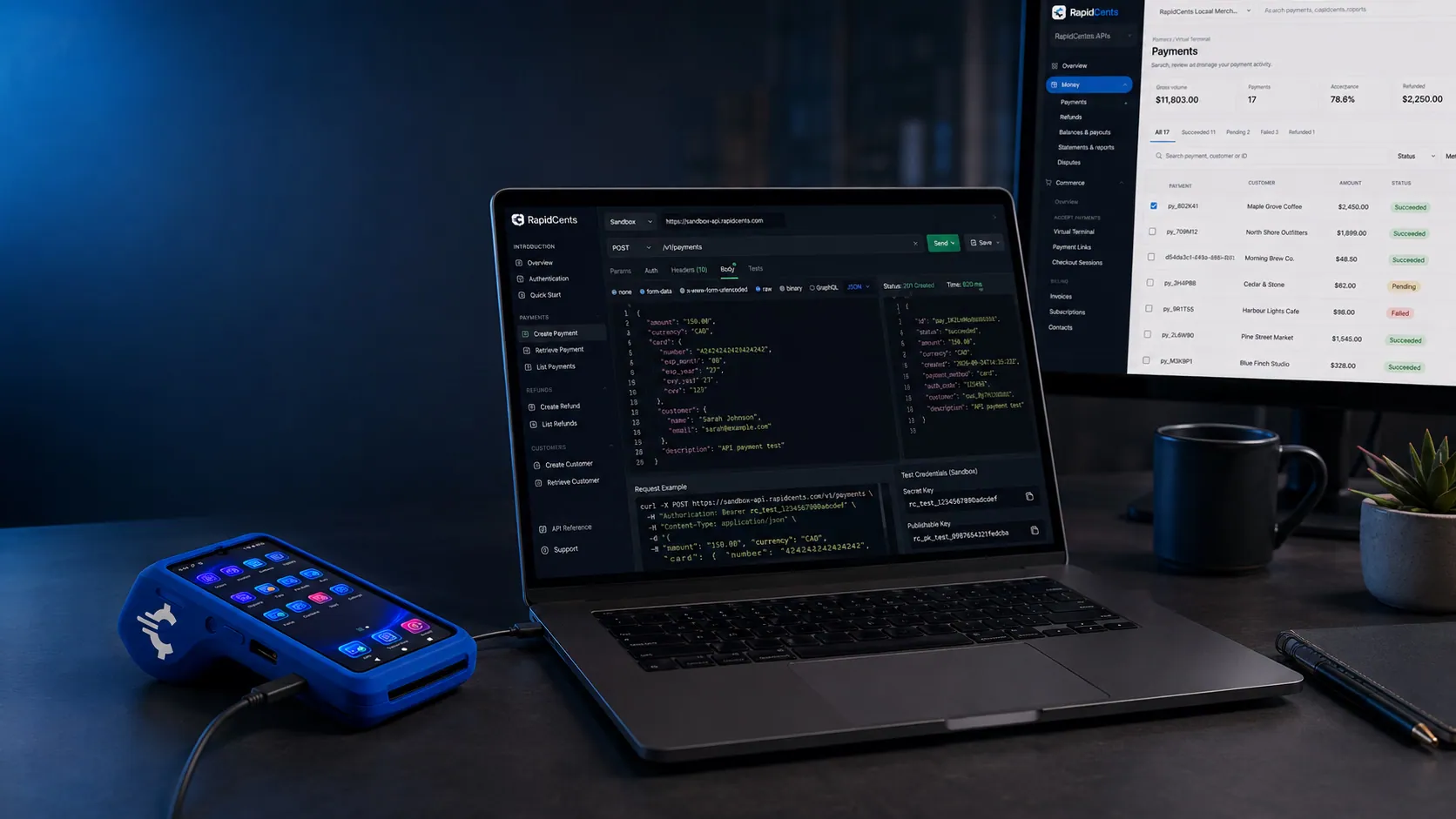
A RapidCents API request and its response on a developer workstation, with the merchant dashboard and a test terminal. RapidCents APIs
REST APIs for payments, refunds, customers, tokens and settlement, with predictable errors and…
Explore
RapidCents connected to accounting and operations tools a business already runs, with payments landing in the same dashboard. Third-Party Integrations
Connect RapidCents to accounting, CRM, booking and operations tools your business already runs.
Explore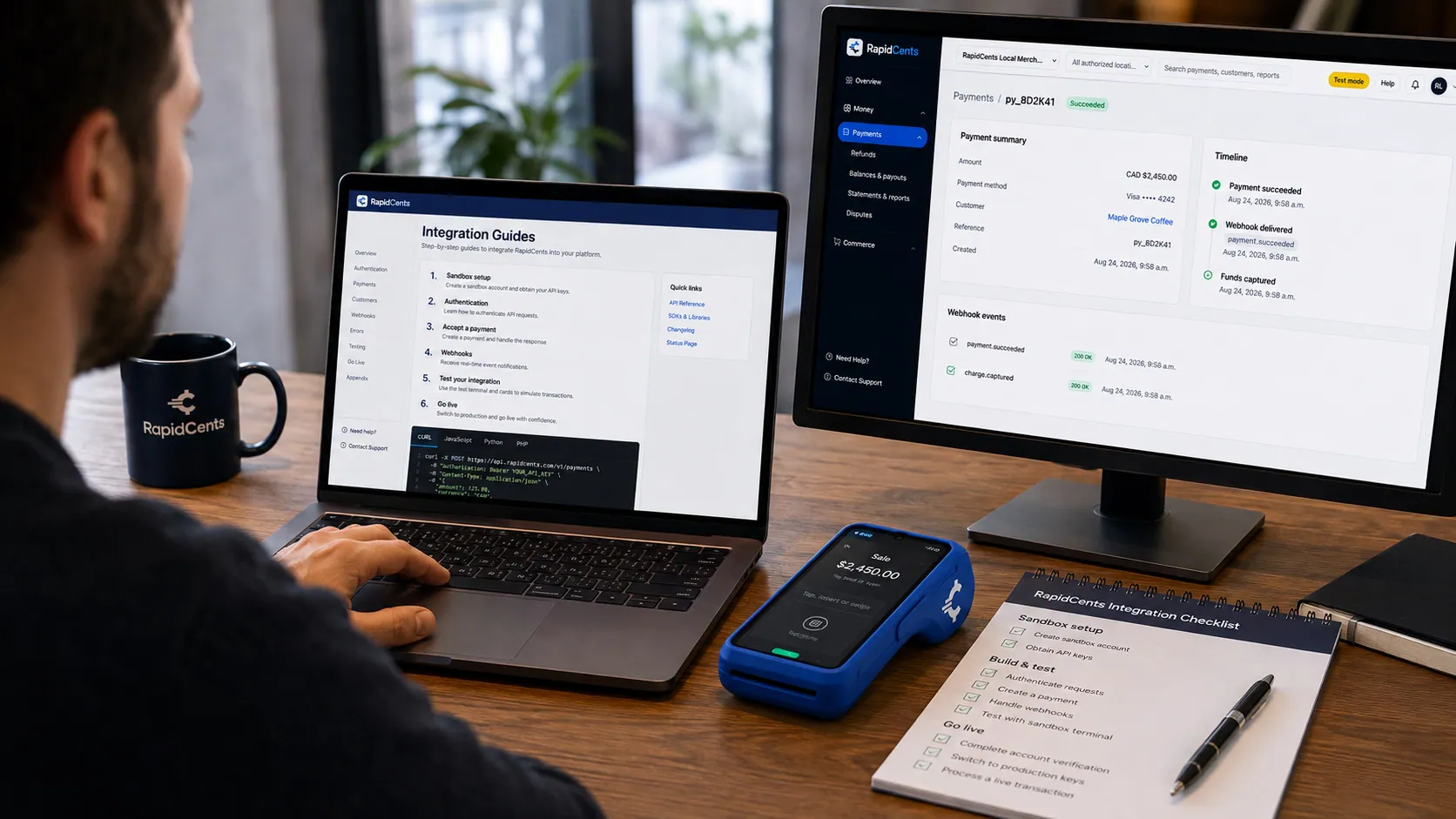
APPIE interoperability on a RapidCents desk: a terminal and host path that can work across processor boundaries. APPIE™
Payment interoperability infrastructure that lets terminals and hosts work across processor…
ExploreA developer working through a RapidCents integration guide, sandbox terminal on the desk and a successful test result on screen. Integration Guides
Step-by-step guides for e-commerce, POS, mobile and marketplace integrations.
Explore


Take the next step
Talk to a RapidCents specialist
RapidCents Fee Check reads a processing statement and shows interchange separately from the markup. Upload a statement for an instant breakdown, or open a merchant account and start accepting payments on one account.
- No obligation
- Canadian payment specialists
- Secure statement upload



