


White-label payment UI
Embed payment components inside your software with white-label styling
Embedded payments put the checkout inside your own software rather than redirecting the user away from it. RapidCents supplies drop-in components — a PCI-scoped card element, Apple Pay and Google Pay buttons, and a payment status widget — themed with your CSS variables and wrapped for React and Vue. Card numbers never enter your JavaScript context. Callbacks report success, failure and 3-D Secure challenges, and connected accounts route charges to sub-merchant MIDs for platform models.
- Embeddable UI with your CSS theme
- Hosted fields reduce PCI scope
- Connected accounts for platform models

- iframe and JS SDK options
- SOC 2 Type II
- White-label theming API
- Connected merchant onboarding
- Sandbox component playground
Who it's for
Vertical SaaS vendors
Bill customers inside your app without redirect checkout.
Marketplace builders
Embed pay-in flows for buyer and seller experiences.
Agencies white-labeling portals
Client-branded payment widgets on custom portals.
Core capabilities
Embeddable card element
Mount PCI-scoped iframe with theme tokens.
Wallet buttons
Apple Pay and Google Pay inside your checkout step.
Payment status widget
Show processing, success and retry states inline.
Connected accounts
Route charges to sub-merchant MIDs on platform model.
Event callbacks
JavaScript hooks for payment lifecycle events.
How it works
Install embedded payments SDK in your app.
Configure theme tokens to match product UI.
Create payment intent server-side with secret key.
Mount components and listen for success events.
Confirm capture and show receipt in your UX.
Embedded UI workflows
In-app subscription signup
Card element vaults token on account creation step.
Marketplace checkout
Buyer pays; platform fee splits on capture.
Invoice pay widget
Embed pay button on customer portal invoice view.
3-D Secure inline
Challenge modal overlays without leaving app shell.
Dashboard and reporting
Transactions, deposits and exceptions visible in the RapidCents merchant dashboard.
Try it, edit values and click buttons
Merchant dashboard
- Today
- $4,218
- Deposits
- $12,482
- Disputes
- 2 open
- In-person
- $842
- Online
- $1,104
- Virtual terminal
- $392
Demonstration data only
Integrations
React and Vue SDK
Official component wrappers for SPA frameworks.
Mobile WebView
Embedded checkout inside iOS and Android apps.
Design system tokens
Map CSS variables to component theme API.
Works with Embedded Payments
Capabilities on the same account, so the parts below connect without a second integration or a second contract.
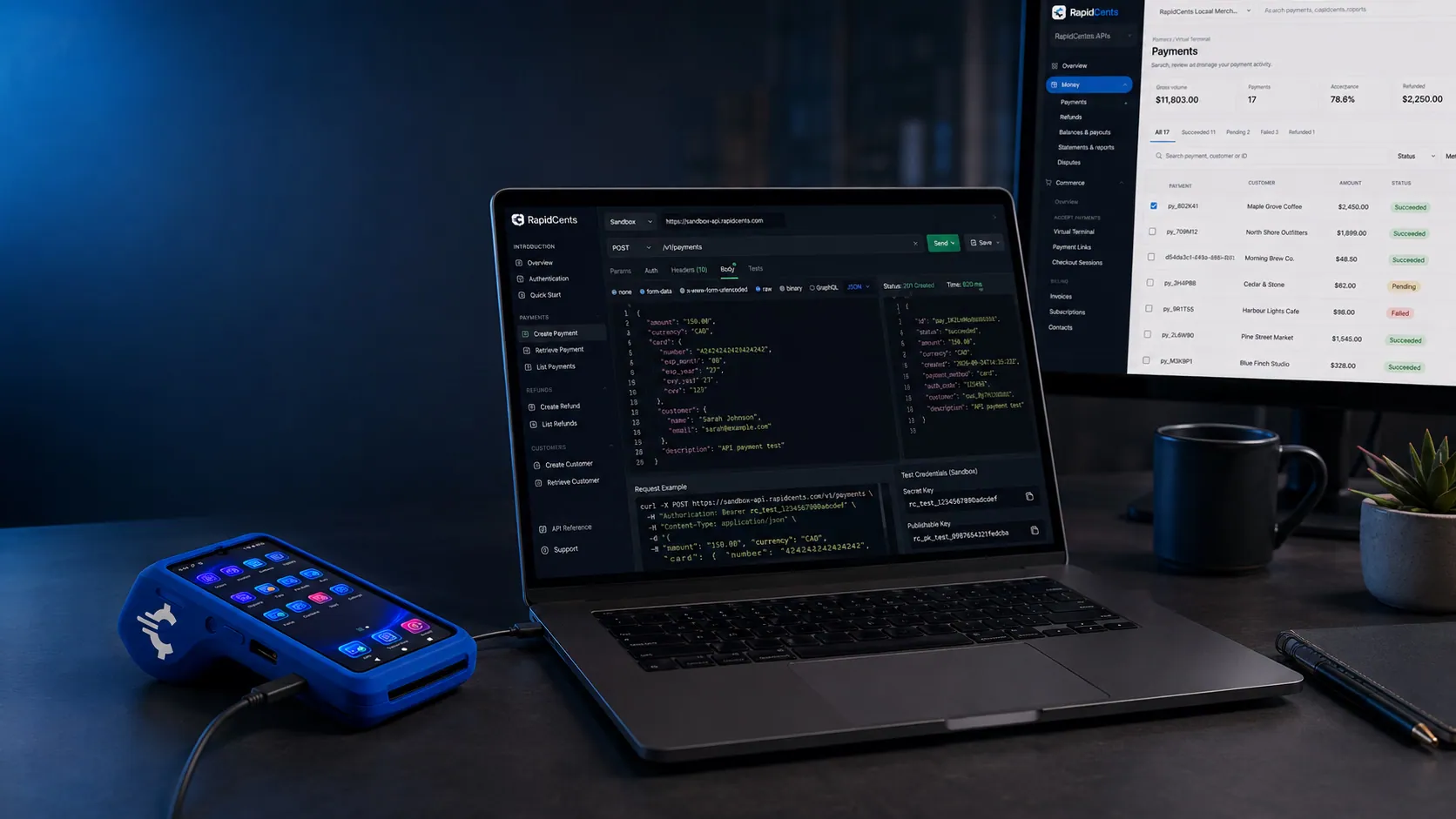
A RapidCents API request and its response on a developer workstation, with the merchant dashboard and a test terminal. RapidCents APIs
REST endpoints for payments, customers, refunds and reporting.
Explore
Rapid.js hosted card fields on a developer workstation, keeping card entry out of the merchant's PCI scope. Rapid.js
Embedded card fields that keep your checkout in your own design and out of PCI scope.
Explore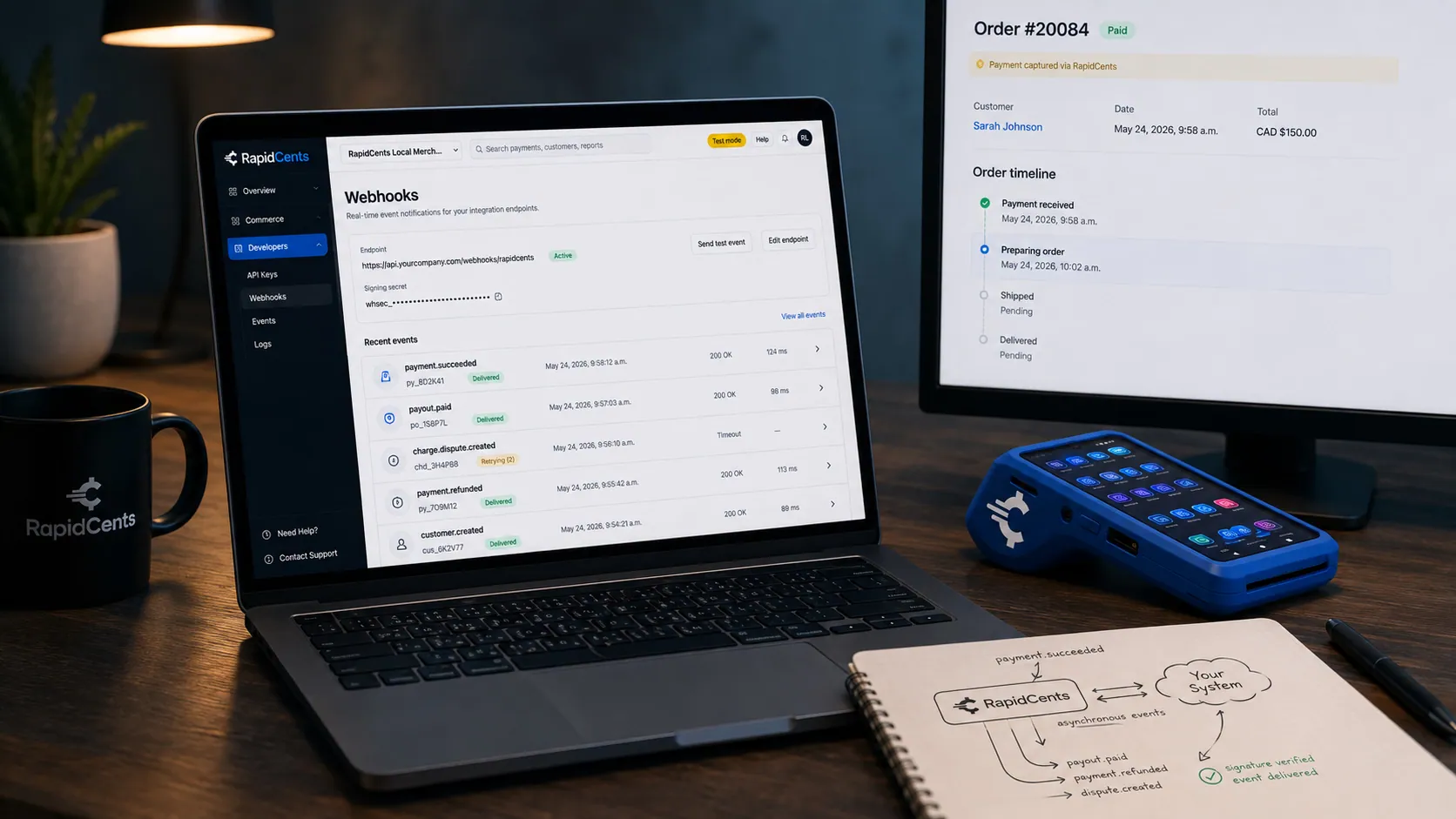
A RapidCents webhook delivery timeline next to the payment that triggered it, with a test terminal on the desk. Webhooks
Signed events your systems can react to the moment a payment settles or fails.
Explore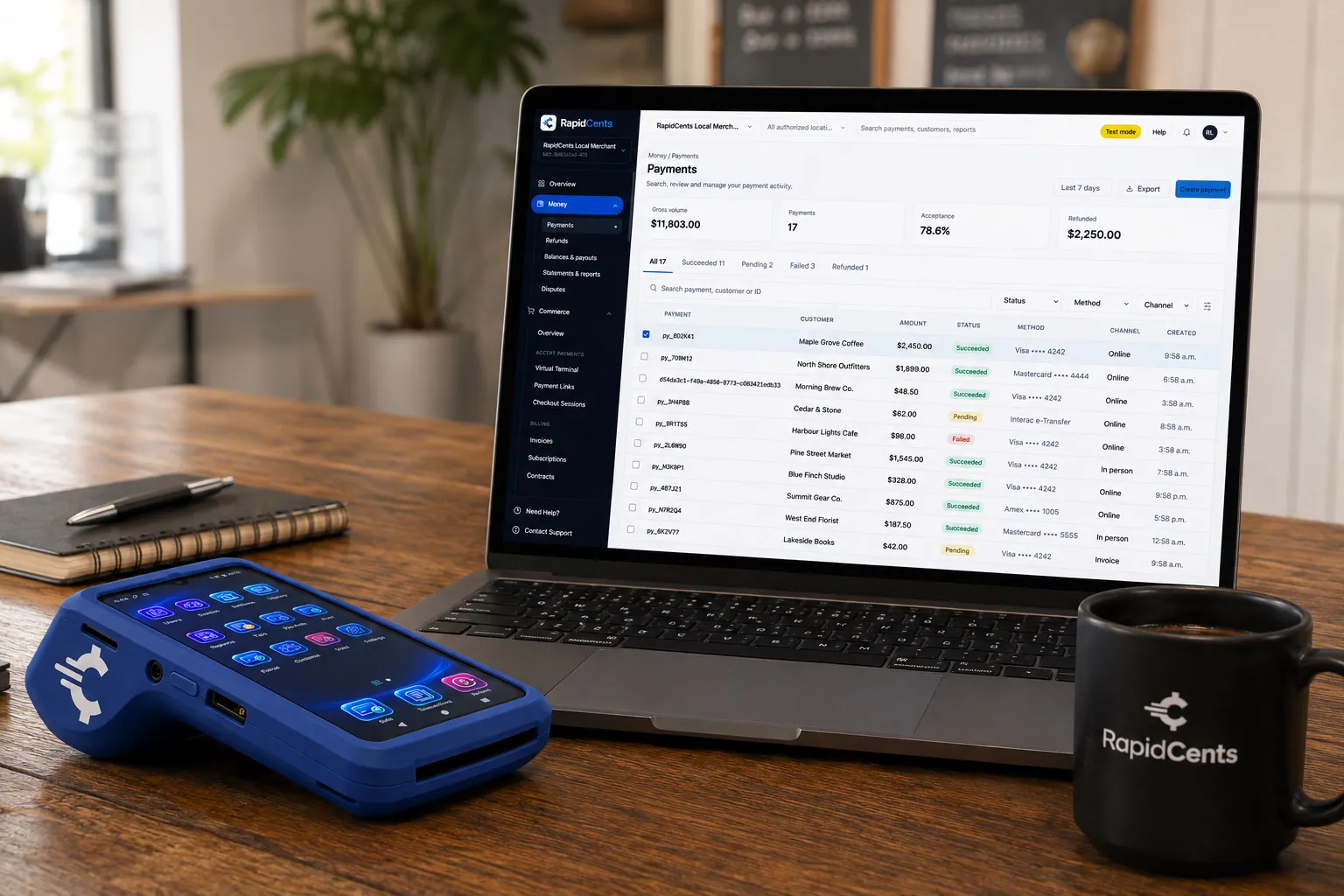
A payment-gateway integration desk: API response on screen, RapidCents terminal ready for a test sale. Payment gateway
The authorization layer every online RapidCents payment runs through.
Explore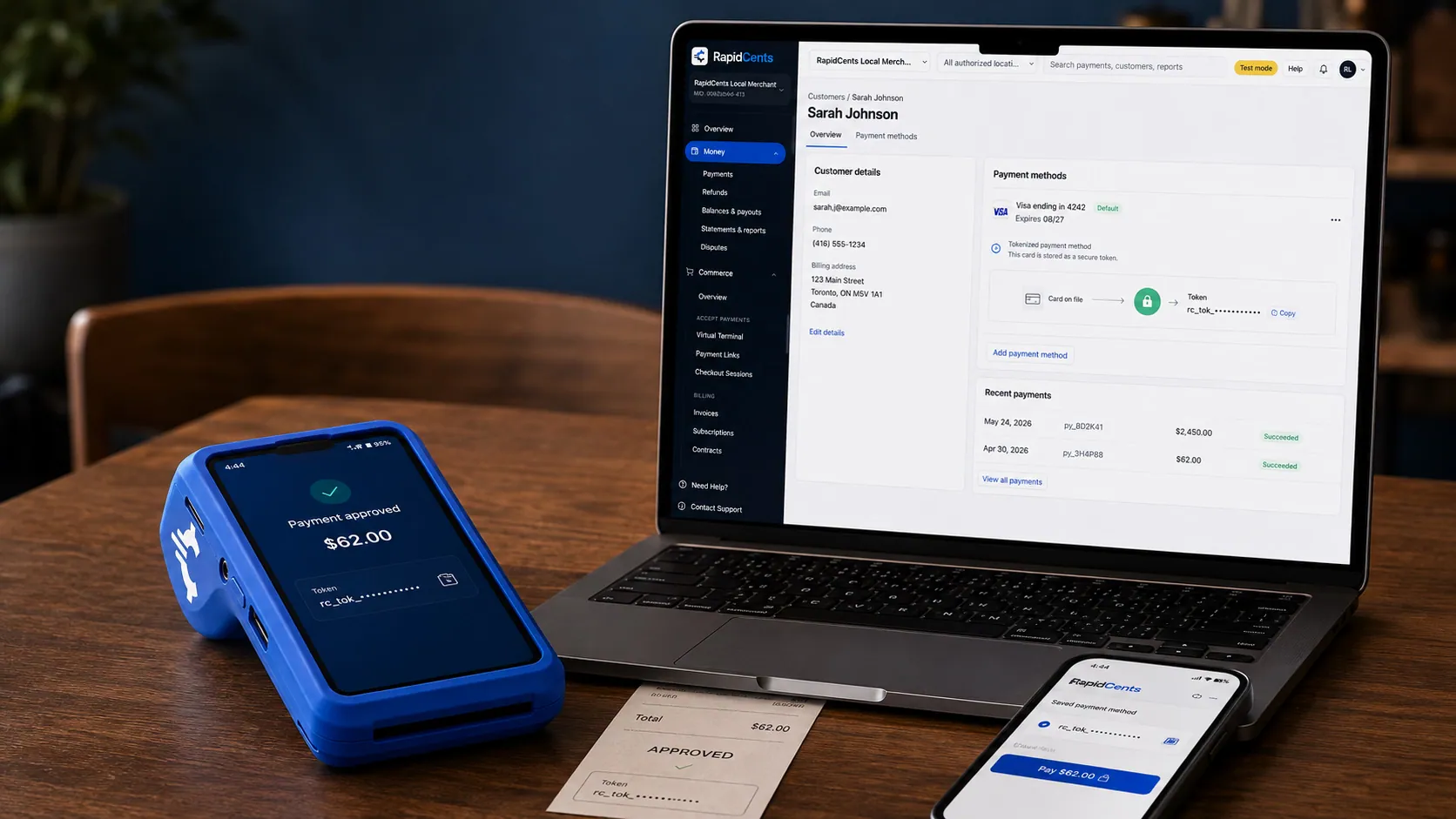
A stored RapidCents token stands in for the card number, with the terminal that captured the original credential beside it. Tokenization
Card numbers are replaced by a token, so nothing reusable is stored in your systems.
Explore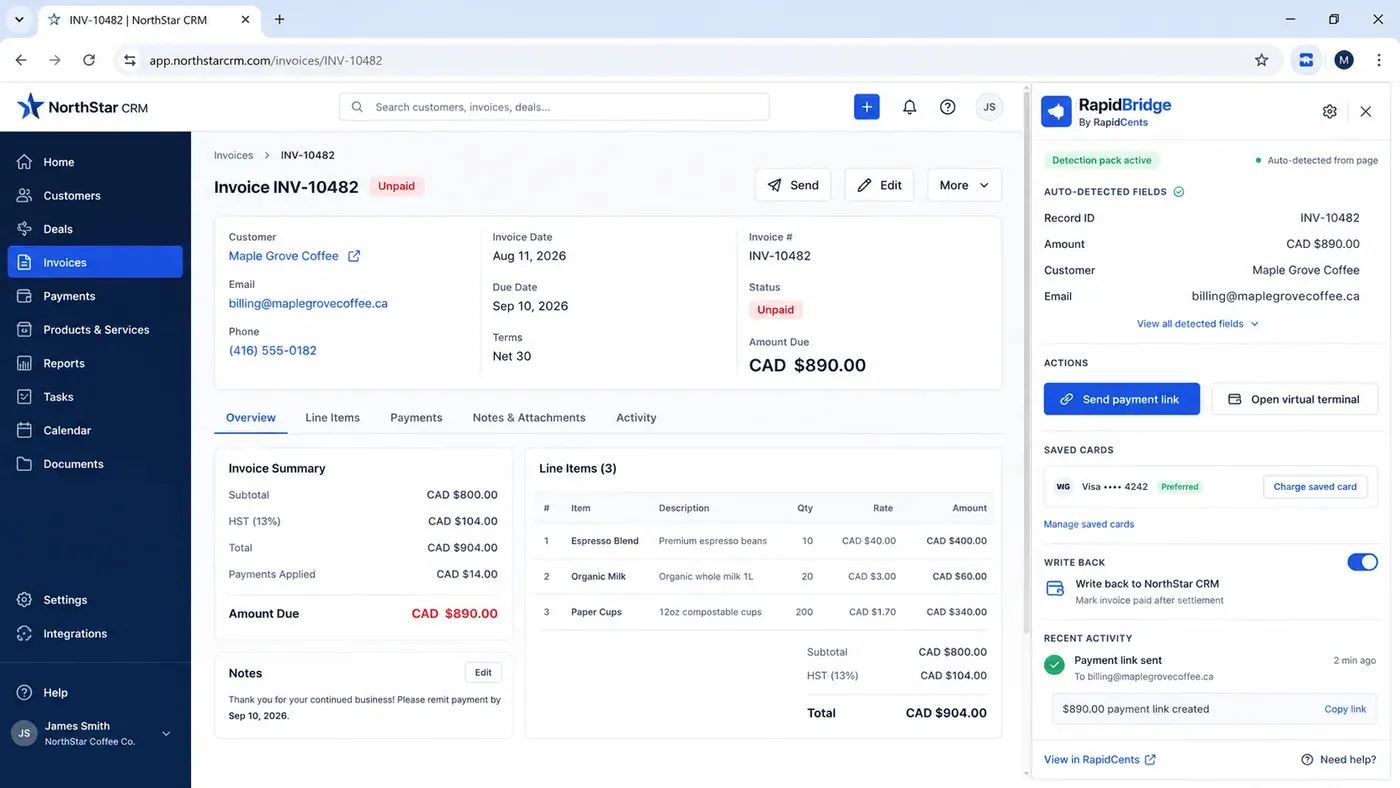
An unpaid invoice open in a third-party CRM with the RapidBridge panel beside it, showing the record number, amount, customer and email it detected from the page on its own, and buttons to send a payment link or charge a saved card. RapidBridge
Connects RapidCents to the software you already run, without rebuilding it.
Explore


Security
Hosted field isolation
PAN never enters your JavaScript context.
CSP guidance
Documentation for content security policy setup.
Sub-merchant KYC
Connected onboarding collects verification docs.
Implementation
SDK evaluation
Use playground to prototype themed components.
Server integration
Implement intent creation and webhook handlers.
Theme QA
Visual review across breakpoints and dark mode.
Production rollout
Gradual feature flag to embedded checkout.
Pricing
Platform pricing
Processing rates plus optional platform fee per connected account. Contact for volume pricing.
Questions about Embedded Payments
iframe or JS mount?
Both supported. iframe is fastest for PCI reduction.
Customize error messages?
Yes via locale strings and theme callback hooks.
Mobile responsive?
Components adapt to container width and mobile keyboards.
Connected accounts required?
Optional. Use for marketplace; single merchant can embed without splits.
How is embedded payments different from hosted checkout?
Hosted checkout sends the customer to a RapidCents-hosted page. Embedded payments keep them inside your application, mounting a PCI-scoped card element in your own layout with your CSS theme. The card data is isolated either way; the difference is whether your product's checkout still looks like your product.
Does embedding card fields put card data in my JavaScript?
No. The card element is a hosted field in an isolated iframe, so the card number never enters your JavaScript context. You receive a token and lifecycle events instead. Documentation covers the content security policy settings the embed needs, which is usually the first thing to trip up a locked-down application.
Do the components work in a mobile app?
Embedded checkout runs inside an iOS or Android WebView, and components adapt to the container width and mobile keyboards. Official React and Vue wrappers cover single-page web apps. Theme values map from your design system's CSS variables rather than being restyled separately per platform.
Do I need connected accounts to use embedded components?
No. Connected accounts are for platform and marketplace models, where charges route to sub-merchant MIDs and a platform fee splits out. A single merchant embedding its own checkout uses the same components without any of that, and can add connected accounts later if the business becomes a platform.
Related products
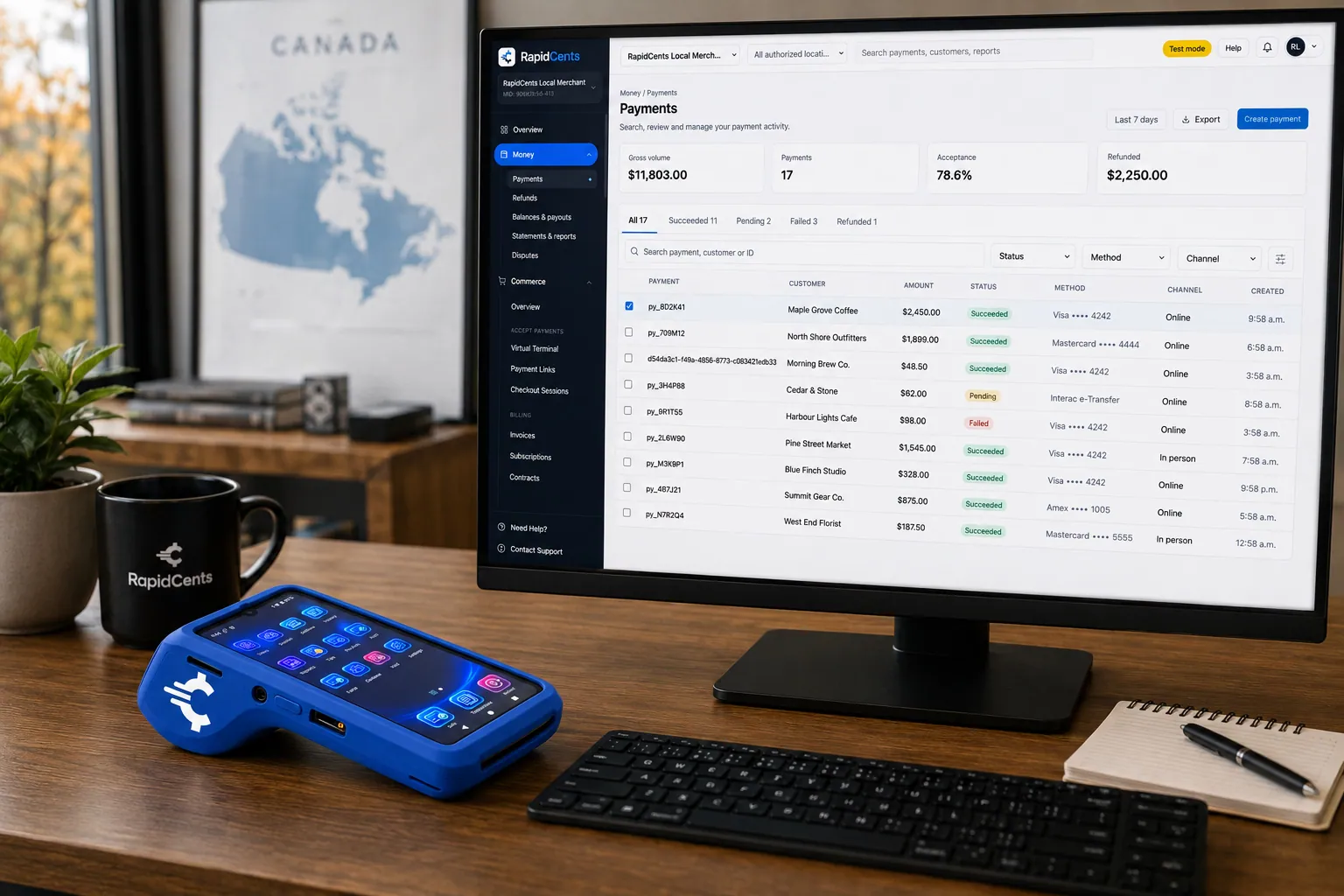
A software platform routes connected-merchant payments through RapidCents, with terminals and settlement in one view. Platform Payments
RapidCents platform payments enable marketplaces, franchises and software platforms to onboard…
ExploreA payment-gateway integration desk: API response on screen, RapidCents terminal ready for a test sale. Payment Gateway
The RapidCents payment gateway exposes REST endpoints for authorize, capture, void, refund and…
Explore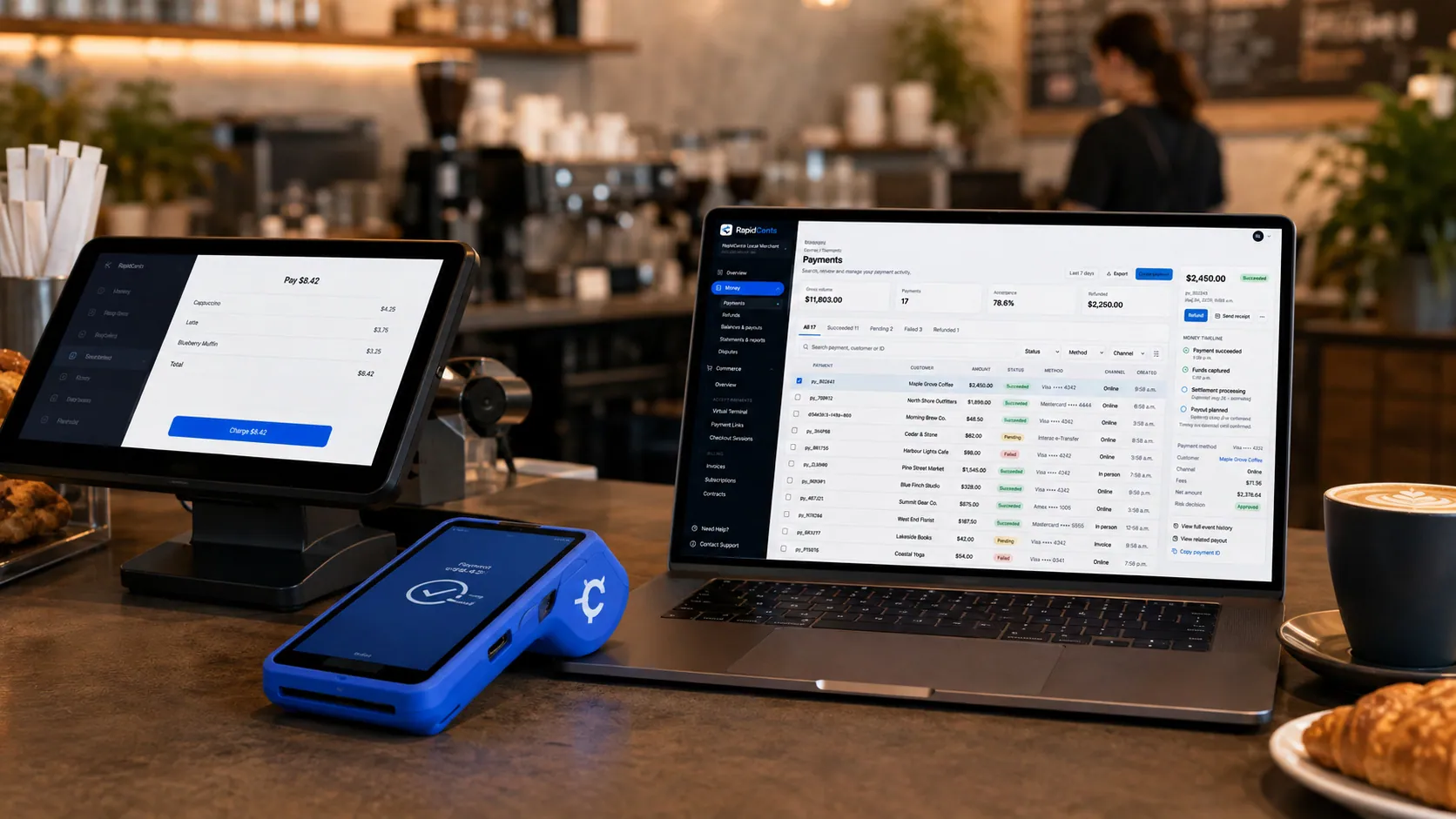
Payments taken inside existing business software through RapidCents, with the terminal and dashboard in the same workspace. Integrated Payments
RapidCents integrated payments connect certified POS and ERP systems so sale amounts, tips, refunds…
Explore


Take the next step
Talk to a RapidCents specialist
RapidCents Fee Check reads a processing statement and shows interchange separately from the markup. Upload a statement for an instant breakdown, or open a merchant account and start accepting payments on one account.
- No obligation
- Canadian payment specialists
- Secure statement upload



