


App-capable checkout
Smart terminals that run POS apps and payments on one device
Smart Terminals is for businesses in the USA. Merchant evaluating payment devices that run approved business apps; distinguish application capability from ordinary card-reader hardware. The sections below separate the workflow, the control and its limit, and the account facts to confirm before you rely on them.
- App marketplace for POS and operational tools
- Customer-facing display on select models
- Unified sales and payment reporting

- Certified partner apps
- SOC 2 Type II
- Android-based secure platform
- Automatic app updates
- Integrated payment certification
Who it's for
Quick-service with modifiers
Staff tap menu items instead of key-entering amounts.
Retail with loyalty
Lookup customer rewards at payment without a separate tablet.
Operators consolidating hardware
Replace separate POS tablet and payment terminal.
Core capabilities
App marketplace
Install certified inventory, loyalty and industry apps on device.
Customer display
Dual-screen models show totals and marketing to buyers.
Catalog checkout
Ring items with modifiers; payment amount flows automatically.
Inventory sync
Stock counts update when integrated apps support two-way sync.
Unified closeout
Sales and payment batches reconcile in one dashboard view.
Automatic cellular continuity
When Wi-Fi is not the path, a Rivo terminal with an active SIM moves the authorization onto cellular on its own. Staff do not change a setting, and the customer does not wait. The sale continues on the SIM.
On-terminal health check
The terminal reviews its own path: whether Wi-Fi is carrying traffic, whether an active SIM should take the authorization, whether the connection responds, and whether a restart will keep the terminal responsive. In most situations it completes that adjustment itself, confirms the path and returns to the sale.
Refund controls on the device
Refund fraud is a refund that was never a genuine sale. Every RapidCents terminal applies controls that stand between that refund and the merchant account, so a refund has to be genuine before it leaves the device.
Location lock
When the merchant turns it on, the terminal authorizes only inside a set radius of the business. Outside that radius it locks, including when the terminal is taken from the premises, so it stops taking payments.
Multi-carrier SIM
The SIM is not a card locked to AT&T, and it is not a card locked to T-Mobile. It is a universal SIM that attaches to the strongest signal available, whichever carrier that is. Several terminals in one business can each sit on a different network at the same time.
How it works
Review current POS workflows and app requirements.
Select smart terminal model with appropriate screen size.
Install certified apps from marketplace.
Connect payment app to merchant account.
Train staff on catalog sale and payment flow.
Smart terminal workflows
Menu-driven QSR sale
Cashier taps items; terminal calculates tax and prompts payment.
Loyalty redemption
Scan member ID and apply reward before card tap.
Inventory-aware retail
Low-stock alert surfaces during item selection.
Kitchen ticket trigger
Order fires to kitchen display app upon payment approval.
Dashboard and reporting
Transactions, deposits and exceptions visible in the RapidCents merchant dashboard.
Try it, edit values and click buttons
Merchant dashboard
- Today
- $4,218
- Deposits
- $12,482
- Disputes
- 2 open
- In-person
- $842
- Online
- $1,104
- Virtual terminal
- $392
Demonstration data only
Integrations
Partner POS apps
Certified catalog and kitchen apps from marketplace.
Loyalty platforms
Member lookup integrated at checkout.
Back-office exports
Sales detail exports for accounting systems.
Works with Smart Terminals
Capabilities on the same account, so the parts below connect without a second integration or a second contract.
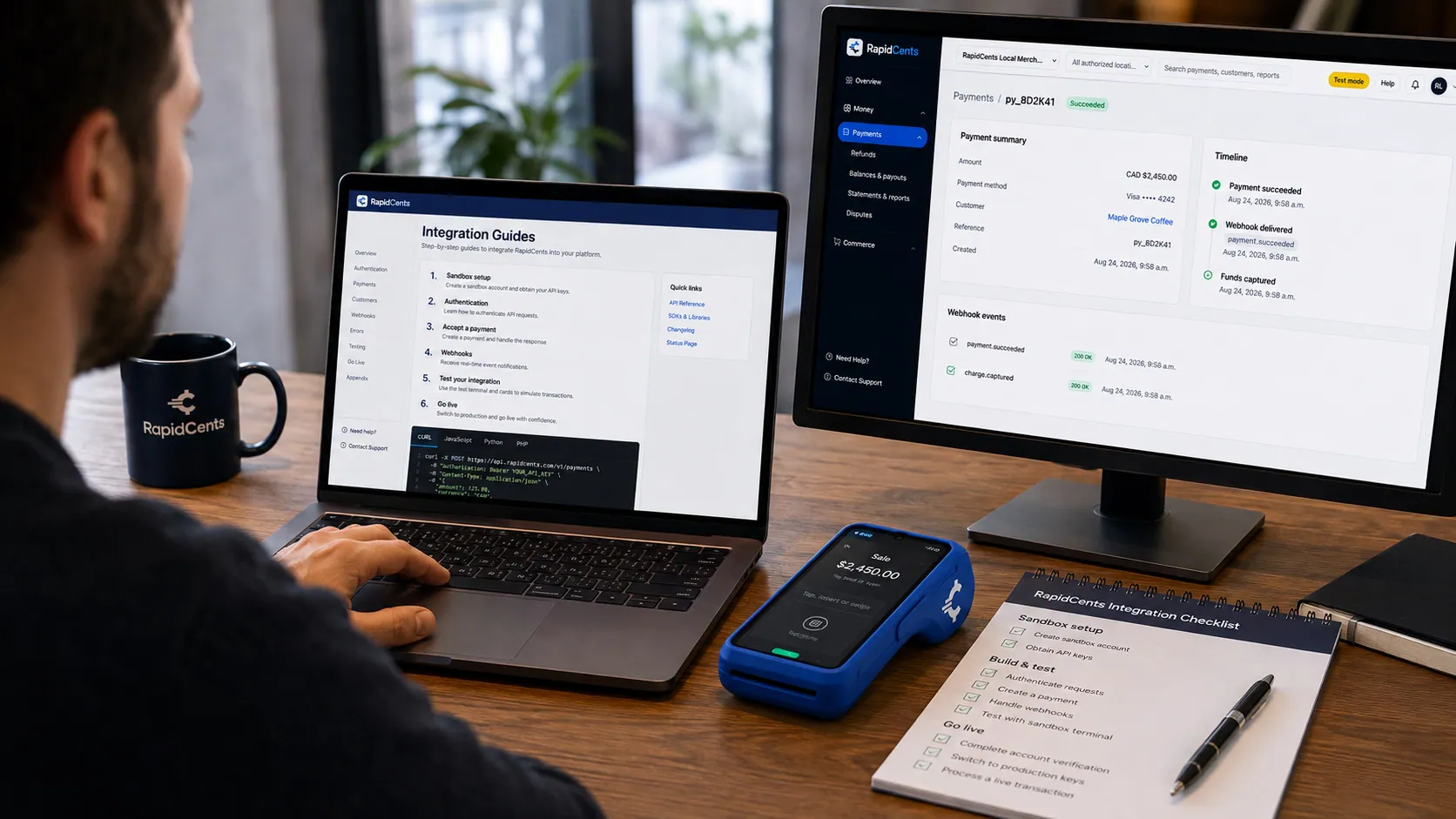
APPIE interoperability on a RapidCents desk: a terminal and host path that can work across processor boundaries. APPIE
The interoperability layer that lets existing point-of-sale software drive RapidCents hardware.
Explore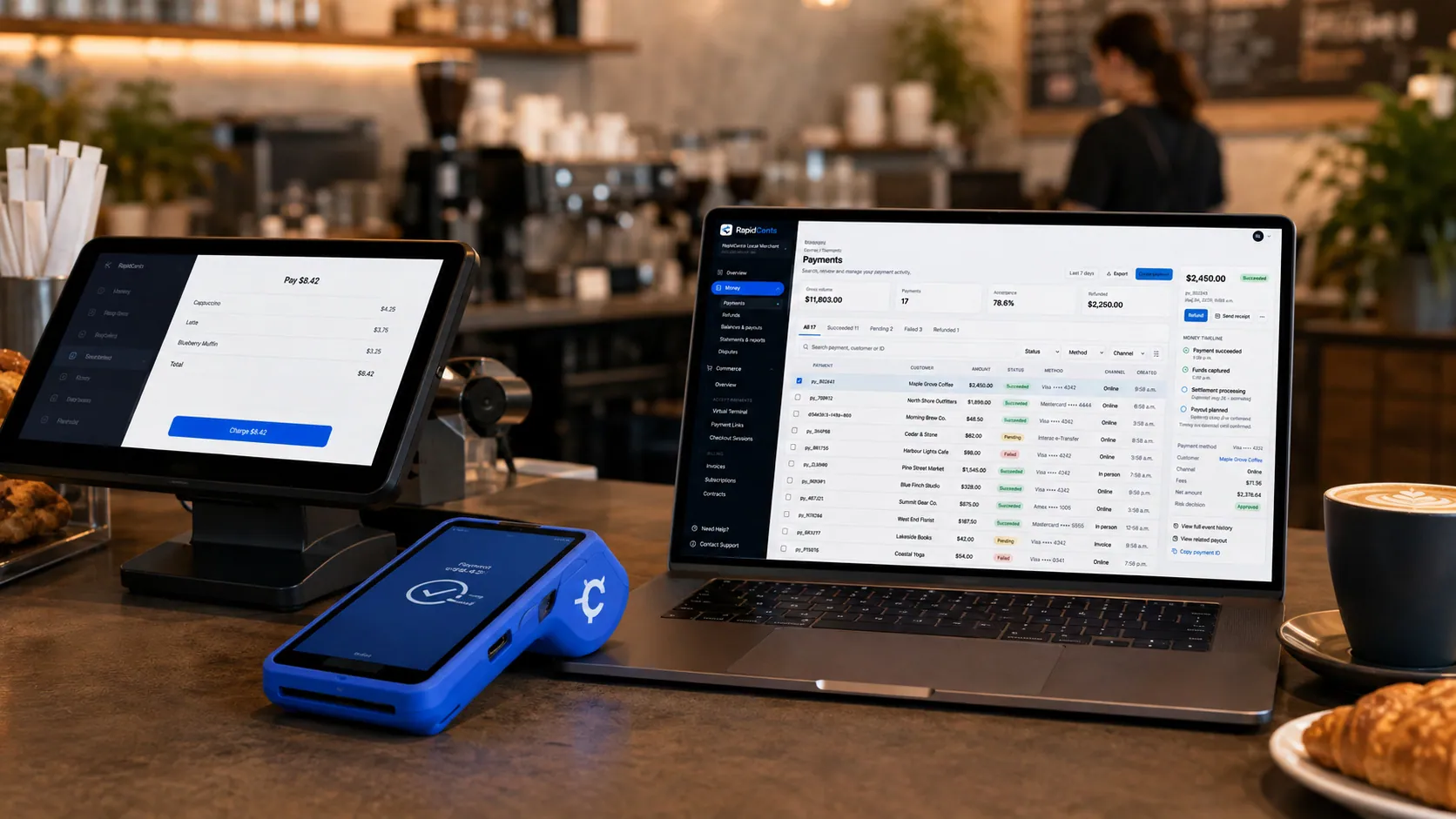
Payments taken inside existing business software through RapidCents, with the terminal and dashboard in the same workspace. Integrated payments
Payments inside the POS, ERP or booking system your staff already use.
Explore
A café worker holds a phone running RapidCents Tap to Pay, showing an $18.75 sale and the contactless symbol, while a customer holds a Visa card to the screen. No separate card reader is present. Tap to Pay
Contactless acceptance on a compatible phone, with no extra hardware.
Explore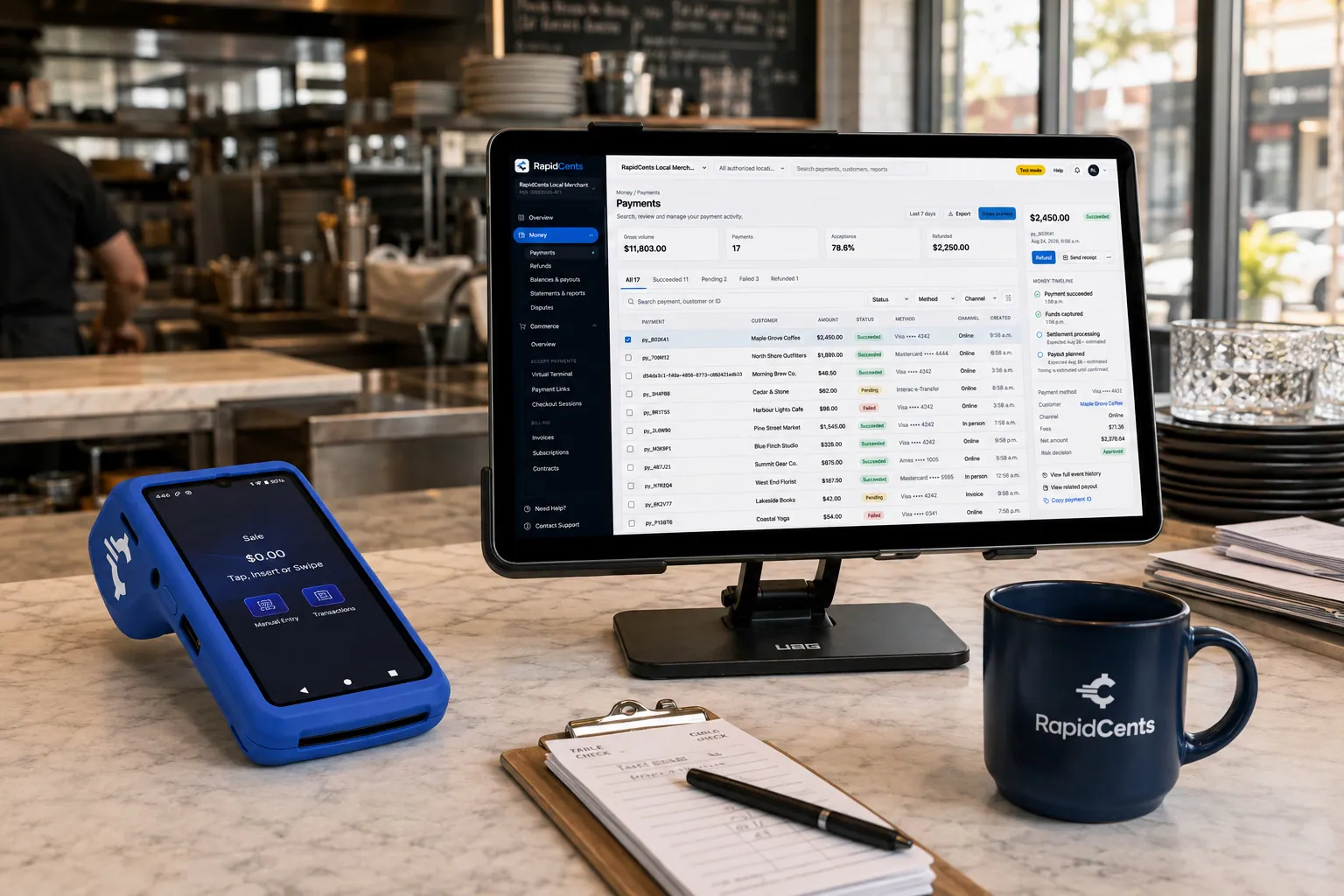
Tableside card capture on a RapidCents terminal in a restaurant, with the POS and payments dashboard on the pass. Restaurant POS
Tableside ordering, tips, course firing and split payments.
Explore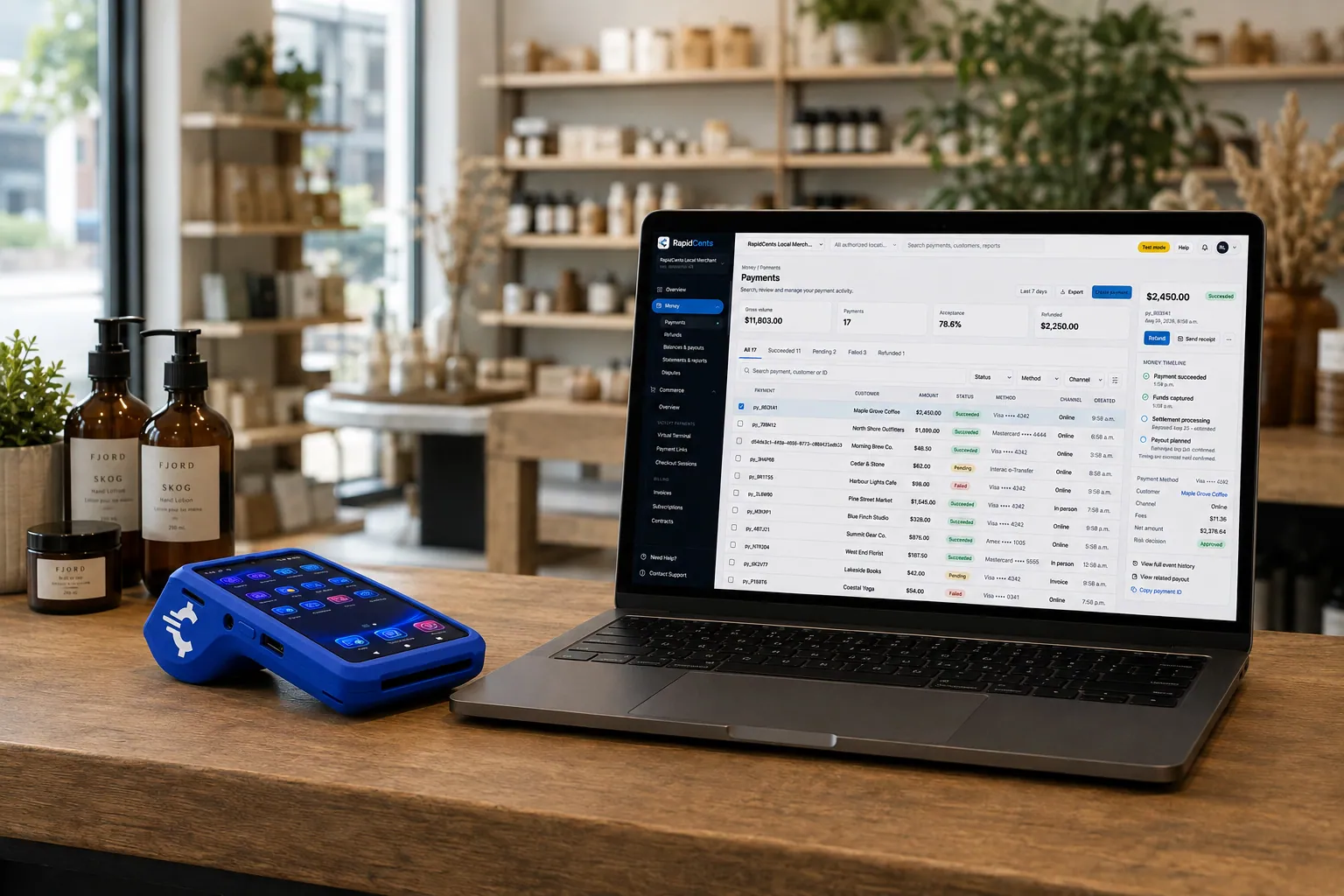
A retail counter ringing a basket on RapidCents POS, terminal taking the card and the dashboard showing the sale. Retail POS
Fast checkout with inventory, variants and omnichannel stock.
Explore
The RapidCents payments screen: gross volume, payment count, acceptance rate and refunds across the top, a filterable transaction list below, and a money timeline on the right tracing one payment from capture to planned payout. Merchant dashboard
Transactions, deposits, refunds and disputes across every channel in one place.
Explore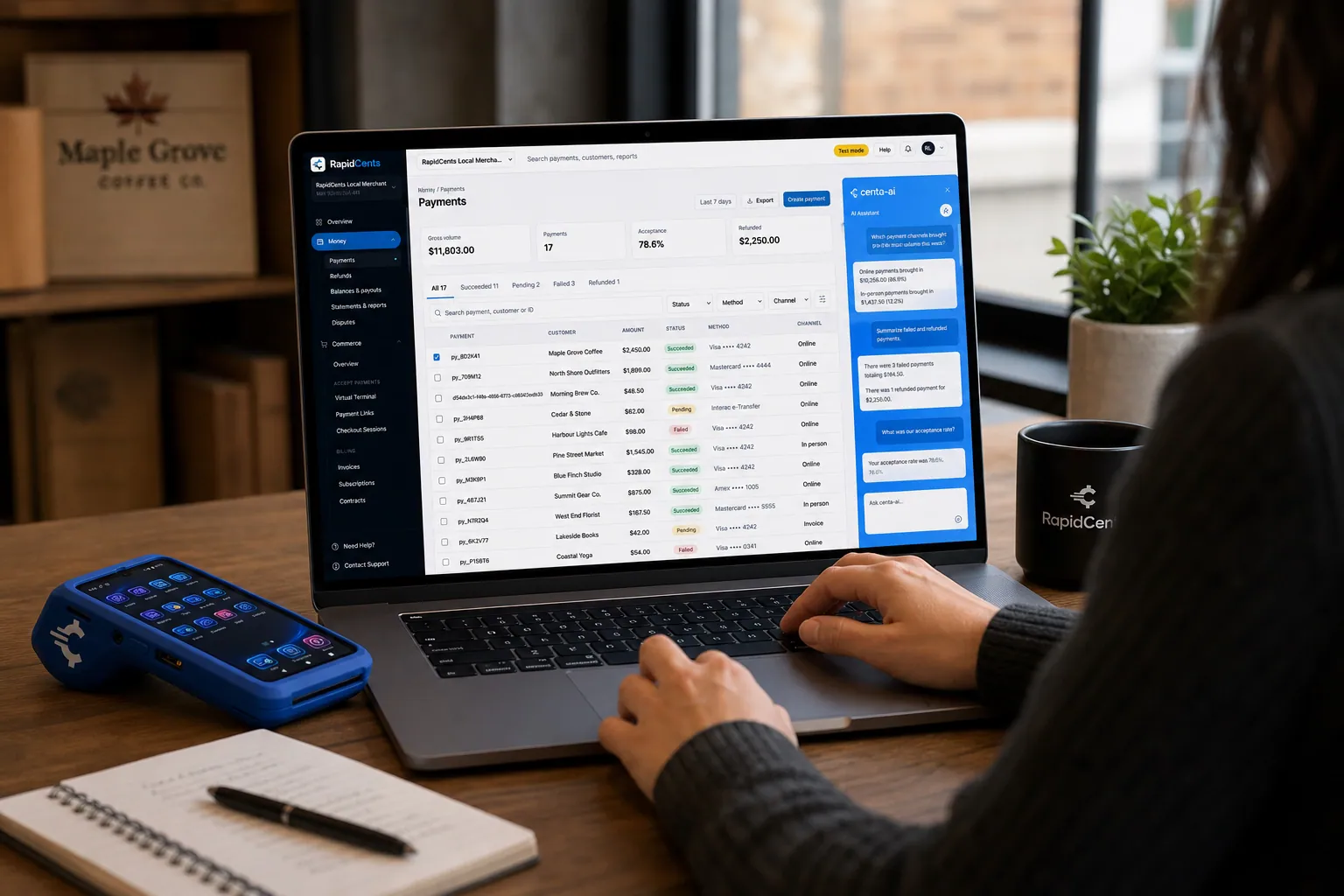
A merchant asks Centa about payments and deposits in the RapidCents dashboard, with a smart terminal on the desk. Centa AI assistant
Sales questions, terminal diagnostics and unusual-activity signals, asked in plain language.
Explore


Security
App sandboxing
Payment app isolated from third-party applications.
Signed app distribution
Only certified apps install on production devices.
Role permissions
Limit refunds and settings changes by staff role.
Implementation
App selection workshop
Choose marketplace apps matching operations.
Hardware staging
Devices provisioned with apps before ship.
Menu configuration
Load items, taxes and modifiers.
Parallel run
Operate smart lane alongside legacy terminal during transition.
Pricing
Smart terminal bundle
Device, app licenses and processing may bundle for qualified merchants. App fees vary by partner.
For businesses in the USA
A direct answer for a business in the USA: the workflow, the limit, and what to confirm next.
The payment workflow
A practical view covers US merchant using one approved device application to select items or a service and then complete payment. Name which operational apps are actually available and how their records connect to payment reports. Avoid presenting an app marketplace as proof that every POS or inventory tool works on every terminal. Confirm eligibility, presentment currency, settlement currency and the enabled payment methods on the USA merchant account before quoting them. An illustrative amount is an example, not a fee or a funding promise. Smart Terminals does not, by itself, prove delivery or win a dispute.
The problem and the limit
In practice, app installation permissions, updates, separation of payment data and third-party software, and support ownership. Validate the security model and recovery after an app or network failure. Any customer-display, diagnostics or Centa feature must be tied to a supported device/version. Confirm eligibility, presentment currency, settlement currency and the enabled payment methods on the USA merchant account before quoting them. An illustrative amount is an example, not a fee or a funding promise. Smart Terminals does not, by itself, prove delivery or win a dispute.
What to confirm
Before you rely on this, confirm US models, approved app catalog, licenses, hardware configurations, methods and connectivity. Keep separate device, software, integration and processing charges. State activation, support and upgrade conditions, without transferring Canadian app availability or promising uniform capabilities across the fleet. Confirm eligibility, presentment currency, settlement currency and the enabled payment methods on the USA merchant account before quoting them. An illustrative amount is an example, not a fee or a funding promise. Smart Terminals does not, by itself, prove delivery or win a dispute.
Questions about Smart Terminals
Which apps are available?
Certified partners for inventory, loyalty, QSR and retail publish to the marketplace.
Can I use my existing POS app?
If certified for smart terminals, yes. Your advisor confirms compatibility.
Is internet required?
Yes for app sync. Offline modes depend on individual app support.
Customer-facing screen?
Select models include a buyer-facing display for totals and signatures.
Can a smart terminal replace my point-of-sale system?
For many counter-service and small retail operations, yes: a certified catalog app on the device rings items with modifiers, calculates tax and takes payment on one screen. Operations with deep inventory, complex floor plans or multi-station kitchens usually keep a dedicated POS and integrate the terminal to it instead.
Which apps can I install, and can I bring my own?
Only certified apps published to the marketplace install on production devices, covering inventory, loyalty, kitchen display and industry POS. If your existing POS vendor is certified for smart terminals, it can run there too. Your advisor confirms compatibility for your specific version before you commit to the hardware.
What makes a smart terminal different for a USA merchant?
For a business in the USA, the practical view covers verified app-plus-payment workflows and the hardware/software requirements beyond ordinary card acceptance. This depends on the approved USA account setup and does not remove the merchant's own records or dispute duties.
Can I install my existing POS or another business app?
For a business in the USA, name approved apps/versions and certification or deployment steps; avoid an unrestricted-app claim. This depends on the approved USA account setup and does not remove the merchant's own records or dispute duties.
Who supports the terminal, payment app and third-party software?
For a business in the USA, provide actual responsibility boundaries, escalation and update policies, including downtime or failed integrations. This depends on the approved USA account setup and does not remove the merchant's own records or dispute duties.
Related products
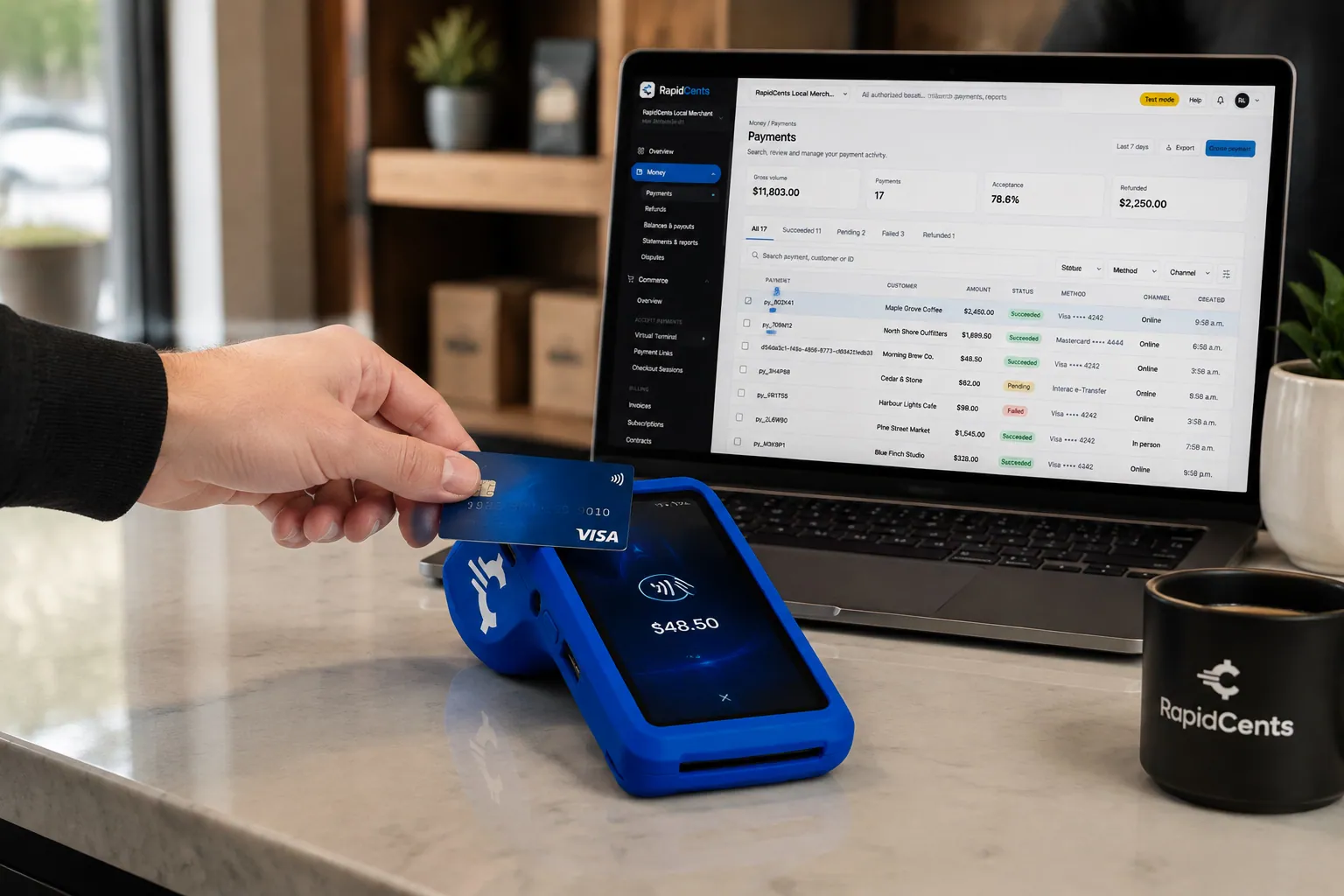
A fixed RapidCents countertop terminal taking card payments at the till, with settlement visible on the dashboard. Countertop Terminals
RapidCents countertop terminals sit at retail counters, restaurant hosts and reception desks where…
ExplorePayments taken inside existing business software through RapidCents, with the terminal and dashboard in the same workspace. Integrated Payments
RapidCents integrated payments connect certified POS and ERP systems so sale amounts, tips, refunds…
ExploreThe RapidCents payments screen: gross volume, payment count, acceptance rate and refunds across the top, a filterable transaction list below, and a money timeline on the right tracing one payment from capture to planned payout. Merchant Dashboard
The RapidCents merchant dashboard gives owners, managers and finance staff a single signed-in view…
Explore

Take the next step
Talk to a RapidCents specialist
RapidCents Fee Check reads a processing statement and shows interchange separately from the markup. Upload a statement for an instant breakdown, or open a merchant account and start accepting payments on one account.
- No obligation
- Payment specialists, not a call centre
- Secure statement upload



