


SaaS payment gateway, embedded checkout and subscription billing APIs
Software and SaaS is for businesses in the USA. SaaS team evaluating subscription billing and embedded checkout, with a separate decision for collecting on behalf of platform customers. The sections below separate the workflow, the control and its limit, and the account facts to confirm before you rely on them.

- PCI DSS Level 1
- SOC 2 Type II
- All major card brands: Visa · Mastercard · Amex · Discover · PIN debit
- Interchange-plus available
- Specialist onboarding support
Operational workflows
Embedded checkout
Platform revenue share
Webhook-driven reconciliation
Sandbox to production migration
Payment challenges
Keep seats collecting at renewal
A seat renews whether or not the customer ever opens the app. RapidCents refreshes stored cards so a paying account stays current through expiry and reissue.
Plan changes mid-cycle
Upgrades, downgrades and seat counts change between renewals and each one has to prorate against an amount already charged.
Collecting money you never own
A platform taking payments on behalf of its own merchants has to route each payout to the right sub-merchant while keeping the fee it earned.
Choose the right payment setup for Software & SaaS
Choose SaaS payment gateway
For Software & SaaS, map sign-up, scheduled billing, and renewal, online checkout and remote payment, and the sale and reconciliation with business systems before choosing a setup. Select channels that match those moments, then confirm that the chosen solution genuinely covers each channel.
Payment hardware for Software & SaaS
For Software & SaaS, physical hardware may be secondary to the checkout flow. Prioritize gateway or payment-page requirements first, then add a terminal only when an in-person payment point is genuinely needed.
Compare payment processing fees
For Software & SaaS, request a written fee breakdown covering scheduled billing, declined cards, and cancellations and online checkout and dispute handling. Compare the effective cost across the real card and channel mix; do not choose on a headline rate alone.
Set up or switch Software & SaaS payments
To set up Software & SaaS payments, document how payment data moves into business systems and the checkout, confirmation, and refund path, confirm compatibility before purchase, then test a real payment flow before going live.
Recommended products
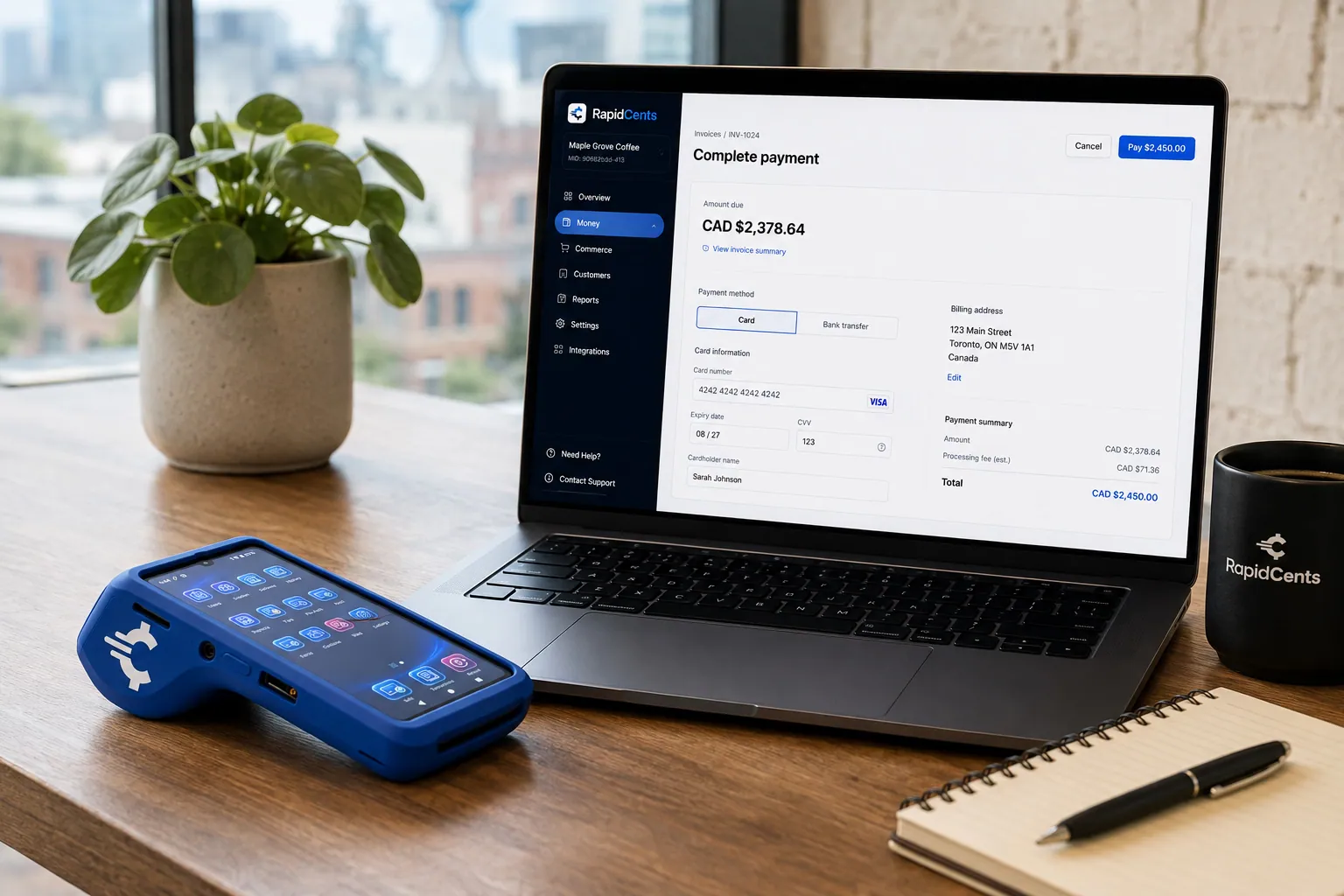
Card fields hosted by RapidCents sit inside a merchant checkout, with a terminal and the payments dashboard beside them. Embedded Payments
RapidCents embedded payments provide drop-in UI components, card fields, wallet buttons and payment status…
Explore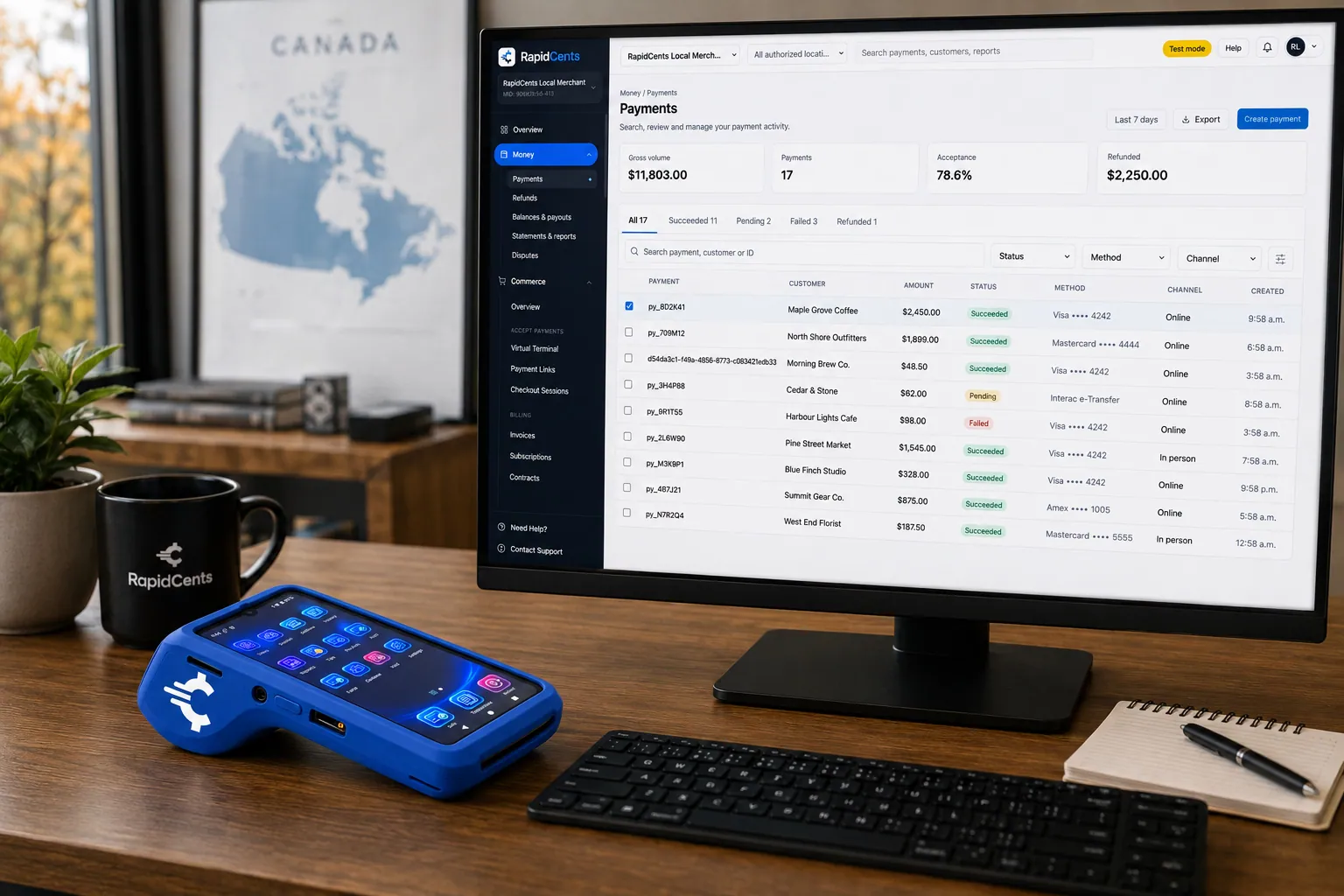
A software platform routes connected-merchant payments through RapidCents, with terminals and settlement in one view. Platform Payments
RapidCents platform payments enable marketplaces, franchises and software platforms to onboard sub-merchants…
Explore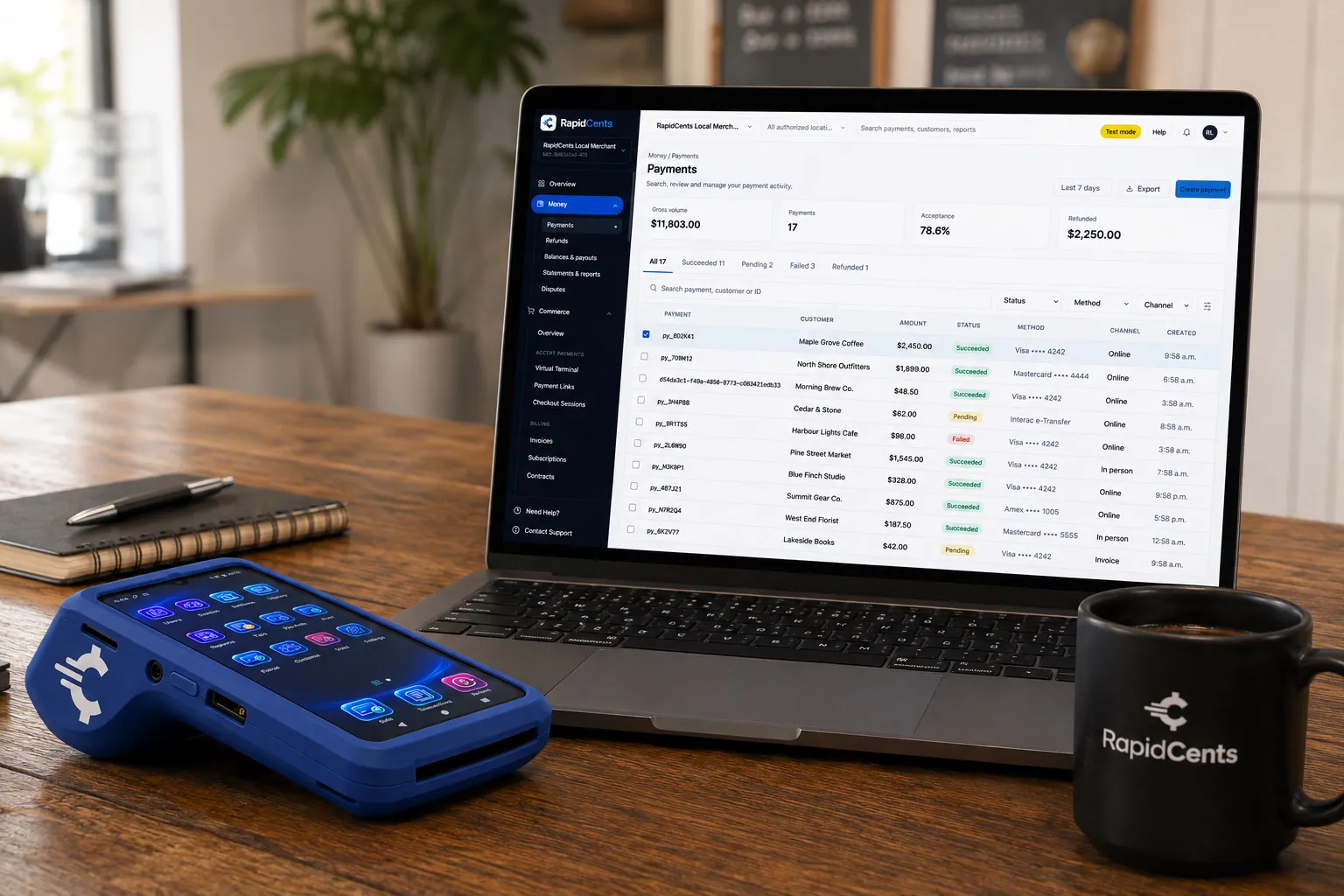
A payment-gateway integration desk: API response on screen, RapidCents terminal ready for a test sale. Payment Gateway
The RapidCents payment gateway exposes REST endpoints for authorize, capture, void, refund and tokenize…
Explore
The RapidCents recurring payments screen showing active subscriptions, monthly recurring revenue, failed payments and upcoming renewals, above a list of subscriptions with their plan, amount, frequency and next billing date. Recurring Payments
RapidCents recurring payments manage subscription plans, membership renewals and installment schedules with…
Explore


How this gets set up
Sandbox first
Your engineers build against the gateway sandbox and fire test webhooks until renewals, refunds and declines all behave, before a single live key is issued.
Checkout inside the product
Embedded payments put the card form on your own pricing page, so an upgrade never bounces the user to a third-party domain mid-signup.
Billing that survives renewal
Recurring payments hold the tokenized card and the account updater replaces it when the issuer reissues, so a plan does not lapse over an expiry date.
Splitting platform revenue
Platform payments settle each sub-merchant on your platform and retain your share, with webhooks driving the reconciliation on your side.
Integrations
Stripe migration paths
A migration path moves your existing subscriptions and stored-card tokens across once; it is a transfer, not a live sync between two gateways.
Chargebee
Chargebee keeps owning the plan catalogue and the proration while RapidCents is the gateway that actually charges the card on each renewal.
Recurly
Recurly's dunning schedule triggers the retry and RapidCents reports whether the card approved, so failed-payment churn is worked in one place.
Operations, security and going live
Reporting your finance team can close a month on
Settlement reports tie each deposit to the subscription invoices and platform splits behind it, so recurring revenue in your database and money in the bank reconcile line by line.
Cards you never store
Tokenization and the card vault keep the card number out of your application database, which keeps your own codebase out of the heaviest part of PCI scope.
A missed webhook is an outage
Retried webhooks and the merchant dashboard give you a second source of truth for the renewal run that happened while your listener was down.
Go-live without a big-bang cutover
Sandbox keys promote to production, and new signups can run on RapidCents while subscriptions on the previous gateway finish out.
For businesses in the USA
A direct answer for a business in the USA: the workflow, the limit, and what to confirm next.
The payment workflow
Trace a US customer from subscription signup to seat changes, renewal and cancellation. Distinguish charging for the software itself from onboarding sellers and collecting payments on their behalf. Confirm eligibility, presentment currency, settlement currency and the enabled payment methods on the USA merchant account before quoting them. An illustrative amount is an example, not a fee or a funding promise. Software and SaaS does not, by itself, prove delivery or win a dispute.
The problem and the limit
Specify authoritative payment events, safe retries and the treatment of failed renewals or prorated changes. Keep service entitlement separate from a browser redirect and require evidence for automated revenue recovery. Confirm eligibility, presentment currency, settlement currency and the enabled payment methods on the USA merchant account before quoting them. An illustrative amount is an example, not a fee or a funding promise. Software and SaaS does not, by itself, prove delivery or win a dispute.
What to confirm
Ask for tested sandbox examples for signup, upgrade, duplicate request and cancellation. Before you rely on this, confirm US SDK versions, proration, token scope, webhook verification, currency support and platform underwriting when sellers are involved. Confirm eligibility, presentment currency, settlement currency and the enabled payment methods on the USA merchant account before quoting them. An illustrative amount is an example, not a fee or a funding promise. Software and SaaS does not, by itself, prove delivery or win a dispute.
Payment questions from Software & SaaS
What should a SaaS company compare in a payment gateway?
Compare SaaS payment gateway against the real payment journey: sign-up, scheduled billing, and renewal, online checkout and remote payment, and the sale and reconciliation with business systems. Start with the required channels and hardware, then confirm compatibility and support before committing.
What payment hardware is practical for Software & SaaS?
If Software & SaaS sells primarily online, do not choose physical hardware before validating checkout. Add hardware only for a clearly defined in-person payment need.
Which payment channels are relevant for Software & SaaS?
For Software & SaaS, start with sign-up, scheduled billing, and renewal, online checkout and remote payment, and the sale and reconciliation with business systems. Keep only the channels that match those moments, then verify the complete customer flow before offering them.
How should payment processing fees be evaluated for Software & SaaS?
For Software & SaaS, compare costs related to scheduled billing, declined cards, and cancellations and online checkout and dispute handling using actual transactions. Request a written breakdown of fees and terms rather than relying on an advertised rate alone.
What should be confirmed before setting up payments for Software & SaaS?
For Software & SaaS, document how payment data moves into business systems and the checkout, confirmation, and refund path, verify the needed compatibility, and test the flow before going live. This exposes manual steps and exceptions before customers encounter them.
How should a SaaS business handle upgrades or seat changes between renewals?
For a business in the USA, calculate the approved adjustment, show it to the customer and record its effective date. Use automated proration only if validated; otherwise create a controlled adjustment without double-charging the renewal. This depends on the approved USA account setup and does not remove the merchant's own records or dispute duties.
Do I need platform payments to bill customers for my own software?
For a business in the USA, billing for your own subscription is distinct from processing for third-party merchants. Connected accounts, seller verification and fee allocation require separate platform review when the business collects on others’ behalf. This depends on the approved USA account setup and does not remove the merchant's own records or dispute duties.
Which payment event should trigger access to a paid subscription?
For a business in the USA, use the verified server-side event required by the approved billing model, matched to the account and invoice. Handle pending, failed and reversed payments explicitly; do not grant access solely from a return-page visit. This depends on the approved USA account setup and does not remove the merchant's own records or dispute duties.
Related industries
Digital Products
Sell ebooks, templates, media and digital goods with instant checkout, fraud tools and…
Downloadable Software
License keys, one-time purchases and upgrade paths for downloadable software with global…
Edtech & eLearning
Course platforms, bootcamps and LMS providers collect tuition, installments and corporate…
Gaming
Game studios, esports venues and in-game commerce use gateway APIs, recurring battle…
E-commerce
Online merchants unify checkout, subscriptions, buy-now-pay-later where supported and…
Take the next step
Talk to a RapidCents specialist
RapidCents Fee Check reads a processing statement and shows interchange separately from the markup. Upload a statement for an instant breakdown, or open a merchant account and start accepting payments on one account.
- No obligation
- Payment specialists, not a call centre
- Secure statement upload



