


Wireless acceptance anywhere
Mobile terminals for tableside, curbside and field payments
Mobile Terminals is for businesses in the USA. US field-service or hospitality business selecting portable dedicated hardware; distinguish handheld terminals from phone acceptance. The sections below separate the workflow, the control and its limit, and the account facts to confirm before you rely on them.
- LTE and Wi-Fi for field and tableside use
- All-day battery with fast recharge
- Tip on screen before customer PIN or tap

- Automatic cellular continuity
- SOC 2 Type II
- Drop-resistant designs
- Shared tipping pools supported
- Same-day device swap program
Who it's for
Full-service restaurants
Servers close checks at the table without a central terminal queue.
Field service teams
Technicians collect payment before leaving the job site.
Pop-up and event vendors
Accept cards anywhere with cellular connectivity.
Core capabilities
Automatic cellular continuity
When Wi-Fi is not the path, a Rivo terminal with an active SIM moves the authorization onto cellular on its own. Staff do not change a setting, and the customer does not wait. The sale continues on the SIM.
Tip on screen
Guests select tip percentage before completing tap or chip.
Email and SMS receipts
Send digital receipts without a countertop printer.
Split payment support
Divide checks across multiple cards on supported flows.
Staff assignment
Attribute transactions to server or technician for reporting.
On-terminal health check
The terminal reviews its own path: whether Wi-Fi is carrying traffic, whether an active SIM should take the authorization, whether the connection responds, and whether a restart will keep the terminal responsive. In most situations it completes that adjustment itself, confirms the path and returns to the sale.
Refund controls on the device
Refund fraud is a refund that was never a genuine sale. Every RapidCents terminal applies controls that stand between that refund and the merchant account, so a refund has to be genuine before it leaves the device.
Location lock
When the merchant turns it on, the terminal authorizes only inside a set radius of the business. Outside that radius it locks, including when the terminal is taken from the premises, so it stops taking payments.
Multi-carrier SIM
The SIM is not a card locked to AT&T, and it is not a card locked to T-Mobile. It is a universal SIM that attaches to the strongest signal available, whichever carrier that is. Several terminals in one business can each sit on a different network at the same time.
How it works
Identify mobile payment scenarios, table, curbside or field.
Select LTE-capable device with appropriate battery profile.
Activate on merchant account and assign to locations.
Staff run test transaction on cellular network.
Review server or technician reports in dashboard.
Mobile payment scenarios
Pay-at-table dining
Server presents check total; guest taps card and selects tip.
Curbside delivery handoff
Staff meets customer at car with pre-entered order total.
On-site service completion
Technician processes final invoice before packing up tools.
Farmers market booth
Vendor runs sales on LTE without venue infrastructure.
Dashboard and reporting
Transactions, deposits and exceptions visible in the RapidCents merchant dashboard.
Try it, edit values and click buttons
Merchant dashboard
- Today
- $4,218
- Deposits
- $12,482
- Disputes
- 2 open
- In-person
- $842
- Online
- $1,104
- Virtual terminal
- $392
Demonstration data only
Integrations
TouchBistro tableside
Check totals sync from POS to mobile terminal.
Standalone amount entry
Enter job total manually for non-integrated field work.
Tip pool exports
Export tip data for payroll reconciliation.
Works with Mobile Terminals
Capabilities on the same account, so the parts below connect without a second integration or a second contract.

A café worker holds a phone running RapidCents Tap to Pay, showing an $18.75 sale and the contactless symbol, while a customer holds a Visa card to the screen. No separate card reader is present. Tap to Pay
Contactless acceptance on a compatible phone, with no extra hardware.
Explore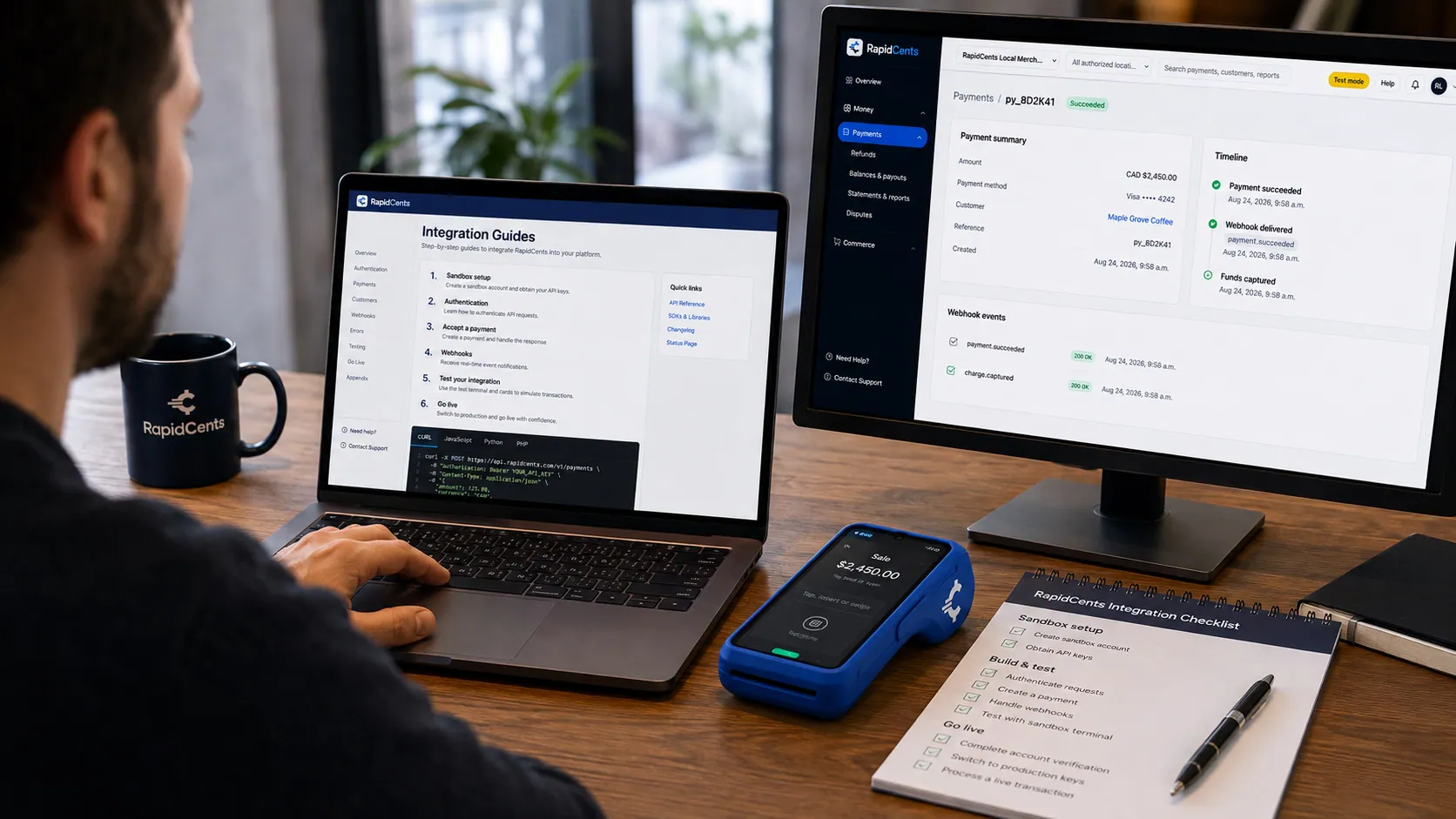
APPIE interoperability on a RapidCents desk: a terminal and host path that can work across processor boundaries. APPIE
The interoperability layer that lets existing point-of-sale software drive RapidCents hardware.
Explore
The RapidCents payments screen: gross volume, payment count, acceptance rate and refunds across the top, a filterable transaction list below, and a money timeline on the right tracing one payment from capture to planned payout. Merchant dashboard
Transactions, deposits, refunds and disputes across every channel in one place.
Explore
A merchant reviews RapidCents reports for volume, mix and payouts, with the terminal that took the sales on the desk. Reporting and reconciliation
Deposit-level detail that ties settlements back to the transactions behind them.
Explore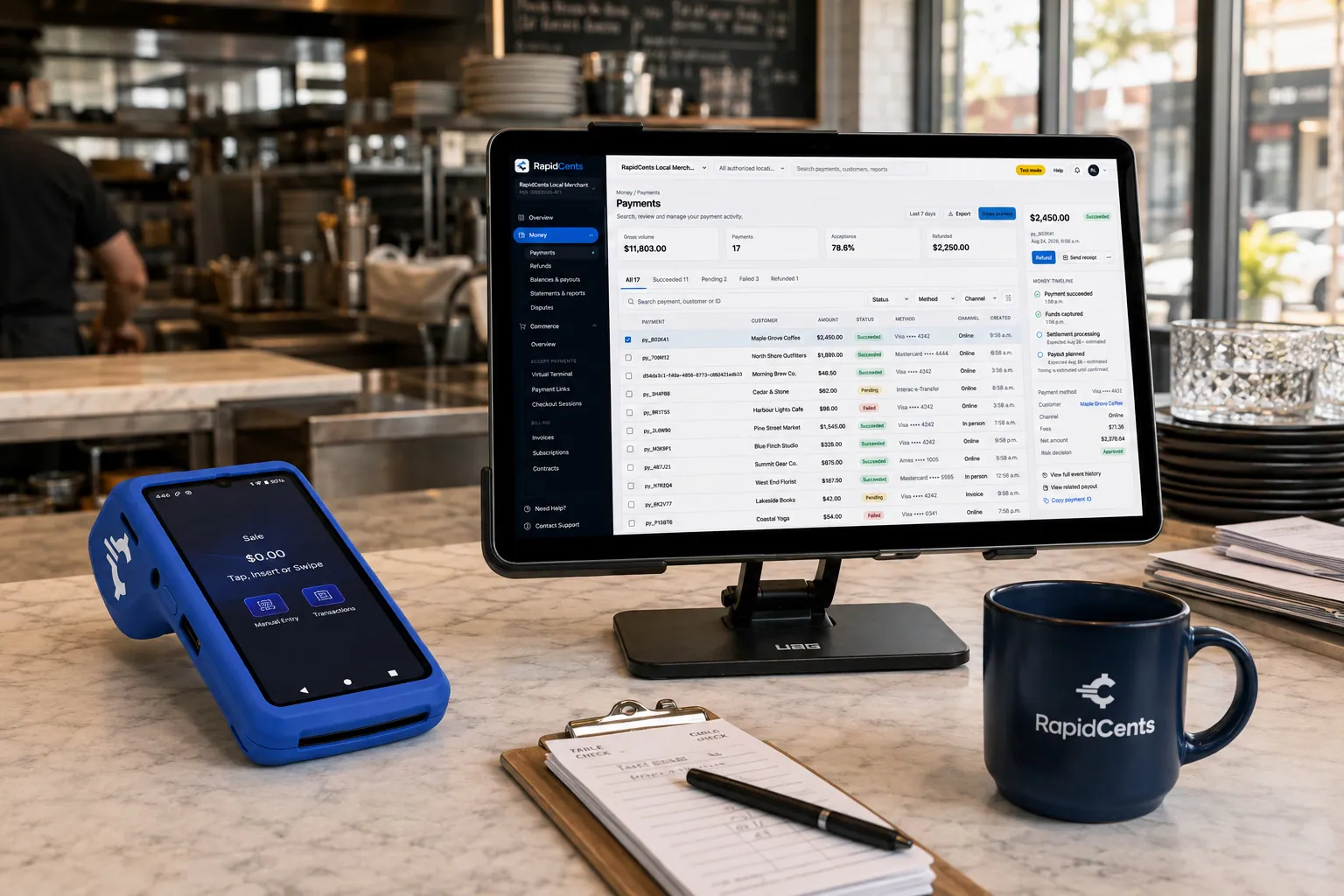
Tableside card capture on a RapidCents terminal in a restaurant, with the POS and payments dashboard on the pass. Restaurant POS
Tableside ordering, tips, course firing and split payments.
Explore


Security
Device PIN lock
Require staff PIN to open payment app.
Location lock
When the merchant turns it on, the terminal authorizes only inside a set radius of the business. Outside that radius it locks, including when the terminal is taken from the premises, so it stops taking payments.
Remote wipe
Disable device immediately if lost.
Implementation
Coverage check
Verify LTE signal strength at primary use locations.
Charging plan
Docking stations or shared chargers for multi-device teams.
Role training
Tip, void and receipt flows for mobile context.
Pilot shift
Run one service period before full rollout.
Pricing
Mobile device programs
LTE-enabled terminals may include monthly connectivity fees. Device and processing priced separately.
For businesses in the USA
A direct answer for a business in the USA: the workflow, the limit, and what to confirm next.
The payment workflow
A practical view covers US technician or server taking a payment away from the counter, confirming the amount and issuing a supported receipt. Show how staff/job/table attribution works. Compare dedicated portable hardware with Tap to Pay on a phone rather than implying they accept identical entry methods. Confirm eligibility, presentment currency, settlement currency and the enabled payment methods on the USA merchant account before quoting them. An illustrative amount is an example, not a fee or a funding promise. Mobile Terminals does not, by itself, prove delivery or win a dispute.
The problem and the limit
Cover device loss, staff access, charging, network checks and uncertain results. The workflow should require actual battery and failover test conditions before using durability or all-day claims. Cellular connectivity is not proof of universal coverage, offline approval or uninterrupted service. Confirm eligibility, presentment currency, settlement currency and the enabled payment methods on the USA merchant account before quoting them. An illustrative amount is an example, not a fee or a funding promise. Mobile Terminals does not, by itself, prove delivery or win a dispute.
What to confirm
Before you rely on this, confirm US models, carrier/SIM plans, Wi-Fi needs, methods and receipts. Keep separate purchase/rental/replacement/connectivity costs from processing. In practice, account activation and USD settlement conditions; avoid all-location, foreign-use or fixed-deposit promises. Confirm eligibility, presentment currency, settlement currency and the enabled payment methods on the USA merchant account before quoting them. An illustrative amount is an example, not a fee or a funding promise. Mobile Terminals does not, by itself, prove delivery or win a dispute.
Questions about Mobile Terminals
How long does the battery last?
Most shifts cover a full service day. Charge overnight or between events.
Does LTE cost extra?
Cellular data plans may apply depending on device program.
Can mobile terminals print receipts?
Many models support optional Bluetooth printers or digital receipts.
What happens when Wi-Fi is not the path?
With an active SIM, the terminal moves the sale onto cellular by itself. Staff do not switch networks. The health check confirms that path and can restart the terminal when that is what keeps it responsive. If there is no Wi-Fi and no cellular path at all, store-and-forward still depends on the device and its configuration, and your advisor confirms what applies to your account.
Do mobile terminals need Wi-Fi, or is cellular enough?
Either path works. With an active SIM, the terminal moves the sale onto cellular on its own when Wi-Fi is not the path, and it stays on Wi-Fi when that is the path. Staff do not switch networks. The same terminal can move between a dining room and a patio.
How do receipts work without a printer?
The customer chooses email or SMS on the device and the receipt sends immediately after approval. Many models also pair with an optional Bluetooth printer if a paper copy is expected, which some field and trade customers still want alongside the invoice.
Should my USA business choose a mobile terminal or Tap to Pay?
For a business in the USA, compare validated entry methods, receipts, connectivity, battery and staff needs using the US support matrix. This depends on the approved USA account setup and does not remove the merchant's own records or dispute duties.
Will the terminal work away from store Wi-Fi?
With an active SIM, the terminal moves the sale onto cellular by itself. Staff do not switch networks. The health check confirms that path and can restart the terminal when that is what keeps it responsive. If there is no Wi-Fi and no cellular path at all, store-and-forward still depends on the device and its configuration, and your advisor confirms what applies to your account.
How can I control which staff use a mobile terminal?
For a business in the USA, in practice, user attribution, enrollment, permissions and verified lost-device disablement. This depends on the approved USA account setup and does not remove the merchant's own records or dispute duties.
Related products
A café worker holds a phone running RapidCents Tap to Pay, showing an $18.75 sale and the contactless symbol, while a customer holds a Visa card to the screen. No separate card reader is present. Tap to Pay
RapidCents Tap to Pay turns supported iPhones and Android devices into contactless payment…
Explore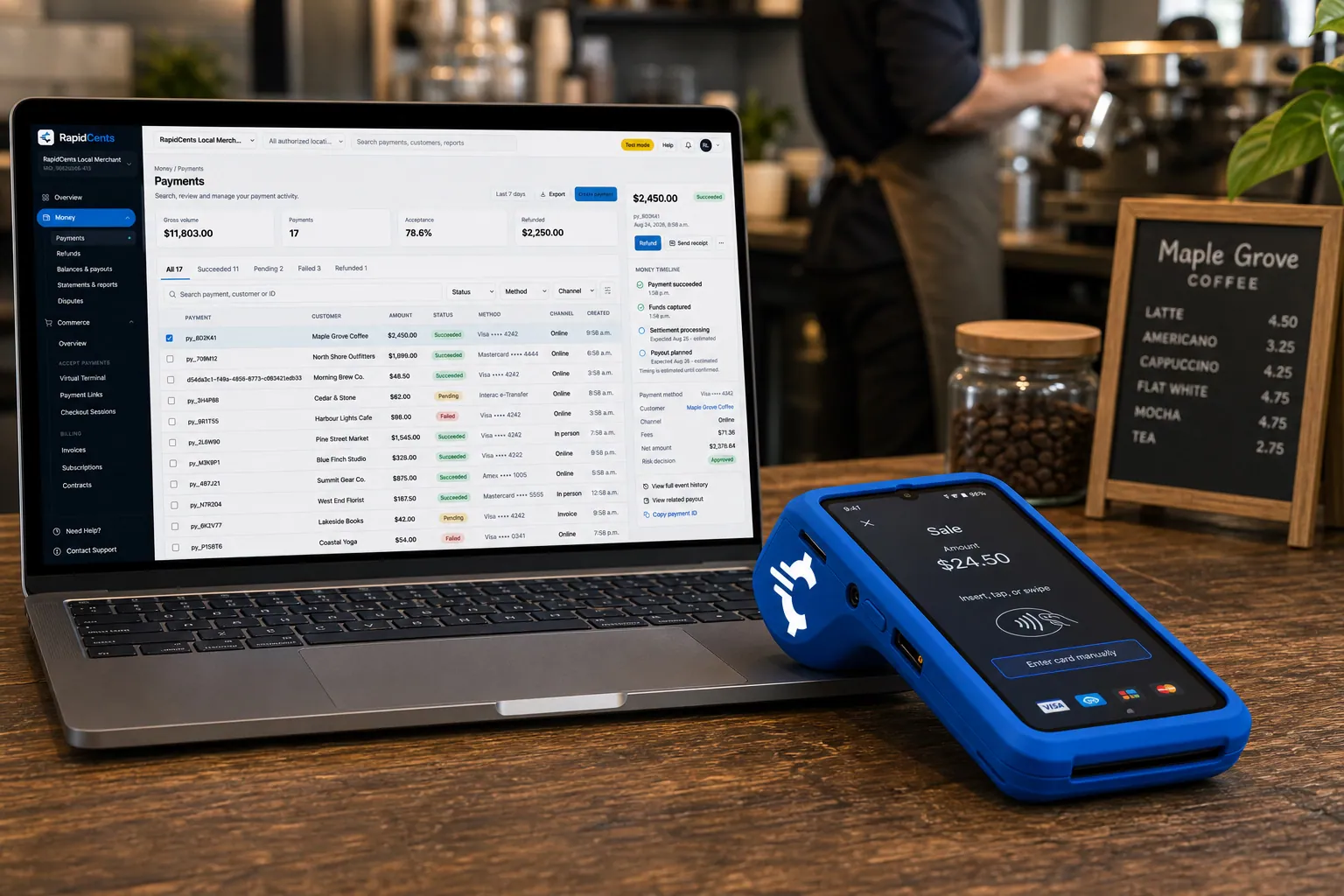
A RapidCents smart terminal running payment apps on the counter, paired with the merchant dashboard on a laptop. Smart Terminals
RapidCents smart terminals combine payment acceptance with an app marketplace for inventory…
Explore
The RapidCents Rivo Go standing upright in its blue silicone case, showing the full-touch sale screen a customer reads across the counter. Payment Terminals
RapidCents payment terminals cover countertop, mobile and smart form factors so you can accept…
Explore


Industries that run on Mobile Terminals
Salons & Spas
Salons and spas use mobile Tap to Pay, countertop terminals and appointment deposits with…
HVAC Contractors
HVAC companies collect estimate deposits, final job payments and maintenance plan billing…
Plumbing Contractors
Plumbers accept emergency call payments, job deposits and final invoices on-site with…
Restaurants
RapidCents connects counter, tableside, online ordering and multi-location restaurant…
Fast Food & QSR
Quick-service and fast-food operators need high-throughput contactless terminals…
Food Trucks
Food trucks accept credit cards curbside with battery-friendly mobile terminals, Tap to…
Taxi & Transportation
Taxi, limo and private hire fleets equip drivers with in-vehicle mobile terminals, fleet…
Towing & Roadside
Tow operators capture release fees and roadside payments in the field with LTE mobile…
Take the next step
Talk to a RapidCents specialist
RapidCents Fee Check reads a processing statement and shows interchange separately from the markup. Upload a statement for an instant breakdown, or open a merchant account and start accepting payments on one account.
- No obligation
- Payment specialists, not a call centre
- Secure statement upload



