


Agreement plus payment
Send an agreement, collect the signature and the payment together
Contracts and E-signatures is for businesses in the USA. Service merchant linking agreements, signatures and payments; distinguish signed evidence from authorization, settlement and legal enforceability. The sections below separate the workflow, the control and its limit, and the account facts to confirm before you rely on them.
- Signature and payment in one step
- Audit trail on file
- No separate signing tool

- PCI DSS Level 1
- SOC 2 Type II
- Specialist support
- Interchange-plus available
- All major card brands: Visa, Mastercard, Amex, Discover, PIN debit
Who it's for
Professional services
Retainers and engagement letters with a deposit.
Trades and contractors
Quotes accepted with a deposit before scheduling.
Programs and enrolment
Forms that end in a first payment.
Core capabilities
Document send
Send an agreement for signature by email or link.
Electronic signature
Capture a signature with timestamp and signer details.
Payment on signing
Collect a deposit or first payment at the moment of signature.
Templates
Reuse standard agreements instead of rebuilding each time.
Audit trail
Keep the signed record and payment reference together.
How it works
Prepare the agreement from a template.
Send it to the customer for signature.
The customer reviews and signs electronically.
The deposit or first payment is collected in the same flow.
The signed record and payment reference are stored together.
Dashboard and reporting
Transactions, deposits and exceptions visible in the RapidCents merchant dashboard.
Try it, edit values and click buttons
Merchant dashboard
- Today
- $4,218
- Deposits
- $12,482
- Disputes
- 2 open
- In-person
- $842
- Online
- $1,104
- Virtual terminal
- $392
Demonstration data only
Integrations
Merchant dashboard
Every transaction, deposit and exception lands in one dashboard.
APIs and webhooks
Connect the product to your own software with REST APIs and signed webhooks.
Partner connectors
Certified connectors for common POS, ERP and commerce platforms.
Works with Contracts & eSignatures
Capabilities on the same account, so the parts below connect without a second integration or a second contract.

The RapidCents invoices screen: outstanding, overdue, paid and draft totals across the top, the invoice list below them, and a preview of one invoice on the right with its line items and a View & Record Payment button. Invoicing
Send an invoice that carries its own payment page and reconciles itself.
Explore
The RapidCents recurring payments screen showing active subscriptions, monthly recurring revenue, failed payments and upcoming renewals, above a list of subscriptions with their plan, amount, frequency and next billing date. Recurring payments
Schedules, subscriptions and instalments billed from a stored credential.
Explore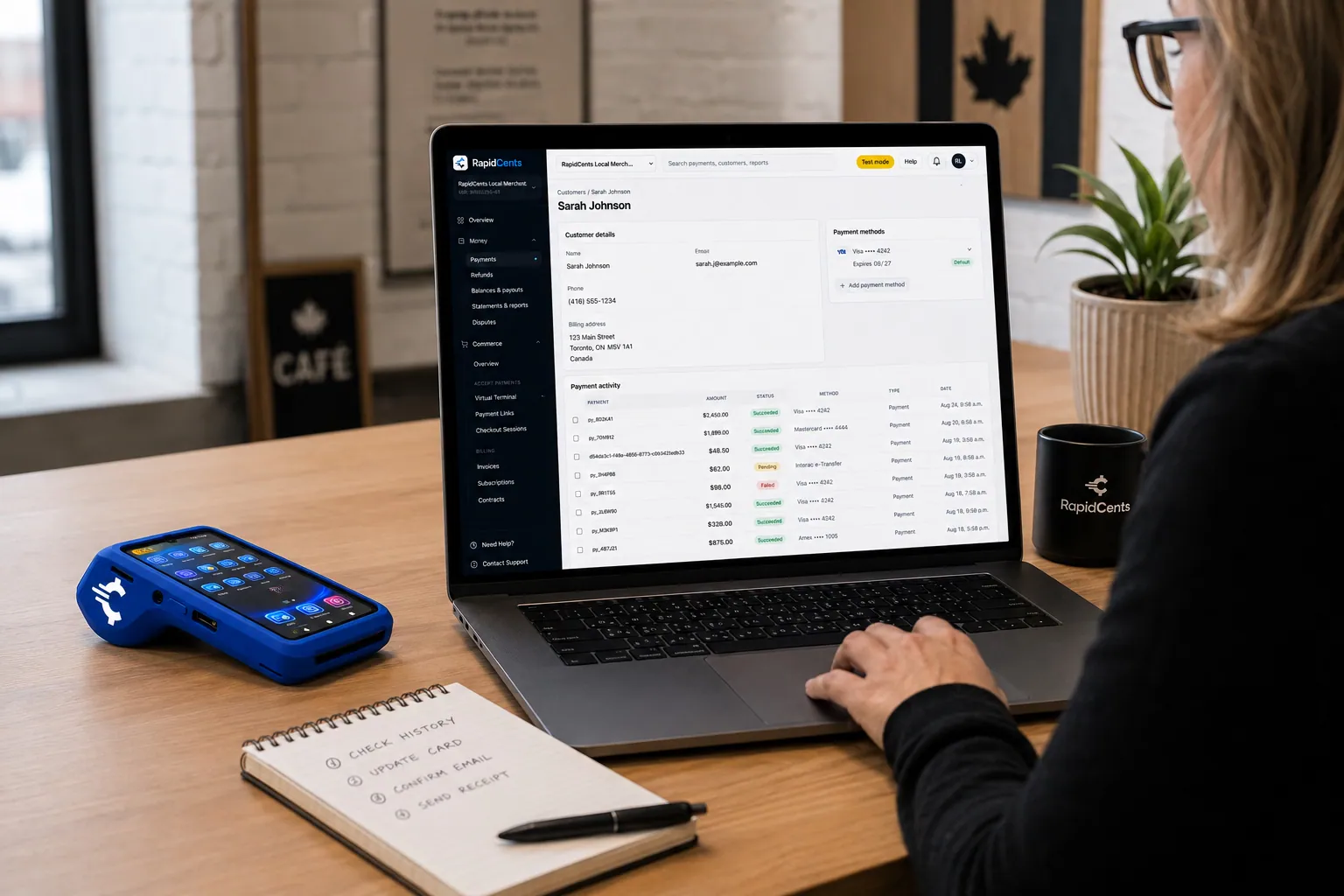
A RapidCents customer profile holds saved cards and invoices, so a return visit can be charged without re-keying the card. Customer profiles
One customer record holding contact details, stored credentials and payment history.
Explore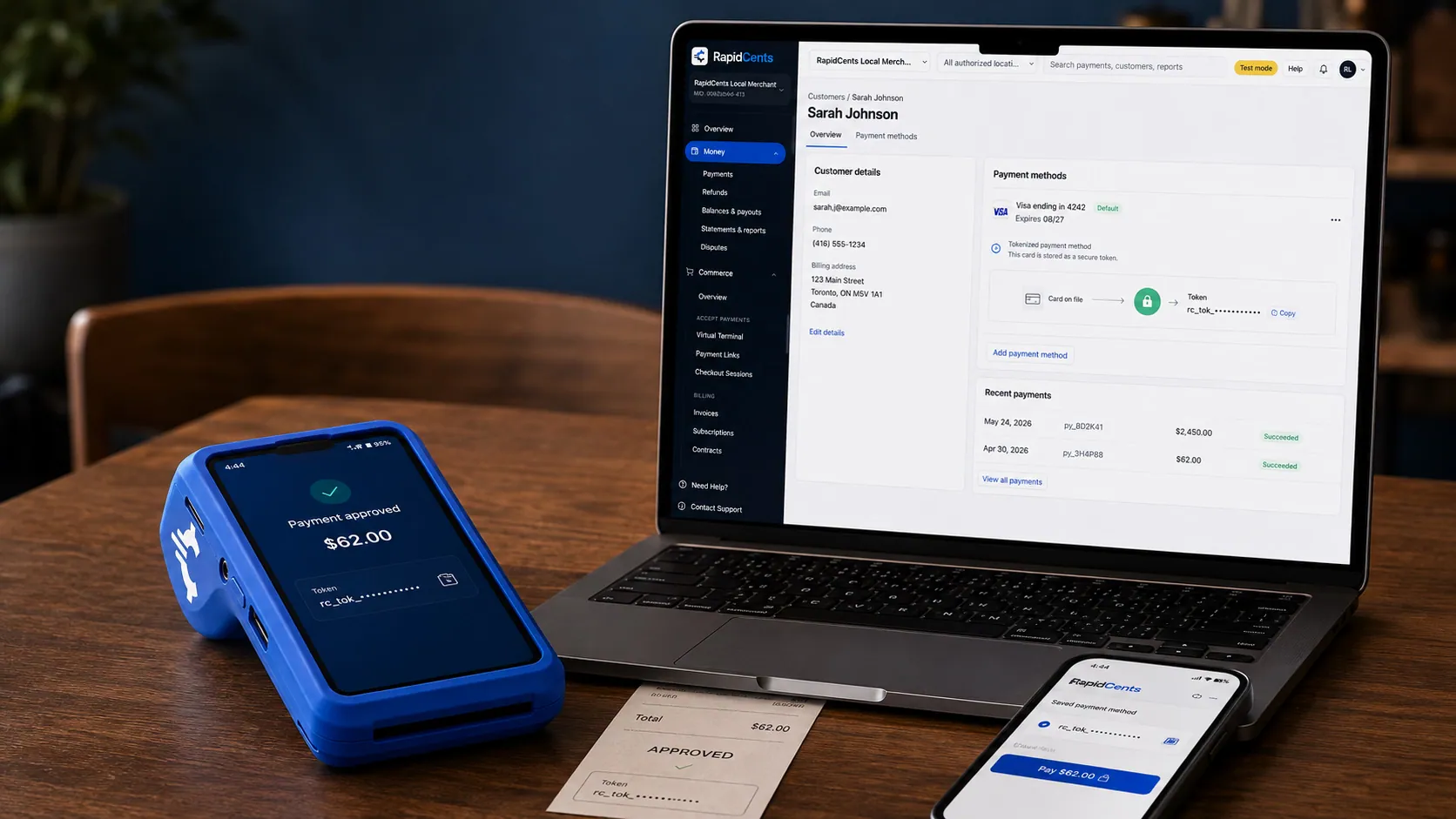
A stored RapidCents token stands in for the card number, with the terminal that captured the original credential beside it. Tokenization
Card numbers are replaced by a token, so nothing reusable is stored in your systems.
Explore


Security
PCI DSS Level 1
Processing runs on PCI DSS Level 1 audited infrastructure.
Tokenization
Card data is replaced with tokens, keeping raw credentials out of your systems.
Role-based access
Permissions and audit trails control who can see and do what.
Implementation
Discovery
A payment specialist reviews how your business gets paid today.
Configuration
Accounts, users and settings are prepared before you go live.
Testing
Run test transactions and confirm reporting before cutover.
Launch and support
Go live with training materials and post-launch support.
Pricing
Transparent pricing
Pricing depends on volume, card mix and configuration. Fee Check compares your current statement before you commit to anything.
For businesses in the USA
A direct answer for a business in the USA: the workflow, the limit, and what to confirm next.
The payment workflow
A practical view covers US service agreement sent for signature with a deposit or first payment. Show which supported steps are connected and how the signed record links to the transaction reference. Clarify what happens if signing succeeds but payment fails, rather than treating a signature as evidence that funds moved. Confirm eligibility, presentment currency, settlement currency and the enabled payment methods on the USA merchant account before quoting them. An illustrative amount is an example, not a fee or a funding promise. Contracts and E-signatures does not, by itself, prove delivery or win a dispute.
The problem and the limit
Record signer identification, timestamps, versions and audit evidence actually retained. In practice, correction, cancellation and access controls. Legal must review enforceability and compliance language; do not imply every contract type is eligible for electronic signature in every jurisdiction. Confirm eligibility, presentment currency, settlement currency and the enabled payment methods on the USA merchant account before quoting them. An illustrative amount is an example, not a fee or a funding promise. Contracts and E-signatures does not, by itself, prove delivery or win a dispute.
What to confirm
Before you rely on this, confirm US account access, formats/templates, delivery options, export/retention and fees. The workflow should require clear USD commercial terms and separately valid payment consent. Name forms needing professional review rather than suggesting a standard template satisfies every state’s requirements. Confirm eligibility, presentment currency, settlement currency and the enabled payment methods on the USA merchant account before quoting them. An illustrative amount is an example, not a fee or a funding promise. Contracts and E-signatures does not, by itself, prove delivery or win a dispute.
Questions about Contracts & eSignatures
Is the signature legally recognized?
Signatures are captured with timestamp, signer identity details and an audit record of the signing session.
Can I take payment without a signature?
Yes. Payment on signing is optional and can be turned off per document.
Do I need a separate e-signature subscription?
No. Signature and payment are handled in the same RapidCents flow.
Can I reuse agreements?
Yes, templates let you send the same agreement repeatedly with different customer details.
Can I take a deposit rather than the full amount?
Yes. The signing step can collect a deposit or a first payment instead of the whole balance, and the remainder can be billed afterwards through invoicing or a payment link tied to the same customer.
What is kept on record about the signer?
The signature is captured with a timestamp, the signer's identity details and an audit record of the signing session. That record stays attached to the payment reference, so the agreement and the money it produced are not held in two places.
How can a USA business connect a signed contract to a payment?
For a business in the USA, the practical view covers validated sequence and identifiers, including payment failure after signature. This depends on the approved USA account setup and does not remove the merchant's own records or dispute duties.
What evidence is retained when a customer signs?
For a business in the USA, list actual signer/audit fields, document versions, export and retention options without unreviewed enforceability claims. This depends on the approved USA account setup and does not remove the merchant's own records or dispute duties.
Can I use my existing contract and payment terms?
For a business in the USA, before you rely on this, confirm upload/template support and merchant review duties for local terms, recurring consent and exclusions. This depends on the approved USA account setup and does not remove the merchant's own records or dispute duties.
Related products
The RapidCents invoices screen: outstanding, overdue, paid and draft totals across the top, the invoice list below them, and a preview of one invoice on the right with its line items and a View & Record Payment button. Invoicing
RapidCents invoicing helps professional services, contractors and B2B suppliers create branded…
Explore
The RapidCents payment links screen listing created links with their amount, status, click count and whether they have been paid, beside a phone showing the branded page a customer opens to pay $2,500.00. Payment Links
RapidCents payment links let staff generate branded pay-by-link URLs for invoices, deposits…
ExploreA RapidCents customer profile holds saved cards and invoices, so a return visit can be charged without re-keying the card. Customer Profiles
A customer profile ties together transactions, stored payment methods, subscriptions and disputes…
Explore

Take the next step
Talk to a RapidCents specialist
RapidCents Fee Check reads a processing statement and shows interchange separately from the markup. Upload a statement for an instant breakdown, or open a merchant account and start accepting payments on one account.
- No obligation
- Payment specialists, not a call centre
- Secure statement upload



