


Smartphone acceptance
Accept contactless cards and wallets on your compatible smartphone
Tap to Pay is for businesses in the USA. US mobile business evaluating contactless acceptance on a compatible phone without a separate reader; distinguish it from dedicated terminal capabilities. The sections below separate the workflow, the control and its limit, and the account facts to confirm before you rely on them.
- No extra card reader hardware to buy or charge
- Same dashboard as physical terminals
- Fast activation for pop-up and mobile teams

- No separate reader to lose
- PCI scope reduced via phone SDK
- SOC 2 Type II
- Contactless limit compliant
- Works with existing merchant ID
Who it's for
Mobile beauty and wellness
Stylists accept payment at the chair without shared hardware.
Food trucks and markets
Start accepting cards on day one without terminal shipment delays.
Field contractors
Collect final payment on a phone already in the technician's pocket.
Core capabilities
Contactless cards and wallets
Accept tap cards, Apple Pay, Google Pay and compatible wallets.
Amount entry on phone
Staff enter total or select from simple catalog.
Digital receipts
Email or SMS receipt immediately after approval.
Tip prompts
Optional tip screen before customer taps.
Unified reporting
Tap to Pay sales appear alongside terminal transactions.
How it works
Verify device compatibility with your advisor.
Enable Tap to Pay on approved merchant account.
Download RapidCents acceptance app on staff phones.
Run test tap with contactless card or wallet.
Transactions sync to merchant dashboard in real time.
Tap to Pay scenarios
Salon chairside checkout
Stylist enters service total; client taps phone with card or wallet.
Farmers market stall
Vendor processes small-ticket sales without countertop setup.
Delivery driver COD replacement
Driver collects card payment at doorstep instead of cash.
Pop-up retail event
Brand ambassadors sell merchandise with phones only.
Dashboard and reporting
Transactions, deposits and exceptions visible in the RapidCents merchant dashboard.
Try it, edit values and click buttons
Merchant dashboard
- Today
- $4,218
- Deposits
- $12,482
- Disputes
- 2 open
- In-person
- $842
- Online
- $1,104
- Virtual terminal
- $392
Demonstration data only
Integrations
Merchant dashboard
All Tap to Pay activity in unified transaction search.
Staff device management
Enable or disable acceptance on enrolled devices.
Accounting exports
Include mobile acceptance in settlement exports.
Works with Tap to Pay
Capabilities on the same account, so the parts below connect without a second integration or a second contract.
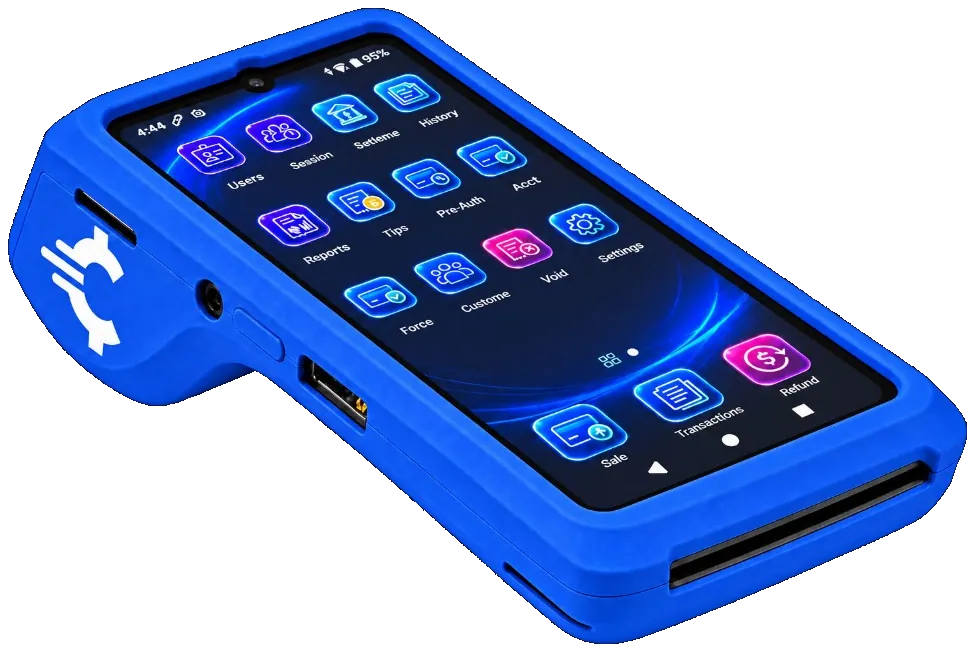
The RapidCents Rivo Go on a counter, the flagship of the Rivo line of countertop, mobile and compact card terminals. Payment terminals
Countertop, mobile and smart terminals for tap, chip and swipe at the counter.
Explore
The RapidCents payments screen: gross volume, payment count, acceptance rate and refunds across the top, a filterable transaction list below, and a money timeline on the right tracing one payment from capture to planned payout. Merchant dashboard
Transactions, deposits, refunds and disputes across every channel in one place.
Explore
A merchant reviews RapidCents reports for volume, mix and payouts, with the terminal that took the sales on the desk. Reporting and reconciliation
Deposit-level detail that ties settlements back to the transactions behind them.
Explore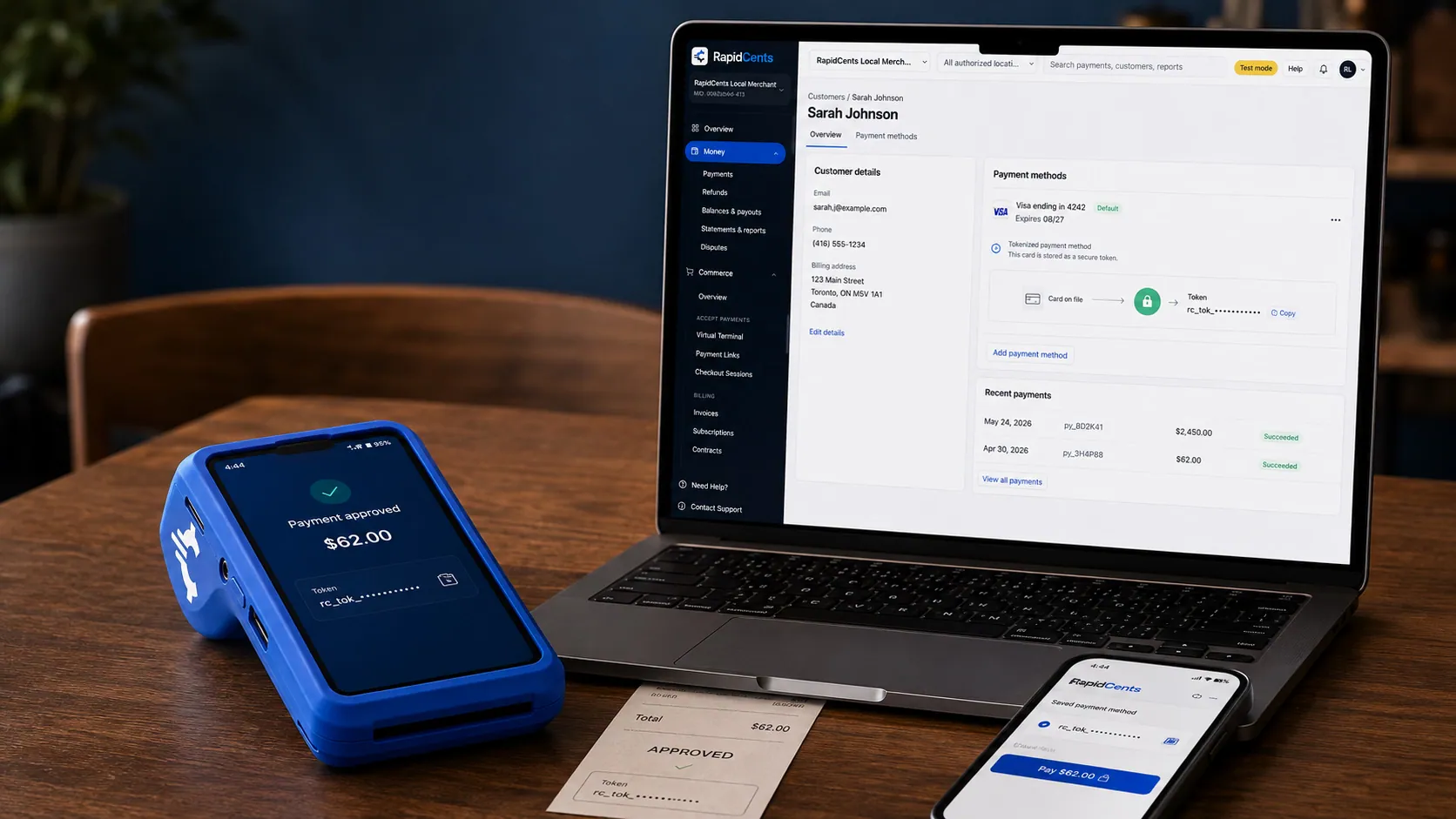
A stored RapidCents token stands in for the card number, with the terminal that captured the original credential beside it. Tokenization
Card numbers are replaced by a token, so nothing reusable is stored in your systems.
Explore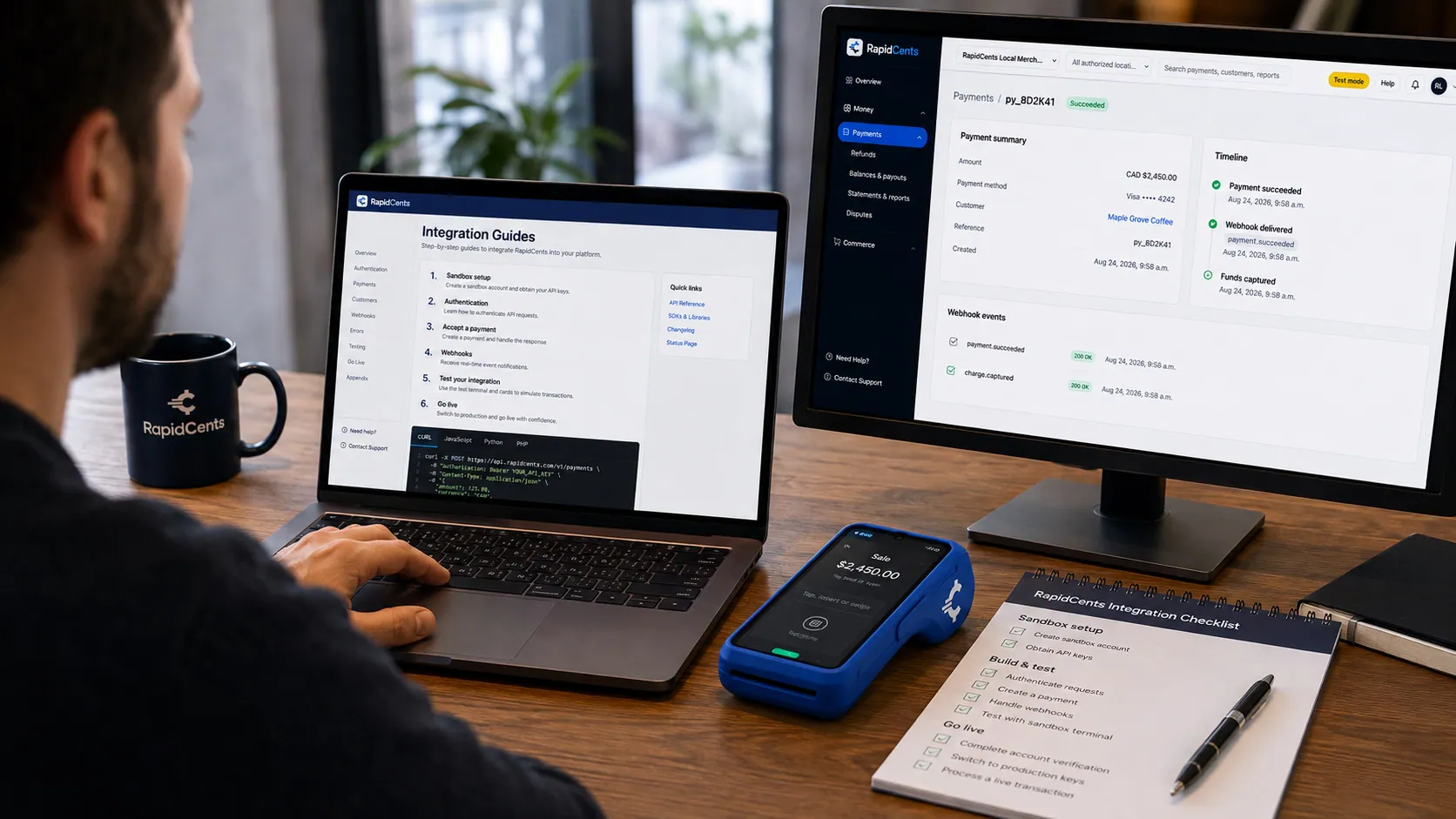
APPIE interoperability on a RapidCents desk: a terminal and host path that can work across processor boundaries. APPIE
The interoperability layer that lets existing point-of-sale software drive RapidCents hardware.
Explore


Security
Tokenized acceptance
Card data never stored on merchant phone.
Staff login required
App locked behind merchant credentials.
Transaction limits
Configurable per-tap limits aligned with network rules.
Implementation
Device audit
Confirm iOS or Android models on supported list.
Account enablement
Tap to Pay flag activated on merchant profile.
Staff enrollment
Each user downloads app and completes training.
First live sale
Support available for first customer transaction.
Pricing
No hardware lease
Tap to Pay uses standard processing rates. No monthly terminal rental when phone is the reader.
For businesses in the USA
A direct answer for a business in the USA: the workflow, the limit, and what to confirm next.
The payment workflow
A practical view covers US field worker entering an approved amount on a compatible phone, presenting the tap area and checking the payment result. Show receipt and staff attribution if supported. Compare a phone workflow with dedicated hardware for merchants needing other card-entry or receipt options. Confirm eligibility, presentment currency, settlement currency and the enabled payment methods on the USA merchant account before quoting them. An illustrative amount is an example, not a fee or a funding promise. Tap to Pay does not, by itself, prove delivery or win a dispute.
The problem and the limit
In practice, staff enrollment, lost-phone procedures, app/session permissions and network requirements. Verify sensitive-data handling and transaction limits against the actual phone platform. Do not generalize PIN capabilities, unsupported devices or offline behavior from another provider or a broad contactless label. Confirm eligibility, presentment currency, settlement currency and the enabled payment methods on the USA merchant account before quoting them. An illustrative amount is an example, not a fee or a funding promise. Tap to Pay does not, by itself, prove delivery or win a dispute.
What to confirm
State the US supported phone/OS/app matrix, account eligibility, wallet/card methods and activation process. Before you rely on this, confirm any PIN/verification limitations, USD handling, fees and device-management support. No separate reader does not mean zero costs or instant approval; state phone and connectivity responsibilities. Confirm eligibility, presentment currency, settlement currency and the enabled payment methods on the USA merchant account before quoting them. An illustrative amount is an example, not a fee or a funding promise. Tap to Pay does not, by itself, prove delivery or win a dispute.
Questions about Tap to Pay
Which phones are supported?
Recent iPhone and select Android models. Your advisor confirms your fleet.
Chip and PIN on phone?
Tap to Pay is contactless only. Use a terminal for chip-insert and PIN debit.
Can multiple staff use it?
Yes. Each enrolled device ties to your merchant account with staff login.
Does it work offline?
Internet connection is required for authorization.
What do I need before Tap to Pay will work on my phone?
A recent iPhone or a supported Android device, a RapidCents merchant account, staff login credentials and an internet connection. There is no reader to ship or charge, which is why merchants using it often start accepting cards the same week rather than waiting on hardware.
Can I take PIN debit with Tap to Pay?
Tap to Pay is contactless only, so a card or wallet tap works but chip insert and PIN entry do not. PIN debit transactions that require PIN need a physical terminal. Merchants who need both usually run Tap to Pay for mobile staff and a terminal at the fixed counter.
Which phones support RapidCents Tap to Pay in the USA?
For a business in the USA, provide maintained model/OS/app requirements and account eligibility instead of vague recent-phone wording. This depends on the approved USA account setup and does not remove the merchant's own records or dispute duties.
Which cards, wallets and verification methods can customers use?
For a business in the USA, list verified platform/account-specific support and limits; distinguish contactless from chip insertion or other terminal functions. This depends on the approved USA account setup and does not remove the merchant's own records or dispute duties.
Can multiple staff use their own phones for payments?
For a business in the USA, the practical view covers enrollment, individual access, attribution, loss/offboarding controls and supported business-device policies. This depends on the approved USA account setup and does not remove the merchant's own records or dispute duties.
Related products
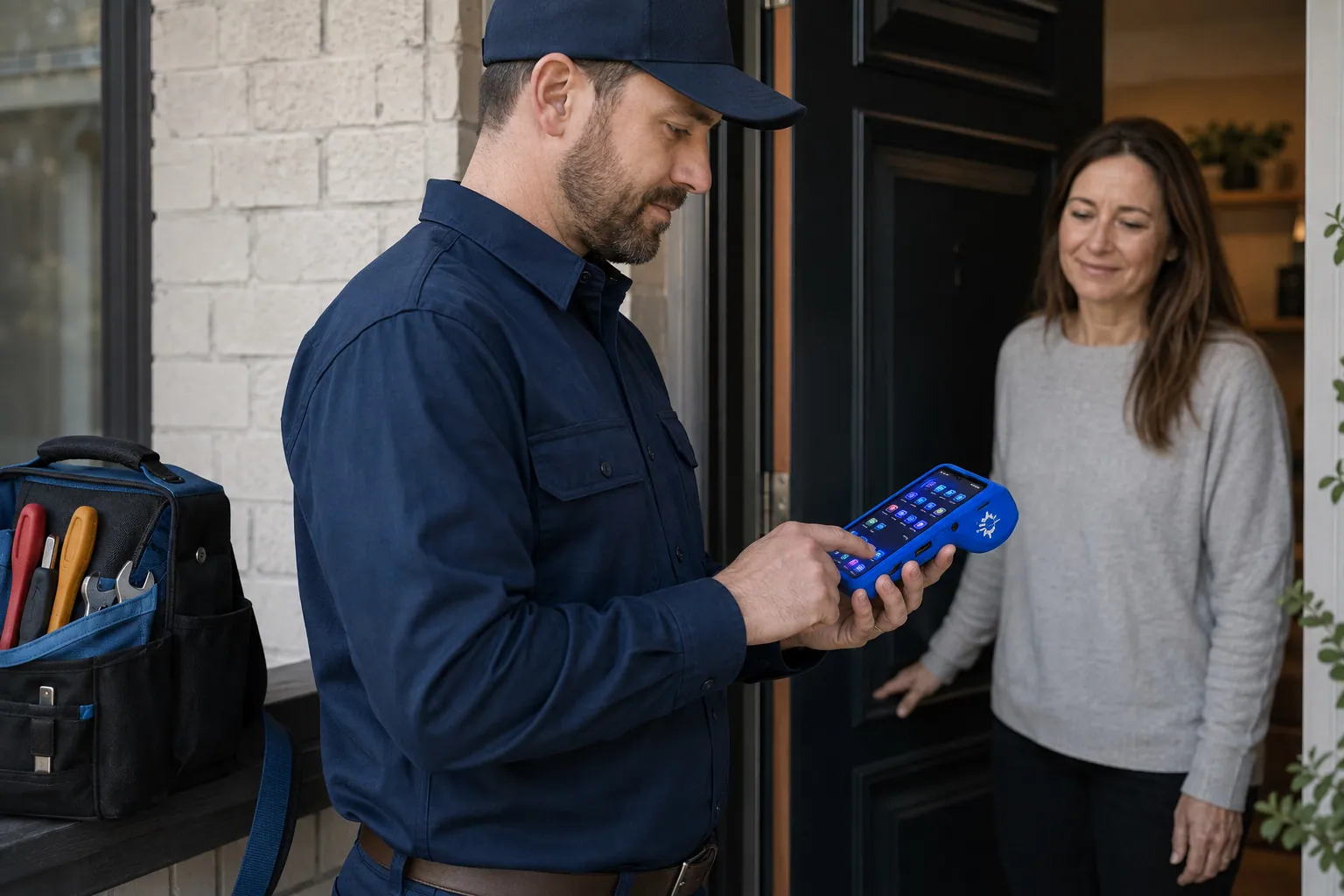
A staff member takes a card payment on a RapidCents handheld terminal, with the same sale appearing on the dashboard. Mobile Terminals
RapidCents mobile terminals are battery-powered wireless devices with LTE and Wi-Fi so staff accept…
Explore
The RapidCents payment links screen listing created links with their amount, status, click count and whether they have been paid, beside a phone showing the branded page a customer opens to pay $2,500.00. Payment Links
RapidCents payment links let staff generate branded pay-by-link URLs for invoices, deposits…
ExploreThe RapidCents payments screen: gross volume, payment count, acceptance rate and refunds across the top, a filterable transaction list below, and a money timeline on the right tracing one payment from capture to planned payout. Merchant Dashboard
The RapidCents merchant dashboard gives owners, managers and finance staff a single signed-in view…
Explore


Industries that run on Tap to Pay
Physio & Chiropractic
Physiotherapy and chiropractic clinics collect copays, package payments and recurring…
Veterinary Clinics
Vet clinics take exam-room payments, estimate deposits and recurring wellness plan…
Pharmacies
Independent and specialty pharmacies accept countertop, contactless and phone payments…
Medical Spas
Med spas combine high-ticket treatment packages, memberships and retail add-ons with…
Gym & Fitness Studios
Gyms and boutique fitness studios run memberships, class packs, retail and front-desk…
Salons & Spas
Salons and spas use mobile Tap to Pay, countertop terminals and appointment deposits with…
Recycling & Waste Management
Waste haulers and recycling operators invoice commercial accounts, accept field payments…
HVAC Contractors
HVAC companies collect estimate deposits, final job payments and maintenance plan billing…
Take the next step
Talk to a RapidCents specialist
RapidCents Fee Check reads a processing statement and shows interchange separately from the markup. Upload a statement for an instant breakdown, or open a merchant account and start accepting payments on one account.
- No obligation
- Payment specialists, not a call centre
- Secure statement upload



