


Front of house to close
A restaurant POS built around service, tips and turning tables
Restaurant POS is for businesses in the USA. US restaurant selecting menu, table, kitchen and payment operations; distinguish full service workflow from standalone card acceptance. The sections below separate the workflow, the control and its limit, and the account facts to confirm before you rely on them.
- Tableside payment and tipping
- Split and transfer bills
- Reporting that ties to deposits

- PCI DSS Level 1
- SOC 2 Type II
- Specialist support
- Interchange-plus available
- All major card brands: Visa, Mastercard, Amex, Discover, PIN debit
Who it's for
Full-service restaurants
Tableside service with splits, transfers and tips.
Quick service and counter
Fast order entry and short queues.
Restaurant groups
Consistent setup and reporting across locations.
Core capabilities
Order entry
Menus, modifiers and courses set up for how your kitchen actually works.
Tableside payment
Take the payment and the tip at the table on a mobile terminal.
Split and transfer
Split by item or evenly, and move a bill between tables or servers.
Tip handling
Prompt, adjust and report tips for payout.
Day-end reporting
Close the day with sales, tips and deposits that reconcile.
How it works
Configure the menu, modifiers and service flow.
Staff take orders on the POS or a mobile terminal.
Payment and tip are captured at the table.
Bills are split or transferred as service requires.
Day-end reporting reconciles sales, tips and deposits.
Dashboard and reporting
Transactions, deposits and exceptions visible in the RapidCents merchant dashboard.
Try it, edit values and click buttons
Merchant dashboard
- Today
- $4,218
- Deposits
- $12,482
- Disputes
- 2 open
- In-person
- $842
- Online
- $1,104
- Virtual terminal
- $392
Demonstration data only
Integrations
Merchant dashboard
Every transaction, deposit and exception lands in one dashboard.
APIs and webhooks
Connect the product to your own software with REST APIs and signed webhooks.
Partner connectors
Certified connectors for common POS, ERP and commerce platforms.
Works with Restaurant POS
Capabilities on the same account, so the parts below connect without a second integration or a second contract.
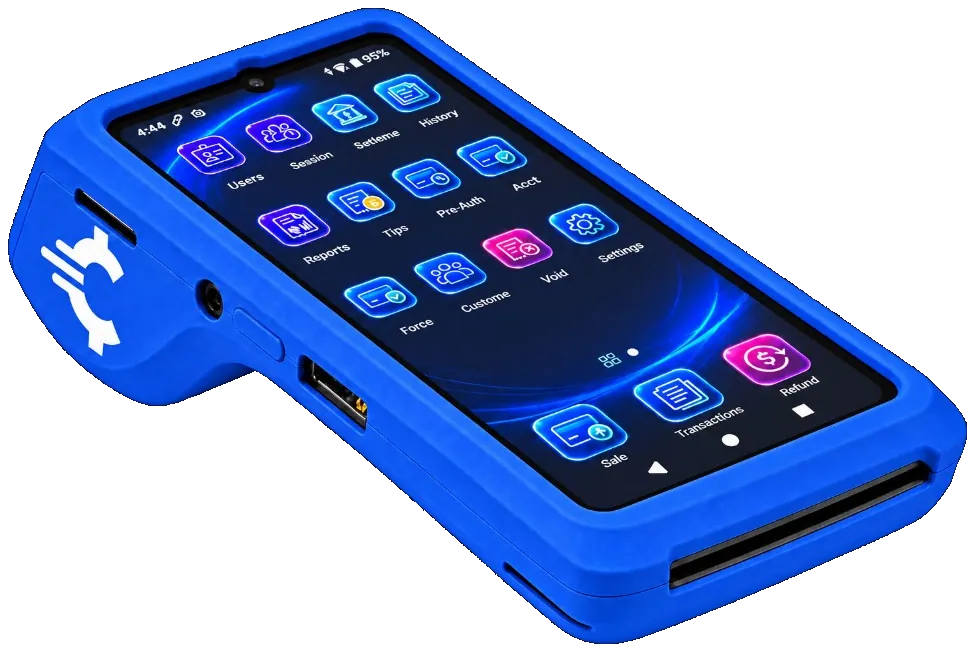
The RapidCents Rivo Go on a counter, the flagship of the Rivo line of countertop, mobile and compact card terminals. Payment terminals
Countertop, mobile and smart terminals for tap, chip and swipe at the counter.
Explore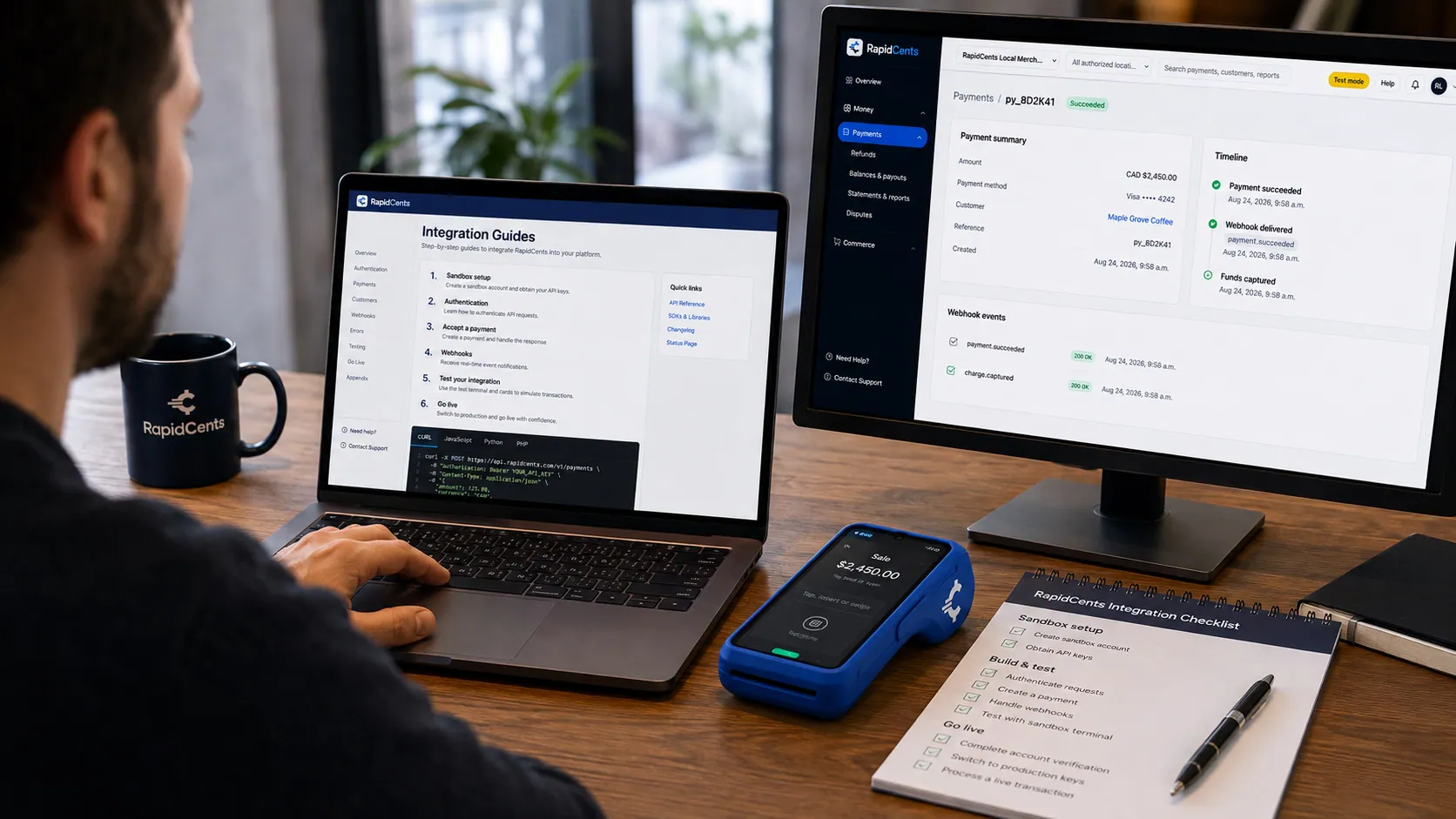
APPIE interoperability on a RapidCents desk: a terminal and host path that can work across processor boundaries. APPIE
The interoperability layer that lets existing point-of-sale software drive RapidCents hardware.
Explore
A café worker holds a phone running RapidCents Tap to Pay, showing an $18.75 sale and the contactless symbol, while a customer holds a Visa card to the screen. No separate card reader is present. Tap to Pay
Contactless acceptance on a compatible phone, with no extra hardware.
Explore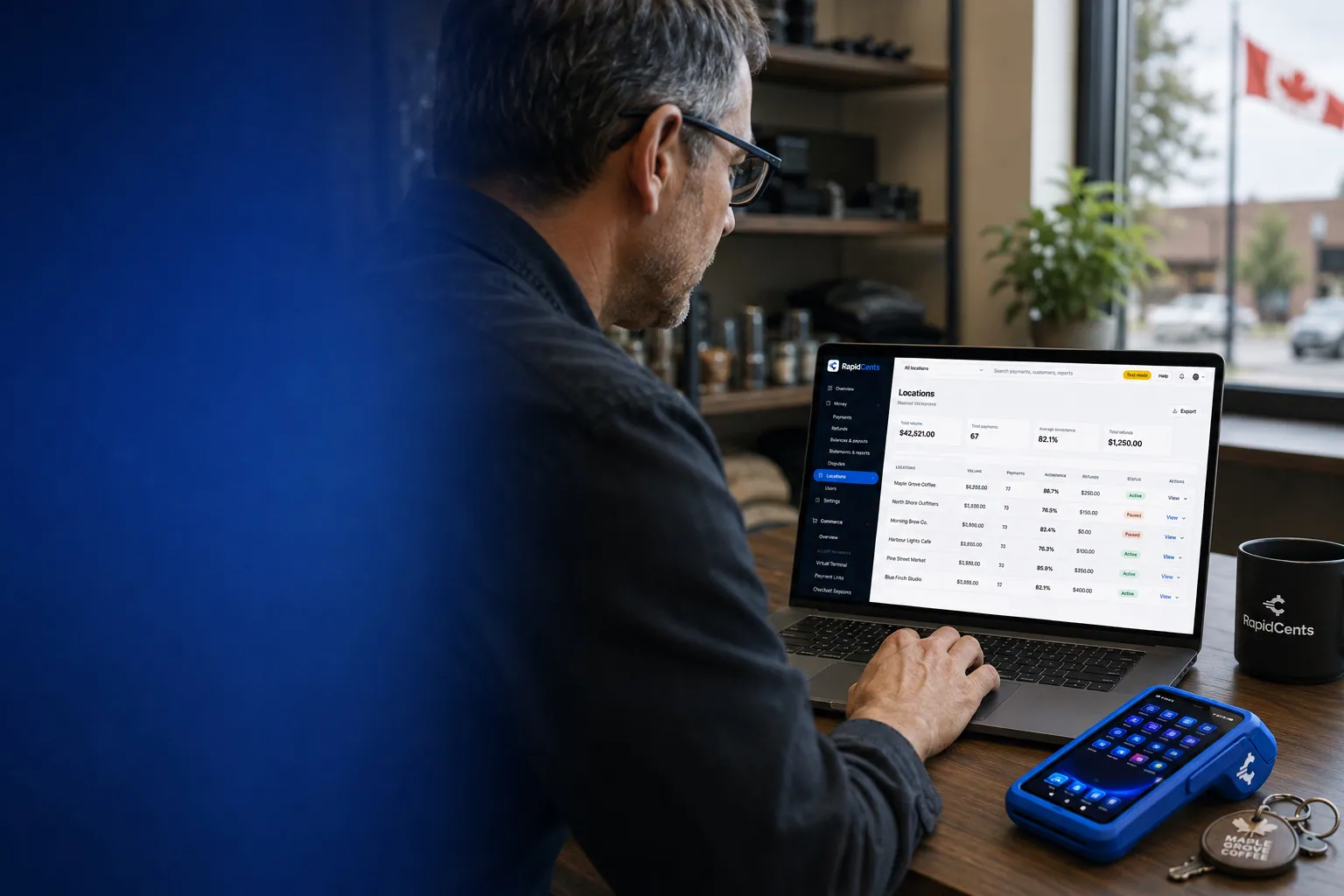
One RapidCents account comparing sales across locations, with a terminal representing the store-level capture. Multi-location
Per-site reporting and permissions under one merchant account.
Explore
A merchant reviews RapidCents reports for volume, mix and payouts, with the terminal that took the sales on the desk. Reporting and reconciliation
Deposit-level detail that ties settlements back to the transactions behind them.
Explore
The RapidCents payments screen: gross volume, payment count, acceptance rate and refunds across the top, a filterable transaction list below, and a money timeline on the right tracing one payment from capture to planned payout. Merchant dashboard
Transactions, deposits, refunds and disputes across every channel in one place.
Explore


Security
PCI DSS Level 1
Processing runs on PCI DSS Level 1 audited infrastructure.
Tokenization
Card data is replaced with tokens, keeping raw credentials out of your systems.
Role-based access
Permissions and audit trails control who can see and do what.
Implementation
Discovery
A payment specialist reviews how your business gets paid today.
Configuration
Accounts, users and settings are prepared before you go live.
Testing
Run test transactions and confirm reporting before cutover.
Launch and support
Go live with training materials and post-launch support.
Pricing
Transparent pricing
Pricing depends on volume, card mix and configuration. Fee Check compares your current statement before you commit to anything.
For businesses in the USA
A direct answer for a business in the USA: the workflow, the limit, and what to confirm next.
The payment workflow
Follow a US table from menu/modifier entry and kitchen handoff to a split check, payment and close. Cover which restaurant features are native versus integrated and how servers handle transfers or a correction. Show a tested service journey instead of a generic terminal demonstration. Confirm eligibility, presentment currency, settlement currency and the enabled payment methods on the USA merchant account before quoting them. An illustrative amount is an example, not a fee or a funding promise. Restaurant POS does not, by itself, prove delivery or win a dispute.
The problem and the limit
The practical view covers server/manager permissions, voids, refunds and tip adjustments with audit evidence. In practice, recovery when kitchen routing or payment confirmation fails. Avoid promising correct tip distribution, automatic wage compliance or every style of split check without verified functionality. Confirm eligibility, presentment currency, settlement currency and the enabled payment methods on the USA merchant account before quoting them. An illustrative amount is an example, not a fee or a funding promise. Restaurant POS does not, by itself, prove delivery or win a dispute.
What to confirm
Before you rely on this, confirm US POS/device versions, kitchen integrations, payment methods, USD/tax/tip settings and deployment fees. Validate any surcharge, service-fee or tip-adjustment copy with appropriate owners. Distinguish recording gratuities from payroll or legal compliance and state support coverage accurately. Confirm eligibility, presentment currency, settlement currency and the enabled payment methods on the USA merchant account before quoting them. An illustrative amount is an example, not a fee or a funding promise. Restaurant POS does not, by itself, prove delivery or win a dispute.
Questions about Restaurant POS
Does it support tableside payment?
Yes. Mobile terminals take the payment and the tip prompt at the table rather than at a counter.
Can bills be split?
Yes, by item or evenly, and bills can be transferred between tables or servers.
Does it handle multiple locations?
Yes, with consistent configuration and consolidated reporting across sites.
How do tips get reported?
Tips are captured, adjustable where permitted, and reported for payout at day end.
What hardware do I need to run it?
A mobile terminal for tableside service, and a station wherever orders are entered. The Rivo Go carries a thermal receipt printer and drop-resistant armour, the Rivo Touch is a slim all-screen device, and the Rivo Link has a tactile PIN pad; your advisor recommends the mix for your room.
Can customers order online through the same setup?
Yes. Online Ordering publishes your menu on your own page for pickup or delivery, takes the payment before preparation starts, routes the order to the kitchen and reports it beside your dine-in sales.
Which restaurant workflows are supported for USA merchants?
For a business in the USA, list validated menu, modifier, table, split-check and kitchen features, separating native from partner functions. This depends on the approved USA account setup and does not remove the merchant's own records or dispute duties.
How are tips, refunds and manager approvals handled?
For a business in the USA, the practical view covers actual controls and reports, with account-dependent adjustment limits and no payroll-compliance promise. This depends on the approved USA account setup and does not remove the merchant's own records or dispute duties.
Can online orders and dining-room sales be reconciled together?
For a business in the USA, in practice, tested integration/account structure, order references and reporting limitations; identify supported POS versions. This depends on the approved USA account setup and does not remove the merchant's own records or dispute duties.
Related products

The RapidCents Rivo Go standing upright in its blue silicone case, showing the full-touch sale screen a customer reads across the counter. Payment Terminals
RapidCents payment terminals cover countertop, mobile and smart form factors so you can accept…
Explore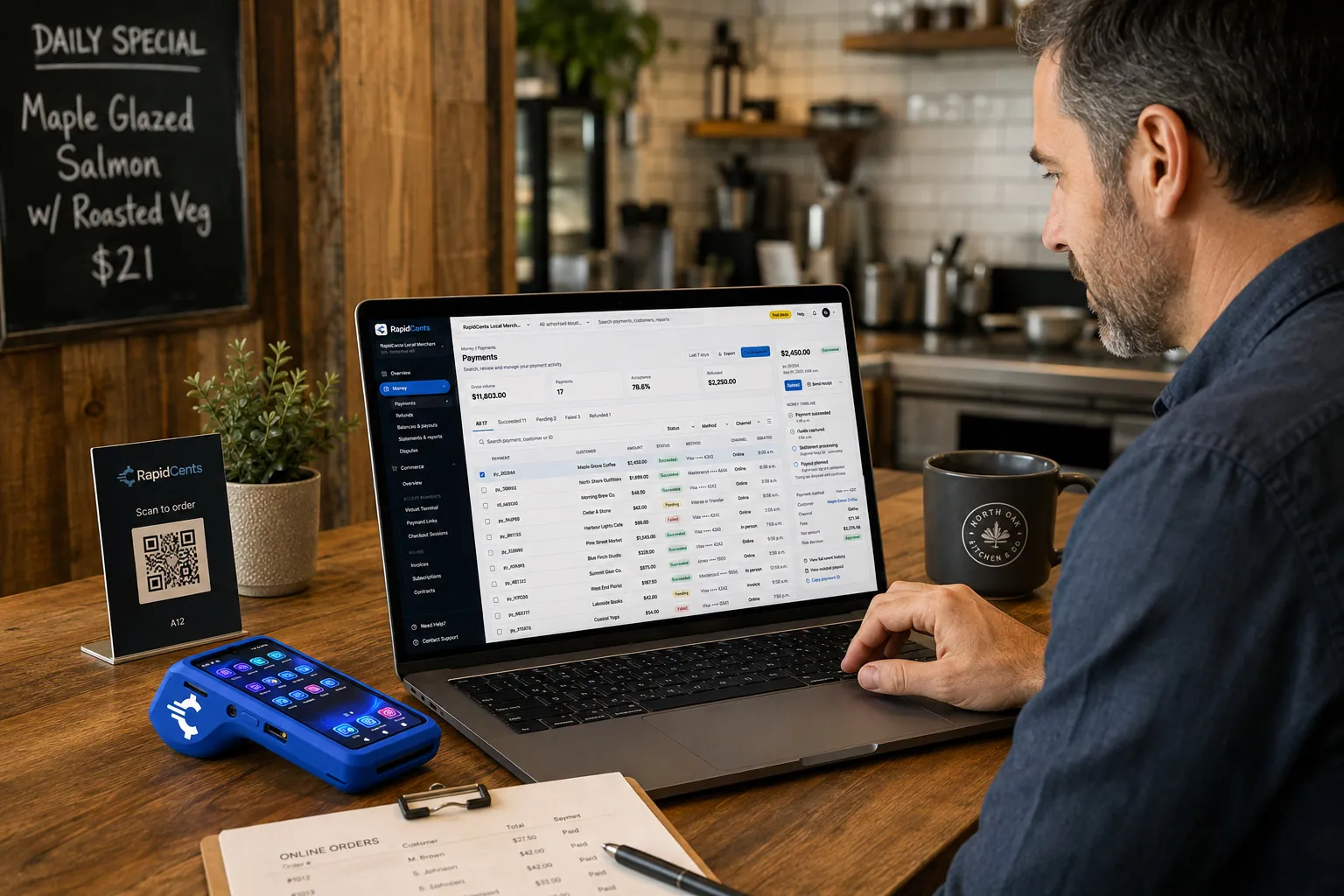
A guest pays a restaurant order online through RapidCents, with the same kitchen still running a terminal for walk-ins. Online Ordering
Publish your menu, take pickup and delivery orders on your own page, and send them straight to the…
ExploreOne RapidCents account comparing sales across locations, with a terminal representing the store-level capture. Multi-Location
RapidCents multi-location tools organize stores, franchises and regions in a hierarchy with…
Explore


Industries that run on Restaurant POS
Take the next step
Talk to a RapidCents specialist
RapidCents Fee Check reads a processing statement and shows interchange separately from the markup. Upload a statement for an instant breakdown, or open a merchant account and start accepting payments on one account.
- No obligation
- Payment specialists, not a call centre
- Secure statement upload



