


AI business assistant
Centa, the AI business assistant built into RapidCents
Centa is for businesses in the USA. Merchant seeking plain-language reporting and terminal help; distinguish the account assistant from an autonomous commerce agent. The sections below separate the workflow, the control and its limit, and the account facts to confirm before you rely on them.
- Ask about sales, refunds and trends in plain language
- Terminal and connectivity troubleshooting on the device itself
- Unusual activity surfaced in language a business owner can act on

- Works inside RapidCents permissions
- No full card numbers exposed
- SOC 2 Type II
- Smart Terminal and dashboard
- Hands off to human support
Who it's for
Owners without a back office
Ask for the day's numbers instead of learning a reporting tool.
Operators mid-service
Diagnose a terminal at the counter without leaving the queue waiting.
Multi-location merchants
Compare locations and periods without opening each report in turn.
Core capabilities
Sales and transaction answers
Ask what the business processed today, yesterday or across a period, and get a summary rather than a report to read.
Period comparisons
Compare today with last Friday, this week with last, or one location against another where the account holds both.
Refund review
Check refund counts and surface patterns that look unlike the merchant's normal activity.
Terminal diagnostics
Check internet, Wi-Fi, mobile network, payment application and peripheral status on supported devices, and explain what was found.
Unusual activity signals
Surface available risk signals — repeated attempts, unexpected refund patterns, transaction anomalies — for the merchant to review.
Plain-language explanation
Translate decline reasons, alerts and payment terminology out of codes and into something actionable.
Guided hand-off
Route the merchant to the right RapidCents support channel when a problem needs a person.
How it works
Ask Centa on a supported Smart Terminal or in the merchant dashboard.
Centa determines which RapidCents information or capability the question needs.
It checks what the merchant's permissions allow it to see, and nothing further.
It works with the authorized transaction, device or risk information available.
It answers, guides the troubleshooting, or points to RapidCents support.
What merchants ask Centa
The morning summary
“How did we do yesterday?” returns totals, transaction count, average sale and the busiest period in one answer.
The mid-service fault
“Why isn't my terminal connecting?” checks the device and reports whether the fault is Wi-Fi, the internet link or the payment service.
The refund check
“Were today's refunds higher than normal?” compares the day against the account's own recent pattern.
The location comparison
“Which store performed best this month?” ranks the locations the merchant's account covers.
The anomaly prompt
“Do you see anything unusual?” surfaces available risk signals worth the merchant's attention.
Dashboard and reporting
Transactions, deposits and exceptions visible in the RapidCents merchant dashboard.
Try it, edit values and click buttons
Merchant dashboard
- Today
- $4,218
- Deposits
- $12,482
- Disputes
- 2 open
- In-person
- $842
- Online
- $1,104
- Virtual terminal
- $392
Demonstration data only
Integrations
RapidCents Smart Terminals
Ask Centa on the device already sitting on the counter.
Merchant dashboard
The same assistant across terminals, locations and periods.
Reporting and reconciliation
The transaction and settlement information Centa answers from.
Works with Centa
Capabilities on the same account, so the parts below connect without a second integration or a second contract.
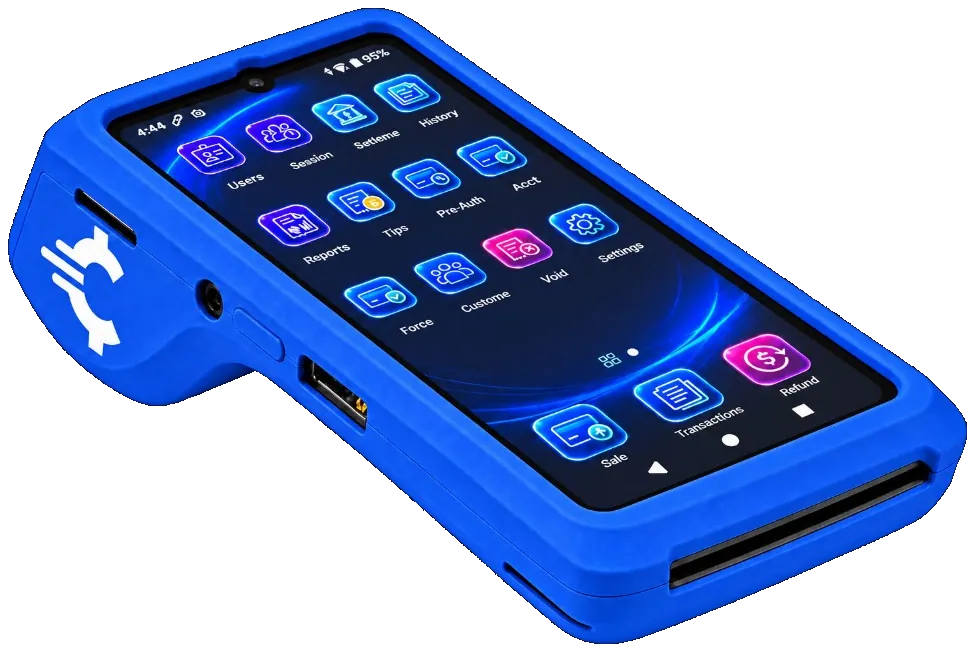
The RapidCents Rivo Go on a counter, the flagship of the Rivo line of countertop, mobile and compact card terminals. Payment terminals
Countertop, mobile and smart terminals for tap, chip and swipe at the counter.
Explore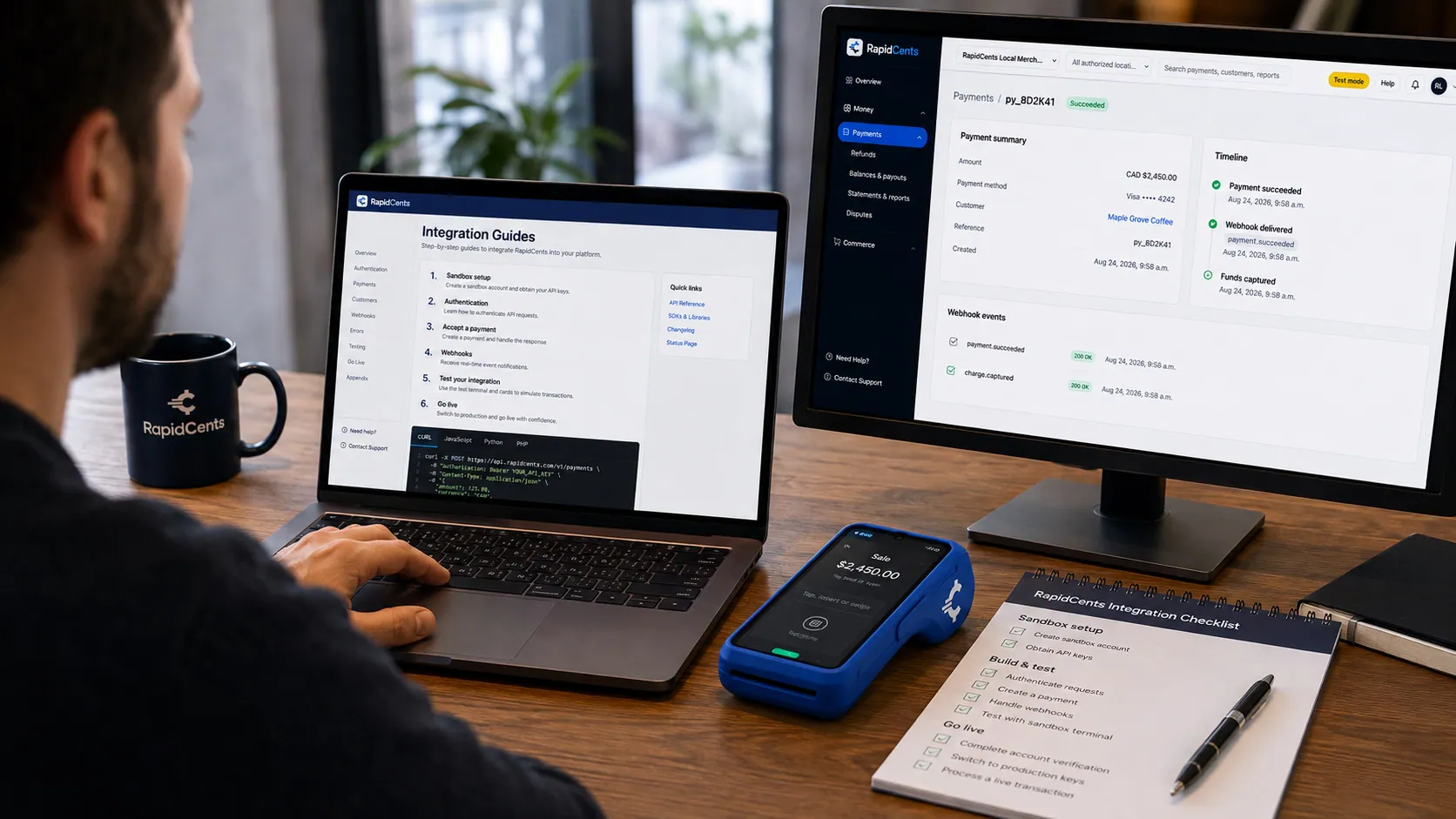
APPIE interoperability on a RapidCents desk: a terminal and host path that can work across processor boundaries. APPIE
The interoperability layer that lets existing point-of-sale software drive RapidCents hardware.
Explore
The RapidCents payments screen: gross volume, payment count, acceptance rate and refunds across the top, a filterable transaction list below, and a money timeline on the right tracing one payment from capture to planned payout. Merchant dashboard
Transactions, deposits, refunds and disputes across every channel in one place.
Explore
A merchant reviews RapidCents reports for volume, mix and payouts, with the terminal that took the sales on the desk. Reporting and reconciliation
Deposit-level detail that ties settlements back to the transactions behind them.
Explore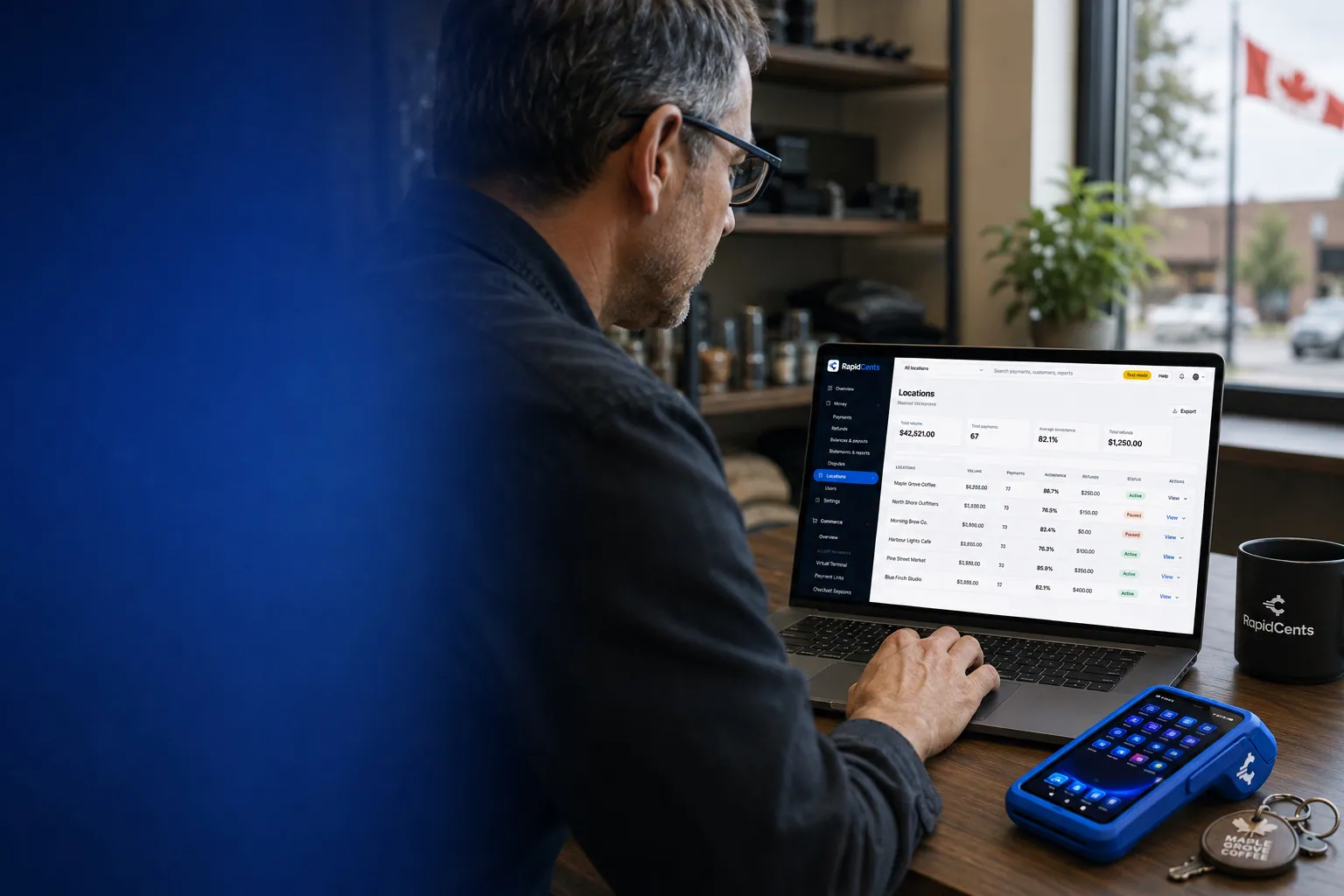
One RapidCents account comparing sales across locations, with a terminal representing the store-level capture. Multi-location
Per-site reporting and permissions under one merchant account.
Explore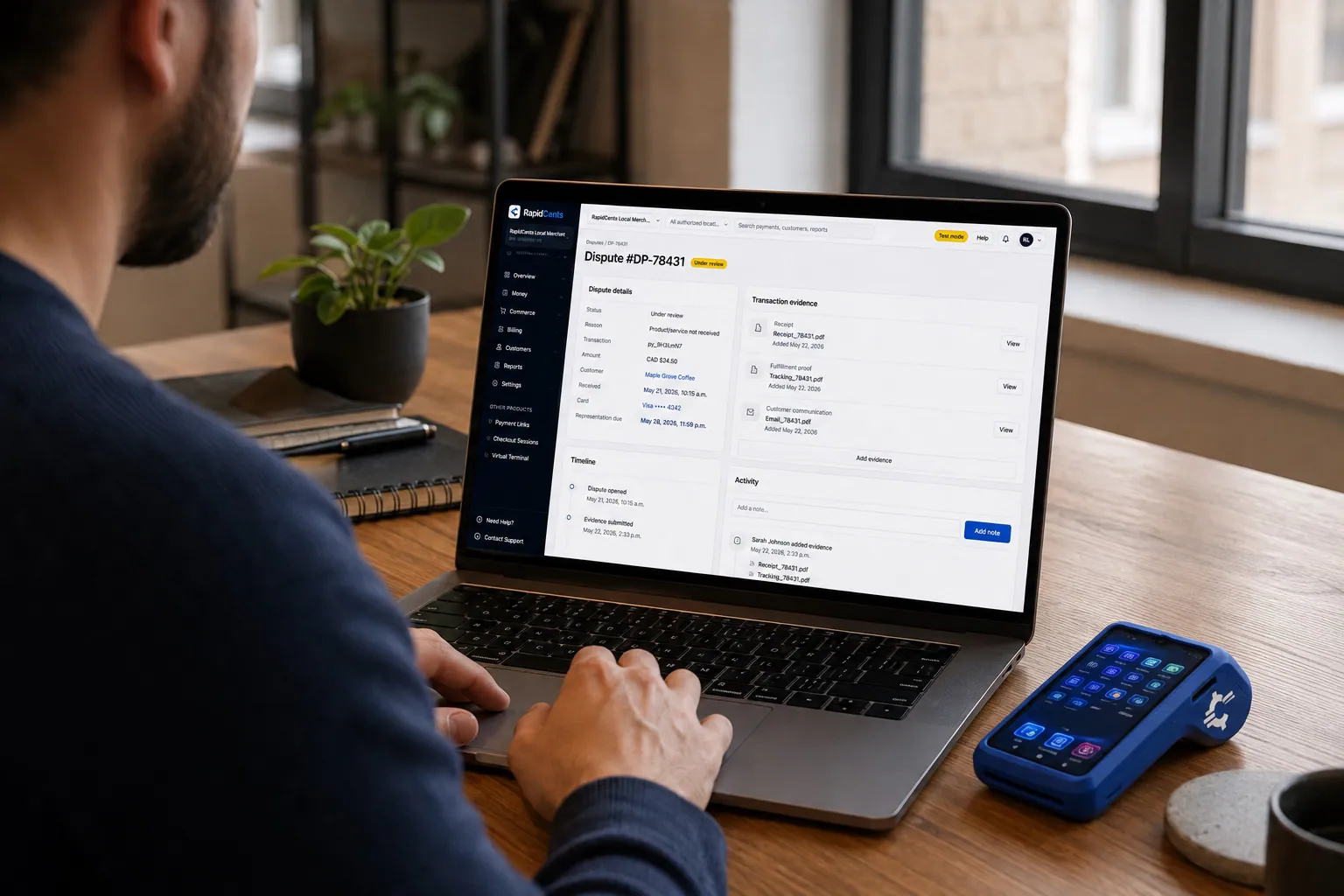
A merchant works a RapidCents dispute case on the dashboard, with the original terminal sale still on the desk. Dispute management
Every chargeback, its deadline and its evidence pack in one queue.
Explore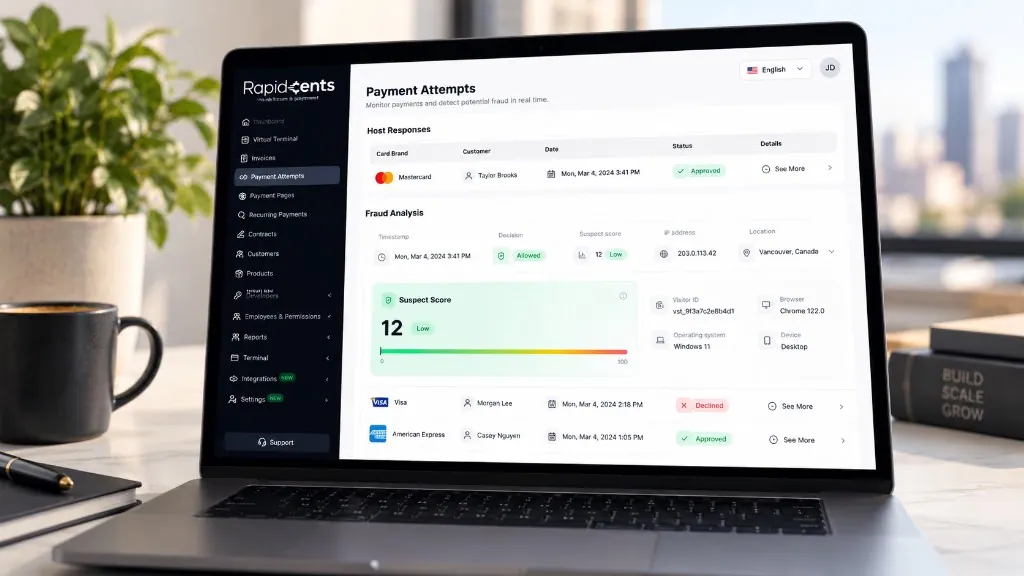
The Payment Attempts screen, shown with sample data: the host response for each attempt, then the fraud analysis behind it — decision, suspect score out of 100, IP address and location, visitor ID, browser, operating system and device. Fraud prevention
More than 180 signals checked on every payment attempt in under a second, and a fraud score you decide on.
Explore


Security
Permission-bound answers
Centa can reach only what the signed-in merchant is already authorized to see.
No full card numbers
Sensitive cardholder data is not exposed through the conversational interface.
Not an open assistant
Centa operates inside defined RapidCents boundaries rather than as a general-purpose model with access to the account.
Alongside, not instead of
Centa surfaces what RapidCents risk and security systems produce; it does not replace them.
Implementation
Confirm device support
Your advisor confirms which terminals in the estate support Centa.
Set permissions
Decide what each role and location may ask about.
Start with the daily question
Most merchants begin with the morning summary and refund checks.
Add troubleshooting
Point staff at Centa before they call, for the faults it can diagnose.
Pricing
Centa availability
Centa is part of the RapidCents platform on supported devices and accounts. Availability of individual capabilities depends on your terminals, account configuration and permissions. Your advisor confirms what applies to your estate.
For businesses in the USA
A direct answer for a business in the USA: the workflow, the limit, and what to confirm next.
The payment workflow
Use a US owner’s morning routine: ask about yesterday’s sales, inspect a refund pattern and open the source report. Show an approved answer with its date range. Distinguish interpreting account information from making a refund, changing account settings or forecasting future sales. Confirm eligibility, presentment currency, settlement currency and the enabled payment methods on the USA merchant account before quoting them. An illustrative amount is an example, not a fee or a funding promise. Centa does not, by itself, prove delivery or win a dispute.
The problem and the limit
In practice, permission boundaries, sensitive-data handling, incomplete-data responses and human support escalation. Show how a merchant checks an answer against the underlying record. Replace broad accuracy or fraud-detection promises with supported tasks and evidence of their limitations. Confirm eligibility, presentment currency, settlement currency and the enabled payment methods on the USA merchant account before quoting them. An illustrative amount is an example, not a fee or a funding promise. Centa does not, by itself, prove delivery or win a dispute.
What to confirm
Before you rely on this, confirm US account/device surfaces, feature eligibility, languages, time zones and USD reporting. State activation and pricing conditions. Do not transfer Canadian support coverage or assume every smart terminal supports every assistant capability; provide a maintained device/account compatibility reference. Confirm eligibility, presentment currency, settlement currency and the enabled payment methods on the USA merchant account before quoting them. An illustrative amount is an example, not a fee or a funding promise. Centa does not, by itself, prove delivery or win a dispute.
Questions about Centa
What is Centa?
Centa is the AI business assistant from RapidCents. It is designed to work across supported RapidCents Smart Terminals and the merchant dashboard so merchants can reach sales information, reports, terminal diagnostics, payment insight, risk information and support through one conversation.
Can I talk to Centa?
On supported devices Centa is designed for a conversational experience, so a merchant can ask something like “Centa, how much did I sell today?” rather than navigating menus.
Can Centa give me sales reports?
Centa is designed to retrieve and explain available RapidCents transaction and business information from a natural-language question, including totals, comparisons, average transaction size and busiest periods.
Can Centa troubleshoot my payment terminal?
Centa is designed to assist with supported terminal diagnostics, covering areas such as internet and Wi-Fi status, mobile network availability, payment application connectivity and peripherals including the printer. What it can check depends on the device and the information available to it.
Can Centa detect fraud?
Centa works alongside RapidCents risk and security capabilities to surface available unusual-activity signals for merchant review. Fraud prevention involves several systems and controls, so Centa is part of a broader security strategy rather than a guarantee against fraud.
Can Centa monitor refunds?
Centa can help review available refund activity and identify patterns that may deserve attention, such as a day with unusually high refunds or one terminal processing more than the others.
Does it work across multiple locations?
Where merchant permissions and account configuration allow it, Centa can help compare information across supported locations, accounts and terminals.
Is Centa secure?
Centa is built for a payment environment, where access controls, permissions and protection of sensitive information are essential. It operates inside defined RapidCents security boundaries rather than as an unrestricted general-purpose assistant.
Can Centa see full card numbers?
No. Centa is designed around payment-security boundaries and does not expose sensitive cardholder information such as full payment card numbers through the conversational interface.
Does Centa replace RapidCents support?
No. Centa is intended to resolve common questions and supported troubleshooting quickly, and to direct the merchant to RapidCents customer support when a person is needed.
Is Centa only for large businesses?
No. It is designed for businesses of different sizes, including restaurants, retailers, beauty and wellness businesses, professional services and multi-location merchants.
Do I need to understand AI to use it?
No. Merchants ask questions in ordinary language. That is the point of the interface.
Which RapidCents devices does Centa run on?
Centa is available on supported RapidCents Smart Terminals and in the merchant dashboard. Not every device in an estate necessarily supports it, and individual capabilities depend on the terminal and the account configuration, so your advisor confirms which of your terminals qualify before you point staff at it.
Can I control what staff are allowed to ask Centa?
Yes. Centa answers inside the signed-in user's existing RapidCents permissions, so a cashier role does not reach information a manager role holds. Setting Centa up includes deciding what each role and location may ask about, using the same permission model that already governs the dashboard.
What can Centa answer for my USA business?
For a business in the USA, list verified reporting, refund, device and support tasks, each with a realistic prompt and source-data requirement. This depends on the approved USA account setup and does not remove the merchant's own records or dispute duties.
Can Centa make payments or change my account without approval?
For a business in the USA, give the approved read/write capabilities, permissions and confirmations; do not infer autonomy from the AI label. This depends on the approved USA account setup and does not remove the merchant's own records or dispute duties.
Which terminals and account plans support Centa in the USA?
For a business in the USA, provide the current device/account matrix, supported languages and escalation path. This depends on the approved USA account setup and does not remove the merchant's own records or dispute duties.
Related products
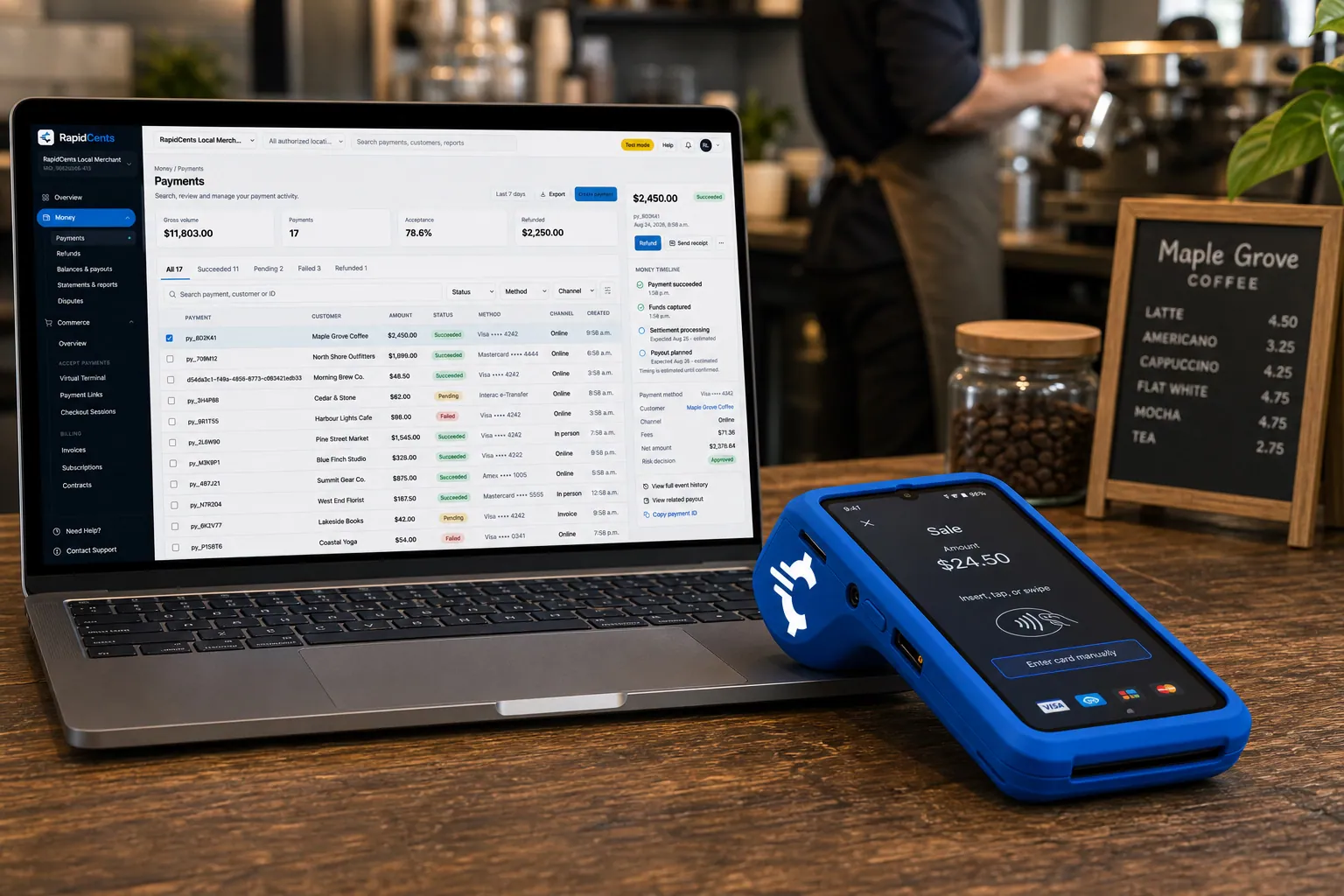
A RapidCents smart terminal running payment apps on the counter, paired with the merchant dashboard on a laptop. Smart Terminals
RapidCents smart terminals combine payment acceptance with an app marketplace for inventory…
ExploreThe RapidCents payments screen: gross volume, payment count, acceptance rate and refunds across the top, a filterable transaction list below, and a money timeline on the right tracing one payment from capture to planned payout. Merchant Dashboard
The RapidCents merchant dashboard gives owners, managers and finance staff a single signed-in view…
ExploreA merchant reviews RapidCents reports for volume, mix and payouts, with the terminal that took the sales on the desk. Reporting
RapidCents reporting delivers customizable transaction, settlement and fee reports with CSV and PDF…
Explore

Take the next step
Talk to a RapidCents specialist
RapidCents Fee Check reads a processing statement and shows interchange separately from the markup. Upload a statement for an instant breakdown, or open a merchant account and start accepting payments on one account.
- No obligation
- Payment specialists, not a call centre
- Secure statement upload



