


Put in a point of sale without losing a day of trading
Launch or upgrade POS is for businesses in the USA. Evaluate launch or upgrade pos for a U.S. business and understand the prerequisites, operational tradeoffs and commercial conditions. The sections below separate the workflow, the control and its limit, and the account facts to confirm before you rely on them.
- Payment specialists
- Interchange-plus available
- Guided migration
- Post-launch support
Who this solution is for
Restaurants
Where service flow, modifiers, splits and tips are the requirement, and the counter is not where the payment happens.
Retailers
Where inventory accuracy and lane speed matter, and a return has to reference the original sale.
Grocery and high-volume counters
Long baskets, weighed items and multiple lanes, where day end is a volume problem rather than a totals problem.
Common challenges
The catalogue is the project
Items, modifiers, variants, weighed goods and tax treatment take longer than the install, and rushing them puts the errors into every subsequent report.
A cutover in the wrong week
Switching a point of sale during a peak period turns a manageable learning curve into lost trading.
Permissions decided after go-live
Who can discount, refund or open the drawer is easier to agree before staff have habits than after.
The RapidCents approach
Choose the point of sale for the format, since restaurant, retail and grocery workflows are genuinely different rather than skins on one product.
Build the catalogue or menu, including modifiers, variants, weighed items and tax treatment.
Set staff roles — discounts, refunds and drawer access — before anyone is trained.
Run parallel: process test transactions and a full day end on the new system while the old one still trades.
Cut over in a quiet period, with training done and the old system available for a short overlap.
Recommended capabilities
Restaurant POS
Order entry with modifiers and courses, tableside payment and tipping on a mobile terminal, split and transfer by item or evenly, and a day end where sales, tips and deposits reconcile.
Retail POS
Scan-and-tender checkout, inventory at item and variant level, returns referencing the original transaction, and an omnichannel view of store and online sales.
Grocery POS
High-speed scanning for long baskets, weighed produce and deli items, multi-lane operation on a shared catalogue, prompts on restricted items and volume reporting against deposits.
Online ordering
Pickup and delivery orders taken on your own page and paid before preparation, routed to the kitchen and reported beside in-room sales rather than through a marketplace.
Staff permissions
Discounts, refunds and drawer access controlled by role, with audit trails behind them.
Related products
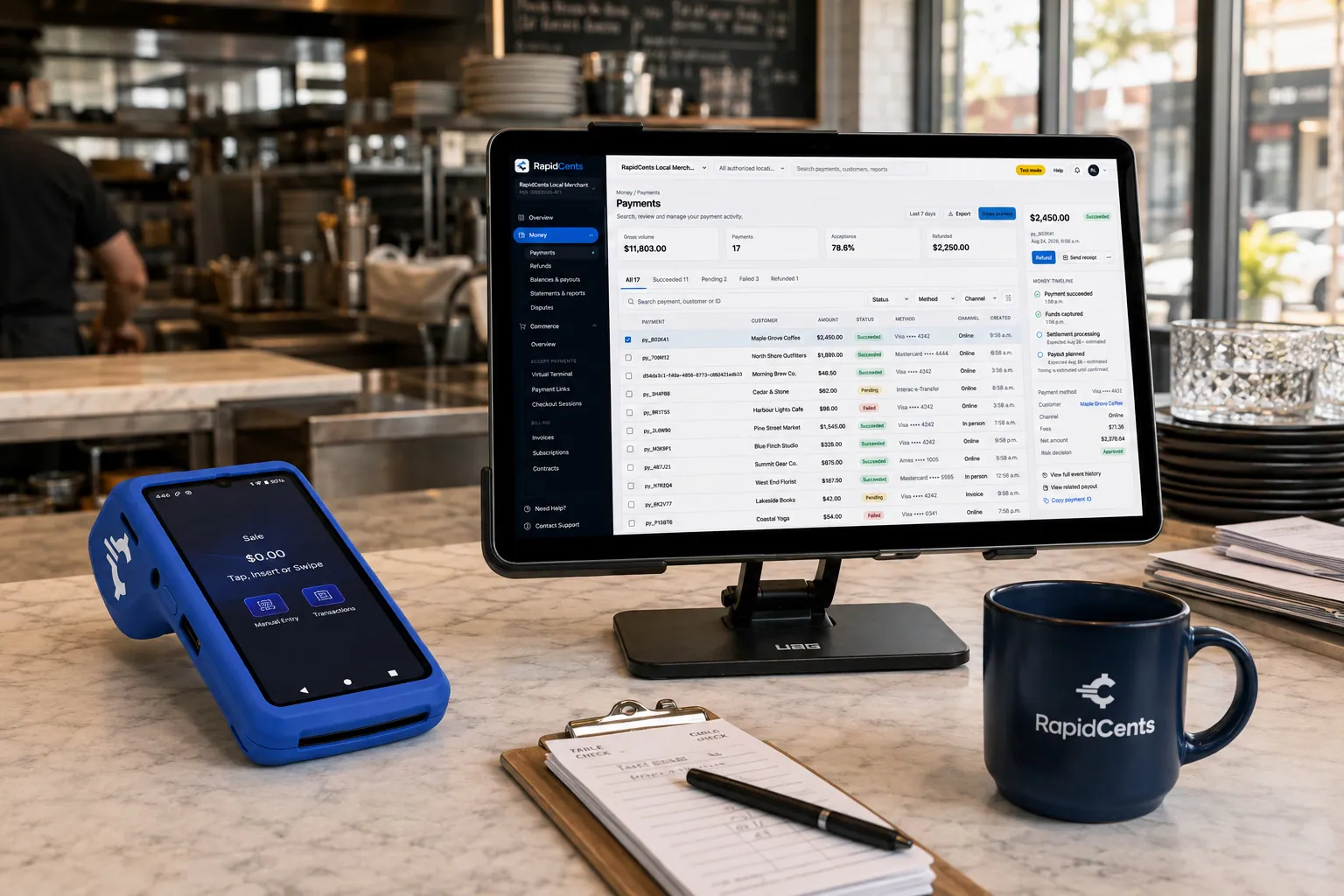
Tableside card capture on a RapidCents terminal in a restaurant, with the POS and payments dashboard on the pass. Restaurant POS
Take orders, split and transfer bills, prompt for tips at the table and close the day with reporting that…
Explore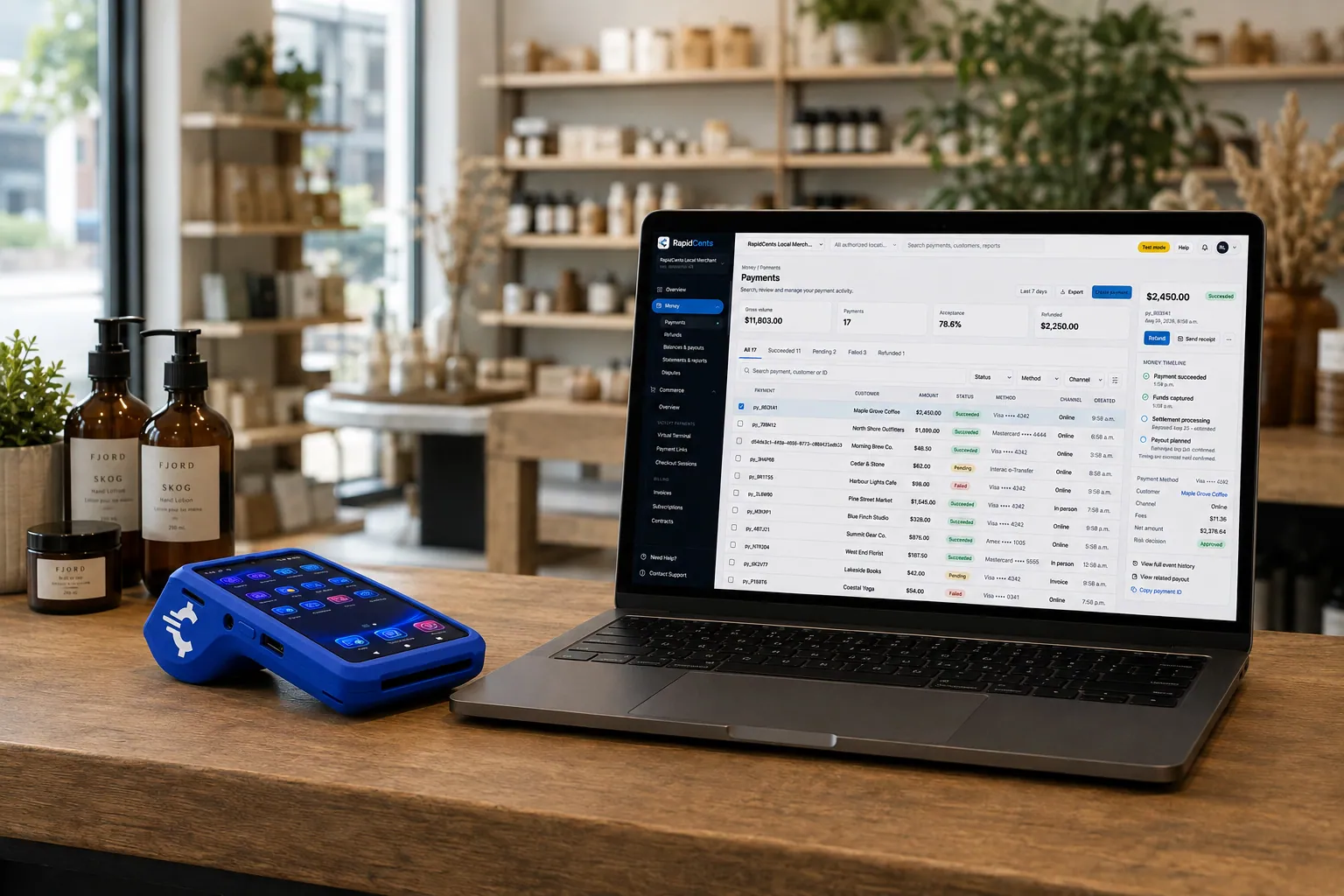
A retail counter ringing a basket on RapidCents POS, terminal taking the card and the dashboard showing the sale. Retail POS
Fast checkout, inventory that reflects what is on the shelf, and reporting that connects in-store and online…
Explore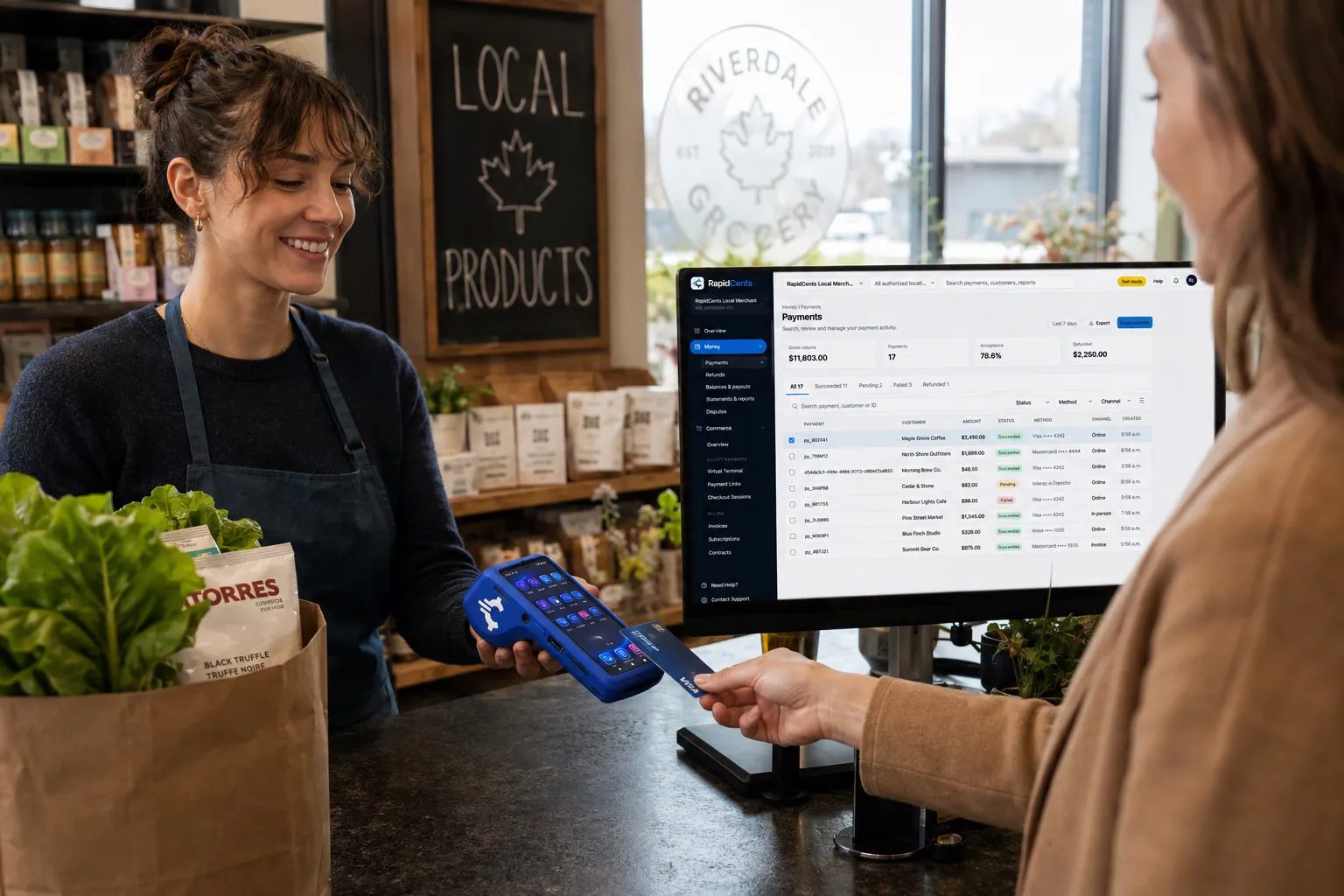
A grocery checkout running RapidCents POS for a high-volume lane, with the terminal capturing debit and credit. Grocery & Supermarket POS
Large baskets, weighed items and busy lanes need a checkout that keeps up.
Explore


Implementation approach
Discovery
Format, lane or table count, the catalogue you have and the day-end routine you run now.
Catalogue and configuration
Items, modifiers, taxes and permissions built and reviewed before hardware is installed.
Parallel testing
Transactions and a complete day end run on the new system while the existing one continues to trade.
Training and cutover
Staff trained on the flows they will actually use, then cutover at a time chosen for quietness, with support through the first day end.
What does not change
Your menu or product range
The point of sale is configured around what you sell. Choosing a system is not an occasion to change the offer unless you want it to be.
Your suppliers and stock process
Receiving and ordering continue as they do. What changes is that sales adjust the count as they happen.
Payment acceptance itself
Tap, chip and PIN debit work as before. The point of sale decides what is being sold; the terminal still takes the card.
For businesses in the USA
A direct answer for a business in the USA: the workflow, the limit, and what to confirm next.
The payment workflow
Contrast the U.S. Merchant opening a first location with the merchant replacing an existing POS. Start with transaction and operating needs, not a hardware catalogue. Confirm eligibility, presentment currency, settlement currency and the enabled payment methods on the USA merchant account before quoting them. An illustrative amount is an example, not a fee or a funding promise. Launch or upgrade POS does not, by itself, prove delivery or win a dispute.
The problem and the limit
The practical view covers category-specific tests such as restaurant tips or retail returns only for the chosen configured system. Keep separate supported payment features from inventory and business software features. Confirm eligibility, presentment currency, settlement currency and the enabled payment methods on the USA merchant account before quoting them. An illustrative amount is an example, not a fee or a funding promise. Launch or upgrade POS does not, by itself, prove delivery or win a dispute.
What to confirm
Plan data mapping, staff training, pilot transactions and the first day of reconciliation. Do not promise effortless transfer of historical sales, customer data or saved cards. Confirm eligibility, presentment currency, settlement currency and the enabled payment methods on the USA merchant account before quoting them. An illustrative amount is an example, not a fee or a funding promise. Launch or upgrade POS does not, by itself, prove delivery or win a dispute.
Frequently asked questions
How long does the catalogue build take?
It depends on how many items, modifiers and variants you carry and how clean the current data is. A menu with heavy modifier logic takes longer than a larger list of simple products, which is why this is scoped in discovery rather than estimated from item count.
Can we run the old system alongside the new one?
For testing, yes, and that is the point of the parallel period. Running both for live sales for long is a different matter, because two sets of stock counts diverge quickly.
What is the difference between a point of sale and a terminal?
A terminal takes a card payment. A point of sale knows what was sold, adjusts stock, applies staff permissions and produces the day end. If you track inventory or run a menu, the terminal alone leaves that work manual.
How are tips handled?
Prompted at the point of payment, at the table on a mobile terminal in a restaurant, adjustable where permitted, and reported at day end for payout. Tips are also the most common cause of a POS total differing from a batch total, so they are worth checking in the first week.
Can staff be stopped from refunding to the wrong card?
Returns reference the original transaction, so the refund goes back to the card that paid. Permissions decide who can issue one at all.
What happens at day end?
The batch closes, sales and tips are totalled, and the figures reconcile against the deposit that follows. Doing this deliberately on the first day, with someone watching, catches most configuration mistakes while they are still cheap to fix.
Which POS setup fits a U.S. restaurant versus a retail store?
For a business in the USA, compare the actual supported operating workflows and identify the relevant product page. This depends on the approved USA account setup and does not remove the merchant's own records or dispute duties.
Can our existing data move to a new POS?
For a business in the USA, specify the data types and migration assessment; avoid universal import promises. This depends on the approved USA account setup and does not remove the merchant's own records or dispute duties.
What should staff test before the new POS goes live?
For a business in the USA, use the merchant's real sale, refund, tip or return scenarios and end-of-day reconciliation. This depends on the approved USA account setup and does not remove the merchant's own records or dispute duties.
Take the next step
Talk to a RapidCents specialist
RapidCents Fee Check reads a processing statement and shows interchange separately from the markup. Upload a statement for an instant breakdown, or open a merchant account and start accepting payments on one account.
- No obligation
- Payment specialists, not a call centre
- Secure statement upload



