


DEVELOPER PLATFORM
Changelog
The RapidCents changelog records API version history, new endpoints, behaviour changes and deprecation notices with their migration windows. Two kinds of entry appear and they demand different reactions: additive changes reach you without action because a pinned version keeps behaving as documented, while breaking changes ship behind a new version and stay optional until you move. Each entry names what changed, which version carries it, whether it is additive or breaking, and for a deprecation the date the old behaviour stops.
- Sandbox with documented test cards
- Signed webhooks
- Typed errors and idempotent retries
- Dedicated developer support

What crosses the wire
What an entry tells you
What changed, which API version carries it, whether it is additive or breaking, and for a deprecation the date the old behaviour stops. Anything that requires action says so explicitly rather than leaving you to infer it.
What your account carries
A pinned API version, sent on every request or defaulted per account. That pin is what decides which entries in the changelog apply to you today and which describe a future you have not opted into.
What a migration involves
Point a sandbox client at the new version, run your regression suite, compare the response shapes the changelog flagged, then move production. The old version keeps serving until the window closes.
When to use it
Planning maintenance
Check for deprecations before each release cycle rather than after an incident, and give the migration a ticket while the window is still comfortable.
Debugging a behaviour change
Confirm whether an observed difference was an intentional, documented change before spending an afternoon looking for a bug in your own code.
Reviewing a dependency upgrade
An SDK release targets a specific API version, so bumping the package can move you across a boundary the changelog already described.
How to implement Changelog
Subscribe to the changelog before going live, into a channel someone actually reads.
Pin your API version explicitly rather than tracking latest.
Record which version each service sends, so an upgrade is a known set of deployments.
Test the new version in sandbox during the deprecation window, not at the end of it.
Upgrade one service at a time and confirm against your own regression suite.
What fails, and how you find out
Tracking latest instead of pinning
An unpinned integration inherits every change on the day it ships, including the ones you would have wanted to schedule. The symptom is a response shape that moved with no deploy on your side.
The deprecation window closing quietly
Notices are published, but a subscription pointed at an unmonitored inbox is the same as no subscription. Route changelog entries somewhere the on-call rotation can see them.
Different services on different versions
One codebase pinned to two versions produces behaviour that depends on which service handled the request. Inventory the pins before a migration, not during one.
Upgrading everything at once
A single deployment that moves every service across a version boundary has no partial rollback. Move one, watch it, then move the next.
Sandbox versus production
New versions are testable before you commit
A sandbox client can be pointed at the new API version while production stays pinned, so the migration is validated against your own code rather than against release notes.
Sandbox is where a deprecation is cheap
Running the old and new versions side by side in sandbox shows exactly which of your assertions change, which is the list a migration ticket should contain.
Version pinning behaves identically
The pin is honoured the same way in both environments, so a sandbox run genuinely represents what the production upgrade will do.
Questions about Changelog
How much notice is given before a breaking API change?
Breaking changes ship behind a new version with a published deprecation window, so integrations pinned to the previous version keep working while you migrate.
Am I upgraded automatically?
No. Versions are pinned per account, so an upgrade is an explicit action you take after testing.
Where are security fixes announced?
Non-breaking security fixes are applied immediately and recorded in the changelog; anything requiring your action is communicated directly.
What counts as a breaking change?
Anything an existing integration could reasonably be relying on: a removed or renamed field, a narrowed type, a new required input, or a status that starts being returned where it previously was not. Added optional fields and new endpoints are not breaking.
What happens if I never migrate off a deprecated version?
It keeps serving until the published window closes, and the notice states that date. After it closes, requests pinned to it stop being served, which is why the window is announced rather than the removal.
How do I find out which version my integration is actually sending?
From your own request logs, not from an assumption. Services configured at different times drift apart, and the pin one team documented is often not the pin another team deployed.
Does an SDK upgrade change my API version?
It can. Each SDK release targets a specific API version, so read the SDK release notes alongside the changelog entry and treat the pair as one migration rather than two unrelated bumps.
How do I migrate to a new API version safely?
Point a sandbox client at the new version while production stays pinned, run your regression suite, compare the response shapes the entry flagged, then move one service at a time. The old version keeps serving until the window closes, so there is no reason to move everything in a single deploy.
Where should changelog entries be delivered?
Into a channel the on-call rotation actually reads. A subscription pointed at an unmonitored inbox is the same as no subscription, and a deprecation window closing quietly is what produces a response shape that moved with no deploy on your side.
Continue the integration
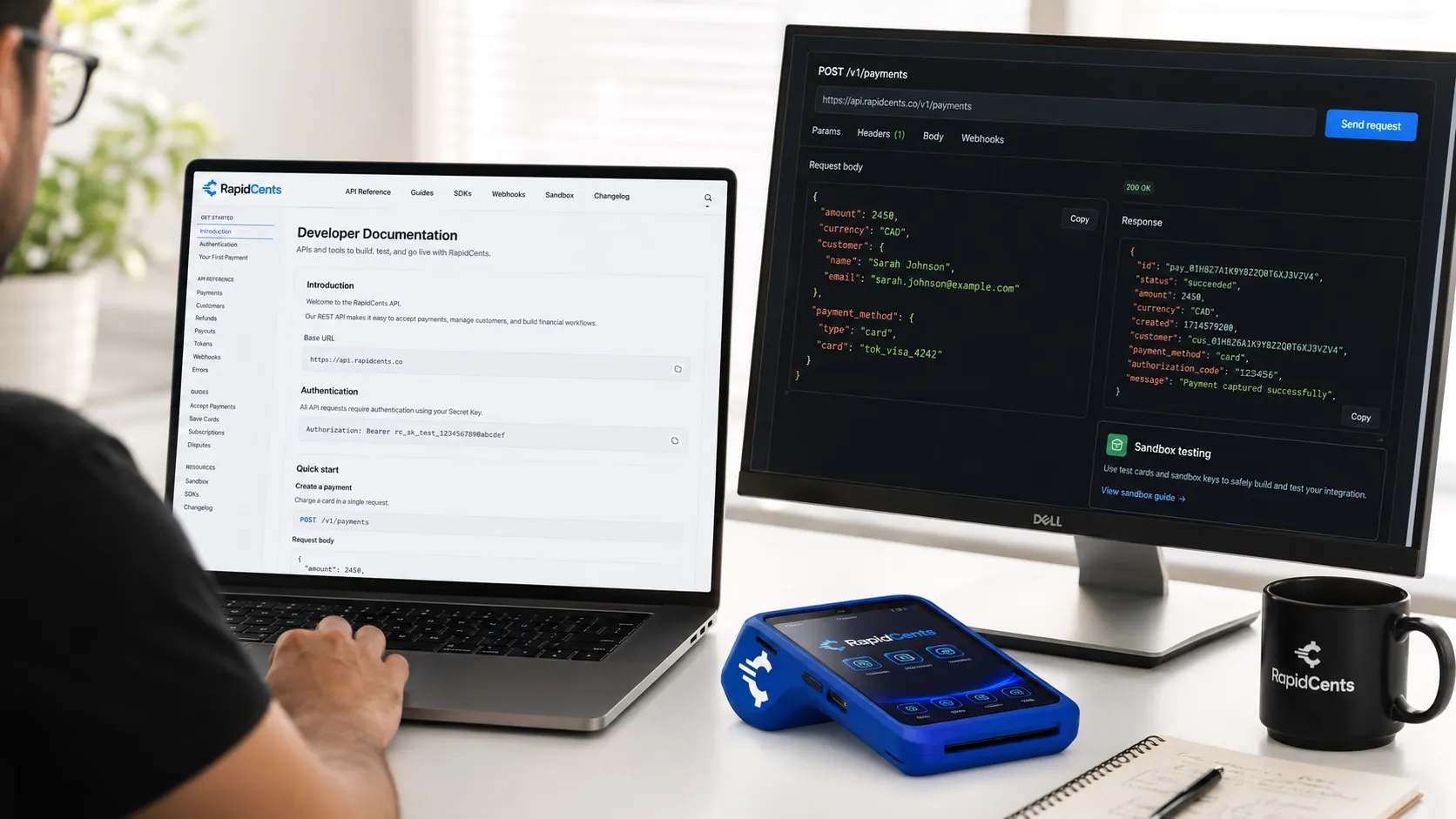
The RapidCents API reference on a workstation, with a sample request, the matching response, and a test terminal. API Reference
REST endpoints for payments, customers, refunds, webhooks and settlements with request and…
Explore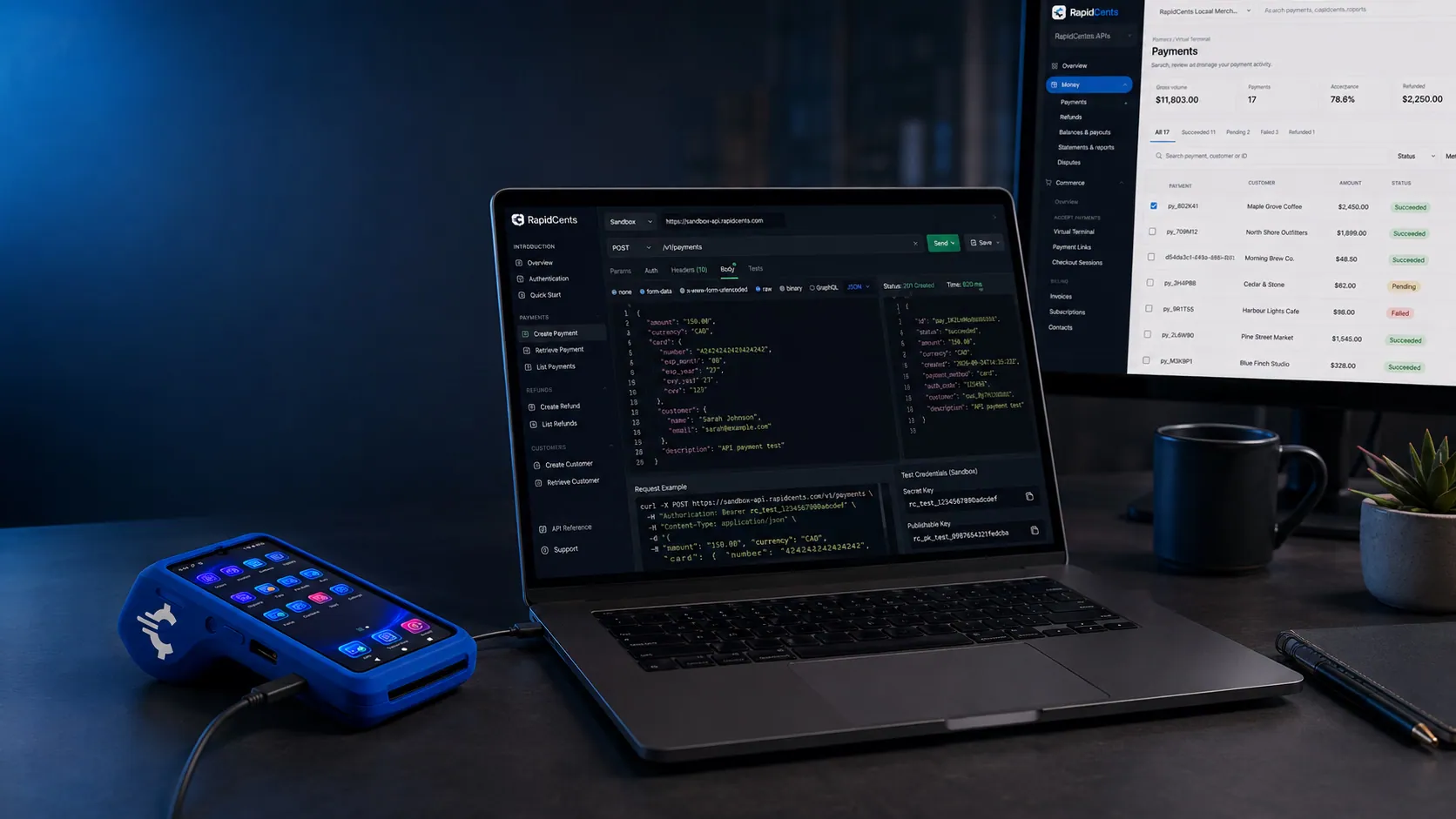
A RapidCents SDK project running a test payment, with the same sale visible on a sandbox terminal. SDKs
Official SDKs for Node.js, Python, PHP and mobile with typed models and retry helpers.
Explore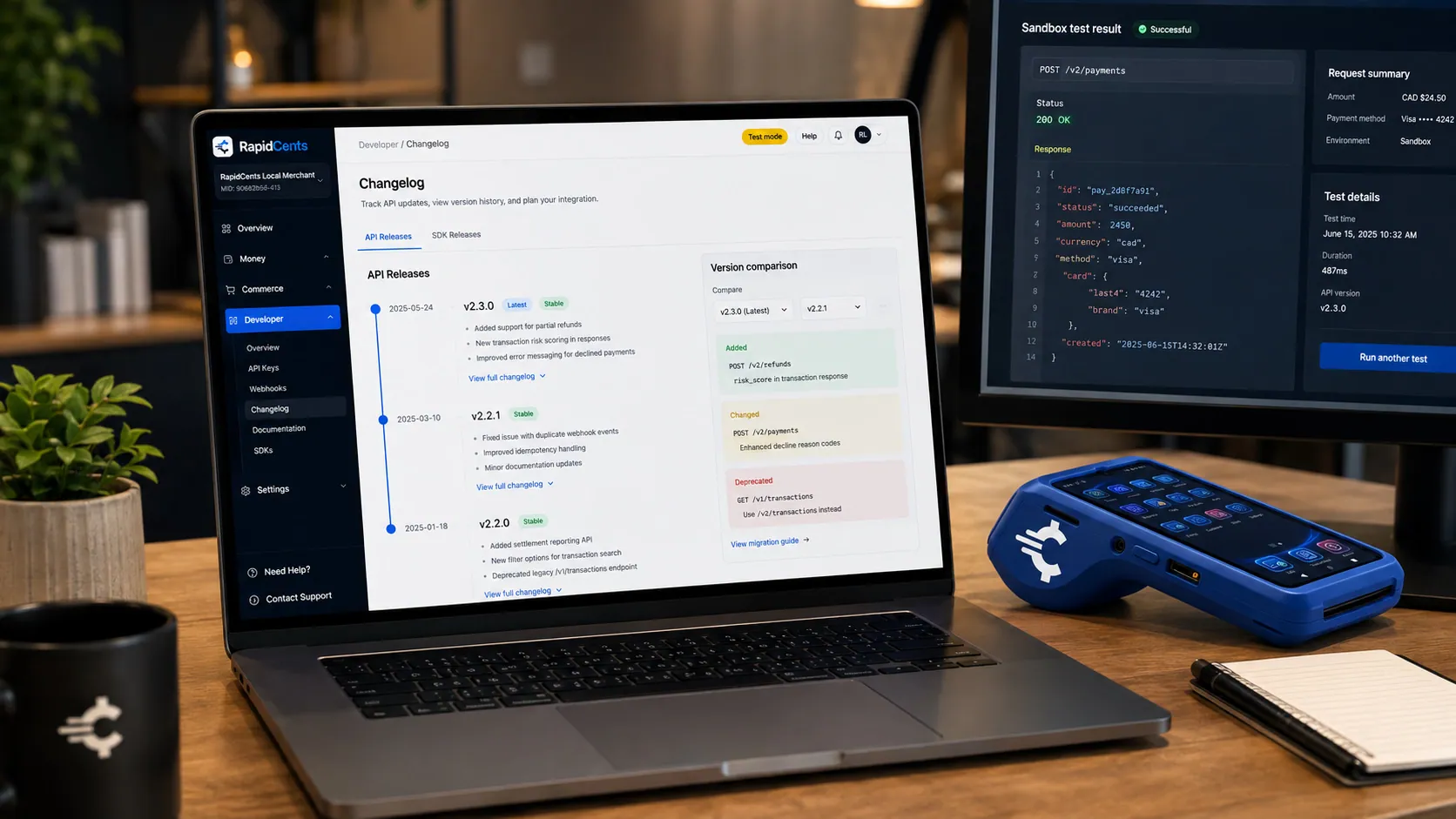
RapidCents platform status and incident history on a workstation, so an integrator can see whether the rails are up. System Status
Real-time platform status, incident history and subscribe-to-updates.
Explore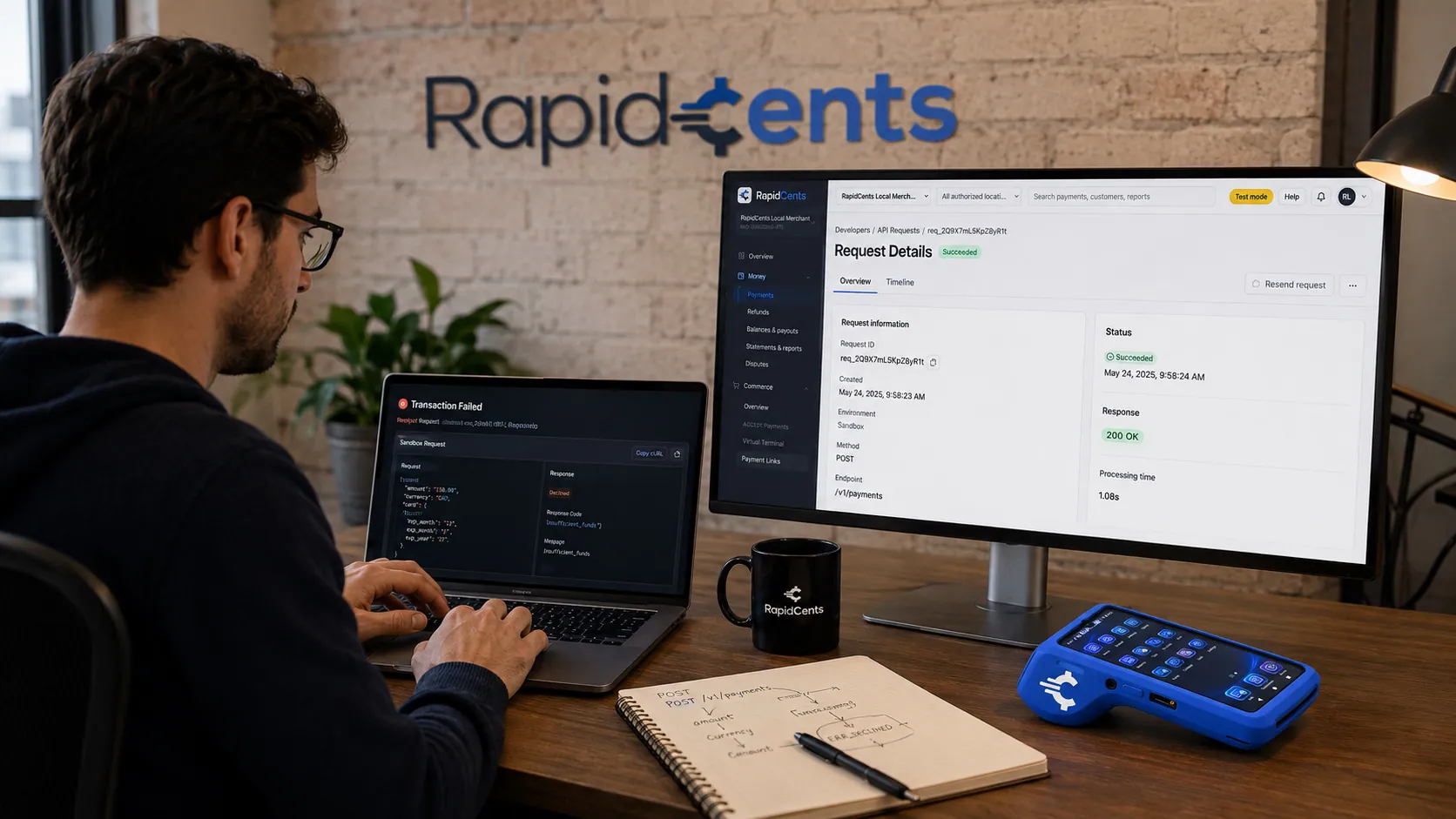
A RapidCents developer-support desk tracing a live payment request beside the merchant dashboard and a test terminal. Developer Support
Developer support channel with SLA tiers for production integrations.
Explore


Take the next step
Talk to a RapidCents specialist
RapidCents Fee Check reads a processing statement and shows interchange separately from the markup. Upload a statement for an instant breakdown, or open a merchant account and start accepting payments on one account.
- No obligation
- Canadian payment specialists
- Secure statement upload



