


EV charging payment processing for operators and site hosts
EV charging payment processing takes a driver's card for a session whose total is known only at the end: a hold before energy flows, then a charge for the actual amount. RapidCents serves charge point operators and site hosts with its Payment Gateway, Hosted Checkout and reporting, and your representative sets up the guest journey for your equipment.

- PCI DSS Level 1
- SOC 2 Type II
- All major cards: Visa, Mastercard, Amex, Discover, UnionPay, Diners Club & Interac Debit
- Interchange-plus available
- Canadian support
How EV charging stations get paid
EV charging stations get paid in five ways: guest drivers paying per session without an app, app and membership drivers on a stored card, fleet accounts on invoice, residents and employees billed monthly, and host businesses that add charging to another bill. The merchant is whoever contracts with the driver, which may be the charge point operator, the site host or the charging platform, and every payment needs a session or account reference.
Guest sessions paid without an app
Drivers passing through, or who never installed your app, pay for one session at the charger: by tapping a card or phone at a reader or shared kiosk, or through a QR code that opens a web checkout. Choosing to pay places a hold, and the final amount follows the session. If a charger fails to start after the hold, the hold is voided. Finance needs each payment tied to a session ID, charger and site.
App and membership sessions on a stored card
Drivers who register in your app save a card once and authorize you to charge it after each session, or for a membership plan with an agreed fee, billing date and cancellation terms. Payment Tokenization keeps the card as a token, Recurring Payments runs the membership with automated retries, and Account Updater helps keep expiring cards current. If a charge is declined after a session ends, you follow up with the driver. Finance sees each charge against the driver's profile.
Fleet accounts billed by invoice
Delivery fleets, taxi companies and businesses with company vehicles charge at your depot or public sites under an account and pay later on terms you set. You build each monthly invoice from the session report and send it through Invoicing with a payment link, or take a card by phone in the Virtual Terminal. Disputed sessions and part payments are handled against the invoice; finance matches each payment to the invoice number.
Residents, tenants and employees billed monthly
Condo and apartment residents, office tenants and employees charge at shared chargers in their building or workplace and pay monthly for their usage or a set access fee. Recurring Payments charges each stored card on the agreed date, with the payer's agreement to how the amount is worked out, when it is charged and how to cancel. Move-outs just mean updating the account. Finance ties each charge to a unit or badge number.
Charging added to a host business's bill
At hotels, parking garages, dealerships and stores, charging can be one line on a bigger bill: a hotel stay, a parking ticket or a service invoice. The host's own system takes that payment, so the charging platform and the host's records need a shared reference, or charging revenue cannot be split out at month end. A session that ends after checkout is billed separately by that reference.
How does a variable charging amount become a final card charge?
A variable charging amount becomes a final card charge through an authorization-to-completion flow: your charging platform asks for a hold before energy flows, works out the total when the session ends, then completes the payment for that amount or voids it. The driver's card issuer releases the unused part of the hold. Your platform and payment setup agree on this flow, and you test it, before the first driver plugs in.
How a session runs with RapidCents
The driver taps a card at the charger or pays on a web checkout. Your charging platform requests an authorization for the posted hold and starts the charger only once it is approved. When the session ends, the platform calculates the total from energy, time, idle fees and tax as you configured them, and sends a capture for that amount. Where your platform uses the Payment Gateway, these steps are authorize, capture, void and refund calls, with webhooks reporting each result back.
Rules to set before the first session
Pick a hold amount that covers a long session at that charger, and show it with the price before the driver pays. Decide what happens as a session nears the hold: the platform stops charging or, where your flow supports it, asks for more. Send each completion soon after the session ends. Keep idle fees inside the hold for guest cards, because a guest has not agreed to later charges on that card.
Failed starts, cut-off sessions and refunds
If a driver pays but never plugs in, or the charger fails to start, the platform voids the authorization so no charge posts. If a fault cuts a session short, apply one written rule: complete for the energy delivered, or void. An overcharge found later, such as idle time billed while a connector was faulty, is refunded against the original transaction. When a driver disputes a session with the card issuer, answer with the platform's session log through Disputes and Chargeback Protection.
A fast-charging stop: $60 hold, $23.40 final
Say a driver at a DC fast charger sees the per-kWh price and a $60 hold on the screen, then taps a credit card. The session starts once the hold is approved. The car charges for 38 minutes and stays plugged in a few minutes longer, so the total, with a short idle fee, is $23.40. The platform captures $23.40, the issuer releases the rest of the hold, and the receipt link on the screen shows the session ID and energy delivered.
Can drivers pay for charging without an app?
Drivers can pay for EV charging without an app through a guest journey: a contactless reader on each charger, a shared kiosk for a row of chargers, or a QR code that opens a web checkout. The right fit depends on your chargers, readers and charging management software, and your RapidCents representative helps you choose before you print signage. App and membership payments can run alongside it.
Reader on every charger, shared kiosk or QR code
EV charging payment terminals come in two physical forms. A reader on each charger lets the driver tap at the connector, but every charger then carries payment hardware that must be supported. A shared kiosk serves several chargers with one device, and the driver picks a charger number on its screen. A QR code needs no payment hardware at the charger: it opens a payment page on the driver's phone, carried by Hosted Checkout or a Payment Gateway build for your hold-and-complete flow.
What to settle before signage goes up
Settle the exact reader or kiosk model and firmware, or the web checkout flow, with your RapidCents representative and your charging platform. Then show the price, the hold amount, a support phone number and how to get a receipt on each charger or its screen. On a web checkout, decide whether drivers enter an email address or phone number for the receipt, and test 3D Secure and phone wallets where they are on.
No signal, wrong charger and swapped QR labels
Underground garages and remote sites lose signal, and a reader or web checkout that cannot reach the network cannot authorize, so decide whether an offline charger refuses to start or runs free at your cost. At a kiosk, a driver can pick the wrong charger number, so mark the number on every connector. Check QR labels on site visits for stickers placed over yours, and print a short web address beside each code.
A visitor at a downtown lot, six Level 2 chargers
Say a driver visiting from another city arrives at a downtown lot with six Level 2 chargers and no readers. She scans the QR code on charger 4, sees the hourly price and the hold on the payment page, and pays with a phone wallet. The session starts once the authorization is approved. When she unplugs three hours later, the platform completes the payment for the final amount and a receipt goes to the email address she entered.
RapidCents products for EV charging stations
The Payment Gateway gives your charging platform authorize, capture, void and refund calls with webhooks, Hosted Checkout can serve the payment page behind a QR code, Integrated Payments connects your platform where the vendor and version allow it, and Reporting filters transactions, settlements and fees by site for reconciliation.
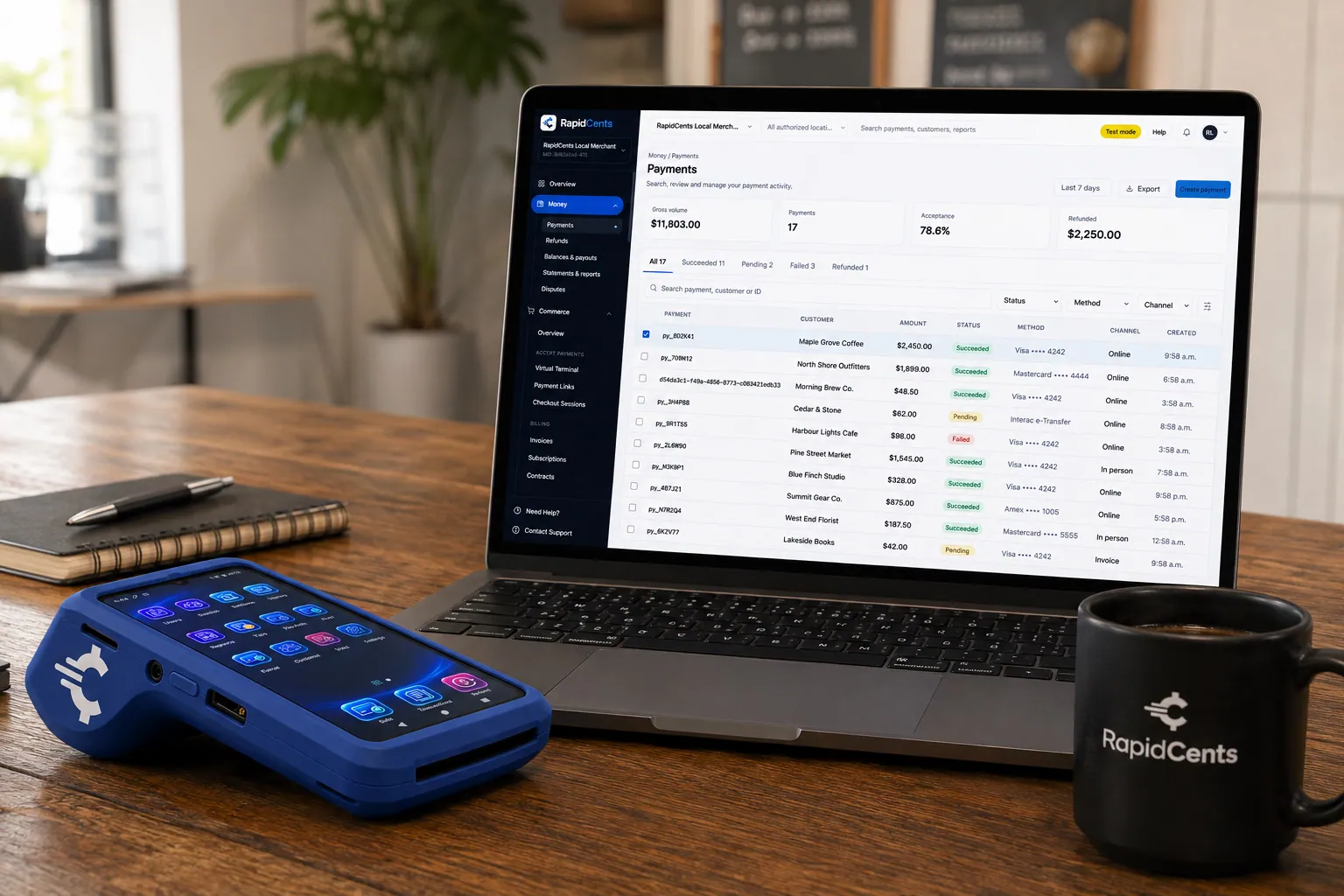
A payment-gateway integration desk: API response on screen, RapidCents terminal ready for a test sale. Payment Gateway
The RapidCents payment gateway exposes REST endpoints for authorize, capture, void, refund and tokenize…
Explore
A RapidCents hosted checkout page at checkout.rapidcents.com, with the order summary and totals on the left and the card fields on the right, footed by SSL and PCI DSS assurances. Hosted Checkout
RapidCents hosted checkout delivers PCI-scoped payment pages you redirect customers to or embed via iframe…
Explore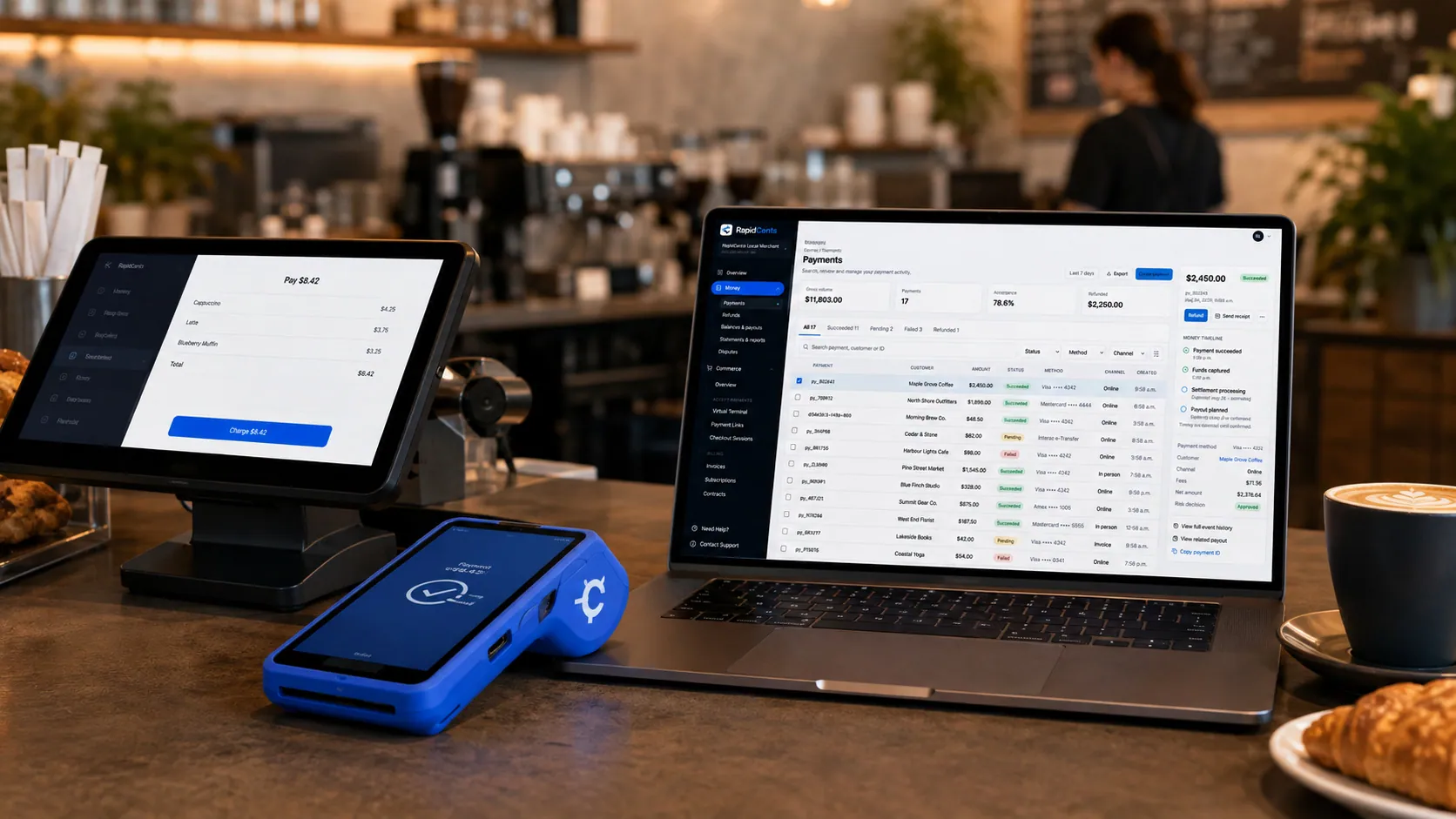
Payments taken inside existing business software through RapidCents, with the terminal and dashboard in the same workspace. Integrated Payments
RapidCents integrated payments connect certified POS and ERP systems so sale amounts, tips, refunds and…
Explore
A merchant reviews RapidCents reports for volume, mix and payouts, with the terminal that took the sales on the desk. Reporting
RapidCents reporting delivers customizable transaction, settlement and fee reports with CSV and PDF export…
Explore


How does charging session reconciliation work across sites and owners?
Charging session reconciliation works when every payment carries a reference back to its session, so finance can join the payment record in RapidCents to the session record in your charging platform. Give each site its own location, export settlements by site from Reporting, and decide early which legal entity collects at each site, because many sites under one operator and many separate site owners need different setups.
Join each payment to its session
Your charging platform holds the session: its ID, charger, connector, start and stop times, energy and final amount. RapidCents holds the payment: authorization, capture, refund and settlement deposit. The cleanest join is a session reference the platform sends with each payment request. Without one, finance matches by charger, time and amount, which breaks down at busy sites. Set up the reference fields so they reach your RapidCents reports from day one.
One operator with many sites, or many site owners
An operator selling charging in its own name can run its sites under one account, with a location and merchant ID per site through Multi-Location and roll-up reporting across them. A site owner selling charging in its own name needs its own merchant account. A charging platform collecting for many site owners should ask about Platform Payments; whether it fits depends on who contracts with drivers and who receives the funds, and your representative reviews that with you.
Unmatched payments and revenue shares
Expect three kinds of mismatch: a payment with no session reference, a session with no payment because a charger ran free during an outage, and a refund booked to the wrong site. Review them weekly rather than at month end. If you share charging revenue with a landlord or site host, work the share out from the reconciled session report and pay it under your agreement with that host.
Three sites, two landlords, one month-end close
Say an operator runs chargers at a grocery store lot and at two office garages owned by one landlord. Each site is a separate location with its own merchant ID, so transactions, deposits and fees can be reported by site. At month end, finance exports each location's settlements from Reporting, joins them to the platform's session export by session ID, and sends each landlord a revenue statement built from matched sessions only.
What drives EV charging card processing fees?
The cost of EV charging credit card payments is driven by your card mix, how each card is taken and the size of your sessions. RapidCents prices on interchange-plus: interchange, set by the card networks, passes through at cost, plus your RapidCents markup set out in your Fee Schedule and fees for equipment or services, if applicable. The agreement is month to month, with no fixed term.
Tapped at the charger or paid online
A card tapped at a charger reader or kiosk is a card-present payment. A QR code web checkout and a stored card charged from your app are card-not-present, and interchange differs between the two. Count how your sessions split across reader, kiosk, QR code and app before you compare quotes, because that split feeds straight into what you pay.
Debit, premium and commercial cards
Drivers pay with everyday debit cards, premium rewards credit cards and, at depots and highway sites, commercial cards issued for company vehicles, and each type falls into its own interchange categories. A highway fast-charging site is likely to see a different mix from a condo garage, so use your own statements, not an industry average. Fleet cards that run on their own networks are accepted where that program is part of your setup, and your representative tells you which apply.
Holds, completions and short sessions
Interchange applies to the amount you complete, not the hold, but how holds are requested and how soon completions follow can affect the category a payment lands in, so your RapidCents representative shows you how your flow is coded. Short top-ups make small tickets, where any fixed per-transaction charge in a quote weighs more than it does on a long session.
Refunds, disputes and what to bring
Refunds for failed or overbilled sessions, and chargebacks from drivers who do not recognize a charge, add cost and staff time; a clear merchant name on card statements helps drivers recognize theirs. To compare, bring three recent statements, session counts and average session amount by site, your reader, kiosk, QR and app split, and refund and chargeback counts. Fee Check shows interchange separated from markup on an uploaded statement.
How RapidCents fits with your chargers, readers and charging software
Three layers work together in every paid session: the charger, the payment reader or kiosk, and the charging management software that runs the session. A payment gateway for EV charging stations helps when your platform can call it, and a charger's protocol connection is a separate matter from payment. RapidCents integrates with many major platforms through APPIE and RapidBridge; the right option depends on your vendors and versions, and your RapidCents representative will walk you through it.
Charging station management software (CSMS)
The charging management platform starts and stops sessions, sets prices and calculates the final amount, so it is the system that talks to the payment setup. Depending on the vendor and version, it connects through an Integrated Payments connection, a custom build on the Payment Gateway or payment taken outside the platform. Tell your RapidCents representative which platform and country you run, and they will walk you through the options.
Payment readers and kiosks, such as Nayax or Cantaloupe
Unattended payment devices, a category that includes vendors such as Nayax and Cantaloupe, or a reader the charger maker fitted, can take the card at the charger or kiosk. Settle the reader model and firmware, which processors it can route payments to, and who holds the reader contract. Your RapidCents representative will test your exact model with you before you buy or retrofit readers.
OCPP, OCPI and roaming apps
OCPP is the protocol many chargers use to talk to their management platform, and OCPI links operators with roaming partners; both carry charging data, while payment runs through your processor. Drivers who start a session in a roaming partner's app pay that provider, which settles with you under your roaming agreement, outside your card processing. Keep those sessions apart from unpaid guest sessions in your reports.
Parking systems such as T2 Systems, Passport or Flowbird
Where chargers sit in a parking facility, a parking system such as T2 Systems, Passport or Flowbird may take the parking fee while your charging platform takes the charging fee. Decide which system bills the driver for what, so nobody pays twice, and whether either can pass a reference to the other. Tell your RapidCents representative which edition and country you use, and they will show you how the two fit together.
QuickBooks Online, Xero and larger ERPs
For the ledger, RapidCents connects settled charging payments, fees and refunds to QuickBooks Online and Xero, while larger ERPs such as NetSuite and SAP take a settlement import template rather than a live connector. Session detail stays in your charging platform, so post daily or per-site totals and keep the session report as the supporting record.
EV charging payment options in Canada
In Canada, a charging site can take Visa, Mastercard and American Express credit cards and, where your reader or checkout supports it, Interac debit, with deposits settled in CAD. Fleet, resident and workplace accounts can pay invoices by card, EFT or pre-authorized debit (PAD) where your account supports it. GST/HST, worked out by your charging platform, can appear on session receipts.
Interac debit for guest sessions
A guest charging session needs a hold at the start and a completion at the end. Tell your RapidCents representative which reader, kiosk or web checkout you use, and they will walk you through whether Interac debit fits that flow before the Interac logo goes on signage or the charger screen.
EFT and PAD for monthly accounts
Fleet operators, condo corporations and employers paying monthly charging invoices may prefer bank payments. EFT and pre-authorized debit (PAD) can collect them where your account supports it. Because charging usage changes month to month, the payer's PAD agreement should explain how the amount is worked out, when it is drawn and how to cancel.
Provincial and local rules on pricing
How a session may be priced, by time, by energy or with idle fees, and how the price is shown before charging can depend on measurement rules and on provincial or municipal requirements. Your charging platform and hardware vendor handle those settings; card processing carries the final amount and the receipt.
How should a charging operator pilot and switch processors?
Switch one site at a time, after a pilot proves the whole session cycle on your exact chargers, readers and platform. List what has to move, test every journey at one site, reconcile that site's first settlements to its session report, then roll out. Keep the old account open until stored cards and memberships have moved and its open fleet invoices and pending refunds are settled.
List what has to move
Record every site, charger and reader with its model, firmware and current processor, and who holds each reader contract. Add drivers with stored cards and membership plans, open fleet and resident invoices, refunds not yet issued and disputes still open. Once your account is approved, your RapidCents representative plans the move with you. Stored card tokens move only if both providers agree; otherwise drivers re-enter a card, with their authorization, in your app or at their next session.
Pilot one site end to end
Pick a site with steady traffic and every journey you plan to offer. On each reader type, run a normal session, a start that fails, a session cut short by a charger fault, a session with the site's connection down, a session that reaches its hold, a refund and a receipt lookup. Then check the session-to-transaction report line by line, and test with a foreign-issued card, before you add the next site.
Change what drivers see on the day
QR codes, kiosk screens, price and hold notices, the support number and the merchant name on card statements can all change with a switch. Replace labels and signage on the day each site moves, so no driver pays through a page that cannot start that charger. Brief site staff and your driver support line on holds, receipts and refunds.
Reconcile, then close the old account
For the first month at each site, reconcile RapidCents settlements to bank deposits and to the platform's session export by session ID. Map deposits and fees to your ledger through the QuickBooks Online or Xero connection, or a settlement import. Close the old processor account only after its memberships, open invoices, refunds and disputes are finished.
Payment questions from EV charging operators
What is the best payment processor for EV charging stations?
The best processor for an EV charging station is the one that can run your exact charging journeys end to end, and only a tested configuration shows that. When you compare charging station merchant services, ask which guest journeys each provider supports with your chargers and readers, how it handles holds, completions, failed-start voids and refunds, whether payments carry your session ID, and how it reports by site. Then compare written quotes that show interchange separately from markup.
How much does credit card processing cost for an EV charging station?
The cost of card processing for an EV charging station depends on your card mix, how cards are taken and how large your sessions are, so no single figure applies. With RapidCents interchange-plus pricing, interchange set by the card networks passes through at cost, plus your RapidCents markup set out in your Fee Schedule and fees for equipment or services, if applicable, month to month with no fixed term. A tap at a charger reader, a QR code checkout and an app's stored card can land in different interchange categories. Fee Check shows interchange and markup separately on your own statement.
Can my charging management platform use a different payment processor?
Often, yes. Some platforms collect driver payments under their own arrangements and pay the site out, some let an operator bring a processor through a gateway connection, and some offer neither, so start by asking your vendor which model your contract and version use. RapidCents integrates with many major platforms through APPIE and RapidBridge. The right option depends on your vendor and version; tell your RapidCents representative which platform and country you run, and they will walk you through it.
How can an EV charging operator switch processors without losing payment history?
Export your history before the switch and keep the old account open until the new setup has run for a full month. Pull transaction, refund and dispute records from your current provider and session history from your charging platform. List drivers with stored cards and memberships, open fleet invoices and refunds still due. Stored card tokens move only if both providers agree; otherwise drivers re-enter a card, with their authorization, at their next session. Pilot one site, then move the rest site by site.
Which payment options can an EV charging station in Canada offer?
An EV charging station in Canada can offer Visa, Mastercard and American Express credit cards, and Interac debit where the reader or checkout supports a hold-then-complete session, with deposits in CAD. Fleet, resident and workplace accounts can pay invoices by card, EFT or pre-authorized debit (PAD). Guest journeys, whether a reader, kiosk or QR code checkout, are set up for your equipment by your RapidCents representative, who also shows you which methods are on for your sites.
Can a driver pay by card without downloading an app?
Yes, when your setup includes a guest journey for your equipment. The usual choices are a contactless reader on each charger, a shared kiosk serving several chargers, and a QR code that opens a secure web checkout on the driver's phone. Tell your RapidCents representative which chargers, readers and charging platform you run, and they will set up the right guest journey with you before you promise drivers a no-app option on signage or your website.
How are payments finalized when the charging total is not known at the start?
Payments are finalized through an authorization-to-completion flow agreed between your charging platform and the payment setup: a hold before energy flows, then a completion for the final session amount, or a void if no energy was delivered. How long the unused part of a hold stays visible is up to the driver's card issuer, so avoid promising a release time. Before going live, test how failed starts, interrupted sessions, sessions that reach the hold and later refunds appear in the platform and in RapidCents reporting.
Will payments work with my current chargers and card readers?
They will once your exact charger, reader and charging platform combination passes an end-to-end test. Check the charger model, the reader or kiosk model and firmware, and your charging management platform version together, because all three take part in every paid session. A charger that talks to its platform over OCPP still needs its payment path tested. Your RapidCents representative runs that test on your exact combination with you before you buy new hardware or retrofit readers.
Can I match every payment to a charging session and location?
Yes, if your charging platform passes a session reference with each payment; otherwise matching falls back to charger, time and amount. The record you want joins the payment reference to the charging session ID, site, charger, final amount, refund and settlement deposit. RapidCents Reporting filters transactions, settlements and fees by location and exports CSV, while session detail stays in your charging platform. Your RapidCents representative sets up which reference fields pass through and whether the link is an Integrated Payments connection, an export or a custom build.
Can one setup cover several sites or site owners?
Several sites run by one operator can share one setup; several separate site owners need a closer look. Multi-Location gives each site its own location and merchant ID, with permissions and roll-up reporting. Collecting for site owners that are separate legal entities is a different requirement: settle who contracts with drivers, whose name appears on receipts and card statements, which bank accounts receive deposits and who handles refunds. Your RapidCents representative reviews that design with you for each deployment.
What MCC is used for EV charging stations?
MCC 5552 is commonly associated with electric vehicle charging. Your RapidCents representative sets the right merchant category with you, based on what the business actually sells. Where charging is a side service at a hotel, store or parking facility, the question is whether charging is sold by the host business or by a separate operator. Describe your sites, who sells the charging and how drivers pay when you apply, so the category matches the business.
Related unattended and roadside industries
Parking covers lots and garages where parking and charging fees meet, Vending & Unattended covers kiosk and reader hardware, Gas Stations covers the hold-then-complete pattern at the pump, and Utilities covers monthly billing for metered usage.
Parking
Take cards at booths and event gates, let drivers pay by plate or QR code, and bill…
Vending & Unattended Retail
Take contactless and card payments on machines, kiosks and micro markets with nobody on…
Gas Stations
Take fuel and shop sales at the counter on RapidCents terminals, reconcile each shift and…
Utilities
RapidCents helps electric, gas and water utilities collect bills by autopay, hosted…
Oil & Energy
Get paid on oilfield service tickets, fuel delivery accounts, commercial card invoices…
Recycling & Waste Management
RapidCents covers monthly route invoices, dumpster booking deposits, haul-ticket payments…
Take the next step
See what your charging payments cost before you compare
If your chargers already take cards, upload a recent processing statement to Fee Check. It separates interchange from markup, so you can weigh quotes against your real mix of reader, kiosk, QR code and app payments, refunds and disputes.
- No obligation
- Canadian payment specialists
- Secure statement upload



