


Terminals & in-person, Guides
Hardware, Tap to Pay and lane throughput. 14 pieces in guides, written for Canadian merchants: what terminals & in-person covers, what to check on your own statement, and the decisions it changes.
Terminals & in-person
Terminals & in-person
Hardware, Tap to Pay and lane throughput.
On this shelf

A customer at the counter of a small shop while the owner serves them Apple Pay and Google Pay for Merchants: Costs, Setup and Why Wallets Convert
Apple Pay and Google Pay are tokenized versions of the cards your customers already carry: the phone stores a network token, authenticates the payer biometrically and pays over NFC in-store or through a wallet button online. For merchants they cost nothing beyond normal card fees, typically skip the $250 contactless PIN ceiling because the device authenticated the buyer, and carry lower fraud rates than plain card entry, which is why wallet-enabled checkouts convert better.
Explore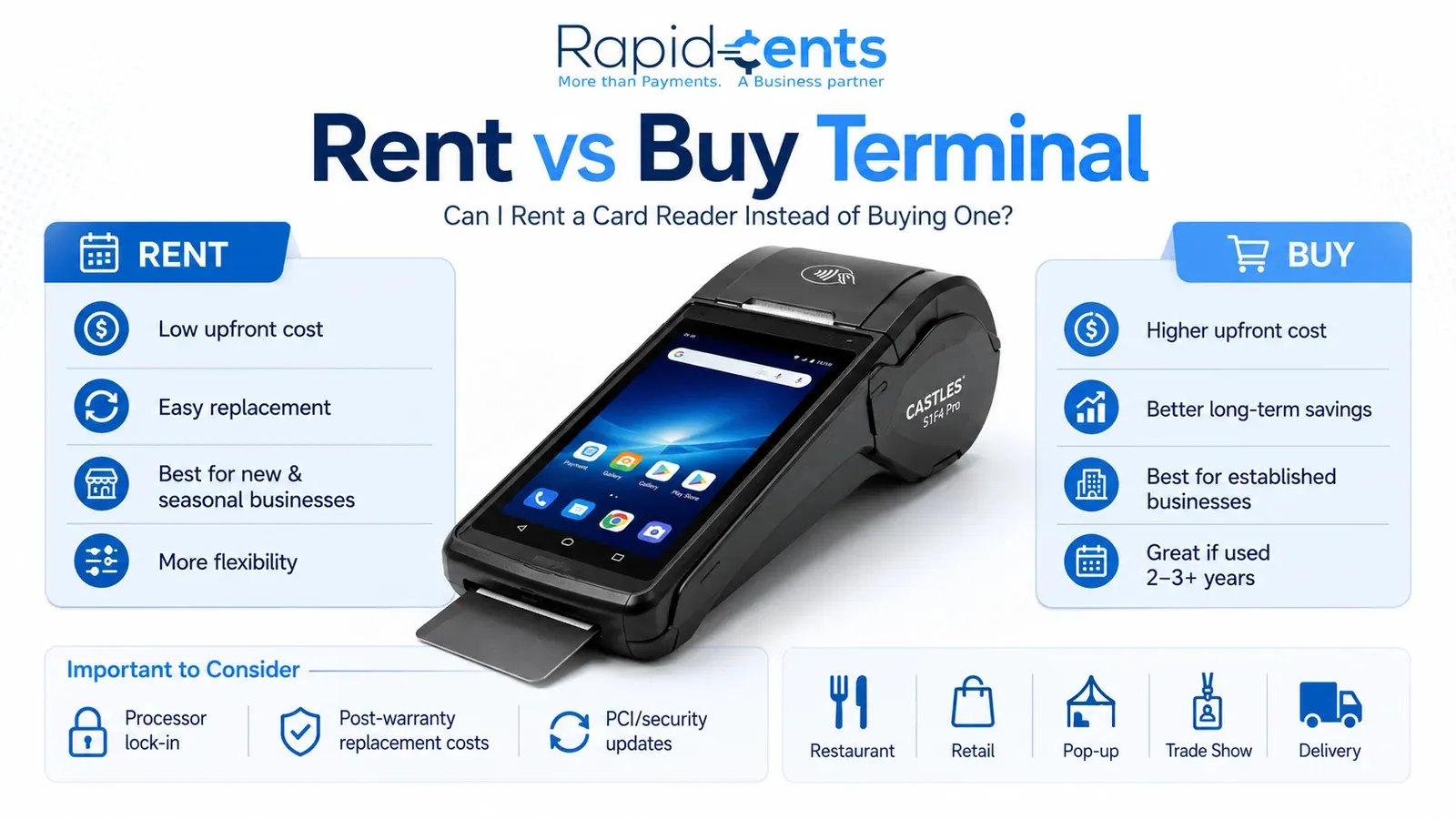
Can I Rent a Card Reader Instead of Buying One? Can I Rent a Card Reader Instead of Buying One?
Yes, you can rent a card reader instead of buying one. Renting suits new, seasonal, pop-up, trade show, retail, and restaurant businesses that need flexibility and easier replacement. Buying suits established merchants with stable cash flow, daily terminal use, and plans to stay with the same processor for three to five years. The right choice depends on business stage, cash flow, and equipment needs, not just price.
ExploreContactless payment terminal How to Choose a Payment Terminal
Countertop, mobile, smart or Tap to Pay, choice depends on lanes, connectivity and POS integration.
Explore
Retail POS Systems: Features Every Store Needs Retail POS Systems: Features Every Store Needs
A retail POS system needs seven core features: real-time inventory management with reorder alerts, fast and flexible checkout with tap-to-pay and Interac debit, detailed sales reporting, customer profiles and loyalty tools, multi-location management, integration with accounting and e-commerce platforms, and PCI-compliant end-to-end security. Together they solve manual errors, stockouts, slow checkouts, and disconnected systems.
Explore
Understanding Restaurant POS Systems Understanding Restaurant POS Systems
A restaurant POS system combines software and hardware to manage orders, payments, and operations in one platform. It sends orders straight to the kitchen, accepts debit, credit, Interac, and digital wallets, tracks inventory in real time, and generates sales reports. Cloud, mobile, and kiosk options fit different service models, from cafés to multi-location chains.
Explore
POS Systems for Businesses: The Complete Guide POS Systems for Businesses: The Complete Guide
A POS (point of sale) system is the hardware and software a business uses to accept payments, record sales, and manage operations. Modern cloud-based POS platforms also track inventory in real time, manage staff, run loyalty programs, and integrate with accounting and eCommerce tools, making them the operational hub for retail, restaurant, and service businesses.
Explore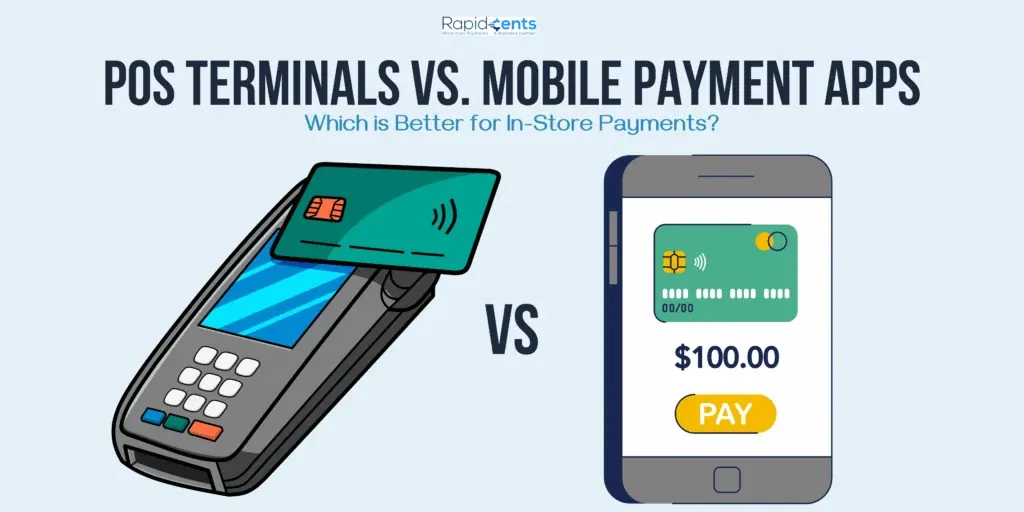
POS Terminals vs. Mobile Payment Apps: Which Is Better for In-Store Payments? POS Terminals vs. Mobile Payment Apps for In-Store Payments
For established brick-and-mortar retailers with high transaction volumes, a POS system delivers more value through inventory tracking, staff management, and detailed reporting; for pop-ups, markets, and low-volume or mobile-first sellers, mobile payment apps are the smarter, lower-cost start. Many businesses combine both, using a POS at the counter and mobile apps for events and off-site sales.
Explore
How to Transition from Cash-Only to a Debit Processing Service Moving From Cash-Only to Debit Processing
Transitioning from cash-only to debit processing takes five stages: assess transaction volumes and customer payment preferences, choose a provider on fees, reliability, integration and security, prepare hardware and internet connectivity, train staff, then test and launch the system while informing customers. The payoff is a broader customers, faster checkout, less theft risk and simpler bookkeeping.
Explore
Innovative Features to Look for in Modern Debit Card Terminals Features to Look for in Modern Debit Card Terminals
The most valuable features in a modern debit card terminal are NFC contactless acceptance, EMV chip technology that generates dynamic authentication codes to block counterfeit fraud, integration with mobile wallets like Apple Pay, Google Pay, and Samsung Pay, and built-in analytics that turn transaction data into insights on sales patterns, peak periods, and customer behaviour.
Explore
How to Troubleshoot Common Issues with Your Credit Terminals Troubleshooting Common Credit Terminal Issues
Most credit terminal problems fall into four groups: connectivity drops, hardware faults, software glitches and payment processing errors. Start by checking power and network connections, restarting the terminal and installing software updates. Then work through targeted fixes—repositioning for signal, cleaning card readers, verifying cables—and escalate to the manufacturer or support if problems persist.
Explore
Key Features to Look for in a Mobile Debit Credit Terminal for Canadian Entrepreneurs Key Features of a Mobile Debit Credit Terminal in Canada
The key features Canadian entrepreneurs should look for in a mobile debit credit terminal are a compact, lightweight design, dual Wi-Fi and cellular connectivity for urban and rural coverage, EMV chip, PCI DSS, end-to-end encryption and tokenization, support for contactless and mobile wallets, POS integration, all-day battery life, an intuitive interface, and responsive support.
Explore
5 Must-Have Features to Look for in an Integrated Card Terminal 5 Must-Have Features in an Integrated Card Terminal
An integrated card terminal should offer five essential features: EMV chip technology with contactless payment support for secure, fast transactions; PCI-DSS compliance to protect cardholder data; a user-friendly interface for quick, error-free checkout; reporting and analytics that turn transaction data into business insights; and connectivity options (Wi-Fi, Ethernet, Bluetooth) plus integration with POS, inventory, and accounting systems.
Explore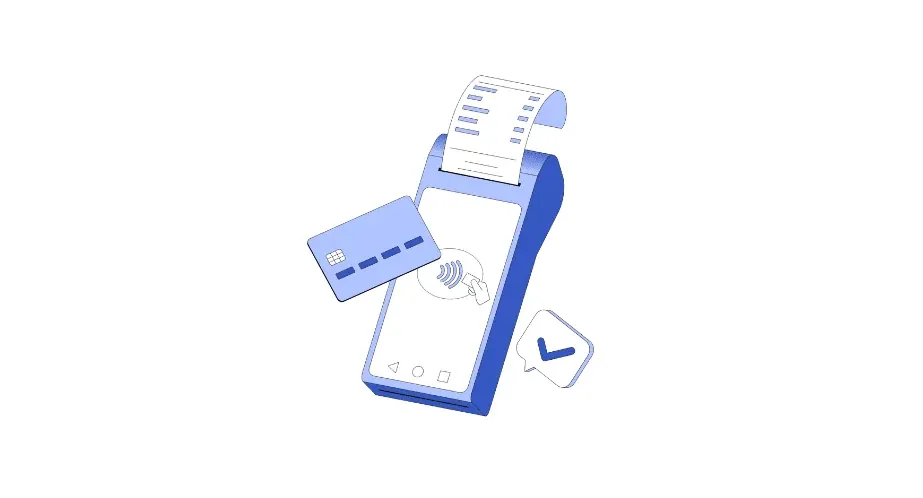
Tap-and-Pay NFC Payments: A Comprehensive Guide NFC Payments Guide: Tap-and-Pay for Business
NFC (Near Field Communication) payments let customers pay by tapping a phone, smartwatch, or contactless card on a terminal, completing a transaction in a second or two. Card details are tokenized and encrypted, making tap-and-pay safer than swiping. To accept NFC payments, a business needs an NFC-enabled terminal, a merchant account, and a processor that supports wallets like Apple Pay, Google Pay, and Samsung Pay.
Explore
Pros and Cons of Integrated Payment Systems vs. Standalone Credit Card Terminals Integrated Payments vs Standalone Terminals: Pros and Cons
Integrated payment systems connect payments with inventory, CRM, and accounting, delivering automation, real-time data, and a better customer experience, but they cost more upfront and depend on technology working reliably. Standalone credit card terminals are simple, cheaper to acquire and maintain, and portable, but offer limited integration, manual data management, and little decision-making data. The right choice depends on business complexity, budget, and growth plans.
Explore


Frequently asked questions
Should I buy or lease a terminal?
Buying costs more up front and the device is yours; leasing spreads the cost and the device stays RapidCents’ property, to be returned within ten business days if the account closes. Either way the terminal is priced separately from processing, and the processing rate is the same. The guide sets out what each option implies over a device’s life.
What is the difference between tap, chip and swipe for my fees and my liability?
A chip or tap transaction is authenticated by the card and carries the lowest interchange and the strongest protection against counterfeit fraud; a swiped or keyed transaction carries higher interchange and shifts counterfeit liability to the merchant. The guide explains why a terminal that defaults to the card-present path matters.
Can a terminal work without an internet connection?
Modern terminals need a connection — Wi-Fi, Ethernet or cellular — to authorize. Some can store transactions offline and forward them later, within limits the guide describes; those sales are not authorized until forwarded, so the risk on them is the merchant’s.
What do I do if a terminal is lost, stolen or tampered with?
Call +1 (844) 957-2743 and email [email protected], both within twenty-four hours, as clause B.7 of the Services Agreement requires. Until both reports are received, transactions on that device remain your liability. Do not open or reset a device you suspect has been tampered with; let RapidCents inspect it.



