


Connect payments to the systems you already use
Integrating payments with software removes the second keying, where a total is typed into the register, again into the terminal and reconciled by hand at day end. RapidCents connects through partner connectors, through RapidBridge where no connector covers the system, or semi-integrated or fully integrated at the lane. In Canada, your RapidCents representative matches it to your version.
- Canadian specialists
- Interchange-plus available
- Guided migration
- Post-launch support
Who this solution is for
Retailers on an inventory POS
Where a sale should decrement stock and settle a card in one action rather than two.
Restaurants on a partner POS
Where a check closes at the terminal without a server re-keying the total.
Businesses on ERP or booking software
Where the payment has to land against the right invoice, job or appointment to be useful at all.
Common challenges
Double entry and transposed totals
Two keyings of the same number produce mismatches that day-end reconciliation finds and someone then has to chase.
Certification is version-specific
An integration certified for one POS version is not automatically certified for the next. This is the check that gets skipped.
Settlement that does not map to the ledger
Tips, taxes and refunds have to land in the right general ledger accounts, or finance rebuilds the mapping by hand every month.
The RapidCents approach
Confirm the software, the version and whether a certified integration exists for it.
Choose the depth: semi-integrated sends the amount, fully integrated sends line items.
Configure in the sandbox and run the partner certification test cases, refunds included.
Pilot on one lane or one site before the rest of the estate follows.
Have finance validate the first full settlement cycle against the ledger before the pilot is extended.
Recommended capabilities
Semi and full integration
Amount-only push from the register, or item-level detail that supports inventory-linked returns and richer reporting.
Certified partner connectors
Connectors for common POS, ERP and commerce platforms, with certification confirmed against your specific version.
RapidBridge
Connects RapidCents to software you already run without rebuilding it, for cases where no certified connector covers your system.
Two-way settlement sync
Batch totals post back to general ledger codes, with tips and taxes mapped to the accounts they belong in.
Refund from the register
A return initiated in the POS processes the card credit on the terminal, so the stock movement and the refund are one action.
Related products
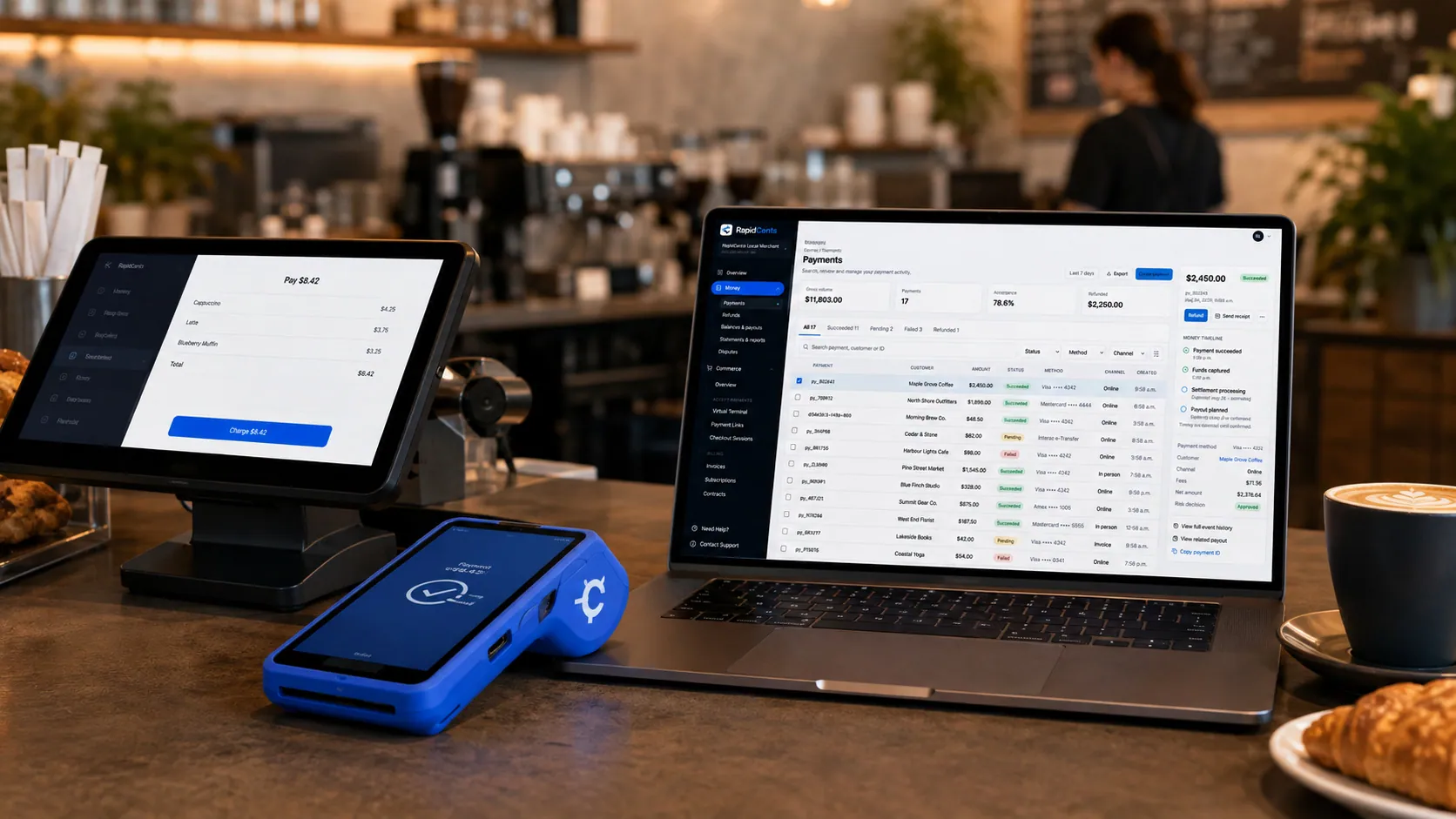
Payments taken inside existing business software through RapidCents, with the terminal and dashboard in the same workspace. Integrated Payments
RapidCents integrated payments connect certified POS and ERP systems so sale amounts, tips, refunds and…
Explore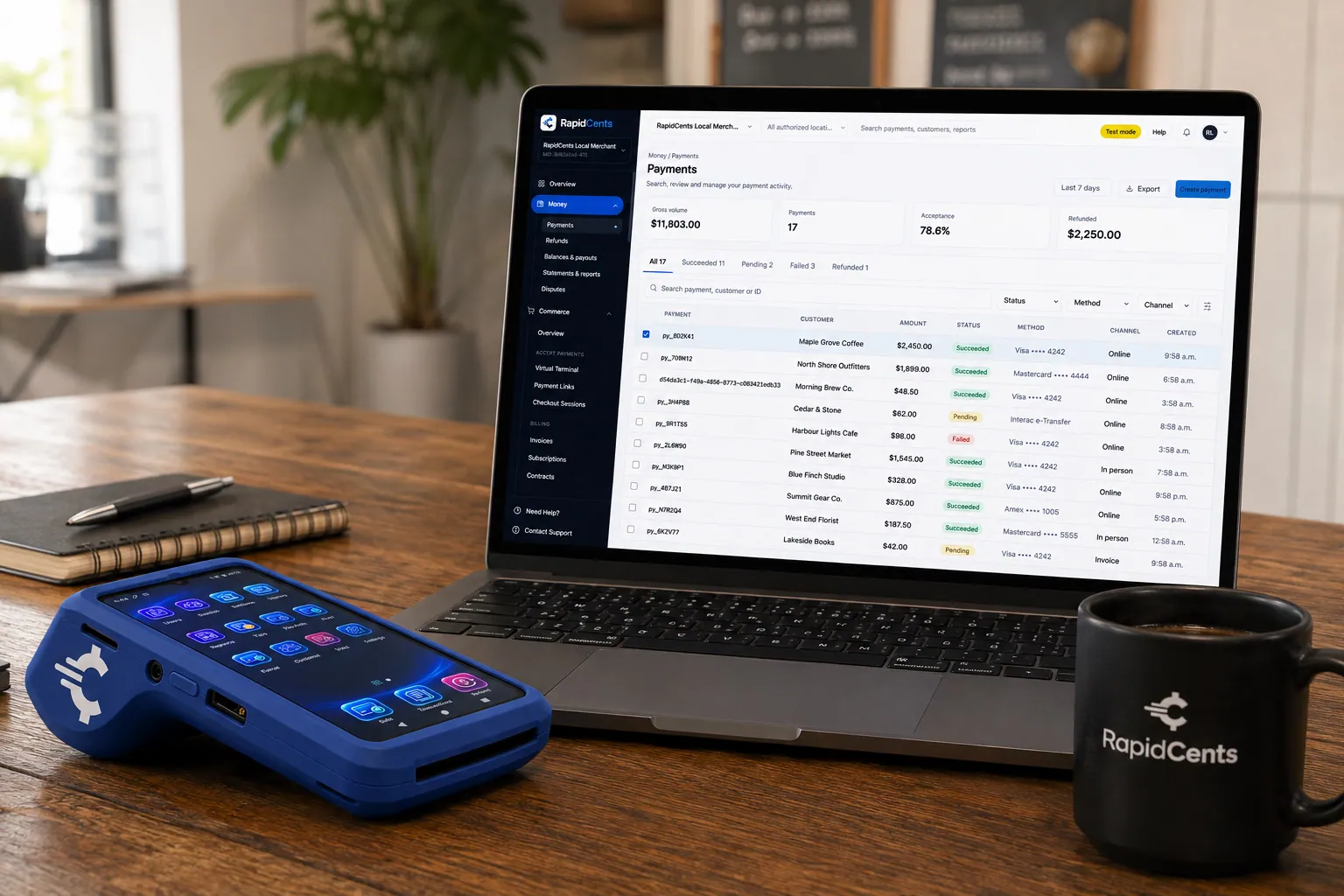
A payment-gateway integration desk: API response on screen, RapidCents terminal ready for a test sale. Payment Gateway
The RapidCents payment gateway exposes REST endpoints for authorize, capture, void, refund and tokenize…
Explore


Implementation approach
Discovery workshop
Document POS version, lane count and the chart of accounts the settlement has to map into.
Sandbox build
Partner certification test cases completed against test transactions, refunds included.
Pilot site
One location live before a chain rollout, which is where mapping errors surface cheaply.
Hypercare
Daily check-ins through the first settlement cycle, while reconciliation problems are still easy to correct.
What does not change
Your software
Integration connects to the POS, ERP or booking system you run. It does not replace it, and staff keep the interface they know.
Your chart of accounts
Settlement maps into the general ledger structure you already use rather than requiring a new one.
Staff workflow at the register
Cashiers scan and tender as before. What changes is that the terminal no longer needs the total typed into it.
Cards, currencies and settlement in Canada
What a RapidCents account in Canada accepts, the currencies it settles in, and when the money arrives.
Cards and methods accepted
Visa, Mastercard, American Express, Discover, UnionPay and Diners Club cards from any country, plus Interac Debit, Apple Pay, Google Pay and EFT/PAD bank payments, on one merchant account.
137+ currencies, settled in CAD or USD
Process in CAD, USD, EUR and 137+ currencies, and deposit payouts directly into your Canadian CAD bank account or your Canadian USD bank account, so USD sales are not converted twice.
Next-business-day funding and reconciliation
Batches close nightly and deposits arrive the next business day, based on cut-off times and eligibility, with deposit-level reporting in one RapidCents dashboard.
Frequently asked questions
How do I find out whether my POS is certified?
An integration specialist confirms certification for your specific version, not just the product name. Version matters because certification is granted against a build, and an upgrade can move you off a certified one.
Semi-integrated or fully integrated?
Semi-integrated is less work and narrows what touches card data, and it is enough if you only need the totals to match. Fully integrated sends line items, which is what enables inventory-linked returns and item-level reporting.
What if there is no connector for my software?
RapidBridge exists for exactly that case: it connects RapidCents to software already in place without rebuilding it. Where the software has its own API, a custom integration against the REST API is the other route.
Will integration change how the terminal is used?
In one direction: the amount arrives from the register instead of being typed. Tips, receipts and batch close work as they do now.
Who resolves it when a sale posts but the payment does not?
That mismatch is what the pilot and the hypercare period exist to surface. The detail sits on both sides — the POS record and the RapidCents transaction — so the pair can be identified rather than inferred.
Does integration change my PCI scope?
It can, in either direction. A semi-integrated lane where the card is read on the terminal keeps card data out of the POS. An integration routing card data through your own systems widens the assessment. This is worth deciding deliberately rather than discovering at validation.
Can a refund be started from the register?
Yes, on an integrated lane. A return started in the POS processes the card credit on the terminal, so the stock movement and the refund happen as one action rather than two records to match at day end.
How do tips and taxes reach the right ledger accounts?
Through the two-way settlement sync, which posts batch totals back to general ledger codes with tips and taxes mapped to their own accounts. A wrong mapping is the most common integration defect, so the mapping is proven at one pilot site before the wider rollout.
Does integration replace our POS software?
No. It connects to the POS, ERP or booking system you already run, staff keep the interface they know, and settlement maps into your existing chart of accounts. What changes at the register is that nobody types the total into the terminal.
Take the next step
Talk to a RapidCents specialist
RapidCents Fee Check reads a processing statement and shows interchange separately from the markup. Upload a statement for an instant breakdown, or open a merchant account and start accepting payments on one account.
- No obligation
- Canadian payment specialists
- Secure statement upload



