


Orthodontic payment processing for deposits and scheduled balances
Orthodontic payment processing from RapidCents covers in-person, remote and recurring payments for practices that bill in stages. Your team takes treatment-start deposits at the desk, sends Payment Links to guardians and runs authorized scheduled balances with Recurring Payments. Installments are collection schedules you agree with the payer, not financing, and every payment ties back to the treatment agreement.

- PCI DSS Level 1
- SOC 2 Type II
- All major cards: Visa, Mastercard, Amex, Discover, UnionPay, Diners Club & PIN Debit
- Interchange-plus available
- Specialist onboarding support
How orthodontic practices get paid
Orthodontic practices get paid in stages: a deposit at treatment start, scheduled balances across the months of care, occasional adjustment charges, and changes of payer. For each one, RapidCents gives your team a clear way to see who pays, what triggers the charge and which product collects it.
Treatment-start deposits
The patient or guardian pays a deposit when the treatment agreement is signed and the case is accepted. Staff send a payment link or take the card at the reception desk, and the receipt carries the agreement reference so the deposit can be matched to the case later.
Scheduled treatment balances
The responsible payer agrees in writing to a set of monthly collections across the treatment. Recurring Payments runs each collection on the agreed date from an authorized stored card, and the schedule ends when the agreed balance is reached.
Retainers, repairs and missed appointments
Replacement retainers, broken appliance fees, missed-appointment fees and aligner refinements arise outside the schedule. Staff collect them at the desk or by payment link once the payer has agreed to the charge and its amount, and finance sees each one as a separate line.
Responsible-payer changes and refunds
A new guardian card, a custody change or a transfer to another practice changes who pays. Staff update the authorized payer, pause or amend the schedule, and send any overpayment back to the original card through the original payment.
How do orthodontic practices collect a treatment-start deposit?
An orthodontic practice collects a treatment-start deposit by sending the agreement and a payment link together, or by taking the card at the desk once the patient or guardian accepts the case. The receipt carries the agreement reference, so the deposit is matched to the case and not to a single visit.
How the deposit runs
The treatment coordinator presents the plan, and the guardian signs through Contracts & eSignatures. The deposit is taken in the same flow, or through a Payment Link sent by SMS or email. The payer receives a receipt, and finance sees the payment tagged with the agreement number.
What to set up first
Write the deposit terms into the agreement: the amount, what it covers and when it is refundable. Record who the payer is, since the cardholder is often a parent and not the patient.
A $500 deposit from a link, and what if it declines
Say a guardian signs on a Friday and pays a $500 deposit from a link; the agreement number appears on the receipt. If a deposit declines, the case stays unscheduled until the payer offers another card. If the family withdraws before records are taken, the refund follows your written terms.
How do you schedule authorized treatment-plan payments?
You schedule orthodontic treatment plan payments by agreeing the amount, timing and cancellation terms in writing, storing the payer's card with their authorization, and setting a Recurring Payments schedule that ends at the agreed balance. It is a collection schedule you run, not financing from RapidCents.
How the schedule runs
After the deposit, the balance is split into the collections written in the agreement. Recurring Payments charges the stored card on each date and notifies the payer before each charge. Staff see paid, failed and upcoming collections in the Merchant Dashboard.
What to set up first
Get the payer's signed agreement covering the amount, the dates and how to cancel or change them. Keep the card in the Secure Card Vault. Account Updater picks up replaced cards, and your RapidCents representative will show you how to turn it on for your account.
An 18-collection schedule that ends early
Treatment can run longer or shorter than planned, so amend the agreement and the schedule together and never change an amount without the payer's agreement. Say an 18-collection schedule is shortened because the braces come off early: the last collection is reduced to the remaining balance.
RapidCents products for orthodontic practices
Recurring Payments runs scheduled balances, Contracts & eSignatures captures the agreement with the deposit, Payment Links collect from guardians remotely, and Countertop Terminals take cards at the reception desk.

The RapidCents recurring payments screen showing active subscriptions, monthly recurring revenue, failed payments and upcoming renewals, above a list of subscriptions with their plan, amount, frequency and next billing date. Recurring Payments
RapidCents recurring payments manage subscription plans, membership renewals and installment schedules with…
Explore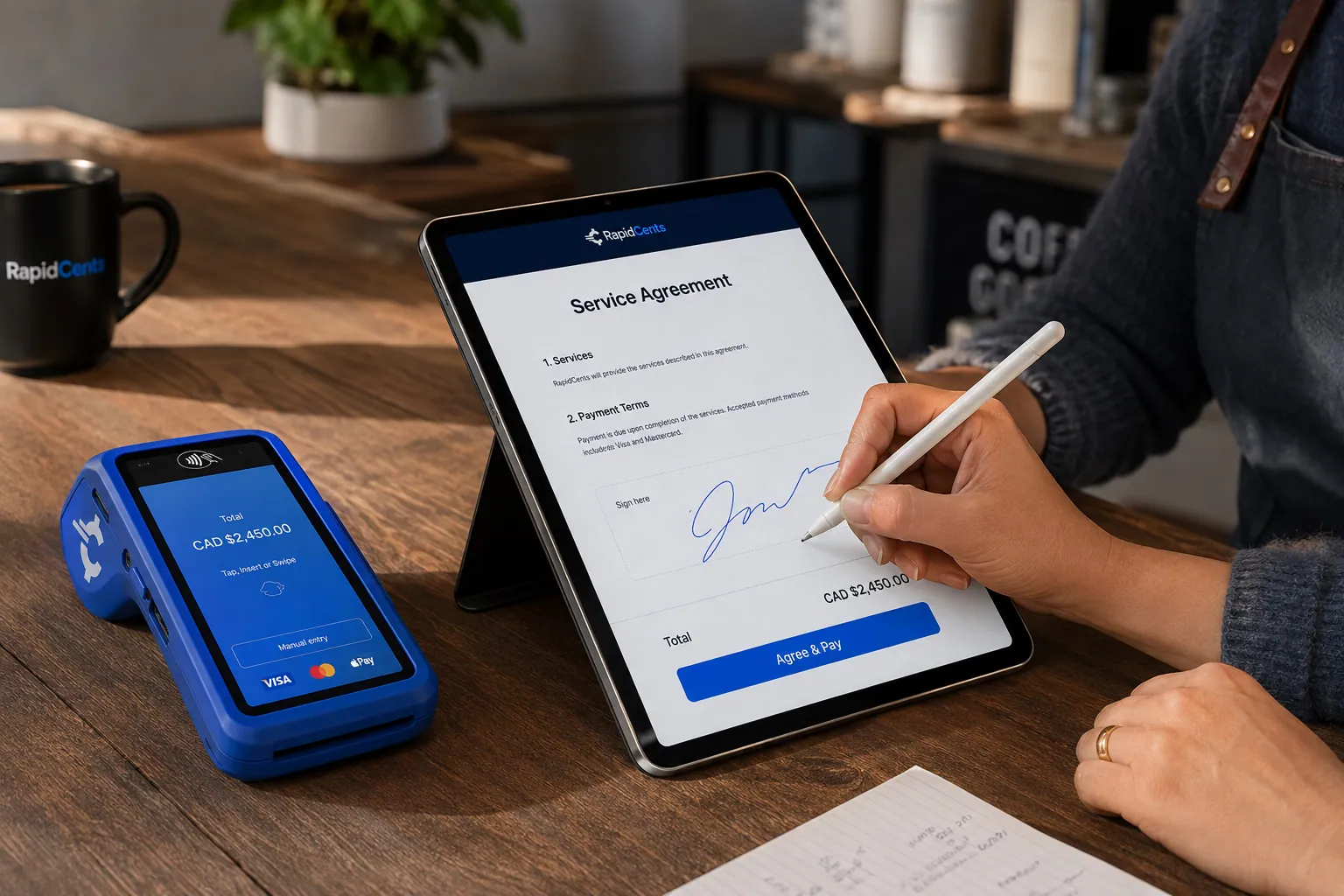
A merchant sends a RapidCents contract for e-signature with payment attached, terminal ready for an in-person counterpart. Contracts & eSignatures
Quotes, service agreements and enrolment forms usually end in a payment. Send the document, capture the…
Explore
The RapidCents payment links screen listing created links with their amount, status, click count and whether they have been paid, beside a phone showing the branded page a customer opens to pay $2,500.00. Payment Links
RapidCents payment links let staff generate branded pay-by-link URLs for invoices, deposits, balances and…
Explore
A fixed RapidCents countertop terminal taking card payments at the till, with settlement visible on the dashboard. Countertop Terminals
RapidCents countertop terminals sit at retail counters, restaurant hosts and reception desks where speed and…
Explore


How are guardian and responsible-payer changes handled?
Orthodontic practices handle a change of responsible payer by treating the payment method as belonging to the authorized payer, not the patient. When a parent, guardian or new payer takes over, staff update the Customer Profile, collect fresh authorization and amend the schedule before the next collection.
How a payer change runs
Staff create a Customer Profile for the payer, linked to the treatment agreement. A guardian can update a card through a payment link, so card details never travel by email, text or paper. A second payer needs a second profile and a clear split in writing.
What to set up first
Record who may authorize changes. The person who signed the agreement is not always the cardholder, so ask each cardholder for their own authorization. Keep payment references in RapidCents; clinical notes and photographs stay in your practice management software.
A custody change mid-treatment
Refunds go back to the card that paid. Say a custody change means the new guardian's card replaces the old one: the old authorization is closed and the next collection goes to the new card. If a former payer disputes a charge, gather the agreement, the authorization and the receipts.
What drives the cost of orthodontist credit card processing?
Orthodontic card costs depend on card type, how the card is taken and your ticket sizes, not on one headline figure. RapidCents prices on interchange-plus: interchange passes through at cost, you pay your RapidCents markup as set out in your Fee Schedule, plus fees for equipment or services, if applicable, month to month with no fixed term.
Card type and entry method
Interchange varies with debit, credit, premium and commercial cards, and with whether the card is tapped or inserted at the desk or keyed or entered online. Orthodontic mixes lean on larger deposits and repeat stored-card collections, so your own mix matters more than any average.
Ticket size and channel mix
A deposit of a few hundred dollars, a small monthly collection and a retainer fee at the desk behave differently. Split your volume by terminal, payment link and recurring schedule before you compare written quotes.
What to bring to Fee Check
Bring recent processing statements, your card mix, average deposit and monthly collection, channel split, and refund and chargeback counts. Fee Check reads an uploaded statement and shows interchange separately from markup, so any provider of orthodontic merchant services can be compared line by line.
Will your practice software work with RapidCents?
RapidCents integrates with many major platforms through APPIE and RapidBridge, so most practices keep the software they run today. Settled transactions, fees and refunds connect to QuickBooks Online and Xero, and SAP and NetSuite import settlement files. The right option depends on your vendor and version, and your RapidCents representative will walk you through it.
Dentrix and Dentrix Ascend
RapidBridge works with Dentrix Ascend, so a card payment posts against the patient account you already have open. If your office runs another Dentrix edition, tell your RapidCents representative which one, and they will show you how payments and reconciliation connect to it.
ClearDent Cloud and ABELDent
RapidBridge works with ClearDent Cloud, taking payments inside the software you already use. For ABELDent or an on-premise ClearDent, RapidCents integrates through APPIE and RapidBridge where the vendor and version allow, and your representative explains how payments post to the ledger.
Open Dental and Curve Dental
RapidBridge works with Curve Dental, including Curve Hero, so payments post without changing your software. Open Dental offices can talk through the options with their RapidCents representative, including payment links used alongside the software for deposits and remote payments.
Payment options for orthodontic practices in the United States
Orthodontic practices in the United States can accept credit and debit cards, including PIN debit where supported, and ACH bank payments, with settlement in USD. Your RapidCents representative sets up the methods you want to offer, so you can promise families only what you take.
Credit and debit cards
Patients and guardians can tap, insert or swipe Visa, Mastercard, American Express and Discover cards at the desk, or pay a link online. Some families present HSA or FSA cards; the practice processes them like other cards and does not judge eligibility.
ACH bank payments
ACH bank payments may suit scheduled balances once the account holder signs an authorization. Settlement is in USD. State rules on payment plans and refunds vary, so ask your adviser what applies to your agreements.
How do you switch orthodontic processors without losing payment history?
You switch processors safely by listing every open treatment agreement, stored card and schedule first, testing the new flow before moving live traffic, and running both side by side until the first collections reconcile. Once your account is approved, your RapidCents representative helps you plan the move. Token portability needs agreement from both providers, so ask early.
Inventory every active case
List each active case with its agreement number, remaining balance, payer, authorized card and next collection date. Note paused schedules, open refunds and pending deposits. This list becomes your cut-over checklist.
Test, then run in parallel
Test a sale, a refund, a deposit by payment link and one recurring collection before moving patients. Keep old schedules running until the new ones are working, and avoid charging any payer twice. Where cards cannot move, ask payers to re-authorize through a payment link.
Map references and reconcile
Put the agreement number in the reference field of every payment, then reconcile deposits against the ledger in your practice software or accounting package. Start with one month of closed cases to check that fees, refunds and balances match.
Payment questions from orthodontic practices
What is the best payment processor for orthodontic practices?
Choose the processor that fits how your practice actually gets paid. RapidCents runs scheduled balances, handles guardian payers, works with Dentrix Ascend, ClearDent Cloud and Curve Dental through RapidBridge, and prices on interchange-plus with the markup written in your Fee Schedule. Upload your statements to Fee Check and compare any quote line by line.
How much does credit card processing cost for orthodontic practices?
Orthodontist credit card processing cost depends on your card mix, entry method and ticket sizes, and RapidCents does not publish a single figure. Pricing is interchange-plus: interchange passes through at cost, plus your RapidCents markup in your Fee Schedule and fees for equipment or services, if applicable, month to month with no fixed term. Fee Check shows interchange separately from markup.
Can orthodontic practice software use a different payment processor?
Yes. RapidCents integrates with many major platforms through APPIE and RapidBridge, and RapidBridge works with Dentrix Ascend, ClearDent Cloud and Curve Dental. For Dentrix, ABELDent and Open Dental, the right option depends on your vendor and version. Tell your RapidCents representative which system you run, and they will show you how payments post to it.
How can orthodontic practices switch processors without losing payment history?
Keep your records by listing every open agreement, stored card and schedule before you move. Test a sale, a refund, a deposit and a recurring collection, then run old and new schedules side by side until the first collections reconcile. Moving stored cards needs agreement from both providers, so ask early, and re-authorize with payers where cards cannot move.
Which payment options can an orthodontic practice in the United States offer?
An orthodontic practice in the United States can offer Visa, Mastercard, American Express and Discover at the terminal, PIN debit where supported, payment links, recurring card schedules and ACH bank payments. Settlement is in USD. ACH needs the account holder's written authorization, and your RapidCents representative will walk you through setting each method up.
Can I schedule treatment-plan payments for orthodontic patients?
Yes, with a written authorized schedule. The payer agrees to the amount, dates and cancellation terms, and the card is stored only with that permission. Recurring Payments then collects each installment on its date, retries declines and notifies the payer before each charge. It is a collection schedule you run, not financing, and your RapidCents representative can help you set it up.
Can a guardian manage the payment method for a patient's treatment?
Yes, when the guardian is the authorized payer. Staff create a Customer Profile for the guardian, linked to the treatment agreement, and the guardian can update a card through a payment link. Each cardholder must authorize their own card, and a payer change should amend the schedule in writing before the next collection.
Does RapidCents include patient financing for orthodontic treatment?
No. Scheduled payments with RapidCents are collection installments that your practice agrees with the payer, not third-party patient financing or lending. RapidCents does not lend to your patients. If you want a separate financing product, review its terms with that provider, and your RapidCents representative can talk through how it sits alongside your payments.
How are treatment-start deposits matched to the final treatment balance?
Put the treatment agreement number in the reference of every payment, starting with the deposit. The deposit then appears in reports against the same case as each scheduled collection, so finance can subtract it from the total and see the remaining balance. Refunds and adjustments carry the same reference, and the ledger in your practice software stays the clinical record.
What happens when a scheduled orthodontic payment is declined?
The collection is marked as failed, Recurring Payments retries it according to your retry settings, and the payer is notified. Staff can also send a payment link for a new card. Never change the amount or move the date without the payer's agreement, and update the agreement if the schedule changes. Your RapidCents representative can walk you through the retry settings.
What MCC is used for orthodontic practices?
MCC 8021 is commonly associated with dental and orthodontic practices. RapidCents sets the correct merchant category during onboarding, based on what your business actually sells and the services it provides. Tell RapidCents if you also sell products or run more than one entity, so the application matches how you operate.
Related industries
Dental clinics share treatment deposits, stored cards and patient balances with orthodontic practices. Neighboring practice types use the same payer authorization and reconciliation steps, so what works for deposits at your desk carries over.
Dental Clinics
Take treatment plan deposits at the front desk or by text, run in-house installment plans…
Healthcare
Take visit payments at reception, send payment links for what insurance leaves unpaid and…
Physio & Chiropractic
Collect visit fees and patient portions at the front desk or in the treatment room, sell…
Veterinary Clinics
Take deposits when owners sign surgery estimates, charge wellness plans monthly with…
Pharmacies
Collect the patient portion once your dispensing system has adjudicated the claim, ring…
Medical Spas
Collect treatment package deposits, bill monthly memberships and ring up retail at…
Optometry
Take exam fees and copays at checkout, deposits when frames and lenses go to the lab…
Gym & Fitness Studios
Bill monthly dues on stored cards, recover failed payments, sell class packs at the front…
Take the next step
Review your orthodontic payment setup
Upload a recent processing statement to Fee Check and see interchange separated from your markup, then compare it with your own deposit and scheduled-balance mix.
- No obligation
- Payment specialists, not a call centre
- Secure statement upload



