


Payment processing for childcare centres and daycares
Payment processing for childcare centres means charging each family's tuition on a set cycle, keeping parent and subsidy portions apart, and collecting deposits and late-pickup fees as separate lines. RapidCents handles it with Recurring Payments, Invoicing, Account Updater and Customer Profiles, by card online, payment link or terminal, and your representative sets it up around your software.

- PCI DSS Level 1
- SOC 2 Type II
- All major cards: Visa, Mastercard, Amex, Discover, UnionPay, Diners Club & Interac Debit
- Interchange-plus available
- Canadian support
How childcare centres get paid
A childcare centre collects money from families on a fixed cycle, often from two parents and sometimes alongside a subsidy. Each payment job has its own payer, trigger and record, so keeping them on separate lines makes reconciliation straightforward for the billing administrator.
Weekly or monthly tuition
The parent or guardian owes tuition for each enrolled child. The enrolment agreement sets the cycle, and RapidCents Recurring Payments charges the card on file or bank account on schedule. Declines go to a retry or a parent message, and finance receives one record per child.
Parent share beside a subsidy
When a program covers part of the fee, the family owes only the remainder. You set the parent portion as its own charge, with the subsidy amount tracked outside the card payment, so a refund or adjustment never touches the wrong line.
Registration deposits and supply fees
A new family pays a registration deposit before the first day, and sometimes a supply or activity fee. You send an invoice with a Payment Link by text or email, and the paid status shows on the family profile before the start date is confirmed.
Authorized late-pickup fees
When a child is collected after closing, the late fee applies only if the parent agreed to it in the enrolment terms. Staff add it as a separate invoice line, charge the saved card with that authorization, and the reason stays on the family record.
How do you bill daycare tuition on a weekly or monthly schedule?
Daycare tuition payment processing works best as a recurring charge per child, set up once at enrolment. The parent agrees to the amount, timing and cancellation terms, RapidCents charges on the cycle, and each result is recorded against the family so the administrator can reconcile deposits without chasing receipts.
How the cycle runs
The parent signs the enrolment agreement, saves a card or bank account through a Payment Link, and Recurring Payments charges the agreed tuition on the first of each month or each Friday. The parent receives a receipt, and the charge appears on the child's record.
What to set up first
Agree on the amount, charge date, retry rule and cancellation notice in writing before the first charge. A stored card needs the parent's authorization, and a change of schedule, such as a new room or added days, needs a fresh agreement.
When a payment fails
An expired card is the usual cause. Account Updater can refresh a reissued card, and automated retries run before staff step in. To avoid duplicate billing, mark the original charge as failed and take the retry through the same schedule, not a second manual sale.
A $1,150 toddler-room fee, declined twice
Say a daycare bills a toddler room at $1,150 a month on the first. One card is declined, the retry fails, and the administrator sends a Payment Link for that amount. The paid link closes the failed charge, so the family is billed once.
How does childcare recurring billing work when two parents share the fee?
Childcare recurring billing for separated or shared-cost families works by creating two billing arrangements for the same child, each with its own authorization. RapidCents charges each parent's agreed portion on the cycle, and Customer Profiles keep both payers and siblings tied to one family record.
How the split runs
Each parent is set up as a separate payer with their own saved card and an agreed share of the monthly tuition. Both charges run on the cycle, and the child's record shows two receipts that add up to the full amount owed.
What to set up first
Get written agreement from each parent on their amount and date, and never move one parent's card to cover the other's share without consent. Decide ahead which parent receives the receipt, and who is contacted when a card declines.
When one half is not paid
If one parent's payment fails, only that portion is retried or invoiced. The other parent's completed payment stays as it is, and a refund goes back to the card that paid, so the two shares never blur together.
A $1,400 preschool fee split evenly, then a sibling joins
Say two parents split $1,400 a month evenly for a preschooler. A new sibling joins at a different rate, so the administrator edits the schedule on the family profile, both parents confirm, and the next cycle charges the new amounts.
RapidCents products for childcare centres
These products cover the repeating billing, saved-card upkeep, invoicing and family records that a daycare depends on, so one account can handle tuition, deposits and late fees.

The RapidCents recurring payments screen showing active subscriptions, monthly recurring revenue, failed payments and upcoming renewals, above a list of subscriptions with their plan, amount, frequency and next billing date. Recurring Payments
RapidCents recurring payments manage subscription plans, membership renewals and installment schedules with…
Explore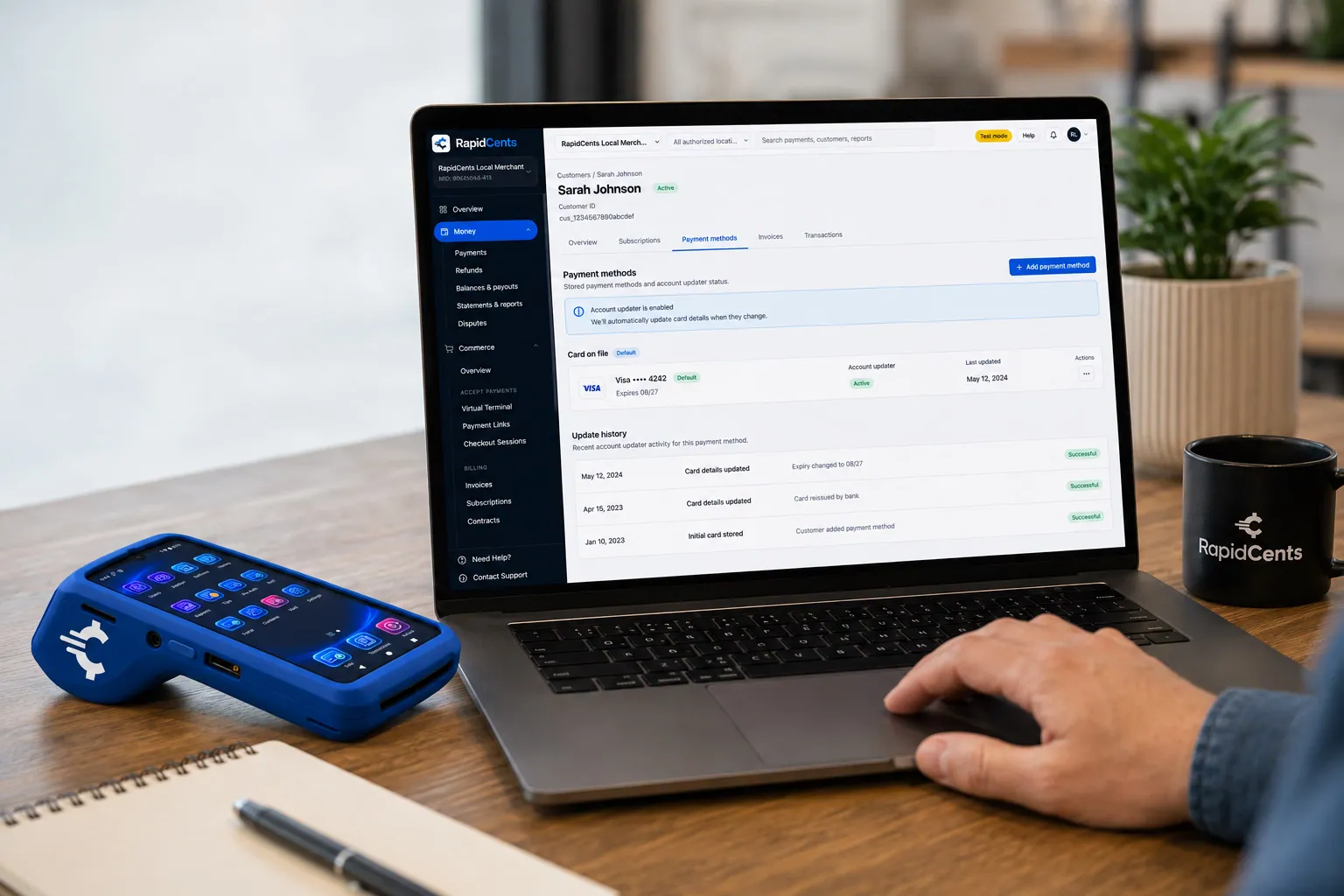
RapidCents refreshes a stored card after a reissue, so the vaulted credential keeps working without asking the customer again. Account Updater
Cards expire, get reissued and get replaced after fraud. Account Updater refreshes stored credentials with…
Explore
The RapidCents invoices screen: outstanding, overdue, paid and draft totals across the top, the invoice list below them, and a preview of one invoice on the right with its line items and a View & Record Payment button. Invoicing
RapidCents invoicing helps professional services, contractors and B2B suppliers create branded invoices…
Explore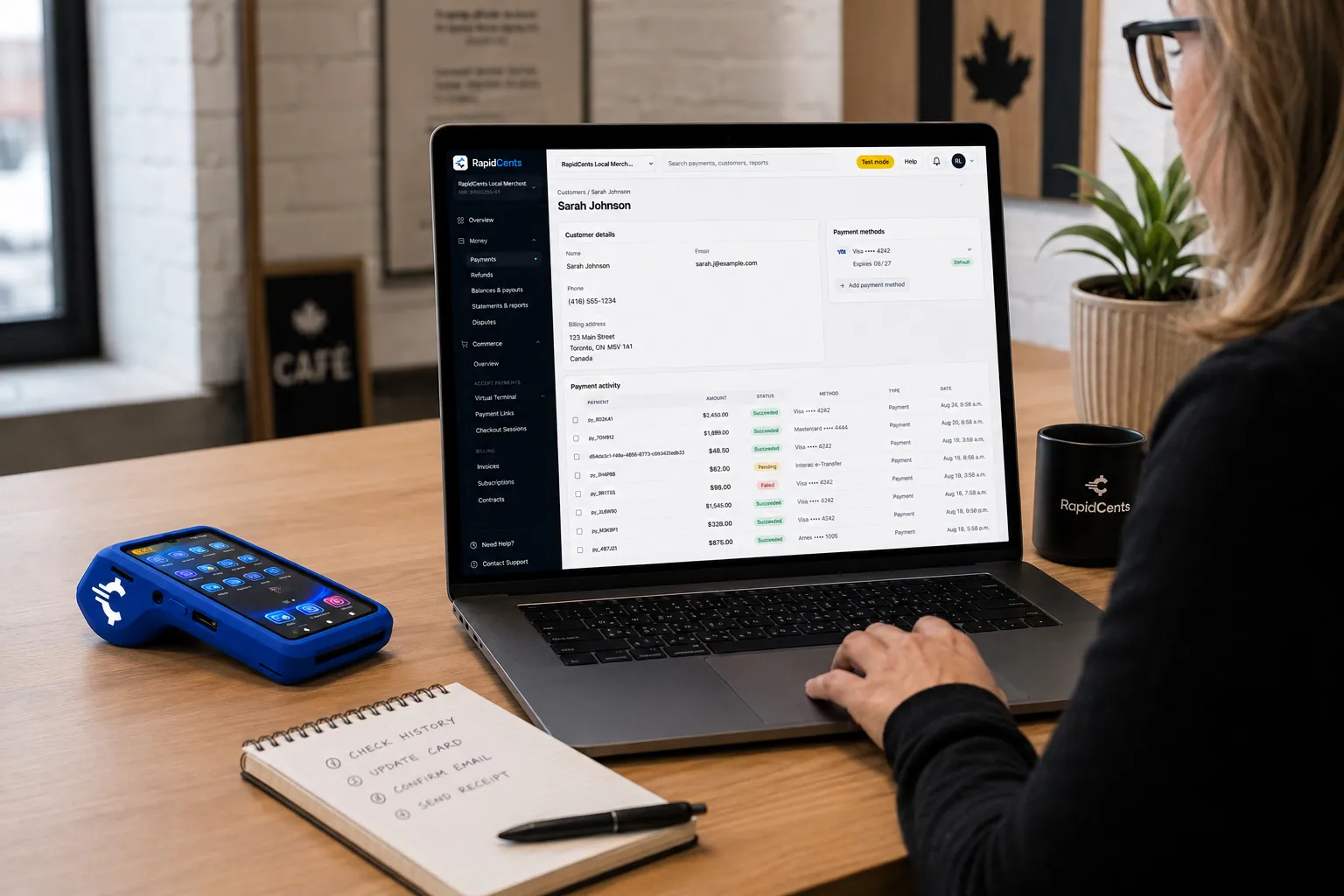
A RapidCents customer profile holds saved cards and invoices, so a return visit can be charged without re-keying the card. Customer Profiles
A customer profile ties together transactions, stored payment methods, subscriptions and disputes so staff…
Explore


How do childcare subsidy balance payments work?
Childcare subsidy balance payments mean the parent pays only their portion by card while the subsidy portion is tracked as its own line in your billing records. RapidCents processes the parent charge, and your administrator matches the program's payment to the family outside the card flow.
How the portion is charged
Set the parent amount as the recurring charge or invoice total, and record the subsidy amount in your billing software or as a note on the invoice. The program's payment arrives by the program's own method, outside RapidCents.
What to set up first
Ask each program which documents it needs, and keep the parent portion separate on every invoice. Because eligibility and amounts change, adjust the parent charge only after the family and the program have both agreed to the new split.
When amounts change
If a subsidy is delayed or reduced, the parent portion does not change on its own. The administrator issues a new invoice for any approved difference, with the family's agreement, and refunds an overcharge to the original card.
A program covers $600 of a $1,000 monthly fee
Say a program covers $600 of a $1,000 monthly fee, so the parent is charged $400. When the program adjusts its portion mid-year, the administrator sends a revised invoice and Payment Link for the new parent amount only.
How do you compare fees using your real payment mix?
Compare fees by looking at what your childcare centre actually processes: card type, how the card is taken and your refund volume. RapidCents prices on interchange-plus, so interchange passes through at cost, plus your RapidCents markup in your Fee Schedule and any fees for equipment or services, month to month with no fixed term.
What drives the cost
Interchange varies with debit, credit, premium or commercial cards, and with whether the card is tapped or inserted versus keyed or saved for online use. A daycare with mostly saved-card tuition has a different mix from one taking front-desk payments.
What to bring
Gather recent processing statements, your card mix, average monthly tuition per family, the split between recurring charges, invoices and terminal payments, and refund and dispute volume. Tuition charges are usually predictable, which helps a quote reflect your real pattern.
How to use Fee Check
Upload a processing statement to Fee Check and it shows interchange separately from markup. Ask your RapidCents representative for an itemized quote that lists your markup, any equipment or service fees and any exception charges, and compare it with other written quotes.
Which childcare software works with RapidCents, and how does payment data flow?
Childcare software handles enrolment, attendance and family accounts, while RapidCents handles the card and bank payment. RapidBridge works with brightwheel and Procare, and RapidCents integrates with many other major platforms through APPIE and RapidBridge. Your RapidCents representative walks you through the option that fits your software.
Lillio, Famly and Kangarootime
These packages hold family accounts and billing for many daycares. RapidCents integrates with many major platforms through APPIE and RapidBridge. The right option depends on your vendor and version, so tell your RapidCents representative which one you run and they will show you how payments connect.
Procare and brightwheel
RapidBridge works with Procare and brightwheel, so a card payment posts to the family account you already have open, without changing your software. Refunds map back to the same family ledger, and your RapidCents representative shows you how each payment event carries across.
QuickBooks Online and Xero
RapidCents connects settled transactions, fees and refunds to QuickBooks Online and Xero, so your bookkeeper sees each deposit matched to its payments. SAP and NetSuite import settlement files.
Payment options for childcare centres in Canada
Childcare centres in Canada can typically offer Interac debit, credit cards and bank payments through EFT or pre-authorized debit (PAD), with settlement in CAD. Your RapidCents representative walks you through the methods set up on your account.
Cards and Interac debit
Parents tap or insert Interac debit and credit cards at the front desk, or save a card for recurring tuition. Interac debit is usually a familiar choice for parents paying in person.
EFT and PAD for tuition
Many families prefer pre-authorized debit for fixed tuition. A signed PAD agreement is required, and your RapidCents representative explains how bank payments run on your account. Provincial subsidy programs vary, and GST/HST treatment on receipts is a question for your accountant.
How do you switch, reconcile and keep payment history in order?
Switching is a short checklist: list every family's stored authorization and schedule, test sales and refunds, then move live billing. Once your account is approved, your RapidCents representative guides the move. Reconciling afterward means matching each deposit to the family accounts it covers. Saved cards move across only when both providers agree to the transfer.
Inventory before you move
List each family's saved card, authorization, recurring schedule, open invoices, pending refunds and deposits. Token portability is not assumed, so ask both providers early whether stored cards can move, or plan to collect fresh authorizations from parents.
Test, then run in parallel
Test a tuition sale, a refund, a deposit invoice and a late-fee charge before moving live families. Keep the old and new billing running side by side until the first full cycle matches, so no family is missed or charged twice.
Reconcile to the ledger
Map each payment reference to the child and family in your software, then match settlement reports to your bank deposits. Use RapidCents reporting exports for accounting import, and keep the subsidy line separate so program payments do not blend with parent payments.
Payment questions from childcare centres
What is the best payment processor for childcare centres?
The best processor fits your tuition cycle, subsidy handling and software at a total cost you can see in writing. Look at channels, recurring billing, how the parent portion is kept separate, fees, integrations, support and reconciliation. We will walk you through our tuition flow and give you an itemized written quote to compare.
How much does credit card processing cost for childcare centres?
The cost depends on your card mix, average tuition, channel mix and exceptions, so there is no single figure. RapidCents prices on interchange-plus: interchange at cost, your RapidCents markup in your Fee Schedule, and fees for equipment or services if applicable. Upload a processing statement to Fee Check for an itemized view.
Can Lillio use a different payment processor?
RapidCents integrates with many major platforms through APPIE and RapidBridge, so many daycares keep the software they run today. The right option depends on your Lillio edition and country. Tell your RapidCents representative how you use Lillio, and they will show you how payments, receipts and refunds connect to it.
How can childcare centres switch processors without losing payment history?
List every stored card, parent authorization, recurring schedule, open invoice and refund before you move, and export your transaction history. Test a sale and a refund, then run both systems in parallel. Stored cards move only if both providers agree, so plan to collect fresh authorizations if they cannot.
Which payment options can a childcare centre in Canada offer?
A childcare centre in Canada can usually offer credit cards, Interac debit at the terminal, and bank payments through EFT or pre-authorized debit (PAD), settled in CAD. PAD needs the parent's signed authorization. Your RapidCents representative will walk you through which methods suit your centre and how each one is set up on your account.
How can we bill tuition on a weekly or monthly schedule?
Set up a recurring charge per child after the parent agrees to the amount, timing and cancellation terms. RapidCents Recurring Payments charges on that cycle, retries failures, and records each result on the family profile. Your childcare software keeps enrolment and attendance, while the payment record supports reconciliation.
How can we split a bill between parents?
Set up each parent as a separate payer with their own saved card, agreed share and authorization. Both charges run on the cycle, and a failure on one affects only that portion. Both parents link to the same child on the family profile, so the full amount reconciles.
How can we separate parent payments from subsidy amounts?
Charge the parent only their portion and track the subsidy portion as a separate line in your billing records. RapidCents processes the parent charge, and the program's payment arrives by its own method. Match that payment to the family outside the card flow, and adjust only after both sides agree.
How can we collect an authorized late pickup fee?
Include the late-pickup fee in your enrolment terms, then invoice it as a separate line and charge the parent's saved card under that authorization. Send a Payment Link if no card is saved. Record the date and reason on the family profile, because a disputed fee needs that evidence.
How can we recover a failed tuition payment without duplicate billing?
Mark the failed charge, let the scheduled retry run, and if it still fails, send a Payment Link for the exact amount owed. Do not run a separate manual sale while a retry is pending. Account Updater can refresh a reissued card, and the paid link settles the original charge.
What MCC is used for childcare centres?
MCC 8351, Child Care Services, is commonly associated with this type of business. RapidCents sets the correct merchant category during onboarding based on what your centre actually sells. A centre that also sells other services, such as a retail shop or camp, may be reviewed under more than one category.
Related industries
Summer camps, tutoring centres, sports clubs and dance studios also bill families on a repeating schedule and collect registration fees, so they share many of the same payment workflows.
Chambers of Commerce
Collect membership dues, event registrations and sponsorship invoices in one place, with…
Professional Associations
Take annual dues, exam fees, course registrations and employer invoices in one place…
Labour Unions
RapidCents helps union treasurers collect dues, initiation fees and arrears by card or…
Coworking Spaces
Bill desk memberships on a schedule, sell day passes online and charge meeting-room hours…
Subscription Boxes
Charge subscribers on your ship schedule, recover failed renewals before boxes are…
Religious Organizations
Take lobby giving, online gifts, recurring pledges and event fees on one account, with…
Sports Leagues & Clubs
RapidCents helps league administrators and club treasurers collect registration fees…
Summer Camps
Collect booking deposits, spread tuition across payments before the session, add canteen…
Take the next step
Review your childcare payment costs with Fee Check
Upload a recent processing statement and see interchange separated from markup, then compare it with your tuition, deposit and late-fee pattern.
- No obligation
- Canadian payment specialists
- Secure statement upload



