


Butcher shop payment processing for weighed and custom orders
Butcher shop payment processing with RapidCents covers counter card payments, payment links for preorders and deposits, and phone orders on a virtual terminal. It handles the jobs a meat counter lives on: weighed-item totals, holiday deposits and final amounts after cutting or filleting. Your RapidCents representative shows you how scales and POS connect.

- PCI DSS Level 1
- SOC 2 Type II
- All major cards: Visa, Mastercard, Amex, Discover, UnionPay, Diners Club & PIN Debit
- Interchange-plus available
- Specialist onboarding support
How butcher and seafood markets get paid
A butcher or seafood market collects money in four ways: weighed sales at the counter, custom-cut and special preorders, holiday or event deposits, and phone or delivery orders. Each has a different trigger for the charge and a different record for finance.
Weighed sales at the counter
A shopper buys by the pound or kilo. Staff weigh the cut, the total is set at the scale or register, and the shopper taps or inserts a card on a countertop terminal. Refunds for a returned cut run from the same terminal.
Custom-cut and special preorders
A customer orders a trimmed roast, a whole fish or a party platter ahead of time. The market takes a deposit or an agreed estimate by payment link, then collects the final balance once the order is weighed and packed.
Holiday and event deposits
A family or caterer books a large order weeks ahead. The market sends a payment link with an order reference, records the cancellation terms the customer accepted, and collects the balance at pickup or delivery.
Phone, delivery and online orders
A regular calls in a weekly order. Staff key the card on a virtual terminal or send a payment link, and a stored card is used again only with the customer's authorization. Online orders land in the same dashboard.
How do butcher shops take card payments for weighed items?
Weighed items are paid at the counter once the final weight sets the total. Staff weigh, confirm the amount, and the shopper taps or inserts a card on a RapidCents countertop terminal. The receipt shows the final total, and the sale lands in your dashboard for day-end matching.
Set the total before the card is presented
Weigh the cut, confirm the price on the register, then ask for payment. Keep the scale and the terminal at one station so the amount the shopper sees is the amount charged. Your RapidCents representative will show you how a scale or POS can send amounts to the terminal.
Handle re-weighs, returns and counter queues
If a shopper changes the cut, void the sale before it settles or refund it afterward to the same card. Keep a second terminal or Tap to Pay on a supported phone for Saturday queues, and note the refund reason for your records.
A $64.80 rib roast at a busy counter
Say a shopper asks for a trimmed rib roast that comes to $64.80 after weighing. Staff confirm the figure, the shopper taps a card, and the receipt prints. If the shopper then changes the cut, it goes through as a refund and a new sale.
How does a custom-cut preorder get its final amount after weighing?
A custom-cut preorder is priced as an estimate, then settled once the order is cut, weighed and packed. Collect a deposit or estimate first, record the agreed order, and get the customer's approval of any changed total before you collect the balance.
Agree the order and the estimate in writing
Record the cuts, the expected weight range and how an overage or shortfall is handled. Send the deposit by payment link with an order reference. When the final amount differs from the estimate, collect the balance by a second payment link or on the terminal at pickup.
Approve the updated total before charging
When the final weight lands above or below the estimate, message the customer the new total and wait for approval. Never charge a stored card for more than the customer agreed, and keep that message with the order for any later dispute.
A $140 whole fish order, $60 deposit first
Say a customer pays a $60 deposit toward two whole fish estimated at $140. After filleting the total is $152. The market sends the updated amount, the customer approves it, and the $92 balance goes out by payment link.
RapidCents products for butcher and seafood markets
Grocery POS, countertop terminals, payment links and online payments cover the counter, the preorder and the phone order. Together they support butcher shop POS payments and seafood market credit card processing in one dashboard.
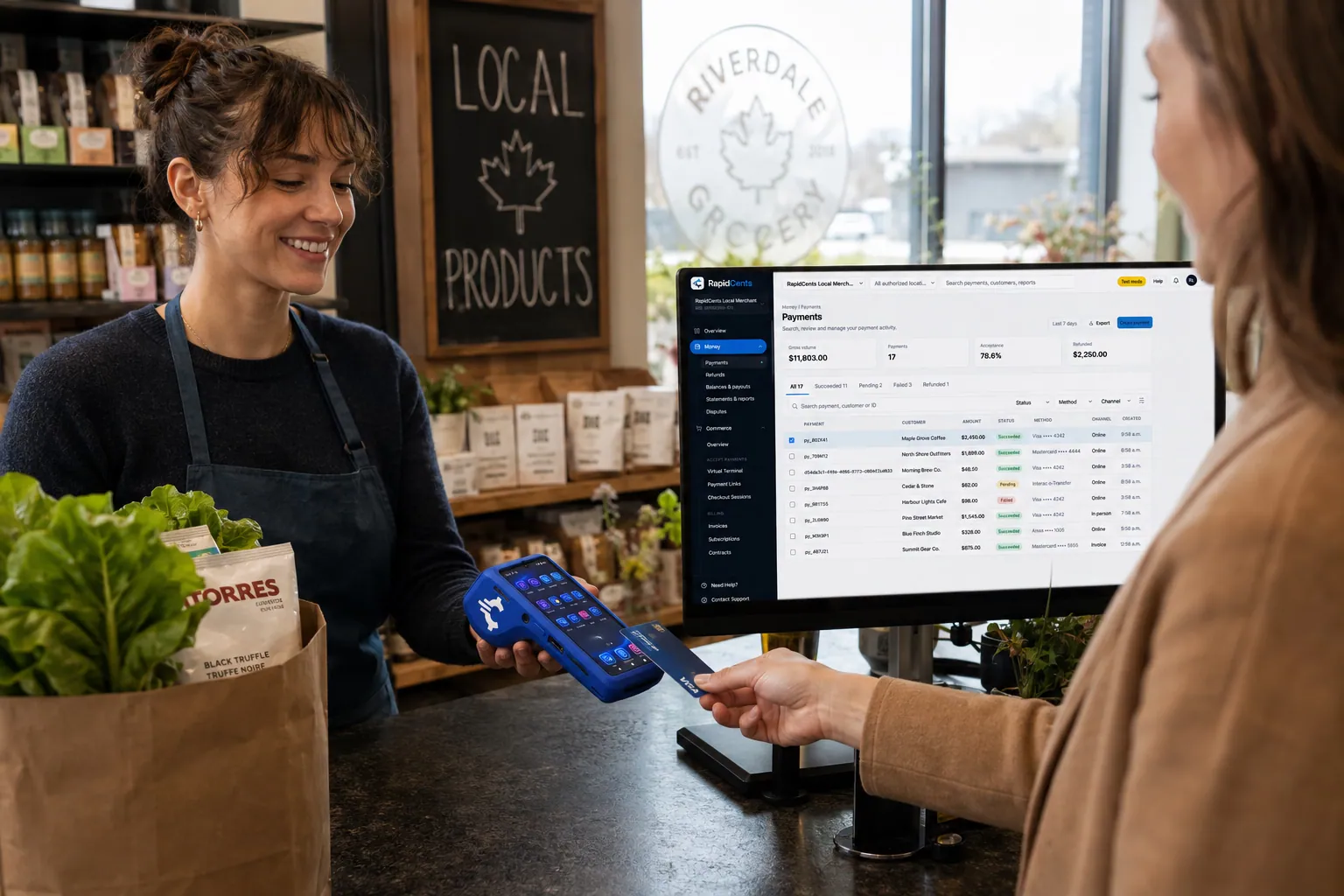
A grocery checkout running RapidCents POS for a high-volume lane, with the terminal capturing debit and credit. Grocery & Supermarket POS
Large baskets, weighed items and busy lanes need a checkout that keeps up. Scan quickly, handle produce and…
Explore
A fixed RapidCents countertop terminal taking card payments at the till, with settlement visible on the dashboard. Countertop Terminals
RapidCents countertop terminals sit at retail counters, restaurant hosts and reception desks where speed and…
Explore
The RapidCents payment links screen listing created links with their amount, status, click count and whether they have been paid, beside a phone showing the branded page a customer opens to pay $2,500.00. Payment Links
RapidCents payment links let staff generate branded pay-by-link URLs for invoices, deposits, balances and…
Explore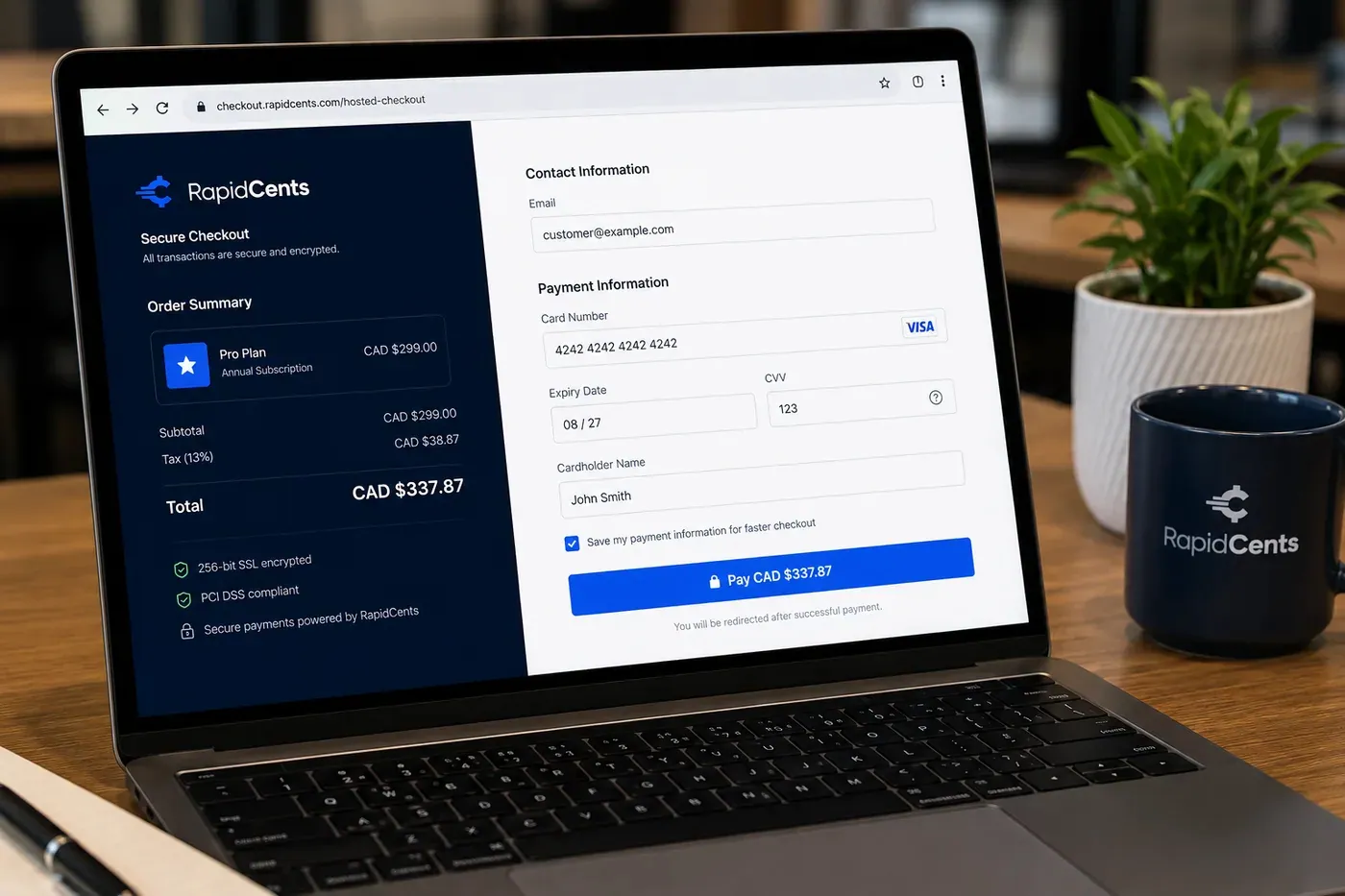
A RapidCents online checkout in a browser, with contact and card fields on the left and an order summary on the right showing the subtotal, tax and total, plus the accepted card brands. Online Payments
RapidCents online payments combine gateway APIs, hosted checkout pages, payment links and 3-D Secure…
Explore


How can a market collect holiday-order deposits?
A holiday-order deposit is collected by payment link when the customer books, tied to an order reference and agreed terms. The remaining balance is collected at pickup or delivery. Cancellation and refund terms are shown to the customer and accepted before the deposit is taken.
Put terms and a reference on every deposit
Write the pickup date, the order contents and what happens if the customer cancels or changes the order. Use Contracts & eSignatures or a written confirmation, then send the payment link with the same reference your team uses on the order sheet.
Plan for cancellations, partial refunds and disputes
Decide in advance whether a deposit is refundable and by when. Refund to the original card, record the reason, and keep the order sheet and accepted terms. Those records are what you submit if a cardholder disputes the charge.
A $380 holiday ham and seafood platter, $100 deposit
Say a customer books a holiday ham and a seafood platter worth $380 and pays a $100 deposit by payment link. At pickup the team collects the $280 balance on the counter terminal and matches it to the order reference.
What drives card processing costs for a butcher or seafood market?
The cost of seafood market credit card processing and meat market merchant services depends on your card mix, ticket size and how each card is taken. RapidCents prices on interchange-plus: interchange passes through at cost, plus your RapidCents markup shown in your Fee Schedule, plus fees for equipment or services if applicable. Month to month, no fixed term.
Card type and entry method move interchange
Debit, credit, premium and commercial cards carry different interchange, and a tapped or inserted card costs differently from a keyed or online one. A counter-heavy market and a market with many phone orders will not have the same mix.
What to bring when you compare quotes
Bring recent processing statements, your split between counter, phone and online sales, your average ticket, and how many refunds and disputes you see. Ask every provider to show interchange and markup as separate lines.
Use Fee Check on a real statement
Upload a processing statement to Fee Check to see interchange separated from markup. It reads your actual mix. Compare it with the Fee Schedule you would sign, including any equipment or service fees that would apply.
Which scales, POS and accounting software work with RapidCents?
RapidCents integrates with many major platforms through APPIE and RapidBridge, and APPIE lets the point-of-sale software you already run drive RapidCents terminals. Settled transactions, fees and refunds connect to QuickBooks Online and Xero, and SAP and NetSuite import settlement files. Your RapidCents representative walks you through the options for your scale and POS.
Grocery and market POS software
LOC Software, NCR Voyix, ECRS CATAPULT, IT Retail and Markt POS are common names in food retail. RapidCents integrates with many major platforms through APPIE and RapidBridge, so most markets keep the POS they run today. The right option depends on your vendor and version; your RapidCents representative will walk you through it.
Scales, label printers and weighed-item pricing
A price-computing scale or label printer prices the cut; the card payment happens on a RapidCents terminal. Tell your RapidCents representative the vendor, model and version of your scale and POS, and they will show you how the final amount reaches the terminal. Until then, staff enter the weighed total on the terminal.
QuickBooks Online, Xero, SAP and NetSuite
RapidCents connects settled transactions, fees and refunds to QuickBooks Online and Xero, and SAP and NetSuite import settlement files. Your bookkeeper sees each deposit matched to the day's sales, refunds and fees, so month-end starts from clean records.
Payment options for butcher and seafood markets in the United States
A butcher or seafood market in the United States typically takes credit and debit cards at the counter, including PIN debit, and can collect bank payments by ACH. Settlement is in USD, and your RapidCents representative sets up the options that fit your market.
Credit and debit cards at the counter
Shoppers tap, insert or swipe Visa, Mastercard, American Express or Discover cards, and PIN debit works at the counter too. A countertop terminal handles the sale, the receipt and any refund.
ACH for standing and invoiced orders
A regular customer or caterer with a standing order may pay by ACH instead of a card. The customer must authorize the debit. Your RapidCents representative and your accountant can walk you through state sales tax on food and how ACH is set up.
How do you switch processors and reconcile a market's deposits?
Once your account is approved, switching means listing what depends on your current processor, testing each flow on RapidCents, and matching deposits to your books before you retire the old setup. Plan around your busiest week and run a short parallel period if you can. Your RapidCents representative helps you sequence the move.
Inventory what depends on the old processor
List stored cards and their authorizations, open preorders with deposits, standing weekly orders, pending refunds and any scale or POS link. Ask both providers whether stored cards can move; portability needs their agreement, so promise customers nothing until you have it.
Test a sale, a refund and a deposit first
Before the holiday rush, run a counter sale, a refund, a deposit link and a phone order on the new setup. Check that each receipt shows the order reference your team uses and that the amounts match.
Reconcile deposits to the ledger
Match each deposit to the day's sales, refunds and fees in the settlement reports, then export for your bookkeeper or the accounting connection. Keep the old processor's reports until the last open order closes.
Payment questions from butcher and seafood markets
What is the best payment processor for a butcher shop?
The best processor is the one that fits your counter queue, preorder flow and cost mix. Compare written quotes that separate interchange from markup, terminal speed at peak hours, refund and deposit tools, scale or POS compatibility, and whether the term is month to month.
How much does credit card processing cost for a butcher shop or seafood market?
Cost depends on your card mix, average ticket and how cards are taken, so no single figure fits every market. RapidCents uses interchange-plus: interchange at cost, your RapidCents markup in your Fee Schedule, and fees for equipment or services if applicable. Upload a statement to Fee Check to see interchange separated from markup.
Can LOC Software or another grocery POS use RapidCents for payments?
RapidCents integrates with many major platforms through APPIE and RapidBridge, so most markets keep the grocery POS they run today. The exact option depends on your software vendor, edition and version. Tell your RapidCents representative which system you use, and they will show you how payments connect to it.
How can a butcher shop switch processors without losing payment history?
Keep the old processor's reports, export your transaction history, and list stored cards, open deposits and standing orders before you move. Stored cards only move if both providers agree, and customers must have authorized them. Test a sale, refund and deposit on the new setup, run in parallel briefly, and reconcile deposits to your ledger.
Which payment options can a butcher or seafood market in the United States offer?
A market in the United States can offer credit and debit cards, PIN debit, payment links and phone orders, and can add ACH bank payments for standing orders. Settlement is in USD. Your RapidCents representative builds the final list around your market. Sales tax on food items varies by state.
Can a preorder's final amount change after weighing?
Yes, a preorder's final amount can differ from the estimate once the order is cut and weighed. Record the agreed estimate, send the customer the updated total, get approval, then collect the balance by a second payment link or on the terminal at pickup.
Will payments connect to my scale or POS?
RapidCents integrates with many major platforms through APPIE and RapidBridge, and your representative reviews your exact vendor, model and version with you. A scale prices the cut but does not charge a card by itself. Until the connection is set up, staff enter the final amount on the terminal or take payment through your POS.
Can I collect a holiday-order deposit?
Yes, you can collect a deposit by payment link when the customer books a holiday order. Attach an order reference, show the pickup date, and set out the cancellation and refund terms before charging. Refunds return to the original card. Keep the accepted terms with the order in case the charge is disputed.
How should a seafood market handle refunds on perishable orders?
Set a refund policy for perishable goods before the sale, show it on the order, and apply it the same way every time. Refund to the original card, record the reason, and note whether the item was returned or spoiled. A clear policy and a saved order record help if a customer disputes the charge.
How do counter, phone and online orders reconcile at day end?
They reconcile through one dashboard and the settlement reports. Counter sales, payment link payments, virtual terminal orders and online orders all appear with their references. Match each deposit to the day's sales, refunds and fees, then export to your bookkeeper. RapidCents connects settled transactions, fees and refunds to QuickBooks Online and Xero.
Related industries
Grocery, restaurants and catering businesses share weighed items, deposits and busy counters. Grocery covers store-wide checkout, and restaurants and catering fit if you also run prepared food or event orders.
Grocery
Credit, debit and contactless acceptance for supermarkets and independent grocers…
Retail
Take tap, chip and PIN payments at every register, sell on your website, refund returns…
Convenience Stores
RapidCents gives convenience stores countertop terminals for debit and credit taps, Tap…
Liquor Stores
RapidCents gives liquor and wine retailers card terminals for the till, payment links for…
Jewellery Stores
Take high-ticket cards at the counter, collect repair and custom-order deposits, and…
Furniture Stores
Take order deposits at the desk, collect delivery balances by link or at the door, and…
Sporting Goods
Take cards at the till, the service desk and online, hold rental deposits, and reconcile…
Garden Centres & Nurseries
Take cards at the till, beside the shrubs and at the loading gate, and collect landscape…
Take the next step
See what your market pays to take cards
Upload a recent processing statement to Fee Check and see interchange separated from markup across your counter, phone and preorder sales.
- No obligation
- Payment specialists, not a call centre
- Secure statement upload



