


Payment processing for gas stations and fuel retailers
Gas station payment processing covers the counter, where drivers pay for fuel and shop items, and the pump, where a card is held for an estimate before the fill and charged the final amount after. RapidCents runs in-store checkout on its terminals, and your representative reviews your pumps with you before pay-at-pump moves.

- PCI DSS Level 1
- SOC 2 Type II
- All major cards: Visa, Mastercard, Amex, Discover, UnionPay, Diners Club & PIN Debit
- Interchange-plus available
- Specialist onboarding support
How gas stations get paid
Gas stations get paid in six ways: fuel paid at the counter before or after the fill, shop purchases, card payments at the pump, car wash sales, monthly charge accounts for local businesses, and fleet cards from work vehicles. Each starts with a different payer and moment of sale, and each needs a reference, such as a pump number, wash code or invoice number, that ties the money back to the sale at shift close or month end.
Fuel paid at the counter
Drivers walk in and pay for a pump on the counter terminal, either a chosen amount before the fill or the pump's total after it. If a sale is rung on the wrong pump, or a prepaid fill stops short, the fix is a refund or a correction. Finance needs every fuel sale and refund tied to a pump number and a shift.
Shop purchases
Drivers and walk-in customers buy coffee, snacks, drinks, windshield washer fluid and other store items, some without buying fuel at all. These are quick card-present sales on the counter terminal, mostly tapped or inserted, and often rung together with a fuel prepay. Returns and voided items are handled at the register. Finance gets department totals from the POS and card totals from RapidCents reporting.
Card payments at the pump
Drivers who never come inside pay at the outdoor payment device on the dispenser, inserting or tapping a card before the pump starts. Pump payments run on the forecourt's own equipment, so moving them to RapidCents starts with a compatibility review. If a card is declined or a reader is out of service, the driver pays inside. Finance gets pump totals from the fuel POS and the card settlement from whichever processor handles the pumps.
Car wash sales
A wash is sold as an add-on at the counter or the pump, or paid at the wash entry. Some stations bill unlimited wash plans monthly to a stored card, which needs the driver's agreement to the amount, billing date and cancellation terms. Wash codes come from the POS and wash controller, not the card terminal, so if a code fails at the bay, the attendant resolves it from the POS. Finance wants wash revenue reported on its own.
Charge accounts for local businesses
Contractors, farms, taxi operators and other local businesses fuel on a charge account and pay later, on terms the station sets. The station bills each account monthly, and RapidCents Invoicing sends the invoice with a payment link, or the office takes a card by phone in the Virtual Terminal. A part payment or a fill the customer questions is noted on the invoice. Finance records each payment against the account and invoice number.
Fleet and commercial cards
Drivers of company vehicles pay with fleet cards that may ask for a driver ID, vehicle number or odometer reading and may be limited to fuel. Your RapidCents representative checks each fleet program against your POS and terminals, so you know which ones you can take. Prompts your setup cannot handle and restricted items in the basket are the cases to plan for. Finance gets the card sale, plus enhanced data where the program and setup support it.
How does pay-inside checkout work for fuel and shop sales?
Pay-inside checkout splits each fuel sale between two systems: the fuel console controls the pump, and a RapidCents terminal takes the card by chip, tap or PIN, with shop items on the same sale. The POS records the pump number, and the terminal records the payment. Prepaid fills that stop short of the amount paid usually end in a refund, so the counter needs a fixed underrun routine.
How a counter sale runs with RapidCents
For a prepay, the driver names a pump and an amount, the cashier rings it on the POS with any shop items, the driver pays on the RapidCents terminal, and the cashier releases the pump. For a postpay, the cashier recalls that pump's completed sale and takes payment the same way. Where APPIE links your POS to the terminal, the amount is sent for you; otherwise the cashier keys the POS total, and both must agree.
Set the counter rules before the first shift
Decide whether drivers may fill first and pay after or must always prepay, who may refund an underrun, and what the receipt shows. Print the pump number on every fuel sale so a refund can be traced to it. Where your terminal setup supports preauthorization, a cashier can hold the prepaid amount and complete it for the actual fill instead of refunding; your RapidCents representative will demonstrate that flow before you rely on it.
Underruns, declines and drive-offs
An underrun, where the tank fills before the prepaid amount, is refunded from the original sale to the card used, with the pump and amount noted; a debit refund may need the card back at the terminal. A decline at the counter happens before any fuel flows, which is the point of prepay. A postpay drive-off never reaches the card system at all; it is a loss you record in the POS.
Keep the counter taking cards
If the shop's Wi-Fi drops while drivers queue to prepay, a Rivo terminal with an active SIM switches the sale to cellular on its own. Each RapidCents terminal also runs its own health check and can lock itself outside a set radius of the business. Its refund controls on the device matter at a counter that refunds underruns every shift. At the morning rush, a handheld terminal, or a supported phone running Tap to Pay, lets a second cashier serve shop-only customers.
A prepay with a coffee on pump 3
Say a driver asks for a set amount on pump 3, adds a coffee and pays with a debit card. The cashier rings both on the POS, takes the card on the terminal and releases pump 3 from the fuel console. The tank fills early, so the driver brings the card back inside and the cashier refunds the difference to it, noting pump 3 on the receipt. At shift close, the sale and the refund appear in both the POS and RapidCents reports.
What does pay at pump payment processing involve?
Pay at pump payment processing authorizes the driver's card for an estimated amount at the dispenser, releases the pump, and completes the sale for the actual fill once the nozzle is hung up. Moving those pump sales to RapidCents starts with a review of each component: the dispensers' payment hardware, the forecourt controller and the fuel POS, with their software versions. A countertop terminal cannot release or control a fuel dispenser.
Who handles each step of a pump sale
The dispenser's payment device reads the card, inserted or tapped, and the forecourt system sends the authorization request and, after the fill, the completion along its payment route. The fuel POS records grade, volume and pump number, while the card record carries the amount and the authorization code, which is how the two are matched later.
What the compatibility review needs from you
Give your RapidCents representative the make and model of your dispensers and their payment devices, the forecourt controller and fuel POS with software versions, how pump sales are processed today, your country, and any fuel-brand or fleet obligations. You get the result in writing: what can process through RapidCents, what would have to change and what cannot move. Until then, pump payments stay where they run now.
Holds on drivers' cards
A pump preauthorization is often what the driver sees first in a banking app, before the final amount replaces it. On a debit card, that hold ties up money in the driver's account until the issuer lets the unused part go, a timing the station does not control. What you can influence is how promptly your setup sends completions, so ask your representative about it, and post plain signage about holds at the pump.
When the pump cannot take a card
A decline at the dispenser sends the driver inside to pay at the counter. A pump that loses its payment connection should be switched to pay-inside with a clear sign until it is fixed. A completion that never reaches the issuer leaves a hold in place, so ask how open authorizations are reported on your setup. Inspect outdoor payment devices for skimmers on a schedule, and if a counterfeit or stolen card used at a pump comes back as a chargeback, use Disputes and Chargeback Protection to track the evidence and deadlines.
A four-pump station plans its forecourt move
Say a four-pump station already takes counter payments on RapidCents terminals and wants pump sales to follow. The owner sends the dispenser, controller and POS details to their representative and gets the result in writing. If the result is positive, one dispenser is tested with a sale, a reversal of an unused hold, a refund and a settlement before the others move; if not, the station keeps its current pump setup and runs only the counter on RapidCents.
RapidCents products for gas stations
Payment Terminals take fuel and shop sales at the counter, Integrated Payments links a POS to those terminals through APPIE where your fuel POS vendor and version allow it, Multi-Location gives each station its own merchant ID and permissions, and Reporting filters transactions, settlements and fees by site, date and card type for shift and month-end work.

The RapidCents Rivo Go standing upright in its blue silicone case, showing the full-touch sale screen a customer reads across the counter. Payment Terminals
RapidCents payment terminals cover countertop, mobile and smart form factors so you can accept chip…
Explore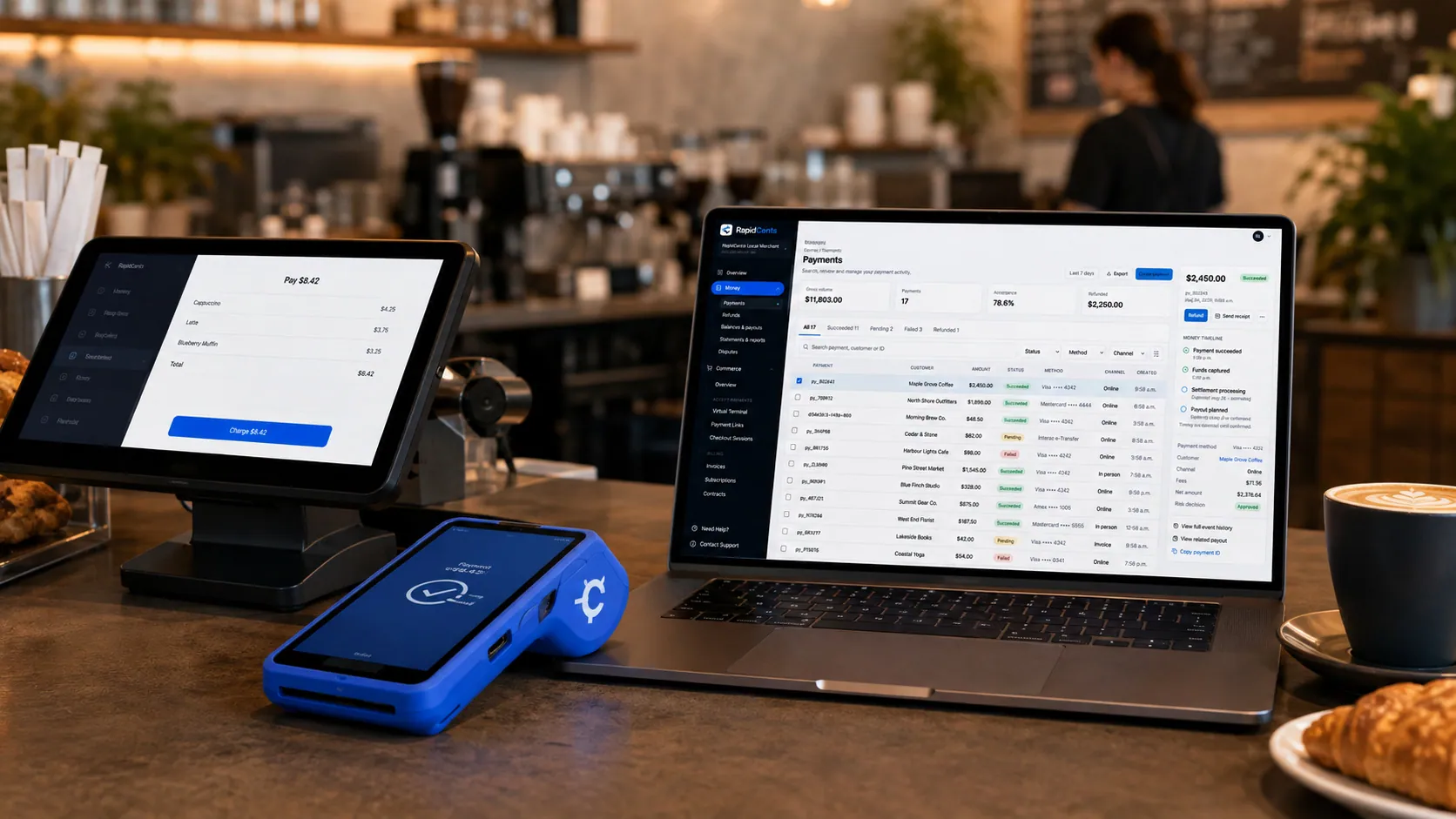
Payments taken inside existing business software through RapidCents, with the terminal and dashboard in the same workspace. Integrated Payments
RapidCents integrated payments connect certified POS and ERP systems so sale amounts, tips, refunds and…
Explore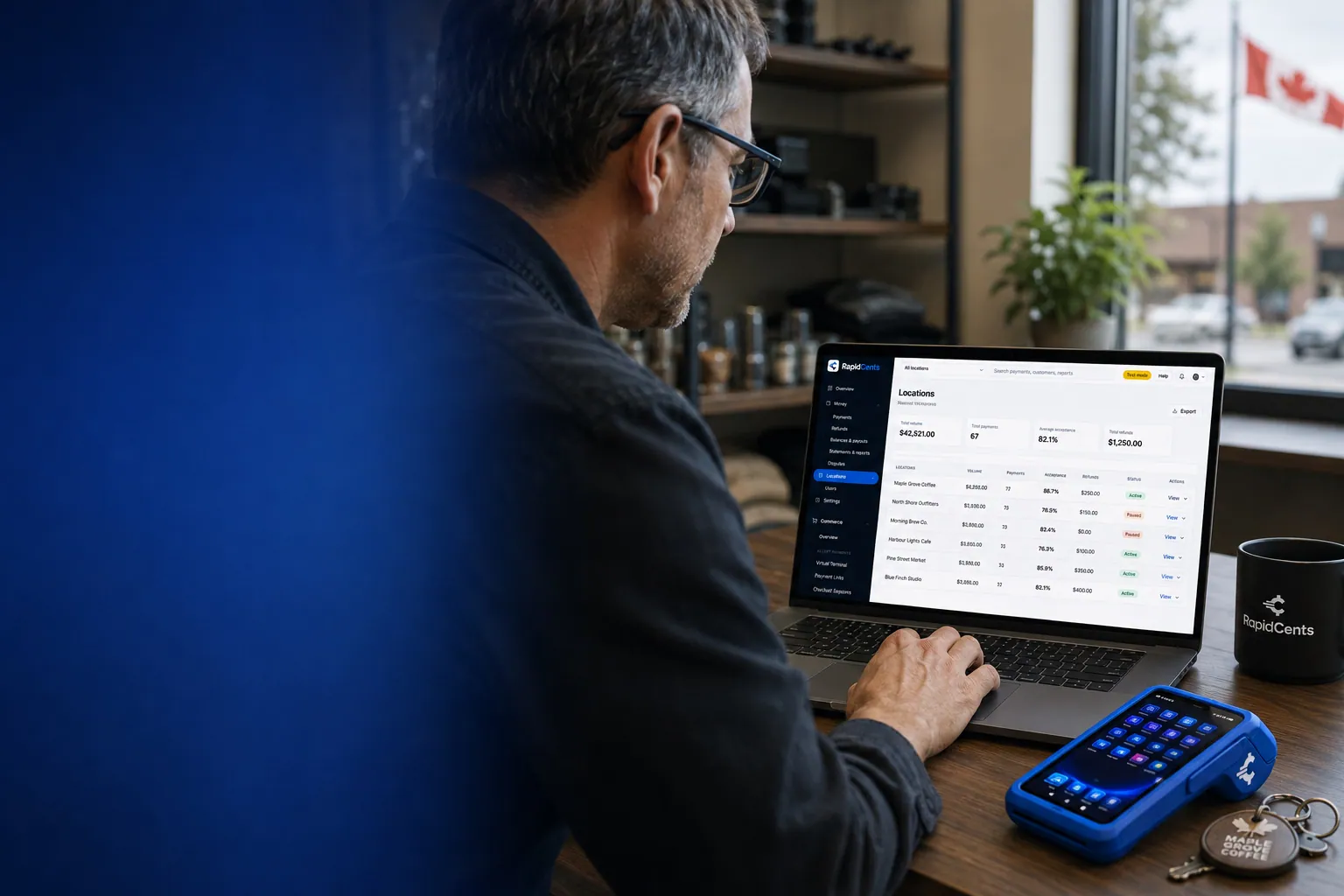
One RapidCents account comparing sales across locations, with a terminal representing the store-level capture. Multi-Location
RapidCents multi-location tools organize stores, franchises and regions in a hierarchy with location-level…
Explore
A merchant reviews RapidCents reports for volume, mix and payouts, with the terminal that took the sales on the desk. Reporting
RapidCents reporting delivers customizable transaction, settlement and fee reports with CSV and PDF export…
Explore


How do you reconcile pump, store and car wash sales by shift and site?
Match each shift's POS report to the card totals for the same location and cut-off time, then match each settled batch to the bank deposit for that site. RapidCents Reporting filters transactions, settlements and fees by date, location, channel and card type, and Multi-Location gives every station its own merchant ID. Fuel detail such as grade and volume lives in the fuel POS, so the two reports need a shared reference like time, amount and authorization code.
Close each shift against the card report
At shift change, the POS shift report gives fuel by grade, shop sales by department and a card total. Compare that card total with the RapidCents transaction report for the same location and cut-off time, counting refunds separately. A gap usually comes from a terminal sale nobody rang on the POS, a refund entered on one side and not the other, or two different cut-off times.
Decide how pump, shop and wash sales are separated
A card report can only split what the setup separates, so decide the split before go-live. Your RapidCents representative will show you how separate merchant IDs, separate devices or POS departments keep pump, shop and car wash sales apart for your setup. If pump payments stay with another processor, every shift has two card reports to reconcile against one POS report, and each needs its own check.
Deposits and roll-up reporting by site
Under Multi-Location, each site has its own merchant ID, so deposits can be traced station by station, and roll-up reporting lets the owner compare sales, deposits and disputes across every location. Site managers can be limited to their own station through user permissions. When money reaches the bank depends on the payout schedule in your agreement and on your bank, so plan cash for fuel deliveries around that schedule, not the day of sale.
Month-end and the books
For month end, export a roll-up or single-station report as CSV or PDF, or have it sent by scheduled email, in formats ready for a general ledger import. RapidCents connects settled transactions, fees and refunds to QuickBooks Online and Xero, and SAP and NetSuite import settlement files. Fuel inventory and wet-stock reconciliation stay in your fuel back office; the card report supplies the payment side only, with fees and refunds as their own lines.
Three stations, one owner
Say an owner runs three stations, two with a car wash. Every site has its own merchant ID, and each morning the manager matches the previous day's shifts to that site's card report. At month end the bookkeeper exports one roll-up report, filters it by location and card type, and posts fees and refunds as separate lines, while the POS departments keep wash and fuel revenue apart.
What drives gas station credit card processing fees?
What you pay depends on the cards drivers use at your station, how each card is taken and your RapidCents markup. RapidCents prices gas station credit card processing on interchange-plus: the card networks set interchange for each card type and entry method, RapidCents passes it through at cost, and the RapidCents markup in your Fee Schedule is added on top, plus fees for equipment or services, if applicable. Pricing for your stations is month to month, with no fixed term.
Debit, rewards, fleet and commercial cards
Many stations see a mix of debit at the counter, rewards credit cards on fuel and fleet or commercial cards from work vehicles. Debit usually carries lower interchange than credit, while premium rewards and commercial cards usually carry more. Proprietary fleet programs, where taken, carry their own program fees instead of card-network interchange. Your statement's card-type breakdown tells you which way your station leans; averages from other stations do not.
Small shop tickets and large fuel tickets
Interchange is often a percentage of the sale plus a fixed amount per transaction, so it weighs differently on a coffee than on a full tank. The networks also set some interchange categories by merchant type, and fuel sales can sit in categories of their own. Keep the average fuel ticket and the average shop ticket separate when you compare, because blending them hides both.
Counter, pump and keyed payments
Inside, a tapped or inserted card is a card-present sale. A pump sale is card-present too, but unattended, with its own merchant category and network rules. A charge-account card keyed from a phone call is card-not-present and usually carries higher interchange. Splitting your volume by counter, pump and keyed payments shows where the cost sits.
Authorizations, reversals, refunds and disputes
A pump sale needs an authorization and a completion, a pump released but never used needs a reversal, and an underrun at the counter usually means a refund. Your Fee Schedule sets out how each of these, plus declines and chargebacks, is charged, so count how many of each your station runs in a month. Counterfeit and stolen cards used at the pump can turn into disputes, which cost staff time as well as money.
Equipment, integration and brand costs
Count the whole setup: counter terminals and whatever equipment or service charges your Fee Schedule lists, outdoor payment device upgrades from your dispenser vendor, POS vendor fees for a payment connection, and any charges under a fuel-brand program. If you lease terminals or pump hardware today, check the remaining term and the return conditions before switching.
What to bring to a comparison
Gather three recent statements per site, your split between counter, pump and keyed payments, average fuel and shop tickets, monthly refund and chargeback counts, and the fleet programs you take. Upload one of those statements to Fee Check, which splits interchange from markup, and measure every quote for fuel station merchant services against that same mix.
Compatibility checklist: fuel POS, forecourt and car wash systems
Gas station POS payments go to whichever processor your POS and forecourt controller are set up to use, so the route depends on the exact vendor, model, software version and country. RapidCents integrates with many major platforms through APPIE and RapidBridge, and your RapidCents representative walks you through the option for your station. A standalone RapidCents terminal at the shop counter needs no POS connection; a POS connection or any pump payment starts with the review.
Verifone Commander
Verifone Commander is a POS for fuel and convenience sites. RapidCents integrates with many major platforms through APPIE and RapidBridge, and the right option for a Commander site depends on its version, country and current payment setup. A branded station's supply agreement may settle the question before any technical check. Your RapidCents representative will walk you through your Commander setup, and pump payments stay where they are until you have the answer in writing.
NCR Voyix
NCR Voyix supplies POS software for grocery and convenience retail. If your station's store runs on it, the right way to send card payments to RapidCents depends on the product edition, version, country and the payment connection it uses today. Tell your RapidCents representative which edition you run, and they will walk you through the option, then test a sale, a refund and a settlement with you before any switch.
Forecourt controllers and dispenser payment devices
The forecourt controller releases pumps and reports each fill, and the payment devices in the dispensers read cards outdoors without a cashier. Those devices are unattended card readers built for that use, so the route depends on the exact controller and dispenser vendor, model and software version. A countertop terminal replaces neither. Forecourt controller compatibility is the first question in any pay-at-pump review.
Branded-station payment networks
If your station sells a fuel brand under a supply agreement, that agreement may require card payments, or at least fuel sales and brand cards, to run on the brand's own payment network. Read the payment clauses before you request quotes and share them with your RapidCents representative, so the review covers only the sales you are free to move. Loyalty and fuel discount programs tied to the brand or the POS need the same check.
DRB SiteWatch and other car wash systems
Car wash management software such as DRB SiteWatch runs wash sales, wash codes and unlimited wash plans. RapidCents integrates with many major platforms through APPIE and RapidBridge, and the right option depends on your software vendor and version. A pay station at the wash entry has its own card reader and payment route, so it gets the same review as a pump, while a wash sold at the counter rides on the counter sale. The Car Wash page covers plan billing and failed renewals.
QuickBooks Online, Xero and station back-office software
RapidCents connects settled transactions, fees and refunds to QuickBooks Online and Xero, so your month end starts from clean numbers. SAP and NetSuite users import settlement files built from templates rather than a live connector. Decide whether your station back-office software takes card totals from the POS or from RapidCents reports, so one system is the source of truth for card sales.
Payment options for gas stations in the United States
At the counter, gas stations in the United States can accept Visa, Mastercard, American Express and Discover credit and debit cards, phone wallets, and PIN debit where supported. Charge-account invoices can be paid through ACH, and settlement is in USD. Pump payments start with a compatibility review of your forecourt equipment, and your RapidCents representative sets up each method for your stations.
PIN and non-PIN debit
A debit card at the counter can run with a PIN, where supported, or without one, and your statement may show different costs for the two routes. Check how much of your debit volume runs each way before you compare quotes, and ask how debit cards are handled at the pump on your setup.
Chip readers in the dispenser
If a dispenser still reads only magnetic stripes, card network liability rules can leave counterfeit-card fraud at that pump with the station. Ask your dispenser vendor about chip and contactless readers, and include that hardware in the compatibility review before planning any forecourt move.
ACH for charge accounts
Contractors, farms and local fleets billed monthly on a charge account can pay through ACH once it is set up on your account; if you pull the payment, keep the customer's debit authorization on file. Put the account and invoice number on every ACH payment so the office can match it to the right customer.
How should a gas station pilot a new payment processor?
Start with the counter, not the pumps. List what runs where today, move in-store checkout at one register or one site first, test sales, refunds, underruns and shift close, and keep pump payments on the current setup until a written compatibility result says they can move. Shut the old account last, once its final refunds, chargebacks and settlements are behind you.
Take stock of every payment path
List each place a card is taken: counter terminals, pump payment devices, the car wash entry, phone payments for charge accounts, and any wash plans or charge accounts billed to stored cards. Note which processor, contract and network each one uses, any terminal or pump hardware lease, your fuel-brand payment obligations and the fleet programs you take. That list decides what can move and when.
Stored cards and old refunds
Cards stored for charge accounts or wash plans are held as tokens by the provider that saved them and move only if both providers agree to migrate them, so plan to collect a fresh authorization from each customer before you store a card again. Refunds of sales taken on the old account go back through the old provider, which is one reason to keep it open for a while.
Pilot one counter first
Once your account is approved, run the pilot on one register or one site for at least a full week of shifts. Test a chip sale, a contactless sale, a prepay with an underrun refund, a void, a combined fuel and shop sale, and a shift close, and check that each appears under the right location in RapidCents reporting. Give cashiers the new refund steps in writing before the first shift.
Move the forecourt last, on a written result
Pump payments move once the compatibility review shows your equipment can process through RapidCents. If it does, schedule the cutover for your quietest hours, keep the old configuration ready as a fallback, and have staff ready to send drivers inside if a pump stops taking cards. If it does not, plan for two card reports per shift for as long as the pumps stay with the other provider.
Reconcile until the old account is empty
During the overlap, match each shift to both providers' reports and each deposit to its bank line, keeping fees, refunds and chargebacks apart. Chargebacks can arrive months after a fill, so close the old account only after its dispute window has passed. With several stations, finish one site's full month on RapidCents before moving the next.
Payment questions from gas station owners
What is the best payment processor for a gas station?
The best processor for your station is the one that fits your equipment and passes a test on it, not the one with the most attractive headline number. When you compare fuel station merchant services, ask each provider in writing which counter, pump and car wash payments it can process on your exact POS and forecourt setup. Also ask how pump holds and underrun refunds work, which fleet programs it supports, whether your fuel brand limits the choice, who answers when a pump stops taking cards, and how pricing and term are set out. Then compare written quotes against your own statements.
How much does credit card processing cost for a gas station?
There is no single figure, because the cost depends on which cards drivers use at your station and how each one is taken. With RapidCents interchange-plus pricing, interchange passes through at cost and moves with the card type, whether debit, rewards credit or commercial, and with how the card is taken: tapped at the counter, read at the pump or keyed. Your RapidCents markup comes on top as your Fee Schedule sets out, plus fees for equipment or services where they apply, with no fixed term. A mix heavy in rewards and commercial cards usually costs more in interchange than one heavy in debit, and proprietary fleet cards carry their own program fees. Run one station's recent statement through Fee Check, which shows interchange and markup separately.
Can I keep my current fuel POS or forecourt controller if I switch processors?
Start with the systems you run today. A fuel POS or site controller, such as Verifone Commander, sends card payments along the payment route it is set up for, and RapidCents integrates with many major platforms through APPIE and RapidBridge. The right option depends on your vendor, model and software version, and a fuel-brand agreement can limit the choice. Tell your RapidCents representative what you run, and they will walk you through it and test a sale, a reversal, a refund and a settlement with you before a live station changes. A standalone RapidCents terminal can also take shop sales where your agreements allow.
How can a gas station switch processors without losing payment history?
Export your history from the old provider before you go, and keep that account open until its last refund and chargeback have cleared. Download transaction, settlement and chargeback reports for the period your accountant needs. Saved cards are the exception: tokens for charge accounts or wash plans move only through a migration that both providers support and accept, so ask those customers for a new card authorization. Refunds of old sales and late chargebacks run through the old account, while new history builds in RapidCents reporting from your first live sale.
Which payment options can a gas station in the United States offer?
A gas station in the United States can take Visa, Mastercard, American Express and Discover cards, credit or debit, inside the store, with PIN debit where supported and phone wallets by tap. Charge accounts can be billed with payment links and invoices and paid by ACH where it is set up, with settlement in USD. Pay-at-pump acceptance starts with a compatibility review of the dispenser payment hardware, forecourt controller and POS, including whether the pump readers take chip cards. Fleet programs are reviewed one at a time, and your RapidCents representative walks you through the methods your stations can use.
Can RapidCents process payments at the pump and inside the store?
Inside the store, yes: RapidCents Payment Terminals take chip, contactless and PIN payments at the counter for fuel and shop items. At the pump, it starts with a review. Your outdoor payment devices, forecourt controller and fuel POS are checked by vendor, model and software version, plus your country, and your RapidCents representative tells you in writing whether pump sales can run through RapidCents. The two are separate steps, so a station can move counter payments first and leave pump payments where they are.
Why can the amount held at the pump differ from the final fuel purchase?
The amounts differ because the pump does not know the final total when the card is authorized. Pump payment flows usually reserve an estimated amount, release the pump, and then complete the transaction for the actual fill, after which the difference between the hold and the sale is freed. How the hold is sized and completed depends on the equipment, the card type and the issuer. When the unused part disappears depends on how quickly the completion is sent and on the driver's bank, so no station or processor can promise a release time. If a driver asks, find the completed sale for that pump and time, and refer the driver to their bank for the release.
Can pump and store sales reconcile together?
Yes, when your setup separates them clearly and both end up in reports you can match. RapidCents transaction, settlement and fee reports filter by location, date, card type and channel, while grade and volume detail stays in your fuel POS. Pump, store and car wash sales can be told apart when each has its own merchant ID, its own devices or its own POS department, and your representative helps you choose the split for your station. When pump payments remain with another provider, you reconcile both providers' reports against the same POS shift report.
Can I accept fleet cards or fuel-only cards?
Yes, program by program. Your RapidCents representative checks each fleet program you need against your POS and terminals, so you know what you can promise fleet customers. Taking Visa or Mastercard does not by itself mean a fleet program works: some fleet cards run on major card networks with extra prompts and purchase restrictions, while others are proprietary programs with their own acceptance terms. For each program, look at whether driver or vehicle prompts, fuel-only product restrictions and enhanced transaction data are supported on your POS and terminals. Gas station fleet card acceptance is decided program by program.
What should I compare in a fuel-processing quote?
Compare quotes on your real station, not on a headline rate. Give every provider the same statements, card mix, average fuel and shop tickets, split between counter, pump and keyed payments, and the configuration you actually want. Then line up the provider markup, how authorizations, reversals, refunds and chargebacks are charged, terminal and outdoor equipment costs, POS or integration fees, reporting, who supports the pumps, and the contract and exit terms. A quote that leaves pump payments out should say so plainly.
What MCC is used for gas stations?
MCC 5541, service stations, is commonly associated with gas stations, and pay-at-pump sales on automated fuel dispensers are often categorized under MCC 5542. RapidCents sets the category for each part of your site during onboarding, based on what is sold and where the card is taken. Tell your RapidCents representative if the store, a food counter or the car wash is a separate company with its own books, since that part may need a category or merchant account of its own.
Related fuel and roadside industries
Convenience Stores goes deeper on shop checkout and shift close, Car Wash on wash plans and pay stations, and Oil & Energy on fuel delivery invoices for distributors. Vending & Unattended and EV Charging Stations cover other journeys where a device, not a cashier, takes the card.
Oil & Energy
Get paid on oilfield service tickets, fuel delivery accounts, commercial card invoices…
Convenience Stores
RapidCents gives convenience stores countertop terminals for debit and credit taps, Tap…
Car Wash
Single washes at the pay station, unlimited plans on monthly autopay and the renewals…
Vending & Unattended Retail
Take contactless and card payments on machines, kiosks and micro markets with nobody on…
EV Charging Stations
Take card payments for charging sessions with a hold at the start and a final charge at…
Utilities
RapidCents helps electric, gas and water utilities collect bills by autopay, hosted…
Recycling & Waste Management
RapidCents covers monthly route invoices, dumpster booking deposits, haul-ticket payments…
Take the next step
See what your station pays before you compare processing quotes
Upload a recent processing statement for your station, and Fee Check sets interchange beside markup, so you can weigh each offer against your real mix of counter sales, pump transactions, fleet cards and refunds.
- No obligation
- Payment specialists, not a call centre
- Secure statement upload



