


Online and Counter Payments for Municipalities and Public Agencies
Government is for businesses in the USA. Compare payment options for permit fees, counter payments and file reconciliation; understand timing, payer authorization, exceptions and reconciliation for public agencies. The sections below separate the workflow, the control and its limit, and the account facts to confirm before you rely on them.

- PCI DSS Level 1
- SOC 2 Type II
- All major card brands: Visa · Mastercard · Amex · Discover · PIN debit
- Interchange-plus available
- Specialist onboarding support
Operational workflows
Resident pays a permit or licence on the portal
Counter payment taken at the clerk's window
Mailed-in payment keyed on the virtual terminal
Each payment traced to its file for audit
Payment challenges
The payer never chose to be a customer
A fine or a licence fee has to be payable by anyone who walks up, on any channel, with no account to create first.
Every dollar has to lead back to a file
A department answers to council, so a deposit total with no permit or file number behind it is not an answer.
One fee collected three ways
Counter, mail and portal all take the same charge, and all three have to end up in one reconcilable record.
Choose the right payment setup for Government
Choose government payment processing
For Government, map online checkout and remote payment, the counter or service point, and the sale and reconciliation with business systems before choosing a setup. Select channels that match those moments, then confirm that the chosen solution genuinely covers each channel.
Payment hardware for Government
For Government, start with the place customers pay in person: a countertop terminal, smart terminal, or portable device depending on the workflow. Verify that the hardware fits the real volume and workspace.
Compare payment processing fees
For Government, request a written fee breakdown covering online checkout and dispute handling. Compare the effective cost across the real card and channel mix; do not choose on a headline rate alone.
Set up or switch Government payments
To set up Government payments, document how payment data moves into business systems and the checkout, confirmation, and refund path, confirm compatibility before purchase, then test a real payment flow before going live.
Recommended products
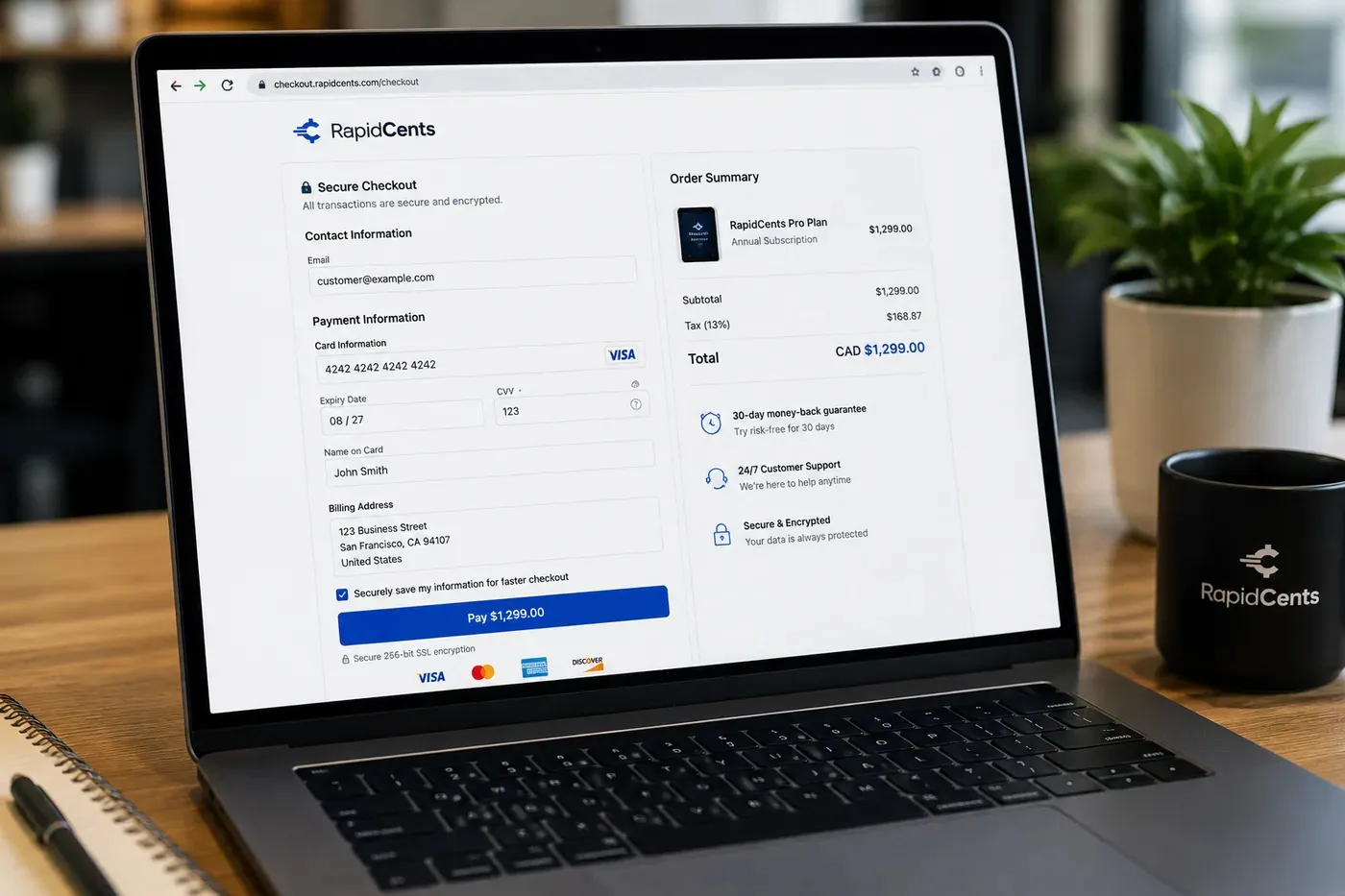
A RapidCents hosted checkout page at checkout.rapidcents.com, with the order summary and totals on the left and the card fields on the right, footed by SSL and PCI DSS assurances. Hosted Checkout
RapidCents hosted checkout delivers PCI-scoped payment pages you redirect customers to or embed via iframe…
Explore
The RapidCents Rivo Go standing upright in its blue silicone case, showing the full-touch sale screen a customer reads across the counter. Payment Terminals
RapidCents payment terminals cover countertop, mobile and smart form factors so you can accept chip…
Explore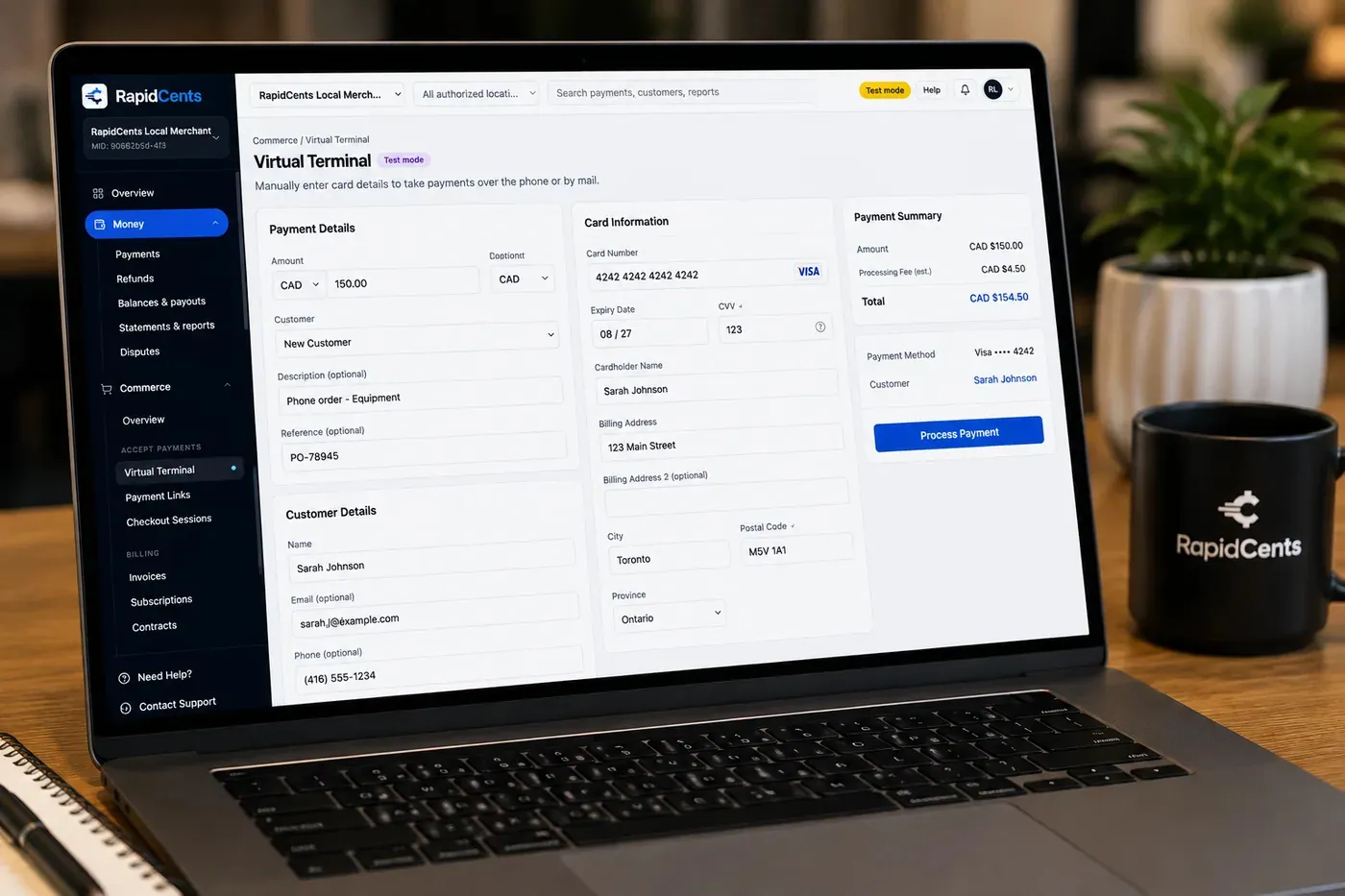
The RapidCents virtual terminal: payment details, card number, expiry and CVV keyed by hand on the left, with a payment summary on the right showing the amount, the estimated processing fee and a Process Payment button. Virtual Terminal
The RapidCents virtual terminal lets authorized staff enter mail-order and telephone-order payments through a…
Explore
A merchant reviews RapidCents reports for volume, mix and payouts, with the terminal that took the sales on the desk. Reporting
RapidCents reporting delivers customizable transaction, settlement and fee reports with CSV and PDF export…
Explore


How this gets set up
One fee online first
A high-volume fee such as a parking fine or a dog licence goes on hosted checkout, so the department proves the path on the simplest case.
The counter keeps serving
A payment terminal at the clerk's window serves the resident who came in person, on the same account as the online payments.
Mailed and phoned payments
A cheque replaced by a phone call is keyed on the virtual terminal, so the counter is not the only staffed route.
Through to council reporting
Each payment stays attached to the file it settled, which is what a revenue report to council has to show.
Integrations
Accela exports
Accela exports carry permit fee settlement into the licensing system as a file, not a live connection.
Tyler Technologies
Tyler Technologies holds the revenue ledger, so a paid fee closes the file it belongs to instead of arriving as unidentified cash.
Operations, security and going live
An audit trail per transaction
The department has to be able to show the payment that settled one specific permit, so reporting is indexed to the file rather than the day's total.
A resident is not a repeat customer
Most people pay once, so what matters is completed and abandoned payments, and an unpaid fine staying findable.
Cards outside the municipal network
Hosted checkout and validated terminals keep card numbers off municipal systems, which is the practical reason the page is not built in-house.
Go live between budget cycles
A department moves one revenue line at a time, so no reconciliation change lands mid-quarter across every fee it collects.
For businesses in the USA
A direct answer for a business in the USA: the workflow, the limit, and what to confirm next.
The payment workflow
Trace a permit or license payment from a resident-facing portal or clerk's counter to the correct department, application and accounting record. Confirm eligibility, presentment currency, settlement currency and the enabled payment methods on the USA merchant account before quoting them. An illustrative amount is an example, not a fee or a funding promise. Government does not, by itself, prove delivery or win a dispute.
The problem and the limit
Address duplicate submissions, denied applications and refunds authorized by the agency. Verify accessibility, procurement terms and applicable fee authority; payment confirmation should not imply permit approval. Confirm eligibility, presentment currency, settlement currency and the enabled payment methods on the USA merchant account before quoting them. An illustrative amount is an example, not a fee or a funding promise. Government does not, by itself, prove delivery or win a dispute.
What to confirm
Ask for a redacted permit lifecycle with payment reference, application decision, refund and audit export; demonstrate how portal and counter collections reach departmental totals. Confirm eligibility, presentment currency, settlement currency and the enabled payment methods on the USA merchant account before quoting them. An illustrative amount is an example, not a fee or a funding promise. Government does not, by itself, prove delivery or win a dispute.
Payment questions from Government
What should businesses compare when choosing government payment processing for Government?
Compare government payment processing against the real payment journey: online checkout and remote payment, the counter or service point, and the sale and reconciliation with business systems. Start with the required channels and hardware, then confirm compatibility and support before committing.
What payment hardware is practical for Government?
If Government sells primarily online, do not choose physical hardware before validating checkout. Add hardware only for a clearly defined in-person payment need.
Which payment channels are relevant for Government?
For Government, start with online checkout and remote payment, the counter or service point, and the sale and reconciliation with business systems. Keep only the channels that match those moments, then verify the complete customer flow before offering them.
How should payment processing fees be evaluated for Government?
For Government, compare costs related to online checkout and dispute handling using actual transactions. Request a written breakdown of fees and terms rather than relying on an advertised rate alone.
What should be confirmed before setting up payments for Government?
For Government, document how payment data moves into business systems and the checkout, confirmation, and refund path, verify the needed compatibility, and test the flow before going live. This exposes manual steps and exceptions before customers encounter them.
How can a permit payment be traced to the correct application?
For a business in the USA, include the department, application or file identifier and fee type in supported invoice, checkout and reporting fields. Match the confirmed receipt to the agency record and preserve adjustment references; describe portal or accounting automation only after the integration is verified. This depends on the approved USA account setup and does not remove the merchant's own records or dispute duties.
Does paying a government fee mean the application is approved?
For a business in the USA, payment confirmation records the payment; permit or application approval belongs to the agency's decision process. Cover how the applicant checks status and which approved process handles denial or refund, without implying that a receipt grants permission to begin the regulated activity. This depends on the approved USA account setup and does not remove the merchant's own records or dispute duties.
How should an agency correct a duplicate permit payment?
For a business in the USA, before you rely on this, confirm that two successful payments relate to the same fee and application, then follow the agency's refund approval process. Link the authorized refund to the duplicate transaction, preserve the application history and notify the payer; check pending status before treating two bank entries as settled duplicates. This depends on the approved USA account setup and does not remove the merchant's own records or dispute duties.
Related industries
Nonprofits & Charities
Nonprofits accept donations, event tickets and recurring giving with transparent pricing…
Education
Schools and training providers collect tuition, registration fees and installment plans…
Events & Ticketing
Venues and promoters sell tickets, VIP packages and concessions with online checkout…
Membership Clubs
Clubs, associations and coworking spaces bill monthly dues, event fees and pro-shop sales…
Travel Agencies
Travel advisors collect deposits, final balances and change fees with virtual terminal…
Agriculture
Farms, co-ops and ag retailers invoice seasonal buyers, accept market payments and manage…
Pet Services
Groomers, boarders and pet sitters accept appointment deposits, retail add-ons and…
Photography
Photographers invoice sessions, sell print packages and collect wedding retainers through…
Take the next step
Talk to a RapidCents specialist
RapidCents Fee Check reads a processing statement and shows interchange separately from the markup. Upload a statement for an instant breakdown, or open a merchant account and start accepting payments on one account.
- No obligation
- Payment specialists, not a call centre
- Secure statement upload



