


Ticketing, Gate and Concession Payments for Venues and Promoters
Events & Ticketing is for businesses in the USA. Compare payment options for advance tickets, gate sales and concessions; understand timing, payer authorization, exceptions and reconciliation for event organizers. The sections below separate the workflow, the control and its limit, and the account facts to confirm before you rely on them.

- PCI DSS Level 1
- SOC 2 Type II
- All major card brands: Visa · Mastercard · Amex · Discover · PIN debit
- Interchange-plus available
- Specialist onboarding support
Operational workflows
Advance tickets and VIP packages sold online
Tap taken at the gate on the night
Concessions rung by QR or Tap to Pay
Door takings reported beside advance sales
Payment challenges
A cancelled date refunds everything at once
When a show is pulled, every advance ticket has to go back to the card that bought it, in a single pass.
The gate runs on whatever network the site has
Payments are taken in a hall or a field while an entire crowd arrives inside the same half hour.
Disputes arrive after the room is struck
A ticket bought far in advance can be disputed once the night has passed and the venue has already been paid out.
Choose the right payment setup for Events & Ticketing
Choose event ticketing payments
For Events & Ticketing, map the field and customer visits, online checkout and remote payment, and the counter or service point before choosing a setup. Select channels that match those moments, then confirm that the chosen solution genuinely covers each channel.
Payment hardware for Events & Ticketing
For Events & Ticketing, prioritize a portable payment terminal when payment happens away from a fixed counter. If staff also collect at a desk, assess a separate countertop setup instead of forcing one device to cover two jobs.
Compare payment processing fees
For Events & Ticketing, request a written fee breakdown covering online checkout and dispute handling and device use in the field. Compare the effective cost across the real card and channel mix; do not choose on a headline rate alone.
Set up or switch Events & Ticketing payments
To set up Events & Ticketing payments, document the checkout, confirmation, and refund path and testing the field workflow, confirm compatibility before purchase, then test a real payment flow before going live.
Recommended products
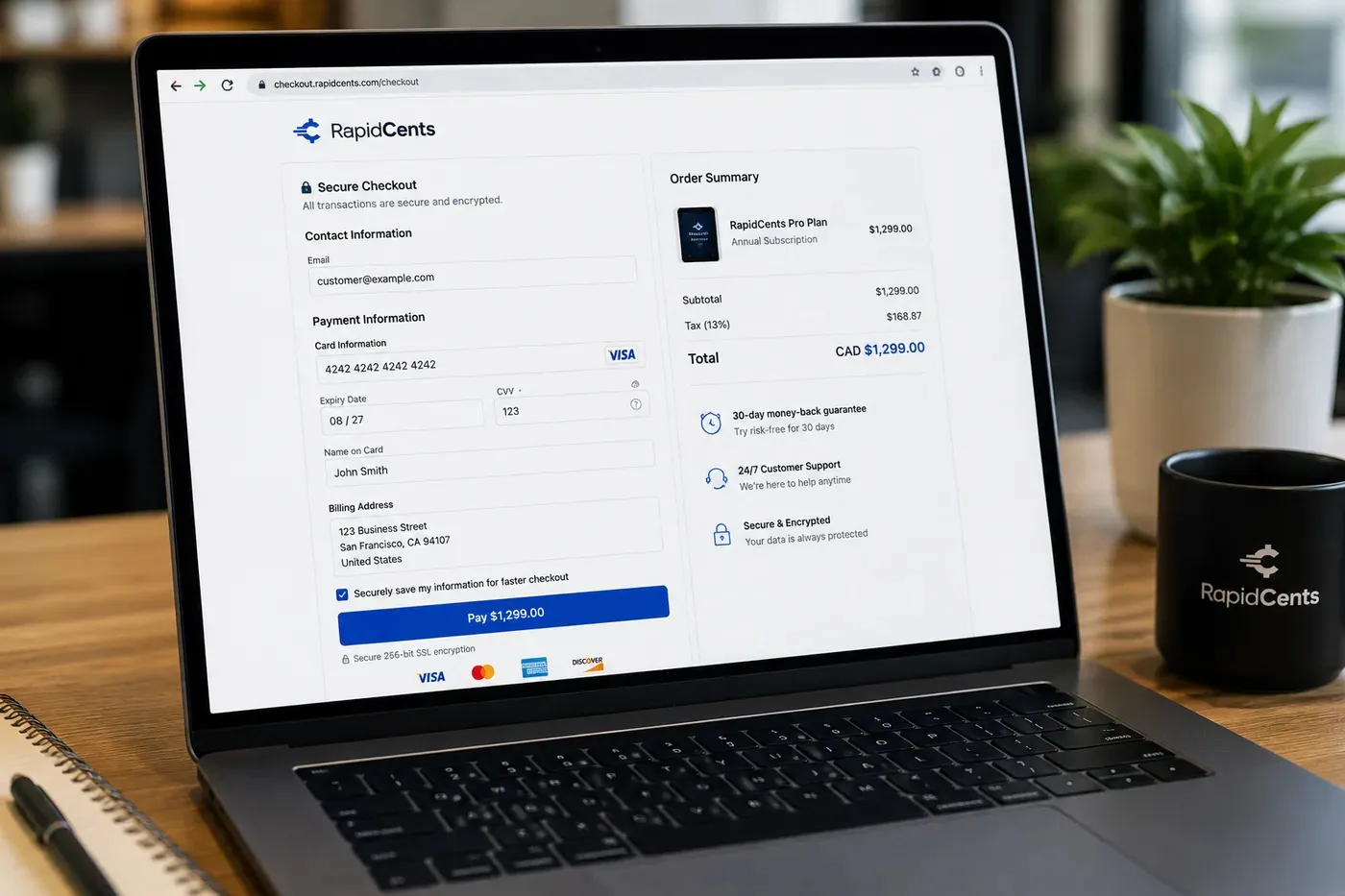
A RapidCents hosted checkout page at checkout.rapidcents.com, with the order summary and totals on the left and the card fields on the right, footed by SSL and PCI DSS assurances. Hosted Checkout
RapidCents hosted checkout delivers PCI-scoped payment pages you redirect customers to or embed via iframe…
Explore
The RapidCents Rivo Go standing upright in its blue silicone case, showing the full-touch sale screen a customer reads across the counter. Payment Terminals
RapidCents payment terminals cover countertop, mobile and smart form factors so you can accept chip…
Explore
A café worker holds a phone running RapidCents Tap to Pay, showing an $18.75 sale and the contactless symbol, while a customer holds a Visa card to the screen. No separate card reader is present. Tap to Pay
RapidCents Tap to Pay turns supported iPhones and Android devices into contactless payment terminals without…
Explore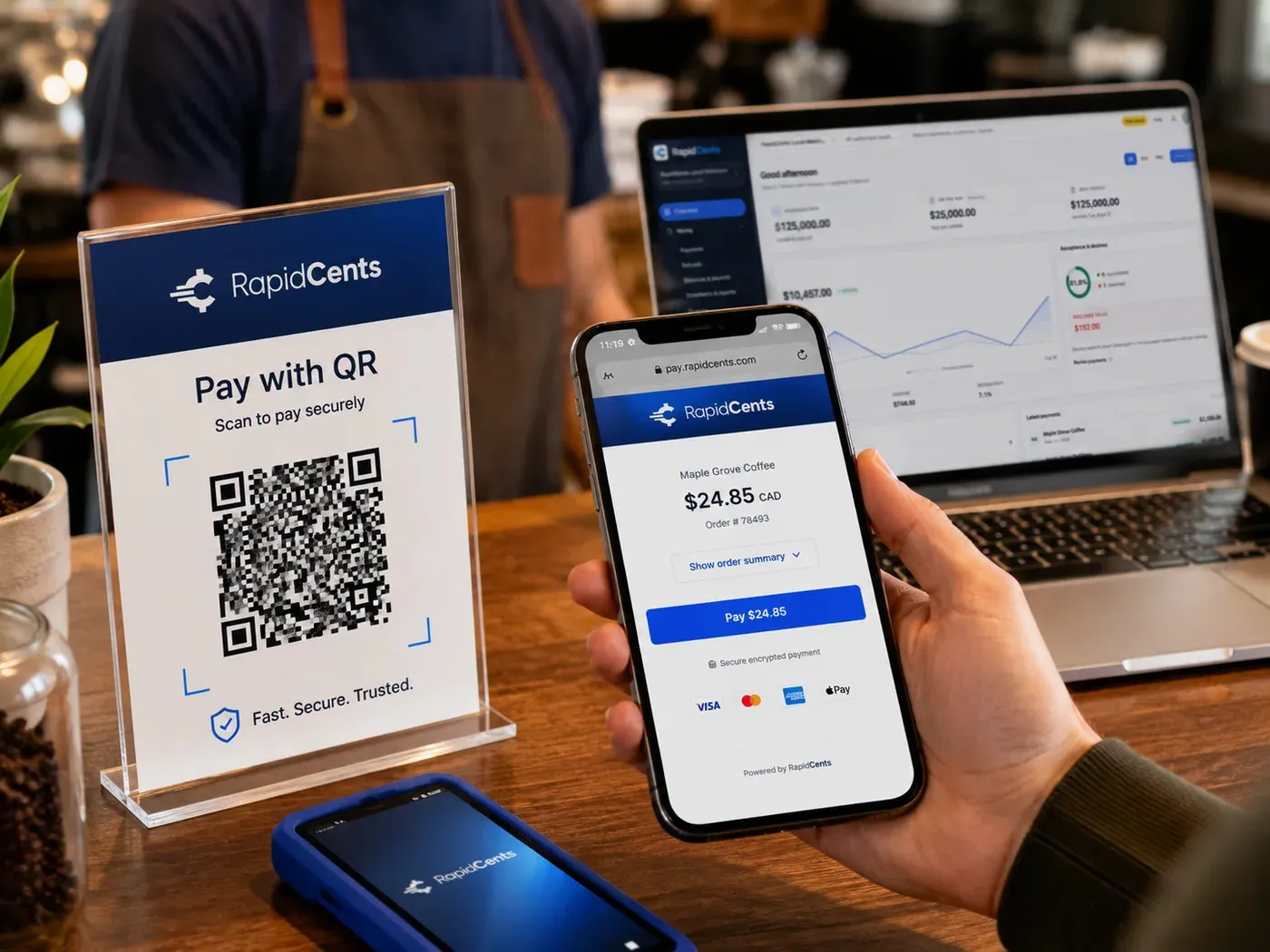
A scan-to-pay QR card standing on a café counter while a customer holds a phone showing the RapidCents payment page for a $24.85 order, with the merchant dashboard open on a laptop behind. QR Payments
RapidCents QR payments generate dynamic or static QR codes customers scan with their phone camera to open a…
Explore


How this gets set up
Advance sales open
Tickets and VIP packages sell through hosted checkout weeks before the date, and settlement starts arriving long before the show.
The gate on the night
Payment terminals and Tap to Pay handle walk-ups at the door, where a transaction has to clear in the time it takes to scan a ticket.
Concessions during the interval
QR payments and tap terminals move the bar and merch line without a wired lane.
A cancelled date
Refunds go back against the original ticket purchases, so a cancelled show is reversed to the cards that paid for it.
Integrations
Eventbrite exports
Eventbrite exports pull ticket and order detail out as a file to reconcile against settlement, not a live payment feed.
Ticketmaster partner APIs
Where part of the house sells through Ticketmaster partner APIs, that inventory is accounted for separately from tickets sold on your own checkout page.
Operations, security and going live
Reporting per event, not per month
The promoter's unit is the date, so advance, door and concession revenue have to roll up to a single show.
Advance sales attract late disputes
Tickets sold months out mean a card is queried long after the sale, so the ticket reference and the authorisation stay attached to the transaction.
The gate gets no second chance
Terminals are tested on site with real cards before doors, because a failure at the entrance becomes a queue on the sidewalk.
Staff hired for one night
Devices are handed over already configured, so nothing in the payment flow depends on training given ten minutes before doors.
For businesses in the USA
A direct answer for a business in the USA: the workflow, the limit, and what to confirm next.
The payment workflow
Keep separate advance ticket checkout, door purchases and concessions; connect an admission credential to its payment while keeping refunds tied to the original order. Confirm eligibility, presentment currency, settlement currency and the enabled payment methods on the USA merchant account before quoting them. An illustrative amount is an example, not a fee or a funding promise. Events & Ticketing does not, by itself, prove delivery or win a dispute.
The problem and the limit
Cover event postponement, canceled sessions and duplicate admission attempts. Do not promise that a paid order proves attendance or that a temporary venue has reliable connectivity. Confirm eligibility, presentment currency, settlement currency and the enabled payment methods on the USA merchant account before quoting them. An illustrative amount is an example, not a fee or a funding promise. Events & Ticketing does not, by itself, prove delivery or win a dispute.
What to confirm
Use a ticket lifecycle showing purchase, scan and refund, plus a gate closeout; request an on-site connectivity and payment-failure demonstration. Confirm eligibility, presentment currency, settlement currency and the enabled payment methods on the USA merchant account before quoting them. An illustrative amount is an example, not a fee or a funding promise. Events & Ticketing does not, by itself, prove delivery or win a dispute.
Payment questions from Events & Ticketing
What should businesses compare when choosing event ticketing payments for Events & Ticketing?
Compare event ticketing payments against the real payment journey: the field and customer visits, online checkout and remote payment, and the counter or service point. Start with the required channels and hardware, then confirm compatibility and support before committing.
What payment hardware is practical for Events & Ticketing?
Because Events & Ticketing also collects away from a fixed counter, test a portable terminal in real conditions. If staff also collect at a desk, validate the need for a separate countertop setup.
Which payment channels are relevant for Events & Ticketing?
For Events & Ticketing, start with the field and customer visits, online checkout and remote payment, and the counter or service point. Keep only the channels that match those moments, then verify the complete customer flow before offering them.
How should payment processing fees be evaluated for Events & Ticketing?
For Events & Ticketing, compare costs related to online checkout and dispute handling and device use in the field using actual transactions. Request a written breakdown of fees and terms rather than relying on an advertised rate alone.
What should be confirmed before setting up payments for Events & Ticketing?
For Events & Ticketing, document the checkout, confirmation, and refund path and testing the field workflow, verify the needed compatibility, and test the flow before going live. This exposes manual steps and exceptions before customers encounter them.
How should online and gate ticket payments be reconciled?
For a business in the USA, retain the sales channel and event reference for every order, then reconcile online and gate receipts separately before combining the event total. Match refunds and adjustments to their original orders; explain how ticketing and payment reports connect and any manual work needed. This depends on the approved USA account setup and does not remove the merchant's own records or dispute duties.
What payment records are needed when an event is postponed?
For a business in the USA, keep the original order and event details, the announced change, the options communicated to the buyer, their response where relevant, and any credit or refund record. In practice, the chosen handling under the event's approved policy without promising these records eliminate chargebacks. This depends on the approved USA account setup and does not remove the merchant's own records or dispute duties.
How should a refunded ticket be prevented from being used for entry?
For a business in the USA, link the approved refund to the ticket order, then cancel or update the admission credential in the ticketing system. Verify whether that change is integrated or requires staff action, and ensure gate staff check current validity; a payment refund does not by itself invalidate a barcode. This depends on the approved USA account setup and does not remove the merchant's own records or dispute duties.
Related industries
Nonprofits & Charities
Nonprofits accept donations, event tickets and recurring giving with transparent pricing…
Education
Schools and training providers collect tuition, registration fees and installment plans…
Government
Municipal and agency departments accept citizen payments for permits, fines and fees with…
Membership Clubs
Clubs, associations and coworking spaces bill monthly dues, event fees and pro-shop sales…
Travel Agencies
Travel advisors collect deposits, final balances and change fees with virtual terminal…
Agriculture
Farms, co-ops and ag retailers invoice seasonal buyers, accept market payments and manage…
Pet Services
Groomers, boarders and pet sitters accept appointment deposits, retail add-ons and…
Photography
Photographers invoice sessions, sell print packages and collect wedding retainers through…
Take the next step
Talk to a RapidCents specialist
RapidCents Fee Check reads a processing statement and shows interchange separately from the markup. Upload a statement for an instant breakdown, or open a merchant account and start accepting payments on one account.
- No obligation
- Payment specialists, not a call centre
- Secure statement upload



