


Payment processing for bars and nightclubs
Payment processing for bars and nightclubs covers a card held against a tab, rounds added all night, split group bills, tips added after the sale and a door cover charge. RapidCents handles it with Restaurant POS, smart and mobile terminals and reporting by shift, and your representative walks you through the setup for your software.

- PCI DSS Level 1
- SOC 2 Type II
- All major cards: Visa, Mastercard, Amex, Discover, UnionPay, Diners Club & Interac Debit
- Interchange-plus available
- Canadian support
How bars and nightclubs get paid
A bar or nightclub collects money in short, loud bursts: a card held for a tab, a cover charge at the door, rounds at the bar, tips after the sale and a settled night after close. Each job needs its own authorization step and its own record.
Bar tabs on a held card
A guest hands over a card, the bartender opens a tab and the card is authorized for a held amount. Rounds are added through the night. If a card declines at close, finance needs the tab record and the held amount to follow up.
Cover charges at the door
A door person charges each guest a cover on a handheld or countertop terminal at entry. Guests pay by tap, chip or phone. If an event is cut short and covers are refunded, the door sales have their own line in the night's report.
Rounds, splits and tips
A group of nine pays at last call, each on a separate card, and each adds a tip. Staff split the bill at the terminal or the POS. If a tip is added after the sale, the final amount changes and finance matches the new figure.
Closing the night
The manager closes shifts, tips out staff and batches the night's card sales. The deposit follows later. If a refund or dispute posts after close, finance finds it in sales, tips, refunds and fees reported by shift.
How do bar tab preauthorization payments work?
A bar tab starts when the guest hands over a card and the bartender authorizes a held amount against it. Rounds are added to the tab all night, and the final charge is taken at close. Bar tab preauthorization payments protect the bar when guests leave without paying.
From card to closed tab
The guest gives a card, the bartender opens the tab on Restaurant POS or a smart terminal, and a hold is placed. Rounds post to the tab. At close the final amount is captured, the hold is released and the guest receives a receipt by print or message.
Set up before doors open
Decide the held amount for a typical tab and tell staff when to ask for a second card. Train bartenders to say the hold out loud and that the tab closes with a charge. A stored card for a future visit needs the guest's authorization.
A $140 tab on a $100 hold
Say a guest opens a tab on a $100 hold, spends $140 and the card declines at close. Staff ask for another card, capture a second payment against the same tab, and log both. Walkouts and disputes are handled with the tab record as evidence.
How do nightclub handheld payment terminals work on the floor?
Nightclub handheld payment terminals let a server charge a table without carrying the card away from the guest. The terminal reads tap, chip or phone payments, and the sale posts to the same tab or table. Signal strength and battery decide how well the floor runs.
Floor, door and bottle service
Bottle service staff, door staff and floor servers can each carry a mobile terminal tied to their login. Charges post to a tab, a table or the door. Each person's sales and tips then show separately in the night's report.
Connectivity and charging, ahead of the rush
A club with thick walls and a packed floor strains Wi-Fi. Your RapidCents representative shows you which terminals use a cellular connection and which need a network, so you can match battery life to your busiest night. Keep a charging station at the bar and spare terminals for peak hours.
A Saturday with twelve handhelds
Say a club runs four handhelds at the door and eight on the floor. One loses signal in a corner room, so the server walks to the bar and finishes the sale there. The sale posts once, and the manager checks for duplicates before close.
RapidCents products for bars and nightclubs
These products cover tabs, floor service and the morning-after report: Smart Terminals and Payment Terminals at the bar and on the floor, Restaurant POS for tabs and splits, and Reporting for shifts and deposits.
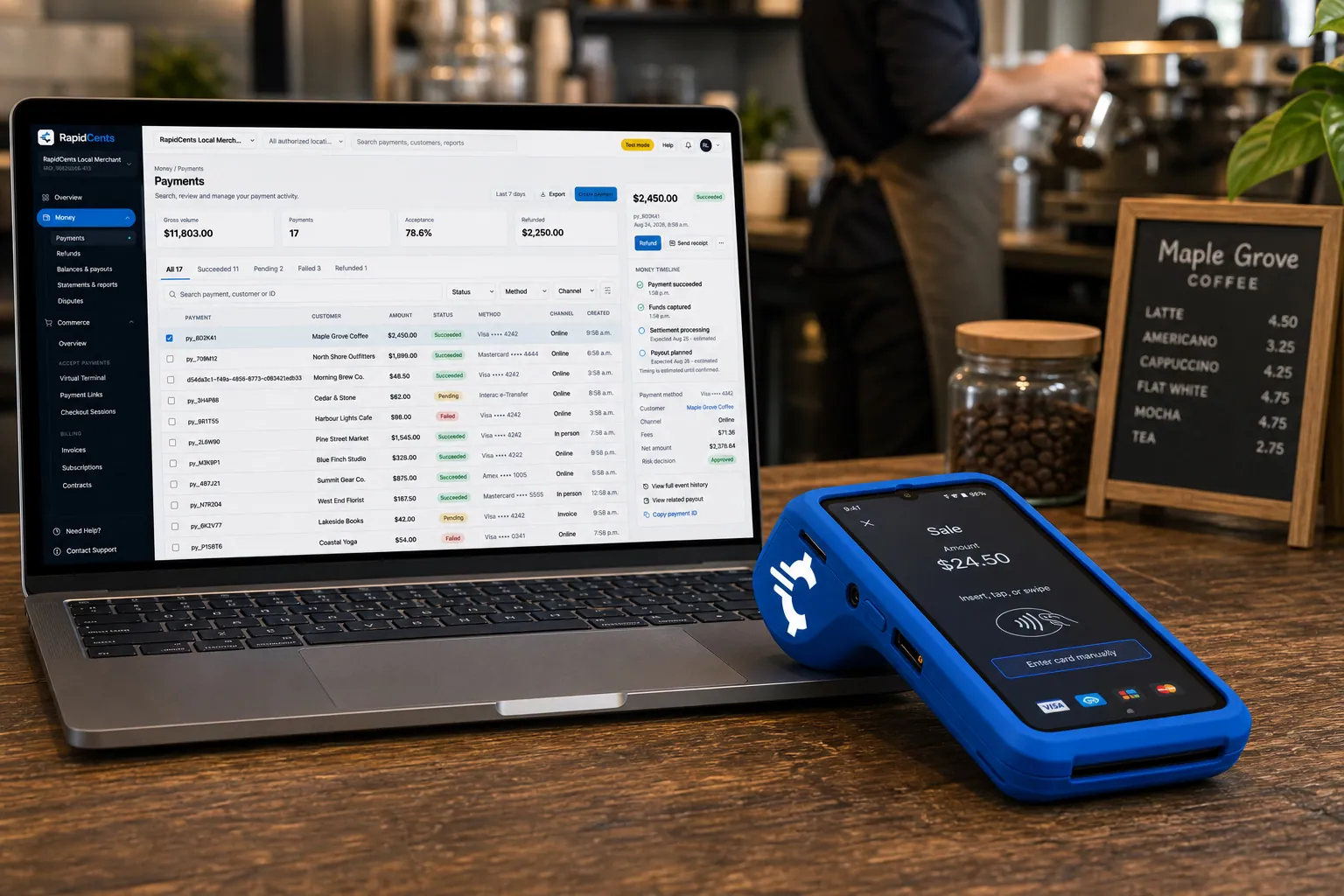
A RapidCents smart terminal running payment apps on the counter, paired with the merchant dashboard on a laptop. Smart Terminals
RapidCents smart terminals combine payment acceptance with an app marketplace for inventory, loyalty, kitchen…
Explore
Tableside card capture on a RapidCents terminal in a restaurant, with the POS and payments dashboard on the pass. Restaurant POS
Take orders, split and transfer bills, prompt for tips at the table and close the day with reporting that…
Explore
The RapidCents Rivo Go standing upright in its blue silicone case, showing the full-touch sale screen a customer reads across the counter. Payment Terminals
RapidCents payment terminals cover countertop, mobile and smart form factors so you can accept chip…
Explore
A merchant reviews RapidCents reports for volume, mix and payouts, with the terminal that took the sales on the desk. Reporting
RapidCents reporting delivers customizable transaction, settlement and fee reports with CSV and PDF export…
Explore


How should bar tip adjustment processing work?
Bar tip adjustment processing lets staff add a tip to a sale after the card has been authorized, usually at close of the tab. The tip changes the final amount, so the adjusted figure must match the receipt, the tip pool and the settled batch.
Tip at the terminal or on the paper slip
The guest can add a tip at the terminal when the tab closes, or sign a slip that staff adjust later. Terminal tips are recorded when the guest enters them. Slip tips depend on a person entering the number correctly before the batch closes.
Who may change a payment
Limit adjustments to managers or named roles, and keep an audit log of each change. Set a clear cutoff time for tip adjustments each night. After the batch closes, a late change may need a separate refund and charge instead.
An $80 tab with a $16 tip
Say a tab of $80 closes with a $16 tip added at the terminal. The manager's report shows sale and tip separately, and the tip-out is split between bartender and bar back. Cash tips stay outside the card record and need their own count.
Fees, settlement and total ownership cost
What a bar or nightclub pays depends on its card mix, how cards are taken and how often refunds and disputes occur. RapidCents prices on interchange-plus: interchange at cost, your RapidCents markup in your Fee Schedule, and equipment or service fees if applicable. Month to month, no fixed term.
What drives the cost
Interchange is set by the card networks and varies with card type, such as debit, credit, premium or commercial, and with how the card is taken. A tapped or inserted card costs differently from a keyed one. A bar with many tabs and a club with many door sales have different mixes.
What to bring to compare
Bring your last few processing statements, your average ticket, the split between bar, door and bottle service, and your refund and dispute volume. Compare written quotes line by line, including terminal rental versus purchase and any monthly fees.
Check your own statement
Upload a statement to Fee Check and RapidCents shows interchange separated from markup. Your RapidCents representative walks you through settlement timing and funding for your account, so you never have to guess from another provider's schedule.
Software compatibility: Lightspeed Restaurant, TouchBistro and other systems
Many bars already run a restaurant POS, and the right payment option for it depends on the vendor and version. RapidCents integrates with many major platforms through APPIE and RapidBridge, and your RapidCents representative explains the options for your product, version and country.
Lightspeed Restaurant and TouchBistro
Both run tabs and floor service. APPIE and RapidBridge connect RapidCents to many major platforms, and the right option for Lightspeed Restaurant or TouchBistro depends on your vendor, edition and country; your RapidCents representative will walk you through it.
Toast, Square for Restaurants and Clover
Each bundles its own payment option. Tell your RapidCents representative which one you run and what you need for tabs, tips and cover charges, and they will show you which option fits and how payments, tips and reports connect to it.
Accounting and ERP
RapidCents connects settled transactions, fees and refunds to QuickBooks Online and Xero, and SAP and NetSuite import settlement files. Your RapidCents representative shows you what daily sales detail posts to your ledger.
Payment options for bars and nightclubs in Canada
Canadian bars and nightclubs usually take Interac debit and credit cards at the terminal and settle in CAD. Your RapidCents representative sets up the methods on your account and shows you how tabs and tips work in your POS edition.
Card and debit at the bar
Guests tap or insert Interac debit and credit cards, including Visa and Mastercard. Staff may ask for a PIN on chip transactions. Amounts settle in CAD, and GST/HST may appear on the receipt where it applies.
Tabs and POS editions
Tab features can differ between the Canadian and US editions of a POS. Your RapidCents representative walks you through how tab preauthorization and tips behave for the Canadian edition you run.
Setup, refunds and payment reporting
Switching a bar or nightclub to a new processor takes planning around your busiest nights. Inventory what you have, test a sale, a tab and a refund before going live, and compare deposits to the ledger. Bar end of shift reconciliation then becomes a routine check.
Inventory and test first
List open tabs, stored cards, tip pools, terminals and recurring charges such as memberships. Once your account is approved, run a test sale, a tab with an added round, a tip adjustment and a refund before moving live traffic. Do not switch on a weekend with a sold-out event.
Stored cards and parallel running
Stored cards and tokens may not move between providers unless both agree, so do not promise portability to guests. Where needed, run the old and new setups side by side for a period and retire old terminals once deposits match.
Nightly reconciliation
Match sales, tips, refunds, disputes and fees by shift and by bartender, then match the batch to the deposit. Say a manager closes the night, exports the report and compares it to the bank line the next business day.
Payment questions from bars and nightclubs
What should bars and nightclubs compare before choosing a payment processor?
Compare the full workflow, not just the headline price. Ask to see a tab opened, a round added, a tip adjusted and a refund, then compare total fees, settlement, support hours and any limits from your POS. Request written quotes from each provider and compare them line by line rather than choosing on a single claim.
How much does payment processing cost for bars and nightclubs?
It depends on your card mix, how cards are taken and your volume of refunds and disputes. RapidCents prices on interchange-plus: interchange at cost, your RapidCents markup in your Fee Schedule, and fees for equipment or services if applicable, month to month with no fixed term. Upload a statement to Fee Check to see your own numbers.
Can I use Lightspeed Restaurant with a different payment processor?
RapidCents integrates with many major platforms through APPIE and RapidBridge. The right option for Lightspeed Restaurant depends on your product, edition and country; tell your RapidCents representative what you run and they will walk you through it. A standalone terminal with an accounting export is another way to go.
How can my business handle bar tab preauthorization payments?
Open the tab with a card, hold an agreed amount, add rounds through the night and capture the final amount at close. You need staff training, a set hold amount and a plan for declines. A stored card for a later visit needs the guest's authorization. Your RapidCents representative will show you how tabs behave in your software.
Which payment options can a bar or nightclub in Canada offer?
A bar or nightclub in Canada can usually offer Interac debit, Visa, Mastercard and American Express at the terminal, with settlement in CAD. Bank payments by EFT or pre-authorized debit suit invoiced events and deposits. Your RapidCents representative will walk you through tab preauthorization and tip handling for your POS edition.
What setup is needed for nightclub handheld payment terminals?
You need terminals suited to your floor, a reliable connection, charged batteries and staff logins. Your RapidCents representative shows you which terminals use cellular and which need a network, and how refunds and tips work on each. Test the full flow on a quiet night before you rely on it at a sold-out event.
How should we manage bar tip adjustment processing?
Decide who may change a payment, set a nightly cutoff and keep an audit log. Tips entered at the terminal are recorded when the guest enters them, while slip tips depend on staff keying them in before the batch closes. If an adjustment fails, a refund and a new charge may be needed.
Can one platform handle nightclub cover charge card payments and bar end of shift reconciliation?
Often yes, when your POS and RapidCents terminals share one report by shift. Door sales, bar sales and tips appear on separate lines so reconciliation is clear. If a ticketing platform or separate system takes cover charges, you may need an import. Your RapidCents representative will show you how your setup reports.
How do we reconcile card payments and bank deposits for bars and nightclubs?
Separate gross sales, tips, refunds, disputes and fees, then match each shift's batch to the deposit. Reports can be exported as CSV or PDF. Settled transactions, fees and refunds flow to QuickBooks Online and Xero, and SAP and NetSuite import settlement files, so the bank line matches the books.
How do we switch payment providers without losing saved cards or disrupting bar tab preauthorization payments?
Audit your contracts, stored cards and open tabs first. Saved cards may not move unless both providers agree, so do not promise portability. Test a sale, a tab and a refund before going live, run the old and new setups in parallel if needed, and switch on a quiet night.
What MCC is used for bars and nightclubs?
MCC 5813 is commonly associated with bars and nightclubs. RapidCents sets the right merchant category with you when you apply, based on what your business actually sells. A venue that also runs a restaurant or sells tickets may be reviewed differently, so describe your full operation.
Related industries
Restaurants, breweries and wineries, cafés and hotels share tabs, tips and end-of-shift reporting with bars and nightclubs. See how their workflows differ.
Restaurants
Close bills at the table, split them across cards, settle tips before staff clock out and…
Fast Food & QSR
Card payments for fast food and QSR operators: countertop and mobile terminals, Tap to…
Food Trucks
Mobile terminals with LTE and Wi-Fi for the window, Tap to Pay on a phone for the queue…
Catering
RapidCents helps caterers take the booking deposit by payment link, invoice the event…
Cafés & Bakeries
Take tap payments in the morning rush, collect deposits on cake and pickup orders, and…
Hotels & Hospitality
Collect booking deposits, hold a card for incidentals at check-in and capture the final…
Breweries & Wineries
Take cards at the taproom bar, the tasting room and the farmers market, bill wine and…
Ghost Kitchens
Take direct online orders, run several virtual brands off one line and read each brand's…
Take the next step
See what your bar's card processing really costs
Upload a processing statement to Fee Check and see interchange separated from markup, so you can compare tabs, tips and door sales on your real payment mix.
- No obligation
- Canadian payment specialists
- Secure statement upload



