


Payment processing for ghost kitchens and virtual brands
Payment processing for ghost kitchens means taking card payments on your own direct ordering channel, running tickets through a restaurant POS with integrated payments, and reporting by virtual brand so each brand's earnings are clear. Marketplace orders are paid by the marketplace and reconciled separately. RapidCents covers your direct orders, refunds and reporting.

- PCI DSS Level 1
- SOC 2 Type II
- All major cards: Visa, Mastercard, Amex, Discover, UnionPay, Diners Club & Interac Debit
- Interchange-plus available
- Canadian support
How ghost kitchens get paid
A ghost kitchen is paid through several channels at once: direct orders on its own pages, phone and pickup-window payments, marketplace orders paid out later, and bulk orders from offices. Only the first, second and last pass through your RapidCents account. Each one carries a ticket reference so finance can match it.
Direct online orders
A customer orders from a virtual brand's page and pays by card or digital wallet at checkout. Online Ordering sends the paid ticket to the line. If a brand is paused or an item sells out, you refund the order, and the refund appears in Reporting under that brand.
Phone and pickup-window payments
A caller pays by card over the phone through Virtual Terminal, or a courier or customer taps at the pickup window on a countertop terminal. The ticket number goes on the payment so the expo can match the bag to the charge.
Marketplace orders
A customer pays the marketplace, and the marketplace pays you later in one amount after its own commission. That money does not pass through your RapidCents account, so you match each payout to your ticket counts in your accounting records.
Bulk and office orders
An office orders lunch for a team from one brand. You send a payment link or invoice with the pickup time, take a deposit if the order is large, and refund the difference if the headcount changes. Finance receives one record per order.
How do ghost kitchens collect payments across virtual brands?
Ghost kitchens collect payments through two separate streams: direct orders paid by card to your own merchant account, and marketplace orders paid to you by the marketplace. Keep the streams apart from the start and tag every ticket with its brand, and each day of revenue stays readable instead of blending into one deposit.
How the day runs
One kitchen, three virtual brands, one line. Direct orders arrive through Online Ordering already paid, phone orders go through Virtual Terminal, and pickup-window taps use a terminal. Each ticket carries a brand name, so the expo routes it and Reporting groups the payment under the right brand.
What to set up first
Decide how each brand appears on the cardholder's statement before launch. A customer who orders from a brand called Smash Shack but sees your legal name may not recognize the charge and may dispute it. Your RapidCents representative walks you through the descriptor options during onboarding.
A Friday with forty direct orders and sixty marketplace orders
Say a kitchen runs a burger brand and a noodle brand from one line. On a Friday, forty direct orders and sixty marketplace orders arrive. The direct payments settle to your account, and the marketplace sends its own payout later. You compare each brand's direct sales to its tickets, not to the bank deposit alone.
How do ghost kitchens take direct ordering payments?
Ghost kitchen direct ordering payments run on your own branded ordering page: the customer picks items, pays by card or digital wallet, and the paid ticket prints on the line. You keep the customer relationship and see the payment in your own merchant account, with a menu configured for each brand.
The order path
Online Ordering publishes each brand's menu, takes pickup or delivery orders and passes the paid ticket to the kitchen. A Payment Link by SMS or QR can bring repeat customers straight back to a brand page. Receipts go to the customer, and the payment record goes to Reporting.
When an order goes wrong
A missing item, a cold bag or a canceled ticket means a refund or partial refund against the original payment, issued by an authorized staff member. A declined card at checkout stops the order from reaching the line. If a dispute is filed, Disputes tools help you answer with the ticket as evidence.
A $38 wing combo with one item out of stock
Say a customer orders a $38 combo from a wing brand and one item is out of stock. The staff member refunds only that item against the original payment and messages the customer. The refund appears in Reporting under the wing brand, so brand totals stay net of refunds.
RapidCents products for ghost kitchens
These products cover a delivery-only kitchen's direct orders, line operations, payment data and reporting. Online Ordering takes the order, Restaurant POS runs the line, Integrated Payments connect your systems, and Reporting separates each brand.
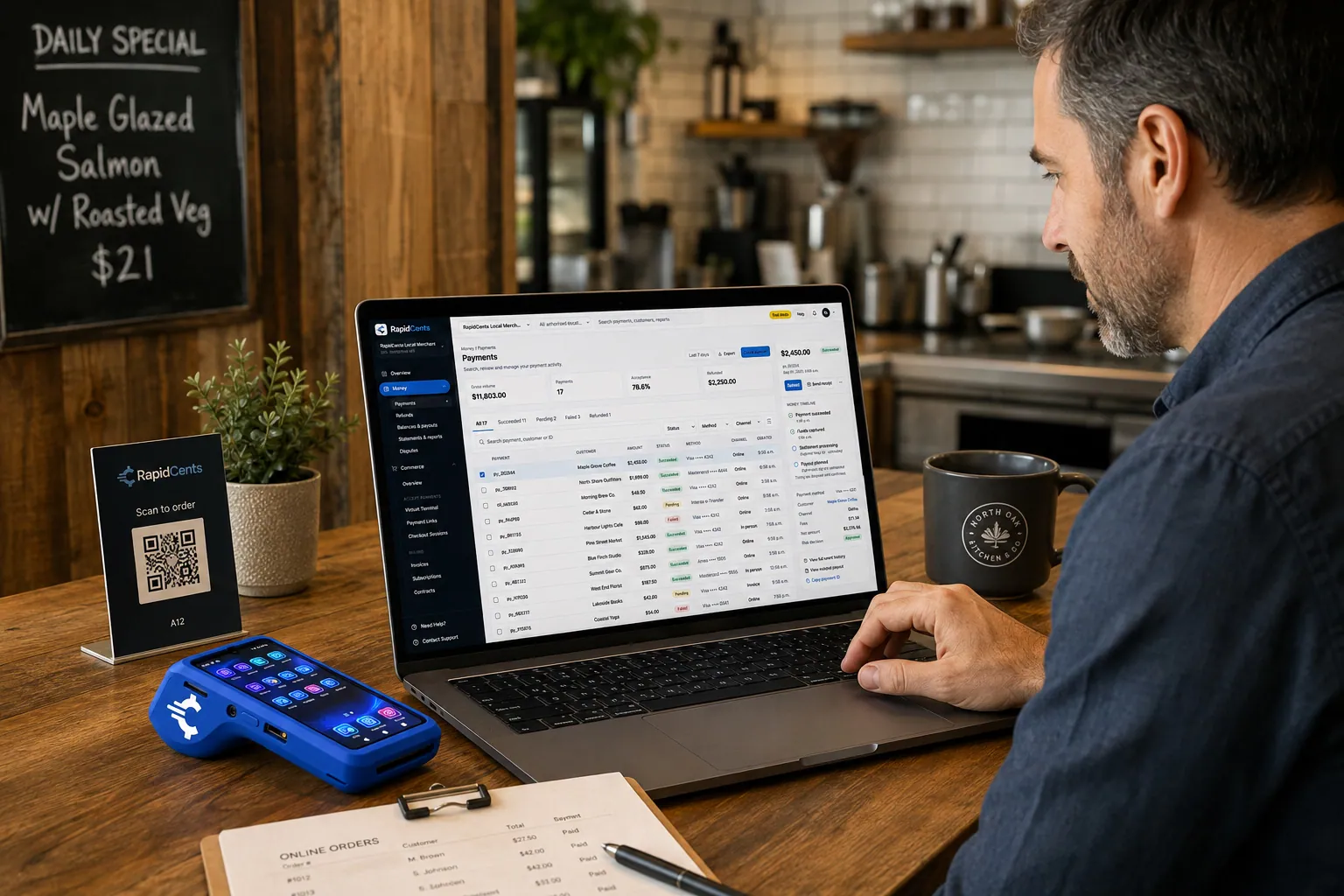
A guest pays a restaurant order online through RapidCents, with the same kitchen still running a terminal for walk-ins. Online Ordering
Publish your menu, take pickup and delivery orders on your own page, and send them straight to the kitchen…
Explore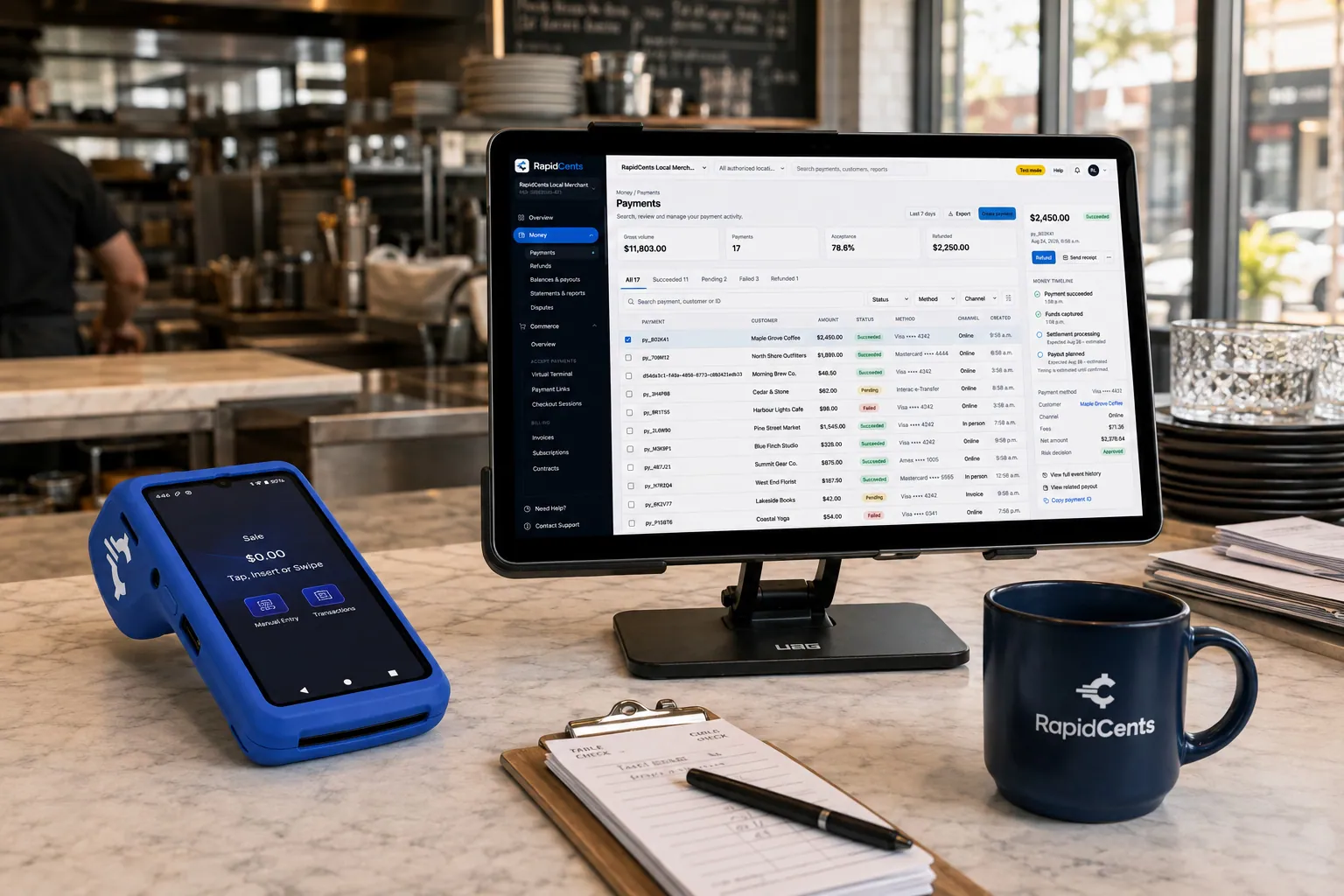
Tableside card capture on a RapidCents terminal in a restaurant, with the POS and payments dashboard on the pass. Restaurant POS
Take orders, split and transfer bills, prompt for tips at the table and close the day with reporting that…
Explore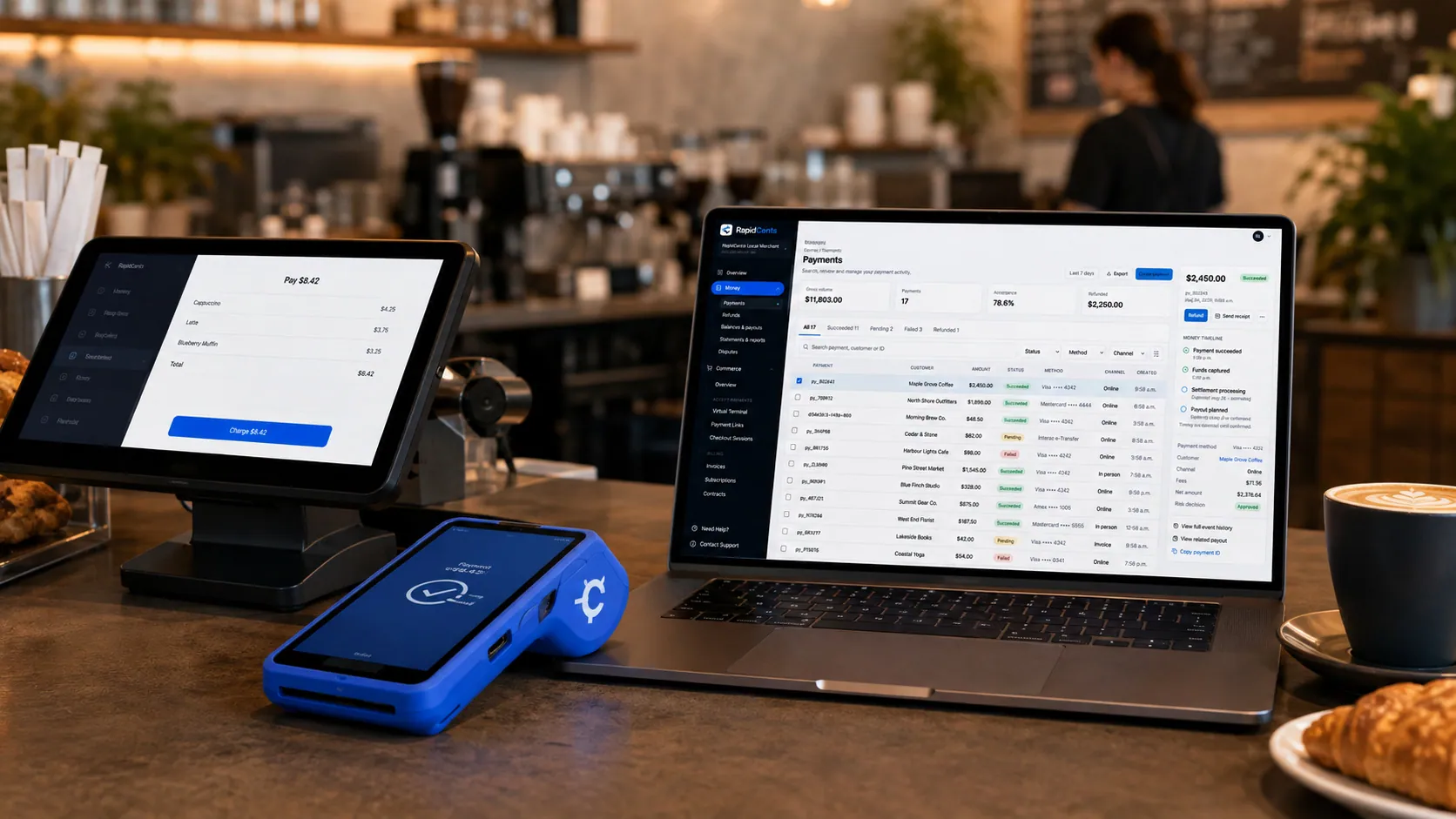
Payments taken inside existing business software through RapidCents, with the terminal and dashboard in the same workspace. Integrated Payments
RapidCents integrated payments connect certified POS and ERP systems so sale amounts, tips, refunds and…
Explore
A merchant reviews RapidCents reports for volume, mix and payouts, with the terminal that took the sales on the desk. Reporting
RapidCents reporting delivers customizable transaction, settlement and fee reports with CSV and PDF export…
Explore


What does a virtual restaurant payment gateway do for a delivery-only kitchen?
A virtual restaurant payment gateway lets each brand's ordering page, phone line or app collect cards without a storefront. Payment Gateway handles authorize, capture, void and refund by API, and Hosted Checkout keeps card entry on a secure payment page. Your RapidCents representative shows you how it connects to the ordering software you use.
Authorize and capture
A kitchen can authorize at order time and capture when the ticket is accepted, which helps when an order is rejected or a brand is paused. Voiding an authorization before capture releases the hold without a refund. Your RapidCents representative can show you how authorize and capture work with your ordering software.
One account, many brands
Brands can share one merchant account or use separate ones, depending on your business setup and how you want reporting. Each choice changes the deposits you reconcile and the descriptors customers see. Talk to your RapidCents representative about which structure fits before you build the brand pages.
A fourth brand launched on a Monday
Say a kitchen adds a fourth virtual brand on a Monday. The operator copies the checkout setup, tests a sale and a refund with a staff card, then opens the brand to orders. Reporting shows the brand's payments from the first live ticket.
How do ghost kitchens compare fees using their real order mix?
Ghost kitchens compare fees by separating direct card orders from marketplace orders, because only direct orders pass through your RapidCents account. RapidCents pricing is interchange-plus: interchange at cost, your RapidCents markup stated in your Fee Schedule, and fees for equipment or services if applicable. It is month to month, with no fixed term.
Card mix and channel
Interchange varies with card type, such as debit, credit, premium or commercial, and with how the card is taken: tapped or inserted at the pickup window versus keyed or entered online. A mostly online mix prices differently from a mostly walk-up mix.
What to bring
Bring recent processing statements, your split between direct and marketplace orders, the average ticket for each brand, your refund volume and any dispute notices. These show what your direct orders actually cost and which marketplace commissions sit outside the comparison.
Run Fee Check
Upload a processing statement to Fee Check and it shows interchange separately from markup. Compare that with your Fee Schedule and ask about equipment, gateway or other service fees. Marketplace commissions are charged by the marketplace and are not part of this comparison.
Does RapidCents work with Otter, Deliverect, UEAT, Chowly and Toast?
RapidCents integrates with many major platforms through APPIE and RapidBridge, so most kitchens keep the order-management and POS software they run today. Settled transactions, fees and refunds connect to QuickBooks Online and Xero, and SAP and NetSuite import settlement files. Your RapidCents representative walks you through the option that fits your vendor and version.
Otter
Otter gathers orders from several sources into one screen. Tell your RapidCents representative which Otter plan you run, and they will show you how card payments, terminals and refunds connect to it, so a refund issued on the line lands against the right ticket.
Deliverect
Deliverect routes orders between channels and the kitchen. The right option depends on how your Deliverect setup moves menu and order data, by API or by export. Your RapidCents representative will walk you through payments and the refund step for your version.
UEAT
UEAT is an ordering and delivery platform. Your RapidCents representative explains how a direct order page takes cards through RapidCents, how payouts are reported, and how refunds flow back, so direct sales and platform sales stay easy to tell apart.
Chowly
Chowly moves online orders into restaurant systems. Share your POS and plan with your RapidCents representative, and they will map out how payments work with it and how brand-level reporting carries through the handoff.
Toast
Toast is a restaurant POS that usually bundles its own payment processing. The right option depends on your Toast agreement and version, and your RapidCents representative will walk you through terminals and how refunds reconcile.
Payment options for ghost kitchens in Canada
A ghost kitchen in Canada can accept Interac debit and credit cards on direct orders, take bank payments by EFT or pre-authorized debit (PAD) for bulk orders, and settle in CAD. Your RapidCents representative will walk you through which options suit your kitchen.
Cards and Interac debit
Interac debit by chip and PIN or contactless works at the pickup-window terminal, and credit cards work online, by phone and at the terminal. Receipts for taxable food can show GST/HST where it applies to your sales.
Bank payments and settlement
EFT or PAD can collect a bulk or recurring office order by bank payment with the customer's written authorization. Deposits settle in CAD. Provincial rules on tax and delivery can differ, so check yours with your accountant.
How do you switch, test refunds and set up payment reporting?
Once your account is approved, switching a ghost kitchen's payments starts with an inventory of brands, ordering pages, saved cards and open schedules, then a test of a sale and a refund on each brand before live orders move. Run both setups side by side for a short period, and map payment references to your accounting records.
Inventory and test
List every brand, ordering page, terminal, saved card and recurring order. Test a sale, a partial refund and a void on each brand before moving live traffic. Saved cards do not move automatically; both providers must agree to any transfer, and each customer's authorization still applies, so do not promise customers it will happen.
Reporting and refunds
Set up multi brand kitchen payment reporting so each brand's sales, refunds and fees read separately. Check that ghost kitchen refund payment integration returns refunds to the original card and shows them against the right ticket. Finance should see the same reference everywhere.
Reconcile payouts
Delivery platform payout reconciliation means matching each marketplace payout to ticket counts, commissions and adjustments. Settled card transactions, fees and refunds connect to QuickBooks Online or Xero, and SAP and NetSuite import settlement files. Your RapidCents representative will set up the export that fits your books.
Payment questions from ghost kitchens
What should ghost kitchens compare before choosing a payment processor?
Compare the whole acceptance workflow, not a single price. Check how direct orders, phone payments and refunds are handled, which of your ordering tools the processor works with, how fees are itemized, how deposits are reported by brand and what support covers. No processor is best for every kitchen, so ask for written quotes and a demonstration on your own menu setup.
How much does payment processing cost for ghost kitchens?
The cost depends on your card mix, how cards are taken and which services you use. RapidCents prices on interchange-plus: interchange at cost, your RapidCents markup stated in your Fee Schedule, and fees for equipment or services if applicable. It is month to month, with no fixed term. Upload a statement to Fee Check to see interchange separated from markup.
Can I use Otter with RapidCents payments?
Yes, in most setups. RapidCents integrates with many major platforms through APPIE and RapidBridge, so most kitchens keep the software they run today. The exact option depends on your Otter plan and version. Tell your RapidCents representative how Otter takes payments for you now, and they will show you how terminals, refunds and reporting connect.
How can my business handle ghost kitchen direct ordering payments?
Publish each brand's menu on Online Ordering, let the customer pay by card or digital wallet at checkout, and send the paid ticket to the line. Staff issue refunds against the original payment, and Reporting groups payments by brand. Set up a menu for each brand, and your RapidCents representative will walk you through how it fits the ordering software you use.
Which payment options can a ghost kitchen in Canada offer?
A ghost kitchen in Canada can offer credit cards, Interac debit at a terminal, digital wallets and, for bulk orders, EFT or pre-authorized debit (PAD), with settlement in CAD. Marketplace orders are paid by the marketplace instead. Your RapidCents representative will walk you through the methods to publish on your ordering pages.
What setup is needed for a virtual restaurant payment gateway?
You need a gateway or hosted checkout connected to each brand's ordering page, and a decision on whether brands share one account. Test a sale, a void and a refund before going live. Your RapidCents representative will show you which functions your ordering software uses, since they vary by software and version.
How should we manage delivery platform payout reconciliation?
Treat each marketplace payout as a separate deposit and match it to ticket counts, commissions and adjustments in your own records. Marketplace money does not pass through your RapidCents account, so only direct orders reconcile there. Assign one person to approve adjustments, and keep the ticket number on every refund so a failed match can be traced.
Can one platform handle multi brand kitchen payment reporting and ghost kitchen refund payment integration?
Partly. RapidCents Reporting groups direct payments, refunds and fees by brand, and refunds return to the original card. Marketplace orders and refunds live in the marketplace's own reports, so those need a separate import or a manual match. Your RapidCents representative will walk you through what your ordering software shares before you rely on one view.
How do we reconcile card payments and bank deposits for ghost kitchens?
Separate gross sales, refunds, disputes, processing fees and deposits, then match each deposit to its settled transactions by reference. Reporting offers settlement and fee reports with CSV and PDF export. RapidCents connects settled transactions, fees and refunds to QuickBooks Online and Xero, and your representative will set up the one you use.
How do we switch payment providers without losing saved cards or disrupting ghost kitchen direct ordering payments?
Audit your current contract, who holds the saved cards and whether your provider will export them. Saved cards move only if both providers agree, and each customer's authorization still applies. Test a sale, a refund and a void on each brand, then run both setups side by side for a short period before moving all live orders.
What MCC is used for ghost kitchens?
MCC 5812 is commonly associated with delivery-only kitchens that prepare food to order. RapidCents sets the correct merchant category during onboarding, based on what your business actually sells and how orders are taken. If your brands sell different kinds of products, tell your RapidCents representative early so the category fits what you do.
Related industries
Restaurants, fast food, food trucks and catering share the line, tip and refund workflows a ghost kitchen uses, but each adds its own dining room, vehicle or event.
Restaurants
Close bills at the table, split them across cards, settle tips before staff clock out and…
Fast Food & QSR
Card payments for fast food and QSR operators: countertop and mobile terminals, Tap to…
Food Trucks
Mobile terminals with LTE and Wi-Fi for the window, Tap to Pay on a phone for the queue…
Catering
RapidCents helps caterers take the booking deposit by payment link, invoice the event…
Cafés & Bakeries
Take tap payments in the morning rush, collect deposits on cake and pickup orders, and…
Hotels & Hospitality
Collect booking deposits, hold a card for incidentals at check-in and capture the final…
Bars & Nightclubs
Open tabs on a held card, take payments on the floor with a handheld, adjust tips at…
Breweries & Wineries
Take cards at the taproom bar, the tasting room and the farmers market, bill wine and…
Take the next step
See what your kitchen's card processing really costs
Upload a processing statement to Fee Check and see interchange separated from markup, so you can compare direct-order costs with your Fee Schedule before you decide.
- No obligation
- Canadian payment specialists
- Secure statement upload



