


Payment processing for steel suppliers and metal distributors
Payment processing for steel suppliers has to follow each order: a deposit when a buyer accepts a quote, a balance once final weight and freight are confirmed, and invoice payments. RapidCents handles these with Contracts & eSignatures, Invoicing, Payment Links and the Virtual Terminal. Large card orders depend on your approved ticket range and the buyer's card limits.

- PCI DSS Level 1
- SOC 2 Type II
- All major cards: Visa, Mastercard, Amex, Discover, UnionPay, Diners Club & Interac Debit
- Interchange-plus available
- Canadian support
How steel and metal suppliers get paid
Most B2B steel payments are tied to an order: walk-in pickups paid on the spot, deposits on material cut or processed to a buyer's specification, balances after delivery, phone orders and invoices from approved accounts. Payers include fabricators, contractors, manufacturers, farms and plant maintenance departments. A fabricator billing its own clients for finished work has different payment jobs, covered on the Construction Contractors page.
Stock lengths and remnants at will-call
Walk-in welders, fabricators and farm or plant maintenance buyers pick up mill-length stock, cut pieces or remnants and pay before the material leaves the yard. Staff take the card on a countertop or mobile Payment Terminal by tap or insert. An account customer's pickup simply goes on the monthly statement instead. Finance gets a card sale carrying the pick ticket number.
Deposits on cut-to-size and processed orders
A fabricator, contractor or manufacturer orders material sawn, sheared, plasma or laser cut, bent or drilled to its drawings. Accepting your quote triggers a deposit, collected through Contracts & eSignatures or a payment link before the work is scheduled. If the cut list changes after acceptance, a revised quote carries the new deposit. Finance gets a deposit recorded against the order, with the balance still open.
Balances on delivered and shipped orders
Once the load is weighed and shipped, or dropped at a job site, the buyer owes the balance left after the deposit. The final invoice goes out with a payment link; a buyer on COD terms can pay the driver with a mobile terminal or Tap to Pay on a supported phone. If the weight or freight differs from the quote, the buyer sees the difference before the balance is collected. Finance sees the invoice marked paid.
Invoices on approved trade accounts
Metal supplier invoice payments from approved accounts follow the terms you agreed, and the payer is often an accounts payable clerk or a head office covering several plants or job sites. They pay from the invoice link, by bank payment or by card over the phone. Offering a payment method does not change those terms and is not financing. Finance needs each remittance applied to the right invoices.
Phone orders from repeat buyers
A purchasing agent phones or emails an order for stock lengths or a cut list and pays when it is confirmed. Staff key the card in the Virtual Terminal with address and security-code checks, or charge a card saved in a customer profile with the buyer's written authorization. If a purchasing card declines at its single-transaction limit, the buyer pays the rest another way. Finance gets the order number and an audit log entry.
Refunds and credit notes
You owe the buyer money when material arrives in the wrong grade or damaged, a shipment comes up short or freight was overbilled. A card payment goes back to the card it came from, while an account customer may prefer a credit note on the next invoice. Cut-to-size pieces your terms make non-returnable are the usual point of disagreement. Finance needs each refund or credit tied to the original invoice.
How do steel suppliers take deposits on cut-to-size orders?
Take cut-to-size metal deposits only after the buyer accepts a written quote listing grade, dimensions, tolerances, quantity and processing charges, then keep the specification, deposit and remaining balance under one order reference. Contracts & eSignatures lets the buyer sign the quote and pay the deposit in one flow, or you can send a payment link from the order. Show cancellation and change terms before payment, because a cut piece rarely goes back into stock.
How a cut-to-size deposit runs
Your estimator prices the cut list and sends the quote through Contracts & eSignatures, or emails a payment link with the order number in its reference field. The buyer's authorized purchaser signs, pays the deposit by card or by bank payment where enabled, and receives a receipt. Once the deposit shows as paid in the Merchant Dashboard, the order can go onto the saw, shear or burn table schedule.
Write the deposit terms into the quote
Before the first deposit, decide its size, what happens to it if the buyer cancels before or after cutting starts, how long the quoted metal price holds, and who at each buyer may approve a quote. Ask for a PO number wherever the buyer uses one. Putting these terms in the quote itself keeps the signed document, the deposit and the order reference in agreement.
Changes, cancellations and declined deposits
A change to lengths or grade after acceptance needs a revised quote and a new balance the buyer approves, never a silent extra charge. If the buyer cancels before processing, refund the deposit to the original payment method; after cutting, apply your signed terms. A declined card gets a fresh link or a bank payment option, and a disputed deposit is answered with the signed quote and specification.
Stair stringers and channel cut to length, deposit first
For example, a fabrication shop orders plate burned into stair stringers and structural channel cut to length for a building project. Your quote lists the grade, sizes, cut charges and a short price-validity window. The shop's buyer signs it and pays the deposit by card, your team books the burn table only once the deposit is paid, and the delivery invoice later shows that deposit applied.
How are weight and freight adjustments collected after delivery?
Collect the balance only after the final invoice shows the actual shipped weight, any processing changes and the freight charge, and the buyer has seen how the total differs from the quote. Keep the scale ticket or packing list, the signed delivery receipt and the buyer's approval with the order. Then send the invoice with a payment link, or charge a stored card the buyer authorized for a variable final amount.
How a delivery balance gets paid
After the load is weighed and shipped or picked up, the final invoice is prepared in your ERP or in RapidCents Invoicing: material at the weight basis your quote set out, cut and processing charges, freight and any surcharge, less the deposit. The buyer receives it by email or SMS with a payment link carrying the order and PO numbers, and its status moves to paid in the Merchant Dashboard.
Agree how the final amount is set
Your quote should say whether material is invoiced at theoretical or scale weight and priced per pound, kilogram, hundredweight or piece, what mill tolerance allows, whether freight is included or added, and how an alloy or fuel surcharge that moves before shipment is handled. If a buyer wants the balance charged to a stored card, get written authorization covering a variable amount and send the final invoice first.
Short shipments, damage and disputed weights
When an order ships in parts, invoice what left the yard and keep backordered pieces on the same order reference. Damaged or rejected material gets a replacement, a credit note or a refund through the original payment. If a buyer questions the weight or files a chargeback, the scale ticket, signed bill of lading or delivery receipt, photos and accepted quote are your evidence, and Disputes and Chargeback Protection tracks the deadline.
Two shipments and a heavier second load, one order number
For example, a machine shop orders round bar and square tube on one PO. The tube ships first and is invoiced with the deposit applied. The round bar follows a week later and scales heavier than quoted, so your inside sales rep emails the revised figure, the buyer approves it in writing, and only then does the second payment link go out under the same order number.
RapidCents products for steel and metal suppliers
These products follow a metal order from accepted quote to final balance: Contracts & eSignatures to sign the quote and take the deposit, Invoicing and Payment Links to collect delivery balances and account invoices with the PO kept, and Bank Payments for large balances where a card limit gets in the way.

The RapidCents invoices screen: outstanding, overdue, paid and draft totals across the top, the invoice list below them, and a preview of one invoice on the right with its line items and a View & Record Payment button. Invoicing
RapidCents invoicing helps professional services, contractors and B2B suppliers create branded invoices…
Explore
The RapidCents payment links screen listing created links with their amount, status, click count and whether they have been paid, beside a phone showing the branded page a customer opens to pay $2,500.00. Payment Links
RapidCents payment links let staff generate branded pay-by-link URLs for invoices, deposits, balances and…
Explore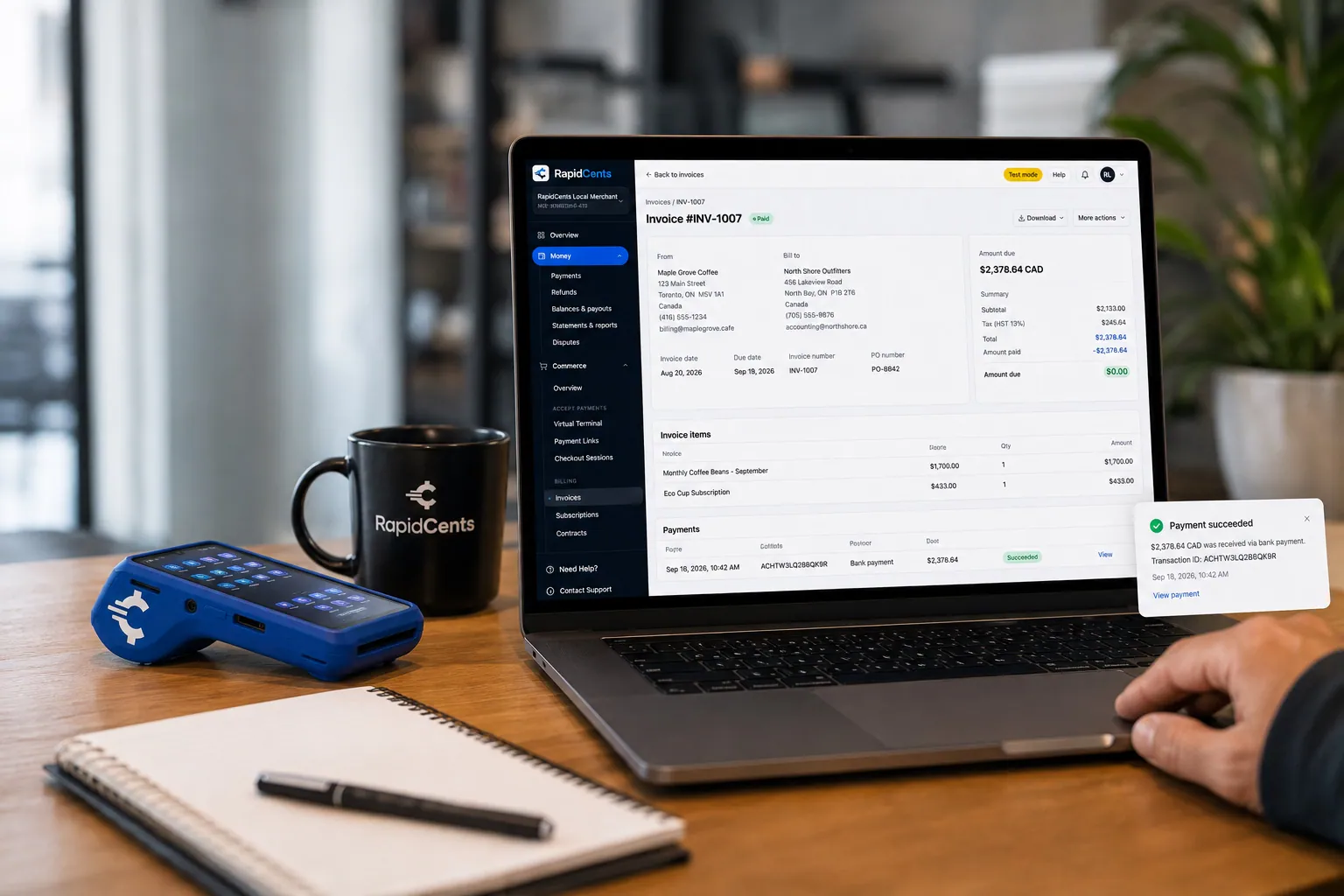
A merchant invoices a customer for bank debit through RapidCents, with card terminal capture available on the same desk. ACH / Bank Payments
Bank payments suit recurring and high-value invoices where card fees are the wrong tool. Collect directly…
Explore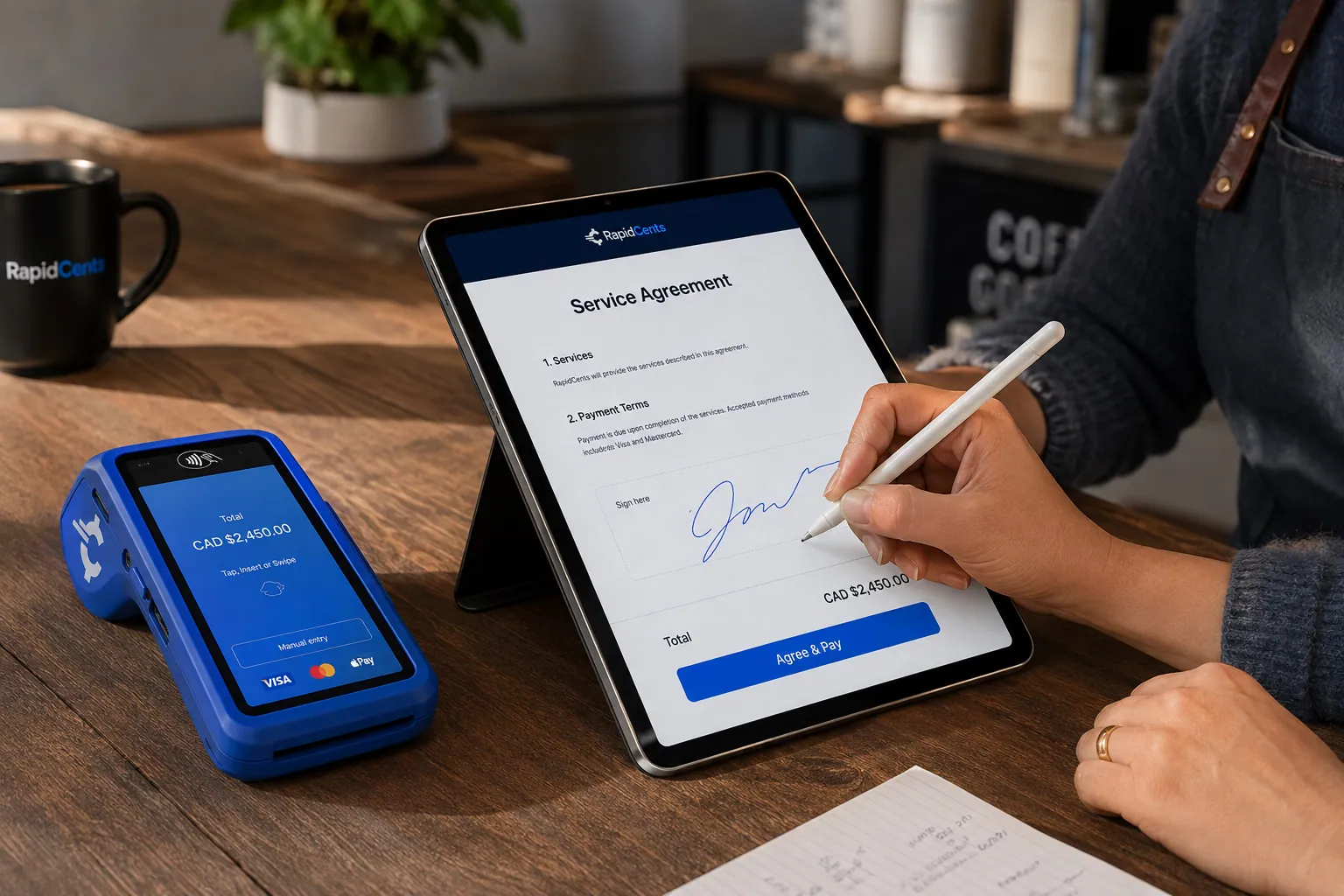
A merchant sends a RapidCents contract for e-signature with payment attached, terminal ready for an in-person counterpart. Contracts & eSignatures
Quotes, service agreements and enrolment forms usually end in a payment. Send the document, capture the…
Explore


How do large steel orders get paid within card limits?
Large steel orders go on a card only when the amount fits both your merchant account's approved ticket range and the limits on the buyer's card; otherwise they are paid by bank payment, a staged schedule agreed in writing or your normal account terms. Confirm both limits before you offer card for a specific order. Never divide one sale into several card charges to fit under a limit.
Check both limits before the order ships
Your merchant account is approved for an expected ticket size and monthly volume. If structural or plate orders will run above that, tell RapidCents before quoting card so the account can be reviewed; a higher limit is not automatic. Purchasing and corporate cards often carry single-transaction and monthly caps set by the buyer's company, so ask accounts payable to confirm them. If a large authorization is declined, have the buyer call their issuer rather than re-running the card.
Commercial and purchasing cards
Many fabricators and contractors pay with business, corporate or purchasing cards, and their card programs may ask for a PO number, tax amount or line-item detail with each payment. Enhanced Level 2 and Level 3 data can be sent only where it is supported and verified for your setup, and sending it does not promise a particular interchange category. Card payments keyed from a phone call go through the Virtual Terminal.
Bank payments and staged schedules
For balances too large for the buyer's card, a bank payment can collect the full invoice from the buyer's business account with its authorization, where bank payments are enabled for your account. A large structural package can also be billed in agreed stages, such as a deposit, each shipment release and final delivery. That schedule is a collection plan written into the quote; it is not financing, and RapidCents does not lend the buyer the balance.
A purchasing-card payment someone asks to split
For example, a contractor's accounts payable clerk asks you to run one structural steel invoice as four card charges because their purchasing card has a lower single-transaction limit. Splitting it that way is not an option. You offer a bank payment for the full amount instead, or the clerk asks their card program for a higher limit; either way, the PO and invoice number travel with the payment.
What drives credit card processing costs for metal distributors?
Metal distributor credit card processing costs come down to the cards your buyers use, the size of each order and whether the card is tapped at pickup or keyed and paid remotely. RapidCents prices on interchange-plus: interchange, set by the card networks, passes through at cost, plus your RapidCents markup shown in your Fee Schedule and fees for equipment or services, if applicable. The agreement is month to month with no fixed term.
Business and purchasing cards on large orders
Business, corporate and purchasing cards sit in different interchange categories from the consumer debit and credit cards a walk-in buyer might use. On large orders, the card type is the first line to read on your statement. Enhanced data may matter for some commercial cards where it is supported and verified for your setup, but it is never an automatic reduction.
Picked up at will-call versus keyed or paid by link
A card tapped or inserted at the will-call counter is a card-present payment. A card keyed in the Virtual Terminal from a phone order, or entered by the buyer on a payment link, is card-not-present and falls into different interchange categories. Address and security-code checks, and 3-D Secure where applicable, help screen a phoned-in order from an unfamiliar shop for fraud, but they do not make it card-present.
Bank payments and buyers in other countries
A bank payment on a structural or plate balance is not a card transaction, so no interchange applies; its cost is whatever your Fee Schedule lists for bank payments. For large or repeat account balances, compare that with the card cost on the same invoices. Cards issued in another country can carry different interchange and network fees, which matters if you ship across a border. Neither choice changes the terms you agreed with the buyer.
What to bring to Fee Check
Fee Check reads an uploaded processing statement and shows interchange separately from markup. For a full comparison, also bring three months of statements, your split between pickup, phone, link and bank payments, your average and largest order sizes, how many payments come on business or purchasing cards, and your refund and chargeback counts. Those figures show where your processing cost actually sits.
How do steel order payments reach your ERP and accounting software?
Steel order payments reach your ERP or accounting software through a connection set up for your edition, a settlement import, or a payment link sent outside the software and reconciled afterward. RapidCents connects settled transactions, fees and refunds to QuickBooks Online and Xero, and NetSuite and SAP import settlement files. For any other system, your RapidCents representative will walk you through the options.
NetSuite and SAP Business One
If you keep sales orders, invoices and customer terms in NetSuite or SAP Business One, payments taken by link, terminal or phone arrive in the ERP as imported settlement files, with the order or PO reference carried in the payment record. Your RapidCents representative will walk you through the import template for your edition, version and country.
Dynamics 365 Business Central, Acumatica and Epicor Prophet 21
Dynamics 365 Business Central and Acumatica hold orders, inventory and receivables, and RapidBridge works with both, taking payments inside the software without changing it. For Epicor Prophet 21, RapidCents integrates with many major platforms through APPIE and RapidBridge, and your RapidCents representative will walk you through the option for your version. Either way, a RapidCents invoice or payment link carrying the ERP order number in its reference field keeps each payment matched to its order.
Metals ERP and inventory systems
Metals-specific systems that track heat numbers, mill test reports, remnants and cut lists often hold the order a payment has to match. RapidCents integrates with many major platforms through APPIE and RapidBridge, and your RapidCents representative will explain the option for your system. Meanwhile, keep the order number in the payment link's reference field and reconcile from Reporting exports in CSV.
QuickBooks Online and Xero
Smaller metal suppliers and single-branch operations often keep their books in QuickBooks Online or Xero. RapidCents connects settled transactions, fees and refunds to both, so deposits, delivery balances and refunds post with fees on their own line. Decide whether invoices start in the accounting software or in RapidCents Invoicing, and your RapidCents representative will set it up with you.
Payment options for steel and metal suppliers in Canada
A steel service centre in Canada can take Visa, Mastercard and American Express credit cards and Interac debit at the pickup counter, cards by phone or payment link, and EFT or pre-authorized debit (PAD) bank payments for account balances, with settlement in CAD. Which methods are enabled depends on the account RapidCents approves for your business.
Interac debit and cards at will-call
Walk-in buyers can pay with Interac debit by chip and PIN or contactless, or with a credit or business card, on a RapidCents Payment Terminal at the counter. Drivers collecting from COD buyers can use a mobile terminal or Tap to Pay on a supported phone, and phone orders are keyed in the Virtual Terminal.
EFT and PAD for large balances
For large balances and repeat account billing, EFT and pre-authorized debit (PAD) payments move funds from the buyer's business bank account. A PAD needs the buyer's signed agreement setting out amounts and timing before the first debit. Your RapidCents representative will tell you which bank payment options your account offers, so you print only those on invoices and quotes.
CAD settlement and taxes on invoices
Payments settle in CAD. GST/HST, and provincial sales tax where it applies, appear on invoices as your ERP or accounting software calculates them; the payment record carries the invoice total and reference but does not decide tax. When you ship to buyers in another province, your tax setup handles that province's tax, not the processor.
How do you switch processors with deposits and open balances in progress?
Switch processors by listing every open item first: deposits taken on orders not yet delivered, balances not yet invoiced, stored cards and their authorizations, and refunds or credits still owed. Deposits already taken stay on the old account for any refund, while new quotes and new balances go through RapidCents. Test a deposit, a balance link, a phone payment and a refund before moving live orders.
List open orders, deposits and stored cards
Export every order with a deposit on the old processor, because a refund of that deposit normally goes back through the account that took it. List the buyers whose cards are stored for repeat orders. Stored cards move between processors only if both providers agree to a transfer; otherwise ask each buyer to authorize a card again with RapidCents before their next order.
Test the full order flow first
Before live orders move, run a quote with deposit through Contracts & eSignatures, a balance on a payment link, a phone order in the Virtual Terminal, a refund and, where enabled, a bank payment. Check that the order and PO numbers appear in the Merchant Dashboard and in the Reporting export your bookkeeper or ERP import relies on.
Warn buyers' accounts payable teams first
Accounts payable teams are rightly wary when a steel supplier changes how it gets paid, because altered payment instructions are a known fraud tactic. Send each account a notice from a contact they already know, explain that invoice payment links will now come from RapidCents, and invite them to confirm by phone. Branches or yards can move one at a time, with Multi-Location reporting for each.
Reconcile settlements to the ledger
During the overlap, settlements arrive from two processors. Match each RapidCents settlement to its invoices using the settlement and fee reports, post fees as their own expense line, and apply any single remittance that covers several shipment invoices invoice by invoice. Close the old account only after its last refund and chargeback have cleared.
Payment questions from steel and metal suppliers
What is the best payment processor for steel and metal suppliers?
The best payment processor for a steel or metal supplier is the one that fits how your orders are actually paid, so compare written quotes against your own order flow. Check that it can take a deposit on an accepted quote, collect delivery balances by invoice link, take phone orders with an audit trail and offer bank payments for large balances. Ask how it handles large tickets, business cards and settlement exports, and whether pricing shows interchange separately from markup.
How much does credit card processing cost for steel and metal suppliers?
There is no single price: the cost depends on your card mix, how large your steel orders run and how each card is taken. With RapidCents interchange-plus pricing, interchange set by the card networks passes through at cost, and your RapidCents markup and any equipment or service fees are listed in your Fee Schedule, month to month with no fixed term. Business and purchasing cards, keyed phone orders and cards issued abroad each have their own interchange categories. Upload a statement to Fee Check to see your breakdown.
Can a distribution ERP like NetSuite or Epicor Prophet 21 use a different payment processor?
RapidCents integrates with many major platforms through APPIE and RapidBridge, so most distributors keep the ERP they run today. NetSuite and SAP import RapidCents settlement files, and RapidBridge works with Dynamics 365 Business Central and Acumatica. For Epicor Prophet 21 and others, the right option depends on your vendor and version; your RapidCents representative will walk you through it. Payment links carrying the ERP order number work with any of them.
How can steel and metal suppliers switch processors without losing payment history?
Keep the old processor account open until every deposit, refund and chargeback it handled has closed, and export its transaction and settlement history before you stop using it. Stored cards transfer only if both providers agree; otherwise ask repeat buyers to authorize a card again. Cancel unpaid payment links from the old processor and reissue them from RapidCents with the same order and PO references, so your ERP history still lines up order by order.
Which payment options can a steel and metal supplier in Canada offer?
A steel and metal supplier in Canada can offer Interac debit and credit cards at the counter, card payments by phone and payment link, and EFT or PAD bank payments for large balances, all settled in CAD, once those methods are enabled on its RapidCents account. Business and purchasing cards run like other credit cards, with enhanced data only where supported and verified for your setup. Whether a large order can go on a card still depends on your approved ticket range and the buyer's card limits.
Can a fabricator pay a large steel invoice by card?
Yes, when the invoice fits both the ticket range approved for your merchant account and the limits on the fabricator's card. Purchasing and corporate cards often have single-transaction or monthly caps set by the buyer's company, so ask before the order ships rather than after a decline. If either limit is too low, offer a bank payment or a staged schedule agreed in writing. If your orders regularly run above your approved range, talk to your RapidCents representative about reviewing the account.
How should a cut-to-size metal deposit be documented?
Record the accepted specification, the signed quote, the deposit and the remaining balance under one order reference. The specification should list grade, dimensions, tolerances and quantity, and the quote should show cancellation and change terms before the buyer pays. When the order ships, the final invoice applies the deposit once and shows the balance due. If the buyer later disputes the deposit, that order file is the evidence you send.
How do weight and freight changes affect the final payment amount?
The amount you collect is the confirmed final invoice, not the estimate, so confirm any weight, freight or surcharge change with the buyer before you collect the remainder. Keep the accepted adjustment, the scale ticket or packing list and the resulting balance with the order. An estimated amount should never become an undisclosed final charge, and a stored card is charged a changed amount only if the buyer's written authorization covers variable amounts.
Can one payment cover several shipment invoices?
It can, as long as the allocation to each invoice is clear. When an accounts payable team pays several shipment invoices at once, ask for a remittance listing each invoice number and amount, then check how your process applies it: automatically through a connection, through an exported settlement file, or by hand in your accounting software. Apply a short payment to the invoices the buyer names and keep the disputed line open.
Should a large steel invoice be split into smaller card charges to get it approved?
No. Do not divide one charge to get around an issuer, network or merchant account limit. If a large order legitimately needs staged payments, such as a deposit at acceptance and a balance at each shipment, agree the stages in writing with the buyer, put each on its own invoice and your RapidCents representative will set the arrangement up on your account. Otherwise, offer a bank payment or collect on your normal account terms.
What MCC is used for steel and metal suppliers?
MCC 5051 is commonly associated with metal service businesses and distributors that sell steel, aluminum and other metals to other businesses. RapidCents confirms the correct merchant category during onboarding based on what your business actually sells and how it sells it. If most of your revenue comes from fabrication, installation or retail hardware rather than metal stock, a different category may fit, so describe your sales mix accurately in the application.
Related industrial supplier pages
The B2B & Wholesale hub covers distributor payments across categories, and the building material, industrial equipment, plastics and resin, and industrial chemical supplier pages share these deposit, delivery and account-invoice workflows. Fabricators and contractors billing their own clients for finished work should read the Construction Contractors page.
B2B & Wholesale
Collect net-terms invoices by payment link with the PO number attached, take commercial…
Industrial Chemical Suppliers
Collect plant-account invoices, deposits on drum, tote and bulk orders and returnable…
Plastics, Rubber & Resin Suppliers
Collect grade-specific deposits, call-off release invoices and out-of-spec return credits…
Dental Suppliers
From monthly consumables reorders to chair and imaging deposits, collect what clinics…
Veterinary Suppliers
Get invoices, standing orders and equipment deposits paid by the veterinary practices…
Medical & Surgical Suppliers
RapidCents helps medical and surgical suppliers collect hospital, clinic and practice…
Laboratory & Scientific Suppliers
Collect on lab purchase orders, instrument deposits and staged deliveries, with the PO…
Pharmaceutical Wholesalers
Collect pharmacy account invoices, balances and deposits with payment links, invoicing…
Take the next step
Review how your steel orders get paid
Upload a recent processing statement to Fee Check to see what interchange and markup each cost you on will-call sales, phone orders and invoice payments. Then bring your largest order sizes, deposit terms, the card limits buyers run into and your ERP to a review of your steel payment workflow.
- No obligation
- Canadian payment specialists
- Secure statement upload



