


DEVELOPER PLATFORM
Documentation
RapidCents developer documentation is the reference set for every interface an integration touches: REST endpoints for payments, refunds, customers, tokens and settlement, signed webhooks, Rapid.js embedded card fields, terminal integration, and the sandbox they are all exercised in. Each endpoint page states the method, its required and optional inputs, the success body and every error body it can return, and records the API version it belongs to. Guides describe shape and sequence; the endpoint page is the contract.
- Sandbox with documented test cards
- Signed webhooks
- Typed errors and idempotent retries
- Dedicated developer support

What crosses the wire
One authoritative place per field
Each endpoint page states the method, the required and optional inputs, the success body and every error body it can return. Narrative guides link into it instead of restating it, so a field name is documented once.
Environment is decided by the credential
Examples are labelled sandbox or production. Which environment a call reaches follows from the key you authenticate with, and the reference states the address and credential pairing for each endpoint.
Version is printed on the contract
Endpoint pages record the API version they belong to and any behaviour that changed between versions, so you can read the contract your account is pinned to rather than the newest one.
When to use it
Starting an integration
Begin at Quickstart, then move to the API reference once sandbox credentials are issued and a first test payment has cleared.
Debugging production
Error codes, retry guidance and idempotency rules are documented alongside the response bodies they appear in, so a code maps to an action without guesswork.
Planning a migration
The changelog records breaking changes and deprecation windows, so an upgrade is scheduled work rather than something discovered when a response shape moves.
How to implement Documentation
Request sandbox credentials and a test merchant ID.
Create a test payment with a documented card number.
Verify the webhook signature on the resulting event before parsing the body.
Force at least one decline and one refund, and assert your handling of both.
Review the production checklist, then switch keys and watch the first live batch settle.
What fails, and how you find out
Reading the wrong version
A response that does not match the reference is usually a version mismatch, not a bug. Compare the version your account is pinned to against the version on the page before opening a ticket.
Copying an example without its environment
A sample built for sandbox behaves differently on production keys, particularly around settlement timing. Examples carry an environment label for that reason.
Treating a guide as the contract
Guides go stale faster than reference pages. If a guide and an endpoint page disagree on an input, the endpoint page wins and the guide is the thing to report.
Sandbox versus production
Same documentation, two behaviours
The reference documents one contract for both environments. What differs is what sits behind it: simulated networks, deterministic outcomes tied to test cards, and settlement compressed into minutes.
Sandbox is not a rate model
Fees, funding timing and underwriting outcomes shown in sandbox are illustrative. Your live rate and deposit schedule come from your account, not from a sandbox response.
Sandbox stays after go-live
Access is not withdrawn once you are on production keys, so a release can keep being rehearsed against the same documented cards it was built with.
Questions about Documentation
Is the RapidCents API REST or GraphQL?
REST over HTTPS with JSON request and response bodies, standard HTTP status codes and typed error objects. No GraphQL endpoint is exposed.
Do I need a merchant account before I can build?
No. Sandbox credentials are issued during evaluation so an integration can be built and tested before the merchant account is approved.
How are API versions handled?
Versions are pinned per account, breaking changes ship behind a new version, and deprecation notices are published in the changelog with a migration window.
Where do I find the exact field names for a request?
On the endpoint page in the API reference. This site describes what you send and what comes back in shape terms; the reference carries the literal names, types, enumerated values and which inputs are required.
How do I tell a documented behaviour change from a defect?
Check the changelog for the window you are in, then the endpoint page for your pinned version. If both agree and your integration still disagrees, send developer support the request id from the failing call rather than a description.
What does the documentation deliberately not cover?
Account-specific outcomes. Your pricing, your funding schedule and any underwriting condition on your account are not API behaviour and are not published here; your account team confirms those in writing.
Does the documentation cover in-person terminal integration as well as online payments?
Yes. Terminal and point-of-sale integration is documented alongside the REST endpoints, signed webhooks and Rapid.js, because payments taken on a terminal land on the same account and the same settlement records as payments taken online.
Where do I start if I inherited an integration rather than built it?
Find the API version your services actually send, from your own request logs rather than from an assumption. Read the endpoint pages for that version, then check the changelog for anything deprecated. Starting from the newest documentation describes a contract your account may not be pinned to.
Continue the integration
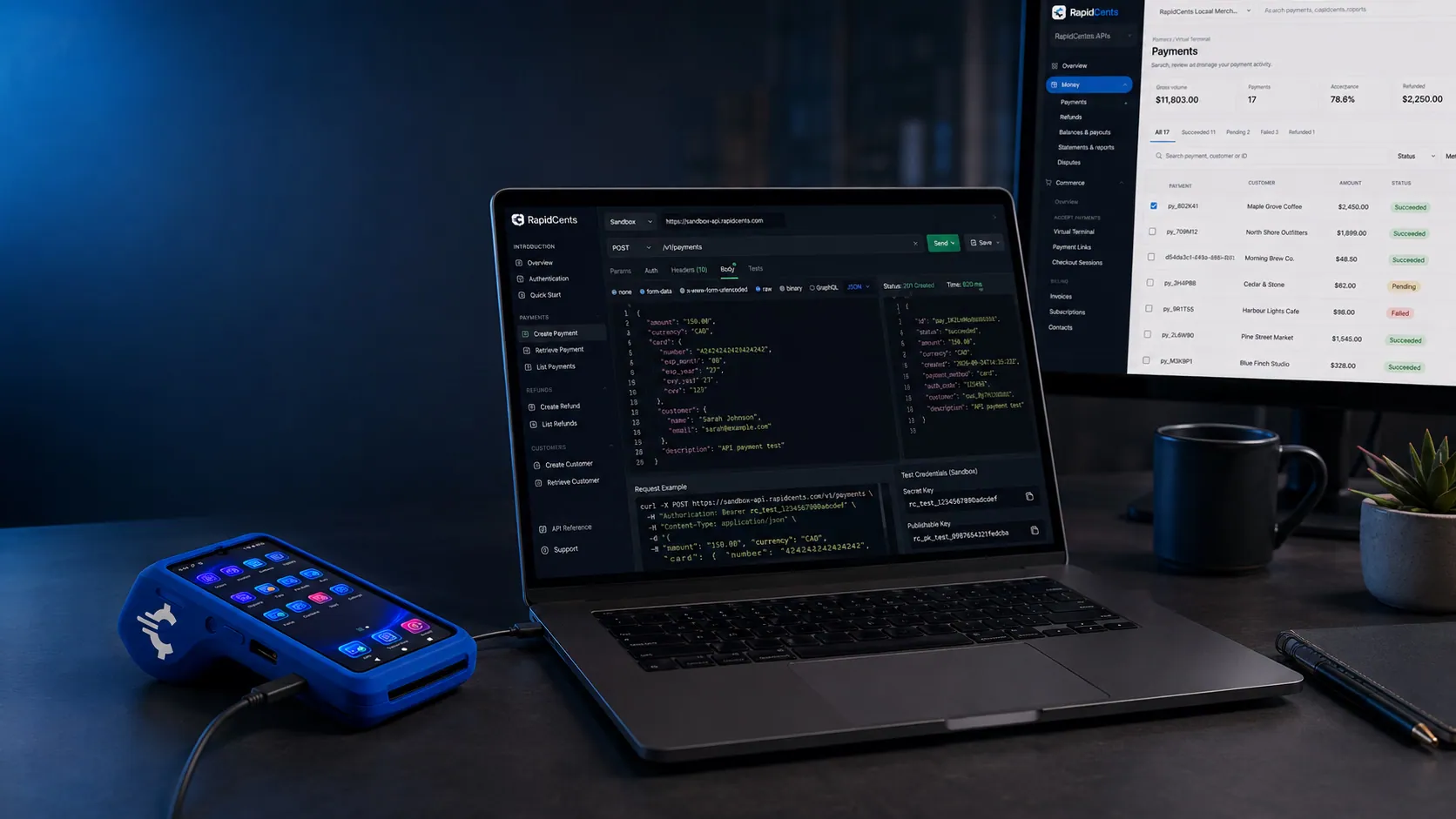
The RapidCents quickstart path: create a test payment, see the response, and confirm it on a sandbox terminal. Quickstart
Get sandbox credentials, create a test payment, receive a webhook and prepare for production in…
Explore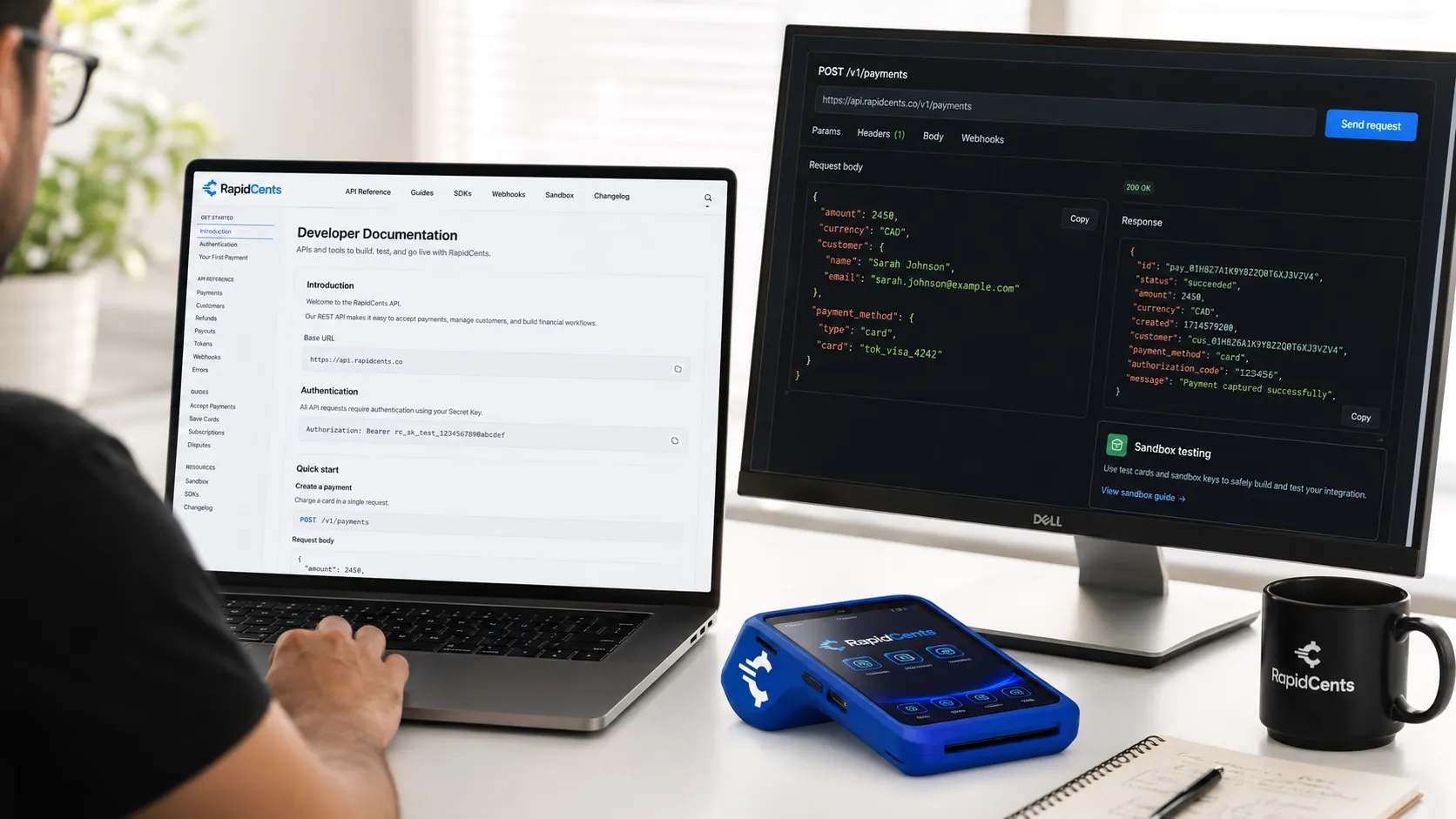
The RapidCents API reference on a workstation, with a sample request, the matching response, and a test terminal. API Reference
REST endpoints for payments, customers, refunds, webhooks and settlements with request and…
ExploreA RapidCents sandbox merchant account running test payments, isolated from production, with a sandbox terminal on the desk. Sandbox
Request sandbox access with test merchant IDs and isolated environment.
Explore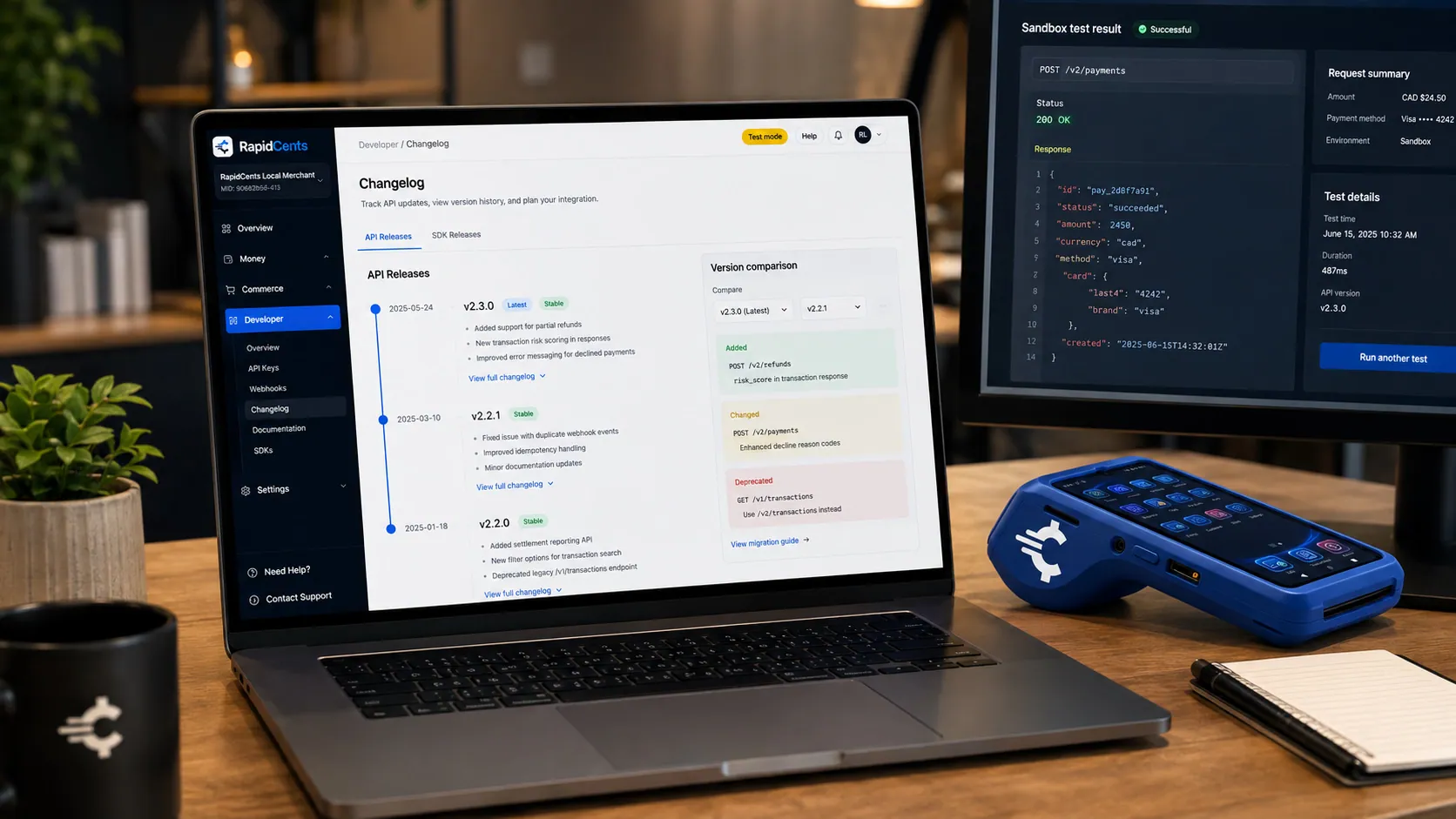
The RapidCents API changelog open beside a sandbox result and a test terminal, showing what changed in the latest release. Changelog
API version history, breaking changes and deprecation notices.
Explore


Take the next step
Talk to a RapidCents specialist
RapidCents Fee Check reads a processing statement and shows interchange separately from the markup. Upload a statement for an instant breakdown, or open a merchant account and start accepting payments on one account.
- No obligation
- Payment specialists, not a call centre
- Secure statement upload



