


Hardware for every lane
Reliable payment terminals for counter, mobile and smart lanes
A payment terminal is the countertop, mobile or smart device that reads a card at the point of sale. RapidCents supplies all three form factors on one merchant account, accepting chip, contactless and PIN debit over Ethernet, Wi-Fi or LTE, with tip adjust, receipt printing and end-of-day batch close. Devices report status to the merchant dashboard for transaction lookup, remote firmware updates and diagnostics. Hardware is priced separately from processing and may be purchased or leased.
- Countertop, mobile and smart terminal options
- Contactless, chip and PIN debit acceptance
- Connected reporting and remote device management

The Rivo Go, taking a payment
A live walkthrough of the terminal's own flow, rebuilt screen by screen from the real device: start a sale, charge $100.00, take the tap.
Rivo Go · Live demo
- HomeTwelve back-office apps and the sales dock
- New saleThe amount is keyed in on the terminal
- Charge $100.00Tap, chip, swipe, manual entry or payment link
- Customer tapsContactless card presented to the reader
- ApprovedSettled into the merchant dashboard

Animated teardown of the Rivo Go terminal. As the page scrolls, the device separates into its layers: the blue silicone case and touchscreen, the structural frame, the main board carrying the payment processor, the battery, and the rear housing. The sequence ends with the processor and the battery labelled.
Inside the Rivo Go
Scroll to pull the terminal apart: the payment core, the battery and everything between, layer by layer.


01 / Assembled
Built for a counter
Rugged on the outside, and the same device whether it sits on a counter or goes to the table.
02 / Layers
Every layer, built for payments
Reader, antenna, board and power separate cleanly. Nothing in the stack is filler.
03 / Core
Universal semi-integrated system
Payment core, NFC and secure element live on a single board, so the sale never leaves the device.
04 / Power
Powerful battery, dual connectivity
All-day power with Wi-Fi and cellular held side by side. The sale goes through either way.
Inside the Rivo Go
Scroll to pull the terminal apart: the payment core, the battery and everything between, layer by layer.


- EMV-certified devices
- SOC 2 Type II
- Remote firmware updates
- Same-day replacement options
- Warranty support
Who it's for
Retail stores
Fixed lanes need fast contactless and reliable receipt printing during peak hours.
Restaurants
Tableside mobile terminals reduce congestion at a shared counter terminal.
Multi-location operators
Standardize hardware across sites with centralized device inventory.
Core capabilities
Contactless and chip
Accept tap, dip and swipe with EMV fallback messaging for staff.
Tip adjust on device
Customers add tips on screen before PIN or signature when required.
Receipt options
Print, email or SMS receipts from supported terminal models.
Batch management
Close batches manually or on schedule with exception reporting.
POS integration
Semi-integrated and fully integrated lanes with certified partners.
How it works
Share your lane layout, volume and connectivity preferences.
Receive a terminal recommendation and transparent device pricing.
Devices ship pre-provisioned to your merchant account.
Staff complete a short activation and test transaction.
Transactions appear in the dashboard with device-level detail.
Terminal workflows by environment
Fixed checkout lane
Countertop terminal with printer handles high-volume retail queues.
Pay-at-table service
Mobile terminal with LTE follows servers across the dining room.
Curbside pickup
Staff initiates amount on terminal; customer taps card at the vehicle.
Smart lane upsell
App-enabled terminal surfaces loyalty prompts and inventory lookups.
Dashboard and reporting
Transactions, deposits and exceptions visible in the RapidCents merchant dashboard.
Try it, edit values and click buttons
Merchant dashboard
- Today
- $4,218
- Deposits
- $12,482
- Disputes
- 2 open
- In-person
- $842
- Online
- $1,104
- Virtual terminal
- $392
Demonstration data only
Integrations
Clover and Lightspeed
Semi-integrated payment flows with item-level detail from POS.
Standalone mode
Key-entered or amount-only mode when POS integration is not required.
Multi-location dashboard
Track terminal status and last batch close by location.
Works with Payment Terminals
Capabilities on the same account, so the parts below connect without a second integration or a second contract.
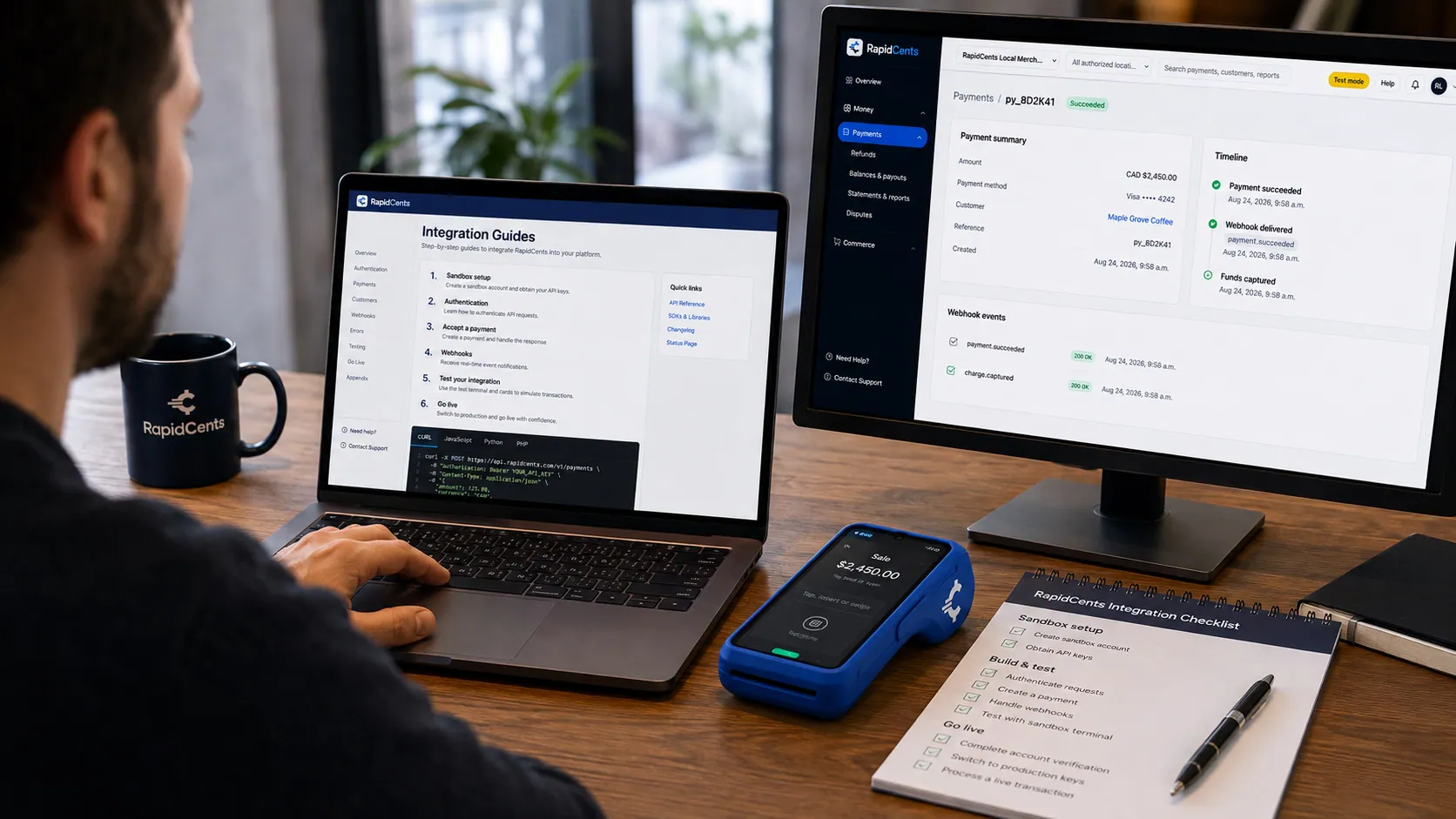
APPIE interoperability on a RapidCents desk: a terminal and host path that can work across processor boundaries. APPIE
The interoperability layer that lets existing point-of-sale software drive RapidCents hardware.
Explore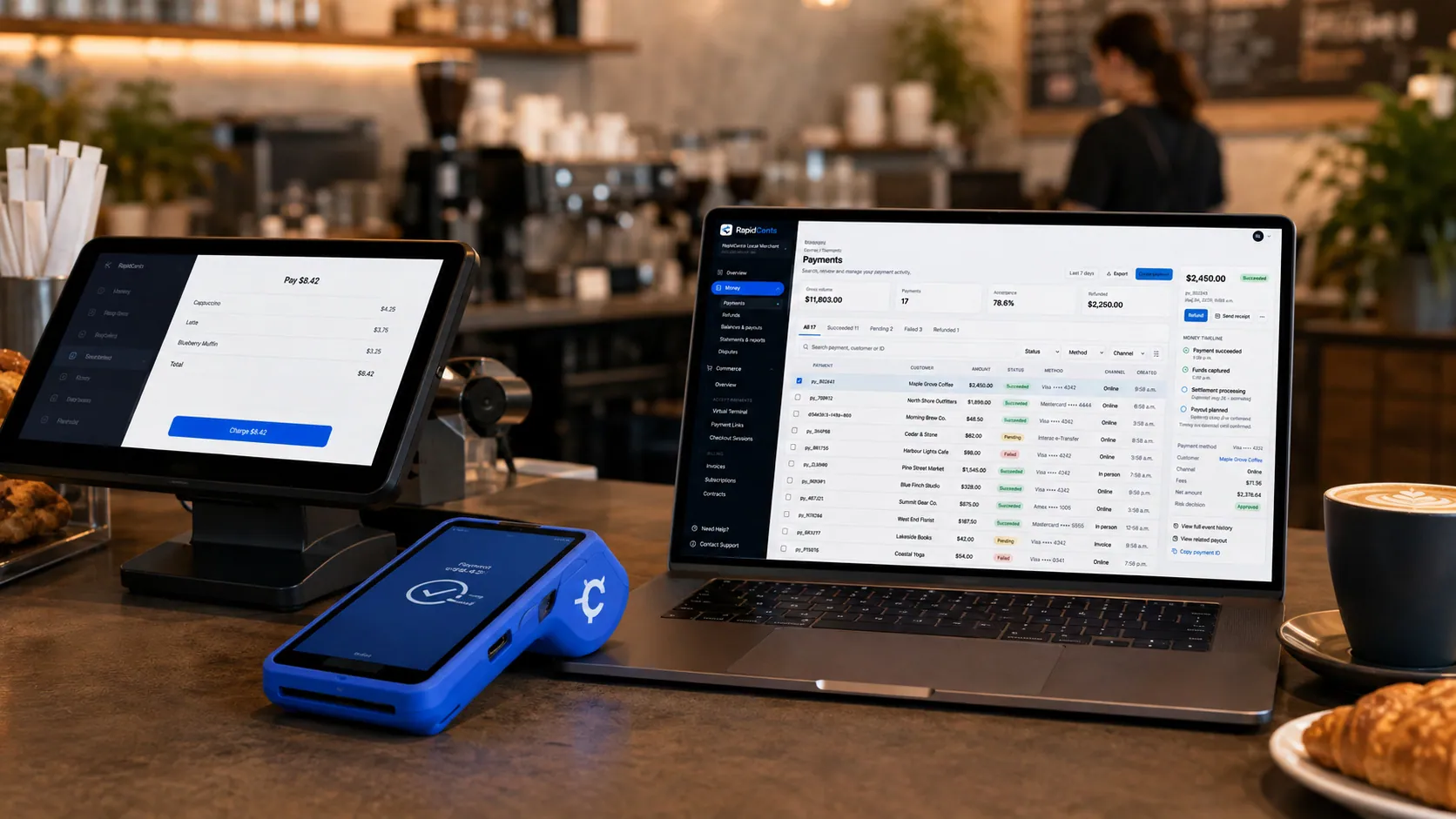
Payments taken inside existing business software through RapidCents, with the terminal and dashboard in the same workspace. Integrated payments
Payments inside the POS, ERP or booking system your staff already use.
Explore
A café worker holds a phone running RapidCents Tap to Pay, showing an $18.75 sale and the contactless symbol, while a customer holds a Visa card to the screen. No separate card reader is present. Tap to Pay
Contactless acceptance on a compatible phone, with no extra hardware.
Explore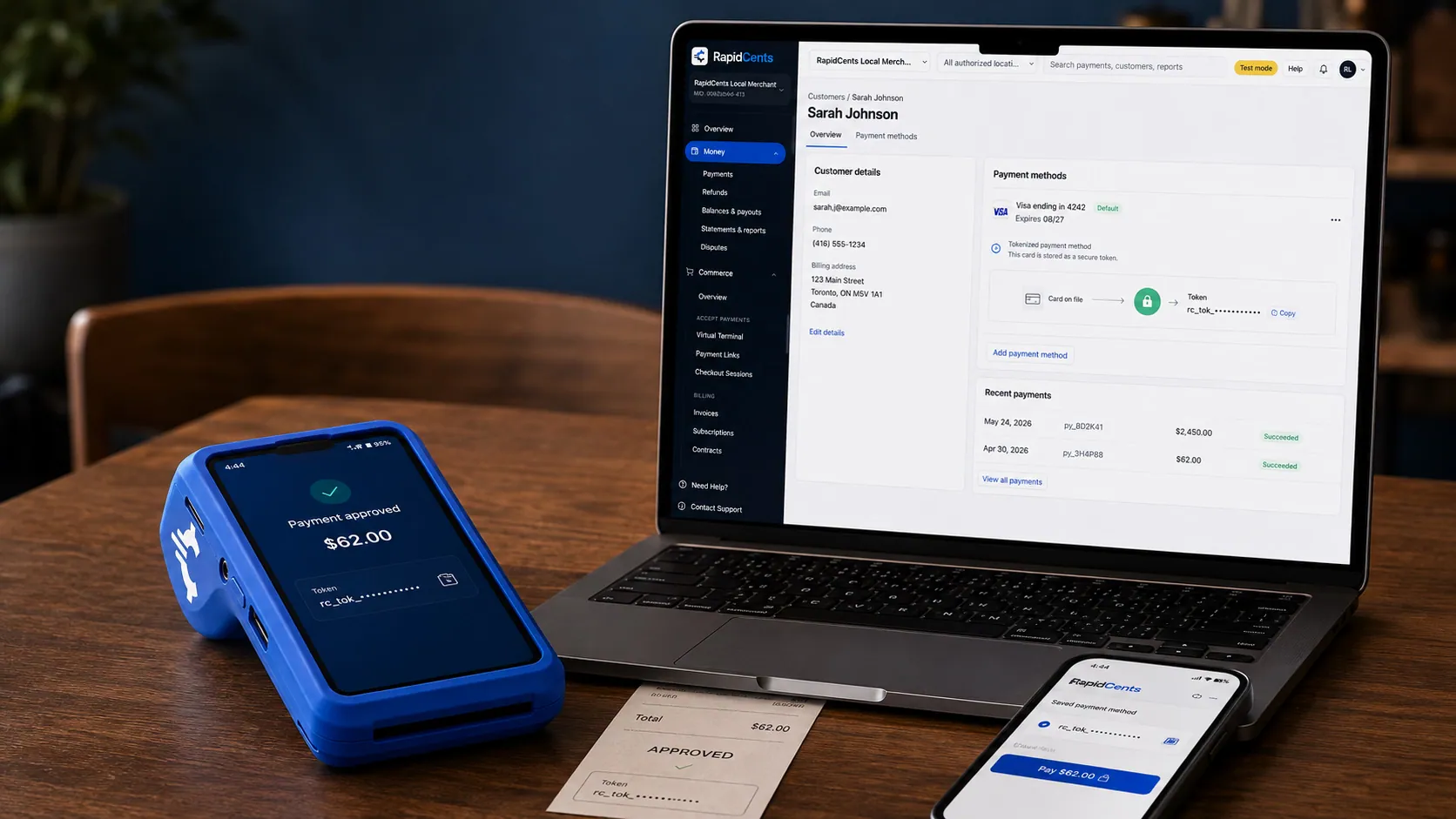
A stored RapidCents token stands in for the card number, with the terminal that captured the original credential beside it. Tokenization
Card numbers are replaced by a token, so nothing reusable is stored in your systems.
Explore
The RapidCents payments screen: gross volume, payment count, acceptance rate and refunds across the top, a filterable transaction list below, and a money timeline on the right tracing one payment from capture to planned payout. Merchant dashboard
Transactions, deposits, refunds and disputes across every channel in one place.
Explore
A merchant reviews RapidCents reports for volume, mix and payouts, with the terminal that took the sales on the desk. Reporting and reconciliation
Deposit-level detail that ties settlements back to the transactions behind them.
Explore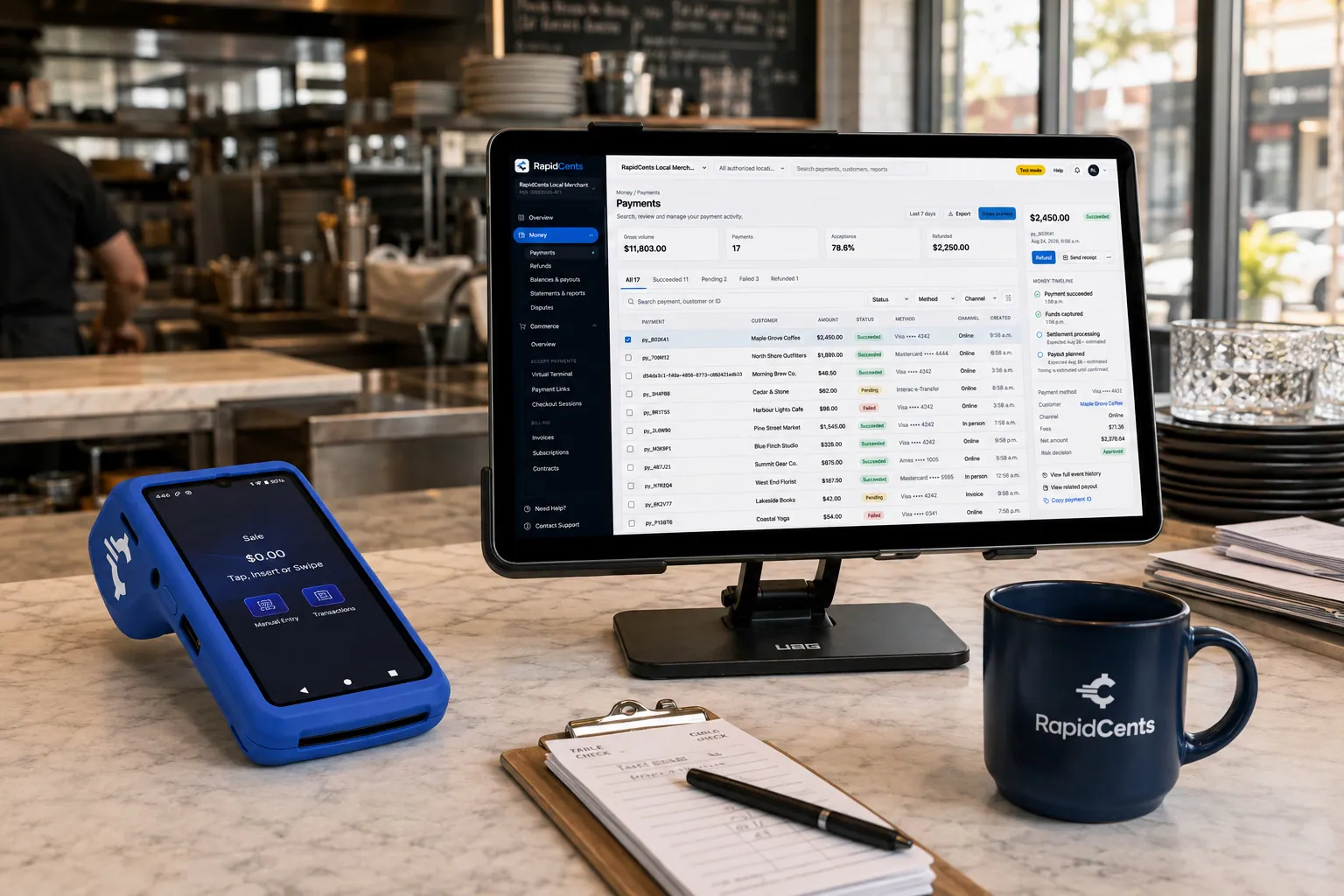
Tableside card capture on a RapidCents terminal in a restaurant, with the POS and payments dashboard on the pass. Restaurant POS
Tableside ordering, tips, course firing and split payments.
Explore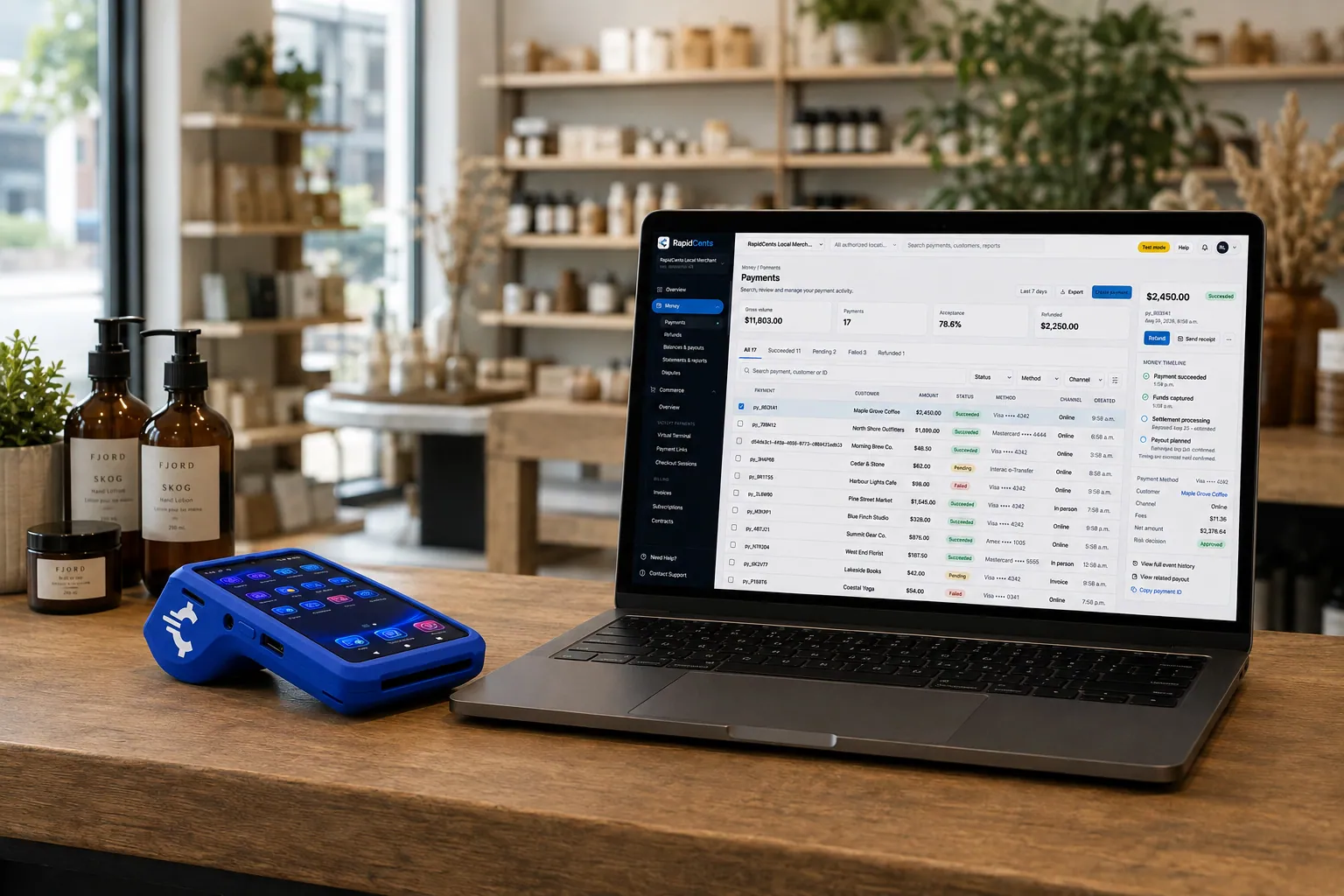
A retail counter ringing a basket on RapidCents POS, terminal taking the card and the dashboard showing the sale. Retail POS
Fast checkout with inventory, variants and omnichannel stock.
Explore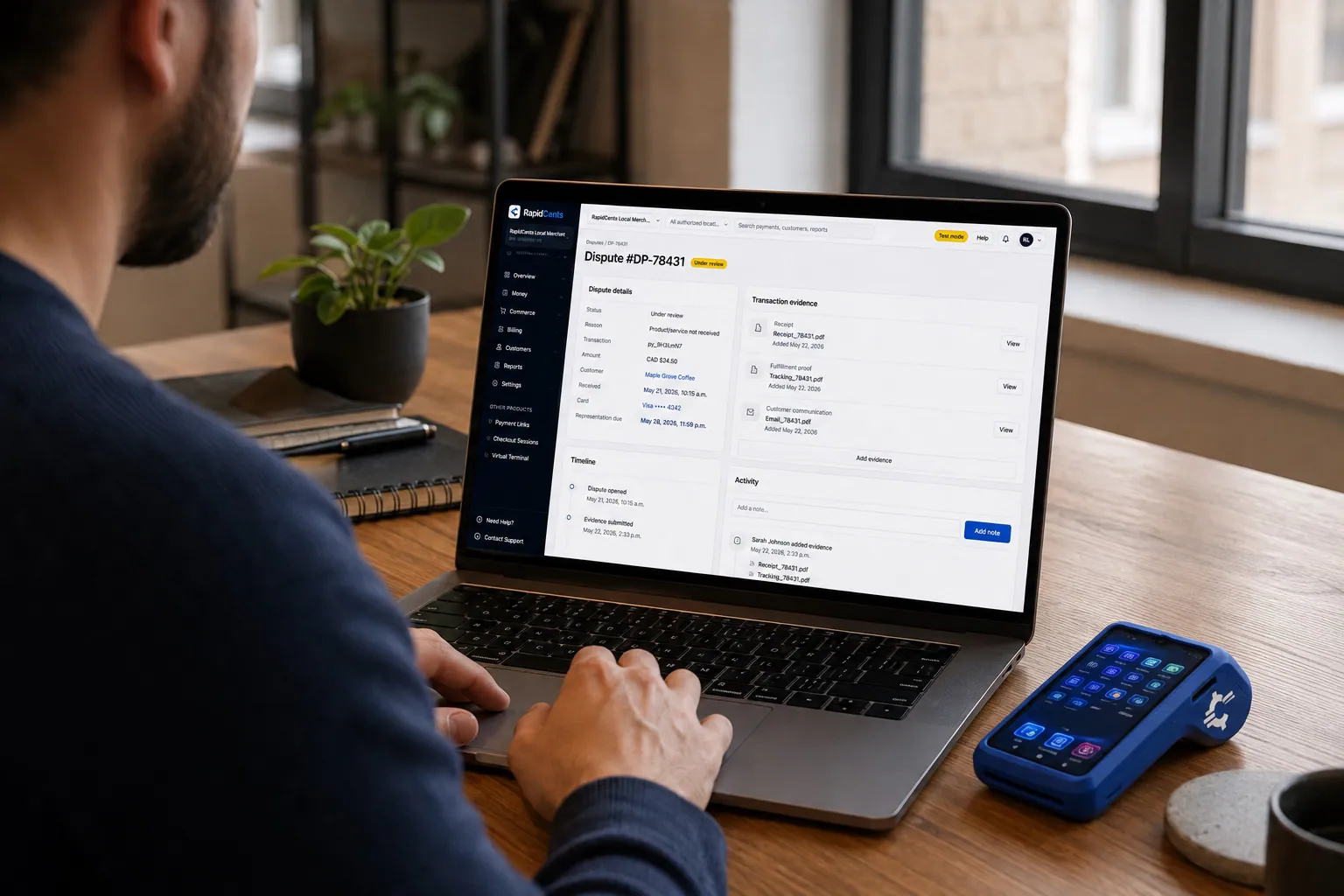
A merchant works a RapidCents dispute case on the dashboard, with the original terminal sale still on the desk. Dispute management
Every chargeback, its deadline and its evidence pack in one queue.
Explore


Security
Encrypted key injection
Devices receive keys through secure remote injection.
Tamper-evident hardware
EMV L1 and L2 certified readers protect card data at capture.
Remote disable
Lost or stolen devices can be deactivated from the dashboard.
Implementation
Site survey
Confirm counter space, power and network at each lane.
Device selection
Match countertop, mobile or smart models to each use case.
Provisioning and ship
Terminals arrive linked to your merchant ID.
Staff training
Quick-start guide for sale, tip and batch close.
Pricing
Device and processing together
Terminal hardware is priced separately from processing. Bundled programs may reduce upfront cost for qualified merchants.
Questions about Payment Terminals
Which terminal should I choose?
Countertop for fixed lanes, mobile for tableside or field, smart when you need apps on device.
Do terminals work offline?
Store-and-forward may apply for brief outages depending on device and configuration.
Can I buy or lease hardware?
Both options are available. Your advisor will outline total cost of ownership.
How are firmware updates handled?
Updates deploy remotely during low-traffic windows with minimal staff action.
What do I need in the store before a terminal will work?
A power source and a network connection. Countertop models take Ethernet with Wi-Fi as a fallback; mobile and smart handhelds run on Wi-Fi or LTE. If the lane is integrated with a POS, the register and the terminal need to reach each other on the same network. Encryption keys are injected remotely, so nothing cryptographic is configured on site.
Can I use my own terminal from another processor?
Usually not. Terminals are cryptographically keyed to a processor, so a device from another provider cannot simply be repointed at RapidCents. Your advisor will confirm whether your model can be re-injected, and otherwise recommend the closest equivalent device.
Should I buy the hardware or lease it?
Buying means one upfront cost and the device is yours; leasing spreads the cost monthly and usually includes replacement. The right answer depends on how many lanes you are fitting and how long you expect to keep the model. Ask for total cost of ownership across the term rather than comparing the monthly figure alone.
How do I check a terminal during a shift?
Open the device in the dashboard: terminal status and last batch close are visible there, which separates a network question from a hardware question. Store-and-forward may cover a brief outage depending on the device and configuration. A lost or stolen device can be deactivated remotely.
Related products
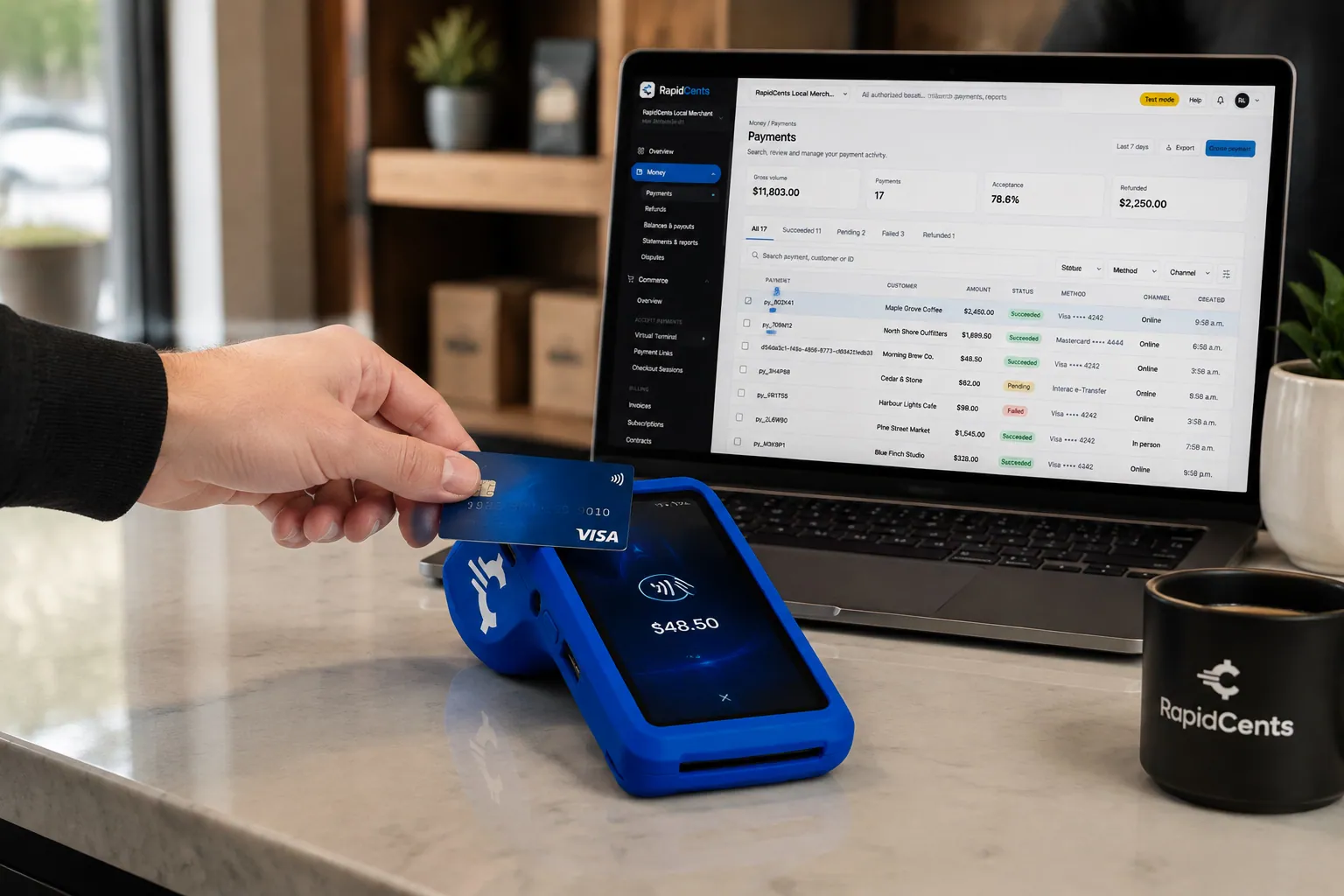
A fixed RapidCents countertop terminal taking card payments at the till, with settlement visible on the dashboard. Countertop Terminals
RapidCents countertop terminals sit at retail counters, restaurant hosts and reception desks where…
Explore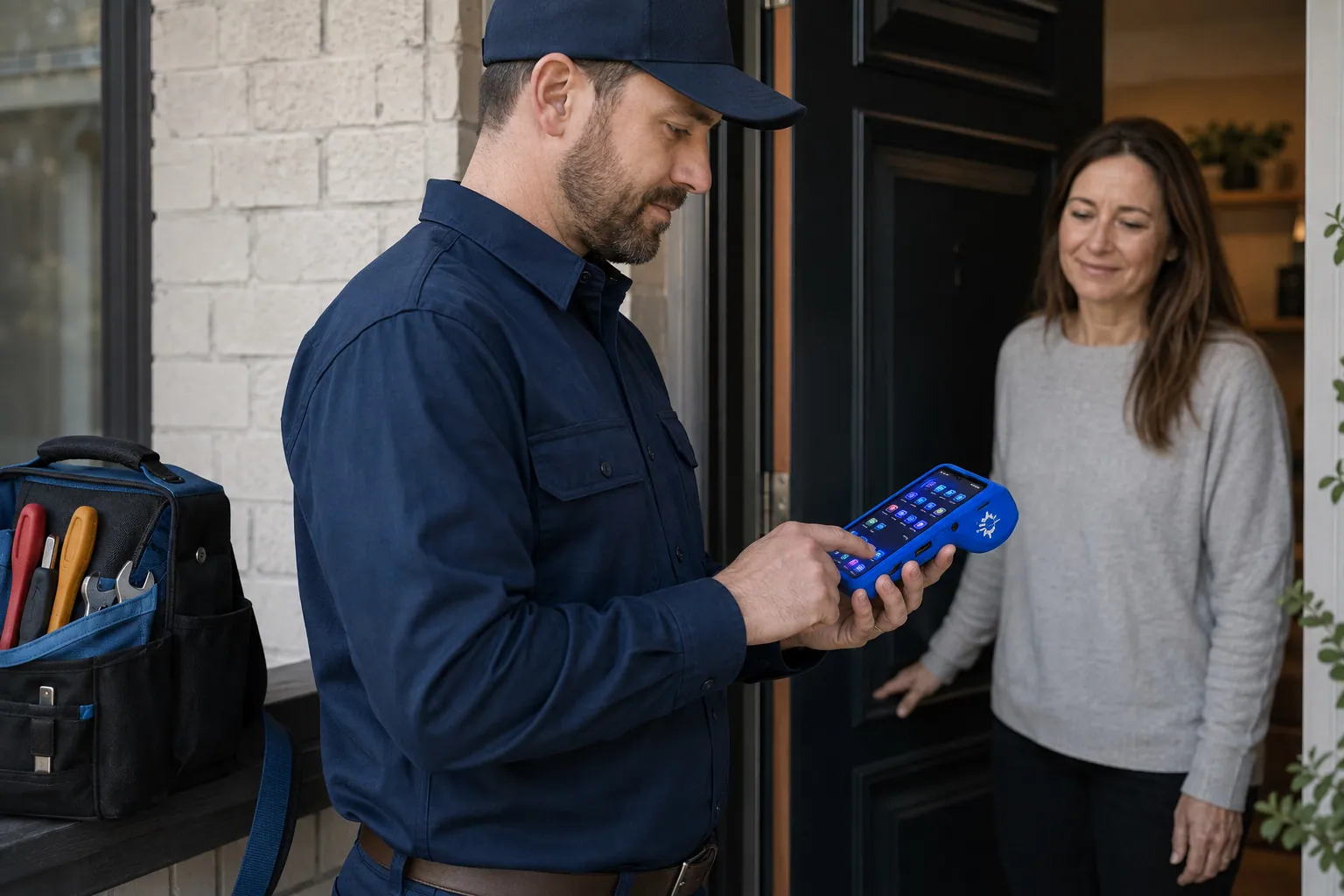
A staff member takes a card payment on a RapidCents handheld terminal, with the same sale appearing on the dashboard. Mobile Terminals
RapidCents mobile terminals are battery-powered wireless devices with LTE and Wi-Fi so staff accept…
ExplorePayments taken inside existing business software through RapidCents, with the terminal and dashboard in the same workspace. Integrated Payments
RapidCents integrated payments connect certified POS and ERP systems so sale amounts, tips, refunds…
Explore


Industries that run on Payment Terminals
Dental Clinics
Dental practices accept front-desk, remote and scheduled payments with card-on-file…
Physio & Chiropractic
Physiotherapy and chiropractic clinics collect copays, package payments and recurring…
Veterinary Clinics
Vet clinics take exam-room payments, estimate deposits and recurring wellness plan…
Medical Spas
Med spas combine high-ticket treatment packages, memberships and retail add-ons with…
Optometry
Optometry practices collect exam fees, eyewear deposits and insurance balance payments at…
Gym & Fitness Studios
Gyms and boutique fitness studios run memberships, class packs, retail and front-desk…
Restaurants
RapidCents connects counter, tableside, online ordering and multi-location restaurant…
Hotels & Hospitality
Hotels manage deposits, folio charges, multi-property settlement and contactless checkout…
Take the next step
Talk to a RapidCents specialist
RapidCents Fee Check reads a processing statement and shows interchange separately from the markup. Upload a statement for an instant breakdown, or open a merchant account and start accepting payments on one account.
- No obligation
- Payment specialists, not a call centre
- Secure statement upload



