


Unified operations hub
One dashboard for transactions, deposits, disputes and team permissions
The merchant dashboard is the signed-in web view where a business sees live transactions, expected deposits, open disputes and staff activity across every acceptance channel. Search by last four, amount or reference, filter by date, card brand, location or staff member, then export CSV for accounting or drill into a single authorization for a customer query. RapidCents assigns cashier, manager and admin roles, so front-line staff see only what they need.
- Real-time transaction search across all channels
- Deposit tracking with fee breakdown
- Role-based user and permission management

- Real-time transaction feed
- SOC 2 Type II
- Multi-user role controls
- Export to CSV and PDF
- Mobile-responsive access
Who it's for
Business owners
See today's volume and yesterday's deposit without calling support.
Store managers
Look up customer transactions and issue refunds on the spot.
Finance controllers
Export settlement detail for month-end close.
Core capabilities
Universal search
Find any transaction by last four, amount or reference ID.
Deposit calendar
See pending and completed deposits with fee detail.
Dispute inbox link
Jump from transaction to open chargeback case.
User administration
Invite staff with cashier, manager or admin roles.
Notification preferences
Email alerts for deposits, disputes and failures.
How it works
Receive dashboard credentials after merchant approval.
Invite team members with appropriate roles.
Monitor live feed during business hours.
Review deposit report each morning.
Export monthly transaction detail for accounting.
Dashboard daily workflows
Morning deposit check
Confirm yesterday's batch matches bank deposit amount.
Customer lookup
Search card last-four to email receipt copy.
Manager refund
Partial refund issued with audit note.
New hire setup
Cashier role invited; refund permission denied.
Dashboard and reporting
Transactions, deposits and exceptions visible in the RapidCents merchant dashboard.
Try it, edit values and click buttons
Merchant dashboard
- Today
- $4,218
- Deposits
- $12,482
- Disputes
- 2 open
- In-person
- $842
- Online
- $1,104
- Virtual terminal
- $392
Demonstration data only
Integrations
QuickBooks export
One-click export of settled transactions.
SSO optional
Enterprise single sign-on for multi-location staff.
API read access
Pull transaction data into BI tools.
Works with Merchant Dashboard
Capabilities on the same account, so the parts below connect without a second integration or a second contract.

A merchant reviews RapidCents reports for volume, mix and payouts, with the terminal that took the sales on the desk. Reporting and reconciliation
Deposit-level detail that ties settlements back to the transactions behind them.
Explore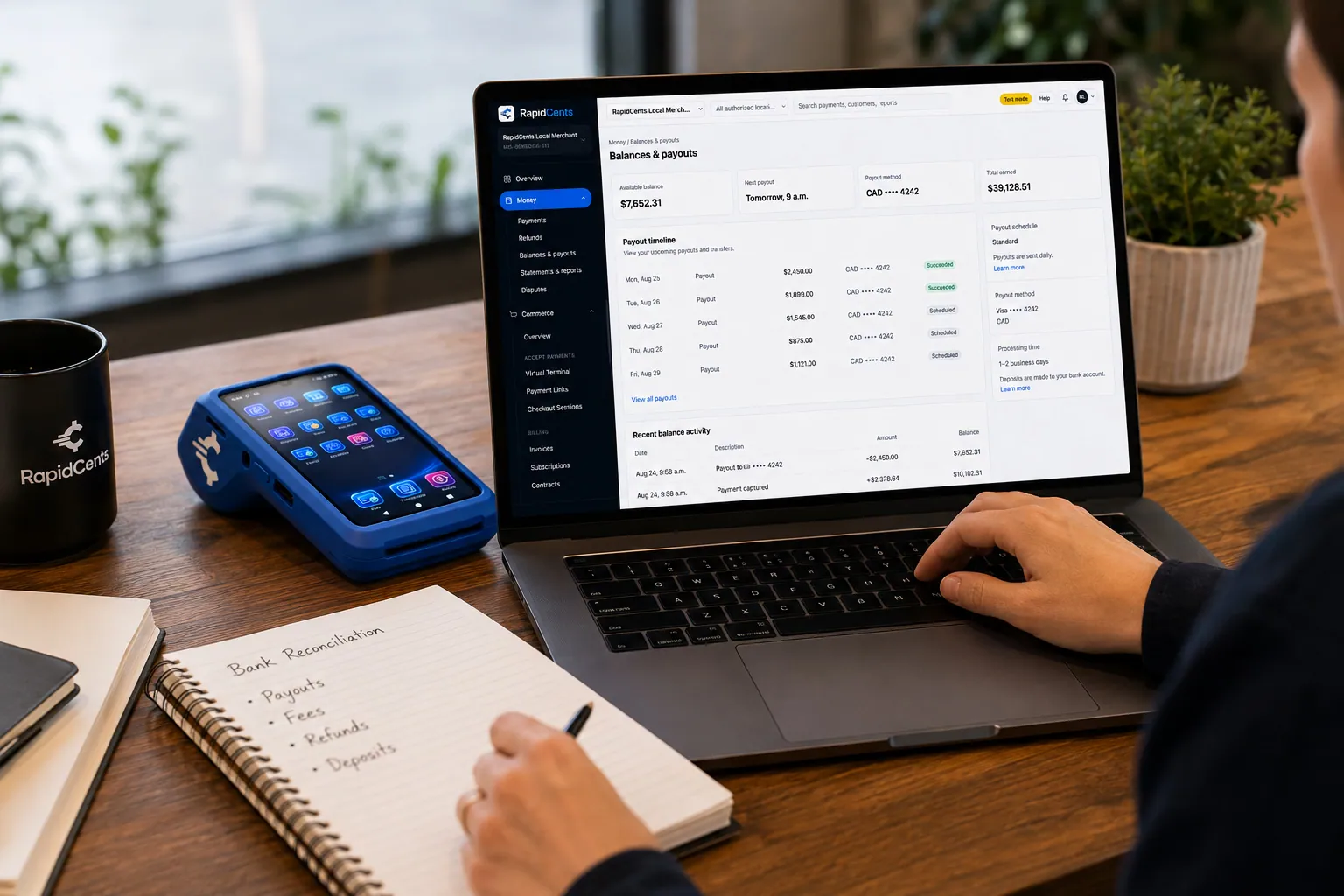
A merchant reviews RapidCents funding against live sales, with the terminal that generated those sales beside the laptop. Deposits and funding
When money lands, what was deducted, and which batch it came from.
Explore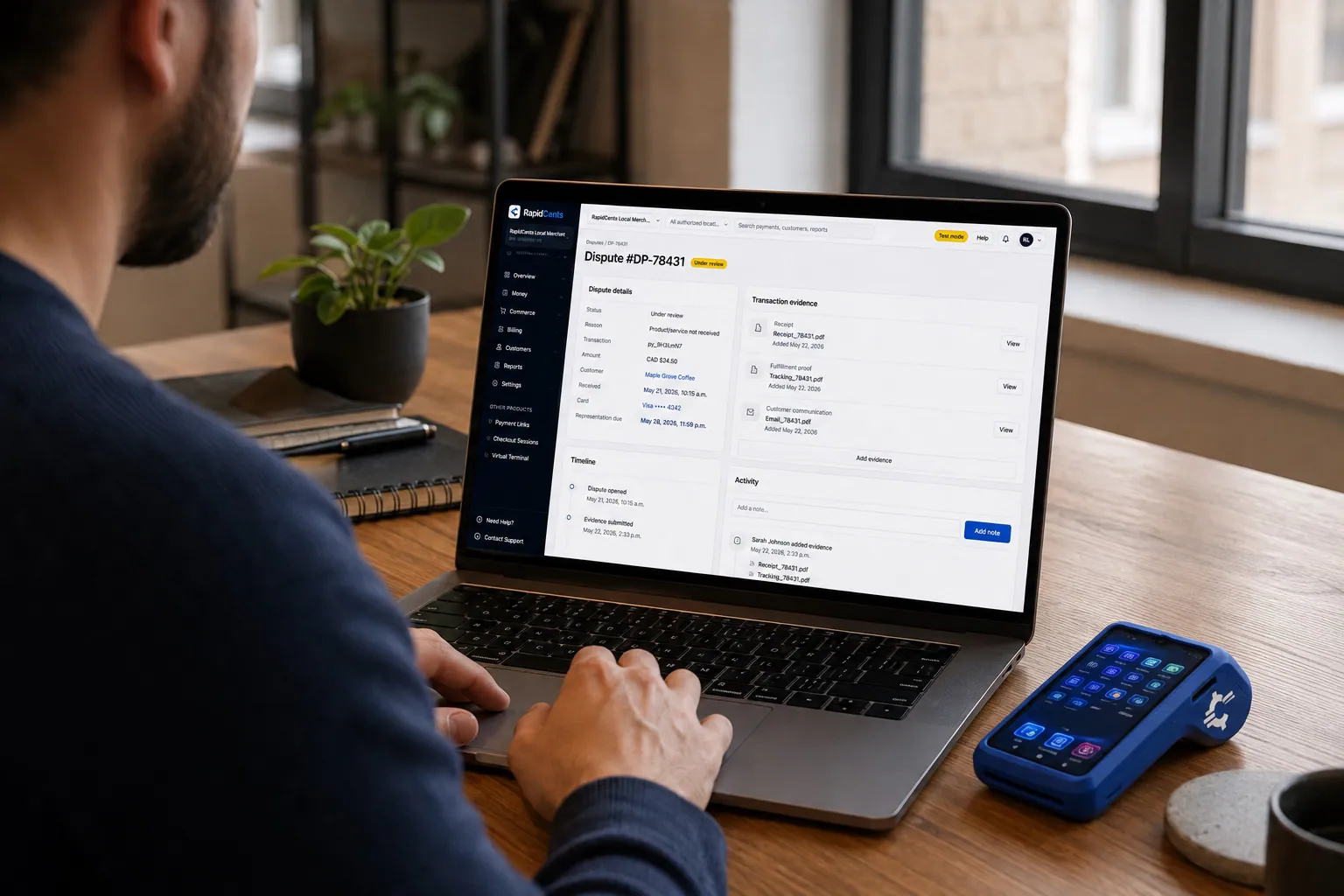
A merchant works a RapidCents dispute case on the dashboard, with the original terminal sale still on the desk. Dispute management
Every chargeback, its deadline and its evidence pack in one queue.
Explore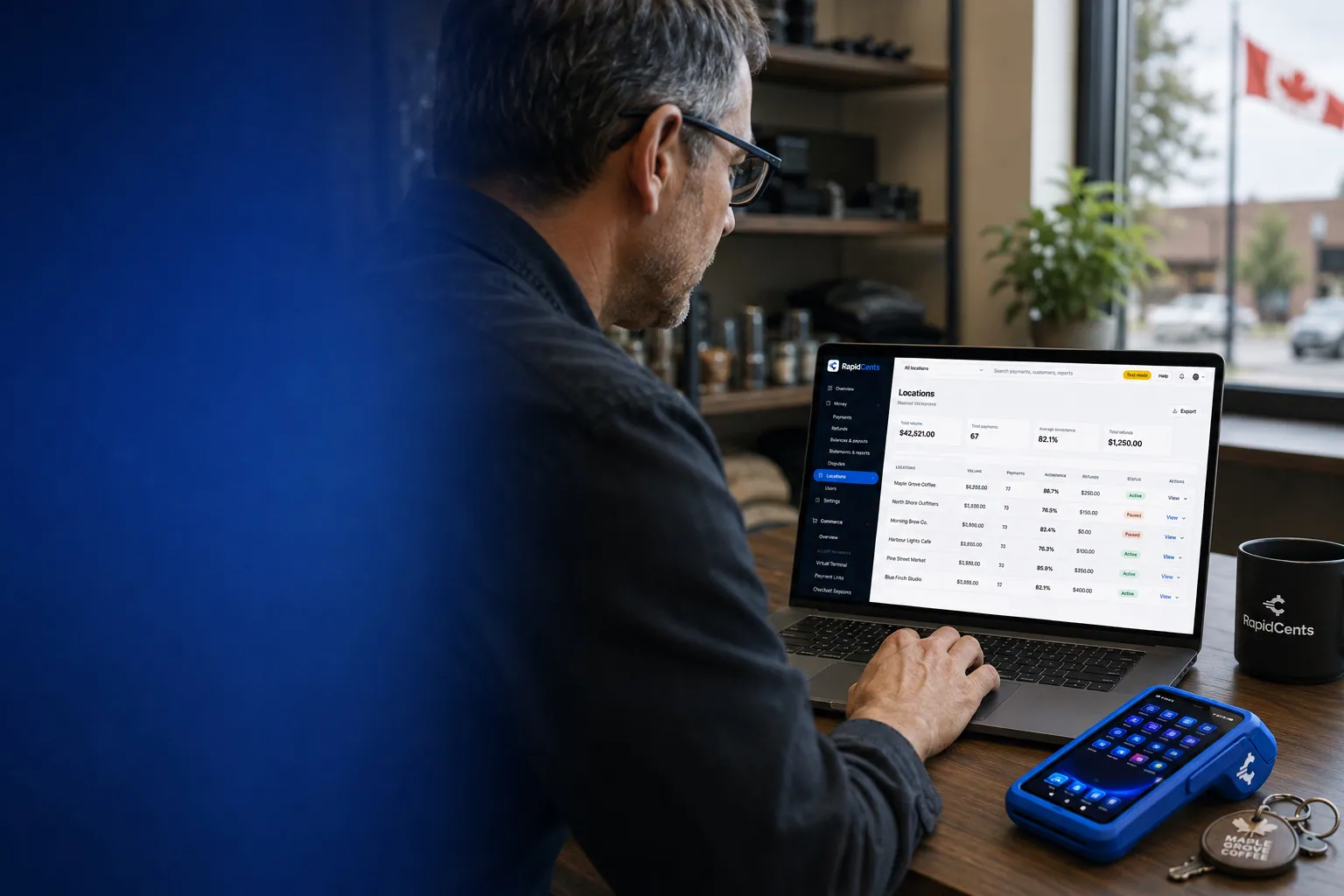
One RapidCents account comparing sales across locations, with a terminal representing the store-level capture. Multi-location
Per-site reporting and permissions under one merchant account.
Explore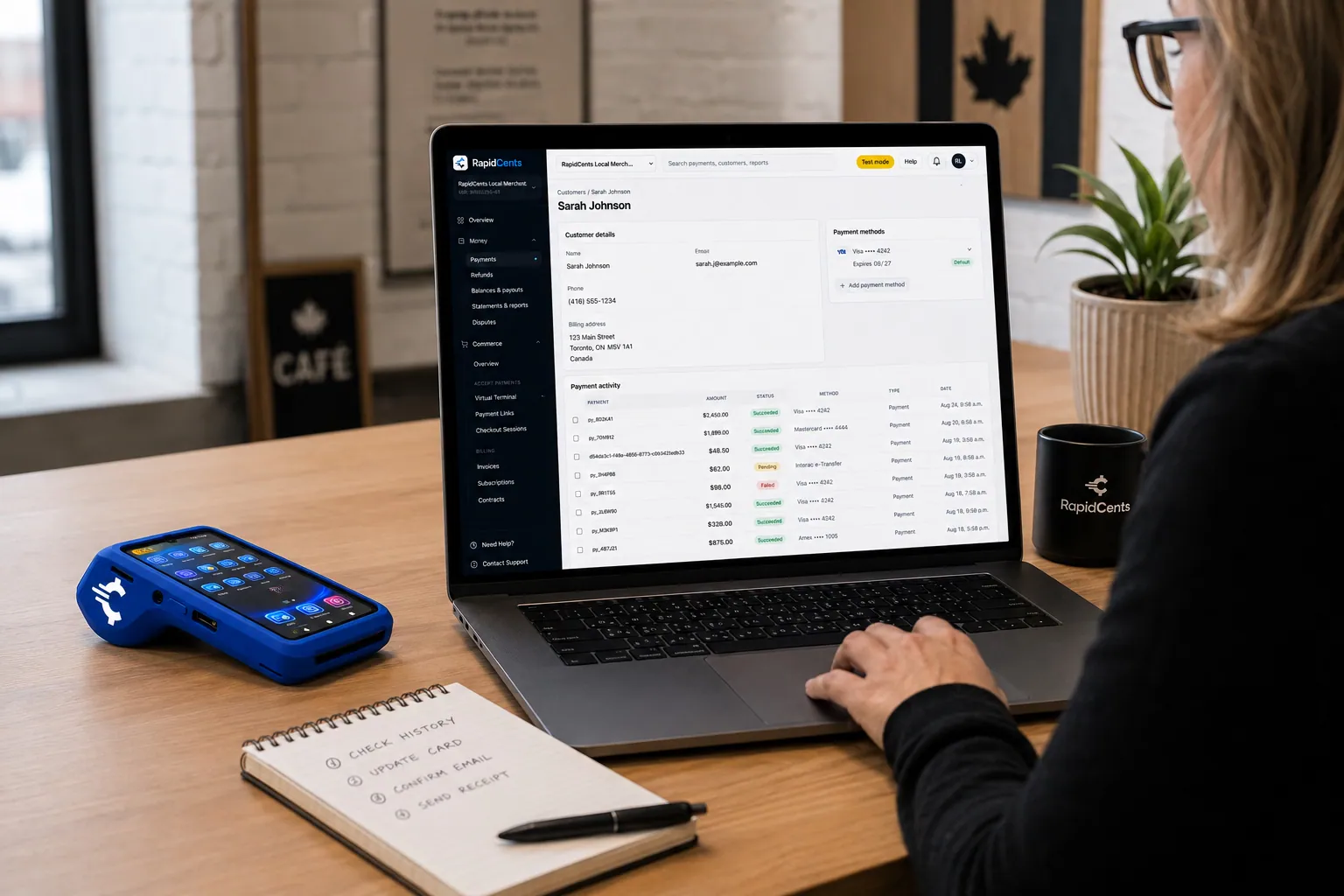
A RapidCents customer profile holds saved cards and invoices, so a return visit can be charged without re-keying the card. Customer profiles
One customer record holding contact details, stored credentials and payment history.
Explore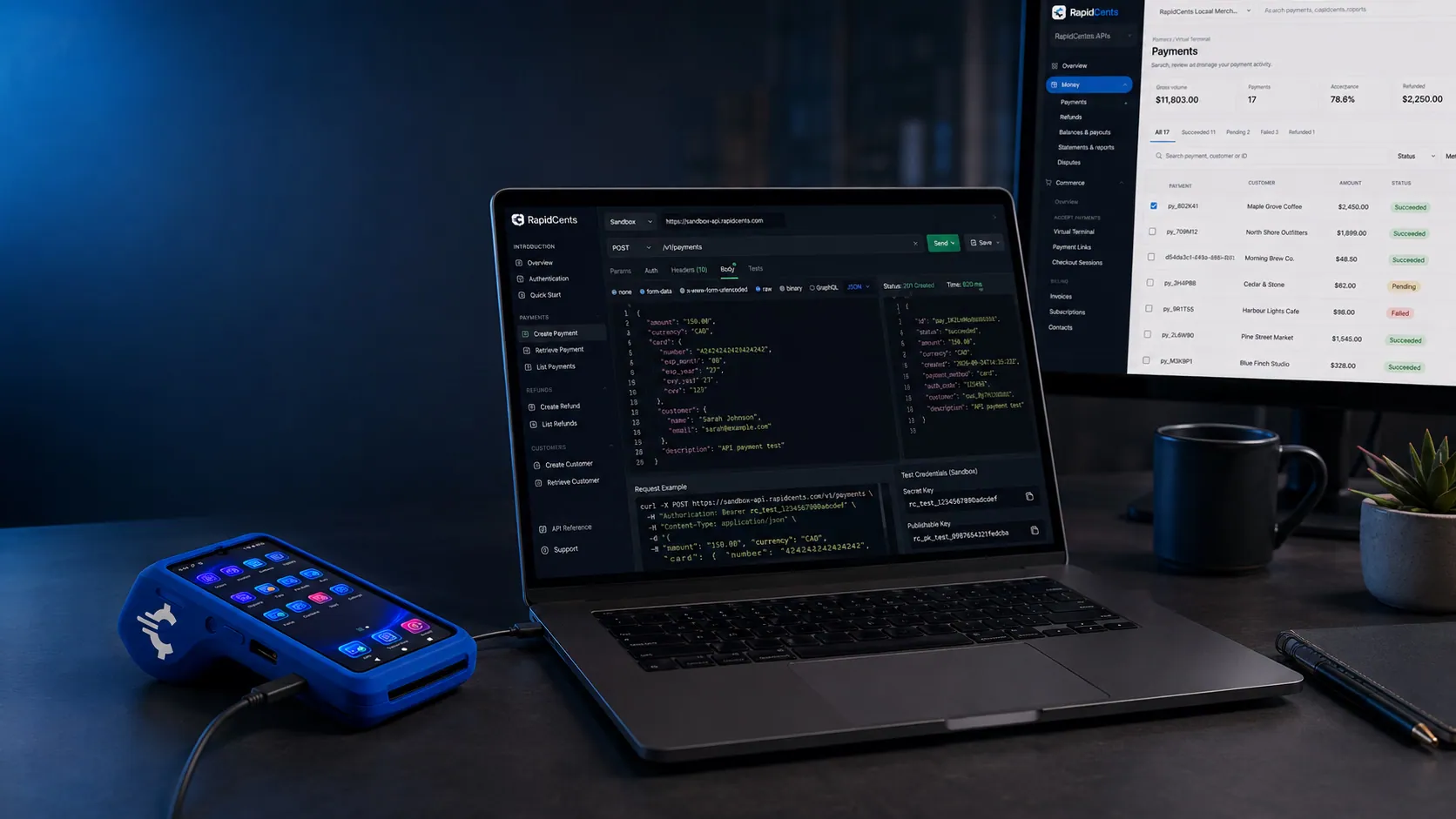
A RapidCents API request and its response on a developer workstation, with the merchant dashboard and a test terminal. RapidCents APIs
REST endpoints for payments, customers, refunds and reporting.
Explore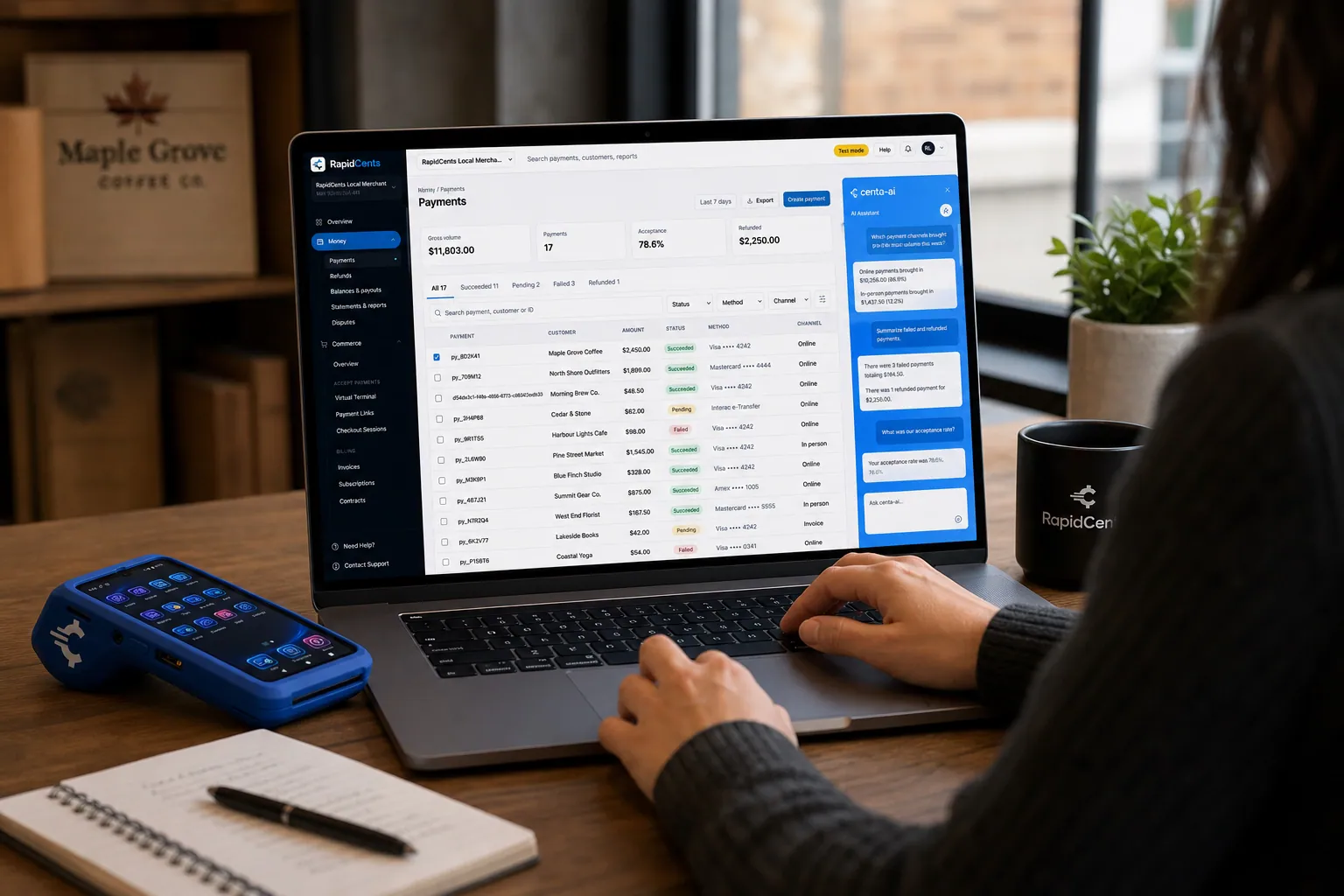
A merchant asks Centa about payments and deposits in the RapidCents dashboard, with a smart terminal on the desk. Centa AI assistant
Sales questions, terminal diagnostics and unusual-activity signals, asked in plain language.
Explore


Security
Two-factor authentication
Optional 2FA for admin accounts.
Session management
Force logout on role change or termination.
Export audit
Log who exported sensitive transaction reports.
Implementation
Admin training
Thirty-minute overview for owner and manager.
Role matrix
Document who gets refund and user admin rights.
Notification setup
Configure deposit and dispute alert emails.
Export schedule
Weekly CSV to accounting inbox.
Pricing
Dashboard included
Merchant dashboard included with all processing accounts at no additional monthly fee.
Questions about Merchant Dashboard
How many users?
Unlimited users on standard plans with role assignment.
Mobile app?
Responsive web dashboard works on phone browsers. Native app roadmap varies.
Historical data?
Transaction search typically retains 13+ months of history.
Multi-location view?
Filter by location or roll up to enterprise totals with multi-location product.
Can staff see the dashboard without being able to issue refunds?
Yes. Cashier, manager and admin roles separate what a user can see from what they can do, so a cashier looks a transaction up while refunds stay with a supervisor. Sessions can be force-logged-out on a role change or a termination, and admin accounts can require two-factor authentication.
How do I find one transaction a customer is asking about?
Search by the card's last four digits, the amount or the reference ID. From the result you can email a receipt copy, drill into the authorization detail, or jump straight to the chargeback case if the transaction has been disputed. Transaction history typically retains 13 or more months.
Is there a mobile app?
The dashboard is responsive web, so it works in a phone browser without installing anything, which is how most owners check yesterday's deposit. Native app availability varies; the browser view carries the full feature set either way.
Can I pull dashboard data into our own reporting tools?
Yes. API read access pulls transaction data into a BI tool or a warehouse, and one-click CSV export covers QuickBooks. Enterprise single sign-on is available for multi-location staff. Exports are logged, so you can see who downloaded a sensitive report and when.
Related products
A merchant reviews RapidCents reports for volume, mix and payouts, with the terminal that took the sales on the desk. Reporting
RapidCents reporting delivers customizable transaction, settlement and fee reports with CSV and PDF…
ExploreA merchant works a RapidCents dispute case on the dashboard, with the original terminal sale still on the desk. Disputes
RapidCents disputes centralizes chargeback notifications, response deadlines and evidence upload in…
ExploreOne RapidCents account comparing sales across locations, with a terminal representing the store-level capture. Multi-Location
RapidCents multi-location tools organize stores, franchises and regions in a hierarchy with…
Explore
Industries that run on Merchant Dashboard
Healthcare
Healthcare providers collect patient payments at reception, via payment links and…
Pharmacies
Independent and specialty pharmacies accept countertop, contactless and phone payments…
Electricians
Electrical contractors capture deposits before ordering materials and collect completion…
Home Services
Home service businesses collect payments in the field with Tap to Pay, payment links and…
Restaurants
RapidCents connects counter, tableside, online ordering and multi-location restaurant…
Taxi & Transportation
Taxi, limo and private hire fleets equip drivers with in-vehicle mobile terminals, fleet…
Automotive
Dealers and repair shops take service deposits, repair order payments and phone…
Retail
Retailers use countertop terminals, e-commerce checkout, returns and inventory-linked…
Take the next step
Talk to a RapidCents specialist
RapidCents Fee Check reads a processing statement and shows interchange separately from the markup. Upload a statement for an instant breakdown, or open a merchant account and start accepting payments on one account.
- No obligation
- Payment specialists, not a call centre
- Secure statement upload



