


Plugins & Extensions
Plugins and extensions are prebuilt integrations for common commerce platforms, so payments work without anyone writing an integration. A WooCommerce plugin drops into a WordPress store, a Shopify storefront connects to the RapidCents gateway, and other platforms create hosted sessions or payment links from the cart they already have. The trade is deliberate: a plugin deploys faster and exposes less control over checkout. When requirements exceed what it exposes, the answer is Rapid.js or the APIs rather than a fork of the plugin.
DEVELOPER PLATFORM
Plugins & Extensions
Plugins and extensions are prebuilt integrations for common commerce and business platforms, so payments work without anyone writing an integration. The WooCommerce plugin drops into a WordPress store; a Shopify storefront connects to the gateway; other platforms create hosted sessions or payment links from the cart they already have. The trade is deliberate and worth understanding before you choose one: a plugin is faster to deploy and gives you less control over the checkout, and the moment your requirements exceed what the plugin exposes, the answer is Rapid.js or the APIs rather than a fork of the plugin.
- Sandbox with documented test cards
- Signed webhooks
- Typed errors and idempotent retries
- Dedicated developer support

What crosses the wire
Where it sits
Inside the platform, between its cart and RapidCents. The platform owns the product catalogue, the order record and the customer account; the plugin owns only the payment step and the status it writes back.
What you configure
Credentials, the environment, and which payment methods to offer. Everything else is the platform’s own settings. No code is written, which is exactly why the configuration screen is where mistakes happen.
What it writes back
Order status, driven by the payment lifecycle. A successful capture marks the order paid; a refund issued in RapidCents should be reflected in the platform, and confirming that direction works is part of testing rather than an assumption.
When to use it
The platform is standard
An unmodified store on a supported platform is the case a plugin was written for, and installing beats commissioning by a wide margin in both time and risk.
There is no engineering team
A configuration screen is a different kind of task from an integration, and it can be completed by whoever runs the store.
You want to start now and build later
A plugin can carry live traffic while a custom checkout is built against the same account, and both produce payments in the same records.
How to implement Plugins & Extensions
Confirm the platform version the plugin supports before installing anything.
Install into a staging copy of the store, never directly into production.
Configure sandbox credentials and place a test order with a documented card.
Force a decline and a refund, and confirm the order status follows both.
Switch to production credentials, place one small real order, then refund it.
What fails, and how you find out
Sandbox credentials left in production
The store looks configured and every real order fails at payment. Because the plugin reports a payment error rather than a credential error, this is usually diagnosed as an outage first.
Order status not following a refund
A refund issued in RapidCents that never reaches the platform leaves a paid order that has been paid back. Test that direction explicitly; it is the one most installations skip.
A platform upgrade that outruns the plugin
Store platforms move faster than integrations. Check plugin compatibility before a major platform upgrade rather than after checkout stops working.
Forking the plugin to add a feature
A modified plugin stops receiving updates, including security ones, and inherits every future incompatibility. If the requirement is real, build it on Rapid.js or the APIs instead.
Sandbox versus production
Every plugin has an environment switch
It is the first setting to check and the last one to change. Sandbox credentials in a plugin behave exactly like production ones except that the test cards decide the outcome.
Staging is not the same as sandbox
A staging store with production credentials takes real money. Use a staging copy of the store and sandbox credentials together, so a test order is safe on both axes rather than one.
Test the refund path in sandbox first
Refunds are where plugin and platform most often disagree, and sandbox is the only place to discover that without an actual customer waiting for their money.
Questions about Plugins & Extensions
Which platforms have a RapidCents plugin?
WooCommerce has a drop-in plugin for WordPress stores, and a Shopify storefront can be connected to the gateway. Other platforms are covered by hosted checkout sessions or payment links created from the existing cart, and your integration specialist confirms what applies to yours.
Does a plugin reduce my PCI scope?
It depends on where card entry happens. A plugin that redirects to hosted checkout or embeds hosted fields keeps card data off your servers; one that posts card data through your own store does not. Check which pattern the plugin uses before assuming.
Can I use a plugin and the API at the same time?
Yes, on the same account. A store can run on a plugin while a separate application takes payments through the API, and both appear in the same reporting and settlement records.
What happens when the plugin does not do what I need?
Move that requirement to Rapid.js or the APIs rather than modifying the plugin. A fork loses its update path, and the thing you added is usually easier to maintain as a small custom checkout than as a permanently diverged extension.
Do plugins support refunds from inside the platform?
Where the platform exposes a refund action, the aim is that issuing it there reaches RapidCents and that a refund issued in RapidCents is reflected back. Confirm both directions during testing rather than assuming symmetry.
How do I upgrade a plugin without breaking checkout?
Upgrade the staging copy first, place a test order with sandbox credentials including a decline, and only then upgrade production. Checkout is the one part of a store where a rollback is not enough on its own.
Why do all my live orders fail at payment right after install?
Check the environment switch first. Sandbox credentials left in a production store make every real order fail at the payment step, and because the plugin reports a payment error rather than a credential error, it is usually diagnosed as an outage before anyone looks at the configuration screen.
How do I test a plugin without taking real money?
Use a staging copy of the store and sandbox credentials together. Staging alone is not enough, because a staging store configured with production credentials takes real payments. With both in place, place a test order with a documented card, then force a decline and a refund and confirm the order status follows each one.
Continue the integration
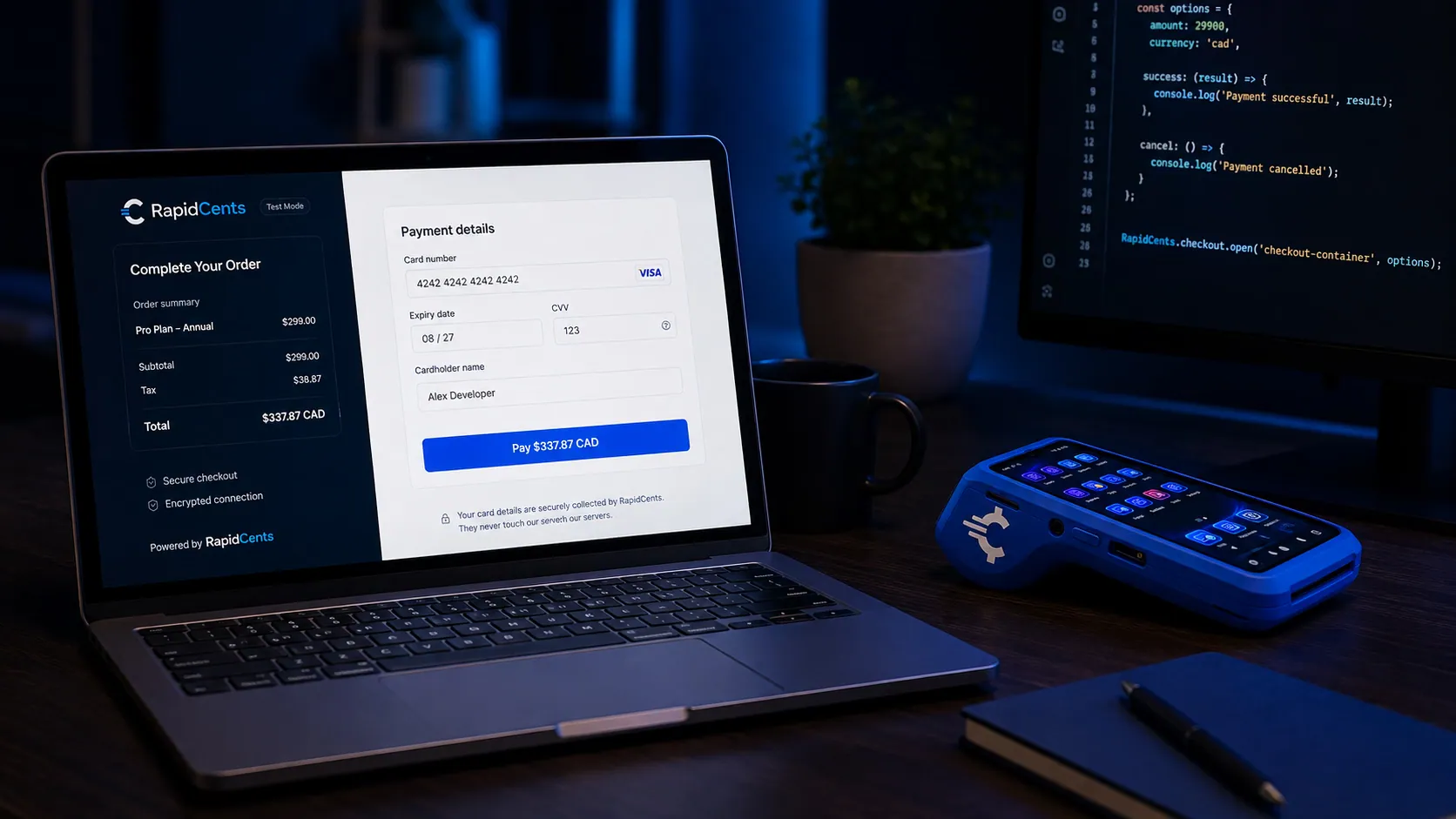
Rapid.js hosted card fields on a developer workstation, keeping card entry out of the merchant's PCI scope. Rapid.js
Embedded payment components for the web that keep card entry inside RapidCents-hosted fields…
Explore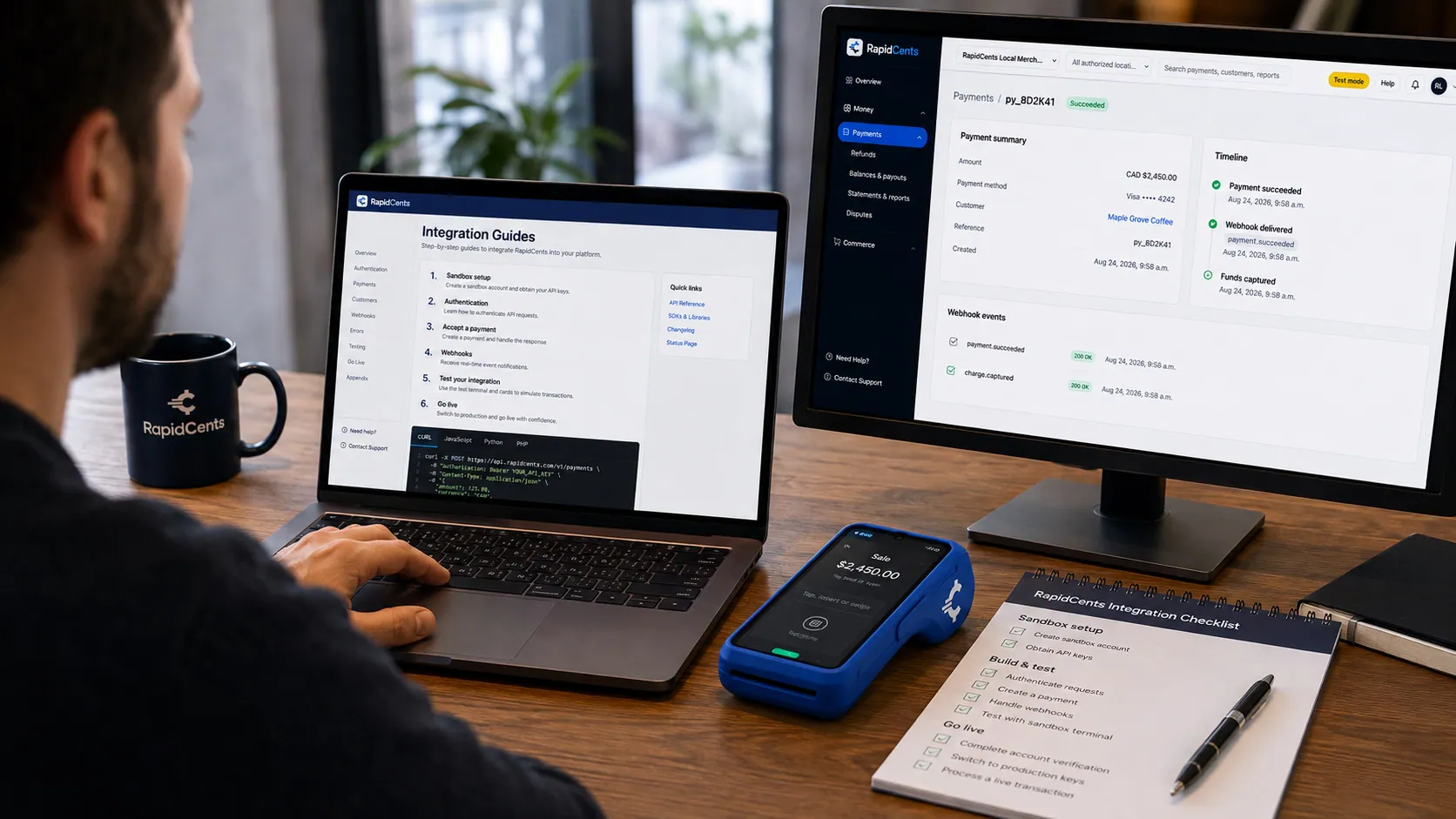
A developer working through a RapidCents integration guide, sandbox terminal on the desk and a successful test result on screen. Integration Guides
Step-by-step guides for e-commerce, POS, mobile and marketplace integrations.
Explore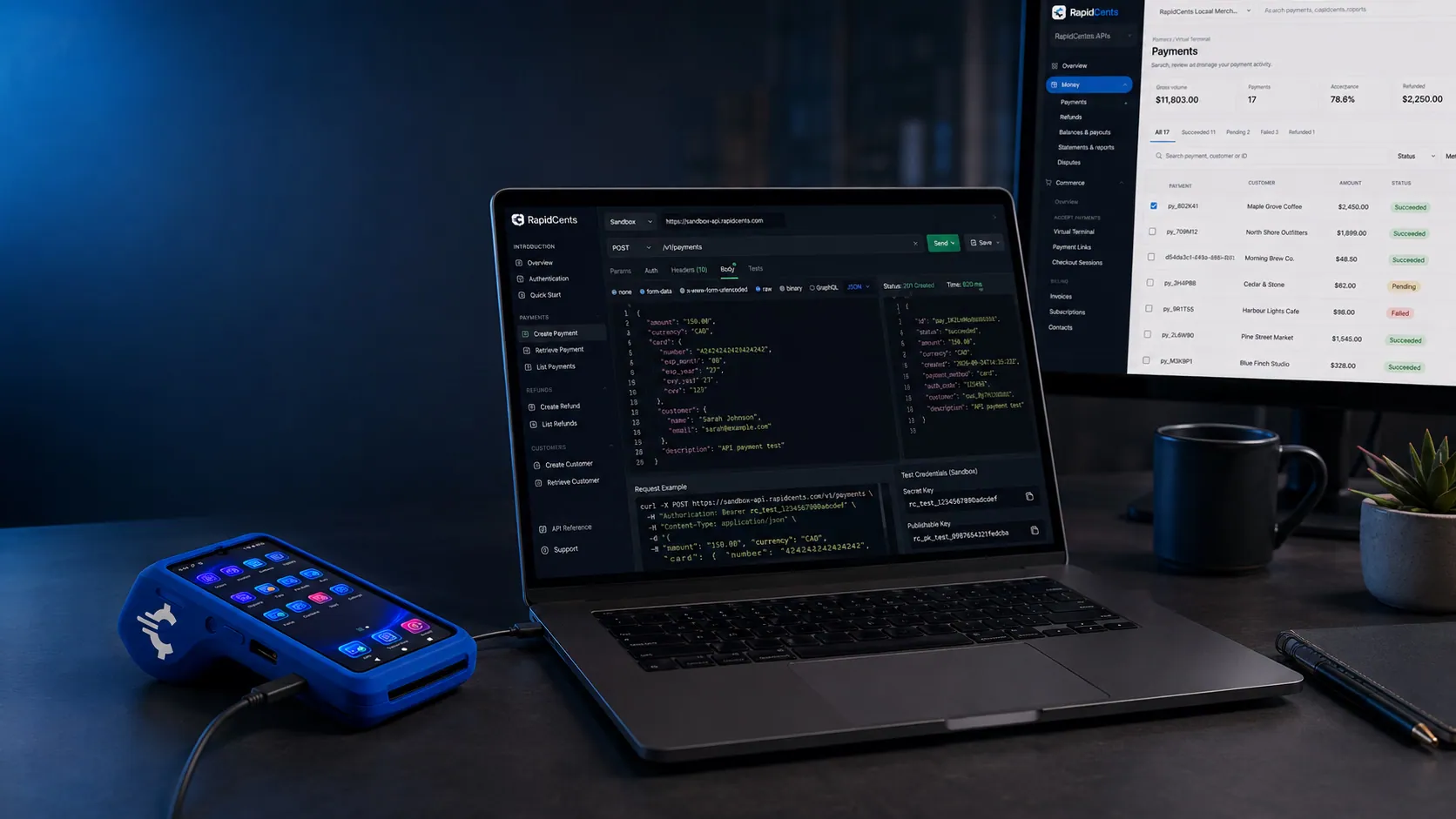
A RapidCents API request and its response on a developer workstation, with the merchant dashboard and a test terminal. RapidCents APIs
REST APIs for payments, refunds, customers, tokens and settlement, with predictable errors and…
Explore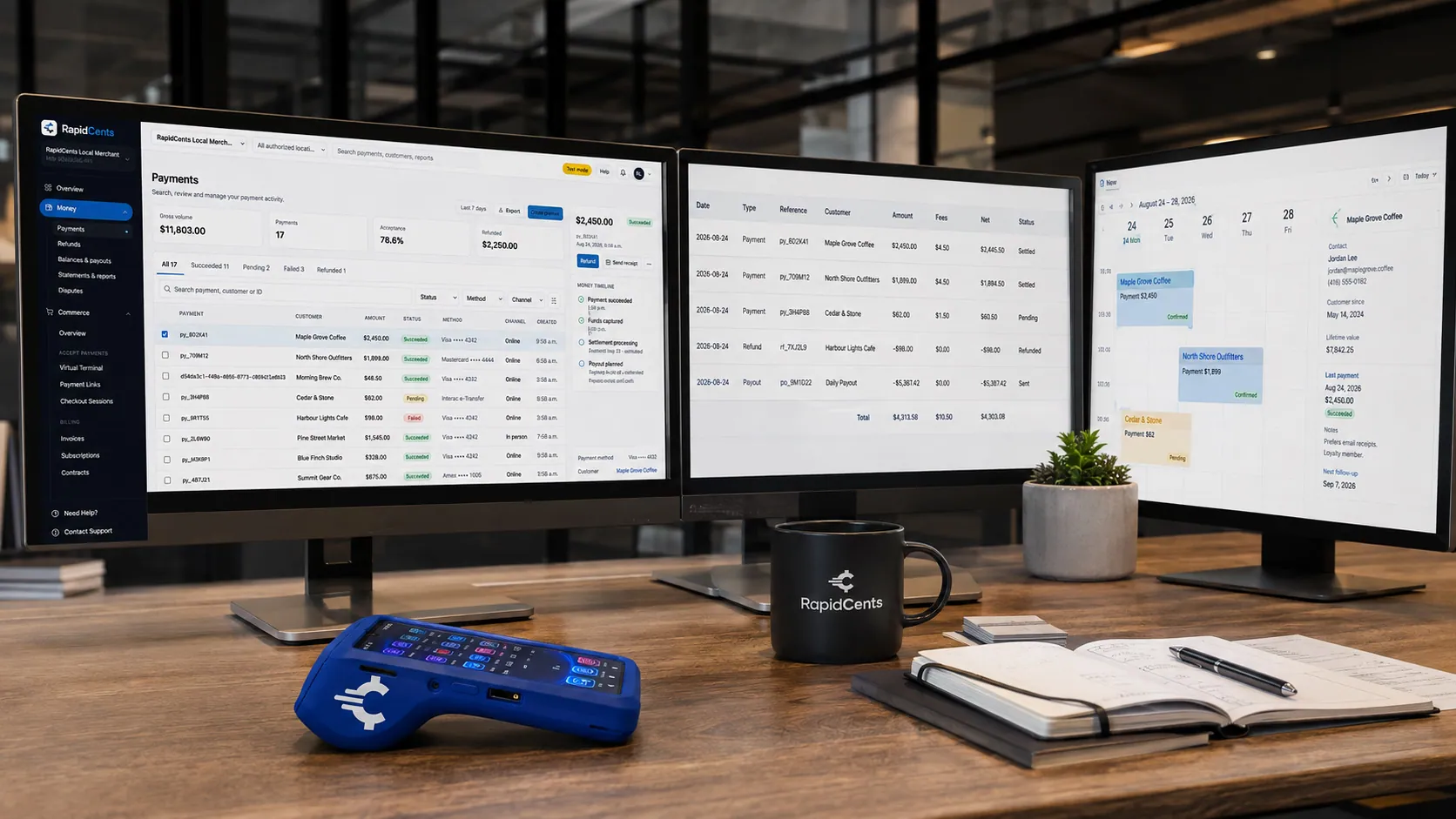
RapidCents connected to accounting and operations tools a business already runs, with payments landing in the same dashboard. Third-Party Integrations
Connect RapidCents to accounting, CRM, booking and operations tools your business already runs.
Explore


Take the next step
Talk to a RapidCents specialist
RapidCents Fee Check reads a processing statement and shows interchange separately from the markup. Upload a statement for an instant breakdown, or open a merchant account and start accepting payments on one account.
- No obligation
- Payment specialists, not a call centre
- Secure statement upload



