


POS, Checkout Lanes and Pickup Payments for Grocery Stores
A grocery lane has to clear a full cart faster than the customer can bag it. RapidCents runs countertop payment terminals on every lane, a payment gateway with hosted checkout for online pickup orders, and multi-location payments so a banner reports by store and by department. Grocery stores and supermarkets carry MCC 5411. A pickup order paid online arrives already settled, so the picker hands over the bags without a second transaction.

- PCI DSS Level 1
- SOC 2 Type II
- All major card brands: Visa · Mastercard · Amex · Discover · PIN debit
- Interchange-plus available
- Specialist onboarding support
Operational workflows
Full cart totalled and tapped at the lane
Pickup order paid online before arrival
Bags handed over with no second transaction
Department and store totals reconciled
Payment challenges
Every lane is its own payment endpoint
A dozen terminals run at once, and one lane that hesitates on authorization backs the queue up by a full cart.
The order changes after it was paid
A substituted or weighed item shifts the total after the customer has already settled online for pickup.
Totals that have to add up by department
A banner reports produce, meat and centre store separately, so a single deposit figure will not close the books.
Choose the right payment setup for Grocery
Choose grocery store payment terminal
For Grocery, map the counter or service point, each location and consolidated oversight, and the sale and reconciliation with business systems before choosing a setup. Select channels that match those moments, then confirm that the chosen solution genuinely covers each channel.
Payment hardware for Grocery
For Grocery, start with the place customers pay in person: a countertop terminal, smart terminal, or portable device depending on the workflow. Verify that the hardware fits the real volume and workspace.
Compare payment processing fees
For Grocery, request a written fee breakdown covering cost detail by device and location. Compare the effective cost across the real card and channel mix; do not choose on a headline rate alone.
Set up or switch Grocery payments
To set up Grocery payments, document how payment data moves into business systems, confirm compatibility before purchase, then test a real payment flow before going live.
Recommended products
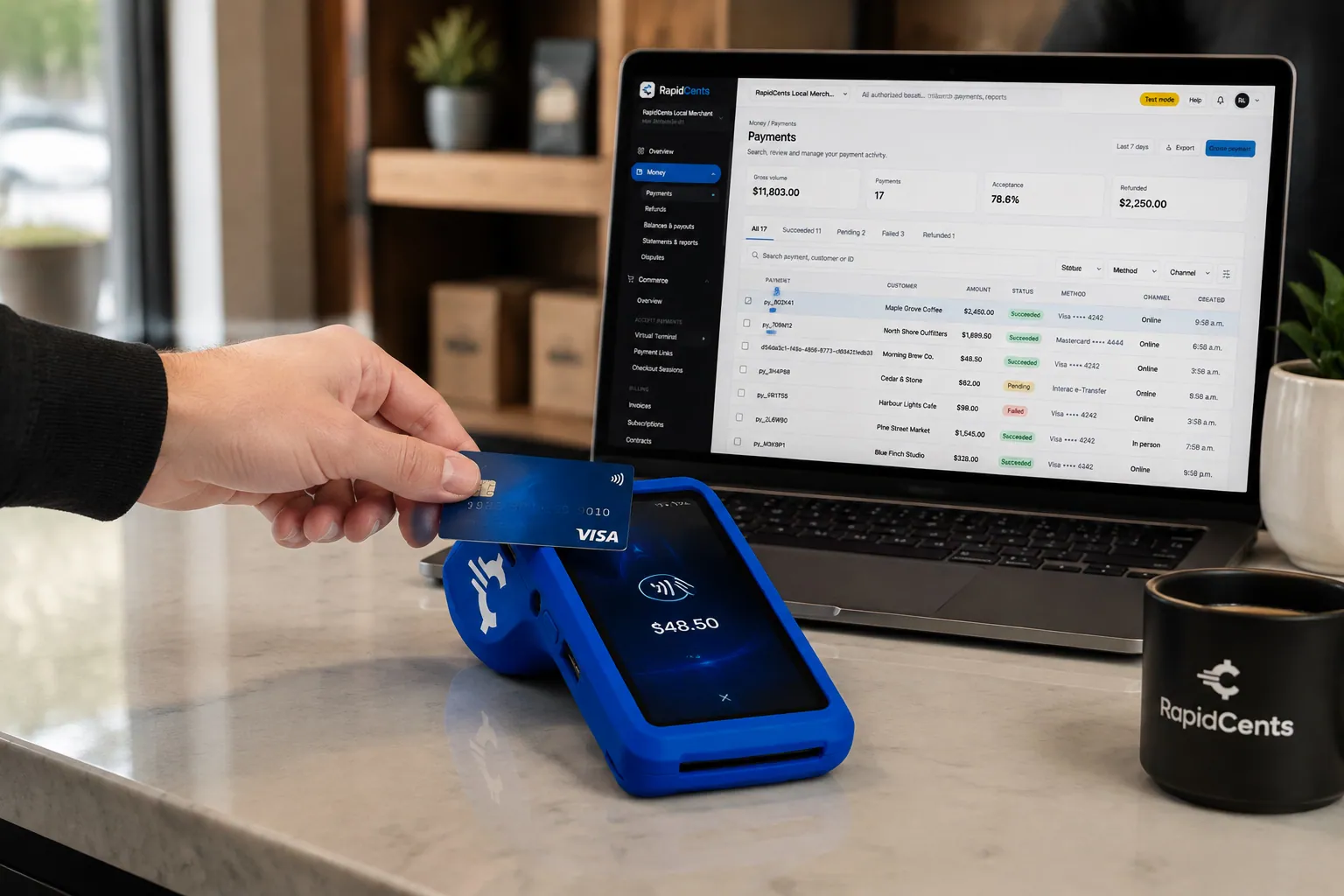
A fixed RapidCents countertop terminal taking card payments at the till, with settlement visible on the dashboard. Countertop Terminals
RapidCents countertop terminals sit at retail counters, restaurant hosts and reception desks where speed and…
Explore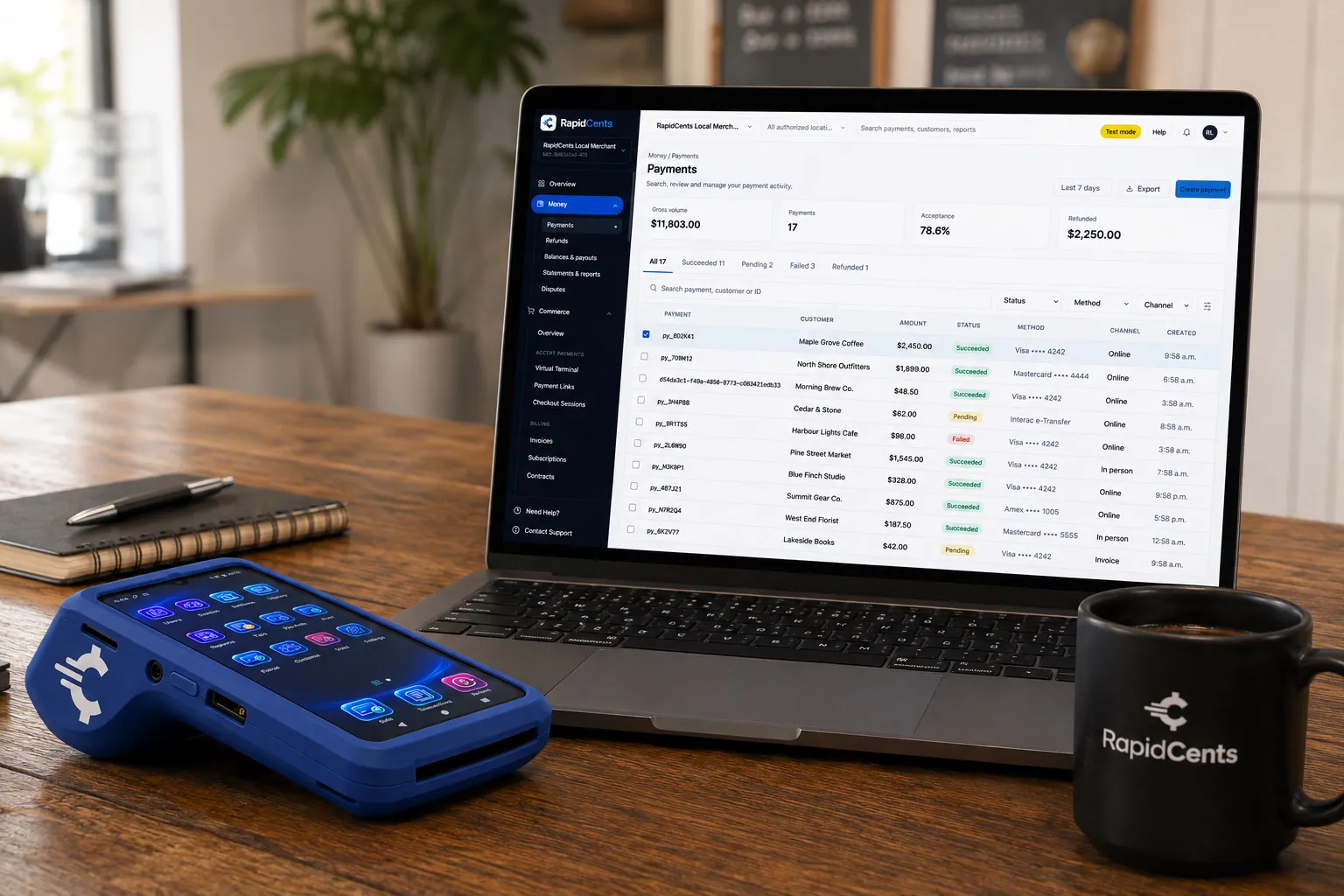
A payment-gateway integration desk: API response on screen, RapidCents terminal ready for a test sale. Payment Gateway
The RapidCents payment gateway exposes REST endpoints for authorize, capture, void, refund and tokenize…
Explore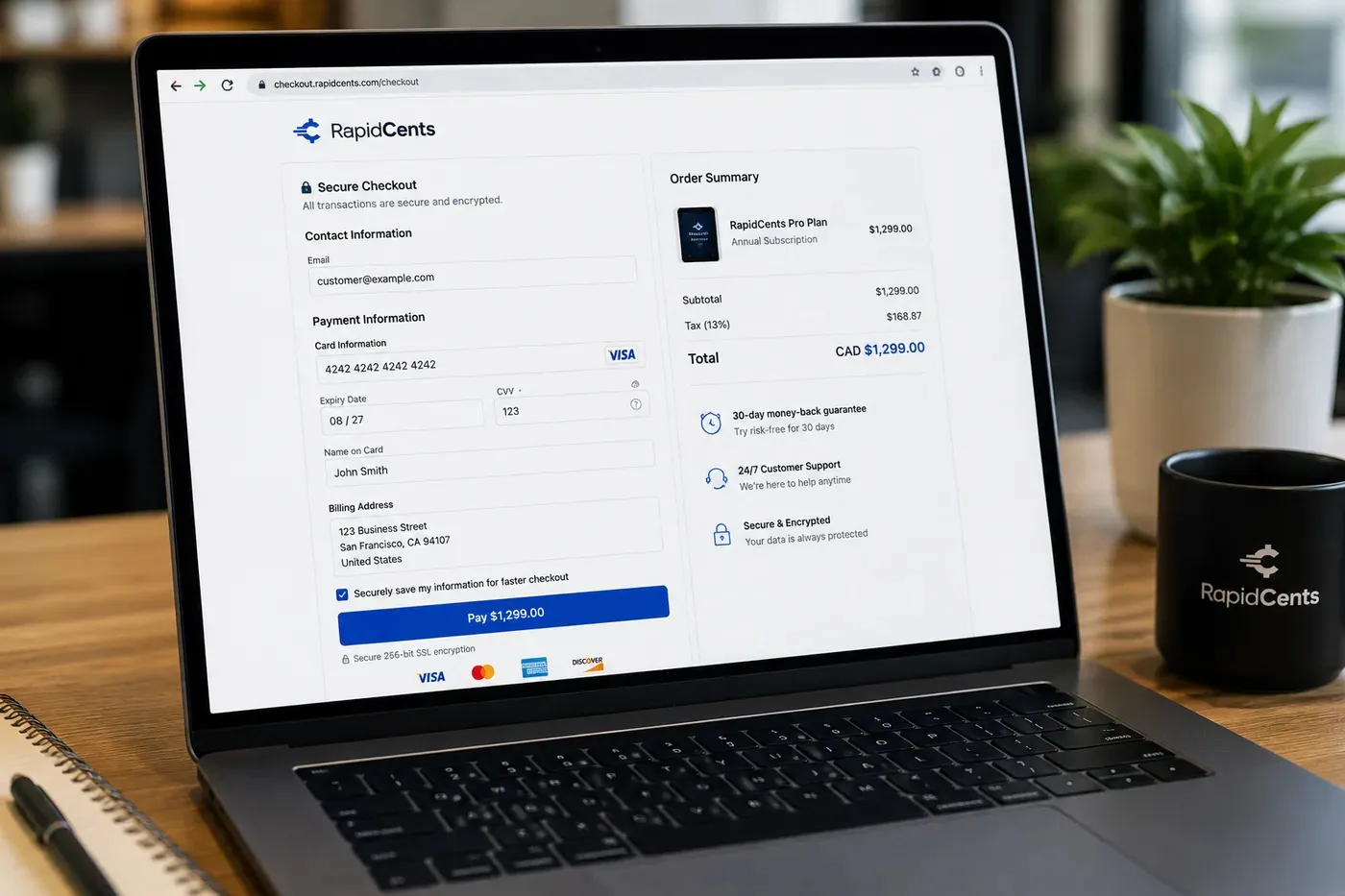
A RapidCents hosted checkout page at checkout.rapidcents.com, with the order summary and totals on the left and the card fields on the right, footed by SSL and PCI DSS assurances. Hosted Checkout
RapidCents hosted checkout delivers PCI-scoped payment pages you redirect customers to or embed via iframe…
Explore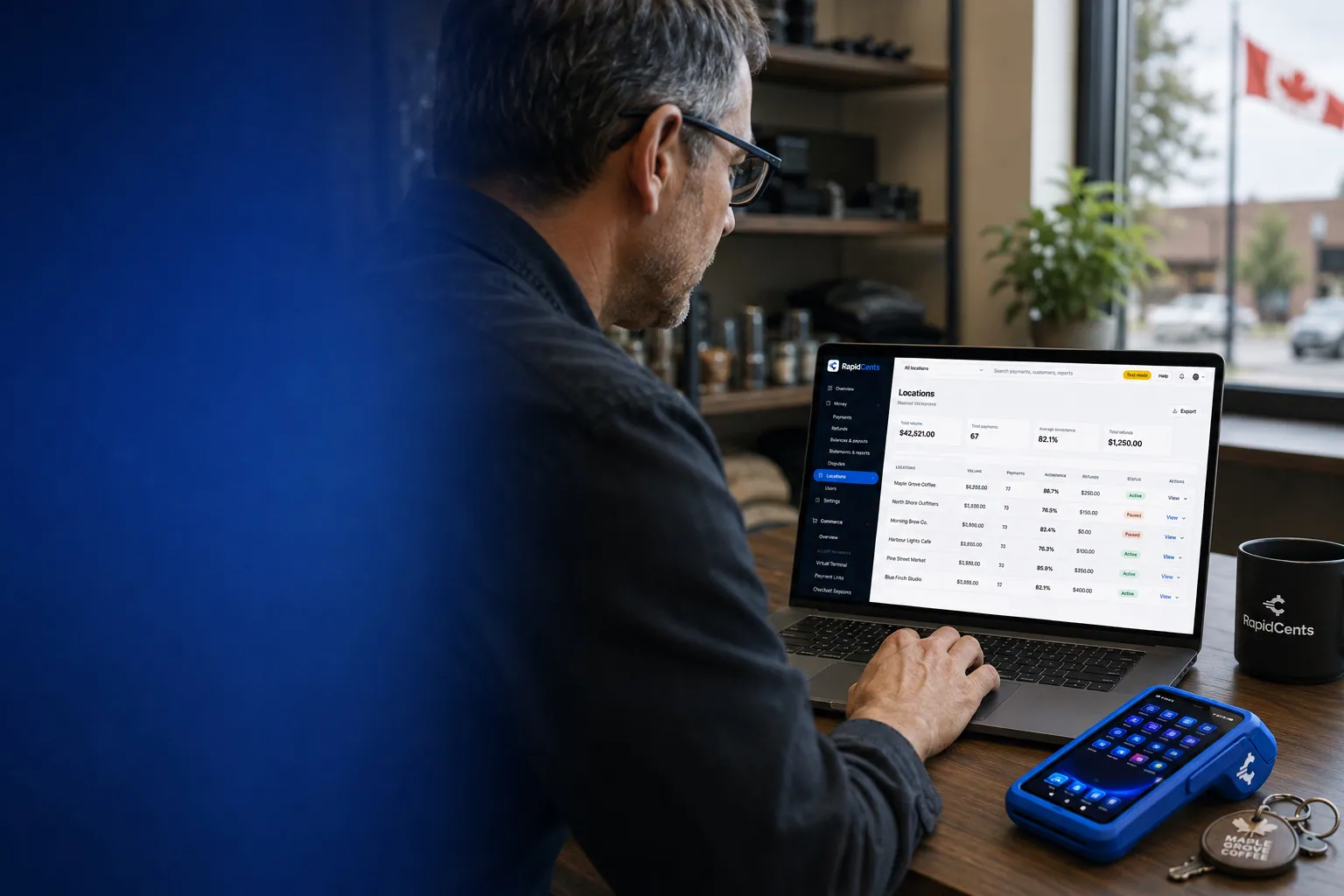
One RapidCents account comparing sales across locations, with a terminal representing the store-level capture. Multi-Location
RapidCents multi-location tools organize stores, franchises and regions in a hierarchy with location-level…
Explore


How this gets set up
Every lane, the same behaviour
Terminals go on all checkouts at once, so a cashier moving between lanes does not meet a different flow.
Pickup paid before the pick
Curbside and pickup orders are paid through hosted checkout, so the picker hands over bags without a second transaction.
Department totals from week one
Sales are reported so produce can be read against centre store, not just as one store deposit.
Store by store across the banner
Multi-location payments bring each store's settlement under one account structure, so a new store is added rather than boarded fresh.
Integrations
NCR
NCR drives the lane, so the total the terminal captures is the ring the checkout recorded.
LOC Software exports
LOC Software exports move sales and settlement detail into the grocery back office as a file, not a live feed.
Operations, security and going live
Lane throughput is the number that matters
A grocery report has to show how a lane performed, because a slow terminal costs a cart's worth of time at every checkout.
Pickup and in-store revenue stay distinct
An order paid online the day before has to be identifiable, or the store's daily figures count it twice.
Card numbers stay in the lane hardware
Validated terminals and tokenized online payments keep cards out of the store's own systems, which is the point of the split.
Convert midweek
Lanes change outside the weekend peak, because the Saturday cart will not wait for a terminal that needs a second look.
Payment questions from Grocery
What should businesses compare when choosing grocery store payment terminal for Grocery?
Compare grocery store payment terminal against the real payment journey: the counter or service point, each location and consolidated oversight, and the sale and reconciliation with business systems. Start with the required channels and hardware, then confirm compatibility and support before committing.
What payment hardware is practical for Grocery?
For Grocery, start with the workstation where customers pay and the space available. A test of the real flow reveals the right form factor better than a feature comparison alone.
Which payment channels are relevant for Grocery?
For Grocery, start with the counter or service point, each location and consolidated oversight, and the sale and reconciliation with business systems. Keep only the channels that match those moments, then verify the complete customer flow before offering them.
How should payment processing fees be evaluated for Grocery?
For Grocery, compare costs related to cost detail by device and location using actual transactions. Request a written breakdown of fees and terms rather than relying on an advertised rate alone.
What should be confirmed before setting up payments for Grocery?
For Grocery, document how payment data moves into business systems, verify the needed compatibility, and test the flow before going live. This exposes manual steps and exceptions before customers encounter them.
How should a multi-location setup be evaluated for Grocery?
Ask how devices, users, deposits, and reporting are separated by location. Verify that the team can see the detail it needs without complicating daily operations.
What MCC category applies to Grocery?
MCC 5411 is commonly associated with Grocery. Our onboarding team confirms the correct category for your business.
Related industries
Retail
Retailers use countertop terminals, e-commerce checkout, returns and inventory-linked…
Convenience Stores
C-stores need fast EMV contactless, lottery and fuel integrations with reliable…
Liquor Stores
Liquor retailers comply with state rules while accepting countertop and mobile…
Jewellery Stores
Jewellers sell high-value single items, hold custom orders on deposit and offer layaway…
Furniture Stores
Furniture retailers take a deposit at order and the balance on delivery weeks later, and…
Sporting Goods
Sporting goods stores swing hard by season, run a service counter for tuning and fitting…
Garden Centres & Nurseries
Garden centres compress most of the year into spring, add mobile checkout out in the…
Auto Parts Retailers
Parts counters serve retail walk-ins and trade accounts on terms, so the same store needs…
Take the next step
Talk to a RapidCents specialist
RapidCents Fee Check reads a processing statement and shows interchange separately from the markup. Upload a statement for an instant breakdown, or open a merchant account and start accepting payments on one account.
- No obligation
- Payment specialists, not a call centre
- Secure statement upload



