


POS and ERP connectivity
Deep POS and ERP integration that syncs payments with operations
Integrated payments connect a point-of-sale or ERP system directly to the payment device, so the sale amount, tip, refund and settlement data move automatically instead of being keyed twice. RapidCents supports semi-integrated amount-only lanes and full item-level integration with certified partners, posts batch totals back to general ledger codes, and maps each store terminal to its own location MID. Refunds start on the register, and implementation includes certification review, sandbox testing and go-live support.
- Certified POS connectors reduce double entry
- Item-level settlement detail for finance
- Two-way sync with inventory and orders

- Certified partner integrations
- SOC 2 Type II
- Sandbox certification path
- Dedicated integration engineer
- Reduced reconciliation time
Who it's for
Retail with inventory POS
Sales decrement stock and post payments in one flow.
Restaurants on partner POS
Checks close to terminal without re-keying totals.
Multi-location franchises
Standardize integrated lanes across all stores.
Core capabilities
Semi and full integration
Amount-only or item-level push from POS to terminal.
Two-way settlement sync
Batch totals post back to ERP general ledger codes.
Refund from POS
Initiate return on register; terminal processes card credit.
Tip and tax mapping
Gratuity and tax lines reconcile to correct GL accounts.
Multi-location routing
Each store terminal maps to location MID automatically.
How it works
Confirm POS version and integration certification status.
Configure integration in sandbox with test transactions.
Certify item-level and refund flows with partner checklist.
Deploy to production lanes with parallel monitoring.
Finance validates first-week settlement sync to ERP.
Integrated payment workflows
Retail item sale
Scan barcode; POS sends total; terminal captures card.
Restaurant check close
Server closes check; terminal prompts tip and payment.
Return with inventory
POS return updates stock and triggers card refund.
End-of-day ERP post
Settlement file imports to accounting automatically.
Dashboard and reporting
Transactions, deposits and exceptions visible in the RapidCents merchant dashboard.
Try it, edit values and click buttons
Merchant dashboard
- Today
- $4,218
- Deposits
- $12,482
- Disputes
- 2 open
- In-person
- $842
- Online
- $1,104
- Virtual terminal
- $392
Demonstration data only
Integrations
Lightspeed
Certified retail and restaurant connectors.
TouchBistro
Tableside and counter integrated flows.
SAP and NetSuite
Settlement import templates for enterprise ERP.
Works with Integrated Payments
Capabilities on the same account, so the parts below connect without a second integration or a second contract.
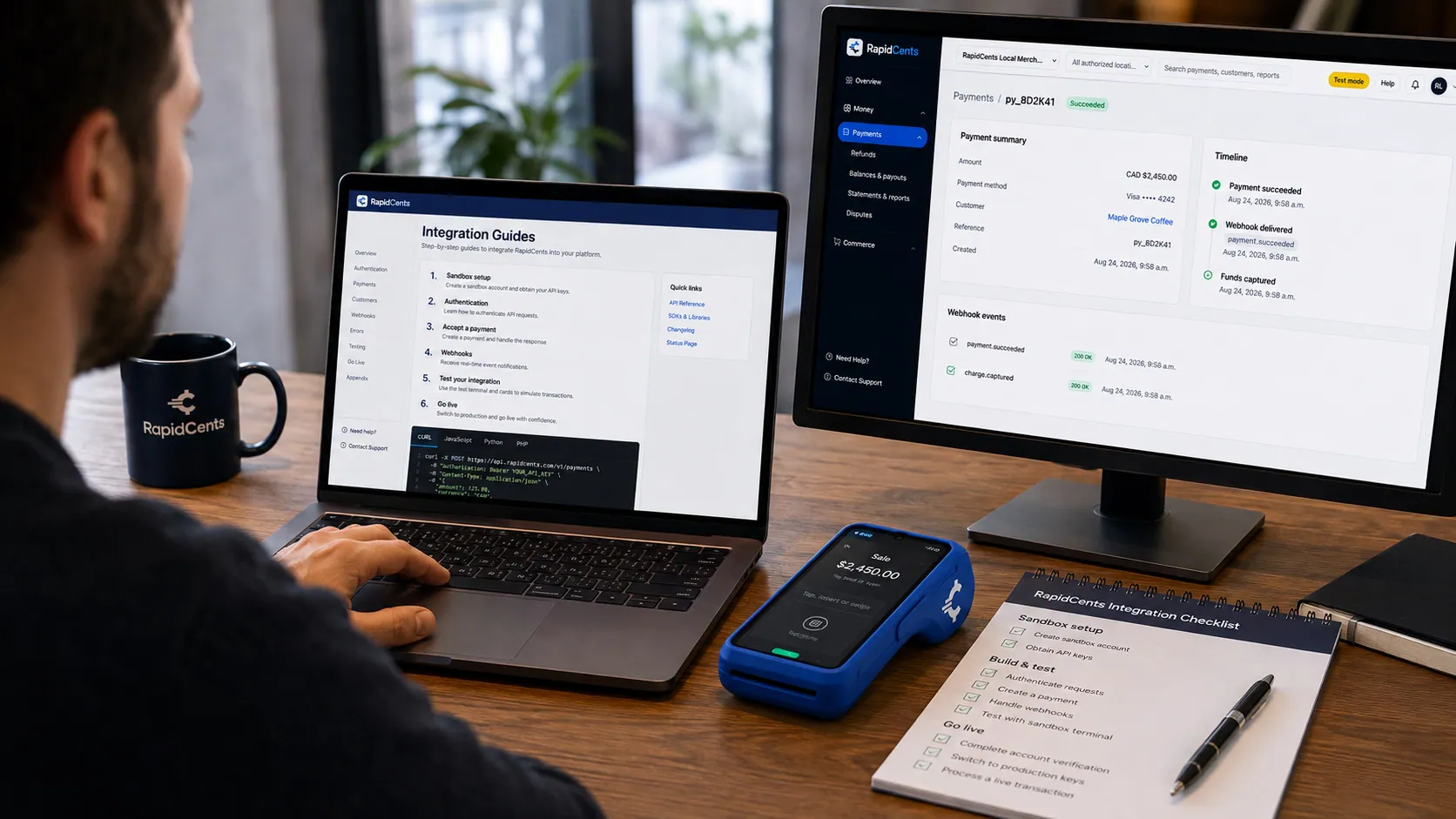
APPIE interoperability on a RapidCents desk: a terminal and host path that can work across processor boundaries. APPIE
The interoperability layer that lets existing point-of-sale software drive RapidCents hardware.
Explore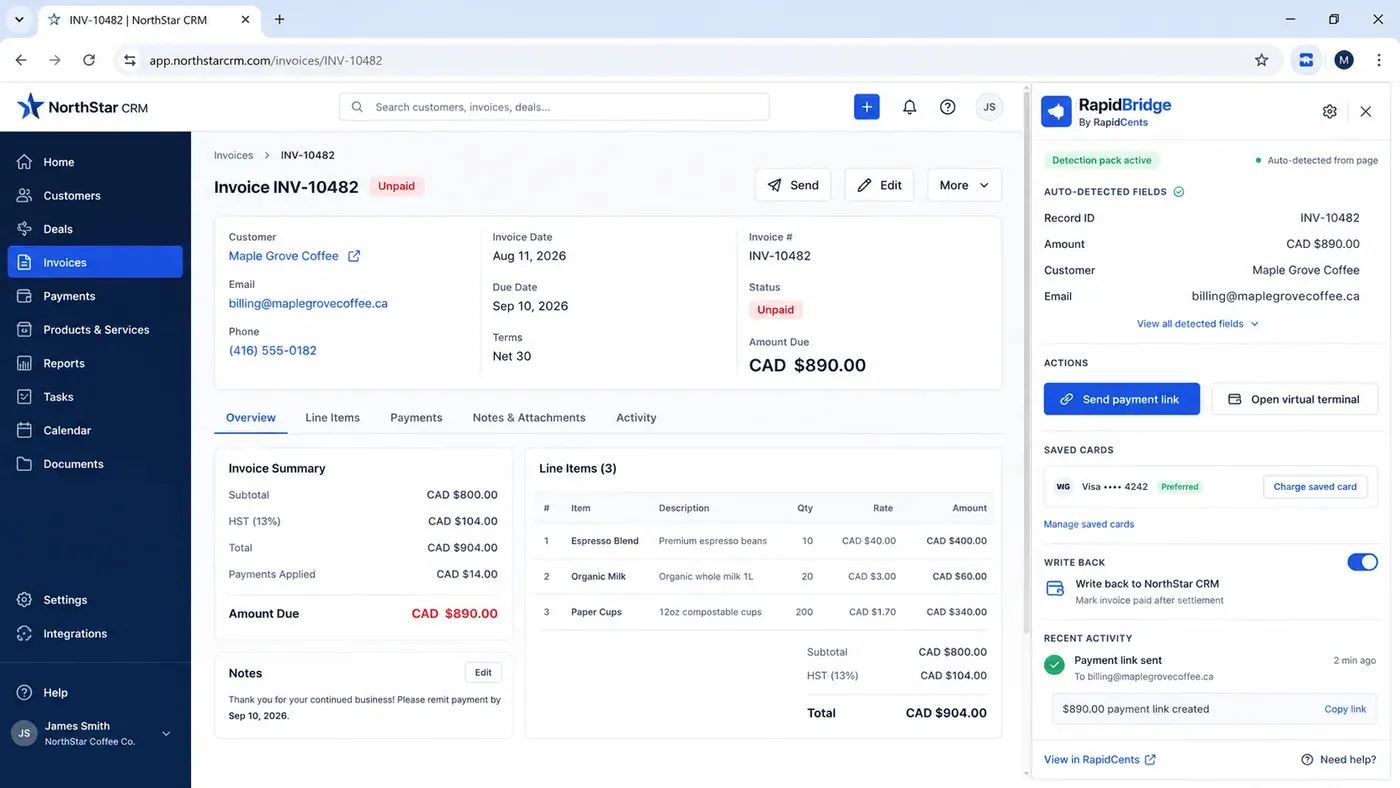
An unpaid invoice open in a third-party CRM with the RapidBridge panel beside it, showing the record number, amount, customer and email it detected from the page on its own, and buttons to send a payment link or charge a saved card. RapidBridge
Connects RapidCents to the software you already run, without rebuilding it.
Explore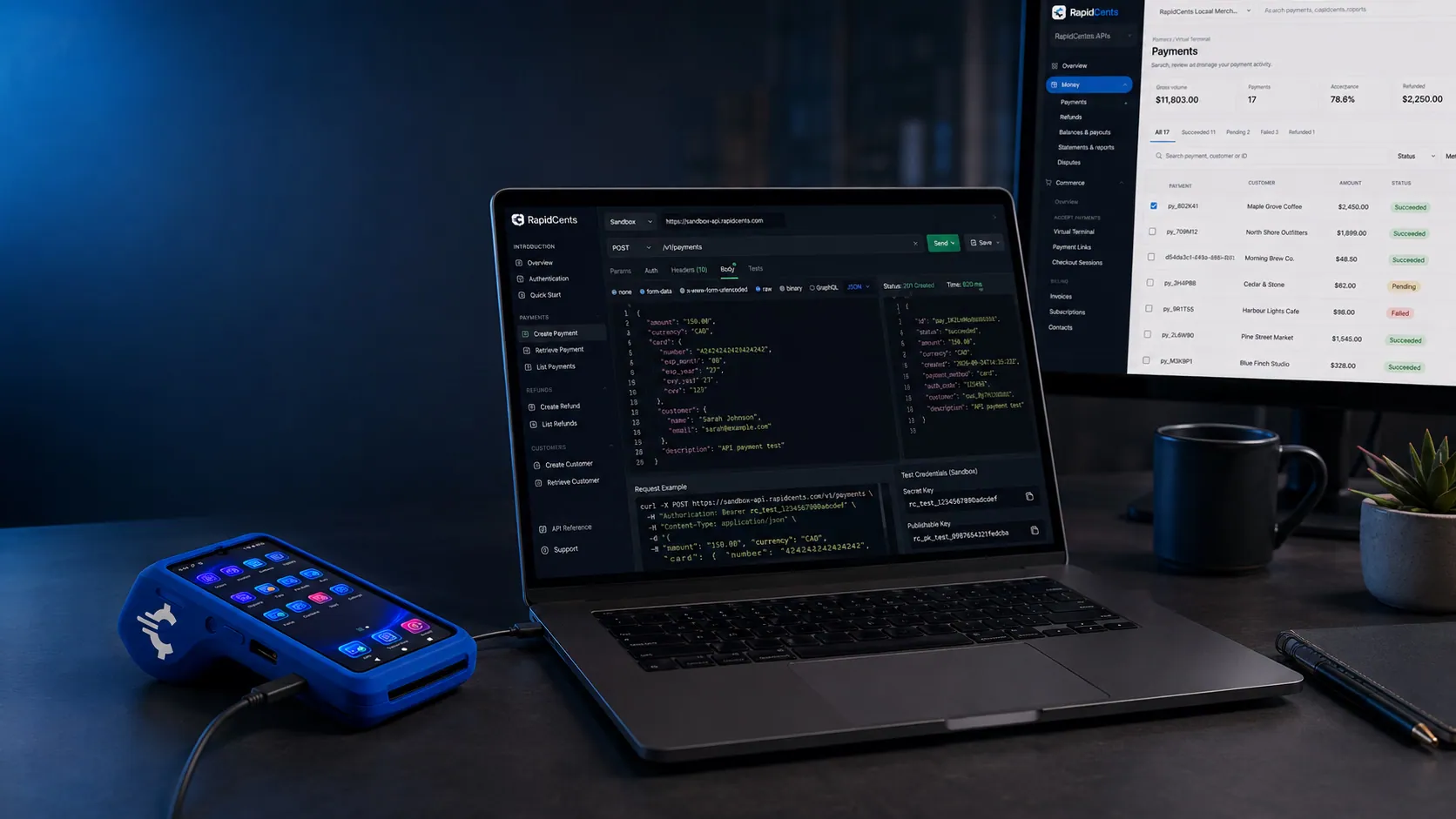
A RapidCents API request and its response on a developer workstation, with the merchant dashboard and a test terminal. RapidCents APIs
REST endpoints for payments, customers, refunds and reporting.
Explore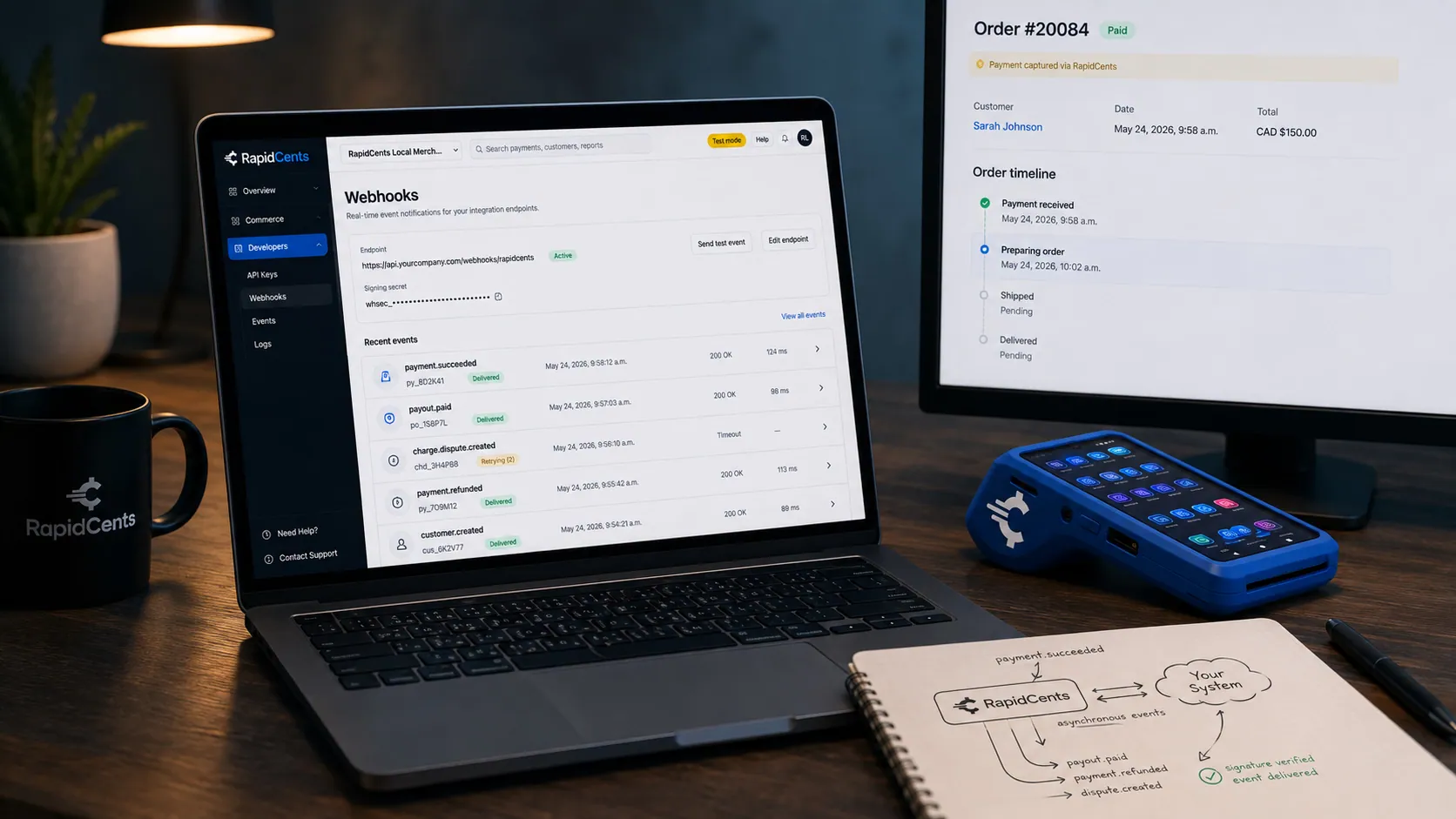
A RapidCents webhook delivery timeline next to the payment that triggered it, with a test terminal on the desk. Webhooks
Signed events your systems can react to the moment a payment settles or fails.
Explore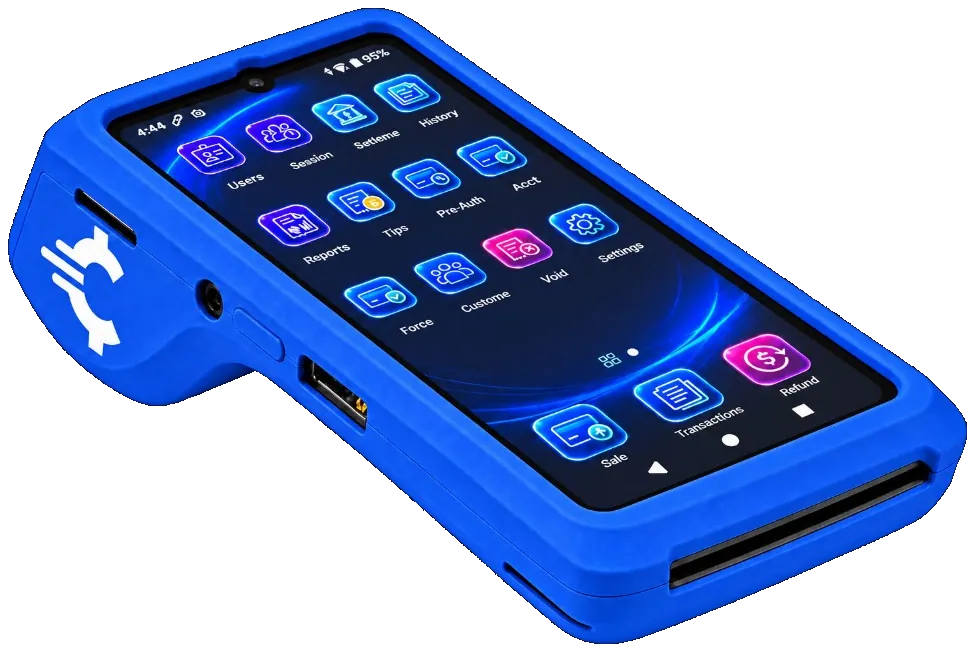
The RapidCents Rivo Go on a counter, the flagship of the Rivo line of countertop, mobile and compact card terminals. Payment terminals
Countertop, mobile and smart terminals for tap, chip and swipe at the counter.
Explore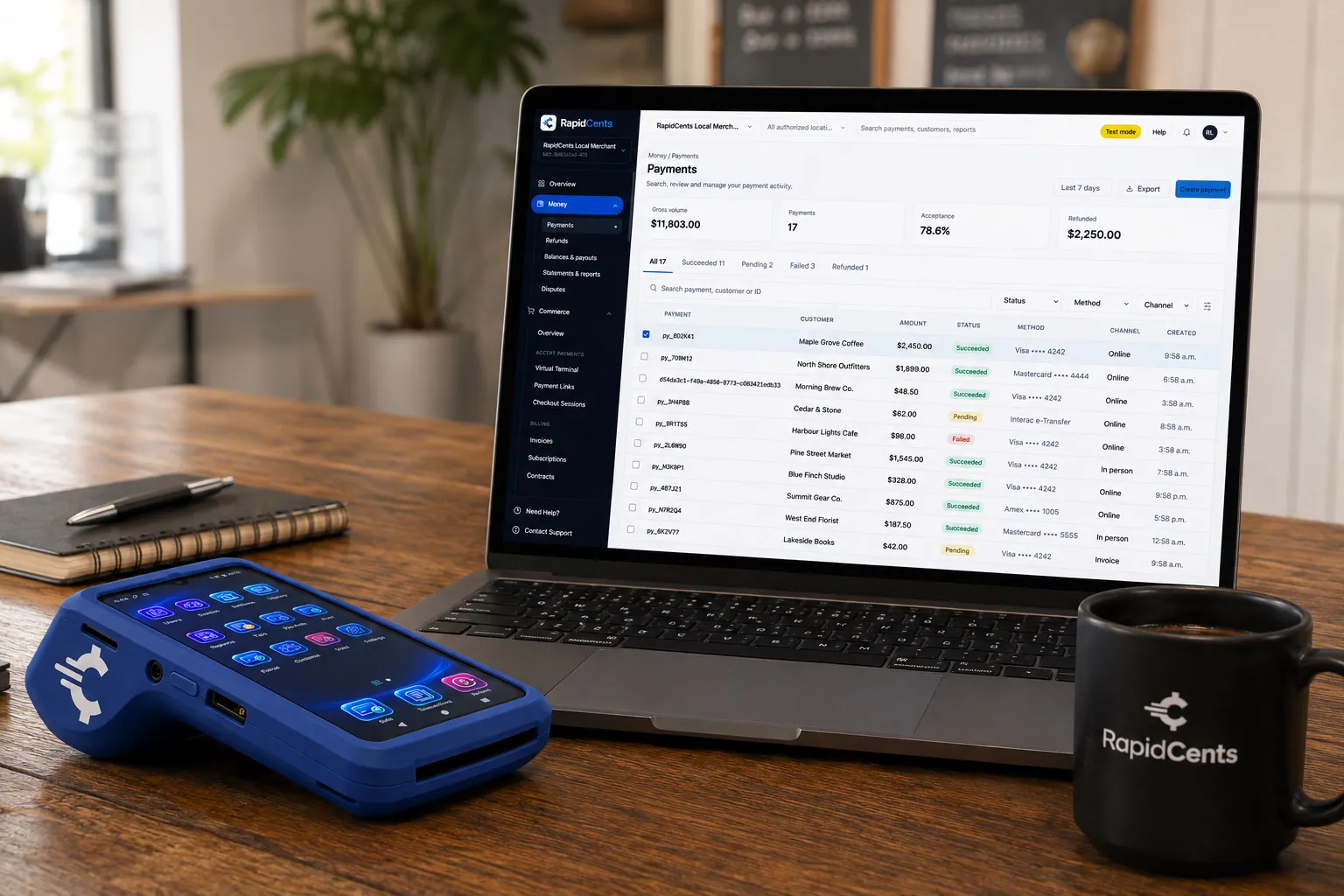
A payment-gateway integration desk: API response on screen, RapidCents terminal ready for a test sale. Payment gateway
The authorization layer every online RapidCents payment runs through.
Explore


Security
Encrypted POS handoff
Sale tokens expire after single terminal use.
Role sync
POS cashier roles map to terminal permissions.
Audit on refunds
Integrated refunds require manager PIN on POS.
Implementation
Discovery workshop
Document POS version, lanes and ERP chart of accounts.
Sandbox build
Partner certification test cases.
Pilot store
One location live before chain rollout.
Hypercare week
Daily check-ins during first settlement cycle.
Pricing
Integration services
Processing rates per channel. One-time integration setup may apply for custom ERP mappings.
Questions about Integrated Payments
Is my POS certified?
Your integration specialist confirms certification status for your version.
Semi vs full integration?
Semi sends amount only. Full sends line items and enables richer reporting.
Cloud vs on-prem POS?
Both supported where partner certification exists.
Who handles certification?
RapidCents and partner jointly guide sandbox test completion.
What is the difference between semi-integrated and fully integrated?
Semi-integrated sends the amount only: the POS tells the terminal what to charge and gets an approval back. Full integration sends line items too, which is what enables item-level settlement detail, inventory-aware returns and richer reporting. Semi is faster to certify; full is what finance asks for once reconciliation gets serious.
How do I find out whether my POS is already certified?
An integration specialist confirms certification status for your specific POS and version, since a certified product does not mean every release is certified. Both cloud and on-premise systems are supported where partner certification exists, and RapidCents and the partner jointly guide the sandbox testing.
Do integrated tips and taxes land in the right accounts?
Gratuity and tax lines map to the general ledger codes you specify, and batch totals post back to the ERP rather than being retyped. That mapping is the part worth spending time on during implementation, because a wrong code multiplies across every settlement file after go-live.
How are integration costs charged?
Processing rates apply per channel as normal, and a one-time integration setup charge may apply where custom ERP mappings are needed. A certified off-the-shelf POS connector is the cheaper path; bespoke mapping work is priced against the scope your ERP requires.
Related products

The RapidCents Rivo Go standing upright in its blue silicone case, showing the full-touch sale screen a customer reads across the counter. Payment Terminals
RapidCents payment terminals cover countertop, mobile and smart form factors so you can accept…
Explore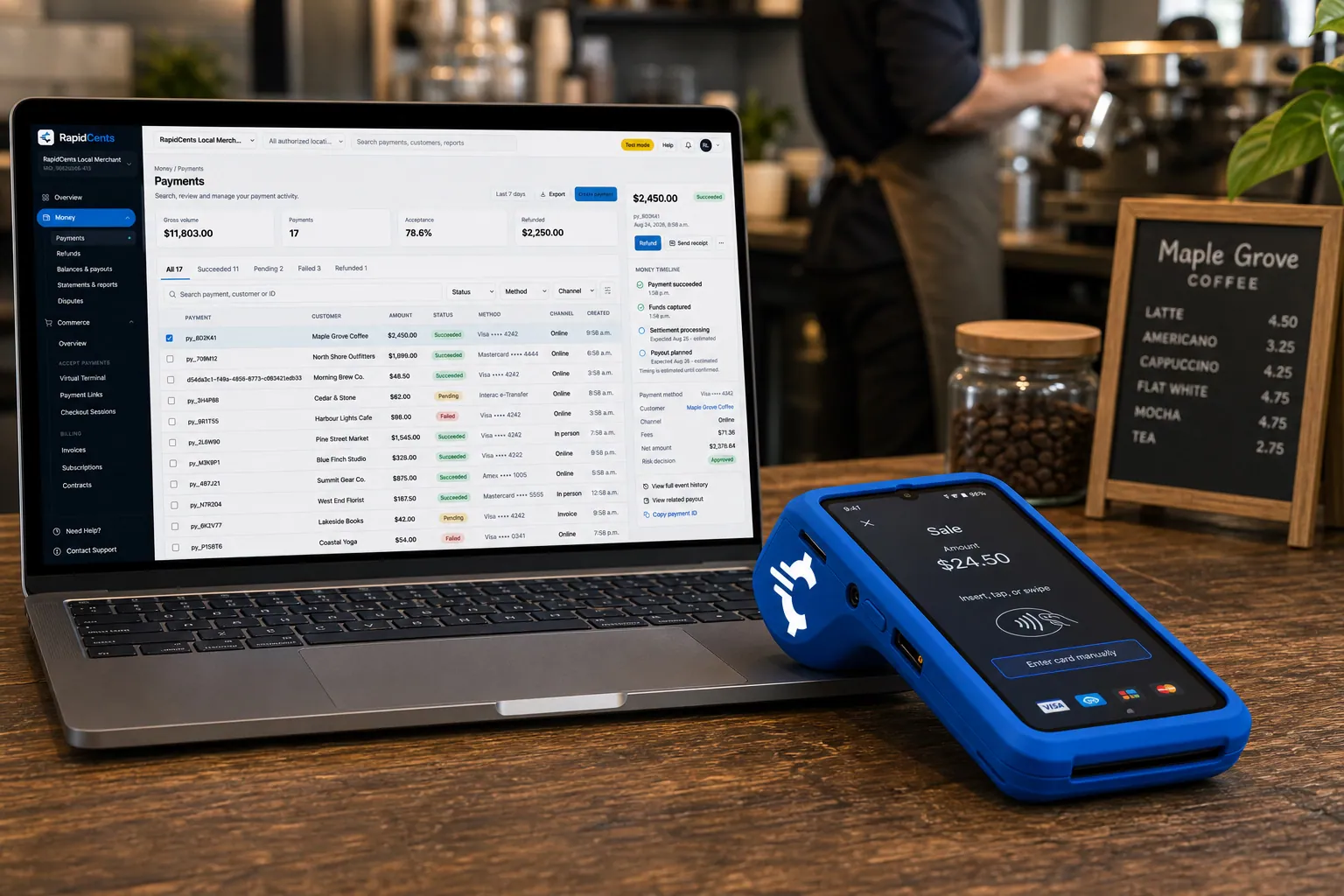
A RapidCents smart terminal running payment apps on the counter, paired with the merchant dashboard on a laptop. Smart Terminals
RapidCents smart terminals combine payment acceptance with an app marketplace for inventory…
Explore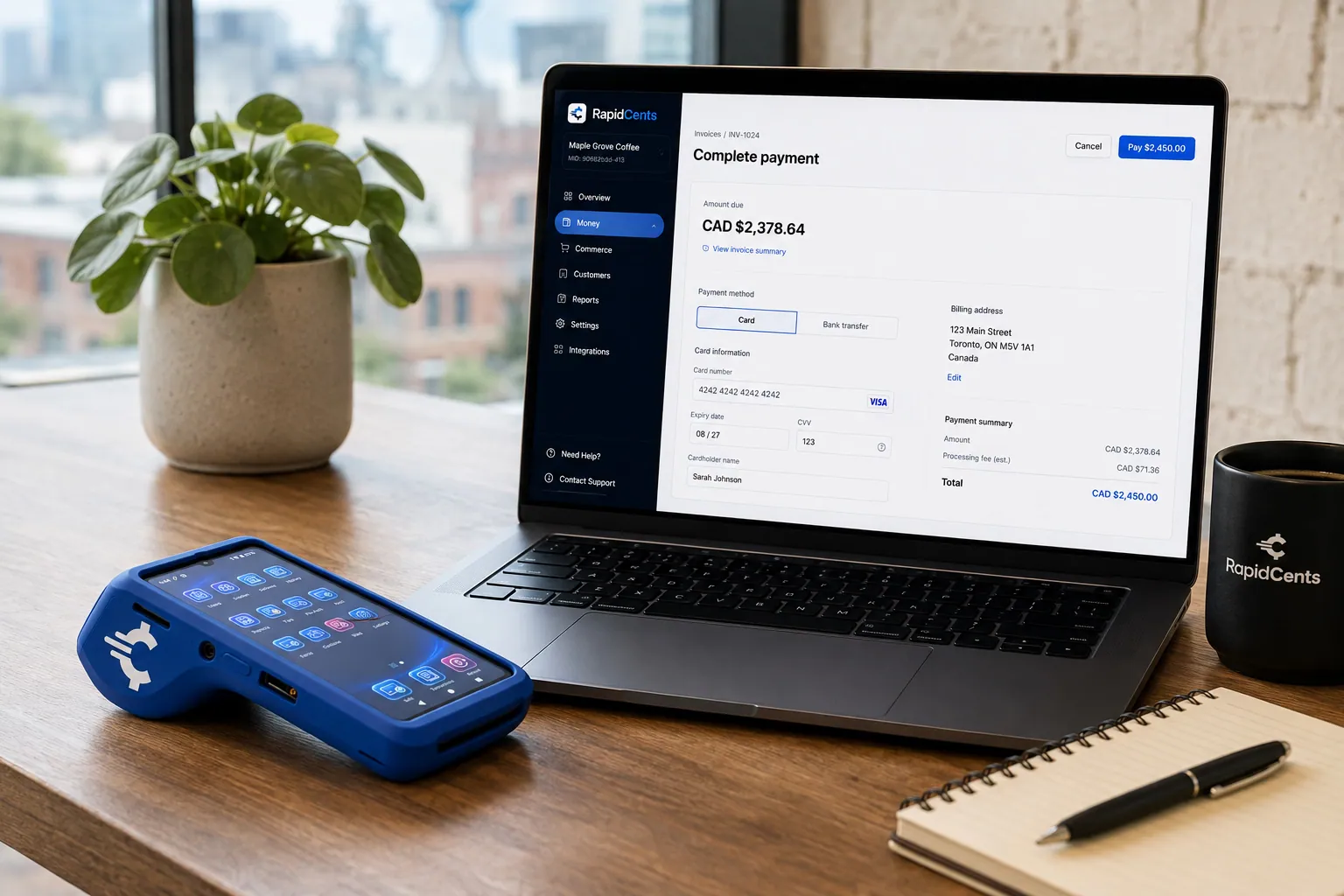
Card fields hosted by RapidCents sit inside a merchant checkout, with a terminal and the payments dashboard beside them. Embedded Payments
RapidCents embedded payments provide drop-in UI components, card fields, wallet buttons and payment…
Explore


Take the next step
Talk to a RapidCents specialist
RapidCents Fee Check reads a processing statement and shows interchange separately from the markup. Upload a statement for an instant breakdown, or open a merchant account and start accepting payments on one account.
- No obligation
- Payment specialists, not a call centre
- Secure statement upload



