


Invoice-to-cash
Create, send and track invoices with embedded payment links
Invoicing creates a branded bill with line items, taxes and discounts, then embeds a one-click payment link so the customer settles it online instead of mailing a cheque. RapidCents tracks each invoice through draft, sent, viewed, partial and paid, sends automated reminders before and after the due date, applies partial payments to the open balance, and exports paid invoices to QuickBooks Online or Xero. Aging reports sit beside settlement in one dashboard.
- Invoice builder with embedded pay links
- Automated due-date reminders
- Accounting export and aging reports

- Professional PDF invoices
- SOC 2 Type II
- Payment link on every invoice
- Reminder scheduling
- QuickBooks and Xero sync
Who it's for
Law and consulting firms
Bill retainers and matter invoices with clear payment CTA.
Trade contractors
Send progress invoices with deposit and final balance links.
Wholesale distributors
Net-30 invoices with online pay option for faster collection.
Core capabilities
Invoice builder
Line items, taxes, discounts and custom notes.
Embedded payment link
One-click pay button on PDF and email.
Status tracking
Draft, sent, viewed, partial and paid states.
Reminder automation
Schedule nudges before and after due date.
Accounting export
Sync paid invoices to QuickBooks Online or Xero.
How it works
Create invoice with line items and due date.
Send PDF email with embedded payment link.
Customer pays online; status updates to paid.
Settlement flows to merchant deposit report.
Export paid invoice to accounting system.
Invoicing workflows
Retainer invoice
Send upfront retainer with net-15 terms and pay link.
Progress billing
Milestone invoice triggers partial payment on completion.
Overdue follow-up
Automated reminder three days after due date.
Write-off and credit
Apply credit memo against open invoice balance.
Dashboard and reporting
Transactions, deposits and exceptions visible in the RapidCents merchant dashboard.
Try it, edit values and click buttons
Merchant dashboard
- Today
- $4,218
- Deposits
- $12,482
- Disputes
- 2 open
- In-person
- $842
- Online
- $1,104
- Virtual terminal
- $392
Demonstration data only
Integrations
QuickBooks Online
Two-way sync for customers and paid invoices.
Xero
Export invoice payments with fee breakdown.
CRM matter linking
Attach invoice to client matter or project ID.
Works with Invoicing
Capabilities on the same account, so the parts below connect without a second integration or a second contract.

The RapidCents payment links screen listing created links with their amount, status, click count and whether they have been paid, beside a phone showing the branded page a customer opens to pay $2,500.00. Payment links
A pay-by-link URL you can send by email, SMS or QR code.
Explore
The RapidCents recurring payments screen showing active subscriptions, monthly recurring revenue, failed payments and upcoming renewals, above a list of subscriptions with their plan, amount, frequency and next billing date. Recurring payments
Schedules, subscriptions and instalments billed from a stored credential.
Explore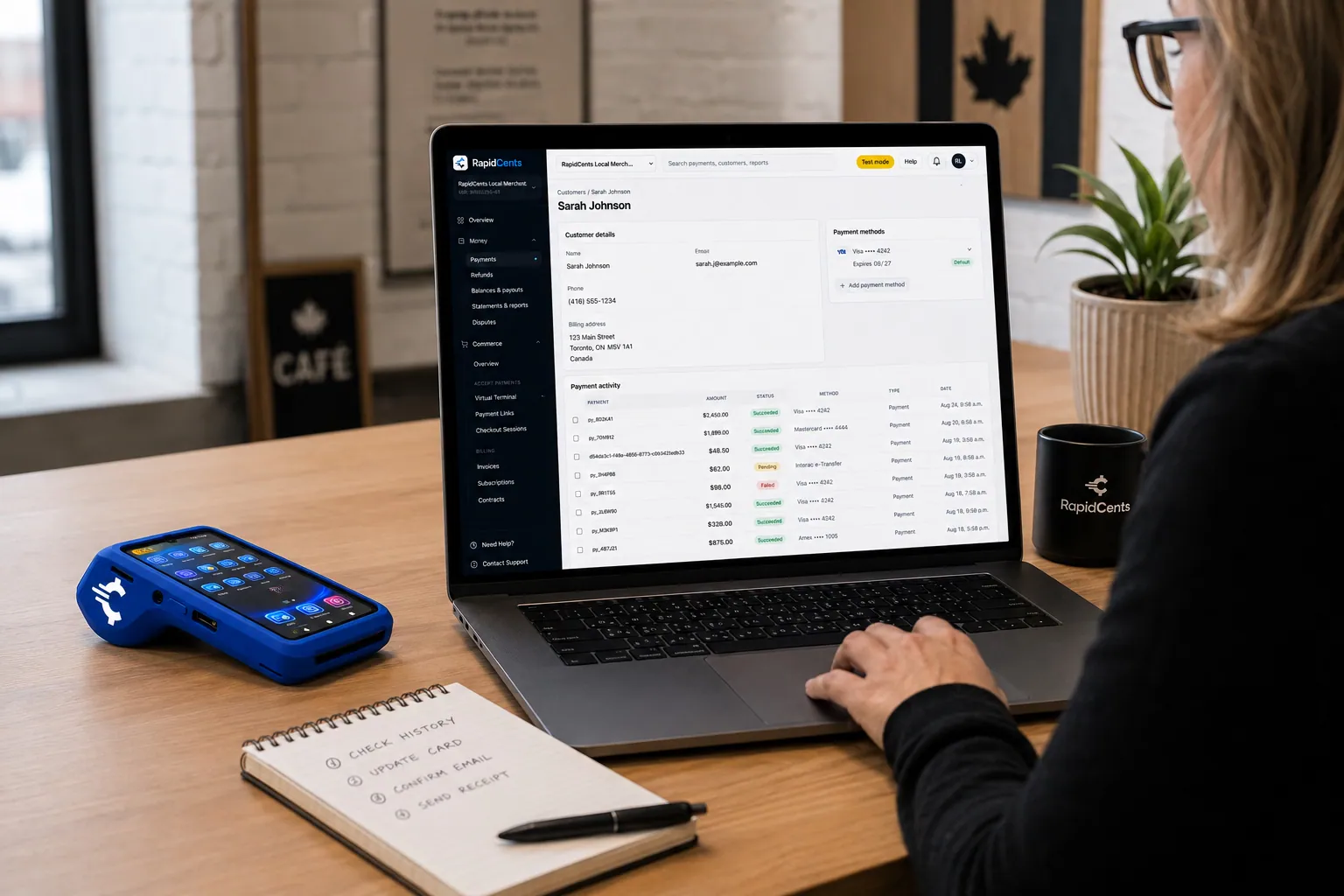
A RapidCents customer profile holds saved cards and invoices, so a return visit can be charged without re-keying the card. Customer profiles
One customer record holding contact details, stored credentials and payment history.
Explore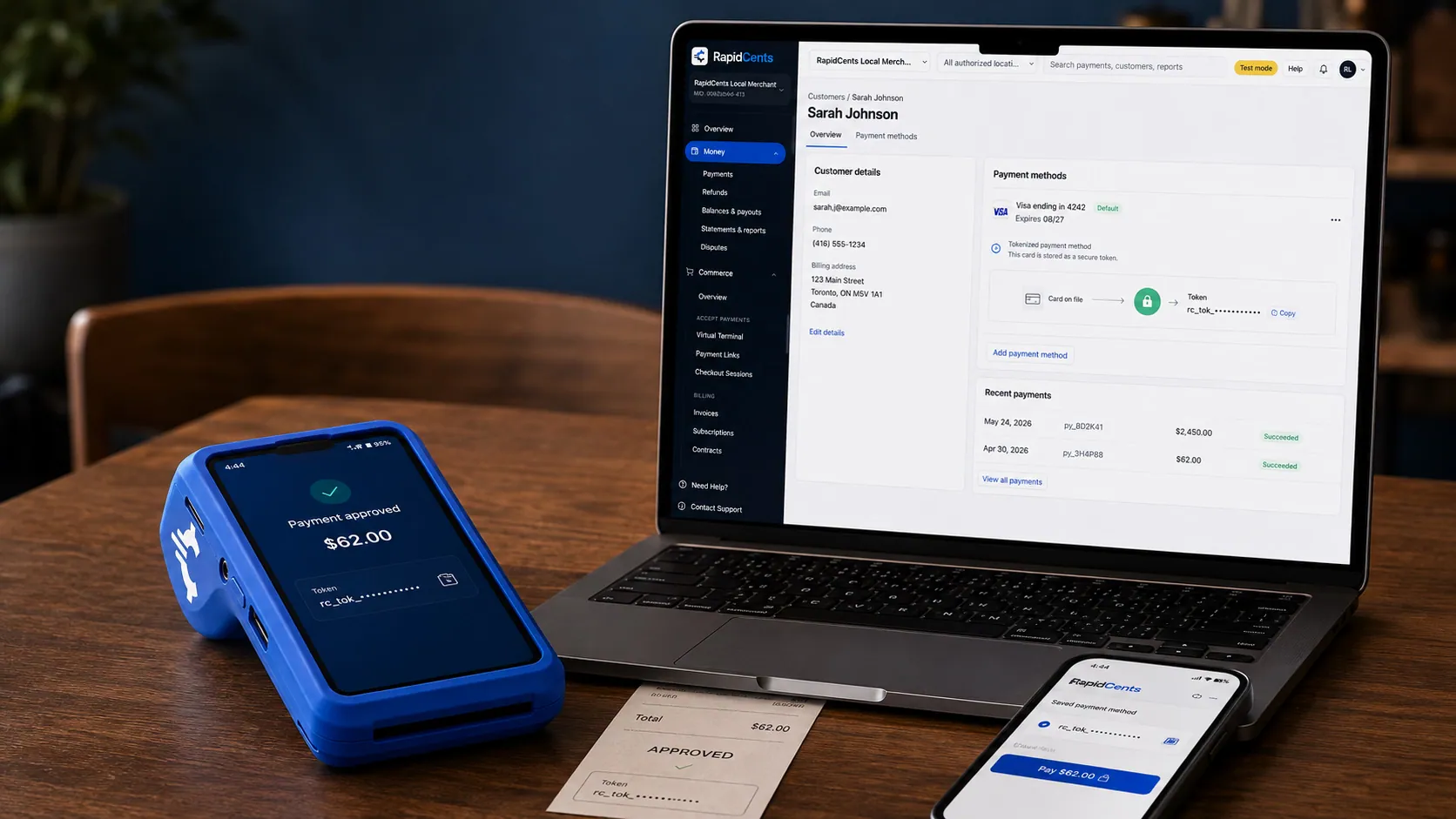
A stored RapidCents token stands in for the card number, with the terminal that captured the original credential beside it. Tokenization
Card numbers are replaced by a token, so nothing reusable is stored in your systems.
Explore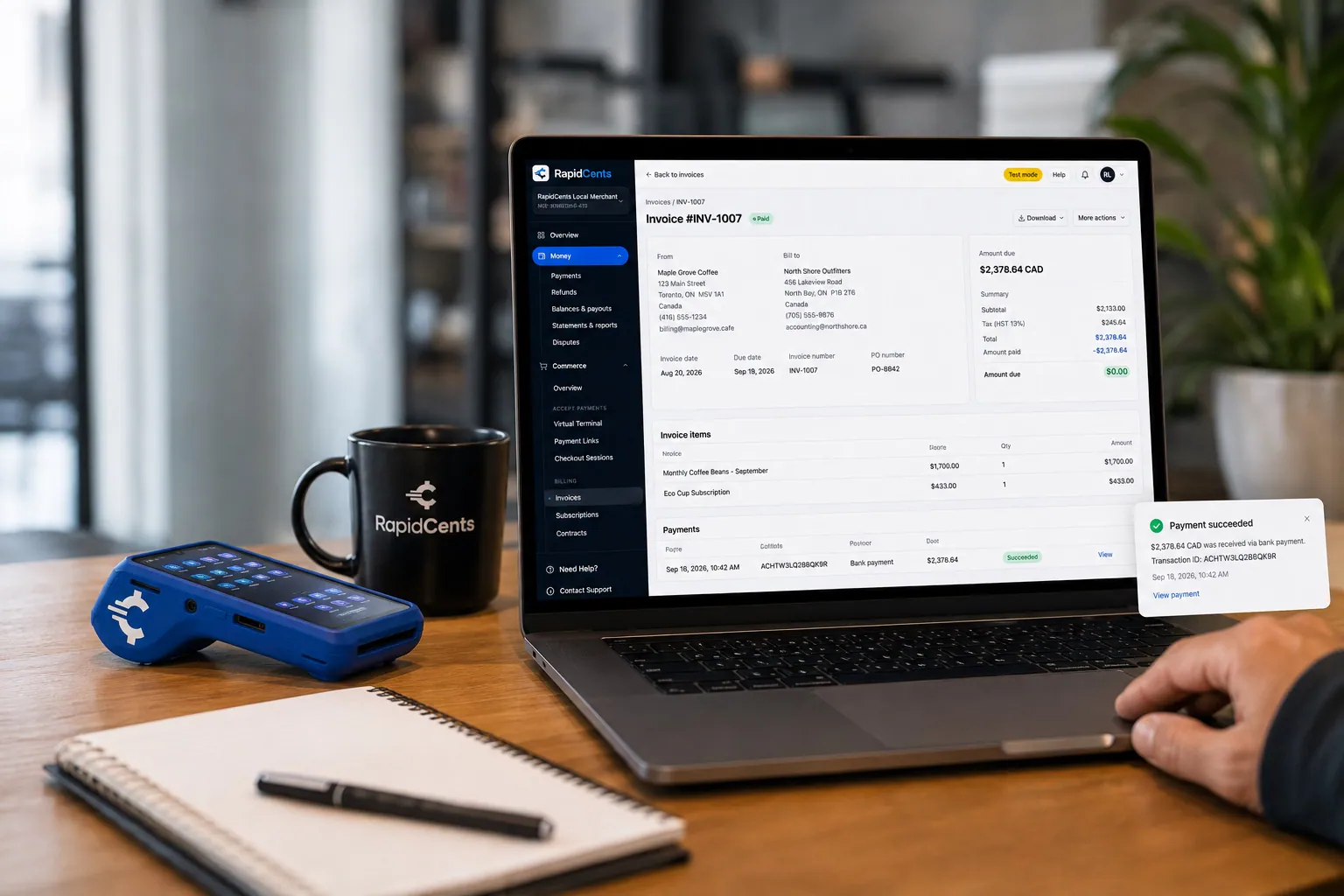
A merchant invoices a customer for bank debit through RapidCents, with card terminal capture available on the same desk. Bank payments
Pull funds straight from a bank account for larger or repeating amounts.
Explore
A merchant reviews RapidCents reports for volume, mix and payouts, with the terminal that took the sales on the desk. Reporting and reconciliation
Deposit-level detail that ties settlements back to the transactions behind them.
Explore


Security
Role-based invoice access
Limit create, send and void by staff role.
Audit on voids
Voided invoices retain history for compliance.
Secure pay links
Tokenized payer pages separate from invoice PDF.
Implementation
Template branding
Upload logo and payment terms footer.
Tax configuration
Set default tax rates by states.
Reminder rules
Define cadence for overdue nudges.
Accounting connect
OAuth link to QuickBooks or Xero.
Pricing
Invoicing included
Invoicing tool included with processing account. Standard CNP rates on paid invoices.
Questions about Invoicing
Recurring invoices?
Yes. Pair with recurring payments for subscription-style billing.
Partial payments?
Customers can pay portion; balance remains open with updated aging.
Multi-currency display?
USD invoicing standard for merchants worldwide.
Late fees?
Configure late fee line items on reminder templates.
Do I still need accounting software if I invoice through RapidCents?
Usually yes. Invoicing here handles the bill, the payment and the chase; a general ledger handles everything else a business books. Paid invoices export to QuickBooks Online or Xero with the fee breakdown, so the two stay reconciled rather than duplicating each other.
Can I bill the same client automatically every month?
Yes, by pairing invoicing with recurring payments so a vaulted card is charged on schedule. Use recurring billing when the amount is stable and the client has agreed to be charged, and a fresh invoice each period when the line items change and the client wants to see them before paying.
What happens when a client pays only part of an invoice?
The payment applies to the balance and the invoice stays open, with its remaining amount reflected in the aging report. Progress billing works the same way, with a milestone invoice taking a partial payment on completion. A credit memo can be applied against an open balance when you write an amount off.
Can I charge a late fee on overdue invoices?
Late fee line items can be configured on reminder templates, so the reminder that goes out after a due date carries the fee rather than requiring a new invoice. Automated reminders can be scheduled before and after the due date, which is what recovers most overdue balances without a phone call.
Related products
The RapidCents payment links screen listing created links with their amount, status, click count and whether they have been paid, beside a phone showing the branded page a customer opens to pay $2,500.00. Payment Links
RapidCents payment links let staff generate branded pay-by-link URLs for invoices, deposits…
ExploreThe RapidCents recurring payments screen showing active subscriptions, monthly recurring revenue, failed payments and upcoming renewals, above a list of subscriptions with their plan, amount, frequency and next billing date. Recurring Payments
RapidCents recurring payments manage subscription plans, membership renewals and installment…
ExploreA merchant reviews RapidCents reports for volume, mix and payouts, with the terminal that took the sales on the desk. Reporting
RapidCents reporting delivers customizable transaction, settlement and fee reports with CSV and PDF…
Explore
Industries that run on Invoicing
Edtech & eLearning
Course platforms, bootcamps and LMS providers collect tuition, installments and corporate…
Oil & Energy
Energy field services, suppliers and retail fuel operations accept high-ticket B2B cards…
Recycling & Waste Management
Waste haulers and recycling operators invoice commercial accounts, accept field payments…
HVAC Contractors
HVAC companies collect estimate deposits, final job payments and maintenance plan billing…
Plumbing Contractors
Plumbers accept emergency call payments, job deposits and final invoices on-site with…
Electricians
Electrical contractors capture deposits before ordering materials and collect completion…
Construction Contractors
General contractors progress-bill milestones, retainage and change orders with secure B2B…
Home Services
Home service businesses collect payments in the field with Tap to Pay, payment links and…
Take the next step
Talk to a RapidCents specialist
RapidCents Fee Check reads a processing statement and shows interchange separately from the markup. Upload a statement for an instant breakdown, or open a merchant account and start accepting payments on one account.
- No obligation
- Payment specialists, not a call centre
- Secure statement upload



