


DEVELOPER PLATFORM
Authentication
RapidCents authenticates server-to-server calls with secret API keys, browser components with publishable keys, and partner platforms with OAuth. The split is the design: a publishable key can only exchange card data for a token, so shipping it in front-end code cannot move money, while a secret key can create, capture and refund and therefore belongs only on a server. Keys are scoped per environment as well as per role, so a sandbox credential cannot reach live funds and an environment mix-up fails immediately.
- Sandbox with documented test cards
- Signed webhooks
- Typed errors and idempotent retries
- Dedicated developer support

What crosses the wire
Where it sits
In front of every call. The credential decides which account the request acts on, which environment it reaches and what it is allowed to do, before any body is read.
What you send
The credential on the request, over TLS. Server calls carry the secret key; browser components are initialised with the publishable key; a platform acting for a connected business presents an OAuth grant instead of that business’s own key.
What comes back on refusal
An authentication failure is distinguishable from an authorization failure: the first means the credential was wrong or absent, the second means the credential was valid but not permitted to do that. The reference states the code for each.
When to use it
Server integrations
Secret keys authorize payment creation, capture and refund. Never ship one to a browser or mobile binary.
Browser and mobile
Publishable keys drive embedded fields and return tokens your server then charges, which is what keeps card data out of your PCI scope.
Platforms and marketplaces
OAuth lets a platform act on behalf of connected businesses without holding their credentials, and lets a business revoke that access without rotating anything of its own.
How to implement Authentication
Store secret keys in a secret manager, never in source control or an environment file committed by accident.
Use separate keys per environment so sandbox traffic cannot reach production.
Rotate on a schedule and immediately after any staff change, running both keys briefly to avoid downtime.
Scope partner access through OAuth rather than sharing a business’s own keys.
Log which key id served a request so a leak can be traced to a system rather than guessed at.
What fails, and how you find out
A secret key in a client bundle
It is readable by anyone who opens the network tab, and it can refund. Treat any appearance in a browser bundle, a mobile binary or a public repository as compromised and rotate before investigating.
The wrong environment’s key
A production key in a staging deploy charges real cards; a sandbox key in production fails every call. Both are configuration errors, and both are caught by refusing to boot when the key prefix does not match the expected environment.
Rotation without overlap
Revoking the old key the instant the new one is issued fails every request still in flight. Run both, cut traffic over, then revoke, and confirm from your logs that the old key id has stopped appearing.
A revoked OAuth grant read as an outage
When a connected business disconnects, calls made for it fail authorization while your own credentials remain fine. Handle that as a state change in your platform, not as a platform-wide incident.
Sandbox versus production
Credentials are not interchangeable
Sandbox and production keys are issued separately and neither works against the other environment. That is deliberate: it means an environment mix-up fails immediately rather than quietly succeeding somewhere unintended.
Rotation is worth rehearsing
Rotating a sandbox key and watching your deployment pick it up proves the mechanism before the day you have to do it under pressure on production.
OAuth in sandbox connects test accounts
The grant flow behaves the same way, but the businesses it connects are test merchant IDs, so a platform can build and revoke connections without involving a real customer.
Questions about Authentication
What is the difference between a publishable and a secret API key?
A publishable key only creates payment tokens and is safe in client code. A secret key authorizes charges and refunds, so it must stay server-side.
How often should API keys be rotated?
On a fixed schedule and immediately when anyone with access leaves. Rotation is supported without downtime by running both keys briefly.
Is request signing required?
Signing is available for server-to-server integrations that need tamper evidence beyond TLS, and is recommended for high-value flows.
What should I do the moment a secret key leaks?
Rotate first, then investigate. Issue a new key, deploy it, confirm the old key id has stopped appearing in your request logs, revoke it, and review recent refunds and payouts for activity you cannot account for.
Do I need OAuth if I am a single business, not a platform?
No. OAuth exists so one company can act for another without holding its credentials. A single business integrating its own systems uses its own secret key and nothing more.
Can one key be limited to read-only access?
Key capability is already not uniform: a publishable key cannot move money and a secret key can. A reporting or reconciliation job has no reason to hold one that can refund, so ask the reference and your account team what narrower restriction is available before wiring one in.
How do I keep keys out of a repository in the first place?
Load them from a secret manager at runtime, keep only placeholder values in any committed configuration, and add a pre-commit secret scan. Rotating after a leak is recoverable; not knowing about the leak is not.
How do I tell an authentication failure from a permission failure?
By the code in the response body. One means the credential was wrong, absent or from the other environment; the other means the credential was valid but not allowed to perform that operation. The reference states the code for each, and they need different fixes.
Can I use the same key across staging and production?
No, and you should not want to. Keys are environment-scoped, so a production key in staging charges real cards and a sandbox key in production fails every call. Refusing to boot when the key prefix does not match the expected environment turns that mistake into a failed deploy.
Continue the integration
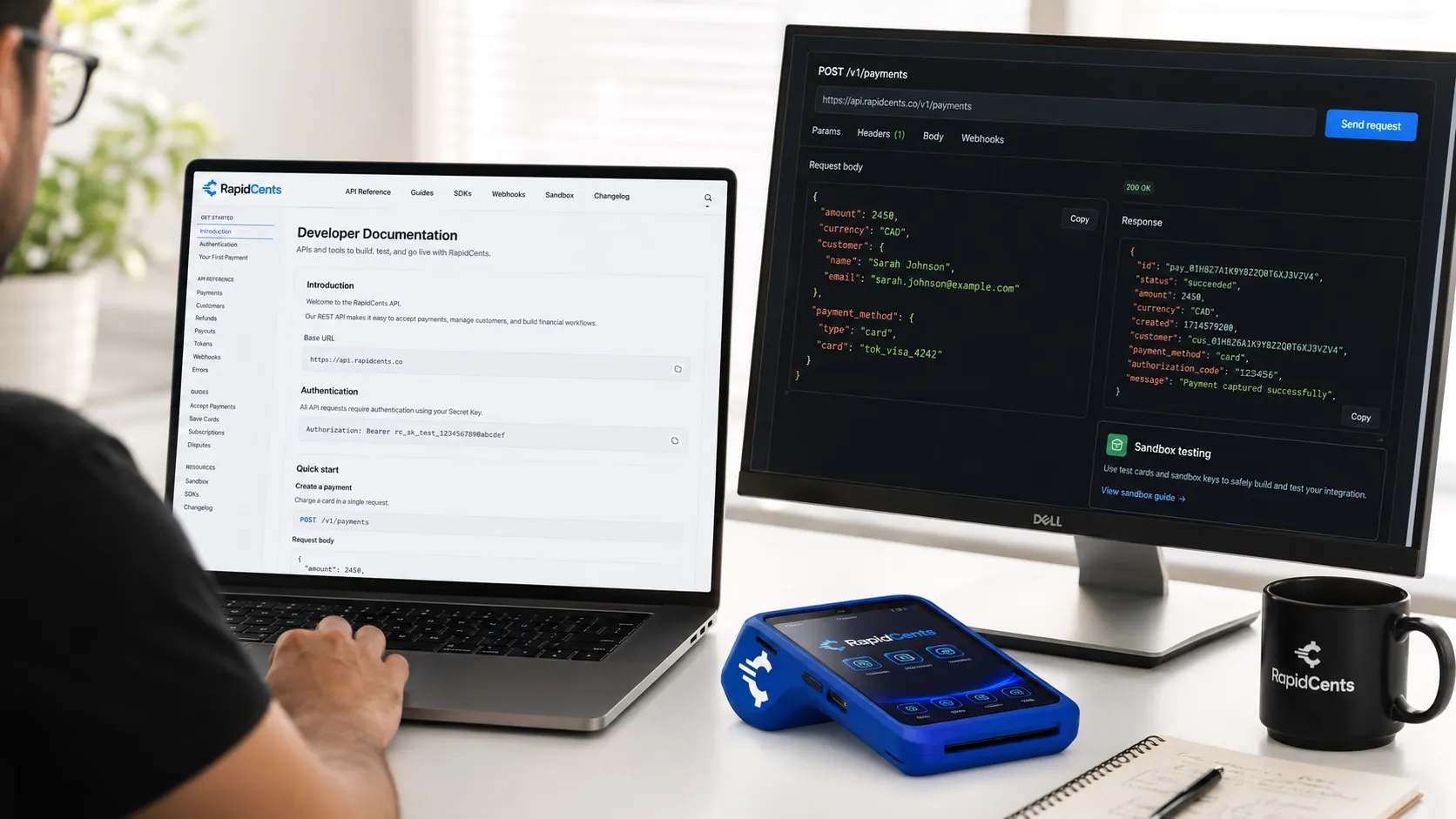
The RapidCents API reference on a workstation, with a sample request, the matching response, and a test terminal. API Reference
REST endpoints for payments, customers, refunds, webhooks and settlements with request and…
Explore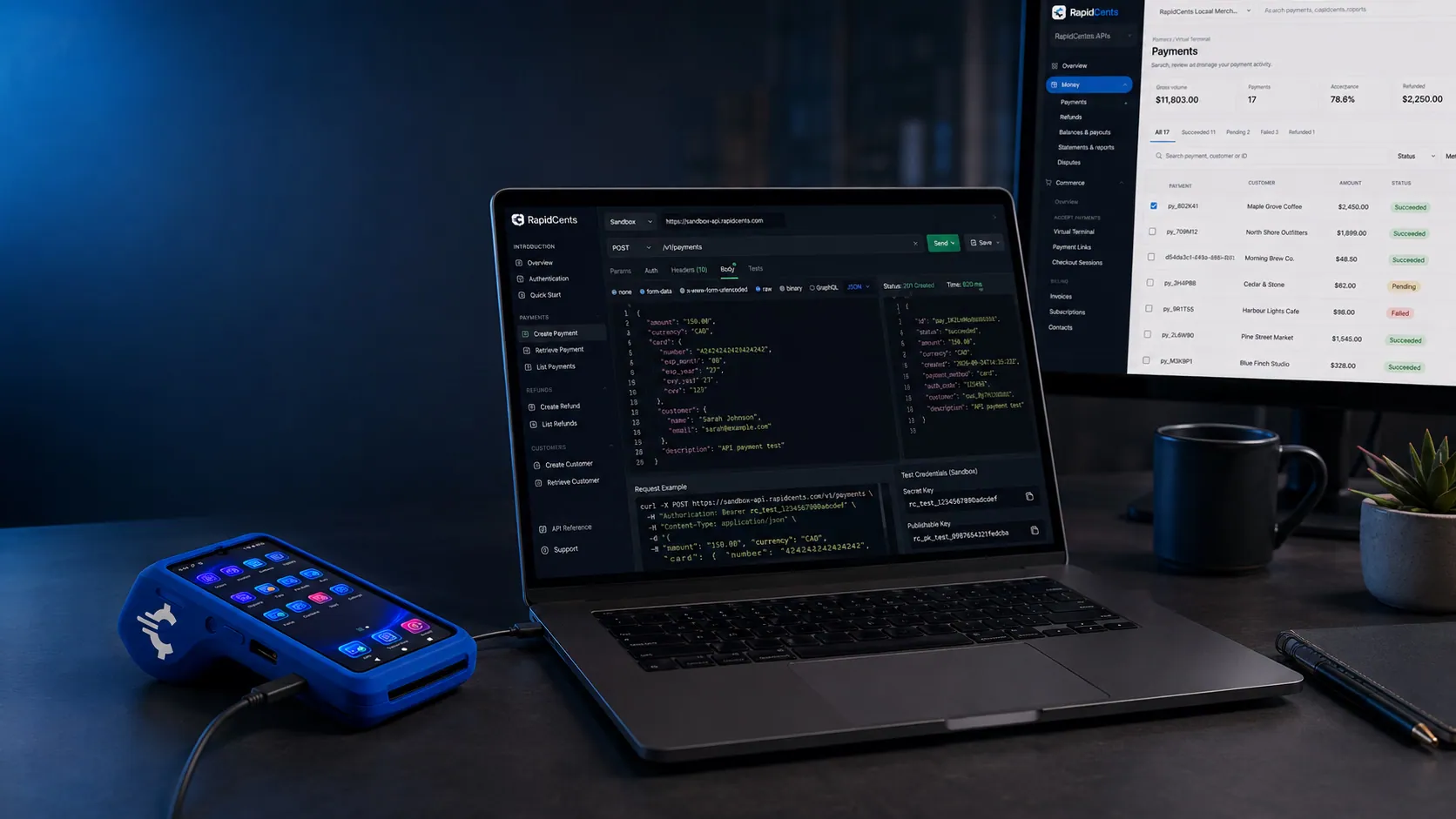
A typed RapidCents API error on screen, next to the declined sandbox terminal sale that produced it. Errors
Typed error codes, retry guidance and idempotency patterns for production reliability.
Explore
Rapid.js hosted card fields on a developer workstation, keeping card entry out of the merchant's PCI scope. Rapid.js
Embedded payment components for the web that keep card entry inside RapidCents-hosted fields…
ExploreThe RapidCents tokenization API returning a card token, so merchant software never stores the PAN. Tokenization API
Create, reuse and retire payment tokens programmatically so your systems never store card…
Explore


Take the next step
Talk to a RapidCents specialist
RapidCents Fee Check reads a processing statement and shows interchange separately from the markup. Upload a statement for an instant breakdown, or open a merchant account and start accepting payments on one account.
- No obligation
- Payment specialists, not a call centre
- Secure statement upload



