


DEVELOPER PLATFORM
Rapid.js
Rapid.js puts card entry inside your own checkout without putting card data inside your application. The input fields render in your markup and inherit your styling, but they are hosted by RapidCents, so the card number never enters your JavaScript, your servers or your logs. Your page receives a token, which your server then charges with a secret key. The practical effect is on PCI scope: a checkout that posts raw card data sits in the widest self-assessment, one built on hosted fields in the narrowest.
- Sandbox with documented test cards
- Signed webhooks
- Typed errors and idempotent retries
- Dedicated developer support

What crosses the wire
Where it sits
In the browser, in front of your server call. It is initialised with a publishable key, mounts as hosted fields inside your markup, and hands your page a token when the customer submits. Your server then creates the payment with that token and its secret key.
What you send
The publishable key, your theme configuration, and the container elements to mount into. No card data passes through your code at any point, which is the property the whole design exists to preserve.
What comes back
A token, plus lifecycle callbacks your page can listen to: validation state as the customer types, success, failure, and a 3-D Secure challenge that renders inline rather than sending the customer away. The reference names the events and the mount options.
When to use it
Keeping checkout in your own design
When a redirect to a hosted page would break the flow, the branding or the conversion path you have already tuned.
Reducing PCI scope without rebuilding
Hosted fields keep the card out of your environment, which is the single change that moves most e-commerce integrations to the narrow self-assessment.
Adding wallets to an existing checkout
Apple Pay and Google Pay buttons sit alongside the card fields, so the wallet path and the card path produce the same token for your server to charge.
How to implement Rapid.js
Load Rapid.js and initialise it with your publishable key.
Mount the card fields into your own containers and apply your theme values.
Listen for validation and submission events, and disable your submit button until the fields report valid.
Send the returned token to your server, which creates the payment with the secret key.
Handle the 3-D Secure challenge callback, and confirm the final state from the payment response.
What fails, and how you find out
A content security policy that blocks the fields
Hosted fields load from RapidCents, so a restrictive policy silently renders an empty box. It is the most common first-day failure and produces no useful JavaScript error.
Trying to read the card value
The fields are isolated by design and your page cannot inspect what was typed. Validation state is reported through events; anything that needs the number itself is asking for the one thing hosted fields exist to prevent.
Treating the token as a payment
A token is permission to charge, not a charge. Until your server creates the payment, nothing has been authorized and no money has moved, however successful the browser looked.
Skipping the authentication callback
If 3-D Secure presents a challenge and your page does not handle the callback, the customer completes it and your checkout never learns the result. The payment response is what confirms the outcome.
Sandbox versus production
The publishable key selects the environment
A sandbox publishable key produces sandbox tokens, which only a sandbox secret key can charge. A build shipped with the wrong key fails at the server call, not in the browser, which is where people look first.
Authentication both ways, on demand
Documented test cards force a frictionless 3-D Secure pass and a challenge, so the inline challenge callback can be exercised deliberately rather than waited for.
Styling behaves identically
Theme values, breakpoints and mobile keyboard behaviour are the same in both environments, so the visual review done in sandbox is the one that holds on production.
Questions about Rapid.js
Does Rapid.js reduce my PCI scope?
It is the change that usually does. The card number is entered into fields RapidCents hosts, so it never reaches your servers or your JavaScript, which moves an e-commerce checkout from the widest self-assessment questionnaire to the narrowest. Your assessor confirms which applies.
Can I style the fields to match my checkout?
Yes. The fields accept theme values so typography, spacing, colours and error states follow your design system. What you cannot do is reach inside the field to read or set the card value, which is the trade that keeps the scope reduction intact.
What is the difference between Rapid.js and hosted checkout?
Hosted checkout is a RapidCents-hosted page the customer is sent to. Rapid.js keeps the customer on your page and hosts only the card inputs. Both keep card data out of your systems; the choice is about how much of the checkout experience you want to own.
How does 3-D Secure work with embedded fields?
The challenge renders inline over your checkout rather than redirecting the customer away, and your page is notified through a callback. The authoritative outcome is still the state on the payment your server created.
Do wallet buttons need a separate integration?
They sit alongside the card fields and resolve to the same token, so your server-side payment creation is unchanged. What differs is device and domain eligibility, which the reference documents per wallet.
What breaks Rapid.js most often in a new deployment?
A content security policy that has not been updated for the domains the fields load from. The symptom is an empty container rather than a thrown error, so check the policy before debugging your own code.
Can I save a card for later from a Rapid.js checkout?
Yes, because the card is already entered on a RapidCents-hosted surface and what your server receives is a token. Store that token against your customer record, with the brand and last four digits for display only, and charge it later through the payments API instead of asking for the card again.
Why does the browser succeed but my server call fail?
Usually a key mismatch. The publishable key selects the environment, so a sandbox key produces a sandbox token that only a sandbox secret key can charge. Shipping the wrong key breaks at the server call rather than in the browser, which is why the failure appears after the part that looked fine.
Continue the integration
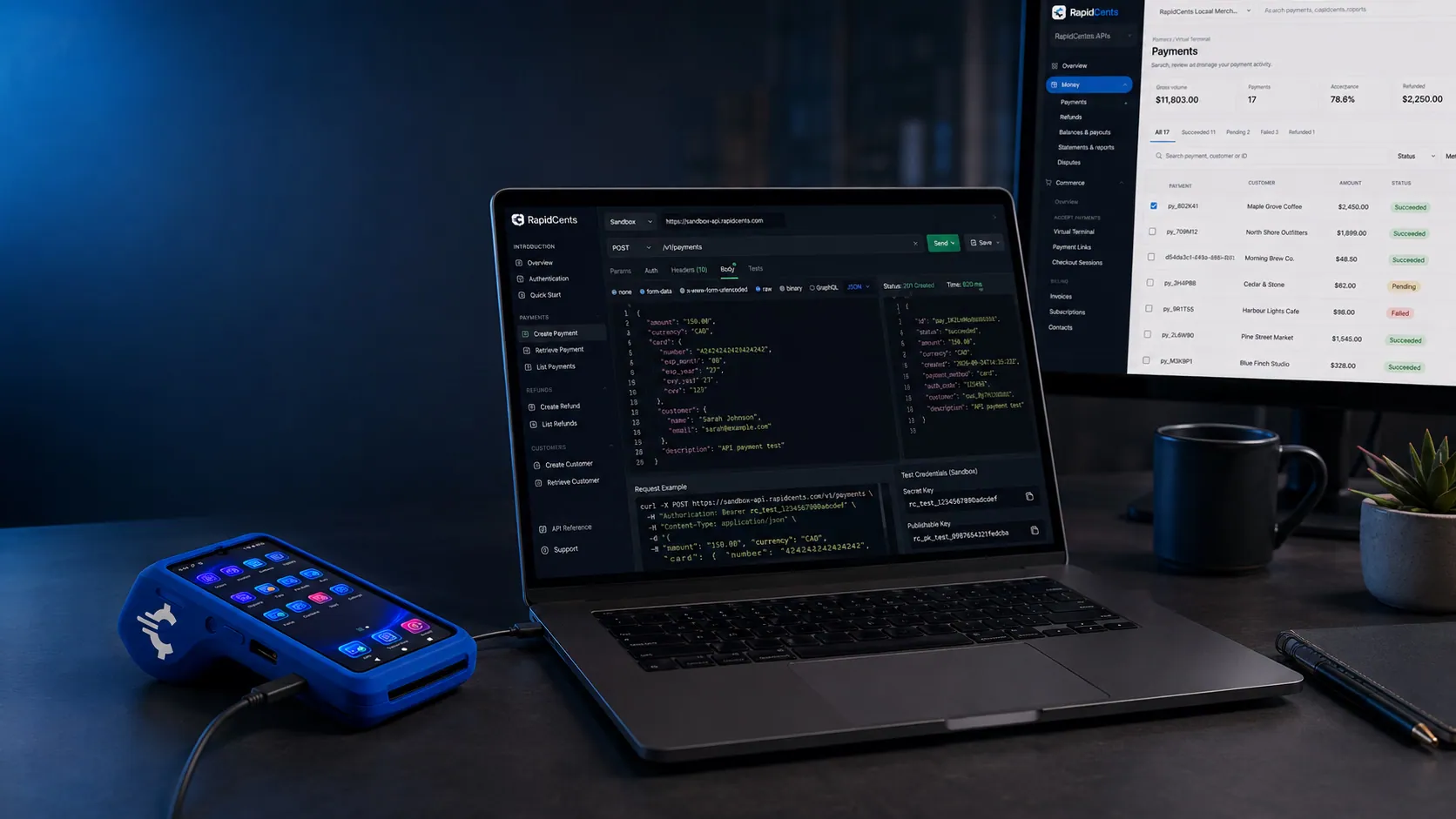
The RapidCents tokenization API returning a card token, so merchant software never stores the PAN. Tokenization API
Create, reuse and retire payment tokens programmatically so your systems never store card…
Explore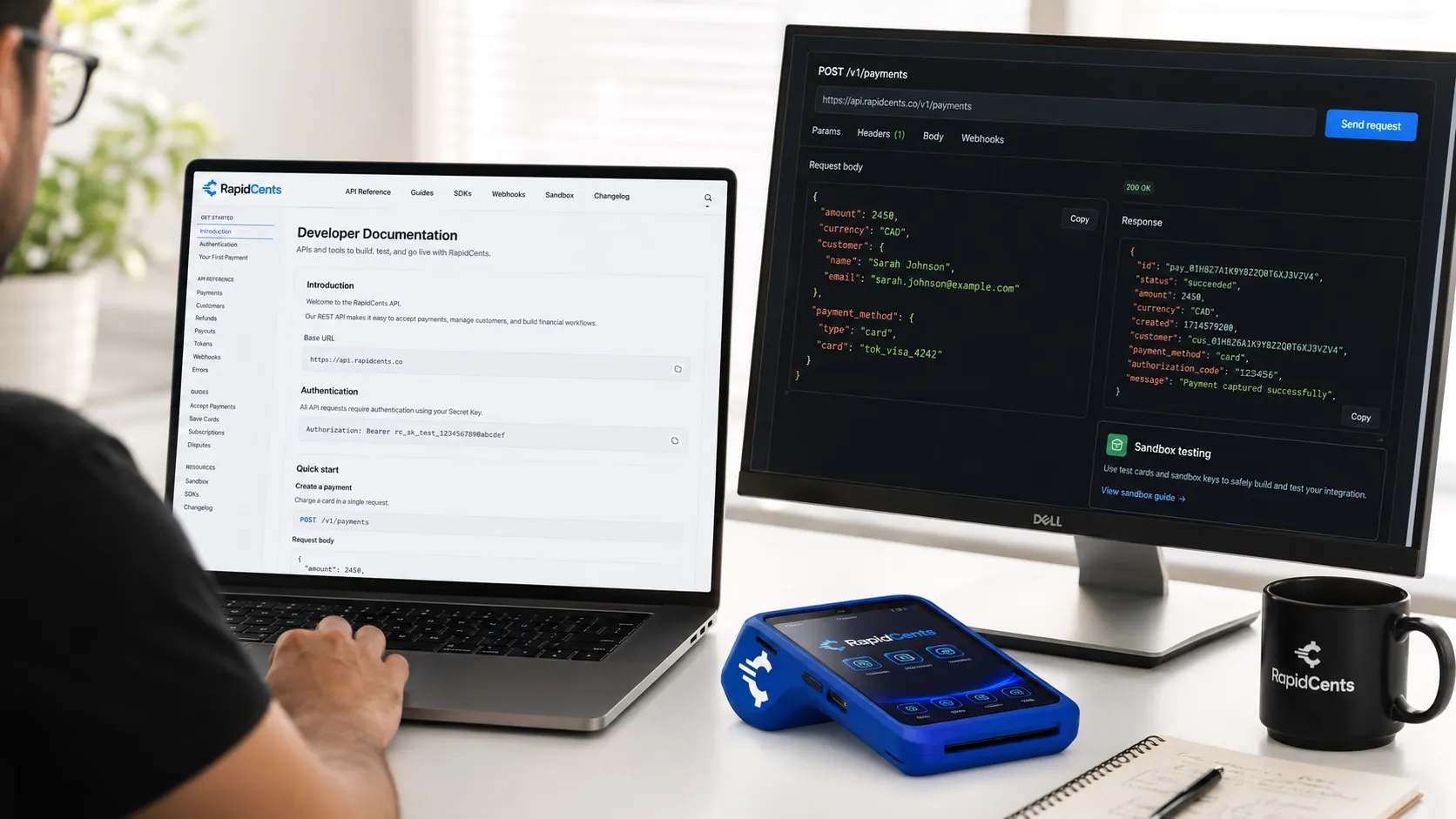
The RapidCents API reference on a workstation, with a sample request, the matching response, and a test terminal. API Reference
REST endpoints for payments, customers, refunds, webhooks and settlements with request and…
ExploreA RapidCents server-to-server request being signed on a developer desk, with a sandbox terminal for the in-person counterpart. Authentication
API keys, OAuth for partners and request signing for server-to-server integrations.
ExploreA copy-ready RapidCents payment example next to the sandbox response it produces. Code Samples
Copy-ready examples for payment creation, capture, refund and webhook verification.
Explore


Take the next step
Talk to a RapidCents specialist
RapidCents Fee Check reads a processing statement and shows interchange separately from the markup. Upload a statement for an instant breakdown, or open a merchant account and start accepting payments on one account.
- No obligation
- Payment specialists, not a call centre
- Secure statement upload



