


Appliance store payment processing for deposits and delivery balances
Appliance store payment processing means taking card payments at the showroom counter, at the customer's door and by payment link. RapidCents handles special-order deposits, delivery balances and installation add-ons, each tied to one order number, with refunds and dispute evidence kept on the same record, so your showroom, crews and office work from one set of numbers.

- PCI DSS Level 1
- SOC 2 Type II
- All major cards: Visa, Mastercard, Amex, Discover, UnionPay, Diners Club & PIN Debit
- Interchange-plus available
- Specialist onboarding support
How appliance stores get paid
Appliance stores get paid at four points: when a special order is placed, when the delivery lands, when something is added after the sale and when an item is returned or cancelled. Each point uses a different RapidCents tool and leaves a record tied to the order number.
Special-order deposits
A customer orders a range that is not on the floor. Staff take a deposit at the Retail POS counter or send a payment link, and record the order number and model. Finance sees a partial payment against an open order, not a completed sale.
Delivery balances
When the delivery crew confirms the unit is at the address, the customer pays the remaining balance on a Mobile Terminal, or by a payment link sent to their phone. The receipt carries the order reference so the balance closes the order.
Installation and haul-away add-ons
A customer adds installation, a vent kit, a warranty plan or old-unit removal after the original sale. Staff send a payment link or charge a stored card the customer authorized, and each add-on appears as its own line on the order.
Returns and partial cancellations
A buyer changes a special order, refuses a damaged unit or cancels one appliance in a package. Staff refund to the original card and keep the rest of the order open. Finance sees the refund tied to the original order number.
How do appliance stores take special-order deposits?
Appliance stores take special-order deposits by card at the Retail POS counter or by payment link, tied to an order number, a model and delivery terms the customer has seen. The deposit stays a partial payment on an open order until the final balance closes it.
How the deposit runs
The customer picks a model, finish and delivery window. Staff take the deposit on Retail POS or send a payment link, with the order number and model on the receipt. Show the deposit terms first, including what is refundable if a model is discontinued, and keep the signed quote in Contracts & eSignatures.
When the order changes
A model is backordered, a finish is discontinued or the customer changes the size. Staff update the order, then refund the deposit to the original card or move it to the replacement model. Disputes are easier to answer when the signed terms and order number are on file.
A $2,400 French-door refrigerator, deposit first
Say a customer orders a $2,400 French-door refrigerator in a finish that takes three weeks to arrive. The store takes a deposit at the counter, logs the order number, and later collects the balance at delivery against that same reference.
How do appliance delivery payments work at the door?
Appliance delivery payments run on a Mobile Terminal or payment link tied to the delivery confirmation, so the balance is collected after the unit reaches the address and the customer has inspected it. The crew's delivery record and the card receipt then close the same order.
How the balance is collected
The crew arrives with a battery-powered Mobile Terminal. After the customer inspects the unit and signs the delivery slip, the crew takes the balance by tap, insert or keyed entry. If nobody is home to pay, the office sends a payment link instead.
When payment fails at the door
A card is declined, the unit arrives damaged or the address was wrong. The crew holds the unit, notes the reason and the office resends a payment link, so the balance is paid once the problem is fixed.
A $1,100 washer and dryer balance at the door
Say a two-person crew delivers a washer and dryer with a $1,100 balance. The customer inspects both, the crew taps the balance on the Mobile Terminal, and the delivery slip, photos and receipt all carry one order number for any later dispute.
RapidCents products for appliance stores
Retail POS takes the counter deposit, Payment Links and Mobile Terminals collect balances away from the register, and Contracts & eSignatures captures signed order terms. Together they keep one order number across deposit, delivery and refund.
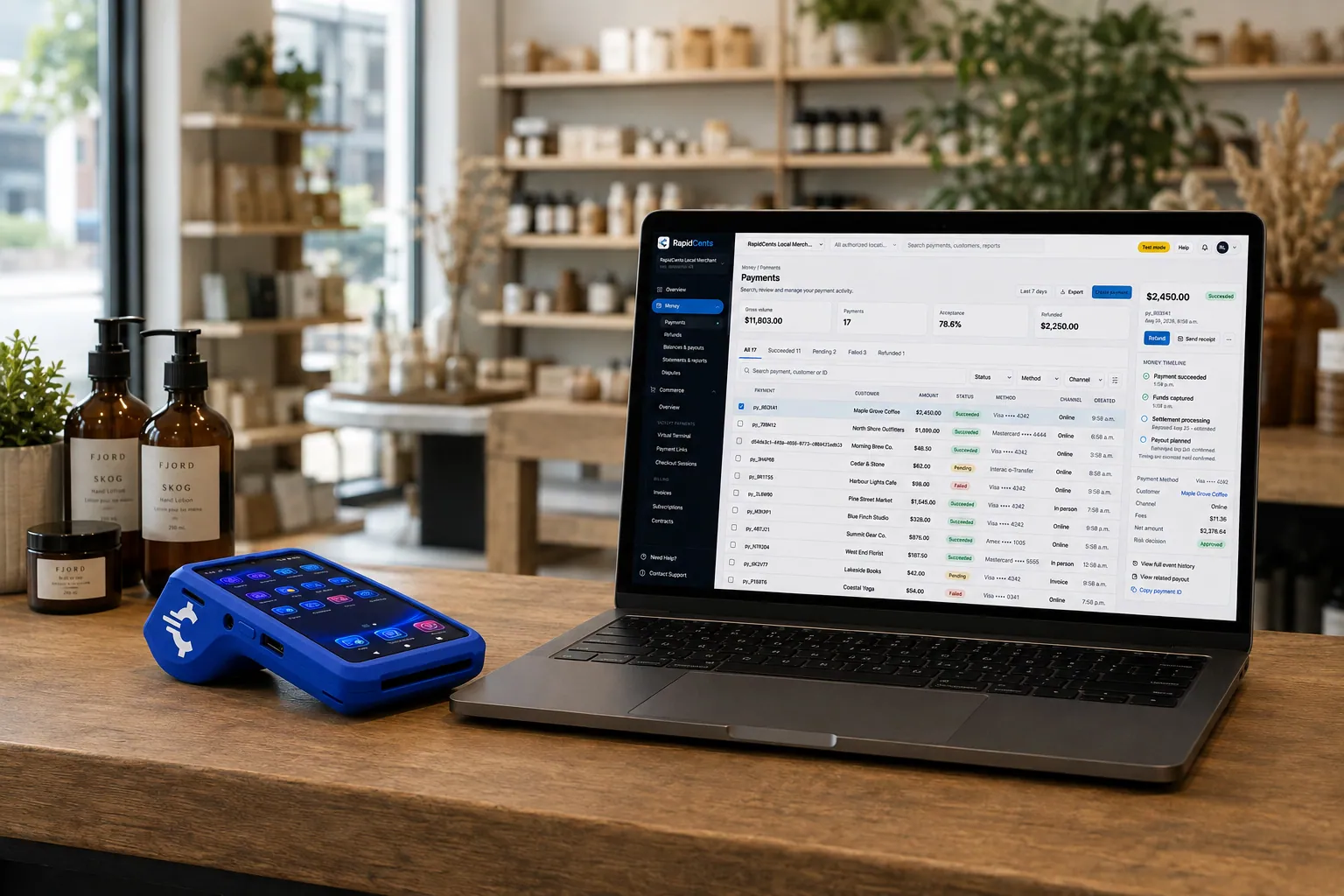
A retail counter ringing a basket on RapidCents POS, terminal taking the card and the dashboard showing the sale. Retail POS
Fast checkout, inventory that reflects what is on the shelf, and reporting that connects in-store and online…
Explore
The RapidCents payment links screen listing created links with their amount, status, click count and whether they have been paid, beside a phone showing the branded page a customer opens to pay $2,500.00. Payment Links
RapidCents payment links let staff generate branded pay-by-link URLs for invoices, deposits, balances and…
Explore
A staff member takes a card payment on a RapidCents handheld terminal, with the same sale appearing on the dashboard. Mobile Terminals
RapidCents mobile terminals are battery-powered wireless devices with LTE and Wi-Fi so staff accept payments…
Explore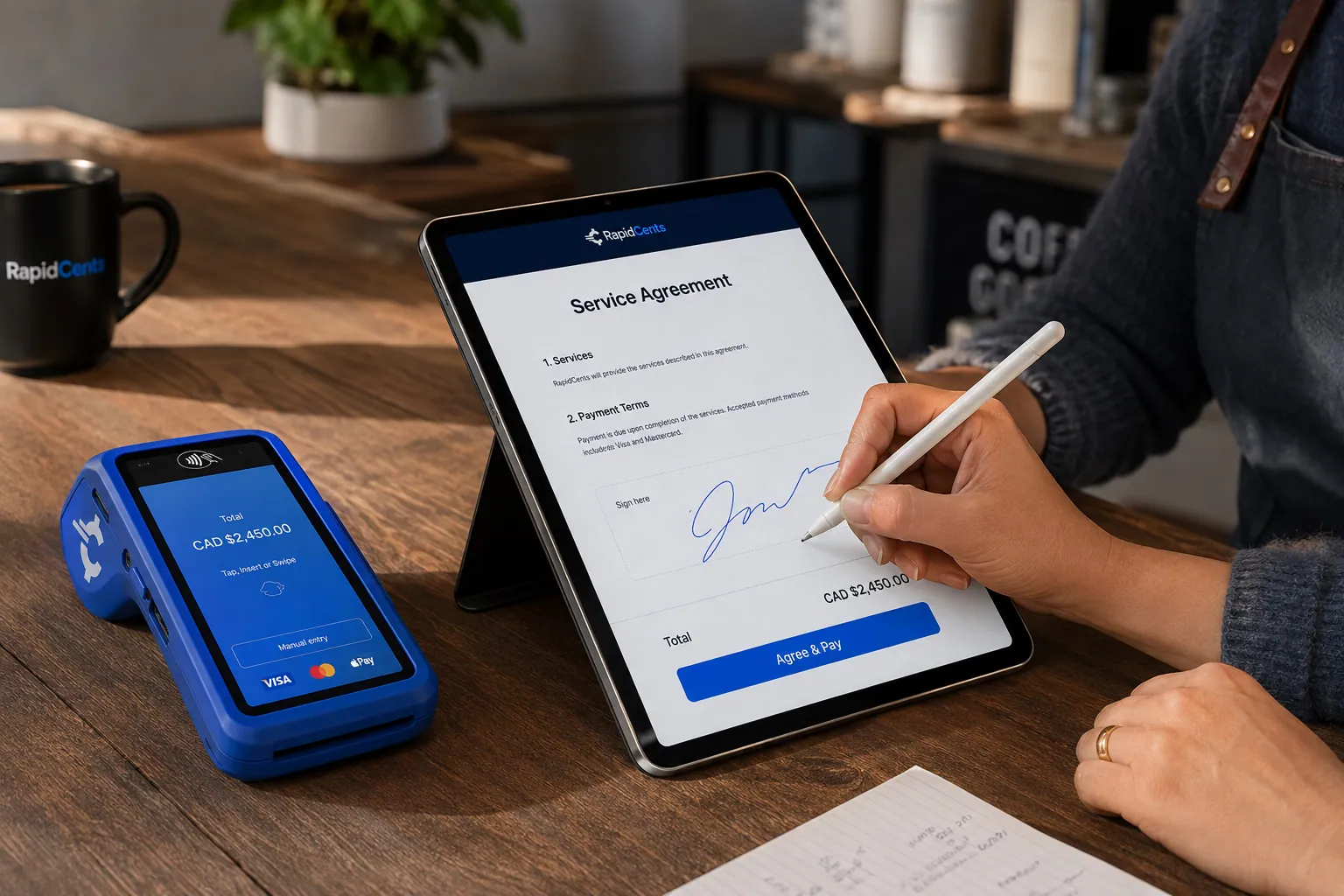
A merchant sends a RapidCents contract for e-signature with payment attached, terminal ready for an in-person counterpart. Contracts & eSignatures
Quotes, service agreements and enrolment forms usually end in a payment. Send the document, capture the…
Explore


How are installation add-ons and partial cancellations handled?
Installation add-ons and partial cancellations are charged and refunded as separate lines on the original order. Each change needs the customer's agreement, a written adjusted total and a payment record that points back to the order number, so finance can match everything later.
Add-ons after the sale
Customers add installation, a vent kit, an extended warranty plan or old-unit haul-away after the sale. Send a payment link for each add-on, or charge a stored card only if the customer authorized it for that purpose. Each add-on becomes its own line.
Cancelling one item
A customer may cancel one appliance in a kitchen package or reject a unit that arrives damaged. Refund the cancelled item to the original card, keep the rest of the order open and note the reason. Any restocking charge must appear in the terms the customer accepted.
A range kept, a dishwasher cancelled
Say a customer buys a range and a dishwasher, then cancels the dishwasher before delivery. The store refunds that portion of the deposit, sends a $150 installation link for the range and issues one updated receipt.
What drives appliance retailer credit card processing costs?
Appliance retailer credit card processing costs depend on your card mix, your average ticket and how each card is taken. We price every account on interchange-plus: interchange at cost, your RapidCents markup in your Fee Schedule, and fees for equipment or services if applicable, month to month with no fixed term.
Large tickets and card type
Appliances are big-ticket sales, so card type matters. Debit, credit, premium rewards and commercial cards carry different interchange, which passes through at cost. Your markup is set out in your Fee Schedule, so read the two parts separately.
Card present versus keyed
A card tapped or inserted at the counter or the delivery door is priced differently from one keyed over the phone or paid by link. Note your split between showroom, delivery and remote payments before you compare quotes.
What to bring to Fee Check
Bring recent processing statements, your average ticket, the share of deposits versus final balances, and your refund and dispute volume. Fee Check separates interchange from markup so you can compare written quotes on the same payment mix.
Which retail systems work with appliance store merchant services?
RapidCents integrates with many major platforms through APPIE and RapidBridge, so most appliance stores keep the retail system they run today. APPIE lets your point-of-sale software drive RapidCents terminals, and the right option depends on your vendor and version. Your RapidCents representative will walk you through it.
Lightspeed Retail and Shopify POS
Both run special orders and in-store sales. RapidCents integrates with many major platforms through APPIE and RapidBridge, and the right option depends on your edition and version. Tell your RapidCents representative how you handle deposits against open orders, and they will show you how payments, order numbers and receipts connect.
Square for Retail, Clover and NCR Counterpoint
Many stores run one of these at the counter and keep it. Your RapidCents representative will explain the option that fits your vendor and version, including how a deposit against an open order is taken and matched to the final sale.
QuickBooks Online, Xero, SAP and NetSuite
RapidCents connects settled transactions, fees and refunds to QuickBooks Online and Xero, and SAP and NetSuite import settlement files. Map the order number so deposits and balances land on the right sale in your books.
Payment options for appliance stores by country
RapidCents serves merchants in Canada and the United States. The payment methods, bank-payment options and settlement currency an appliance store offers follow the country of its merchant account, and your RapidCents representative will walk you through yours.
Cards as the common base
Cards, tapped, inserted or keyed, are the common base for deposits and delivery balances. Bank payments and local debit options vary by country, and your RapidCents representative will explain which ones fit your account.
Local deposit and tax rules
Deposit, cancellation and tax rules differ by place. Check your local rules on refundability and receipts; card processing does not replace tax or legal advice.
How do you switch processors without losing open orders?
To switch appliance store processing, list your open special orders and stored cards, test a sale, refund and delivery payment on the new setup, run both providers side by side for a short period, and reconcile deposits to your ledger. Moving stored cards needs both providers to agree to a token transfer.
Inventory first
List every open special order, deposit received, balance due and scheduled delivery. Note which customers authorized a stored card and for what. Do not plan on moving cards until both providers agree to a token transfer, since portability is not automatic.
Test before going live
Run a counter deposit, a refund, a delivery balance on the Mobile Terminal and a payment link on the new setup. Check that the order number appears on every receipt and in your Reporting export before you move live traffic.
Run in parallel and reconcile
Once your account is approved, keep the old provider active for deposits already taken and route new orders to RapidCents. Match settled deposits to the ledger and the order record each week until the old orders close.
Payment questions from appliance stores
What is the best payment processor for an appliance store?
The best processor is the one that fits your payment mix, not a single name. Compare how it handles big-ticket cards, deposits, mobile delivery payments, refunds and reporting, then compare written quotes with interchange shown separately from markup. RapidCents offers interchange-plus pricing on a month-to-month term, with your markup set out in your Fee Schedule.
How much does credit card processing cost for an appliance store?
Costs depend on your card mix, ticket size and how cards are taken, so a single figure would mislead. RapidCents charges interchange at cost, plus your RapidCents markup shown in your Fee Schedule, and fees for equipment or services if applicable. Upload a recent processing statement to Fee Check to see interchange separated from markup.
Can my retail POS use a different payment processor?
Often, yes. RapidCents integrates with many major platforms through APPIE and RapidBridge, so most stores keep the retail system they run today. The right option depends on your software vendor and version. Tell your RapidCents representative which system you use and how you take special-order deposits, and they will show you how payments, order numbers and receipts connect.
How can an appliance store switch processors without losing open orders?
Plan the move around your open orders, not just your terminals. List deposits received, balances due and stored cards with their authorizations, test a sale, refund and delivery payment, then run both providers in parallel. Stored cards move only if both providers agree to a token transfer, so do not promise customers it happens automatically.
Which payment options can an appliance store offer?
Appliance stores accept major credit and debit cards in store, at delivery and through payment links. Bank-payment options and settlement currency follow the country of your merchant account. RapidCents serves merchants in Canada and the United States, and your RapidCents representative will tell you what is active on yours before you tell customers what you take.
Can an appliance store collect the balance at delivery?
Yes. The crew takes the balance on a Mobile Terminal after the customer inspects the unit, or the office sends a payment link to the customer's phone. Keep the order number on the receipt and the delivery slip, and your RapidCents representative will set up the flow that suits how your crews work.
How do special-order deposits link to the final sale?
They link through one order reference carried on every payment. Put the same order number on the deposit receipt, the payment link, the delivery balance and any refund. Reporting then shows each payment separately, and finance matches the staged payments to one sale. The deposit is a partial payment on an open order, not a completed sale.
What supports an appliance delivery dispute?
The order record, proof of delivery and the terms the customer accepted. Keep the signed quote, the delivery slip with the customer's signature, photos of the unit and the card receipt under one order number. Submit that evidence through Disputes and Chargeback Protection before the deadline. Evidence supports your case but does not decide the outcome.
Can I charge a customer's card later for installation add-ons?
Only if the customer authorized it. A stored card needs the customer's clear agreement on what will be charged and when. Otherwise send a payment link for each add-on. Record the authorization with the order, and tell the customer how to cancel or question a charge.
What happens to a special-order deposit if the customer cancels?
It depends on the terms you disclosed before taking the deposit. Refund to the original card where the order is refundable, or keep a disclosed portion if the terms say so and your local rules allow it. Put the terms on the quote and the receipt, since unclear terms are the usual cause of deposit disputes.
What MCC is used for appliance stores?
MCC 5722, Household Appliance Stores, is commonly associated with this type of business. We set the correct merchant category during onboarding, based on what your business actually sells. A store that also sells other product lines may be reviewed on the full mix, so describe your catalogue accurately when you apply.
Related industries
Retail covers in-store checkout. Furniture stores share the special-order deposit and delivery-balance pattern, and appliance repair covers the service calls that follow a sale.
Retail
Take tap, chip and PIN payments at every register, sell on your website, refund returns…
Appliance Repair
Take the diagnostic fee at the door, a deposit on ordered parts and the final balance…
Furniture Stores
Take order deposits at the desk, collect delivery balances by link or at the door, and…
Florists
Take counter sales, phone orders, wedding deposits and online orders with receipts, order…
Clothing Boutiques
RapidCents gives clothing boutiques counter terminals, online checkout and pop-up…
Shoe Stores
Take special-order size deposits, online pickup payments and exchanges at the counter, by…
Electronics Stores
Take high-value card purchases in store, online and by phone, keep delivery and return…
Hardware & Home Improvement Stores
RapidCents helps hardware and home improvement stores take card payments at the counter…
Take the next step
Review your appliance store's payment setup
Upload a recent processing statement to Fee Check to see interchange separated from your markup, then compare it with your mix of deposits, delivery balances and add-ons.
- No obligation
- Payment specialists, not a call centre
- Secure statement upload



