


Unattended payment terminals for vending machines and self-serve kiosks
A vending machine or self-serve kiosk takes a contactless tap with nobody standing behind it, so the only way to know a machine is earning is to watch the payments. RapidCents runs unattended payment terminals on the machines, groups every location under one merchant dashboard, and reports settlement per device so a route operator can see which unit stopped taking cards before the next restock. Unattended retail falls under MCC 5499.

- PCI DSS Level 1
- SOC 2 Type II
- All major card brands: Visa · Mastercard · Amex · Discover · PIN debit
- Interchange-plus available
- Specialist onboarding support
Operational workflows
Contactless tap taken at the machine with nobody on site
Product released as soon as the authorization returns
QR payment offered at the kiosk as a second option
Settlement reconciled machine by machine across locations
Payment challenges
A decline with nobody to ask
When a tap fails at an unattended machine the customer simply walks away, and there is no one on site to explain or retry.
Reader downtime looks like nothing
A machine whose reader stopped taking cards appears stocked and working until its daily total comes in flat.
Small taps, thin visibility
At a couple of dollars a vend, one underperforming machine disappears into a merged deposit unless totals break out per device.
Choose the right payment setup for Vending & Unattended Retail
Choose vending machine payment processing
For Vending & Unattended Retail, map the counter or service point, each location and consolidated oversight, and the sale and reconciliation with business systems before choosing a setup. Select channels that match those moments, then confirm that the chosen solution genuinely covers each channel.
Payment hardware for Vending & Unattended Retail
For Vending & Unattended Retail, start with the place customers pay in person: a countertop terminal, smart terminal, or portable device depending on the workflow. Verify that the hardware fits the real volume and workspace.
Compare payment processing fees
For Vending & Unattended Retail, request a written fee breakdown covering cost detail by device and location. Compare the effective cost across the real card and channel mix; do not choose on a headline rate alone.
Set up or switch Vending & Unattended Retail payments
To set up Vending & Unattended Retail payments, document how payment data moves into business systems, confirm compatibility before purchase, then test a real payment flow before going live.
Recommended products

The RapidCents Rivo Go standing upright in its blue silicone case, showing the full-touch sale screen a customer reads across the counter. Payment Terminals
RapidCents payment terminals cover countertop, mobile and smart form factors so you can accept chip…
Explore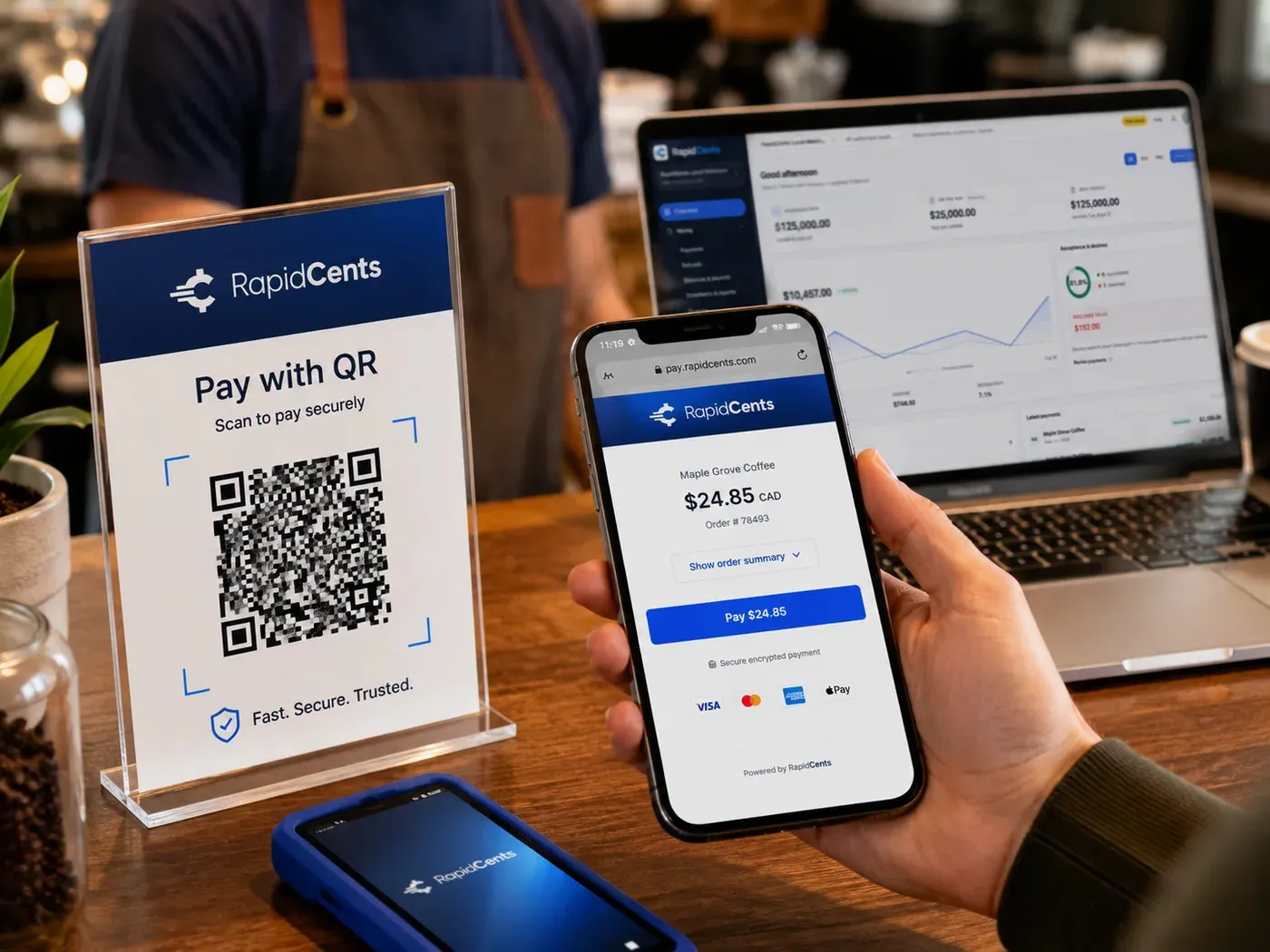
A scan-to-pay QR card standing on a café counter while a customer holds a phone showing the RapidCents payment page for a $24.85 order, with the merchant dashboard open on a laptop behind. QR Payments
RapidCents QR payments generate dynamic or static QR codes customers scan with their phone camera to open a…
Explore
A merchant reviews RapidCents reports for volume, mix and payouts, with the terminal that took the sales on the desk. Reporting
RapidCents reporting delivers customizable transaction, settlement and fee reports with CSV and PDF export…
Explore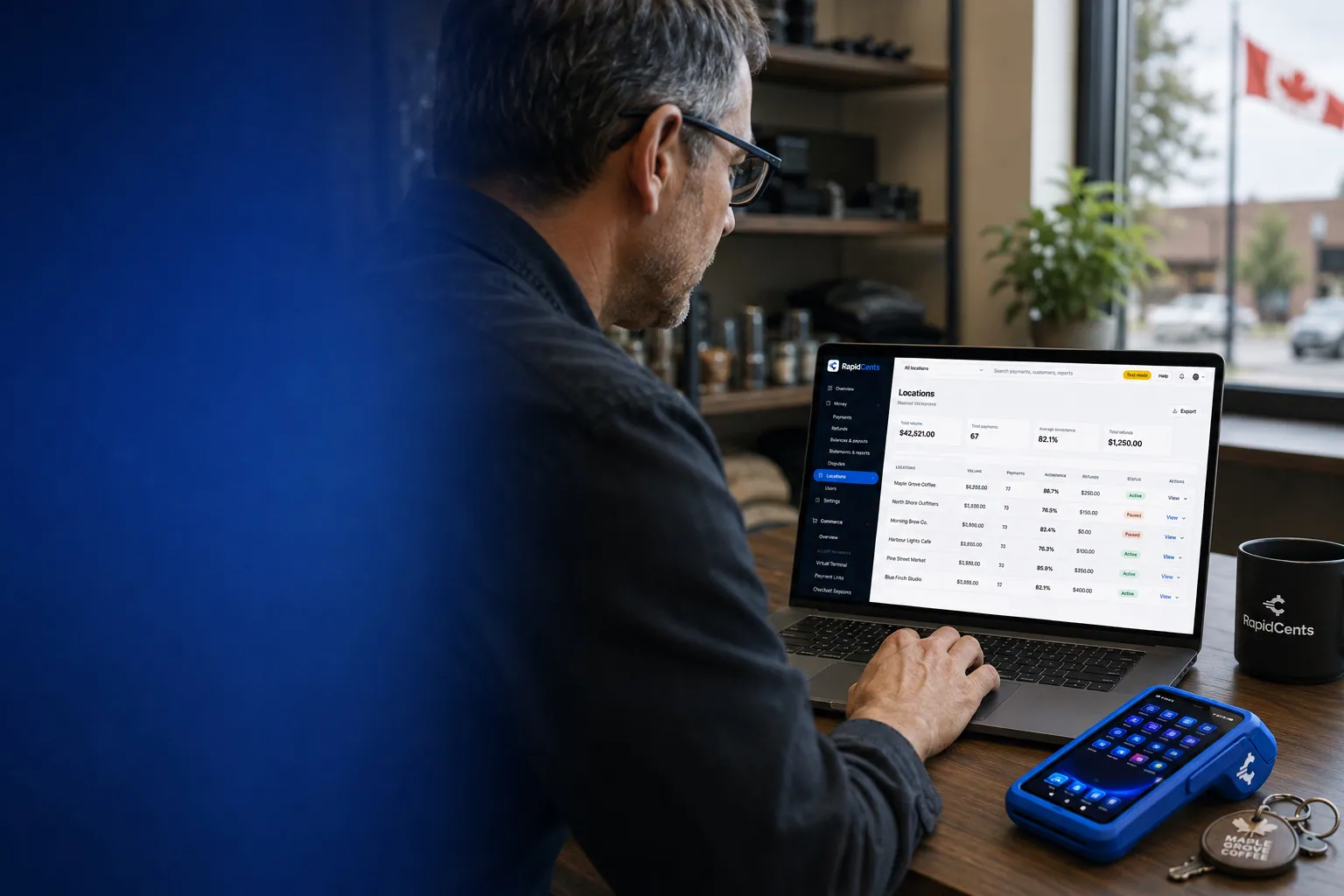
One RapidCents account comparing sales across locations, with a terminal representing the store-level capture. Multi-Location
RapidCents multi-location tools organize stores, franchises and regions in a hierarchy with location-level…
Explore


How this gets set up
One machine before the route
An unattended terminal goes on a single machine to prove acceptance and cellular signal at that site before the rest of the route is fitted.
Contactless, with QR as backup
The machine takes a tap and a QR payment, so a customer carrying only a phone still buys.
Every location on its own line
Each machine and kiosk is registered as its own location, so takings can be read per unit instead of per route.
The route planned from payments
A unit whose card volume goes flat is flagged before the restock, since nobody is on site to report a dead reader.
Integrations
Nayax exports
Nayax exports bring the machine-side sales records across as a file to reconcile against settlement, not as a two-way link to the terminals.
Cantaloupe
Cantaloupe runs the route and the planogram, so card takings per machine line up with the restock list and an empty unit is told apart from a dead reader.
QuickBooks
QuickBooks receives settlement by location, so the books carry revenue per machine rather than one lump route total.
Operations, security and going live
A silent machine looks like a broken one
Settlement per device is the only fault signal an unattended unit gives, so daily volume by machine is what decides where the route stops.
Nobody on site, no card handled
Nothing is keyed by a person; the card is read and tokenized inside the device, so a vandalised or relocated unit carries no card data with it.
Signal before scale
Each site is tested on the network it will actually run on before the rest of the fleet is converted.
Cash still in the mix
Coin and card revenue arrive in different places, and per-machine card reporting is what tells an operator which units still earn their coin mech.
Payment questions from Vending & Unattended Retail
What should businesses compare when choosing vending machine payment processing for Vending & Unattended Retail?
Compare vending machine payment processing against the real payment journey: the counter or service point, each location and consolidated oversight, and the sale and reconciliation with business systems. Start with the required channels and hardware, then confirm compatibility and support before committing.
What payment hardware is practical for Vending & Unattended Retail?
For Vending & Unattended Retail, start with the workstation where customers pay and the space available. A test of the real flow reveals the right form factor better than a feature comparison alone.
Which payment channels are relevant for Vending & Unattended Retail?
For Vending & Unattended Retail, start with the counter or service point, each location and consolidated oversight, and the sale and reconciliation with business systems. Keep only the channels that match those moments, then verify the complete customer flow before offering them.
How should payment processing fees be evaluated for Vending & Unattended Retail?
For Vending & Unattended Retail, compare costs related to cost detail by device and location using actual transactions. Request a written breakdown of fees and terms rather than relying on an advertised rate alone.
What should be confirmed before setting up payments for Vending & Unattended Retail?
For Vending & Unattended Retail, document how payment data moves into business systems, verify the needed compatibility, and test the flow before going live. This exposes manual steps and exceptions before customers encounter them.
How should a multi-location setup be evaluated for Vending & Unattended Retail?
Ask how devices, users, deposits, and reporting are separated by location. Verify that the team can see the detail it needs without complicating daily operations.
What MCC category applies to Vending & Unattended Retail?
MCC 5499 is commonly associated with Vending & Unattended Retail. Our onboarding team confirms the correct category for your business.
Related industries
Retail
Retailers use countertop terminals, e-commerce checkout, returns and inventory-linked…
Convenience Stores
C-stores need fast EMV contactless, lottery and fuel integrations with reliable…
Grocery
Grocers and markets accept EBT where supported, contactless lanes and online pickup…
Liquor Stores
Liquor retailers comply with state rules while accepting countertop and mobile…
Jewellery Stores
Jewellers sell high-value single items, hold custom orders on deposit and offer layaway…
Furniture Stores
Furniture retailers take a deposit at order and the balance on delivery weeks later, and…
Sporting Goods
Sporting goods stores swing hard by season, run a service counter for tuning and fitting…
Garden Centres & Nurseries
Garden centres compress most of the year into spring, add mobile checkout out in the…
Take the next step
Talk to a RapidCents specialist
RapidCents Fee Check reads a processing statement and shows interchange separately from the markup. Upload a statement for an instant breakdown, or open a merchant account and start accepting payments on one account.
- No obligation
- Payment specialists, not a call centre
- Secure statement upload



