


Upgrade terminals without disrupting daily operations
Replacing payment terminals is judged on whether the counter kept trading. Hardware choice is the easy part; connectivity, POS certification for your specific version, staff training and the final batch on the old device are where swaps go wrong. RapidCents ships devices pre-provisioned to the merchant account, and to the location in a multi-site estate, with Ethernet, Wi-Fi or LTE depending on model. Lanes cut over one at a time, the old device available until the new one settles a batch.
- Payment specialists
- Interchange-plus available
- Guided migration
- Post-launch support
Who this solution is for
Businesses on ageing devices
Terminals that still work but fail more often, take longer to authorize, or no longer receive firmware updates.
Operators changing processor
A new processing arrangement, which usually means devices provisioned to the new account.
Sites adding or reconfiguring lanes
A second counter, a mobile terminal for tableside service, or a move from a wired lane to a wireless one.
Common challenges
Downtime at the counter
A lane that cannot take a card is a lane that cannot trade. Replacement has to be scheduled around that, not around the shipping date.
POS compatibility assumed rather than checked
Semi-integrated and fully integrated lanes depend on certification for the specific POS version. Assuming it holds is how a cutover becomes an outage.
Staff learning on live customers
A new tip prompt or refund flow slows the counter until the team has done it a few times. Doing that during a rush is a choice, not an accident.
The RapidCents approach
Assess the current estate: device models, connectivity, POS integration and which lanes matter most.
Confirm certification for your POS version before ordering anything.
Receive devices pre-provisioned to your account, so activation is a short task rather than a setup project.
Test in parallel — a live sale, a refund and a batch close on the new device while the old one still runs.
Cut over lane by lane at a time you choose, keeping the old device available until the new one has settled a batch.
Recommended capabilities
Equipment assessment
A review of lane layout, volume and connectivity that produces a device recommendation rather than a catalogue.
Pre-provisioned shipment
Devices arrive assigned to your merchant account and, for multi-site operations, to the location they belong to.
Connectivity options
Ethernet, Wi-Fi or LTE depending on model, so a lane with unreliable Wi-Fi is not left depending on it.
Same-day replacement options
Device swap programmes exist for the case where a terminal fails outright rather than degrades.
Parallel testing and staff material
Quick-start material covering sale, tip and batch close, so the shift opening tomorrow has already seen the flow.
Related products
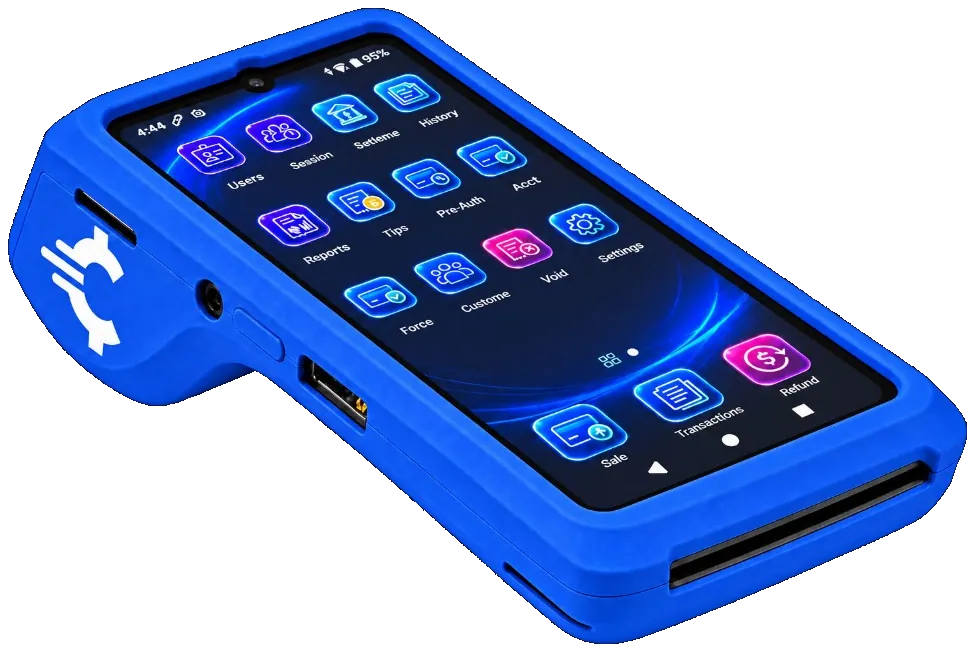
The RapidCents Rivo Go on a counter, the flagship of the Rivo line of countertop, mobile and compact card terminals. Payment Terminals
RapidCents payment terminals cover countertop, mobile and smart form factors so you can accept chip…
Explore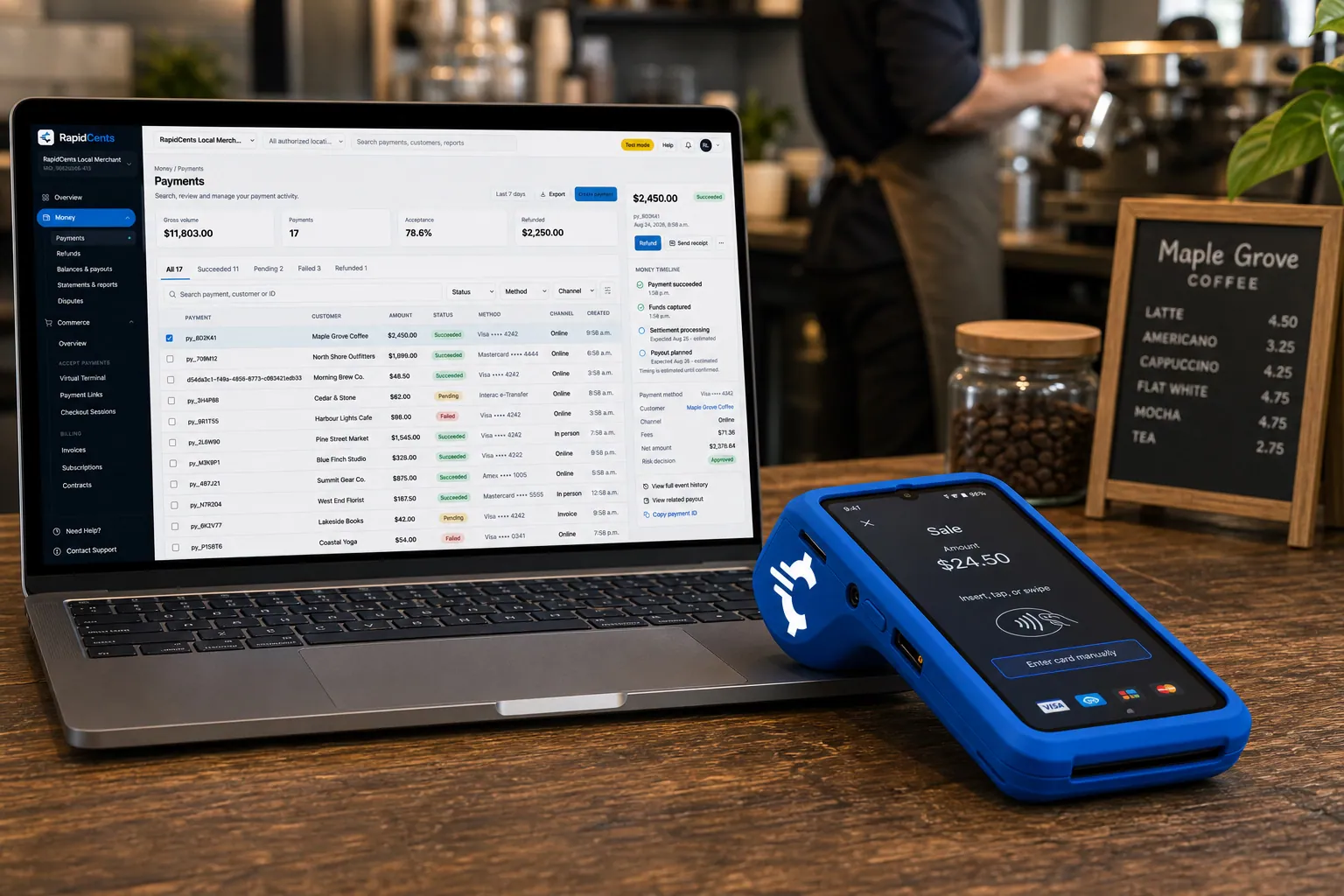
A RapidCents smart terminal running payment apps on the counter, paired with the merchant dashboard on a laptop. Smart Terminals
RapidCents smart terminals combine payment acceptance with an app marketplace for inventory, loyalty…
Explore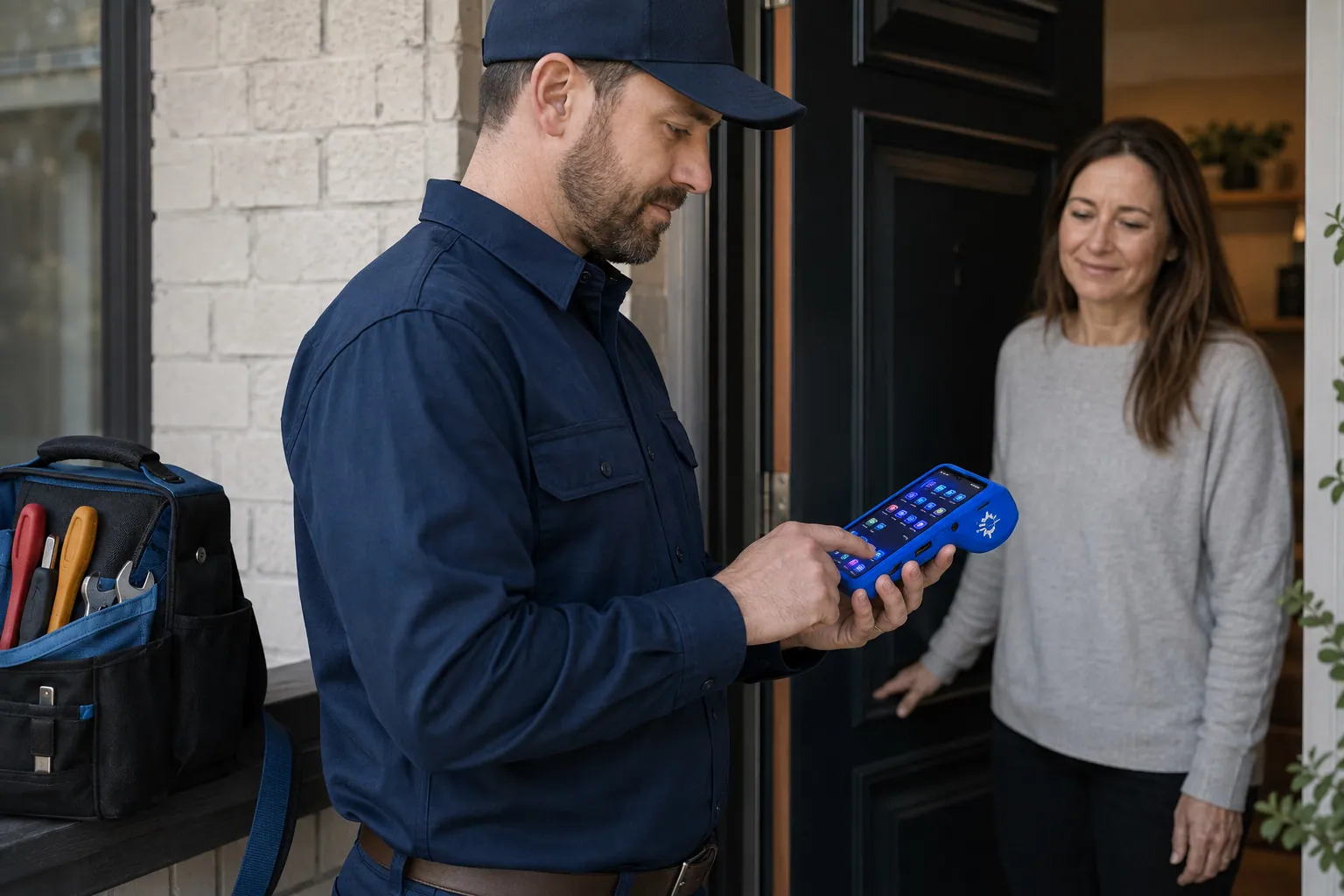
A staff member takes a card payment on a RapidCents handheld terminal, with the same sale appearing on the dashboard. Mobile Terminals
RapidCents mobile terminals are battery-powered wireless devices with LTE and Wi-Fi so staff accept payments…
Explore


Implementation approach
Discovery
Lane count, POS versions, connectivity and the busiest hours the cutover has to avoid.
Configuration
Tip prompts, receipt content, refund permissions and batch close schedule set before the device ships.
Parallel testing
The new device tested against real flows while the existing one continues to trade.
Go-live and training
Cutover at a time you choose, with staff shown the new flow before the first customer meets it.
What does not change
Your POS
Where a certified integration exists for your version, the register keeps working the way it does now. The terminal changes; the workflow above it does not.
Your reporting history
Transactions already settled stay where they are. Volume from the new device appears in the dashboard alongside them.
Card acceptance at the counter
Tap, chip and PIN debit work as before. The prompts move; the transaction does not.
Frequently asked questions
What happens to the last batch on the old terminal?
It has to close before the device is retired, or those transactions never settle. Closing the old device’s final batch is a step in the cutover rather than an afterthought.
Can I keep using my current POS?
Usually yes, provided a certified integration exists for your version. That check happens before hardware is ordered, because it decides whether the lane is semi-integrated, fully integrated or standalone.
What is the difference between semi-integrated and fully integrated?
Semi-integrated sends the amount from the POS to the terminal. Fully integrated sends line-item detail, which is what enables inventory-linked returns and item-level reporting. Semi-integrated is simpler and narrows what touches card data; fully integrated does more.
Do I own the terminal or rent it?
Both arrangements exist and they behave differently at exit. Rental that continues after you leave a processor is one of the more common surprises, so confirm the terms on any equipment you currently hold before replacing it.
How long is a lane down during a swap?
The swap itself is short: the device arrives provisioned and needs activation and a test transaction. What determines real downtime is whether the POS integration needs configuring, which is why compatibility is checked first.
How is a device replaced if hardware needs a swap?
Replacement options are available, and the dashboard shows terminal status and last batch close per device so the lane is identified quickly.
Can a terminal run on mobile data instead of the shop Wi-Fi?
Depending on the model, terminals connect over Ethernet, Wi-Fi or LTE, so a lane with unreliable Wi-Fi can be specified with mobile data behind it. Raise connectivity while the device is being recommended, because it is a hardware decision rather than a setting.
What is configured before the device is shipped?
Tip prompts, receipt content, refund permissions and the batch close schedule, so activation is a short task instead of a setup project. Devices also arrive assigned to your merchant account and, in a multi-site estate, to the location they belong to.
Take the next step
Talk to a RapidCents specialist
RapidCents Fee Check reads a processing statement and shows interchange separately from the markup. Upload a statement for an instant breakdown, or open a merchant account and start accepting payments on one account.
- No obligation
- Payment specialists, not a call centre
- Secure statement upload



