


Payment processing for gaming businesses: video games and esports
Payment processing for gaming businesses means taking many small online purchases, renewing passes and subscriptions, and selling play time at venue counters. RapidCents serves video game studios, publishers and esports venues with Payment Gateway, Embedded Payments, Recurring Payments, venue terminals and Disputes, priced on interchange-plus, month to month. We do not work with gambling of any kind.

- PCI DSS Level 1
- SOC 2 Type II
- All major cards: Visa, Mastercard, Amex, Discover, UnionPay, Diners Club & PIN Debit
- Interchange-plus available
- Specialist onboarding support
How gaming businesses get paid
Gaming businesses get paid in five ways: item and currency purchases inside games you bill yourself, orders in a web shop outside the app stores, passes and subscriptions that renew, sales and memberships at esports venues, and direct sales of game keys and pre-orders. Each has a different payer, trigger and dispute risk, and each needs a player or order reference so finance can tie the money to what was delivered.
Item and currency purchases in your own game
A player, sometimes on a parent's card, buys currency, cosmetics or boosts inside a PC launcher, browser game or other build where you control billing. The card is charged through the RapidCents Payment Gateway, and your server grants the item once the payment is confirmed. If a parent disputes a purchase weeks later, the transaction ID, linked to the player ID and the item bought, is your record.
Web shop orders outside the app stores
Players sign in on your website with their game account and buy bundles, currency or passes there instead of through a store. Game web shop payment processing takes the card on a RapidCents checkout page or in embedded card fields, and the purchase lands on the linked account. Orders placed on the wrong account and items that do not appear are the common support cases. One order ID connects payment, grant and settlement.
Battle passes, season passes and subscriptions
A player agrees to a pass, premium membership or private server plan that renews on a set date. Gaming subscription billing charges the stored card through Recurring Payments, with automated retries when a renewal fails and Account Updater for replaced cards. Put the price, interval and cancellation steps on the sign-up screen, so a renewal never surprises a player. Finance sees one charge per cycle.
Play time, memberships and counter sales at venues
Players and parents pay esports venues, gaming lounges and video game arcades for hourly play, day passes, snacks, merchandise and party bookings. Counter sales are taken by tap, chip or PIN on a terminal, memberships run on a stored card the member authorized, and booking deposits go out as payment links. When a party cancels late, you refund the deposit from the same record. Finance gets terminal batches, membership charges and deposits, each with a member or booking reference.
Game keys, pre-orders and founder packs
Fans buy keys, deluxe editions, early-access founder packs or pre-orders on your own site through Hosted Checkout. The card is usually charged at purchase, because an authorization will not stay open until a launch months away, and access arrives by email or on the account. A delayed launch is the exception that drives refund requests and disputes, so keep the promised date and delivery terms with each order. Finance tracks which paid orders are still undelivered.
How does an in-game payment gateway work?
An in-game payment gateway takes the player's card inside your game or launcher and tells your server when the charge is approved, so items go only to paid orders. With RapidCents, Embedded Payments shows the card form, the Payment Gateway authorizes the charge, and a webhook triggers the grant. It applies where you control billing, such as PC launchers and browser games; purchases made in app, console and Steam stores stay on those stores' billing.
How a purchase runs with RapidCents
The player picks an item and your client opens RapidCents Embedded Payments card fields, or Hosted Checkout, so the card number goes straight to RapidCents instead of passing through your game servers. Your server creates the payment through the Payment Gateway with the player ID and order ID attached. On approval a webhook reaches your backend, the backend credits the account, and the game shows the new balance and a receipt.
What to set up before the first sale
Decide which platforms let you bill players yourself, then require a signed-in account for every purchase. Send an idempotency key with each payment request so a retried call does not charge twice, and attach the player ID, order ID and item code. If players can save a card for one-tap repeat purchases, ask their permission first and store it with Payment Tokenization. Run each path in the sandbox before release.
When the game and the payment disagree
A dropped connection, a crash after checkout or a double tap on the buy button can leave the client unsure what happened. Grant items from the server when the webhook arrives, never from the client's own success screen, and run a daily job that finds paid orders with no grant and grants or refunds them. On a decline, show a plain message, grant nothing, and let the player try another card.
Refunds, chargebacks and spent currency
When you refund a purchase, remove the unspent currency or item where your terms allow it. When a chargeback arrives on currency already spent, your evidence is the account's own history: login records, device, what was bought and what was used. A child spending on a parent's saved card is a familiar cause of these disputes, so ask for a password or a confirmation step before any stored card is charged. Disputes and Chargeback Protection tracks reason codes, evidence and deadlines.
A currency pack in a browser game, bought on a saved card
Say a studio runs a browser strategy game and sells gem packs. A returning player buys a mid-size pack with a card they saved, with their consent, on an earlier visit. Their connection drops before the confirmation screen loads, but the webhook has already reached the server, which credits the gems and emails a receipt with the order ID. When the player reconnects, the gems are there, and no support ticket is opened.
Game web shop payment processing: from sign-in to delivered item
Game web shop payment processing charges a player who signs in on your own website with their game account, and the currency, items, passes or bundles they buy reach that account once the payment is approved. RapidCents takes the card through Hosted Checkout, Payment Pages or Embedded Payments, a webhook tells your server to deliver the purchase, and finance matches each order ID to settlement. Store rules decide whether a mobile or console game may point players to the shop, so read them first.
How an order moves through the shop
The player signs in with the same account they use in the game, chooses a bundle and pays by card, or with wallet buttons where you have them switched on. RapidCents returns the result to the shop, and a webhook tells your backend to deliver the items. The bundle is waiting the next time the player opens the game on any device linked to that account, and the receipt email carries the order ID.
Decisions to make before the shop opens
Set prices and the currency you charge in, and decide which accounts may buy, including what your terms require for players under the age of majority. Write a refund policy for digital items and show it at checkout. Ask your accountant where you must register for and collect tax on digital sales, since selling direct makes your studio the seller. Choose the descriptor players will see on their card statements; the game's name is the one they recognize.
Wrong accounts, missing items and refunds
A player who bought on a second account, or a parent who bought for the wrong child, needs the grant moved or the order refunded, so give support staff both options and a log of every change they make. When an item seems missing, check the grant log before refunding, because the item may have arrived and gone unnoticed. Refunds return to the original card through RapidCents, and partial refunds suit bundles where only one part went wrong.
Gifting, resale and stolen cards
A shop that hands over items right after checkout, and lets players gift them to other accounts, draws people testing stolen cards, because the items can be passed on and resold. Hold gifting on fresh purchases for a while, ask for the security code and billing postal code, and route first orders or unusually large ones through 3D Secure where applicable. When a chargeback still arrives, answer it with the order, account and delivery records.
A starter bundle sold on the web, matched the next morning
Say a studio with a mobile game opens a web shop selling a starter bundle and a monthly pass. A player signs in on a laptop, buys the bundle, and finds the items in the game on their phone that evening. The next morning, finance matches each order ID in the RapidCents transaction report to the grant log, then ties the settlement report to the bank deposit, with one refund on a duplicate order shown as its own line.
RapidCents products for gaming businesses
The Payment Gateway and Embedded Payments put checkout inside your launcher, browser game or web shop, with webhooks that tell your backend when to grant items. Recurring Payments renews passes and memberships with retries and card updates, and Disputes keeps chargeback evidence, reason codes and deadlines in one place.
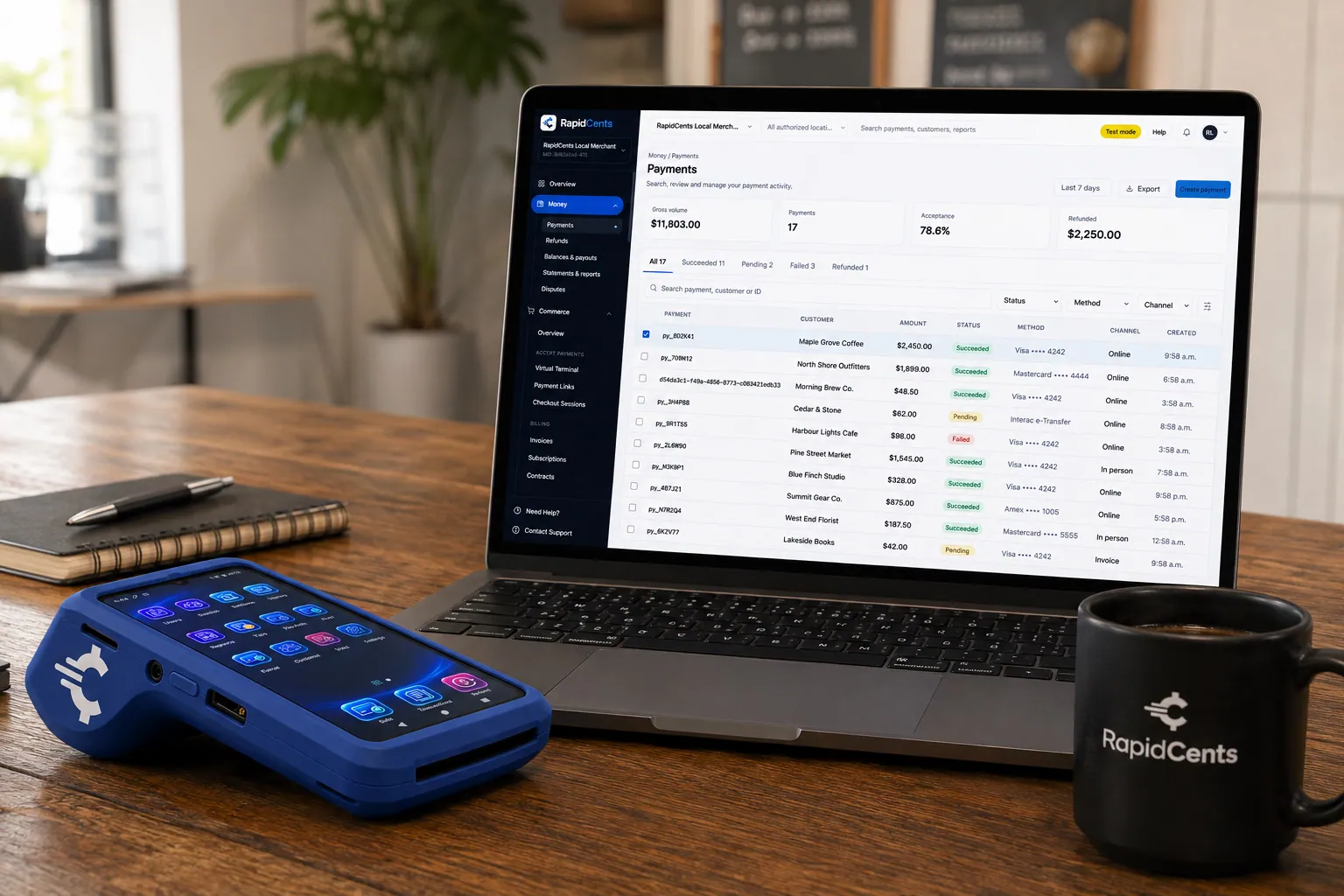
A payment-gateway integration desk: API response on screen, RapidCents terminal ready for a test sale. Payment Gateway
The RapidCents payment gateway exposes REST endpoints for authorize, capture, void, refund and tokenize…
Explore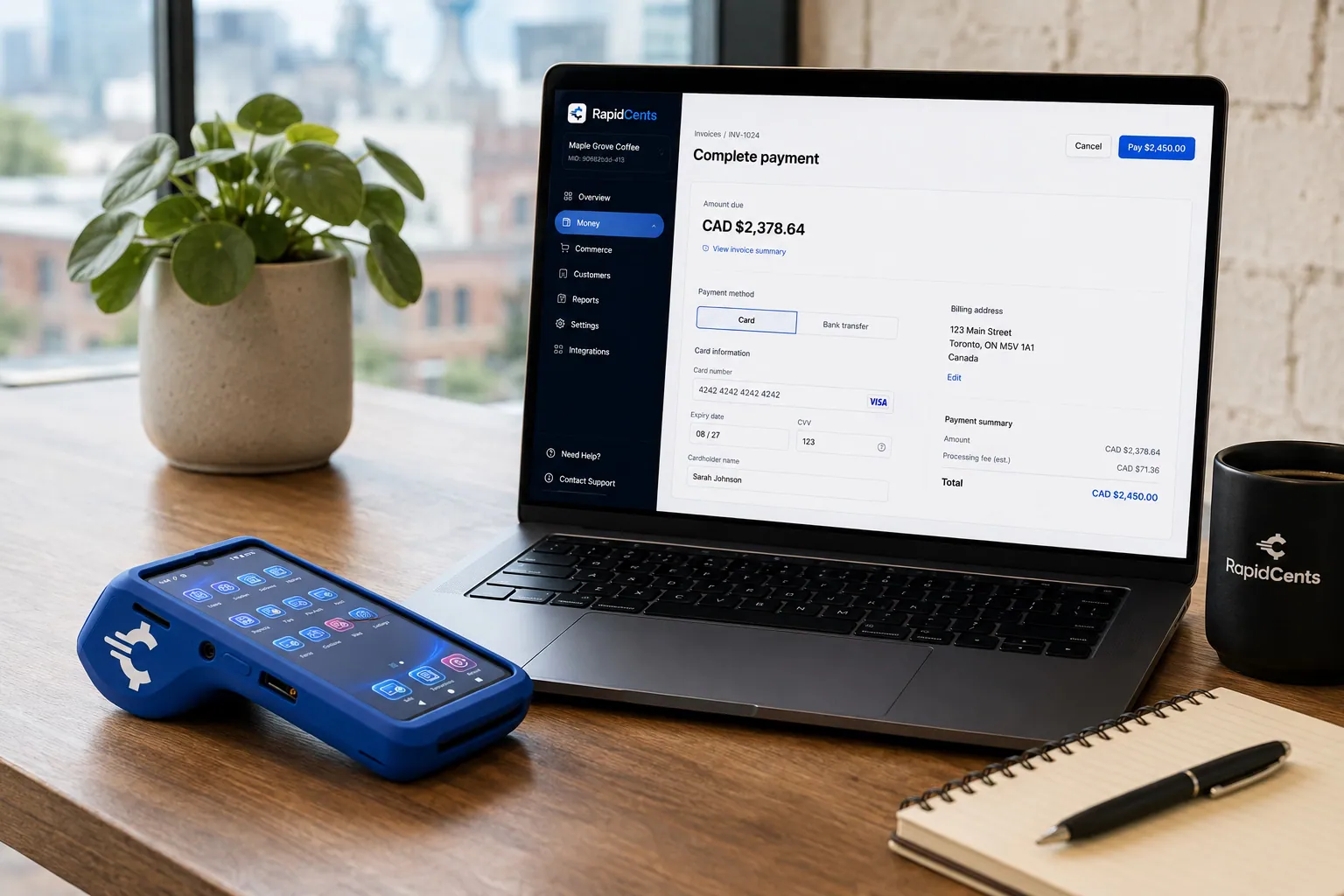
Card fields hosted by RapidCents sit inside a merchant checkout, with a terminal and the payments dashboard beside them. Embedded Payments
RapidCents embedded payments provide drop-in UI components, card fields, wallet buttons and payment status…
Explore
The RapidCents recurring payments screen showing active subscriptions, monthly recurring revenue, failed payments and upcoming renewals, above a list of subscriptions with their plan, amount, frequency and next billing date. Recurring Payments
RapidCents recurring payments manage subscription plans, membership renewals and installment schedules with…
Explore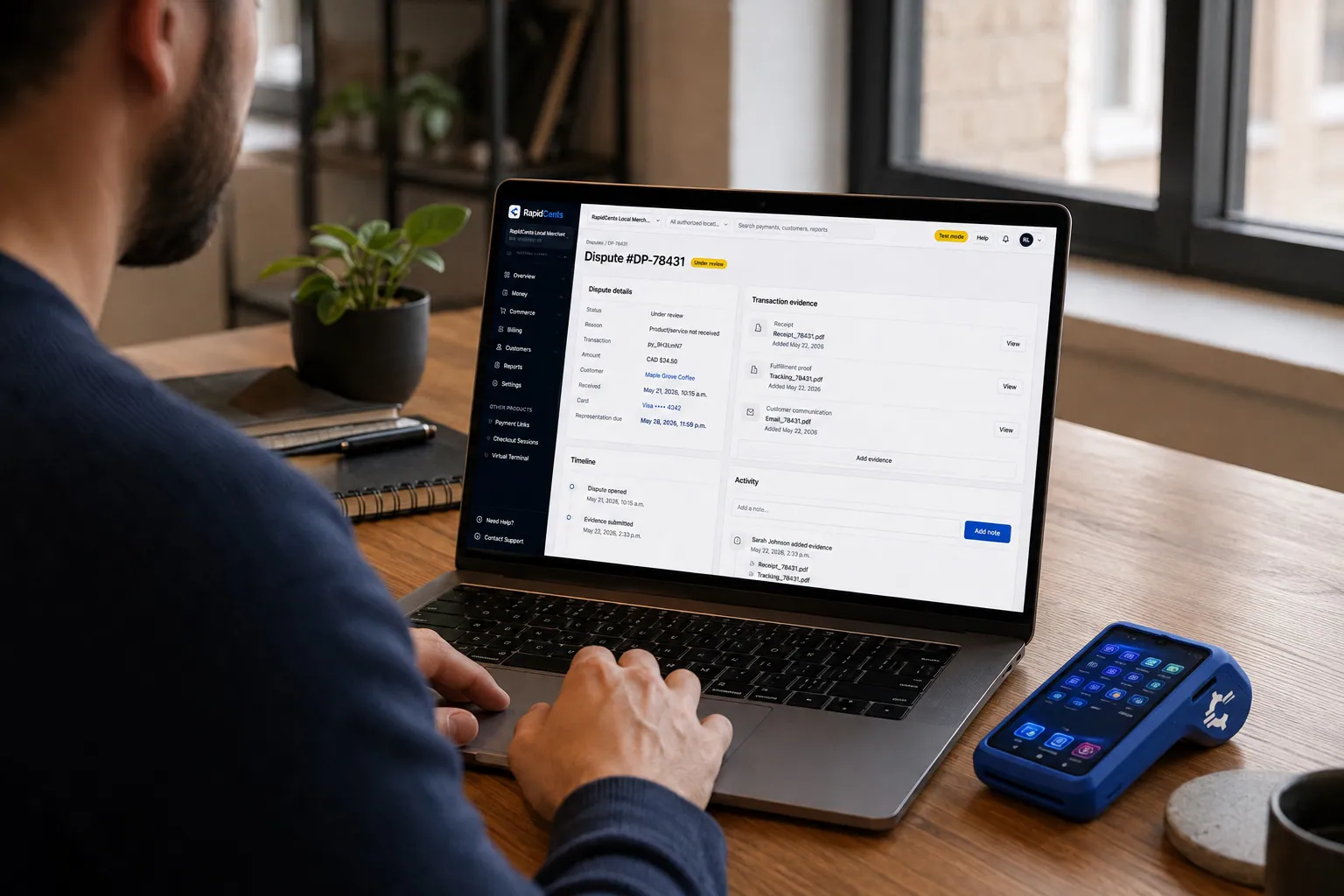
A merchant works a RapidCents dispute case on the dashboard, with the original terminal sale still on the desk. Disputes
RapidCents disputes centralizes chargeback notifications, response deadlines and evidence upload in an inbox…
Explore


How do esports venues and gaming lounges take card payments?
Esports venue card payments are taken three ways: chip, contactless and PIN terminals at the counter for play time, snacks and merchandise; stored cards for monthly memberships; and payment links for party, team and event bookings. RapidCents supplies the terminals, with Tap to Pay for pop-up events, bills memberships through Recurring Payments and sends booking deposits through Payment Links. A chain of venues can settle each location under its own merchant ID with Multi-Location.
Selling play time at the counter
A player buys an hourly session or a day pass, staff open the station in the venue's booking software, and the player taps or inserts a card, with a PIN where asked, on a RapidCents countertop or smart terminal. Your RapidCents representative will walk you through how your booking software connects; staff can also key the amount on the terminal and match the session report to the terminal batch at close. For pop-up events and LAN parties, Tap to Pay or a mobile terminal does the same job.
Memberships and prepaid hours
Monthly memberships run on a stored card through Recurring Payments, once the cardholder has agreed to the amount, billing date and how to cancel. When a young player's parent pays, the parent is the cardholder who agrees. Failed membership payments retry automatically and Account Updater refreshes replaced cards where the issuer takes part, while access can pause until the balance clears. Prepaid hour packs are simpler: a one-time sale at the counter.
Party, team and school bookings
Birthday parties, team practice blocks and school esports club sessions are booked ahead. Send a payment link by SMS, email or QR code for the deposit, with the cancellation terms in the message, and take the balance at the counter on the day. Schools and companies that want paperwork can receive a branded invoice through Invoicing, and staff add the booking reference to every payment so the calendar and the deposits agree.
Tournaments: the case to look at first
Spectator tickets, team bookings and venue fees are ordinary sales. Tournaments need a closer look: where players pay to enter and compete for money or prizes of value, the event can count as a game played for money, which RapidCents does not work with. Describe every tournament format when you apply, including who pays to enter and how prizes are funded, before entries run through your account.
The first of the month at a 40-seat gaming lounge
Say a 40-seat gaming lounge bills its monthly members on the first of the month. One member's card was replaced, and Account Updater picks up the new card before the renewal runs. That evening, staff sell hourly play at the counter and send a payment link for a Saturday birthday party deposit. At close, the terminal batch agrees with the session report except for one hour refunded to a player whose station froze.
What drives payment processing fees for gaming businesses?
The cost of credit card processing for gaming businesses depends on how many small online charges you run, which cards your players use and how often purchases become disputes. RapidCents prices on interchange-plus: interchange on each in-game charge, renewal and counter sale is set by the card networks, varies with card type and entry method, and passes through at cost, plus your RapidCents markup, shown in your Fee Schedule, and fees for equipment or services, if applicable. Agreements run month to month with no fixed term.
Online charges versus counter sales
A studio's direct sales are card-not-present, with the card entered in a web shop, launcher or game, and card-not-present interchange is usually higher than for a card tapped or inserted at a venue terminal. A venue's mix is mostly card-present. If you run both, read each channel on its own lines of the statement, because an overall average hides where the cost sits.
Small tickets and how often players buy
Players often buy in small amounts, and any fixed per-transaction part of interchange or of your Fee Schedule weighs more on a small charge than on a large one. Selling currency in packs rather than single low-priced items means fewer, larger charges for the same spending. When comparing quotes, look at your average ticket and monthly transaction count together, not either one alone.
Which cards players use
A game's card mix can run from prepaid and debit cards held by younger players to rewards and premium credit cards, plus cards issued in other countries, which fall into international interchange categories and can carry network cross-border fees. Because every card type has its own interchange category, a quote only means something when it is priced on the card types your players actually used last month.
Refunds and chargebacks
Look at how your Fee Schedule treats refunds and disputes, then pull your own dispute count by month and by reason code. A lost chargeback on virtual currency costs the purchase amount and any dispute fee, and the currency is usually spent by then, so nothing can be taken back. A dispute ratio the card networks consider too high can bring monitoring programs and extra costs. A quick refund for an obvious mistake often costs less than a dispute you then have to fight.
Store commissions versus direct processing
When you weigh a web shop against in-app purchases, compare like with like. App and console stores set their own commission, separate from card processing, and part of what it pays for is billing work that moves to you when you sell direct: payment support, refunds, tax collection and disputes. Price the web shop on interchange, markup and fees plus that extra work, not on processing alone.
What to bring to compare quotes
Collect three months of processing statements and pull five numbers from your own data: the split between web shop, in-game, renewal and venue sales; average ticket; monthly transaction count; the share of cards issued abroad; and refunds and chargebacks per month. Run one statement through Fee Check, which shows interchange apart from markup, and ask every provider to quote on that same mix in your settlement currency.
Where RapidCents fits with Unity IAP, PlayFab, Xsolla, Steamworks and Unreal Engine
RapidCents works beside these tools. Purchases players make through app, console and Steam stores go through those stores' own billing, while in a web shop, launcher or browser game that you control, your server calls the Payment Gateway API and your backend grants the item. RapidCents integrates with many major platforms through APPIE and RapidBridge, and your RapidCents representative will walk you through the options for your engine, backend and store setup.
Unity IAP
Unity IAP is Unity's in-app purchasing package. It hands purchases in Unity games to the billing of the stores you publish on, such as the Apple App Store and Google Play, and the store collects the money. Studios that want their own processor add a web shop, where RapidCents takes the card and your server grants the item to the same player account. Check each store's current rules on pointing players to outside purchases before you link to it.
PlayFab
PlayFab, Microsoft's game backend, keeps player accounts, inventories and virtual currency balances and can validate receipts from the stores it supports. In a direct web shop the usual pattern is that RapidCents confirms the payment to your server by webhook, and your server grants the item through a PlayFab server-side call, so PlayFab stays the record of what each player owns. That grant step is a short piece of code your team writes and tests in the sandbox.
Xsolla
Xsolla offers its own payment processing together with its web shop, in-game store and subscription tools, so an outside processor does not sit underneath an Xsolla checkout. If you sell through Xsolla today, read your agreement for who is the merchant of record and whether another processor is allowed. The real comparison is usually Xsolla's service against your own web shop on RapidCents, where your studio becomes the seller and takes on the tax, support and dispute work that comes with it.
Steamworks
Steamworks is Valve's partner platform for publishing on Steam. Steam takes payment for copies, downloadable content and in-game items sold through Steam's microtransaction system, and pays you under your distribution agreement, so RapidCents does not replace that billing. RapidCents fits what you sell off Steam, such as merchandise or keys sold on your own site within Steam's key rules, and those sales settle separately from Steam payouts. Read your agreement before routing any Steam player's purchase to your own checkout.
Unreal Engine
Unreal Engine is Epic's game engine, not a payment service. On console and mobile builds, Unreal's online subsystems pass purchases to each platform's store. On a PC launcher or companion web shop you control, the client opens Embedded Payments or Hosted Checkout while your server calls the Payment Gateway with your API credentials. Payment credentials should never ship inside a game build, where players can extract them.
QuickBooks Online, Xero and larger ERPs
Behind the game backend sits the ledger. RapidCents connects settled transactions, fees and refunds to QuickBooks Online and Xero, while SAP and NetSuite import settlement files. How you recognize revenue on currency players have bought but not yet spent is a question for your accountant: the payment record shows when money was charged, refunded and settled, not when it was earned.
Gaming payment options by country
RapidCents serves merchants in Canada and the United States, and credit card payments in a web shop, a game or at a venue counter work much the same in both. The rest depends on the country your merchant account belongs to: the debit network at the counter, how members and sponsors can pay by bank, and the currency your deposits arrive in. Your RapidCents representative will list what applies to your account before you publish payment options to players.
Players paying from other countries
Games sell far beyond one market, so a web shop will see cards from many issuing countries. Those cross-border cards can be accepted like local ones but are priced in their own interchange categories, which is worth checking on your statement. Before you show prices in players' own currencies, your RapidCents representative will walk you through the International Payments options for your account.
Bank transfers and the currency you are paid in
Memberships at a venue and sponsorship or event invoices may be payable by bank transfer, depending on which transfer methods exist in your merchant account's country. Deposits arrive in that account's settlement currency too, so settle both with your representative before you add payment instructions to a membership form or invoice.
Tax on digital items depends on location
Tax on in-game items, passes and subscriptions can depend on where the player lives and where your business is registered, and the rules differ from one country to the next. Card processing moves the amount you charged; working out, collecting and filing any tax due is for your finance team and tax advisers.
How do you switch processors without breaking renewals or item grants?
Switch one storefront or product at a time, test your item grants against the RapidCents sandbox first, and let the old processor finish the renewals it started. Before live traffic moves, inventory stored cards, active passes and open pre-orders, rebuild your webhook and grant logic, and test purchases, refunds, renewals and disputes on a real build. Then send new purchases to RapidCents and reconcile both processors against your grant log until the old account is empty.
Inventory what the old processor holds
List the player cards stored for one-tap purchases, active subscriptions with their next renewal dates, pre-orders charged but not yet delivered, refunds owed, open disputes, webhook endpoints, API keys in use and any fraud rules you tuned. Note which system holds each one: your backend, a service such as PlayFab, or the old processor. Work out the order of the move from that list, and mark every item the old account will need to finish on its own.
Stored cards and active passes
A stored card token is tied to the processor that issued it, and moving tokens takes a migration both processors agree to, so build the plan on collecting cards again rather than on a migration that may not happen. Ask each subscriber for a card at their next renewal or purchase, with consent to store it, and keep the old account billing existing passes until each player has moved. Passes sold through app stores are unaffected, because the store bills them.
Rebuild and test on a real build
Map player, order and item identifiers into the payment's reference fields, send idempotency keys, and grant only from verified webhooks. In the sandbox, run a purchase, a decline, a refund that removes currency, a renewal, a failed renewal with its retry, and a dispute with evidence. If the game client changes, finish testing before the patch goes to platform review or certification.
Move traffic in slices
Once your account is approved, send new web shop orders to RapidCents first, then purchases in your launcher or browser game, then subscriptions as each one renews. Watch declines, grant failures and support tickets every day of the overlap, and keep a switch that routes purchases back to the old processor until the new flow has run cleanly through at least one full billing cycle.
Players notice the descriptor
Choose the descriptor that will appear on players' card statements after the switch, and use the game or studio name players know. An unfamiliar name is a common reason a cardholder disputes a charge they actually made, so mention the change in your receipt emails and keep the order ID, item and account name on every receipt.
Close the old account last
Disputes on digital purchases can surface after the currency has been spent, which is why the old account outlives the cut-over: keep it open until its final renewal has run, its refunds are done and the dispute window on its last charges has closed. Until then, match each day's grant log against both processors' transaction reports and the bank deposits, reading fees, refunds and chargebacks separately from sales.
Payment questions from gaming businesses
What is the best payment processor for gaming businesses?
The best processor is the one that fits where your players actually pay, so judge it on your own channels rather than on a ranking. Check that your model is supported, including virtual currency, subscriptions and players in many countries; that the API offers webhooks, idempotency keys and a sandbox; how failed renewals are handled; which fraud and dispute tools cover digital goods; whether reports reconcile to player accounts; and how pricing is itemized. RapidCents prices on interchange-plus, month to month, and your RapidCents representative will run a purchase, a refund and a failed renewal with you in the sandbox.
How much does credit card processing cost for gaming businesses?
There is no single figure: your cost is interchange, plus your RapidCents markup and any equipment or service fees, and the total follows your mix of cards, channels and disputes. Interchange is set by the card networks, passes through at cost and varies with the card type and whether the card was entered online or presented at a terminal. Your markup is listed in your Fee Schedule, and there is no fixed term. A studio taking many small online purchases on cards from abroad pays a different interchange mix than a venue taking local cards at the counter. Upload a statement to Fee Check to separate interchange from markup, then request a written quote in your settlement currency.
Can Unity IAP use a different payment processor?
Generally not for purchases made in app store builds. Unity IAP routes purchases to the billing system of each store a game is published on, for example Google Play or the Apple App Store, and that store takes the payment under its own rules. Studios that want their own processor usually sell through a web shop or a PC build they bill themselves, where the RapidCents Payment Gateway charges the card and the studio's server grants the item. Tell your RapidCents representative your Unity version, target stores and countries, and they will help you plan the web shop side.
How can a gaming business switch processors without losing payment history?
Make your own purchase log the permanent record, and keep the old account open until it has nothing left to do. Before switching, export transaction, refund and dispute reports from the old provider, and check that your backend stores every transaction ID beside the player ID and order. Saved cards cannot be assumed to follow you: a token migration needs both providers' agreement, so plan to ask each player for a card at their next purchase or renewal. The old account keeps running its renewals, refunds and chargebacks until they are finished.
How do payment options for gaming businesses differ between Canada and the United States?
For credit cards, little changes: players pay online, in web shops and at venue counters in both countries, and passes renew on stored cards the same way. What differs follows the country of your merchant account: the debit network used at the counter, the bank-payment methods for memberships and invoices, and the currency you are settled in. RapidCents serves Canada and the United States, and your representative sets up the right mix for your business during onboarding.
How do we take payments through a game web shop?
Tie the shop to player accounts, collect the card with RapidCents Hosted Checkout, Payment Pages or Embedded Payments, and grant items only after your server receives the payment confirmation. The player signs in with their game account and picks an item; once the card is approved, a webhook tells your backend, which credits the account and sends the player a receipt carrying the order ID. Refunds go back to the original card through RapidCents, and your backend removes refunded items where your terms allow. Read the store rules before promoting the shop inside a mobile or console game.
How do we sell recurring game passes?
Sell the pass as a subscription with clear terms, charge the stored card on schedule, and decide in advance what happens when a renewal fails. Before the player agrees, show the price, billing interval, renewal date and how to cancel, and get consent to store the card. RapidCents Recurring Payments then bills each cycle, notifies the player before each charge, retries failed payments and uses Account Updater for replaced cards where the issuer takes part. Keep rewards active through a short grace period, pause them after it, and make cancellation as easy as sign-up. Passes sold inside app stores renew through the store instead.
How do we reconcile in-game purchases with player accounts?
Attach the player ID and order ID to every payment, then match three records each day: your backend's grant log, the RapidCents transaction report and the bank deposit. A paid order with no grant means a player is owed an item; a grant with no settled payment means something went out unpaid, for example after a refund or chargeback your backend never reversed. RapidCents transaction, settlement and fee reports export as CSV or PDF, and settled transactions, fees and refunds connect to QuickBooks Online and Xero.
How do we reduce fraud on virtual currency purchases?
Make stolen cards hard to use and slow to turn into money. Virtual currency fraud prevention works in layers: require a signed-in account with a verified email before the first purchase, cap what new accounts can spend in a day, use address and security-code checks, and add 3D Secure where applicable for purchases that look risky. Delay trading and gifting of newly bought currency, because resale is how stolen cards become cash. Your RapidCents representative will set up the Fraud Prevention rules that fit your game, and each chargeback's reason code should feed back into your limits.
How do we accept cards at an esports venue?
Put a chip, contactless and PIN terminal at the counter, bill memberships on a stored card, and send payment links for bookings. Players pay for play time, snacks and merchandise on a RapidCents countertop or smart terminal, and a phone running Tap to Pay or a mobile terminal handles pop-up events. Memberships run through Recurring Payments with the cardholder's agreement, and party or team deposits go out as Payment Links. Your RapidCents representative will walk you through connecting your booking software; staff can also key amounts on the terminal and match sessions at close. Talk to your representative before taking paid tournament entries.
Does RapidCents work with gambling, casino or betting businesses?
No. RapidCents does not work with gambling in any form: casinos and online casinos, sportsbooks and other betting, lotteries, poker, bingo, paid fantasy contests, and any game of chance or skill in which players stake money to win money or a prize of value. Businesses in the betting and wagering category, MCC 7995, are declined. A video game that adds a mode like that falls under the same exclusion, so describe every feature that involves money when you apply.
Which gaming businesses can RapidCents work with, and what MCC applies?
Video game businesses only: studios and publishers that sell video games, gaming apps, in-game items, virtual currency and passes; game web shops and subscription services; and esports venues, gaming lounges and video game arcades. MCC 7994, video game arcades and establishments, is commonly associated with venues where people pay to play, while a studio selling digital items online may be classified differently. RapidCents sets the correct merchant category with you during onboarding based on what your business actually sells.
Related digital industries
Software & SaaS and Edtech & eLearning run the same renewals and failed-payment recovery as a battle pass, while Digital Products, Downloadable Software and E-commerce share the web checkout, digital delivery and chargeback evidence a game web shop depends on.
Software & SaaS
Take cards inside your product, bill plans and metered usage, recover failed renewals and…
Digital Products
Hosted Checkout and a Payment Gateway that release each ebook, template or preset pack…
Downloadable Software
Sell license keys online, renew subscriptions and maintenance plans on stored cards, and…
Edtech & eLearning
Sell courses at checkout, collect tuition in scheduled installments and invoice employers…
E-commerce
Take cards at your online checkout, renew subscribe-and-save orders, collect phone and…
Take the next step
See where your game payment costs come from
Upload a recent processing statement and Fee Check pulls interchange apart from markup, so any quote can be measured against your own pattern of small in-game charges, web shop orders, renewals, venue sales and disputes.
- No obligation
- Payment specialists, not a call centre
- Secure statement upload



