


Chargeback management
Manage chargebacks with evidence tools, deadlines and win-rate analytics
A dispute, or chargeback, is a cardholder's reversal request that the merchant must answer with evidence before a network deadline. RapidCents Disputes collects every open case in one inbox sorted by response due date, supplies reason-code templates for fraud, not-received and duplicate claims, accepts uploaded tracking and document proof, and sends deadline alerts at seven, three and one day remaining. Win, loss and accepted rates by reason code show which policies to change.
- Dispute inbox with deadline countdown
- Evidence templates by reason code
- Win-rate and reason code analytics

- Email deadline alerts
- SOC 2 Type II
- Reason-code templates
- Outcome tracking
- Multi-location dispute routing
Who it's for
E-commerce merchants
Fight friendly fraud with delivery and AVS evidence.
Multi-location retail
Central team responds for all store chargebacks.
High-ticket services
Automotive and B2B need organized authorization proof.
Core capabilities
Dispute inbox
All open cases sorted by response due date.
Evidence templates
Pre-built packets for fraud, not-received and duplicate reason codes.
Document upload
Attach PDF, JPG and tracking screenshots.
Deadline alerts
Email and dashboard notifications at 7, 3 and 1 day remaining.
Outcome analytics
Win, loss and accepted rates by reason code and channel.
How it works
Chargeback notification arrives in dispute inbox.
Review reason code and transaction detail.
Gather evidence using guided template.
Upload documents and submit response.
Track outcome and update internal prevention notes.
Dispute response workflows
Fraud reason code
Submit AVS match, CVV result and customer IP log.
Product not received
Upload carrier tracking with delivery signature.
Duplicate processing
Provide two transaction receipts showing distinct orders.
Central HQ response
Corporate uploads evidence on behalf of franchise location.
Dashboard and reporting
Transactions, deposits and exceptions visible in the RapidCents merchant dashboard.
Try it, edit values and click buttons
Merchant dashboard
- Today
- $4,218
- Deposits
- $12,482
- Disputes
- 2 open
- In-person
- $842
- Online
- $1,104
- Virtual terminal
- $392
Demonstration data only
Integrations
Shipping carriers
Import tracking numbers from Shopify or ShipStation.
CRM notes
Attach customer email thread to evidence packet.
Multi-location routing
Route case to HQ or store manager by rule.
Works with Disputes
Capabilities on the same account, so the parts below connect without a second integration or a second contract.
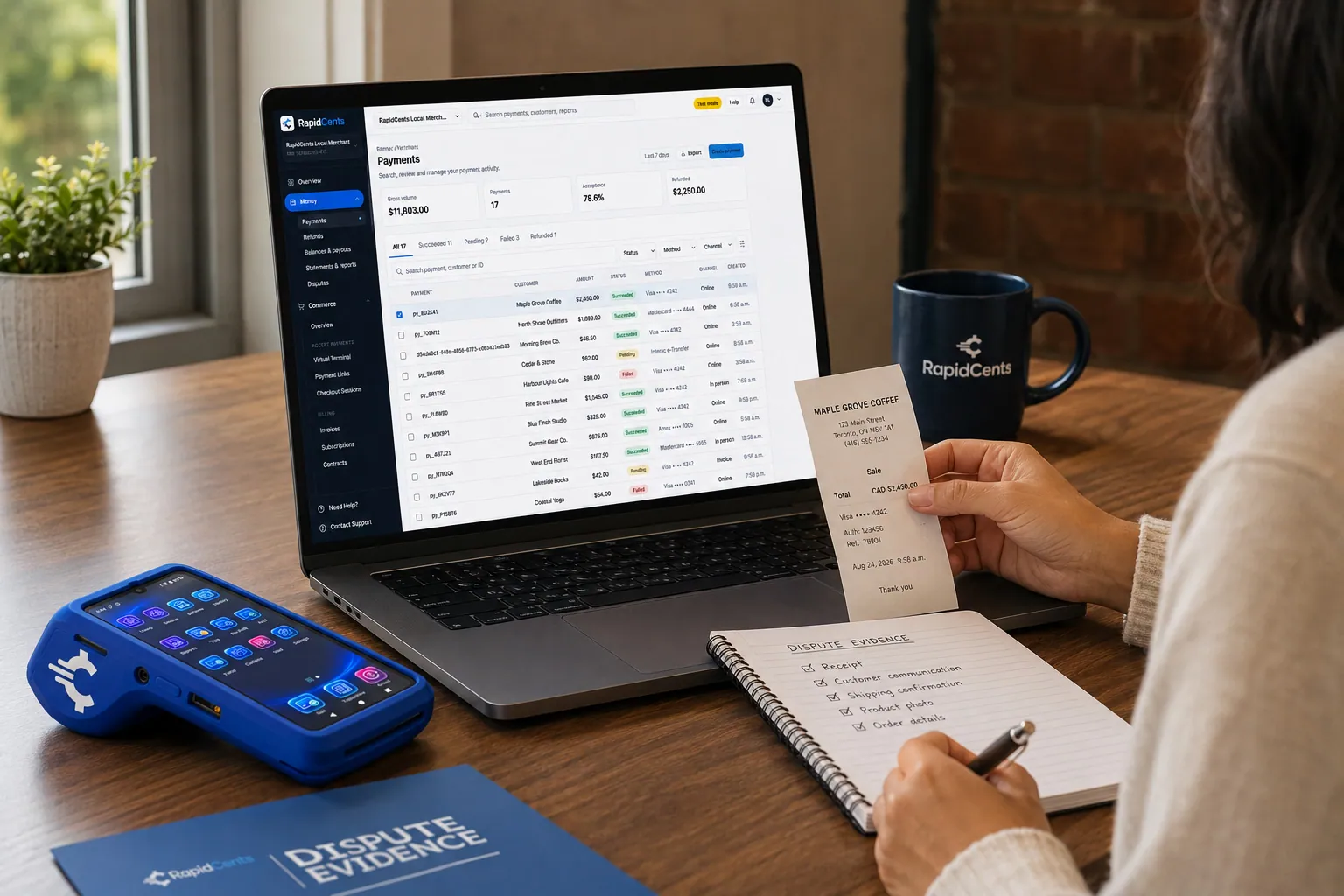
RapidCents assembles chargeback evidence from the original sale, with the terminal and receipts still at hand. Chargeback Protection
Dispute alerts and evidence assembly, so representment does not eat your week.
Explore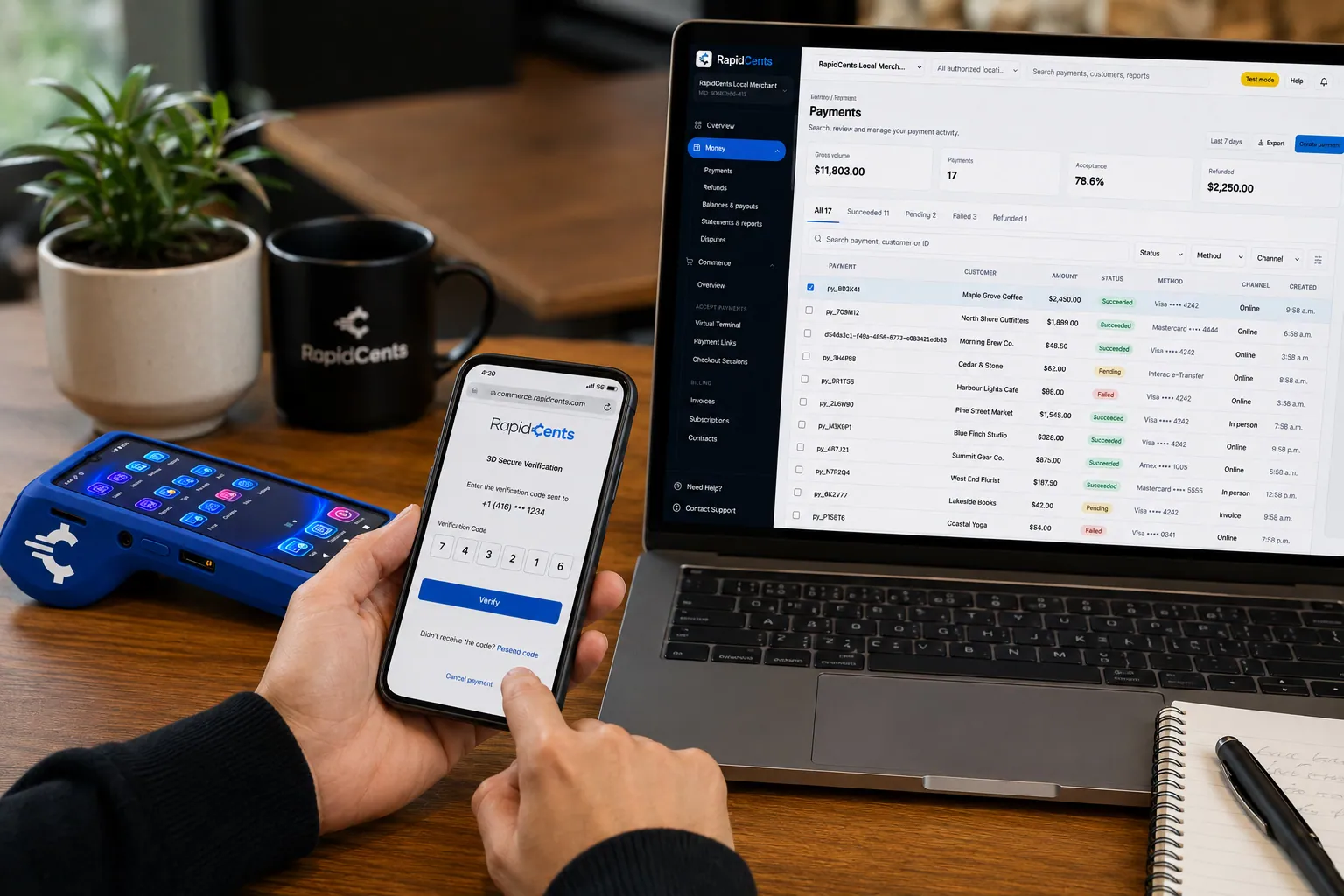
A cardholder completes 3-D Secure on RapidCents checkout, so the issuer can authenticate the online payment. 3-D Secure
Issuer authentication on online payments, which shifts fraud chargeback liability.
Explore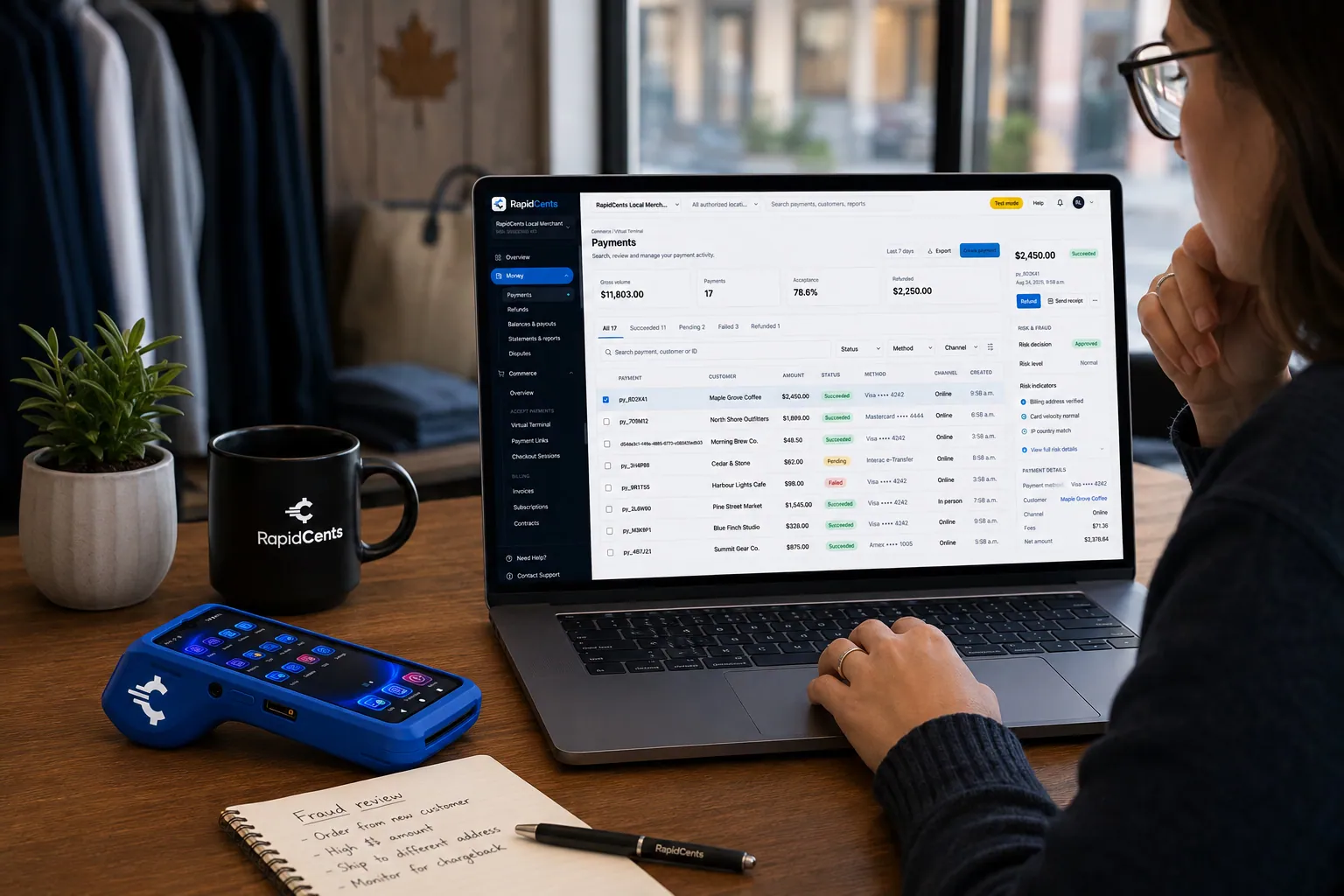
A RapidCents risk screen flags an unusual payment for review, with the capturing terminal still on the desk. Fraud prevention
Rules, velocity checks and AVS/CVV screening applied before a payment is approved.
Explore
A merchant reviews RapidCents reports for volume, mix and payouts, with the terminal that took the sales on the desk. Reporting and reconciliation
Deposit-level detail that ties settlements back to the transactions behind them.
Explore
The RapidCents payments screen: gross volume, payment count, acceptance rate and refunds across the top, a filterable transaction list below, and a money timeline on the right tracing one payment from capture to planned payout. Merchant dashboard
Transactions, deposits, refunds and disputes across every channel in one place.
Explore


Security
Evidence retention
Submitted documents stored for audit period.
Access controls
Only dispute-responder roles submit evidence.
Immutable case log
Timeline of status changes preserved.
Implementation
Responder assignment
Designate staff who receive deadline alerts.
Template customization
Add logo and standard policy language.
Prevention review
Quarterly win-rate review with advisor.
Descriptor audit
Ensure statement descriptors match brand name.
Pricing
Dispute fees
Network chargeback fees apply per case. RapidCents dispute tools included with processing account.
Questions about Disputes
How long to respond?
Typically 7-21 days depending on card network and reason code.
Can RapidCents respond for us?
Managed dispute services available for high-volume merchants.
Pre-dispute alerts?
Ethoca and Verifi alerts surface before chargeback when enrolled.
Multi-location inbox?
HQ view consolidates all location disputes with filters.
What is the difference between a chargeback and a refund?
A refund is issued by the merchant. A chargeback is started by the cardholder through their issuer, arrives with a reason code and a response deadline, and network chargeback fees apply per case whichever way it is decided.
Who on my team can submit evidence to a dispute?
Only roles designated as dispute responders can submit evidence, and you choose which staff receive the deadline alerts. Every status change stays on the case timeline, which cannot be edited after the fact.
Can shipping tracking and customer emails be pulled in automatically?
Tracking numbers can be imported from Shopify or ShipStation, and a customer email thread from your CRM can be attached to the evidence packet rather than retyped into it.
How is dispute management priced?
The dispute tools come with a RapidCents processing account rather than as a separate subscription. The card networks charge a fee per chargeback case, and that fee is set by the network, not by RapidCents.
Related products
The RapidCents payments screen: gross volume, payment count, acceptance rate and refunds across the top, a filterable transaction list below, and a money timeline on the right tracing one payment from capture to planned payout. Merchant Dashboard
The RapidCents merchant dashboard gives owners, managers and finance staff a single signed-in view…
ExploreA merchant reviews RapidCents reports for volume, mix and payouts, with the terminal that took the sales on the desk. Reporting
RapidCents reporting delivers customizable transaction, settlement and fee reports with CSV and PDF…
Explore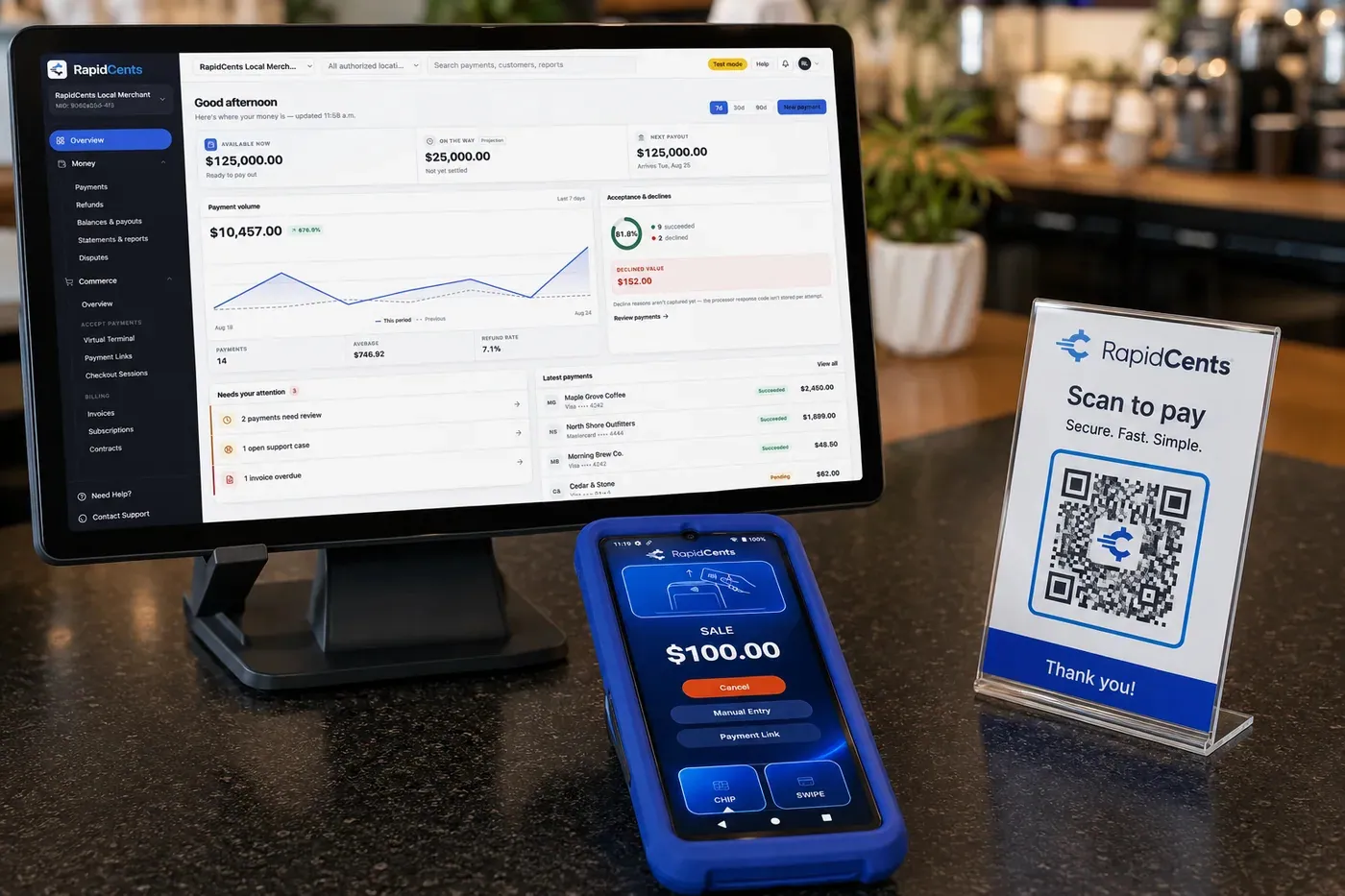
A RapidCents shop counter: the payments dashboard on a monitor showing available balance and the day's volume, a card terminal displaying a $100.00 sale, and a scan-to-pay QR card beside them. Payment Processing
RapidCents payment processing connects authorization, settlement and reporting across in-person…
Explore

Industries that run on Disputes
Gaming
Game studios, esports venues and in-game commerce use gateway APIs, recurring battle…
E-commerce
Online merchants unify checkout, subscriptions, buy-now-pay-later where supported and…
Theatres & Performing Arts
Theatres and venues sell subscription seasons, single tickets and last-minute door sales…
Take the next step
Talk to a RapidCents specialist
RapidCents Fee Check reads a processing statement and shows interchange separately from the markup. Upload a statement for an instant breakdown, or open a merchant account and start accepting payments on one account.
- No obligation
- Payment specialists, not a call centre
- Secure statement upload



