


Payment processing for commercial furniture suppliers
Payment processing for commercial furniture suppliers means collecting money from the offices, hotels, schools and clinics you furnish, not from shoppers. RapidCents supports card payments by terminal, phone and payment link, branded invoices and bank payments, built around the jobs you run: fit-out deposits, phased-delivery and installation balances, and damage credits.

- PCI DSS Level 1
- SOC 2 Type II
- All major cards: Visa, Mastercard, Amex, Discover, UnionPay, Diners Club & PIN Debit
- Interchange-plus available
- Specialist onboarding support
How commercial furniture suppliers get paid
You turn a signed quote or purchase order into deposits, delivery invoices, installation balances and credits. Each payment job has its own payer, trigger and exception, and each one should leave finance a receipt that carries the project reference.
Fit-out deposits
The buyer's purchasing or facilities manager signs off a quote and purchase order. You send a payment link or invoice for the agreed deposit, take it by card or bank payment, and finance receives a receipt carrying the project and PO reference before ordering or production begins.
Phased delivery balances
A workplace fit-out ships floor by floor. Each delivery or milestone becomes its own invoice, paid by link, card or bank payment, so the project balance stays visible and finance can match each receipt to the signed delivery note.
Installation and completion balances
After installers finish and the buyer signs off, you invoice the remaining balance. The accounts payable team pays by link, commercial card or bank payment, and any punch-list holdback is agreed in writing before you collect it.
Damage credits and returns
When a delivered chair, desk or panel arrives damaged, the buyer reports it and you record the accepted exception. The credit or refund is applied to the original invoice so the ledger and the card record agree.
How do commercial furniture suppliers collect fit-out deposits?
You collect a fit-out deposit by sending the signed quote or purchase order as an invoice with a payment link, then taking the agreed deposit by card or bank payment before ordering or production starts. Commercial furniture deposit payments work best when the invoice names the project, the PO number and what the deposit covers.
How the deposit runs
The facilities manager signs off the quote, you issue an invoice with a payment link, and the authorized payer opens it on any device. Contracts & eSignatures can carry the signed quote so the deposit and the agreement sit together. If a large card payment is declined, the buyer can retry, ask the issuer to raise the limit, or pay by bank payment.
What to set up first
Settle who may pay, which PO or project code must appear, and whether the deposit is refundable if the order is cancelled or the specification changes. Write those terms on the quote. We store a card for later invoices only when the buyer authorizes it in writing.
A 40-seat office fit-out, $15,000 deposit first
Say a 40-seat office fit-out is quoted at $60,000 with a $15,000 deposit agreed. The buyer's purchasing lead pays by commercial card through the link and the receipt carries the PO number. A later change order becomes a separate invoice rather than an edit to the paid one.
How are phased deliveries and installation balances invoiced and paid?
You invoice phased deliveries one delivery or milestone at a time, each with its own payment link and a shared project reference. The buyer pays each stage as the goods arrive, and finance sees the running balance. These are collection schedules for amounts already agreed, not financing.
How each stage runs
A hotel refurbishment ships by floor. When the receiving clerk signs the delivery note, you invoice that shipment and send a payment link. Partial payments apply to the open balance, and the project reference stays the same across invoices so reports group them correctly. A short shipment is invoiced only for what arrived.
What to agree first
Agree the milestone list, the invoice trigger (shipped, delivered or installed), who signs for delivery, and what happens to goods held in your warehouse at the buyer's request. Put the schedule on the quote so every invoice matches an agreed event.
300 classroom desks in three drops
Say a school district orders 300 classroom desks in three drops. Each drop is invoiced when the receiving clerk signs, installation is invoiced at completion, and the final balance waits until the punch list is closed. Back-ordered items move to a later invoice.
RapidCents products for commercial furniture suppliers
For B2B furniture invoice payments, Invoicing and Payment Links carry the project reference to the buyer, Contracts & eSignatures captures the signed quote with the deposit, and bank payments suit large balances. Pick the product that matches how each project is collected.
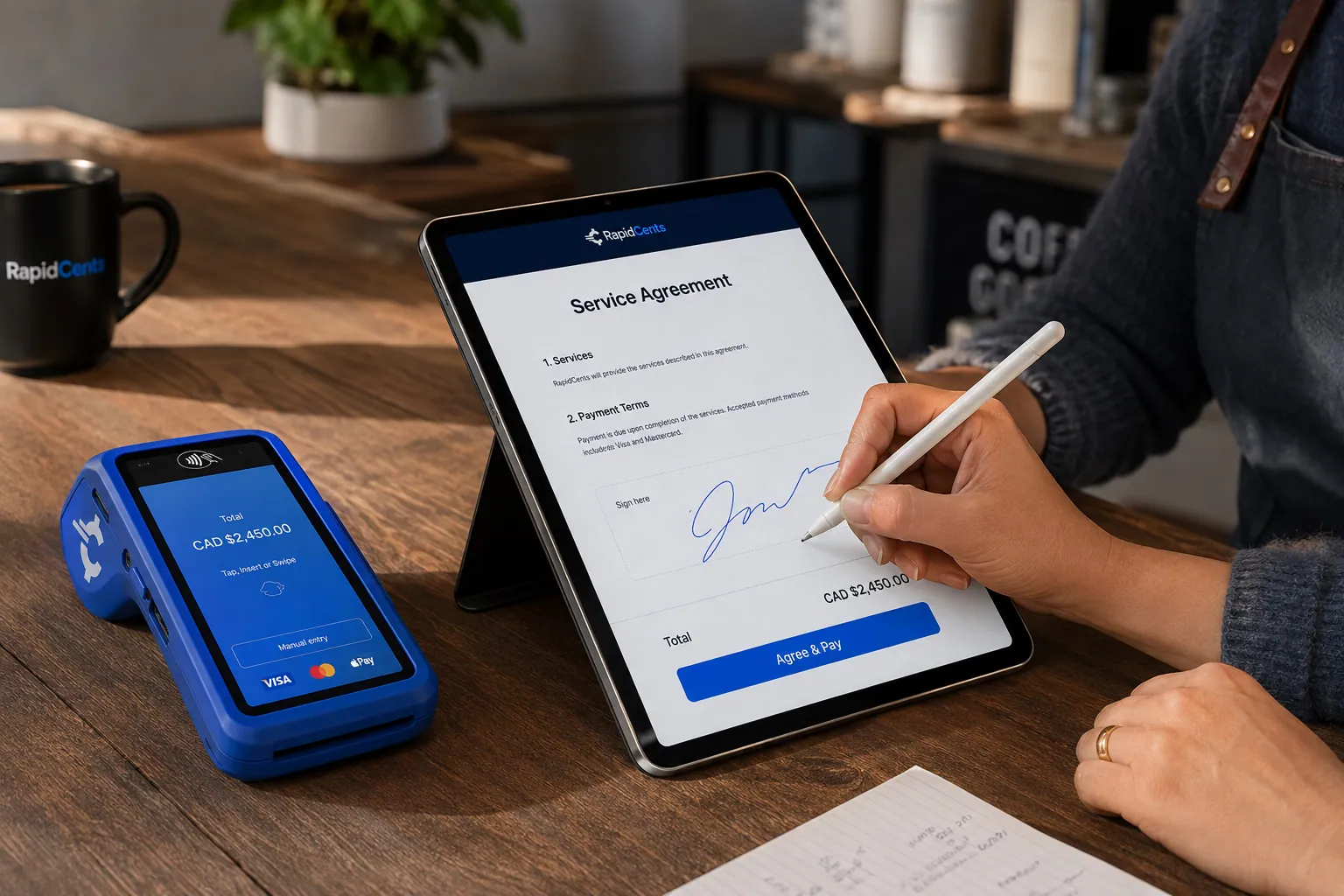
A merchant sends a RapidCents contract for e-signature with payment attached, terminal ready for an in-person counterpart. Contracts & eSignatures
Quotes, service agreements and enrolment forms usually end in a payment. Send the document, capture the…
Explore
The RapidCents invoices screen: outstanding, overdue, paid and draft totals across the top, the invoice list below them, and a preview of one invoice on the right with its line items and a View & Record Payment button. Invoicing
RapidCents invoicing helps professional services, contractors and B2B suppliers create branded invoices…
Explore
The RapidCents payment links screen listing created links with their amount, status, click count and whether they have been paid, beside a phone showing the branded page a customer opens to pay $2,500.00. Payment Links
RapidCents payment links let staff generate branded pay-by-link URLs for invoices, deposits, balances and…
Explore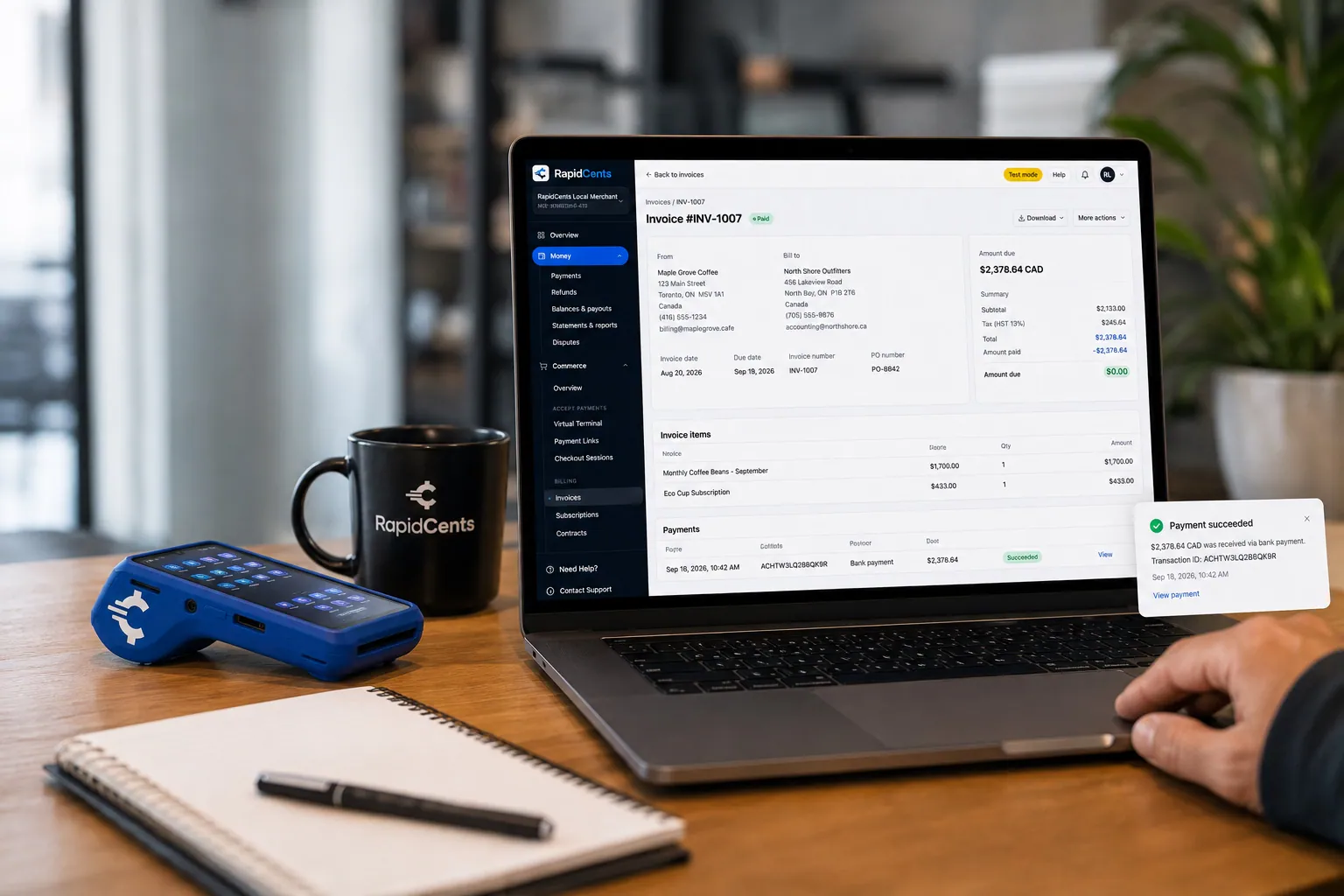
A merchant invoices a customer for bank debit through RapidCents, with card terminal capture available on the same desk. Bank Transfer / Bank Payments
Bank payments suit recurring and high-value invoices where card fees are the wrong tool. Collect directly…
Explore


How are damaged delivery items credited back to the original invoice?
You credit damaged items by recording the accepted exception, then applying the agreed adjustment to the original invoice. Where the buyer already paid by card, RapidCents processes a refund to that card for the agreed amount; a credit note covers amounts settled against a later order. Finance reconciles both to the same invoice.
Capture the exception first
Ask the buyer to report damage within your delivery-acceptance window, with photos and the delivery note. Record the accepted exception in your operational software before any money moves, so the adjustment follows a signed-off record rather than an email thread.
Credit note or refund
A credit note reduces an open balance or offsets a later order, while a refund returns money already collected to the original card. A partial refund suits one damaged item on a larger order. If a buyer disputes the charge instead, keep the delivery note and acceptance record ready as evidence.
Two torn chairs on a $9,000 reception order
Say a law firm's reception chairs arrive with two torn seat covers on a $9,000 invoice paid by card. After you accept the claim, a partial refund for the two chairs goes back to that card and the invoice shows the adjustment, leaving the rest of the order untouched.
What drives contract furniture card processing costs?
RapidCents prices every account on interchange-plus: interchange passes through at cost, plus your RapidCents markup shown in your Fee Schedule and fees for equipment or services, if applicable. Contract furniture card processing cost depends on card type, ticket size and how the card is taken. Pricing is month to month with no fixed term.
Card mix and ticket size
Commercial and purchasing cards, premium credit, personal credit and debit carry different interchange, and a large project deposit differs from a small accessory order. How the card is taken also matters: tapped or inserted at the showroom costs differently from keyed or online.
Bank payments and enhanced data
Bank payments can suit very large project invoices where a card is not the right fit, so compare them using your own invoice sizes. Enhanced commercial-card data, known as Level 2 and Level 3, applies where the card and your setup support it.
What to bring to compare
Bring recent processing statements, your card mix, average and largest ticket, the split between terminal, phone and payment links, and refund and dispute volume. Upload them to Fee Check to see interchange shown separately from markup, then compare written quotes.
Which accounting and ERP software fits furniture supplier payments?
RapidCents integrates with many major platforms through APPIE and RapidBridge. We connect settled transactions, fees and refunds to QuickBooks Online and Xero, and SAP and NetSuite import settlement files. The right option depends on your software vendor and version; your RapidCents representative will walk you through it.
NetSuite and SAP Business One
Both often hold sales orders, project billing and customer accounts. RapidBridge works with Oracle NetSuite and SAP Business One Web Client, and settlement files import settled payments, fees and refunds against your invoices. Tell your representative your edition and the reference fields your finance team needs.
Dynamics 365 Business Central and Acumatica
These systems hold customer ledgers and open invoices. RapidBridge works with Dynamics 365 Business Central and Acumatica, so a card payment lands against the invoice you already have open without changing your software.
Epicor Prophet 21
A distribution ERP used for quotes, orders and invoicing. RapidCents integrates with many major platforms through APPIE and RapidBridge, and your RapidCents representative will walk you through the right option for your version, whether that is a payment link, an export for reconciliation or a direct connection.
Payment options for commercial furniture suppliers by country
RapidCents serves merchants in Canada and the United States. Payment methods, bank-payment options and settlement currency follow the country of your merchant account, and your RapidCents representative will lay them out before you quote a buyer.
Cards and payment links
Credit and debit card acceptance at the terminal, by phone and through payment links is part of every RapidCents setup. The card types and debit networks you can accept follow your country and account.
Bank payments and settlement
Bank-payment options for large project balances, and the currency your deposits settle in, follow the country of your merchant account. Your RapidCents representative will walk you through both before you set payment terms with a buyer.
How do you move a furniture supplier's payments to a new processor?
Moving works best in stages: list open invoices, stored cards and project schedules, test a sale, a refund and a deposit, run both setups in parallel where needed, then reconcile deposits to your ledger. Once your account is approved, your RapidCents representative walks you through each step, including stored cards.
Inventory what is in flight
List open project invoices, deposits taken, balances due, stored cards with their written authorizations and scheduled collections. Note which projects are mid-delivery, because those need the same reference on both sides. Export past reports so your history stays with you.
Test before going live
Before moving live traffic, run a test sale, a partial refund and a deposit link on the new setup. Check that the PO reference, project code and receipt wording reach finance. Run old and new in parallel for projects already in progress.
Reconcile to the ledger
Map each payment reference to the invoice in your operational software, then reconcile settled deposits, fees and refunds to the ledger. Moving stored cards takes both providers' agreement; your representative will tell you whether they can move, and if not, you collect fresh authorizations from buyers.
Payment questions from commercial furniture suppliers
What is the best payment processor for commercial furniture suppliers?
The best processor is the one whose written quote, features and support match your project mix. Compare how it handles large deposits, invoice payment links, bank payments, refunds against original invoices and reporting that matches your ERP. Upload a statement to Fee Check to see interchange separated from markup, and we will give you an itemized written quote to compare line by line.
How much does credit card processing cost for commercial furniture suppliers?
Cost depends on your card mix, ticket size and channels, so no single figure applies. We price every account on interchange-plus: interchange passes through at cost, plus your RapidCents markup in your Fee Schedule, and fees for equipment or services, if applicable. Pricing is month to month with no fixed term. Upload a recent statement to Fee Check to see interchange separated from markup.
Can NetSuite or SAP Business One use a different payment processor?
Yes. RapidBridge works with Oracle NetSuite and SAP Business One Web Client, so you can take RapidCents payments without changing your software, and settlement files import settled payments, fees and refunds against invoices. Ask your software vendor which gateways your edition requires, and your RapidCents representative will walk you through the setup.
How can commercial furniture suppliers switch processors without losing payment history?
Keep your history by exporting past reports first and running the old and new setups in parallel on projects in progress. List open invoices, deposits, stored cards and schedules, then test a sale, a refund and a deposit. Moving stored cards between processors takes both providers' agreement, and your RapidCents representative will start that conversation early.
Which payment options are available to commercial furniture suppliers by country?
Card acceptance, payment links and invoicing work for every RapidCents merchant, while bank-payment options, debit networks and settlement currency follow the country of your merchant account. RapidCents serves merchants in Canada and the United States. Talk to your RapidCents representative before you quote a buyer or set payment terms, and they will lay out exactly what your account supports.
Can a workplace fit-out be paid in project stages?
Yes, when the stages are agreed in writing. Tie each milestone and each change order to the project invoice, then collect each stage by payment link, card or bank payment. Each stage is a scheduled collection of an amount the buyer already agreed, not financing, and each receipt carries the same project reference for finance.
How are damaged delivery items credited?
Keep the accepted delivery exception, such as the delivery note and photos, then reconcile the agreed adjustment to the original invoice. A refund returns money to the original card for the agreed amount, while a credit note reduces a balance still open. Record the exception in your operational software before any money moves.
Are installments a credit or lending service?
No. A scheduled installment is a collection schedule for amounts the buyer has already agreed to pay, not a loan or credit product, and RapidCents does not lend to your customers through it. Invoice terms, net terms and any holdback still come from your own agreement with the buyer.
How do commercial furniture suppliers keep a purchase order number with each payment?
Put the PO number in the invoice reference or a custom reference field on the payment link, so it appears on the receipt and in reports. Ask the buyer which reference their accounts payable team needs, including project and cost codes. Your RapidCents representative will show you how references appear in exports for your software.
How should a supplier take payment from a buyer's head office for several sites?
Invoice each site or delivery separately under one project reference, then let the head office pay one or several invoices by link, commercial card or bank payment. Settle who is authorized to pay and which site each receipt should name. A head office sign-off does not change your agreed terms.
What MCC is used for commercial furniture suppliers?
MCC 5021 is commonly associated with office and commercial furniture businesses. RapidCents sets the correct merchant category during onboarding, based on what your business actually sells. If you also sell other goods or services, tell your representative so the category and your merchant account setup match your real catalog.
Related supplier industries
Office furniture wholesaler merchant services overlap with Office and School Suppliers, Computer and IT Distributors and other supplier industries, which share these invoice, deposit and credit workflows. B2B and Wholesale is the parent industry. Furniture stores collecting from shoppers have their own.
B2B & Wholesale
Collect net-terms invoices by payment link with the PO number attached, take commercial…
Computer & IT Distributors
RapidCents helps computer and IT hardware distributors collect approved reseller…
Electronic Component Distributors
Collect purchase order invoices, allocation deposits and partial-shipment balances from…
Office & School Suppliers
Collect payment from schools, districts and offices that buy stationery and supplies from…
Apparel, Textile & Uniform Wholesalers
Collect production deposits, partial seasonal shipments and size-exchange credits from…
Beauty & Salon Suppliers
Collect reorder invoices, equipment deposits and phone orders from salon trade accounts…
Pet Product Wholesalers
Collect from pet retailers on approved invoices, trade-account reorders and credits, with…
Dental Suppliers
From monthly consumables reorders to chair and imaging deposits, collect what clinics…
Take the next step
Review your project invoice and deposit workflow
Upload a recent processing statement to Fee Check to see interchange separated from your markup, then walk through deposits, delivery balances and credits.
- No obligation
- Payment specialists, not a call centre
- Secure statement upload



