


POS and payments for bowling centres and family arcades
A bowling centre rings lane time, a game card reload, a pitcher and a party package on the same floor, all in the same evening rush. RapidCents runs payment terminals at the desk and the arcade reload station, a restaurant POS for the food and bar side, and payment links for party package deposits booked ahead. Reporting splits lanes, arcade and food so each line is read on its own. Bowling centres use MCC 7933.

- PCI DSS Level 1
- SOC 2 Type II
- All major card brands: Visa · Mastercard · Amex · Discover · PIN debit
- Interchange-plus available
- Specialist onboarding support
Operational workflows
Lane or party booked with a deposit by payment link
Game card loaded and reloaded at the counter
Food and drinks rung to the lane on the restaurant POS
Lanes, arcade and kitchen totals reported for the night
Payment challenges
Birthday parties that book and vanish
A Saturday party holds two lanes and a host, and a no-show without a deposit costs the busiest hours of the week.
Reloads in the middle of a game
A family out of credits will not queue at a counter, so the reload has to happen where they are standing.
One group, three revenue lines
The same visit bowls, plays the arcade and orders food, and the night's takings have to split three ways from a single group.
Choose the right payment setup for Bowling & Arcades
Choose bowling centre payment processing
For Bowling & Arcades, map the counter, service, and shift close, the counter or service point, and each location and consolidated oversight before choosing a setup. Select channels that match those moments, then confirm that the chosen solution genuinely covers each channel.
Payment hardware for Bowling & Arcades
For Bowling & Arcades, choose hardware around the payment point: counter, service, or payment away from the counter. Start with the staff workflow, then confirm the suitable terminal options before purchase.
Compare payment processing fees
For Bowling & Arcades, request a written fee breakdown covering cost detail by device and location. Compare the effective cost across the real card and channel mix; do not choose on a headline rate alone.
Set up or switch Bowling & Arcades payments
To set up Bowling & Arcades payments, document the service and shift-close workflow, confirm compatibility before purchase, then test a real payment flow before going live.
Recommended products

The RapidCents Rivo Go standing upright in its blue silicone case, showing the full-touch sale screen a customer reads across the counter. Payment Terminals
RapidCents payment terminals cover countertop, mobile and smart form factors so you can accept chip…
Explore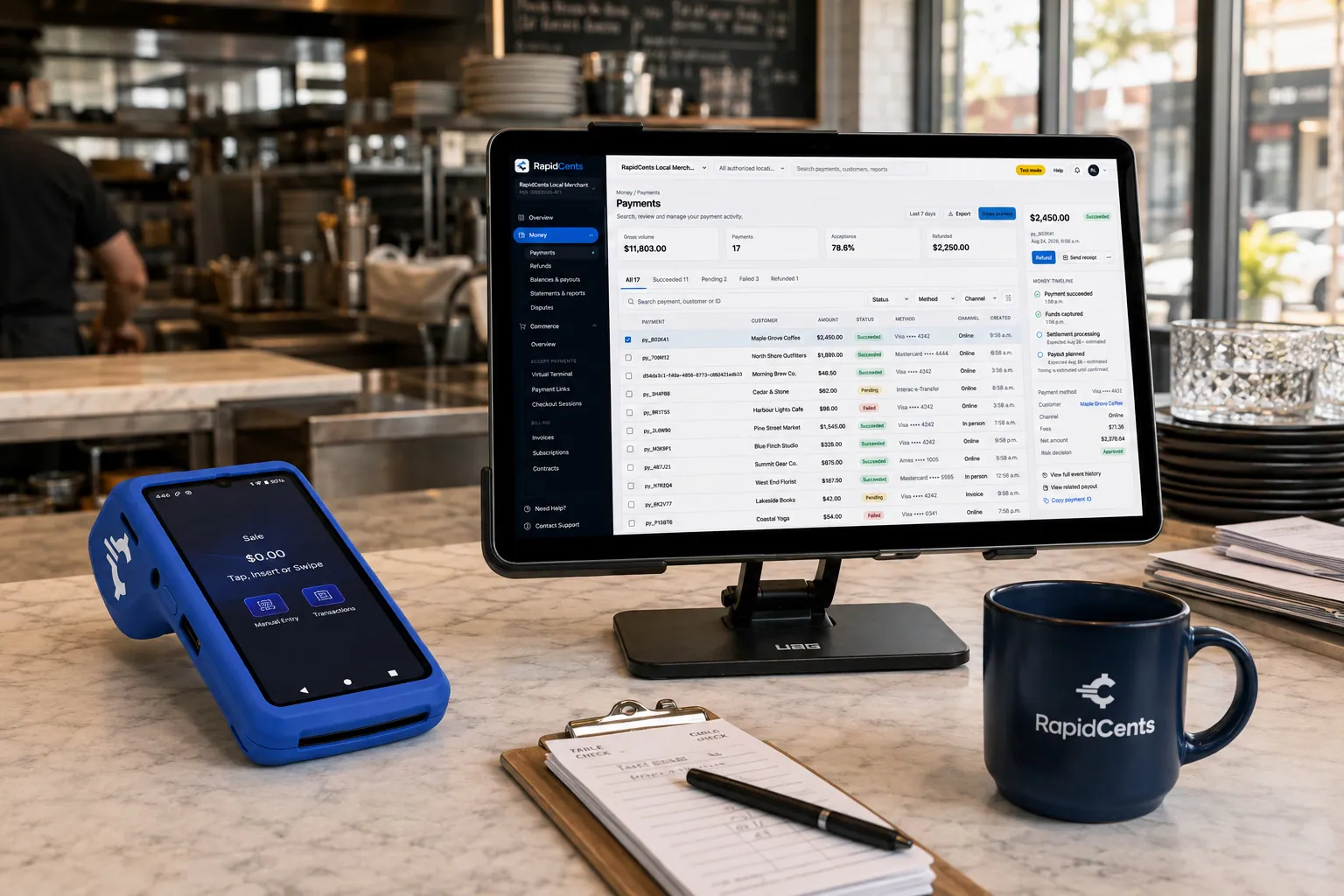
Tableside card capture on a RapidCents terminal in a restaurant, with the POS and payments dashboard on the pass. Restaurant POS
Take orders, split and transfer bills, prompt for tips at the table and close the day with reporting that…
Explore
The RapidCents payment links screen listing created links with their amount, status, click count and whether they have been paid, beside a phone showing the branded page a customer opens to pay $2,500.00. Payment Links
RapidCents payment links let staff generate branded pay-by-link URLs for invoices, deposits, balances and…
Explore
A merchant reviews RapidCents reports for volume, mix and payouts, with the terminal that took the sales on the desk. Reporting
RapidCents reporting delivers customizable transaction, settlement and fee reports with CSV and PDF export…
Explore


How this gets set up
The desk takes lane time
A terminal at the front desk rings lane hire, shoe rental and a game card in one transaction.
Reload stations in the arcade
A terminal at the reload point tops up a game card without sending a parent back to the main desk.
Party packages held by deposit
A payment link holds the Saturday slot before the date, so a booked lane block is committed rather than pencilled in.
Snack bar and bar on restaurant POS
The food and drink side runs on its own POS through the evening rush, open tabs included.
Integrations
Embed exports
Embed exports carry game-card and reload records out as a file to reconcile against settlement, not as a live payment link.
Intercard
Intercard runs the game-card system, so a reload paid at the terminal credits that card and the value on it matches what was taken.
QuickBooks
QuickBooks keeps lane hire, arcade reloads and food and beverage revenue on separate lines rather than one nightly figure.
Operations, security and going live
Lanes, arcade and food read separately
Three revenue lines share one floor, and only split reporting says whether the evening was made by lane hire or by the bar.
A station a parent uses with nobody there
The arcade reload point takes a card with no staff present, so the card is read and tokenized in the device rather than keyed by anyone.
A birthday cancelled on Friday
A package deposit taken on a link stays tied to the booking, so a cancellation is refunded or moved to another slot instead of argued about at the desk.
A weekday afternoon
Desk, reload station and snack bar are cut over on a slow afternoon, before a Friday night lands on new hardware.
Payment questions from Bowling & Arcades
What should businesses compare when choosing bowling centre payment processing for Bowling & Arcades?
Compare bowling centre payment processing against the real payment journey: the counter, service, and shift close, the counter or service point, and each location and consolidated oversight. Start with the required channels and hardware, then confirm compatibility and support before committing.
What payment hardware is practical for Bowling & Arcades?
For Bowling & Arcades, hardware should match the point when staff collect payment: at the counter, during service, or elsewhere. Test each scenario before choosing a terminal form factor.
Which payment channels are relevant for Bowling & Arcades?
For Bowling & Arcades, start with the counter, service, and shift close, the counter or service point, and each location and consolidated oversight. Keep only the channels that match those moments, then verify the complete customer flow before offering them.
How should payment processing fees be evaluated for Bowling & Arcades?
For Bowling & Arcades, compare costs related to cost detail by device and location using actual transactions. Request a written breakdown of fees and terms rather than relying on an advertised rate alone.
What should be confirmed before setting up payments for Bowling & Arcades?
For Bowling & Arcades, document the service and shift-close workflow, verify the needed compatibility, and test the flow before going live. This exposes manual steps and exceptions before customers encounter them.
How should a multi-location setup be evaluated for Bowling & Arcades?
Ask how devices, users, deposits, and reporting are separated by location. Verify that the team can see the detail it needs without complicating daily operations.
What MCC category applies to Bowling & Arcades?
MCC 7933 is commonly associated with Bowling & Arcades. Our onboarding team confirms the correct category for your business.
Related industries
Museums & Galleries
Museums sell timed admission online and at the door, run memberships that renew annually…
Theatres & Performing Arts
Theatres and venues sell subscription seasons, single tickets and last-minute door sales…
Amusement & Attractions
Attractions sell day tickets, season passes and on-site food and games, with peak days…
Ski Resorts
Resorts sell season passes on instalment plans before winter, then lift tickets, rentals…
Take the next step
Talk to a RapidCents specialist
RapidCents Fee Check reads a processing statement and shows interchange separately from the markup. Upload a statement for an instant breakdown, or open a merchant account and start accepting payments on one account.
- No obligation
- Payment specialists, not a call centre
- Secure statement upload



