


Box office and online ticket payments for theatres and performing arts venues
A theatre sells a subscription season months ahead, single tickets through the run, and whatever is left at the door on the night. RapidCents sells seats through hosted checkout, bills season subscriptions in instalments on recurring payments, runs payment terminals at the box office for walk-up sales, and handles disputes with the evidence attached, which matters when refund and exchange rules change from one production to the next. Theatres classify under MCC 7922.

- PCI DSS Level 1
- SOC 2 Type II
- All major card brands: Visa · Mastercard · Amex · Discover · PIN debit
- Interchange-plus available
- Specialist onboarding support
Operational workflows
Season subscription sold with seats held for the year
Single tickets released online per production
Door and will-call sales taken on a lobby terminal
Exchanges and refunds handled under that production's rules
Payment challenges
Exchange rules change by show
A subscriber swapping a Tuesday for a Saturday is a credit, a refund or nothing at all depending on the production, and the box office has to get it right at the window.
Money taken months before curtain
A season sold in June plays through to May, so a cancelled run means refunding tickets paid for long ago.
Disputes on tickets already scanned
A patron who attended and then disputes the charge leaves the venue proving attendance after the performance is over.
Choose the right payment setup for Theatres & Performing Arts
Choose theatre ticket payment processing
For Theatres & Performing Arts, map sign-up, scheduled billing, and renewal, online checkout and remote payment, and the counter or service point before choosing a setup. Select channels that match those moments, then confirm that the chosen solution genuinely covers each channel.
Payment hardware for Theatres & Performing Arts
For Theatres & Performing Arts, start with the place customers pay in person: a countertop terminal, smart terminal, or portable device depending on the workflow. Verify that the hardware fits the real volume and workspace.
Compare payment processing fees
For Theatres & Performing Arts, request a written fee breakdown covering scheduled billing, declined cards, and cancellations and online checkout and dispute handling. Compare the effective cost across the real card and channel mix; do not choose on a headline rate alone.
Set up or switch Theatres & Performing Arts payments
To set up Theatres & Performing Arts payments, document the checkout, confirmation, and refund path, confirm compatibility before purchase, then test a real payment flow before going live.
Recommended products
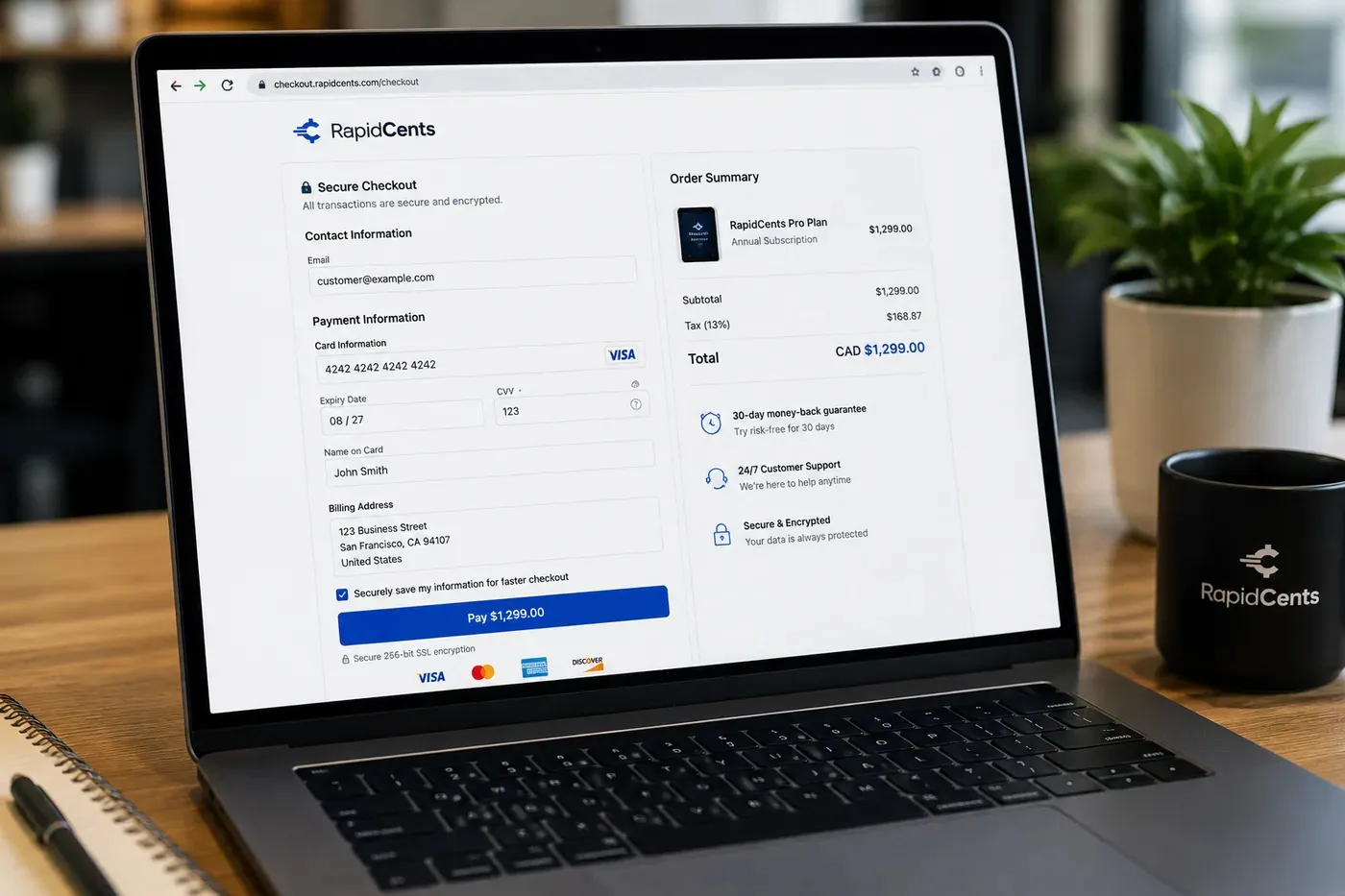
A RapidCents hosted checkout page at checkout.rapidcents.com, with the order summary and totals on the left and the card fields on the right, footed by SSL and PCI DSS assurances. Hosted Checkout
RapidCents hosted checkout delivers PCI-scoped payment pages you redirect customers to or embed via iframe…
Explore
The RapidCents recurring payments screen showing active subscriptions, monthly recurring revenue, failed payments and upcoming renewals, above a list of subscriptions with their plan, amount, frequency and next billing date. Recurring Payments
RapidCents recurring payments manage subscription plans, membership renewals and installment schedules with…
Explore
The RapidCents Rivo Go standing upright in its blue silicone case, showing the full-touch sale screen a customer reads across the counter. Payment Terminals
RapidCents payment terminals cover countertop, mobile and smart form factors so you can accept chip…
Explore
A merchant works a RapidCents dispute case on the dashboard, with the original terminal sale still on the desk. Disputes
RapidCents disputes centralizes chargeback notifications, response deadlines and evidence upload in an inbox…
Explore


How this gets set up
The season subscription in instalments
Subscribers commit in the spring and pay across several charges before opening night arrives.
Single tickets through the run
Hosted checkout sells seats performance by performance as soon as the season is announced.
The window on the night
A terminal at the box office takes the last seats and the late exchanges in the hour before curtain.
Exchanges and credits by production
Refund rules differ from one show to the next, so a returned seat is credited or exchanged against that performance.
Integrations
Tessitura
Tessitura holds the seat, the subscription and the patron, so payments post against the order and the box office sees a paid seat rather than a pending one.
AudienceView exports
AudienceView exports hand ticketing records over as a file to reconcile against settlement, not as a live two-way sync.
Sage
Sage keeps deferred subscription income and single-ticket sales on separate lines, so money collected for performances not yet played stays visible in the ledger.
Operations, security and going live
Subscription apart from single, per performance
Reporting sets advance subscription revenue against single-ticket sales for each performance, which is how a run is judged mid-season.
The subscriber who forgot the charge
An instalment charged months after a season was bought is the one that gets disputed, and the disputes tools hold the order confirmation and the terms as evidence.
A subscriber card across a whole season
It is tokenized once and used for each instalment, so nothing sits on a box office list between charges.
Before renewal season
The switch is made before renewal invitations go out, so an entire season is billed one way.
Payment questions from Theatres & Performing Arts
What should businesses compare when choosing theatre ticket payment processing for Theatres & Performing Arts?
Compare theatre ticket payment processing against the real payment journey: sign-up, scheduled billing, and renewal, online checkout and remote payment, and the counter or service point. Start with the required channels and hardware, then confirm compatibility and support before committing.
What payment hardware is practical for Theatres & Performing Arts?
If Theatres & Performing Arts sells primarily online, do not choose physical hardware before validating checkout. Add hardware only for a clearly defined in-person payment need.
Which payment channels are relevant for Theatres & Performing Arts?
For Theatres & Performing Arts, start with sign-up, scheduled billing, and renewal, online checkout and remote payment, and the counter or service point. Keep only the channels that match those moments, then verify the complete customer flow before offering them.
How should payment processing fees be evaluated for Theatres & Performing Arts?
For Theatres & Performing Arts, compare costs related to scheduled billing, declined cards, and cancellations and online checkout and dispute handling using actual transactions. Request a written breakdown of fees and terms rather than relying on an advertised rate alone.
What should be confirmed before setting up payments for Theatres & Performing Arts?
For Theatres & Performing Arts, document the checkout, confirmation, and refund path, verify the needed compatibility, and test the flow before going live. This exposes manual steps and exceptions before customers encounter them.
What should be confirmed before using recurring payments for Theatres & Performing Arts?
Define consent, billing cadence, change and cancellation rules, and how a declined card is handled. Ask to see the complete customer journey before offering it to customers.
What MCC category applies to Theatres & Performing Arts?
MCC 7922 is commonly associated with Theatres & Performing Arts. Our onboarding team confirms the correct category for your business.
Related industries
Museums & Galleries
Museums sell timed admission online and at the door, run memberships that renew annually…
Amusement & Attractions
Attractions sell day tickets, season passes and on-site food and games, with peak days…
Ski Resorts
Resorts sell season passes on instalment plans before winter, then lift tickets, rentals…
Bowling & Arcades
Bowling centres and arcades mix lane bookings, party packages, card reloads and food…
Take the next step
Talk to a RapidCents specialist
RapidCents Fee Check reads a processing statement and shows interchange separately from the markup. Upload a statement for an instant breakdown, or open a merchant account and start accepting payments on one account.
- No obligation
- Payment specialists, not a call centre
- Secure statement upload



